
All apps · 0 apps

Yaade
Docker app from grtgbln's Repository
Overview
Readme
View on GitHub

Yaade - Yet Another API Development Environment
Yaade is an open-source, self-hosted, collaborative API development environment.
📚 Documentation
Visit docs.yaade.io.
🤔 Why did you develop Yaade?
I was looking for a self-hosted Postman alternative so that API collections can easily be shared between teammates. Even though popular solutions like Hoppscotch exist, their self-hosted app does not come with authentication and relies on Firebase for persistency. Yaade is developed from the ground up with self-hosting and security in mind. That means sensitive information in API requests can safely be stored on your own server!
🌟 Features
- Self-hosted: data never leaves your own server
- Multi-user: manage users and their permissions
- Persistent: even across container or server restarts
- Easy single-file data import / export
- Proxy requests through your browser or through the server
- REST and Websockets with Markdown documentation support
- Scripts: Run scripts as cron jobs or via the API. Execute requests or run tests all in pure JavaScript
- Import collections from OpenAPI or Postman. Export to all different languages and frameworks.
- Most importantly: dark mode default
⚡ Install
To have the best experience with Yaade run the docker container on your server and install the browser extension on your local machine.
1. 🐋 Docker
docker volume create yaade
docker run -d --restart=always -p 9339:9339 -e YAADE_ADMIN_USERNAME=admin -v yaade:/app/data --name yaade esperotech/yaade:latest
The default password is password. After login go to ⚙️ > Account and change the password.
2. 🔧 Extension
Yaade uses a browser extension as a proxy to enable CORS requests. Install the extension using your browsers extension store. Currently only a chrome extension is available. You can find it here (Chrome) and here (Firefox). Then open it and input your server URL, eg. https://yaade.example.com/. From that point all requests originating from your Yaade browser tabs will be proxied through the extension.
⬆️ Upgrade
To upgrade the docker container with a new version, first stop the running container, pull the latest version and start a new container with the old volume.
docker rm -f yaade
docker pull esperotech/yaade:latest
docker run -d --restart=always -p 9339:9339 -e YAADE_ADMIN_USERNAME=admin -v yaade:/app/data --name yaade esperotech/yaade:latest
💾 Technology
- SPA built with TypeScript, React and Vite.
- Backend built with Kotlin.
- H2 file-based database.
- Browser extension with plain JavaScript.
🖥️ Local development
- Install the required dependencies
- Java 11
- Kotlin
- Node >= 16
- Clone the repository
- Install the project specific dependencies
cd scripts/
chmod +x install.sh
./install.sh
- Start the server on port 9339 using your IDE of choice (I use IntelliJ IDEA)
- you can also run it by using the jar file directly
$ java -jar server/build/libs/yaade-server-1.0-SNAPSHOT - note that you must set the environment variable
YAADE_ADMIN_USERNAMEto run
- you can also run it by using the jar file directly
- Start the vite dev server on port 9338
cd client/
npm run dev
- Start the dev-proxy on port 9337
cd dev-proxy/
node index.js
- Now open your browser and visit http://localhost:9337
🔨 Build
cd scripts/
chmod +x build.sh
./build.sh
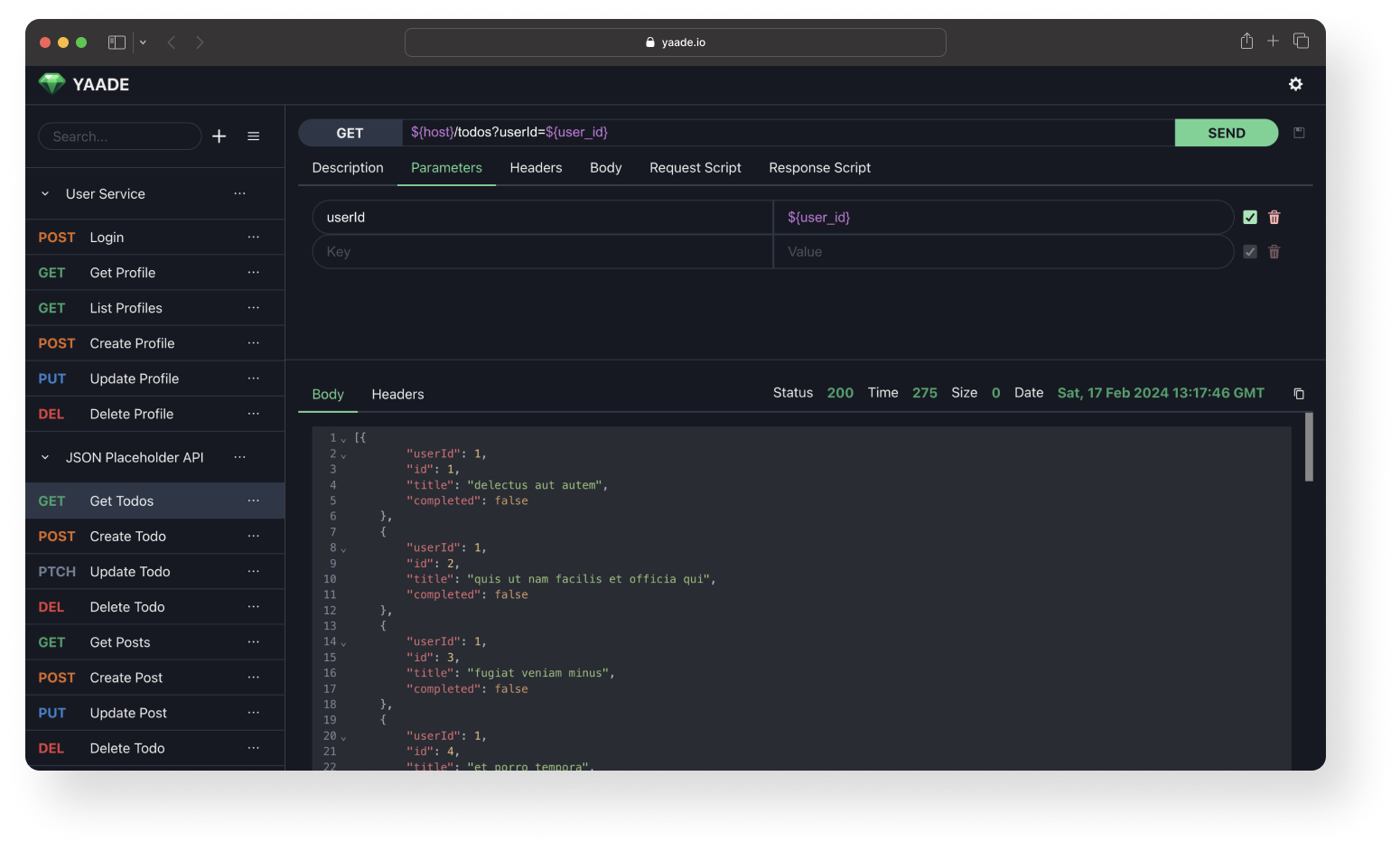
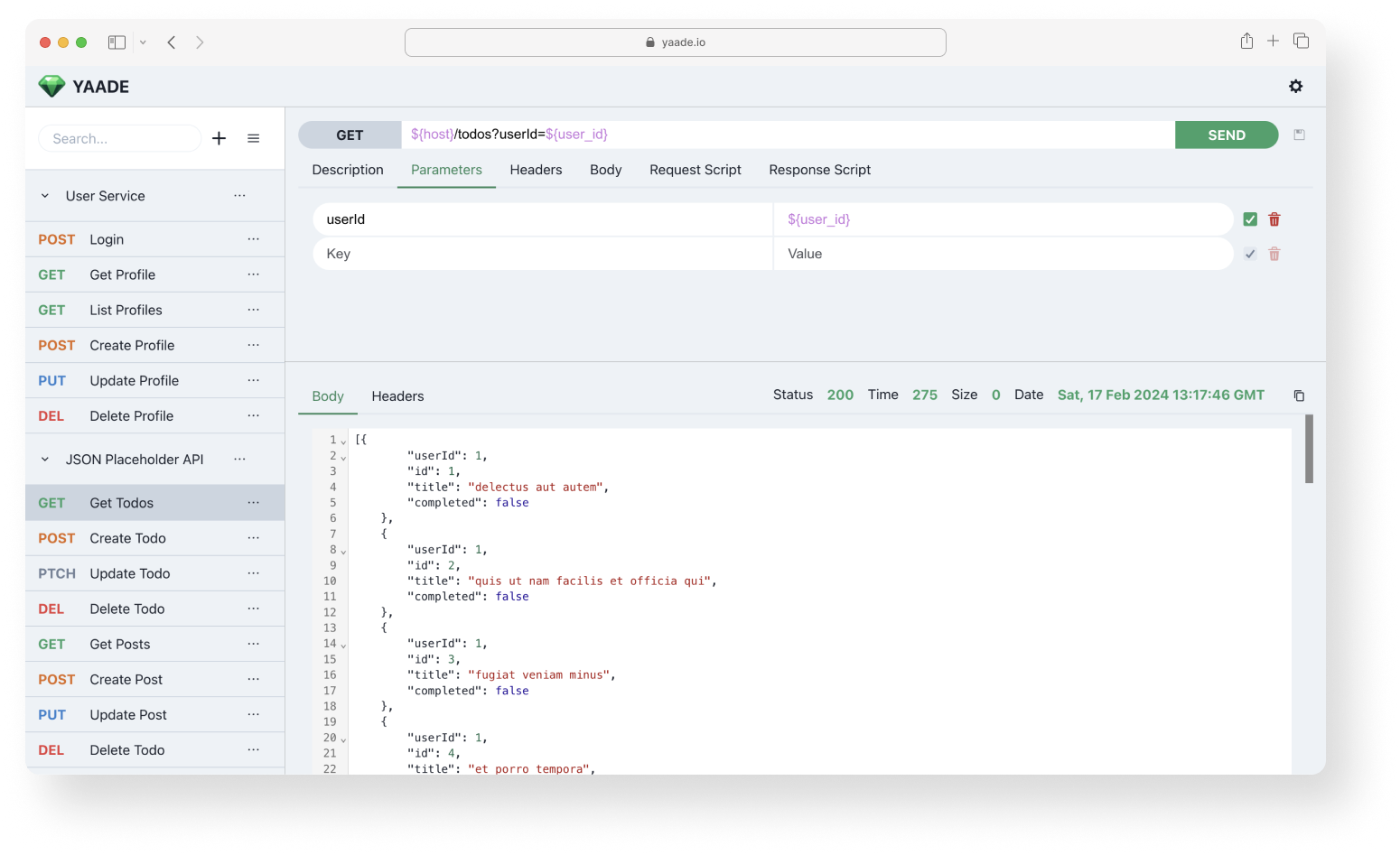
Screenshots
🌙 Dark mode
☀️ Light mode
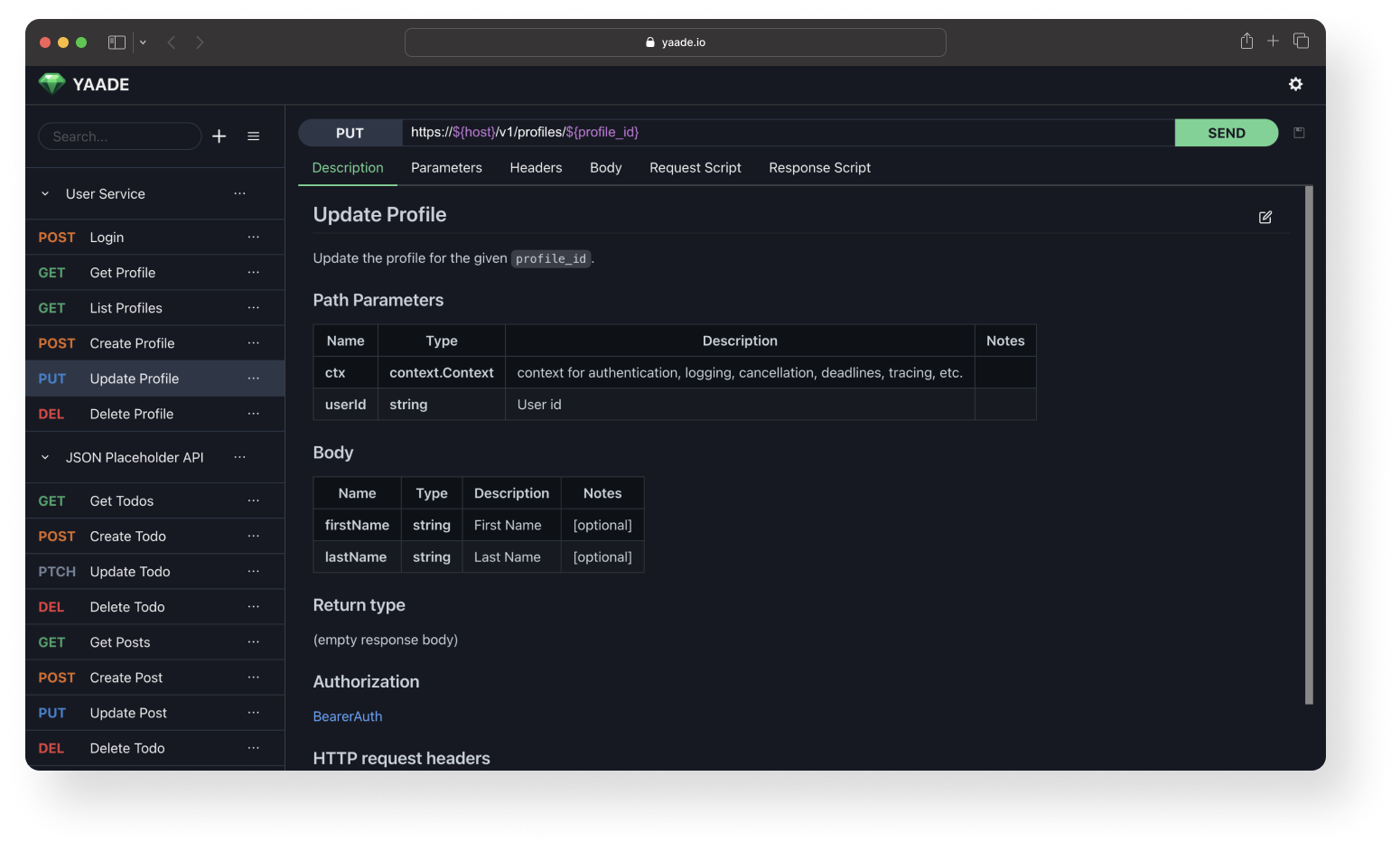
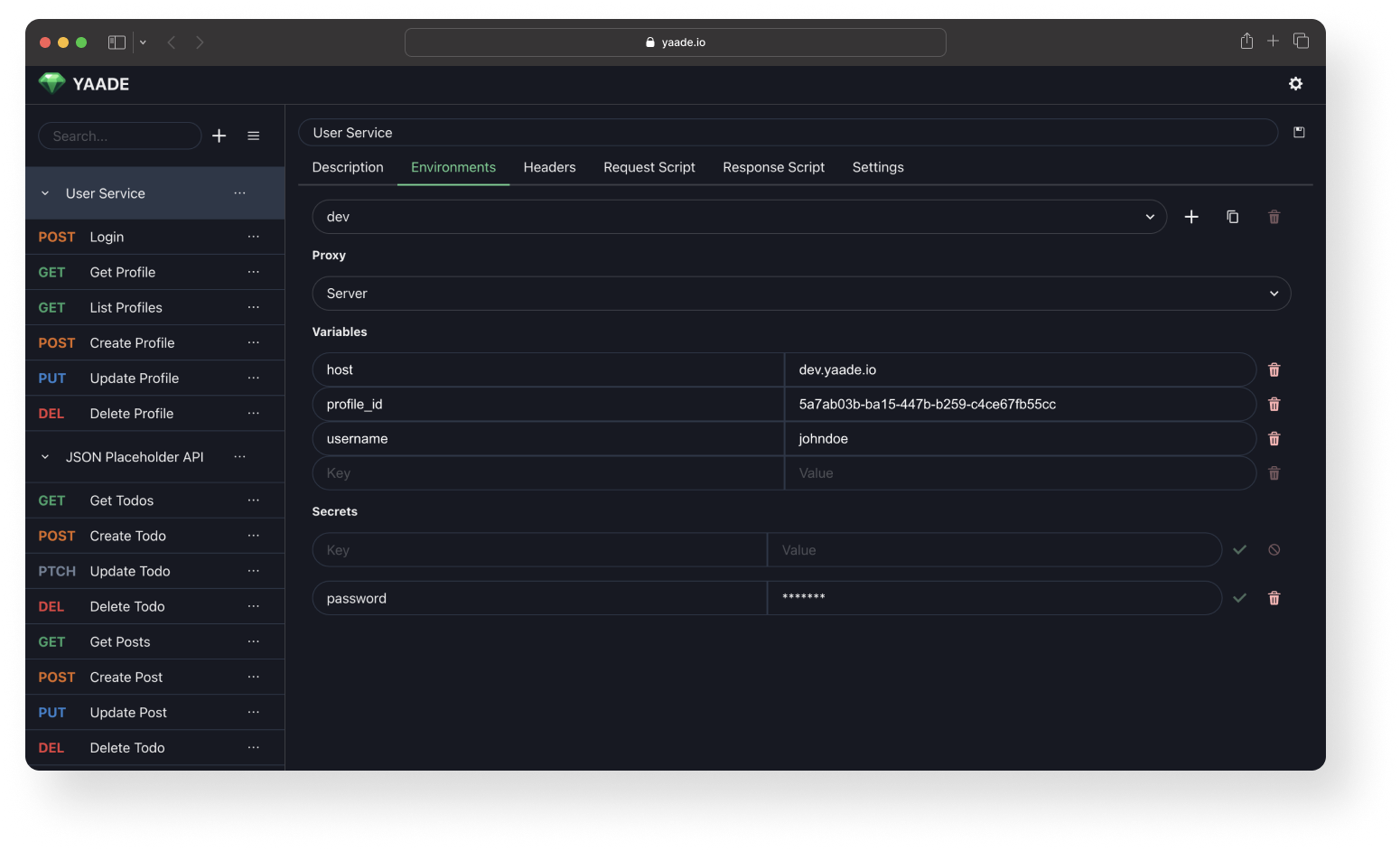
More Screenshots
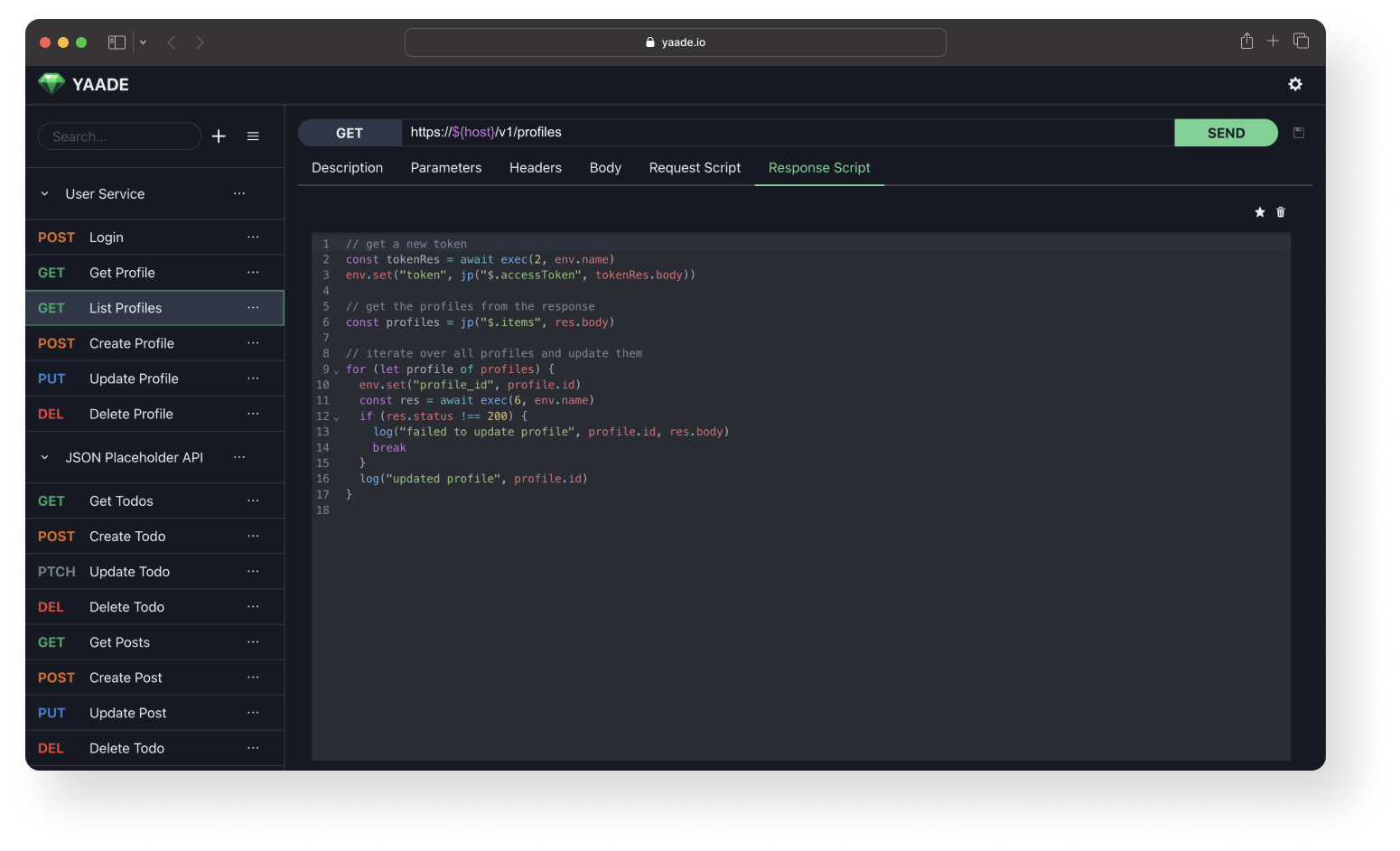
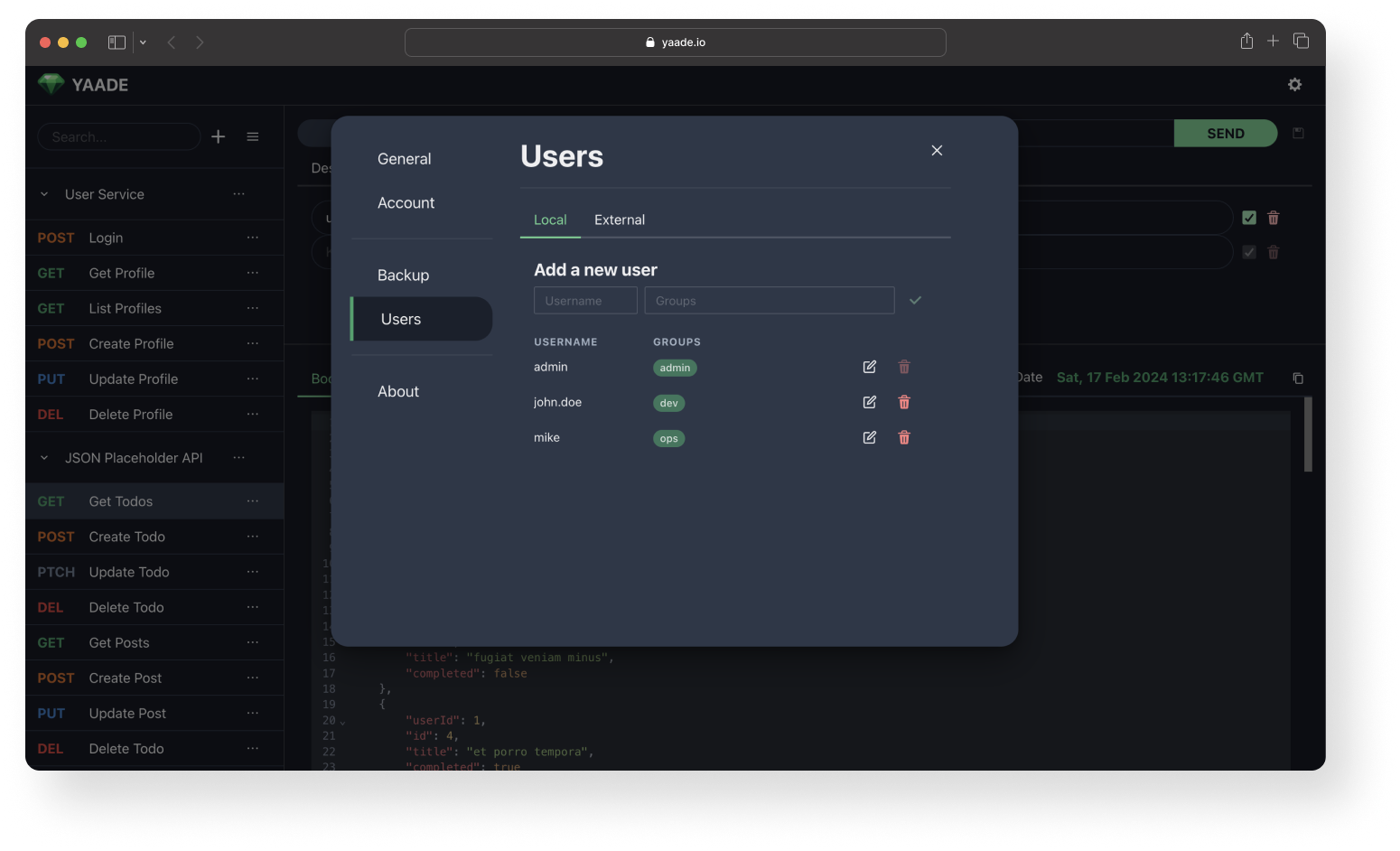
🤝 How can I contribute?
Your contribution is very welcome! First open an issue about the topic you want to contribute on, eg. adding a new feature, bugfixing or refactoring. We will then discuss further details. Eventually, I will review your Pull Request and merge / release it.
Media gallery
1 / 6Categories
Download Statistics
Total Downloads Over Time
Related apps
Explore more like this
Explore allDetails
esperotech/yaade:latestRuntime arguments
- Web UI
http://[IP]:[PORT:9339]/- Network
bridge- Privileged
- false
Template configuration
Container Port: 9339
- Target
- 9339
- Default
- 9339
- Value
- 9339
Username for admin login
- Target
- YAADE_ADMIN_USERNAME
Base path for the application. Useful if behind reverse proxy.
- Target
- YAADE_BASE_PATH
- Default
- /
- Value
- /
Path to config files
- Target
- /app/data
- Default
- /mnt/user/appdata/yaade/config
- Value
- /mnt/user/appdata/yaade/config