
All apps · 0 apps

Wizarr
OfficialDocker app from Official Wizarr Repository
Overview
Readme
View on GitHubWizarr
🚀 Development Relaunched: We're excited to announce that Wizarr is back in active development!





Wizarr is an automatic user invitation and management system for Plex, Jellyfin, Emby, Audiobookshelf, Romm, Komga and Kavita.
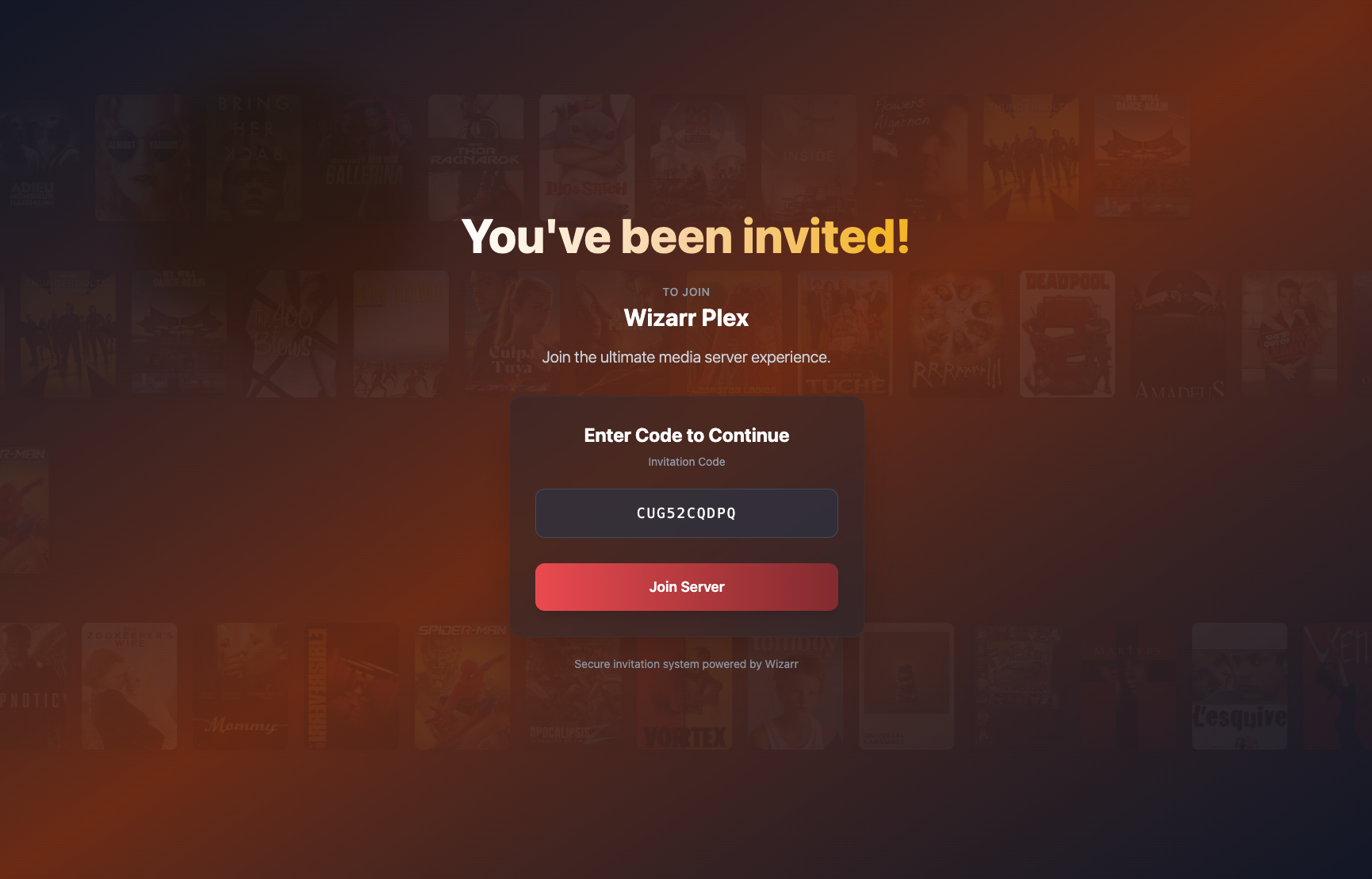
Create a unique invite link and share it with users — they’ll be automatically added to your media server and guided through downloading apps, accessing request systems, and more!
The problem: Inviting your Friends/Family to your Plex server Is complicated and tedious. It's also a hard concept for them to get their head around.
The solution: Wizarr makes it easy to invite users to your server by simply sending them a link, and guides them through the process of getting set up.
✨ Major Features
- Automatic invitations for Plex, Jellyfin, Emby, AudiobookShelf, Komga, Kavita and Romm
- Secure, user-friendly invitation process
- Plug-and-play SSO support*
- Multi-tiered invitation access
- Time-limited membership options
- Pre-invite and post-invite wizard steps
- Setup guide for media apps (like Plex)
- Request system integration (Seerr, Ombi, etc.)
- Discord invite support
- Fully customisable with your own HTML snippets
🚀 Getting Started
Check out our documentation for how to install and run Wizarr:
📚 https://docs.wizarr.dev/getting-started/installation
🔧 API Documentation
Wizarr provides a comprehensive REST API for automation and integration with automatic OpenAPI/Swagger documentation:
📖 Interactive API Documentation: http://your-wizarr-instance/api/docs/
📋 OpenAPI Specification: http://your-wizarr-instance/api/swagger.json
Sponsorship
Thank you to our sponsor for supporting Wizarr development!


🌍 Translations
We use Weblate to make Wizarr accessible in many languages.
Want to help translate? Click below!

❤️ Thank You
A big thank you to these amazing contributors who’ve helped build and maintain this project:
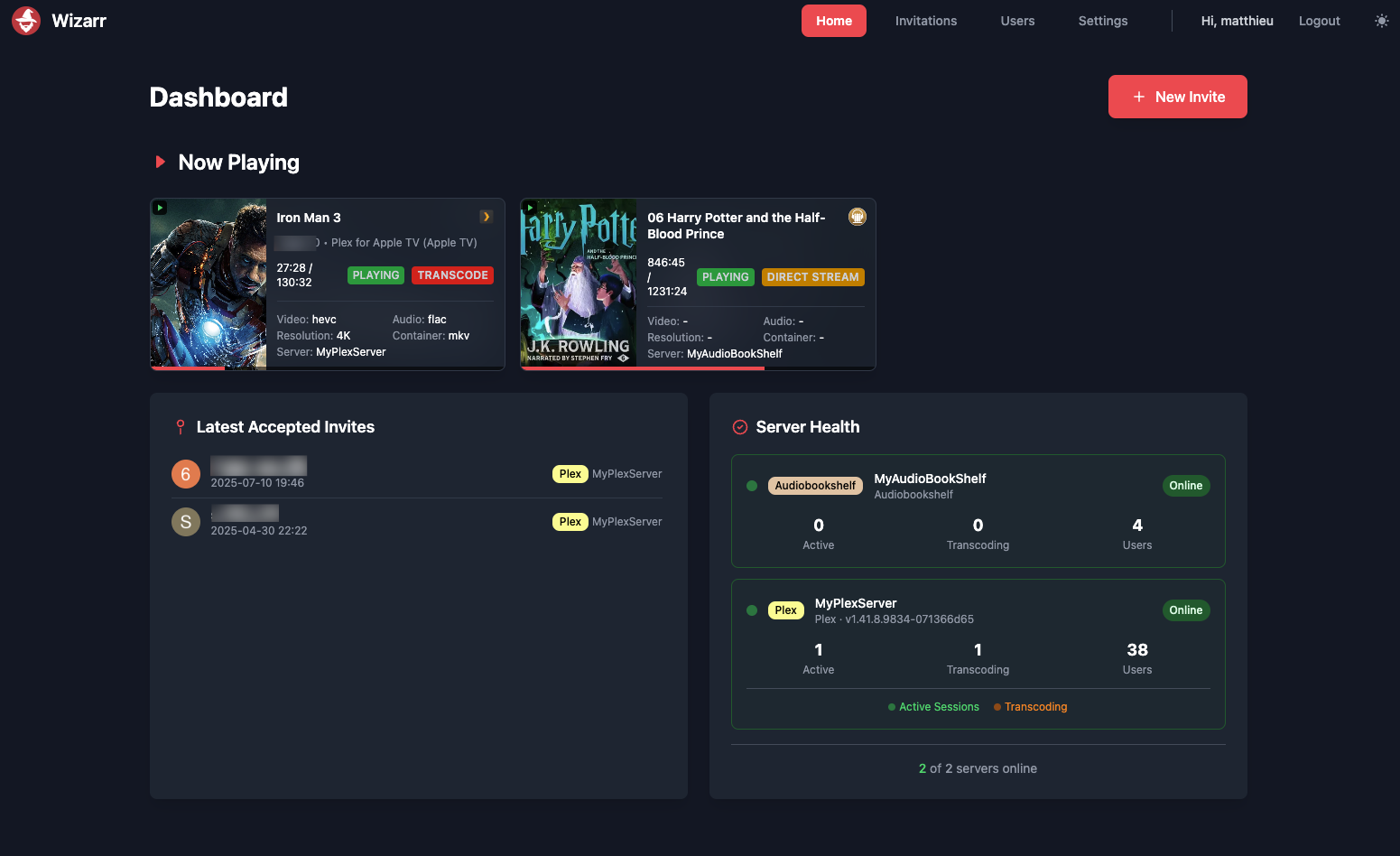
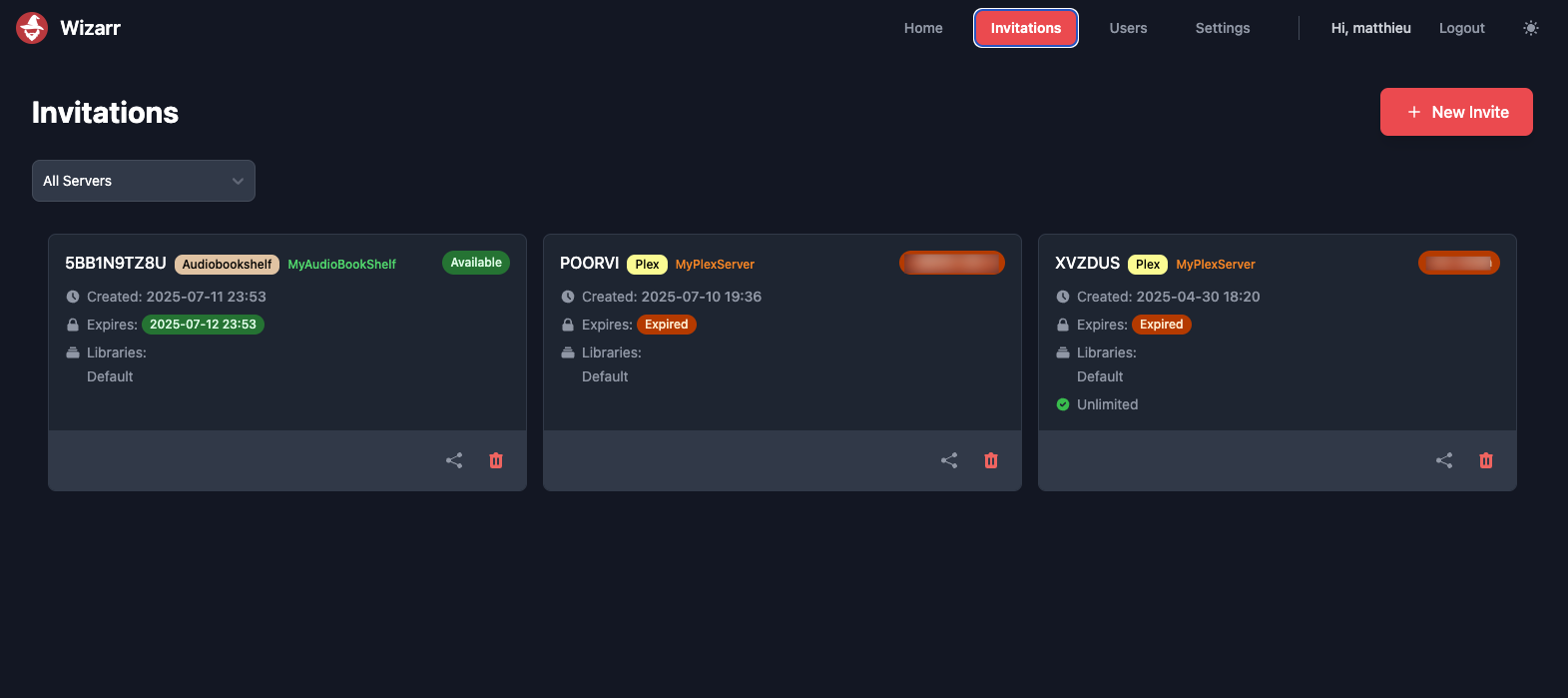
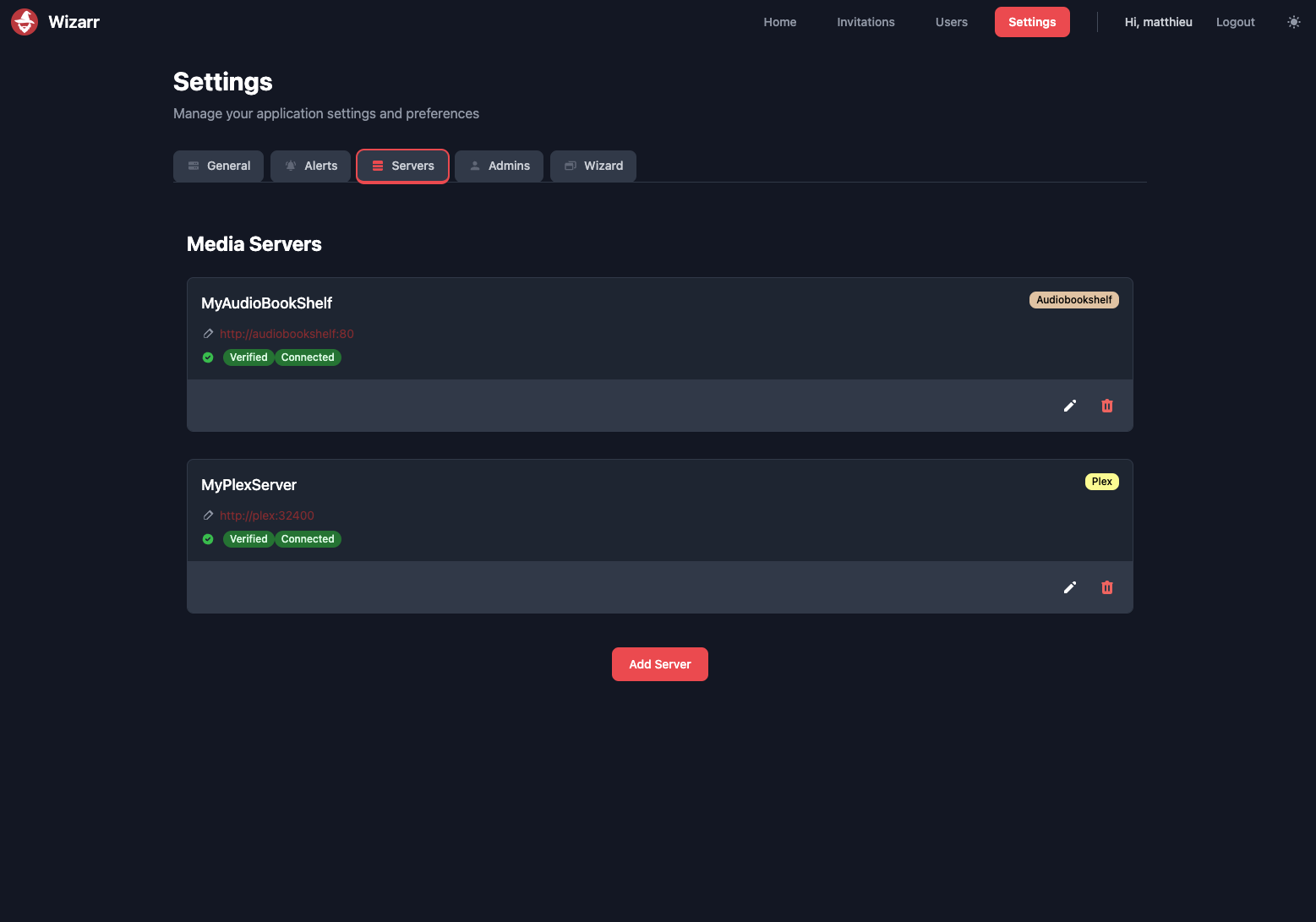
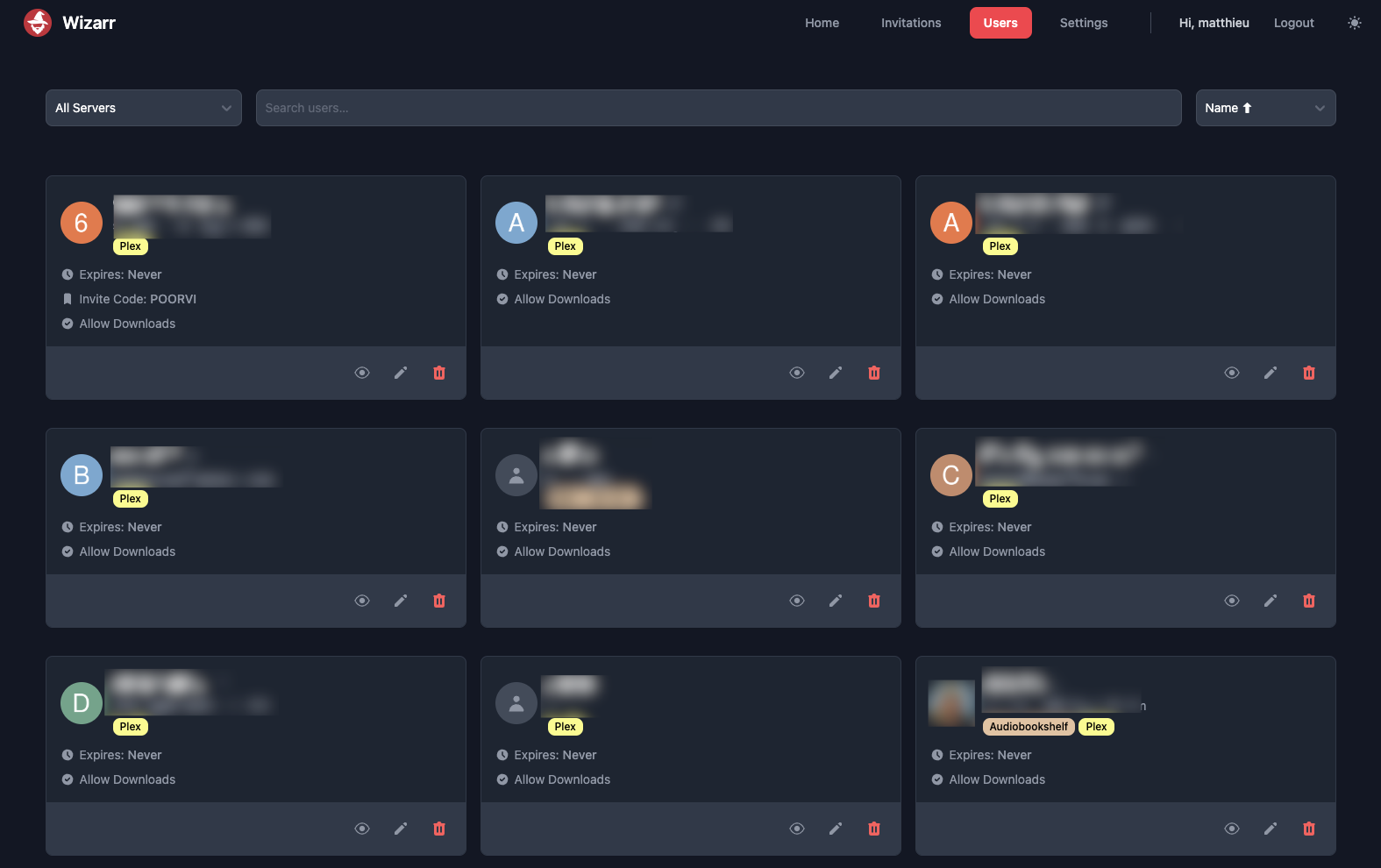
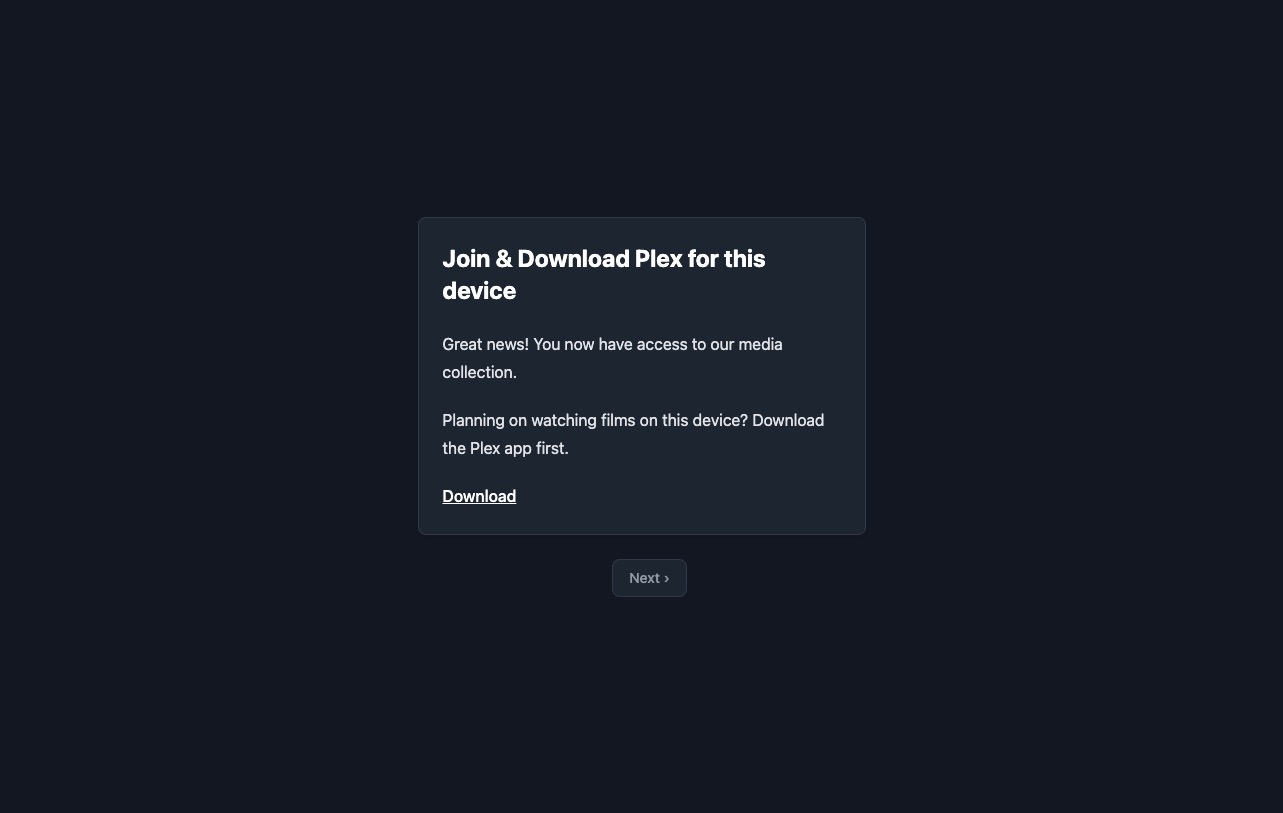
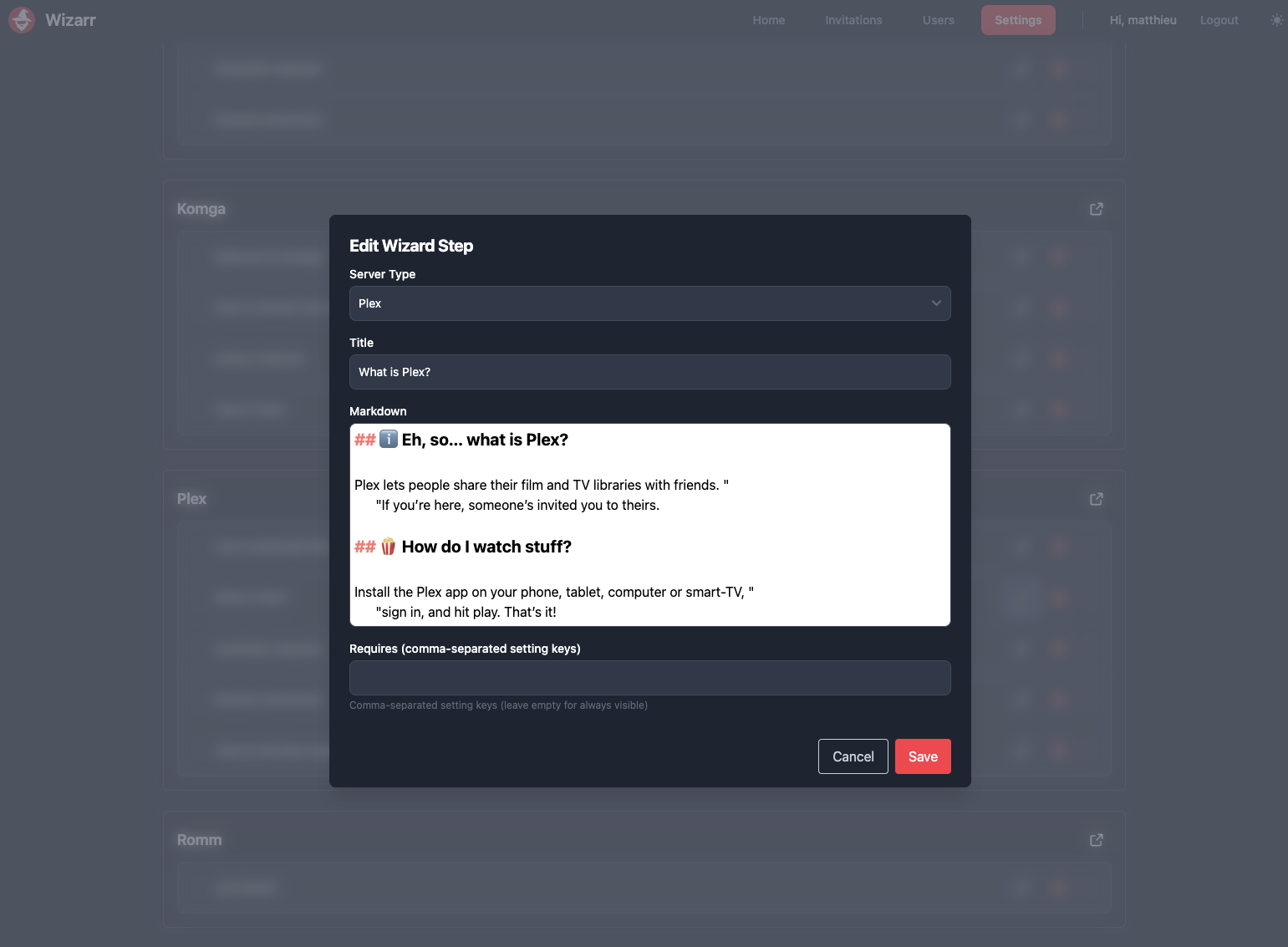
📸 Screenshots
Categories
Related apps
Explore more like this
Explore allDetails
ghcr.io/wizarrrr/wizarrRuntime arguments
- Web UI
http://[IP]:[PORT:5690]/- Network
bridge- Shell
bash- Privileged
- false
- Extra Params
--restart unless-stopped
Template configuration
Database Folder
- Target
- /data/database
- Default
- /mnt/user/appdata/wizarr/database
Web Port
- Target
- 5690
- Default
- 5690
Leave as default if you are unsure.
- Target
- PUID
- Default
- 99
Leave as default if you are unsure
- Target
- PGID
- Default
- 100
Only set to true if you are using another Authentication method, see docs
- Target
- DISABLE_BUILTIN_AUTH
- Default
- false