

VODUM
Docker app from Nexius2's Repository
VODUM is a self-hosted subscription management tool for Plex and Jellyfin, designed to centrally manage users, subscriptions, and media library access.
Overview
Readme
View on GitHub
MIT license Docker pulls GitHub stars Last commit
Documentation · Docker Hub · Discord · Report an issue
VODUM
The Control Center for Plex & Jellyfin Communities.
VODUM is an open source, self-hosted administration platform for people running Plex and Jellyfin communities. Bring servers, users, library permissions, subscriptions and streaming activity together in one place—and give members a portal of their own.
Spend less time switching between dashboards. See who has access, when it expires, what is playing and which accounts need attention. Connect Radarr and Sonarr for media requests, communicate with members, and keep your administration data backed up.
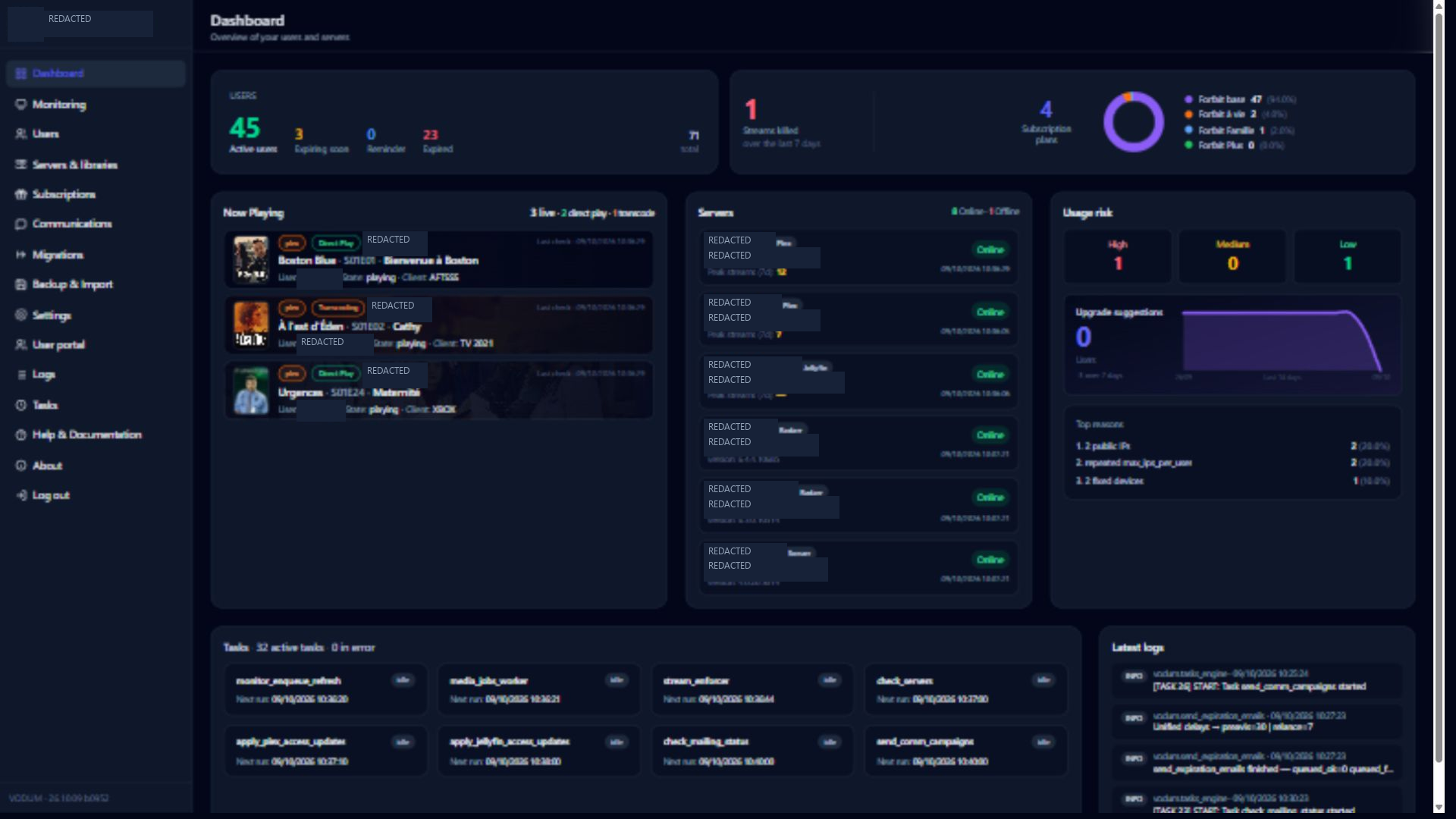
Real desktop captures from VODUM. Private information is masked; counts and activity reflect the captured instance. Browse all screenshots.
Features · Collections · User Portal · Docker · Unraid · Configuration · Contributing
Features
| Area | What you can do |
|---|---|
| Plex & Jellyfin | Manage multiple servers, inspect libraries and review member access across providers. |
| Users & access | Manage account details, library permissions, status, expiry dates and referrals. |
| Subscriptions | Define plans, durations and limits; follow renewals and expiration workflows. |
| Streaming policies | Configure simultaneous-stream and IP limits; inspect violations and enforcement events. |
| Monitoring | Follow current playback, historical activity, usage risk, users, libraries and server statistics. |
| Collections | Build and refresh themed selections in Plex and Jellyfin libraries, with schedules, previews and publication controls. |
| User Portal | Offer account details, media access, subscriptions, personal activity and support. |
| Media requests | Search movies and series through Radarr/Sonarr and configure request destinations. |
| Communications | Prepare targeted campaigns, use templates and manage portal conversations. |
| Administration | Run scheduled tasks, inspect logs, create backups and import Tautulli history. |
| Migration tools | Prepare and analyze access migration plans, with execution controls and access snapshots. |
Availability depends on connected providers, their APIs and your configuration. Portal modules and authentication methods are optional. Planned work is tracked separately in TODO.md.
One view across your servers
Connect Plex and Jellyfin servers, inspect connection health and manage access to individual libraries. A user can have access on more than one server; VODUM brings those relationships into one administration interface.
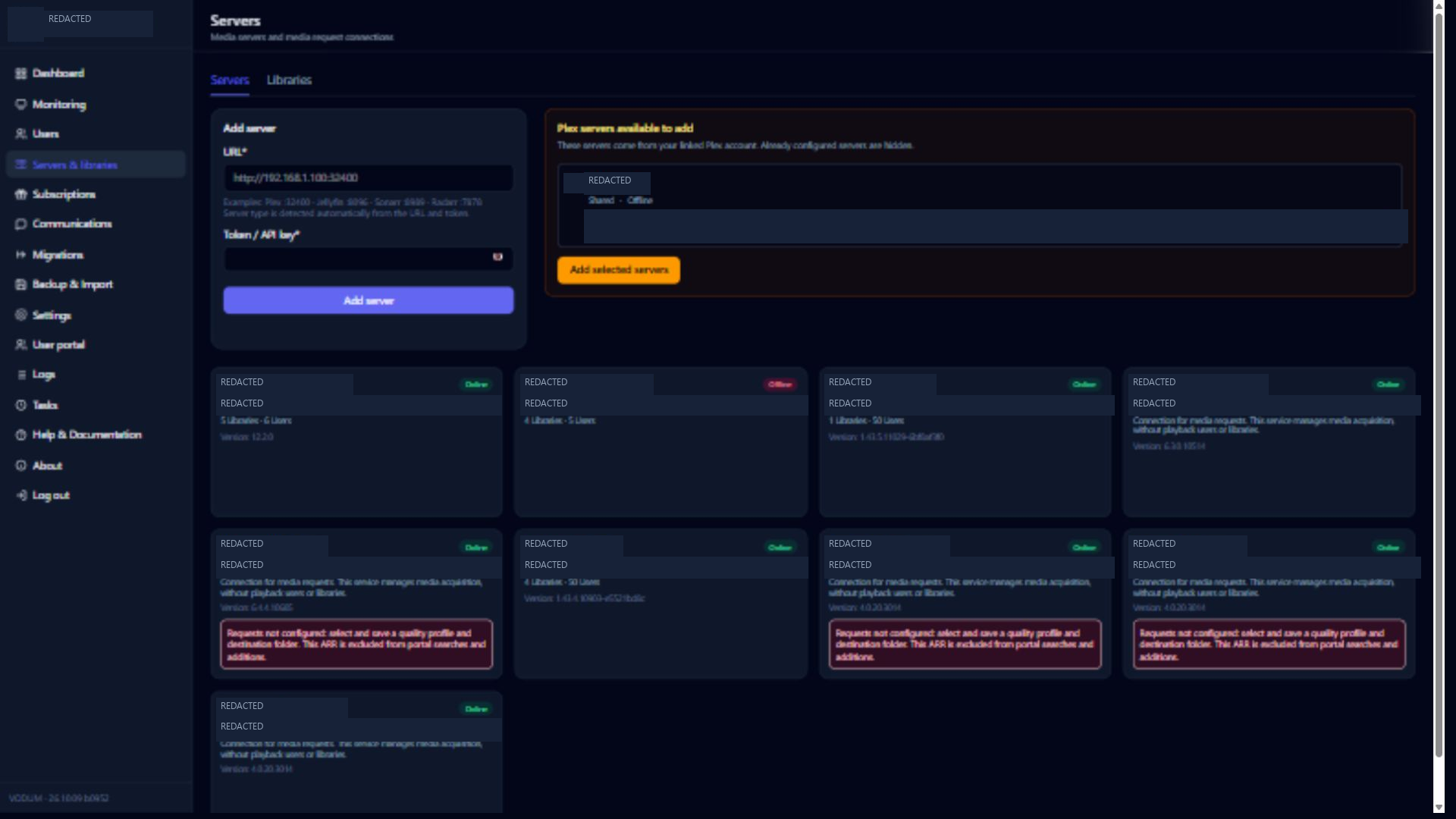
Servers & libraries guide · Libraries screenshot
Smart collections for your libraries
Give members new ways to discover your movie and TV libraries. Choose a collection model, select compatible Plex or Jellyfin libraries, preview the selection and schedule its updates from the Collections workspace.
| Featured model | What it brings to your library |
|---|---|
| Memoria | Temporary tribute collections honoring people from film and television. |
| Top Streaming by Country | Streaming trends for a selected country, matched against your library. |
| Top Streaming Worldwide / Continent | Worldwide charts or continental rankings aggregated from national charts. |
| Seasonal | Movie selections for holidays, seasons and special occasions. |
| Latest releases by country | Recent releases filtered by original language or country of origin/production. |
| In the spotlight | Timely movie selections based on recent availability and relevance. |
Configure selection limits, sorting and daily, weekly, monthly, manual or custom schedules. Review configured collections and synchronization history in the same workspace. Supported models can optionally request missing titles through connected Radarr/Sonarr services.
On Plex, choose whether to promote collections on the library's Recommended page, your Home or shared users' Home, and set their priority. Jellyfin supports collection management but does not offer equivalent Home promotion controls. VODUM manages only the collections it creates; existing external collections and media are preserved.
Explore the Collections interface
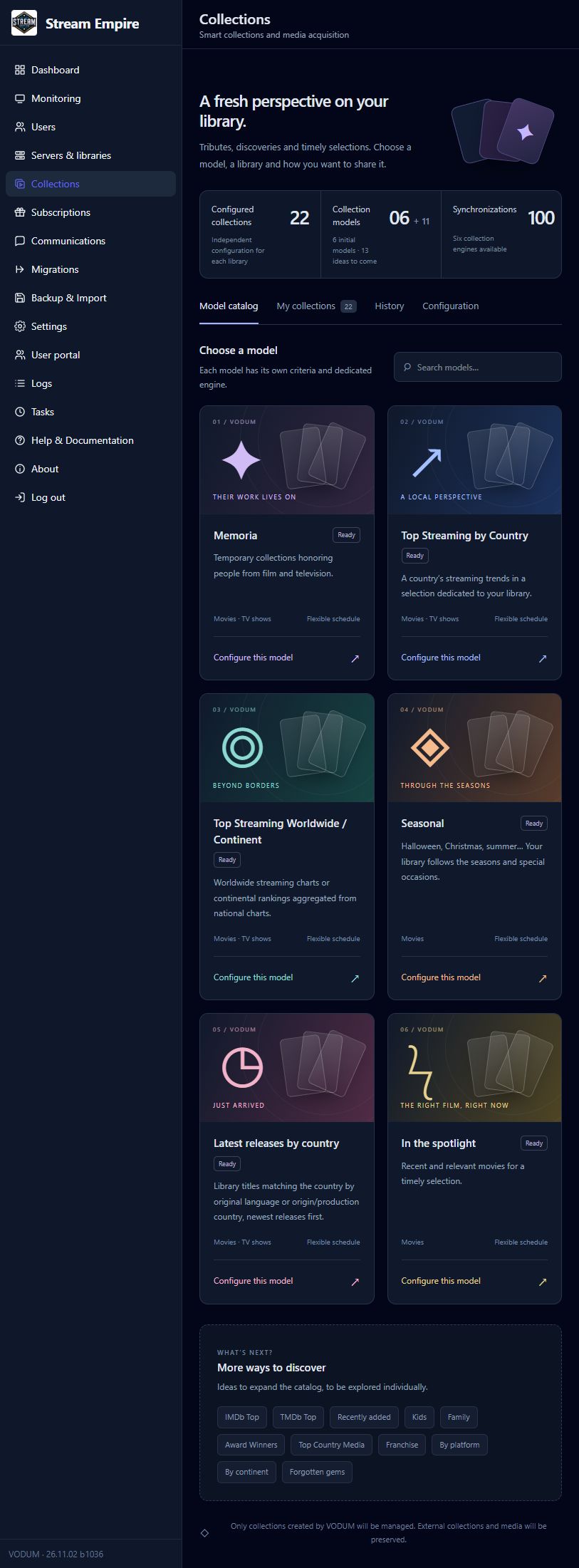
Real capture of the model catalog, November 2, 2026. Available models and controls depend on the installed version.
Shared library inventory · Publication visibility · Collection priority
Manage the member lifecycle
Keep user details, plans, expiration dates, server access and library permissions together. Subscription settings and scheduled tasks support renewal reminders and expiration handling. Invitations and referral relationships help onboard members and track who invited whom.
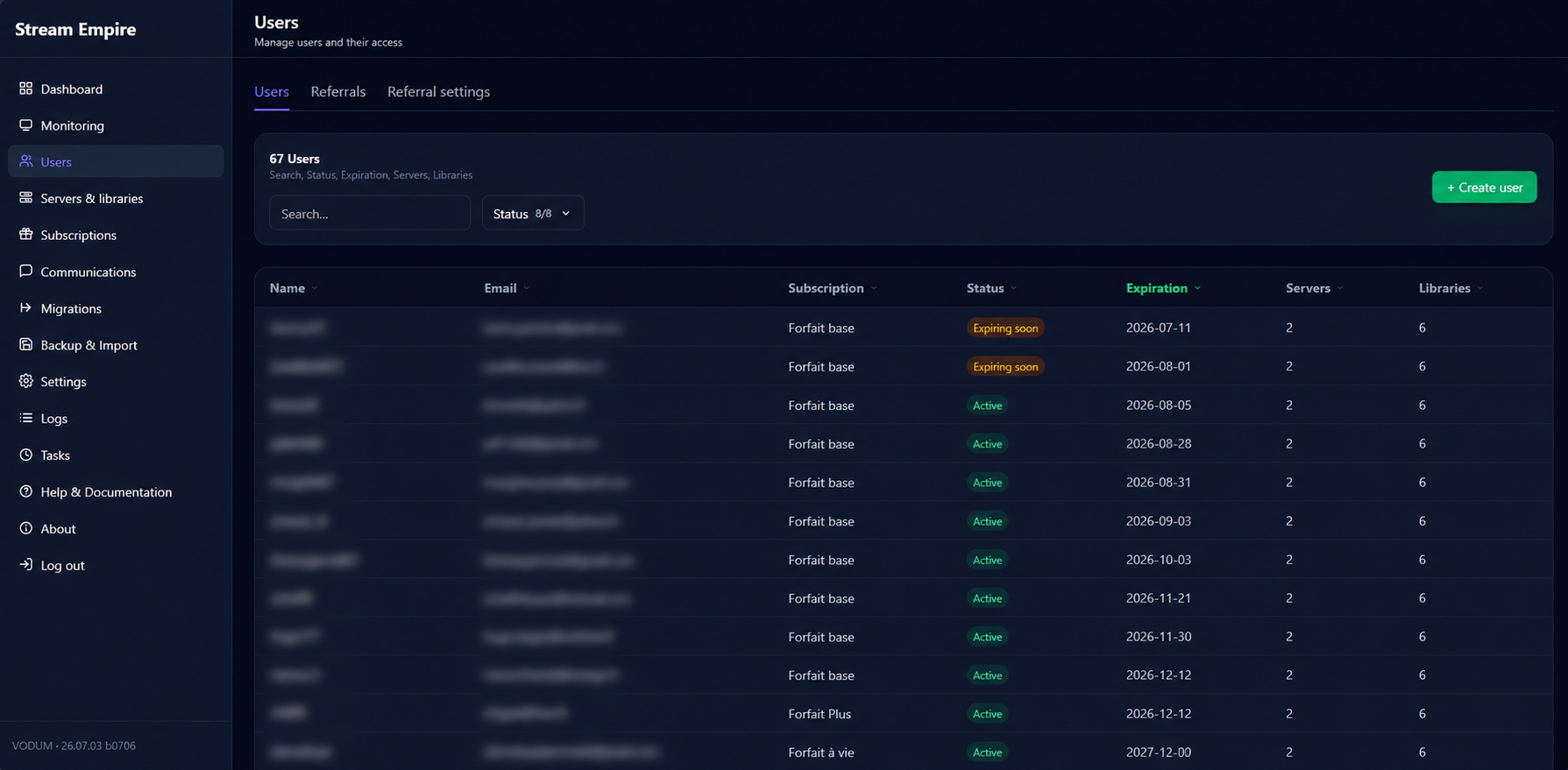
Users · Subscriptions · Scheduled tasks
Streaming policies and visibility
Set streaming limits and review policy events alongside playback activity. The monitoring workspace includes Now Playing, usage risk, activity, history and views by user, library and server. Provider capabilities determine which details are available.
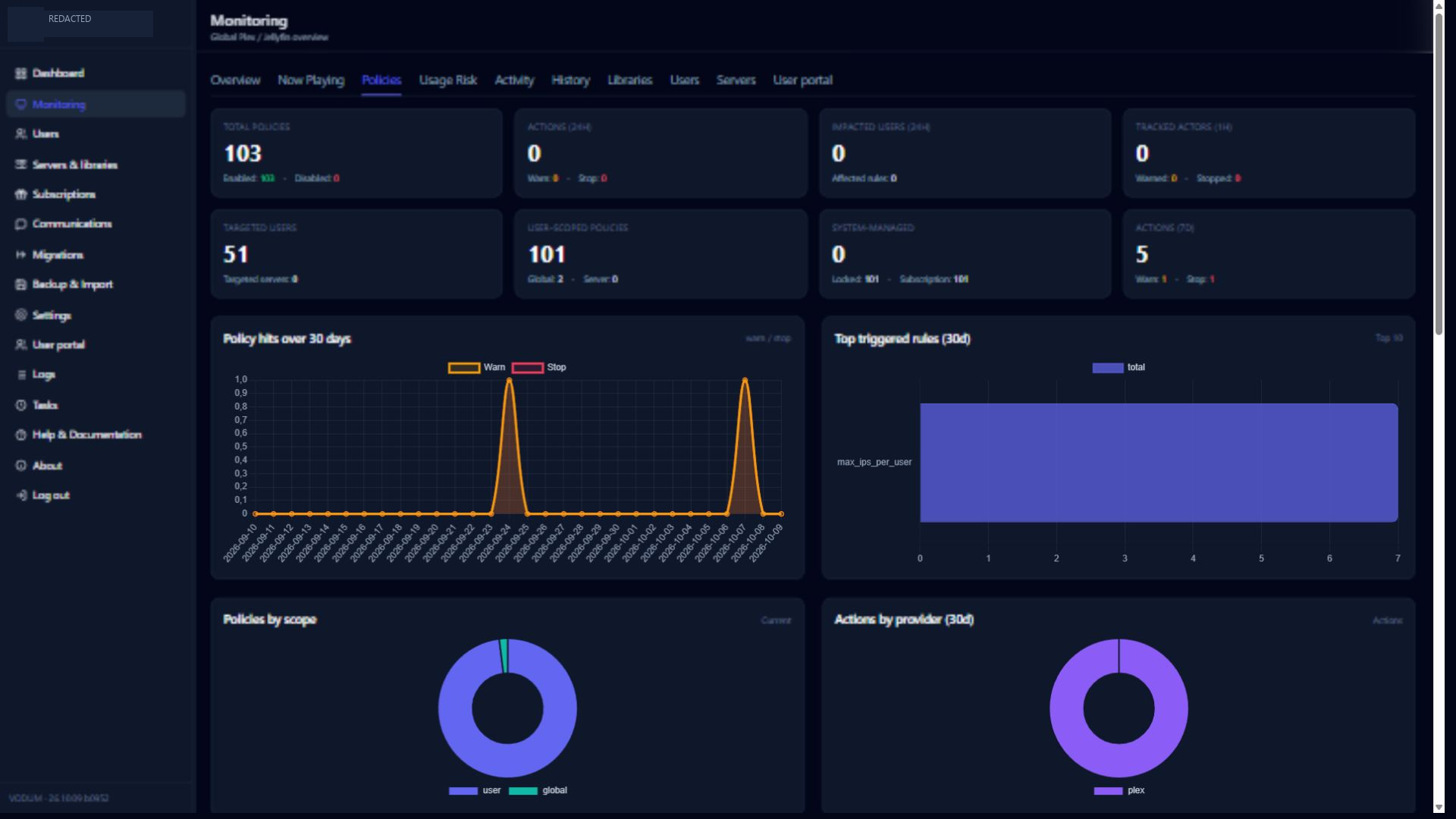
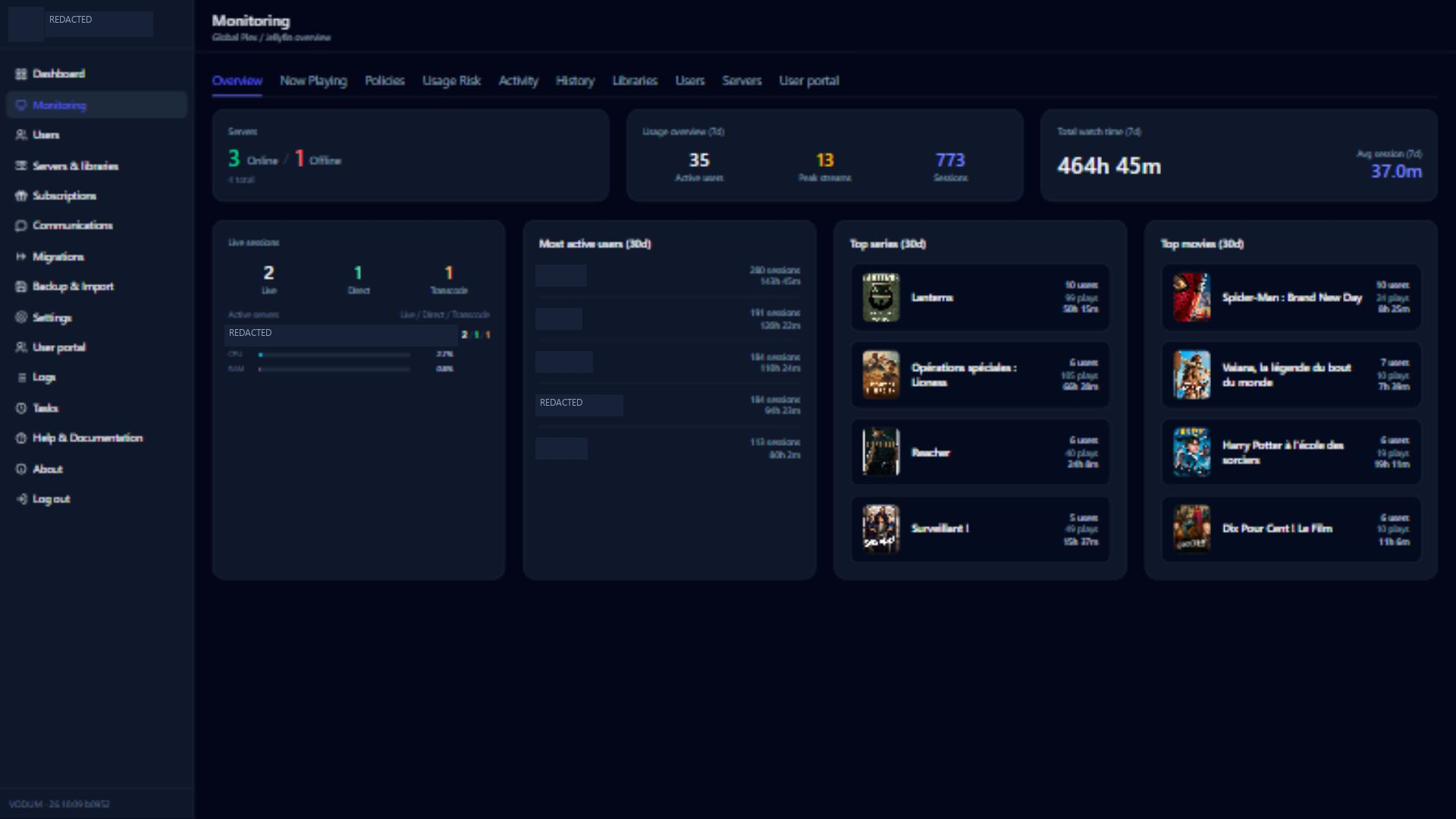
Policies · Monitoring · Activity screenshot
A portal for your members
Give members a simpler place to manage their account. My profile brings personal information, connection details and media access together. Separate pages cover subscriptions, personal activity, media requests and help, according to the modules you enable.
Portal authentication can use local credentials, Plex or Jellyfin when configured. Administrators can preview a member's portal to check the experience.
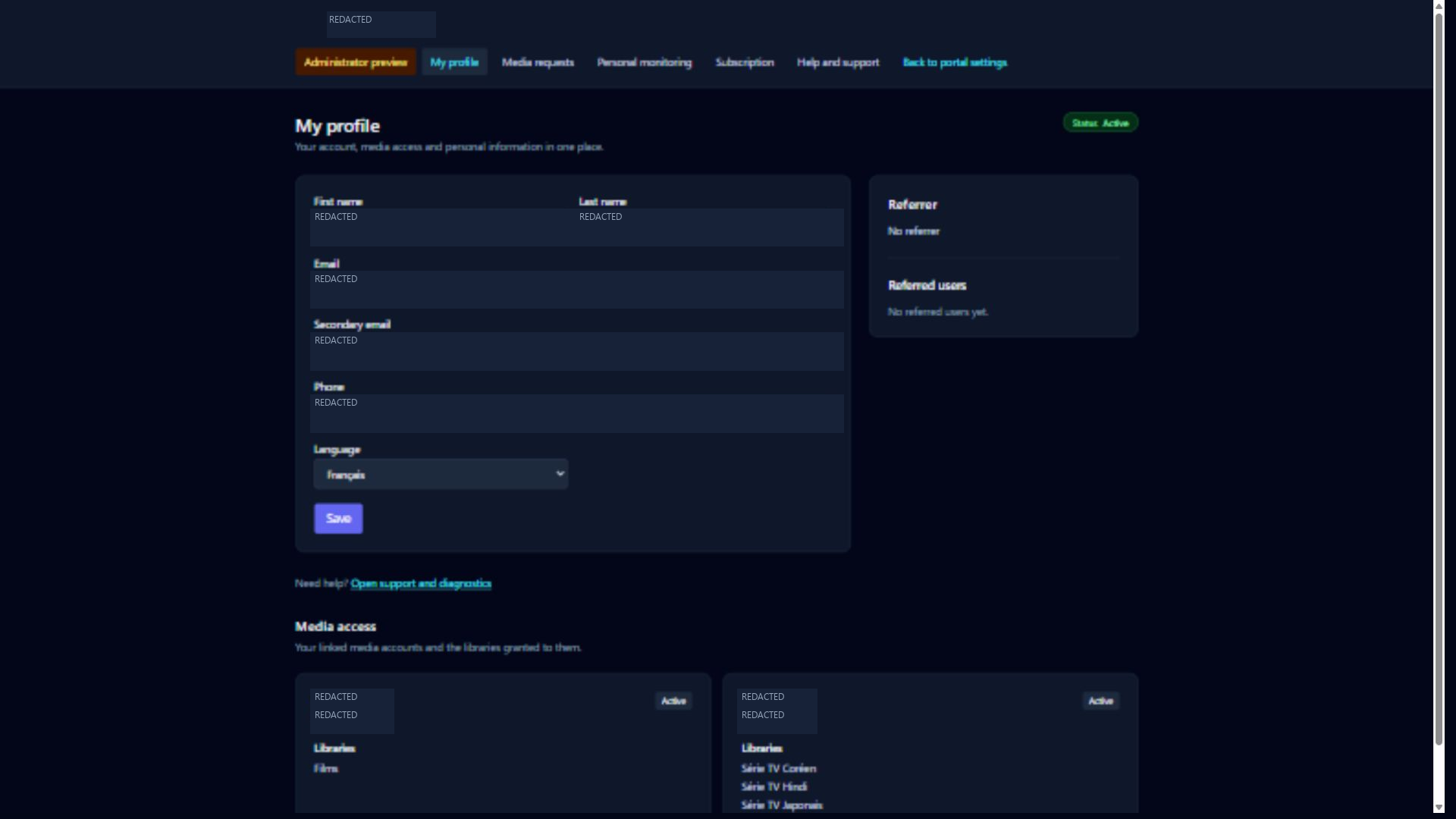
The subscription page shows the plan, expiry and included limits. Its friend-invitation workflow can inherit the inviter's access, plan, expiry and limits, and record the referral relationship.
User Portal guide · Portal permissions · Subscription screenshot
Media requests with Radarr and Sonarr
Connect Radarr for movies and Sonarr for series. Configure quality profiles, root folders and library associations to prepare request destinations. The portal provides media search and request controls, subject to enabled modules and member permissions.
View the media search screenshot
This capture uses the administrator preview: request submission is intentionally disabled there. Search was verified without submitting a request. The deployed ARR settings screen still labels advanced portal-routing hookup as upcoming; validate those routing controls for your version before relying on them.
ARR settings screenshot · Portal guide
Communication, backups and migration tools
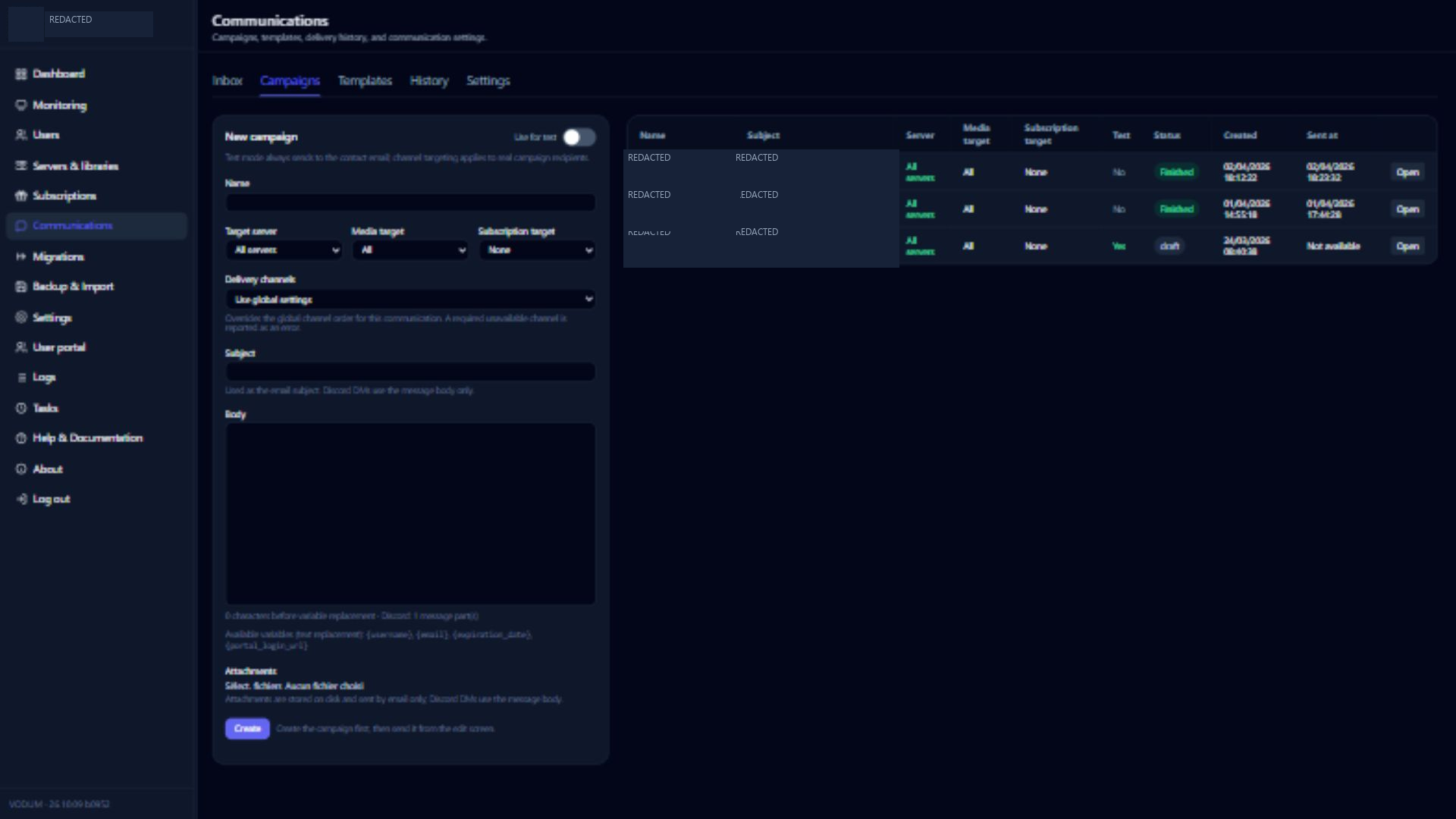
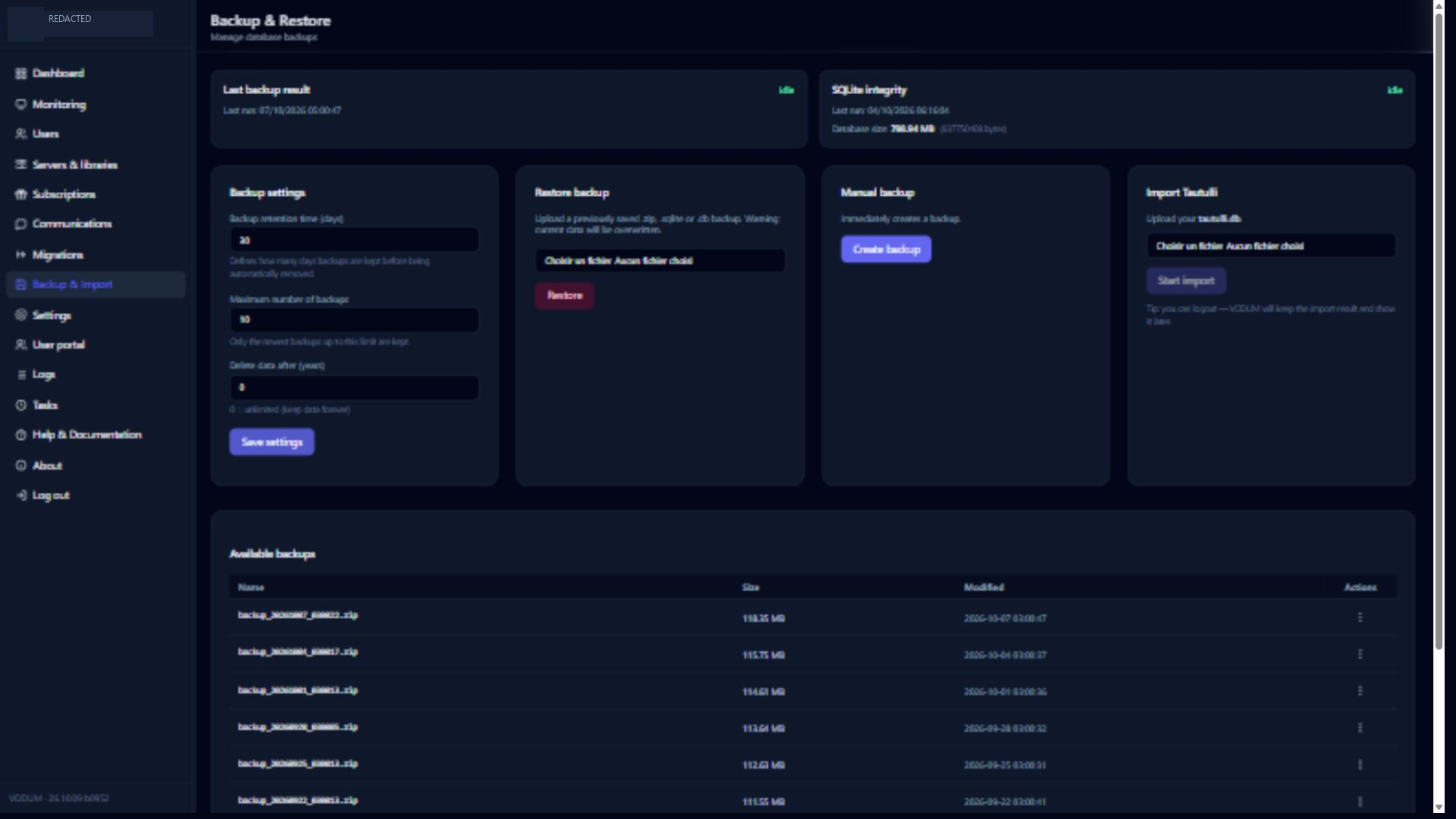
Prepare campaigns for selected groups and channels, use message templates and follow portal conversations. Backup tools expose retention settings, database checks, backup creation and restore controls. Tautulli import brings historical playback information into VODUM, with duplicate handling.
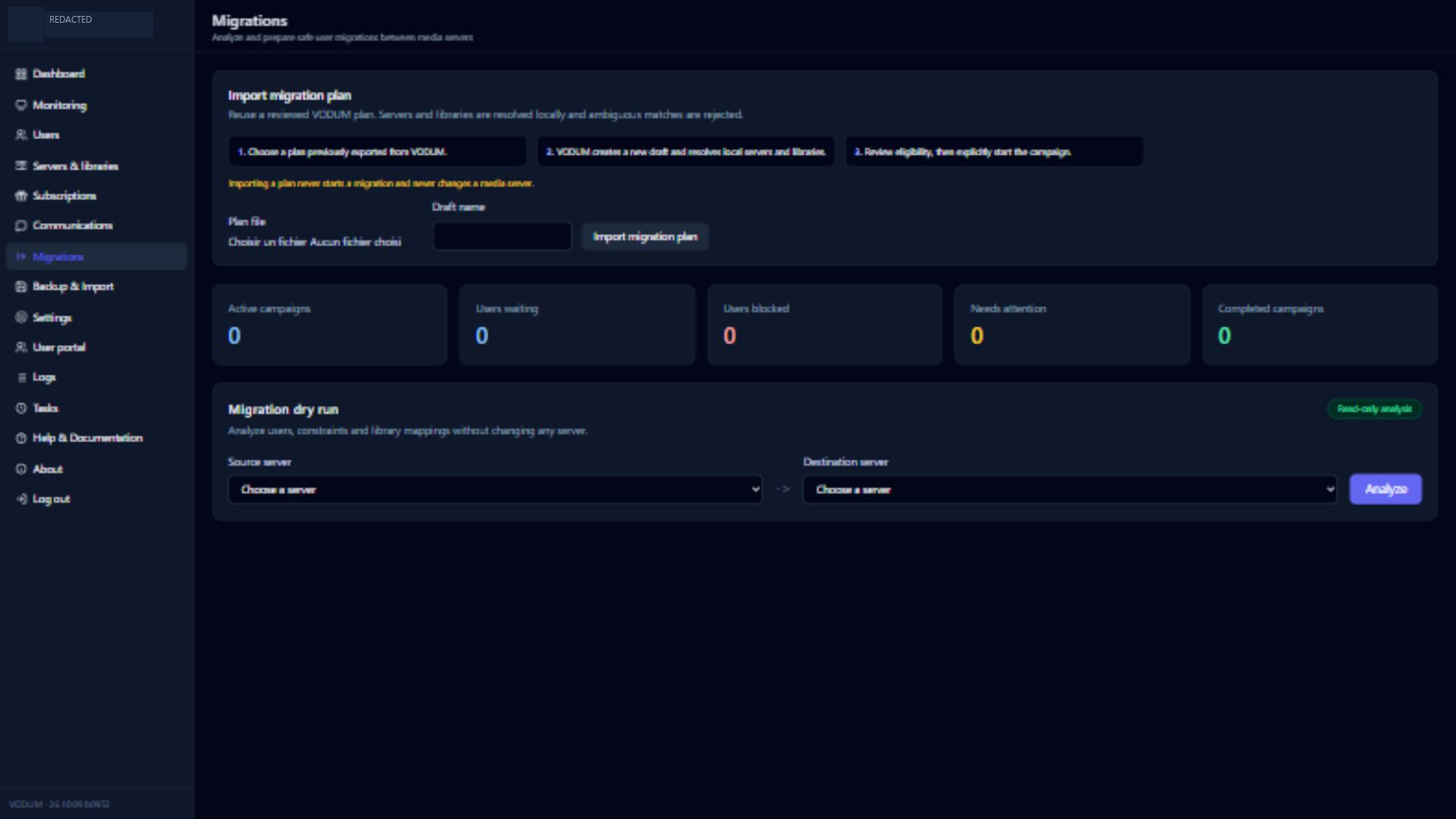
Migration tools provide plans, analysis, execution controls and access snapshots. Review provider-specific limitations before applying changes; snapshots do not imply every external action can be undone.
Communications · Backups · Migrations
More interface screenshots
| Communications | Backups & imports |
|---|---|
 |
 |
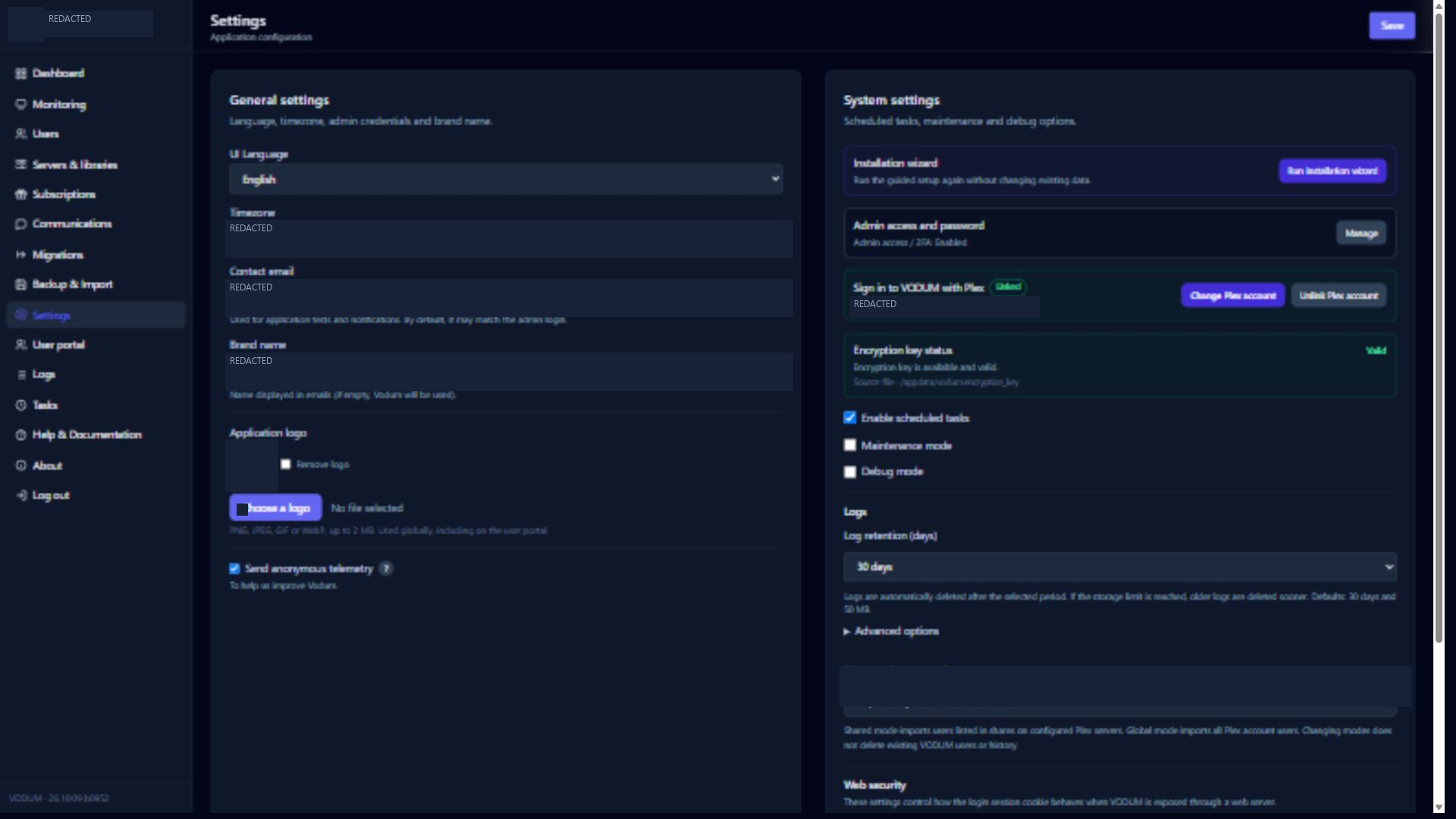
| Migration plans | General settings |
|---|---|
 |
 |
Install with Docker
You need Docker with the Compose plugin and network access from the container to your media servers. The published image is nexius2/vodum:latest.
git clone https://github.com/Nexius2/VODUM.git
cd VODUM
cp .env.example .env
mkdir -p appdata logs backups
Review .env before starting, especially the timezone, allowed networks and trusted proxy settings. Then run:
docker compose up -d
Open http://YOUR_SERVER_IP:8097 and complete the initial administrator setup. The supplied Compose file maps host port 8097 to container port 5000 and includes a /health check.
Persistent storage
| Host path in Compose | Container path | Contents |
|---|---|---|
./appdata |
/appdata |
SQLite database, encryption key and persistent application data |
./logs |
/appdata/logs |
Application logs |
./backups |
/appdata/backups |
Backup files |
Keep these directories when recreating or updating the container.
Docker run alternative
docker run -d \
  --name vodum \
  --restart unless-stopped \
  -p 8097:5000 \
  -e TZ=Europe/Paris \
  -e DATABASE_PATH=/appdata/database.db \
  -e VODUM_LOG_DIR=/appdata/logs \
  -e VODUM_BACKUP_DIR=/appdata/backups \
  -v "$HOME/vodum/appdata:/appdata" \
  nexius2/vodum:latest
Update an existing installation
Create a backup first, then update the image and recreate the container:
docker compose pull
docker compose up -d
docker compose logs --tail=100 vodum
Install on Unraid
Use the repository's Unraid template, or add a container from Unraid's Docker tab with:
| Setting | Value |
|---|---|
| Repository | nexius2/vodum:latest |
| Web UI | http://[IP]:[PORT:5000] |
| Port | Host 8097 → container 5000 |
| Appdata | /mnt/user/appdata/vodum → /appdata |
| Timezone | Set TZ to your timezone |
For a single appdata mount, use /appdata/logs and /appdata/backups as log and backup paths. If you keep the template's separate /logs and /backups mounts, set VODUM_LOG_DIR=/logs and VODUM_BACKUP_DIR=/backups to match them.
Configuration
Use .env.example as the starting point. Configure integrations, subscriptions, communications and portal modules through the administrator interface.
Environment variable reference
| Variable | Default / example | Purpose |
|---|---|---|
TZ |
Europe/Paris |
Container timezone |
DATABASE_PATH |
/appdata/database.db |
SQLite database location |
VODUM_LOG_DIR |
/appdata/logs |
Logs directory |
VODUM_BACKUP_DIR |
/appdata/backups |
Backups directory |
VODUM_IMPORTS_DIR |
imports next to the database |
Import staging directory |
VODUM_ENCRYPTION_KEY_FILE |
/appdata/vodum.encryption_key |
Key for encrypted stored secrets |
VODUM_PORT |
5000 |
Container HTTP port |
VODUM_WAITRESS_THREADS |
6 |
HTTP worker threads |
VODUM_HTTP_GZIP_LEVEL |
6 |
Text compression level, 1–9 |
VODUM_BACKUP_SNAPSHOT_TIMEOUT_SECONDS |
300 |
SQLite snapshot time limit |
VODUM_MAX_UPLOAD_MB |
4096 |
Upload size limit |
VODUM_MAX_ZIP_EXTRACTED_MB |
8192 |
Extracted ZIP size limit |
VODUM_MAX_ZIP_MEMBERS |
10000 |
ZIP entry count limit |
VODUM_DEBUG |
0 |
Debug mode |
VODUM_IP_FILTER |
1 |
Enable source-network filtering |
VODUM_ALLOWED_NETS |
Private networks; see below | Allowed client networks |
VODUM_TRUST_PROXY |
Set for your deployment | Trust forwarded headers behind a configured proxy |
VODUM_TRUSTED_PROXY_NETS |
Actual proxy CIDRs | Networks allowed to provide forwarded headers |
VODUM_ADMIN_PUBLIC_URL |
Empty | Optional separate public administrator URL |
Network access and reverse proxies
The default allowed IPv4 networks cover loopback and private LANs:
VODUM_IP_FILTER=1
VODUM_ALLOWED_NETS=127.0.0.1/32,10.0.0.0/8,172.16.0.0/12,192.168.0.0/16
When using a reverse proxy, configure trusted networks to match your actual proxy addresses. The example environment enables proxy trust; review it before deployment. For example, a proxy on the indicated Docker network could use:
VODUM_TRUST_PROXY=1
VODUM_TRUSTED_PROXY_NETS=127.0.0.1/32,::1/128,172.18.0.0/16
Use HTTPS for public access and configure the portal's public URL and secure-cookie settings consistently. VODUM_ADMIN_PUBLIC_URL supports separate administrator and portal hosts: administrator routes are refused on the portal host when this separation is configured.
Secrets and backup recovery
VODUM encrypts stored secrets using its encryption key. Preserve the key alongside the database for recovery. A full backup ZIP includes the database, attachments and key; the ZIP archive itself is not encrypted. Restrict access to backup files. A raw database copy alone cannot recover encrypted secrets without the matching key.
Configuration · Security · Backups
Documentation and support
Start with the online documentation or the guides included in this repository:
- Getting started
- Users and subscriptions
- User Portal and permissions
- Monitoring, policies and logs
- Communications, tasks and migrations
- Troubleshooting and FAQ
The interface includes English, French, Spanish, Italian and German translations.
Join Discord, ask in the Unraid support thread, or open a GitHub issue. Include your VODUM version, relevant provider versions and sanitized logs when reporting a problem.
If VODUM helps you run your community, support its development or star the project.
Contributing
Bug reports, documentation improvements, translations and code contributions are welcome. Discuss substantial changes in an issue first and check TODO.md for planned work.
Local development
python -m venv .venv
source .venv/bin/activate
# Windows PowerShell: .venv\Scripts\Activate.ps1
pip install -r requirements.txt
python -m compileall -q app migrations tools
python tools/smoke_routes.py
python tools/smoke_application_runtime.py
python app/tasks/import_tautulli.py --summary-only --help
Use a disposable development database and configuration when running checks. For CSS changes, install frontend dependencies and rebuild the stylesheet:
pnpm install --frozen-lockfile
pnpm build:css
To build and run the container locally:
docker build -t vodum:local .
docker run --rm -p 8097:5000 -v "$PWD/appdata:/appdata" vodum:local
VODUM complements Plex, Jellyfin, Radarr and Sonarr; it does not replace their media-serving or acquisition engines. Optional request workflows can instruct ARR services to acquire media.
License
VODUM is distributed under the MIT License. Plex, Jellyfin, Radarr and Sonarr belong to their respective projects; VODUM is an independent community project.
Categories
Download Statistics
Related apps
Explore more like this
Explore allLinks
Details
nexius2/vodum:latestRuntime arguments
- Web UI
http://[IP]:[PORT:5000]/- Network
bridge- Shell
sh- Privileged
- false
- Extra Params
--restart unless-stopped
Template configuration
- Target
- /appdata
- Default
- /mnt/user/appdata/vodum
- Value
- /mnt/user/appdata/vodum
- Value
- Europe/Paris
- Target
- UID
- Default
- 99
- Value
- 99
- Target
- GID
- Default
- 100
- Value
- 100
- Target
- 5000
- Default
- 8097
- Value
- 8097
- Target
- /logs
- Default
- /mnt/user/appdata/vodum/logs
- Value
- /mnt/user/appdata/vodum/logs
- Target
- /backups
- Default
- /mnt/user/appdata/vodum/backups
- Value
- /mnt/user/appdata/vodum/backups
- Target
- DATABASE_PATH
- Default
- /appdata/database.db
- Value
- /appdata/database.db