

Vetoarr
Docker app from Muddoggg's Repository
Let people on your Plex server request media removal.
Overview
Readme
View on GitHubVetoarr

Let people on your Plex server request movies and shows for deletion without giving them access to your media management tools.
Vetoarr lets the people you share your Plex server with request movies and TV shows to be removed. They sign in with Plex, find what they want removed, and send a request. You decide what gets deleted without giving anyone access to your files, Radarr, Sonarr, or Maintainerr. Requests you submit as the server owner are approved automatically, but still go through the same checks.
Once a request is approved, the portal adds the title to the right Maintainerr collection. Maintainerr handles the deletion schedule. The portal never deletes files directly.
Heads up: Approving a request can lead to permanent deletion after the configured delay. Only test with titles you actually want to remove.
How it works
Plex account -> Plex SSO -> Verify access to your Plex server
                                 |
                        Browse eligible libraries
                                 |
                        Select movie(s) / show(s)
                                 |
                     +-----------+-----------+
                     |                       |
                Shared user              Server owner
                     |                       |
               Pending review          Auto-approval
                     |                       |
                Owner approves               |
                     +-----------+-----------+
                                 |
                       Security / library checks
                                 |
                   Correct Maintainerr collection
                                 |
                    Scheduled downstream deletion
Screenshots
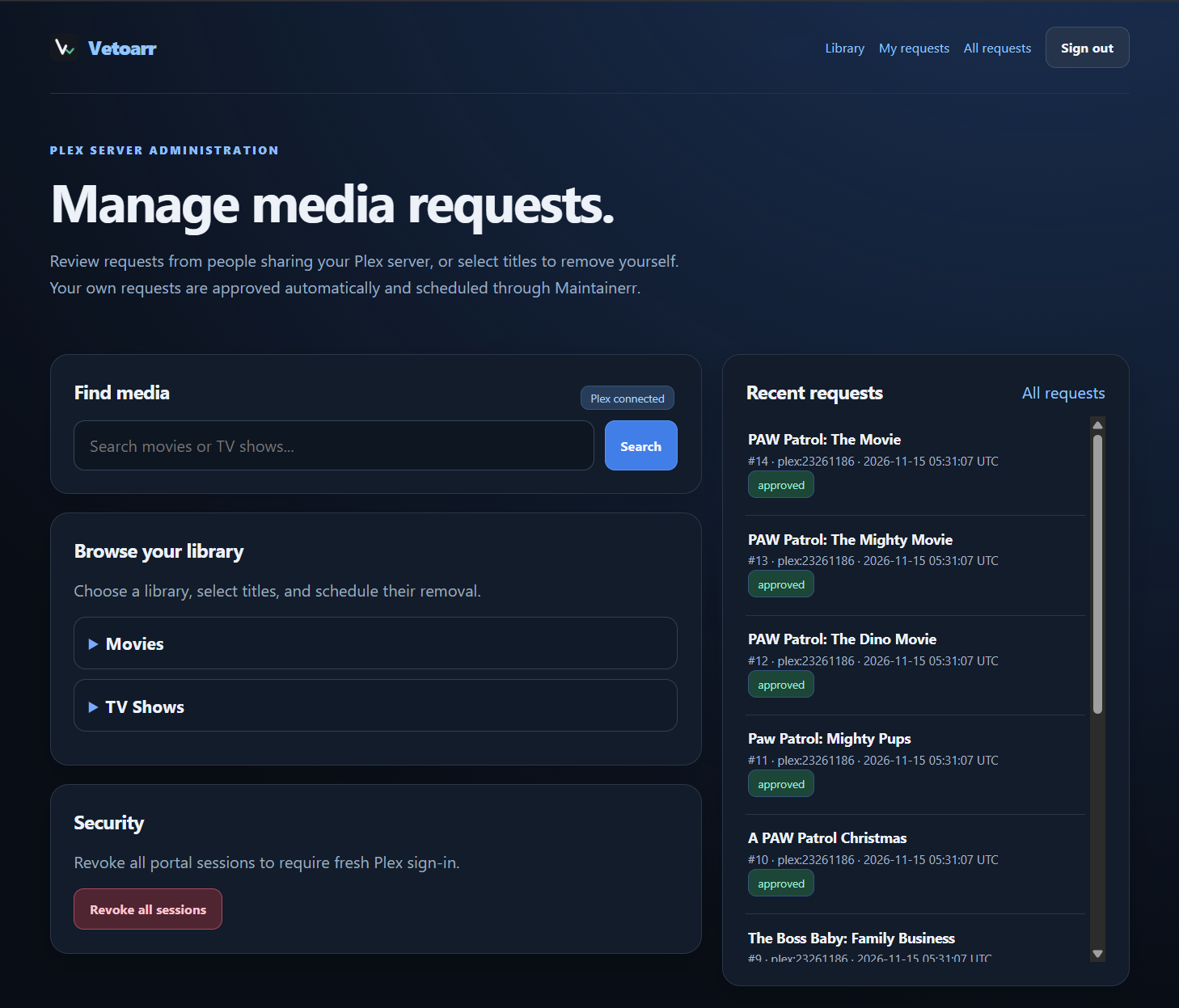
Admin Dashboard
Browse Plex libraries, search for media, and manage removal requests.
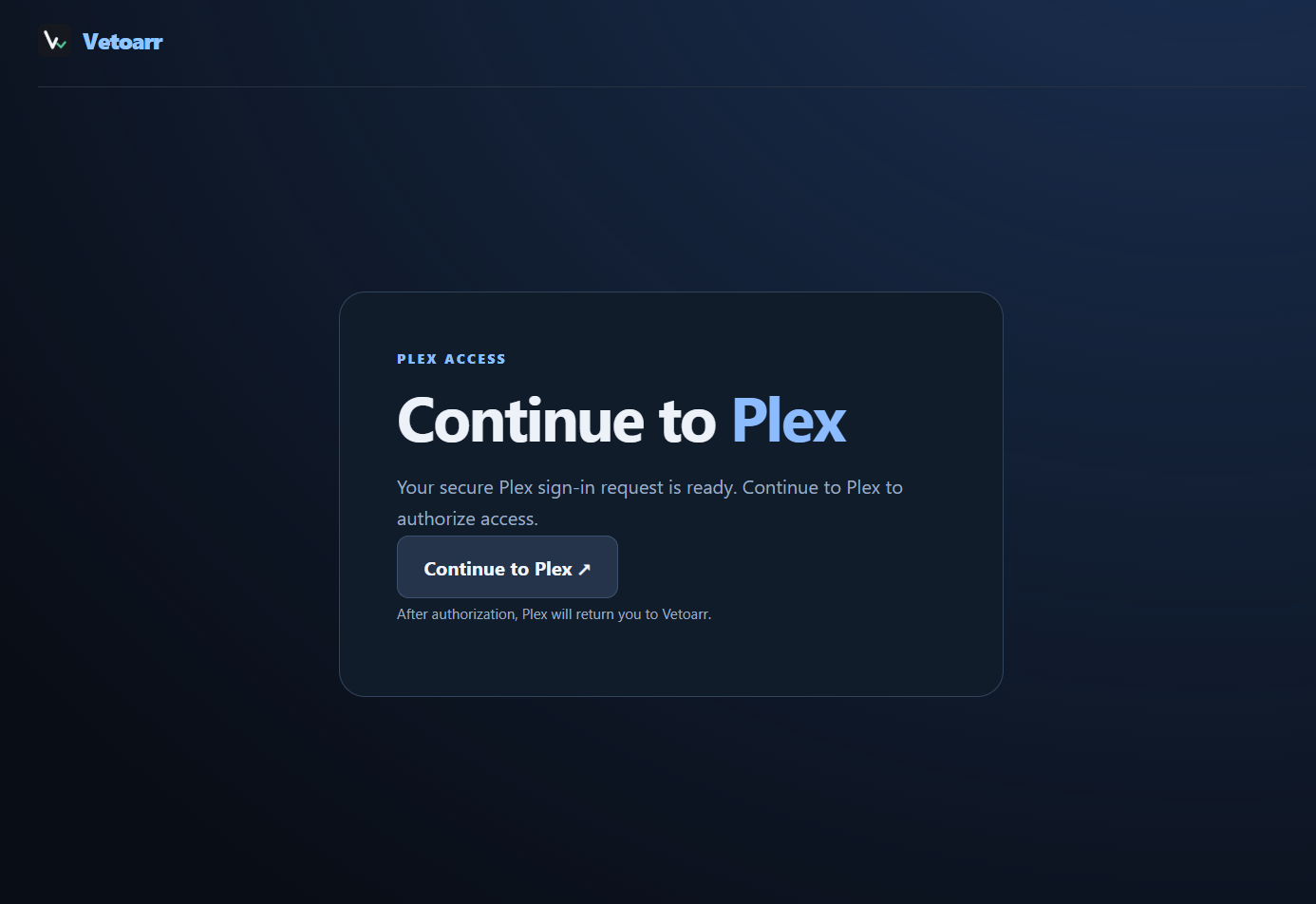
Plex Sign-In
Users sign in using their existing Plex account.
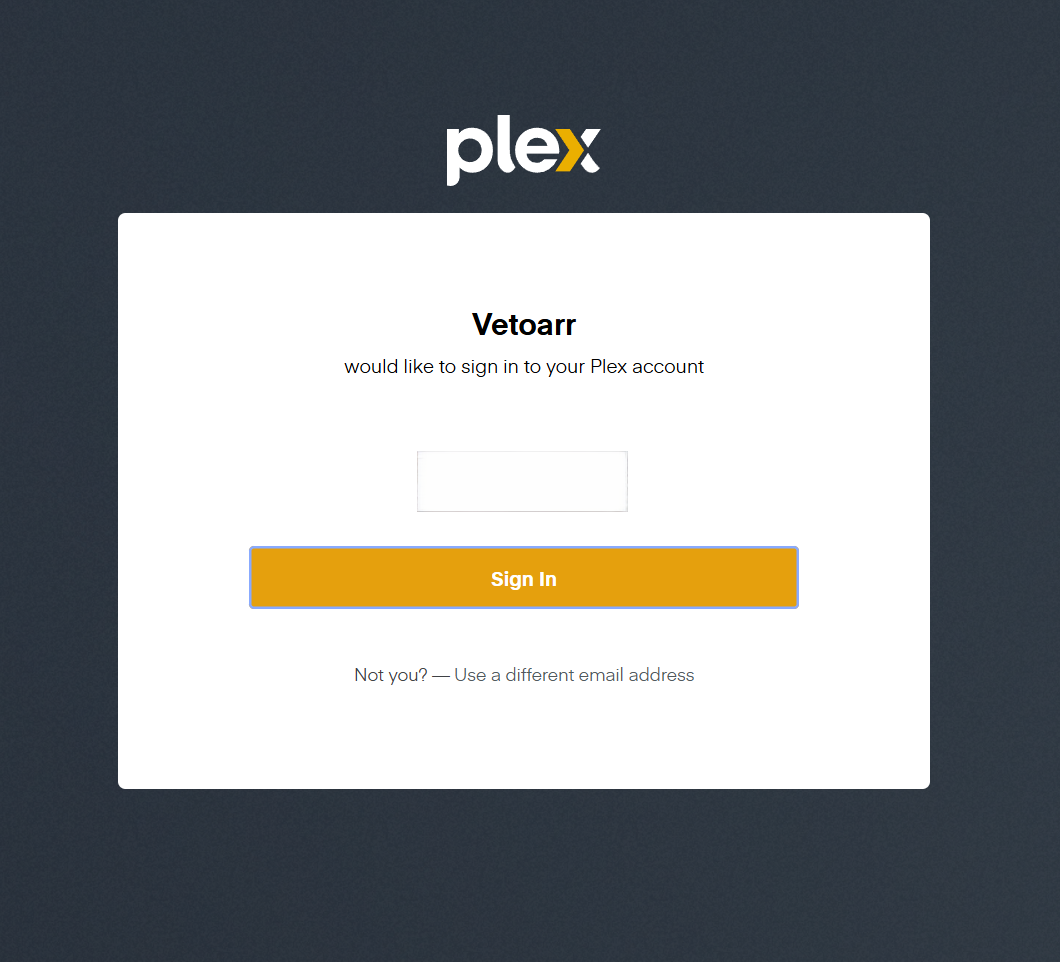
Plex SSO Authentication
Plex handles account authentication, so users don't need separate credentials.
Features
- Sign in with Plex: No new accounts or passwords. Users must have access to your Plex server.
- You stay in control: Shared users can request deletions, but only the server owner can approve or reject them or manage sessions.
- Auto-approve your own requests: Your requests, including bulk requests, go through the normal checks and are approved automatically.
- Browse and search: Find titles across Plex libraries and request several at once.
- Library-specific collections: Each Plex library can have its own Maintainerr collection, including separate kids and anime libraries.
- My requests: Users can check the status of their own requests without seeing anyone else’s history.
- Duplicate protection: The database prevents multiple active or approved requests for the same title.
- Safe error handling: If Maintainerr times out or returns an unclear result, the request is marked
reviewinstead of being retried automatically. - Runs on your server: Built with Flask and SQLite, packaged for Docker, and designed to run on Unraid or other Linux hosts.
Discord notifications (optional)
The Plex server owner can configure Discord alerts under Discord in the navigation bar.
Create a webhook in your Discord server's channel settings and paste its URL into the admin-only page.
The webhook is stored encrypted in the existing SQLite database (using the application's SECRET_KEY), and isn't displayed after saving.
Choose notifications for new shared-user requests, approvals, rejections, and requests requiring manual review. Use Send test notification to verify the destination or Remove webhook to disable and clear it.
Notifications are best-effort. If Discord is unavailable, request approval and deletion processing still operate normally. The webhook URL is a secret: do not put it in your README, logs, screenshots, or public issue reports. Avoid changing SECRET_KEY, since that would make the stored webhook undecipherable.
Request statuses
| Status | Meaning |
|---|---|
pending |
Waiting for a decision from the server owner |
approved |
Maintainerr collection membership was confirmed; deletion may still be scheduled for later |
rejected |
The owner declined the request; the title may be requested again |
review |
The outcome of a Maintainerr submission is uncertain and requires manual investigation before retrying |
Requirements
- Docker host (Unraid or another Linux Docker environment)
- Plex Media Server and a Plex owner account with the permissions needed by the portal
- Maintainerr configured to manage the relevant libraries and perform the intended deletion actions
- Radarr and/or Sonarr where applicable to your deletion workflow
- HTTPS reverse proxy for internet access, with edge rate limiting and origin protection
- Persistent storage for the portal's SQLite database
The sample .env.example and compose.yaml are templates. Use your own addresses, credentials, Plex libraries, and Maintainerr collection IDs. Do not publish .env or the SQLite database.
Official Docker image
For the first Vetoarr-branded source release, use ghcr.io/muddoggg/vetoarr:1.0.1 once its GitHub Actions publish workflow has passed and the package has been made public. The earlier v1.0.0 Git tag and Docker image are preserved as the pre-rename release.
Installation
Clone the repository and create a private environment file:
git clone https://github.com/Muddoggg/Vetoarr.git
cd Vetoarr
cp .env.example .env
Edit
.envwith your Plex and Maintainerr settings, collection IDs, session secret, and deletion delay. Replace all example values with your own.Set up a Maintainerr collection for each Plex library you want to manage. Check that each collection uses the right library, media type, deletion action, and delay. If you only want approved requests added, leave automatic rules disabled.
Build and validate the image:
docker build --pull --no-cache -f Dockerfile.alpine \
  -t vetoarr:local .

docker run --rm --entrypoint python \
  vetoarr:local /app/test_runtime.py
Deploy the container with persistent
/datastorage and your private.envfile. The app listens on port8080inside Docker; map it to a local port on your host. Put it behind HTTPS and do not forward the app port directly from the internet.Sign in as the Plex owner and check the libraries, user permissions, collection mapping, and request history before approving real deletions.
Refer to SECURITY.md for the public-facing deployment boundary. The example Compose file is not a substitute for reviewing your own Docker and reverse-proxy settings.
Maintainerr collection mapping
Set the collection IDs in .env. The IDs below are examples; yours may be different.
| Plex library | Environment variable | Example ID |
|---|---|---|
| Movies | MOVIE_COLLECTION_ID |
1 |
| TV Shows | SHOW_COLLECTION_ID |
2 |
| Kids Movies | KIDS_MOVIE_COLLECTION_ID |
3 |
| Anime Movies | ANIME_MOVIE_COLLECTION_ID |
4 |
| Kids TV Shows | KIDS_SHOW_COLLECTION_ID |
5 |
| Anime TV Shows | ANIME_SHOW_COLLECTION_ID |
6 |
Before adding a title, the portal checks that the Plex library matches Maintainerr's libraryId, and that the collection has the right type, action, status, and deletion delay. If something doesn't match, it stops. To allow a one-day delay, set MIN_DELETE_DAYS=1.
Security verification
Tested November 15, 2026. These are the results from the tested Docker image and server setup. Other builds and installations need their own checks.
| Check | Recorded result |
|---|---|
| Automated security and regression tests | 30 / 30 passed |
| Trivy HIGH findings | 0 detected |
| Trivy CRITICAL findings | 0 detected |
| Gitleaks Git history scan | 0 findings, 4 commits scanned |
| Gitleaks working-directory scan | 0 findings |
| SQLite duplicate-active-request check | Passed |
| Cloudflare Plex login rate-limiting rule | Active in operator's dashboard |
| Direct-origin TCP/443 check from one external scanner | Filtered |
Trivy scanned: Docker image local/media-approval-portal:dashboard-ui-fixed, Alpine 3.24.4 and installed Python packages, with the vulnerability DB updated for the November 15, 2026 scan. Several tests use simulated Plex and Maintainerr responses, so passing them does not confirm that actual files were deleted.
To reproduce the main checks on your own image:
docker run --rm --entrypoint python \
  local/media-approval-portal:dashboard-ui-fixed /app/test_runtime.py

docker run --rm -v /var/run/docker.sock:/var/run/docker.sock:ro \
  aquasec/trivy:latest image --scanners vuln \
  --severity HIGH,CRITICAL --exit-code 1 \
  local/media-approval-portal:dashboard-ui-fixed

gitleaks git . --redact
gitleaks dir . --redact
For the full list of tests and scan details, see Security Testing Results.
What these results do not cover: This project has not had an independent penetration test. The external port test checked IPv4 from one location, not IPv6 or every port. The built-in Plex login limit is tied to a browser session, so public installations also need rate limiting at the proxy or firewall. A clean scan cannot rule out every security bug.
Deployment security
- Keep the Plex token, encryption/session keys, and runtime database out of Git.
- Restrict public traffic to your trusted reverse proxy or a tunnel; do not expose the portal's application port or Unraid/NPM administration ports to WAN.
- Use HTTPS, rate-limit
POST /auth/plex/start, and verify origin restrictions independently. - Preserve least-privilege Docker settings where supported: non-root execution, read-only filesystem, dropped capabilities,
no-new-privileges, PID limits, and temporary writable storage. - Verify shared, owner, and unshared Plex account behavior in your own environment.
- Inspect Maintainerr membership before reconciling
reviewrequests; never retry ambiguous destructive operations blindly.
See SECURITY.md for deployment safeguards and private vulnerability reporting.
A note about deletion
Vetoarr handles requests and approvals. Maintainerr and your media management apps handle the actual deletion. An approved request means Maintainerr received it; it does not mean the file is already gone or that Plex, Radarr, Sonarr, or Seerr have finished updating.
Development Transparency & Maintainer Background
AI-Assisted Development
Vetoarr was developed with assistance from AI tools, including ChatGPT, for coding, debugging, testing, and documentation. AI was used to support development, while technical decisions, deployment, and ongoing maintenance remain my responsibility.
Maintainer Background
I'm a Senior Software Engineer with over six years of professional experience.
My professional background includes:
- Software Engineering: C#, .NET, Python, Flask, APIs, and application architecture
- DevOps & Infrastructure: Docker, CI/CD, Jenkins, GitHub Actions, and NGINX
- Cloud & Databases: AWS, Azure, SQL, Redis, and cloud integrations
- Security & Quality: Authentication, authorization, automated testing, and secure application development
Open Source & Accountability
As Vetoarr's maintainer, I'm responsible for reviewing changes, addressing reported bugs and security issues, and maintaining the application's releases and documentation.
Every release goes through automated regression tests and Trivy container vulnerability scanning. These checks help identify problems before publication, but they do not guarantee the absence of vulnerabilities.
Users can review the source code, report bugs, suggest improvements, or submit pull requests through GitHub. Security vulnerabilities should be reported privately rather than through public issues.
Repository: https://github.com/Muddoggg/Vetoarr
Contributing
Bug reports, fixes, and suggestions are welcome. Please do not include API keys, Plex tokens, private addresses, or sensitive logs in issues. For security problems, follow SECURITY.md.
Support the Project
Vetoarr is free and open source. If you find it useful, you can support its continued development.
Categories
Related apps
Explore more like this
Explore allLinks
Details
ghcr.io/muddoggg/vetoarr:latestRuntime arguments
- Web UI
http://[IP]:[PORT:8080]- Network
bridge- Shell
sh- Privileged
- false
- Extra Params
--read-only --cap-drop=ALL --security-opt=no-new-privileges --pids-limit=128 --tmpfs=/tmp:rw,noexec,nosuid,size=16m
Template configuration
Unraid host port for the portal's HTTP interface; put behind an HTTPS reverse proxy for external access.
- Target
- 8080
- Default
- 8085
Persistent SQLite database and session storage. Back up before updates.
- Target
- /data
- Default
- /mnt/user/appdata/vetoarr
Generate a unique secret, e.g. openssl rand -hex 32. Keep it private and stable.
Public hostname without https:// (the configured portal host).
- Default
- portal.example.com
Reachable Plex server URL. Container names require a shared Docker network.
- Default
- http://192.168.1.100:32400
Private owner Plex token; never publish or share.
Reachable Maintainerr URL. Container names require a shared Docker network.
- Default
- http://192.168.1.100:6246
Maintainerr collection ID for Plex Movies library.
- Target
- MOVIE_COLLECTION_ID
- Default
- 1
Maintainerr collection ID for Plex TV Shows library.
- Target
- SHOW_COLLECTION_ID
- Default
- 2
Maintainerr collection ID for Kids Movies.
- Target
- KIDS_MOVIE_COLLECTION_ID
- Default
- 3
Maintainerr collection ID for Anime Movies.
- Target
- ANIME_MOVIE_COLLECTION_ID
- Default
- 4
Maintainerr collection ID for Kids TV Shows.
- Target
- KIDS_SHOW_COLLECTION_ID
- Default
- 5
Maintainerr collection ID for Anime TV Shows.
- Target
- ANIME_SHOW_COLLECTION_ID
- Default
- 6
Minimum Maintainerr deletion delay allowed by the portal.
- Target
- MIN_DELETE_DAYS
- Default
- 1
SQLite file inside the persistent /data mount.
- Target
- DATABASE_PATH
- Default
- /data/requests.sqlite3
Stable Plex PIN client identifier; keep unchanged after first deployment.
- Target
- PLEX_SSO_CLIENT_ID
- Default
- media-approval-portal-community