
All apps · 0 apps

Unraid-progressive-web-app
Docker app from Laurensguijt's Repository
Overview
Readme
View on GitHubUnraid PWA
Self-hostable, mobile-first web app to monitor and control Unraid via the GraphQL API.

Screenshots
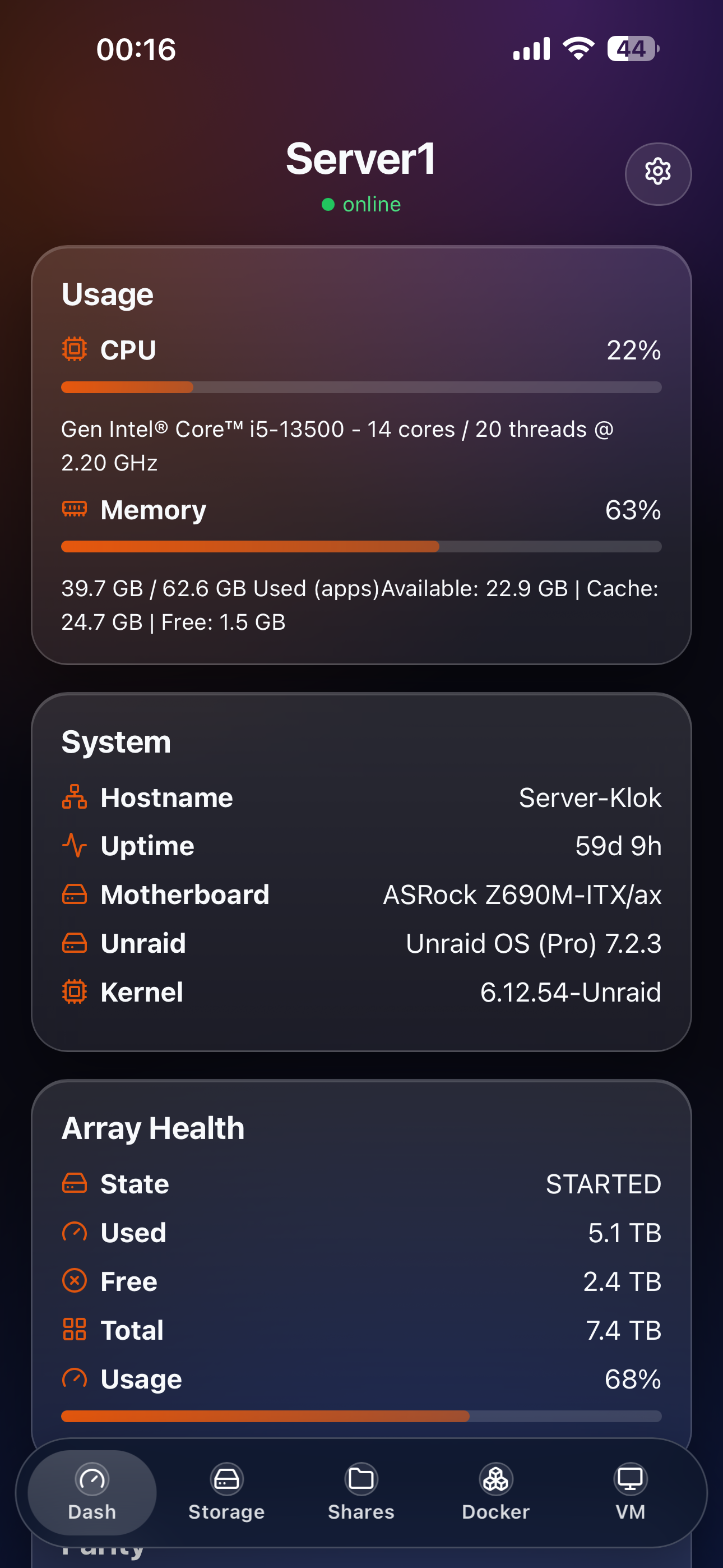
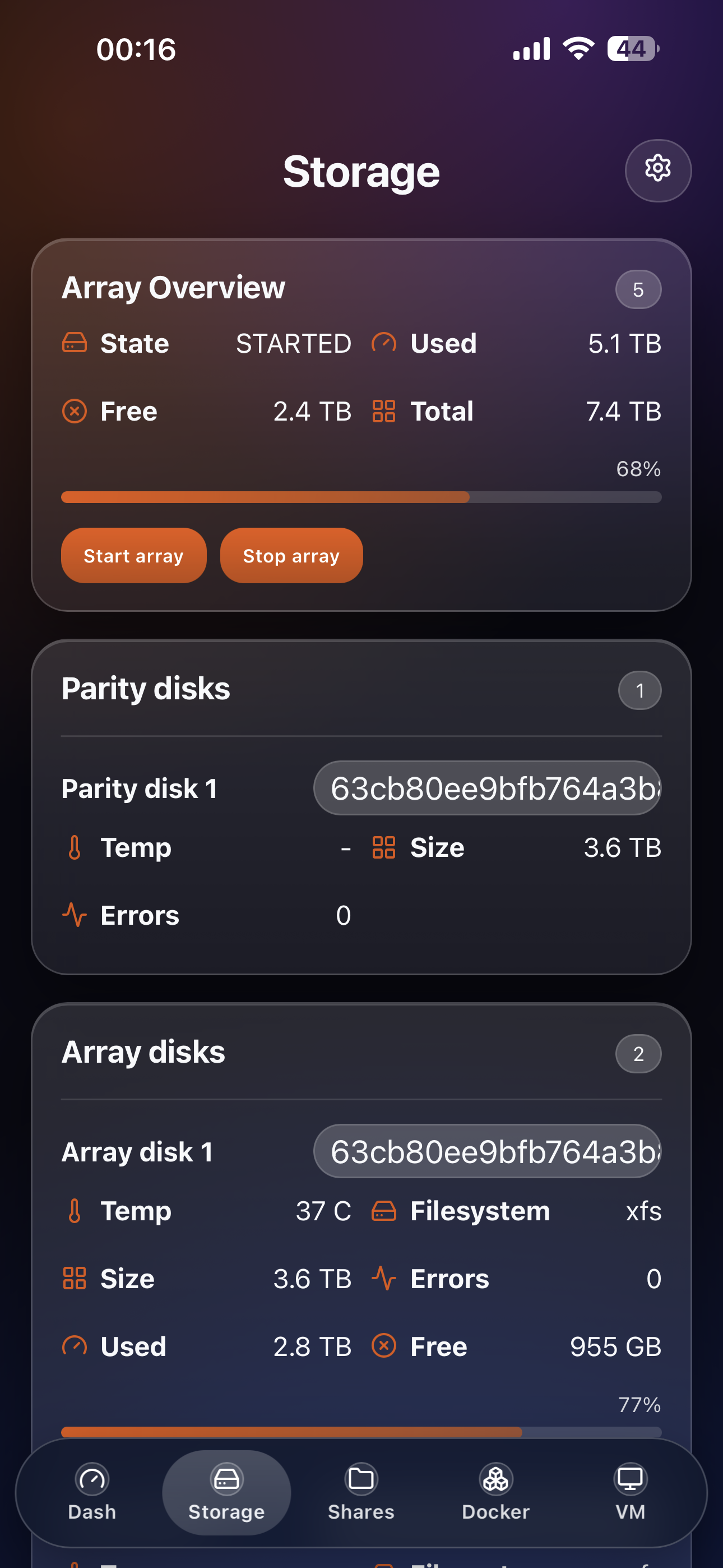
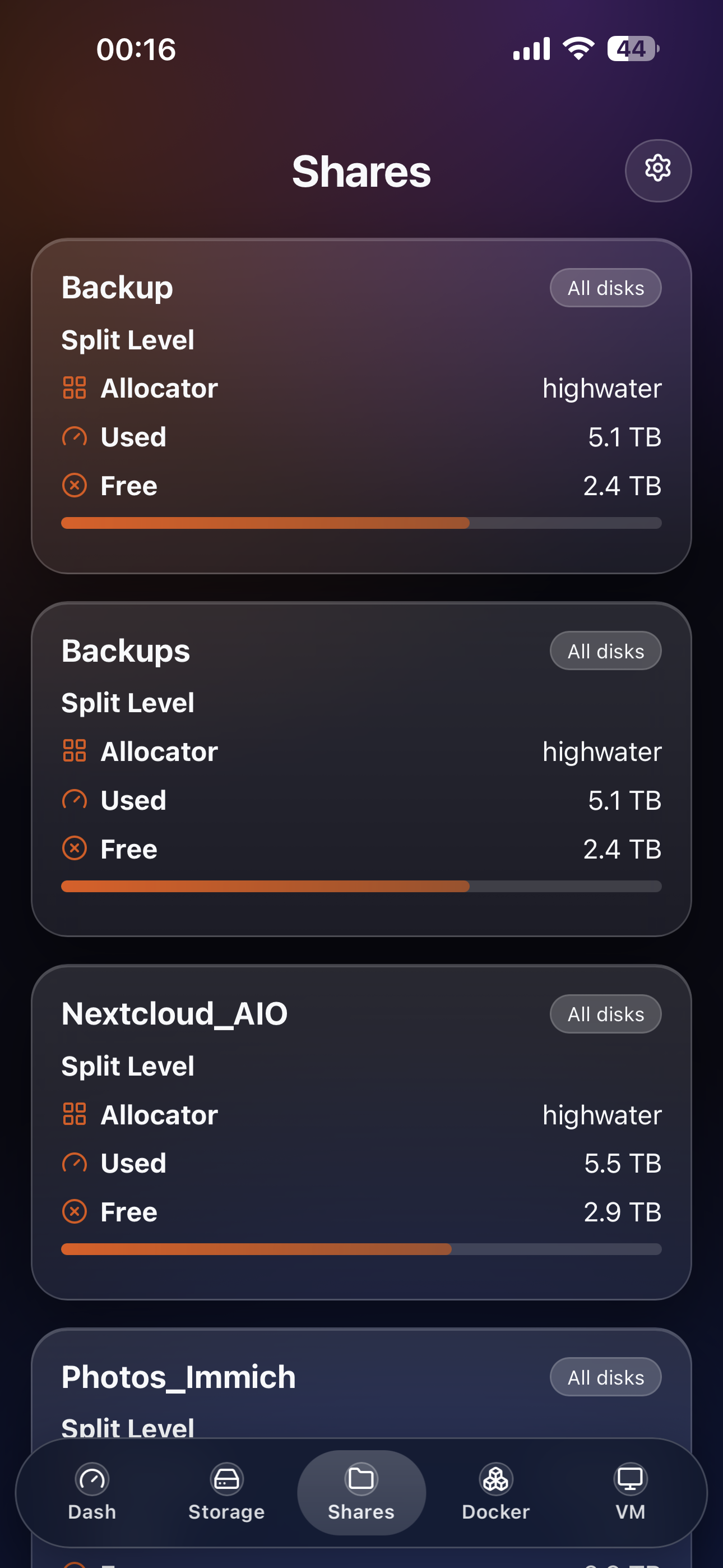
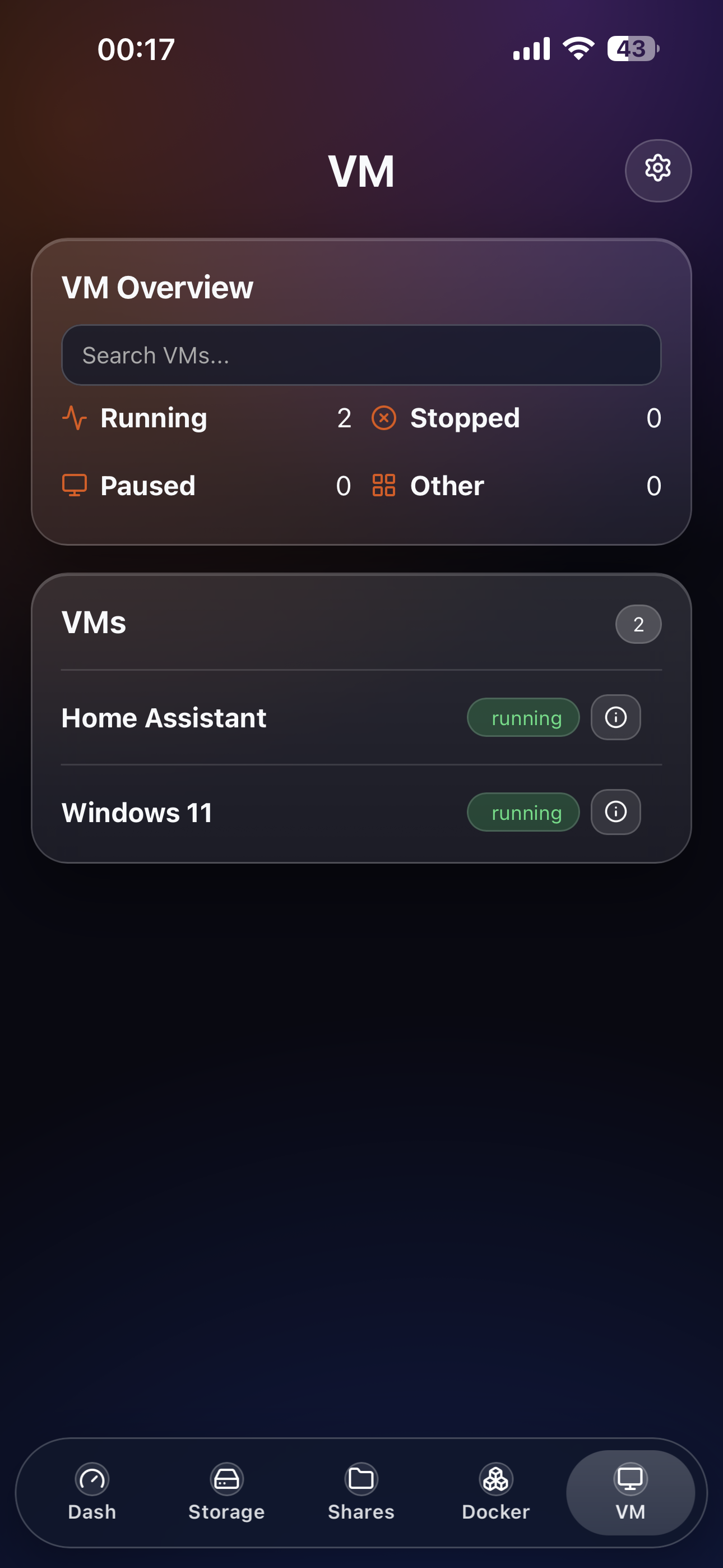
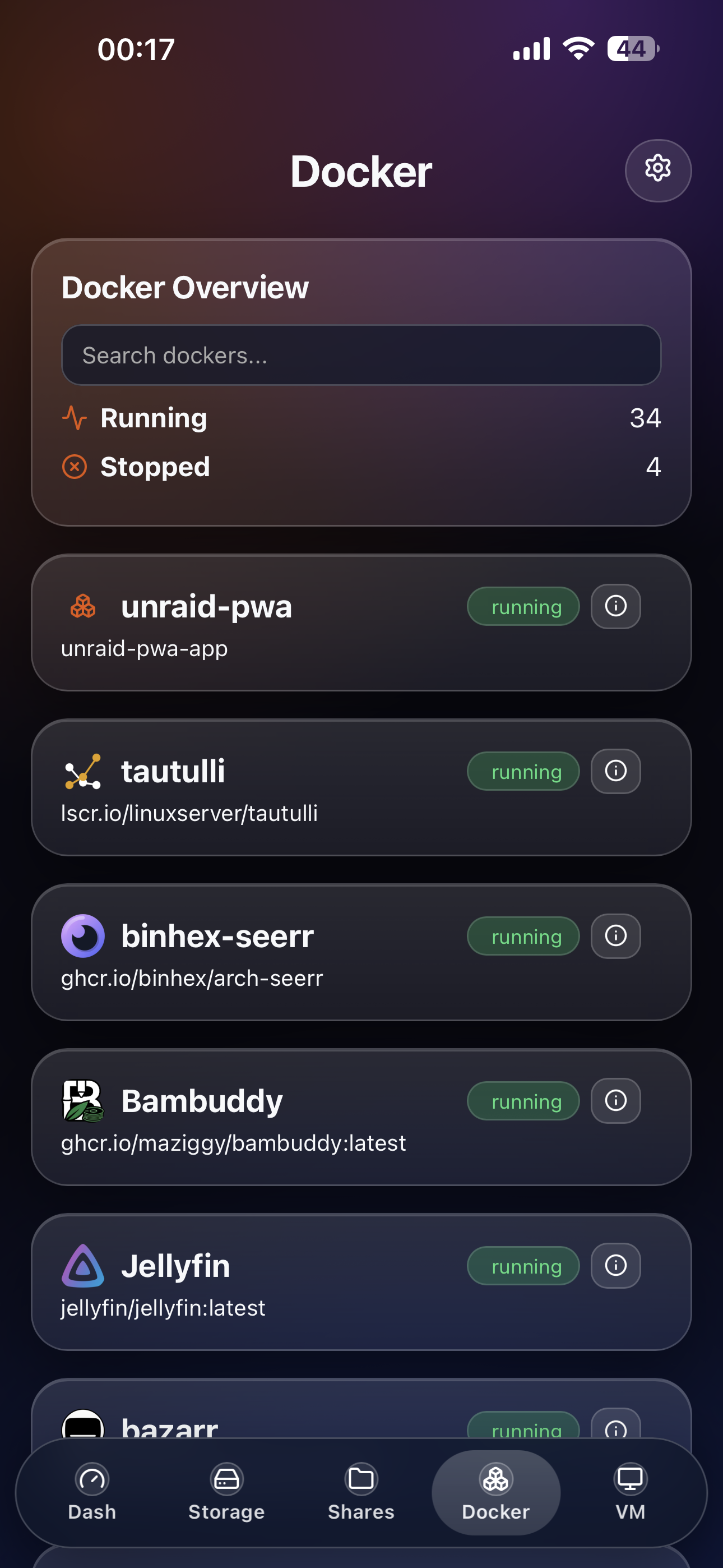
Install On Unraid (Terminal)
This app is not yet in Community Applications. Install it manually with Docker Compose.
Using Pre-built Image (Recommended)
Pre-built Docker images are automatically published to GitHub Container Registry.
Run these commands on your Unraid server terminal:
cd /mnt/user/appdata
git clone https://github.com/laurensguijt/Unraid-PWA.git
cd Unraid-PWA

# Optional: customize environment values
cp .env.example .env
nano .env

# Start using pre-built image
docker compose up -d

# Check status
docker compose ps
Building From Source
If you prefer to build the image locally:
cd /mnt/user/appdata
git clone https://github.com/laurensguijt/Unraid-PWA.git
cd Unraid-PWA

# Optional: customize environment values
cp .env.example .env
nano .env

# Build and start
docker compose up -d --build

# Check status
docker compose ps
Open:
http://<UNRAID-IP>:2442
First run in the UI:
- Add your Unraid server URL (
https://<unraid-ip>:3443) - Add your Unraid API key
- Save setup
Update On Unraid
cd /mnt/user/appdata/Unraid-PWA
git pull
docker compose up -d --build
Stop / Start
cd /mnt/user/appdata/Unraid-PWA
docker compose down
docker compose up -d
Data Persistence
Persistent app data is stored in:
backend/data/servers.enc(encrypted server credentials)backend/data/encryption.key(local encryption key)backend/data/audit.log(write action audit log)
Back up the backend/data folder.
Configuration
.env is optional. Defaults work out of the box.
Available variables (see .env.example):
UNRAID_BFF_PORT(default3001, mapped to host port2442indocker-compose.yml)UNRAID_BFF_ORIGIN(CORS allowlist for cross-origin/apirequests; same-origin usage onhttp://<UNRAID-IP>:2442does not need this)UNRAID_BFF_ENCRYPTION_KEY(optional override; if empty, app auto-generates and persistsbackend/data/encryption.key)UNRAID_BFF_ALLOW_SELF_SIGNED(true/false)UNRAID_BFF_TRUST_PROXY(false,true, or proxy mode)
Local Development
npm --prefix backend install
npm --prefix frontend install
npm run dev:backend
npm run dev:frontend
Frontend dev URL:
http://localhost:5173
Quality Checks
npm run lint
npm run test
npm run test:e2e
License
MIT (LICENSE).
Categories
Related apps
Explore more like this
Explore allDetails
ghcr.io/laurensguijt/unraid-pwa:latestRuntime arguments
- Web UI
http://[IP]:[PORT:3001]/- Network
bridge- Shell
sh- Privileged
- false
Template configuration
Host port for the Unraid-PWA web interface.
- Target
- 3001
- Default
- 2442
Persistent data (servers.enc, encryption.key, audit.log).
- Target
- /app/data
- Default
- /mnt/user/appdata/unraid-pwa
Allow self-signed certs for Unraid server connections (true/false).
- Default
- true
Set true if you run behind a reverse proxy (or specific proxy mode if supported).
- Default
- false
CORS allowlist. Usually leave default when accessing via http://UNRAID-IP:2442.
- Default
- http://localhost:2442
Optional override. If empty, the app generates /app/data/encryption.key.