
All apps · 0 apps
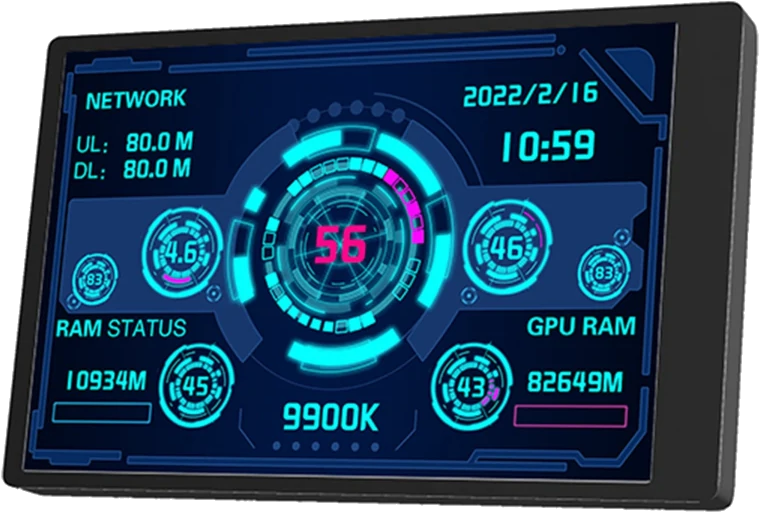
turing-smart-screen
Docker app from waazaa's Repository
Overview
FR:
Statistiques monitorées vers écran compatibles.
Le projet turing-smart-screen en container Docker.
Plus d'informations sur les écrans compatibles et la configuration sur le github du projet:
https://github.com/mathoudebine/turing-smart-screen-python
EN:
Monitor statistics on compatibles screens.
Project turing-smart-screen in Docker.
More informations about material compatibility and settings on the github's project link:
https://github.com/mathoudebine/turing-smart-screen-python
Setup:
- setup variables and mapping
- don't forget to modify the device name of your screen (see result of command dmesg just after connecting your screen)
- if you need to add an nvidia GPU set same variables as Plex/emby/Jellyfin to work with
Start:
Look at the console if your screen didn't work.
Customization:
you will find on the /app's mapped folder the source of the project. On the res/ folder you will find a themes/ folder container some themes.
You can take the name of a folder inside /app/res/themes and set it up to the THEME variable.
Categories
Download Statistics
Related apps
Explore more like this
Explore allLinks
Details
waazaafr/turing-smart-screen:testingRuntime arguments
- Network
host- Shell
bash- Privileged
- false
Template configuration
Your screen device. Found it by connecting it and see just after the result of this console command: dmesg
- Value
- /dev/ttyACM0
- Target
- /app
- Default
- /mnt/user/appdata/turing-smart-screen/
- Value
- /mnt/user/appdata/turing-smart-screen/
The name of the theme. Must be the name of one subfolder of /app/res/themes.
- Value
- Cyberpunk-net
The name of the ethernet interface.
- Default
- br0
- Value
- eth0
To identify your smart screen: https://github.com/mathoudebine/turing-smart-screen-python/wiki/Hardware-revisions
- Default
- A
- Value
- A
Percent of the brightness
- Default
- 20
- Value
- 40
If true the video result will be in landscape mode
- Default
- false
- Value
- false
Version of the release needed
- Default
- 3.9.1
- Value
- 3.9.1