
All apps · 0 apps
ThinkDashboard
Docker app from Uderzo's Repository
Overview
Readme
View on GitHubThinkDashboard
A lightweight, self-hosted bookmark dashboard built with Go and vanilla JavaScript.
✨ Features
- Minimalist Design: Clean, text-based interface
- Keyboard Shortcuts: Assign keys shortcuts to quickly open bookmarks
- Customizable Categories: Organize bookmarks into categories
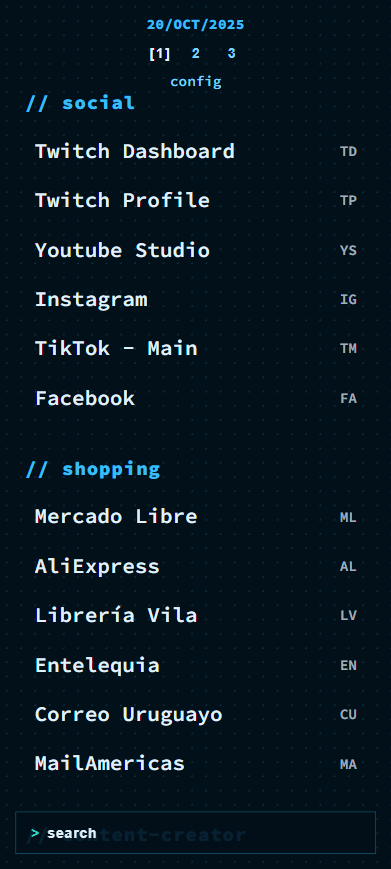
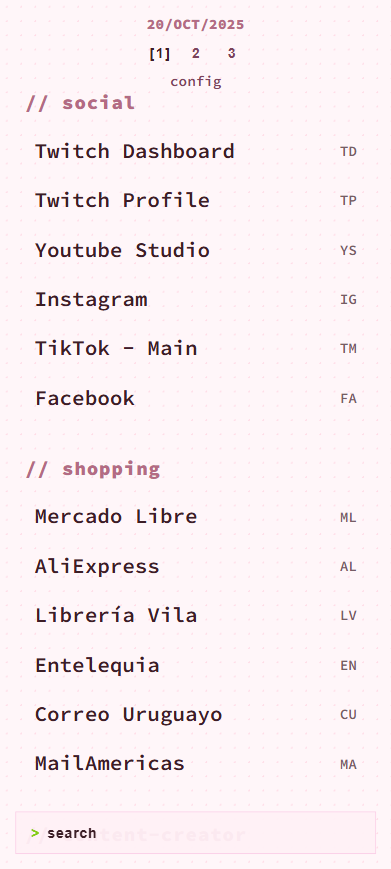
- Theme Support: Dark and light themes
- Theme customization: Full theme customization support with possibility to create infinite variants
- Responsive Design: Works on desktop and mobile devices
🖼️ Screenshots
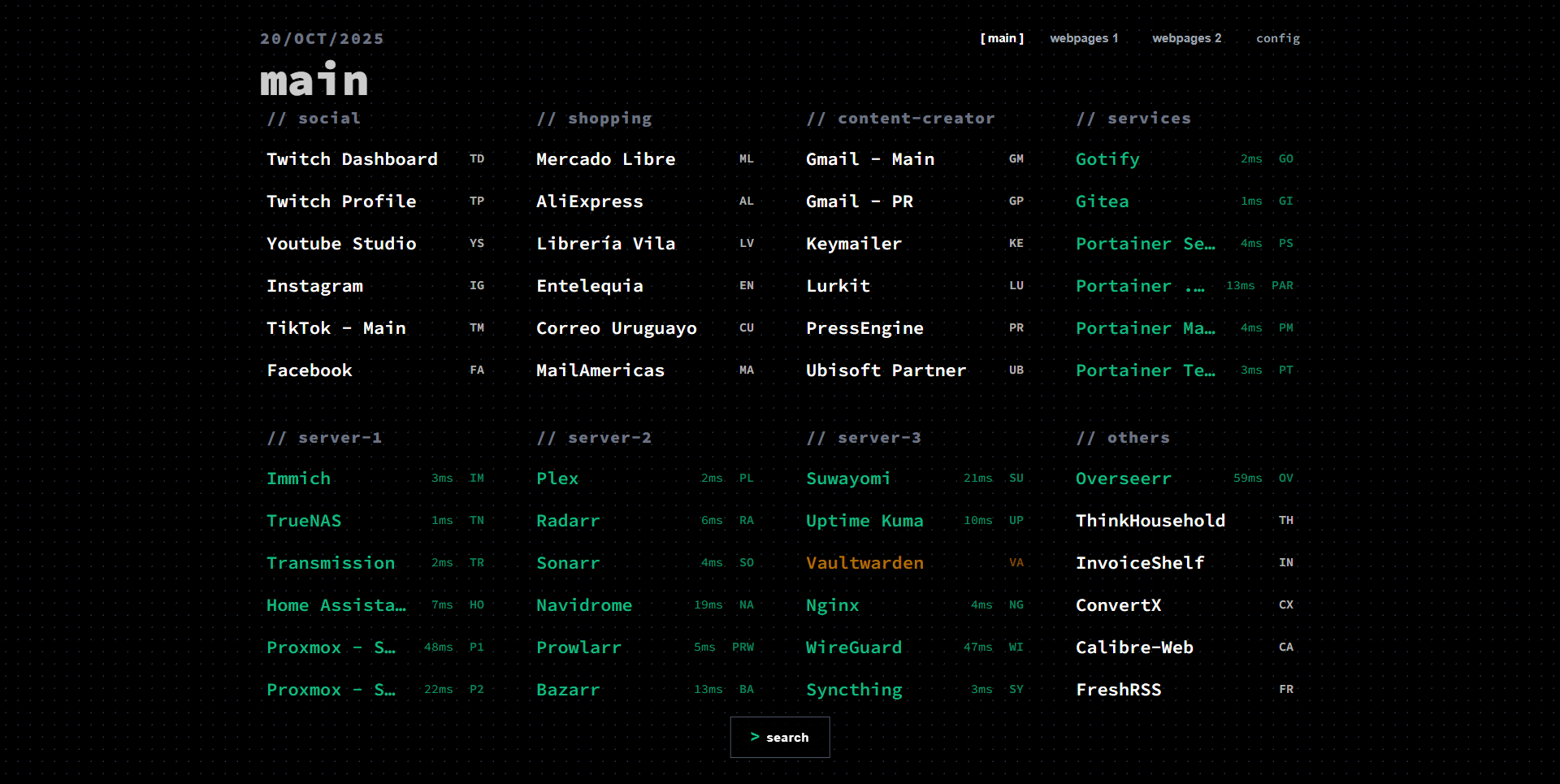 |
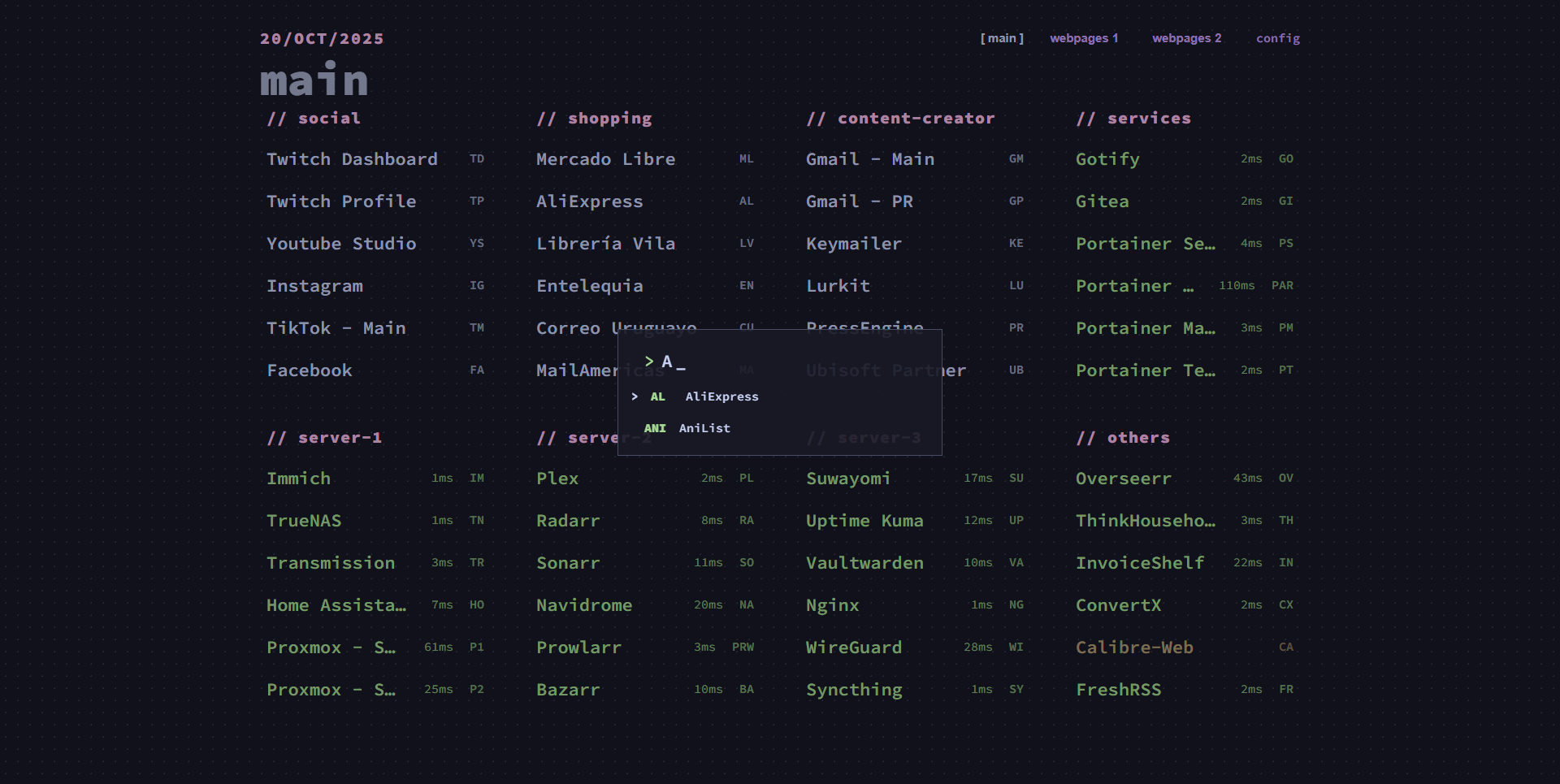 |
|---|---|
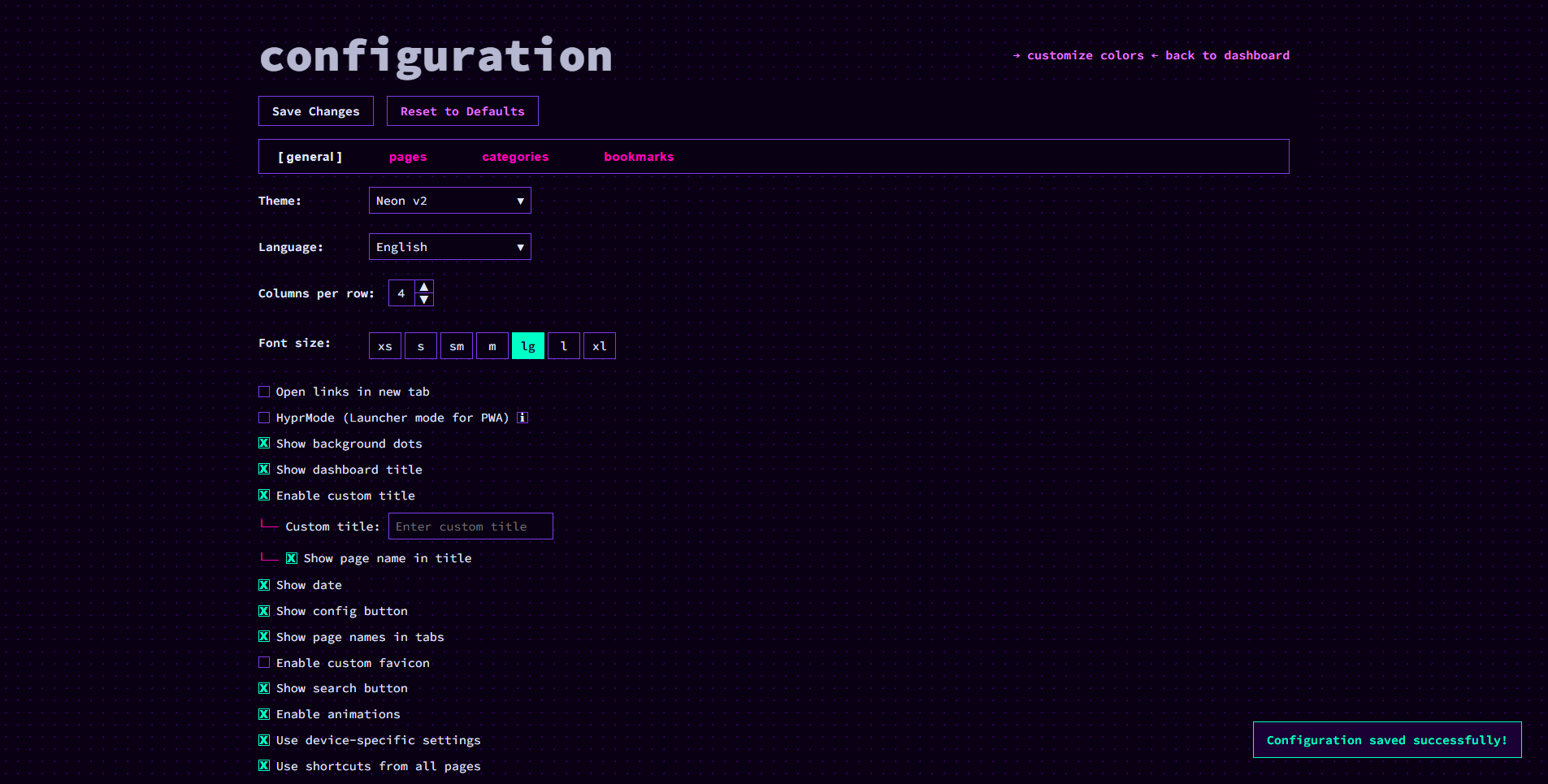 |
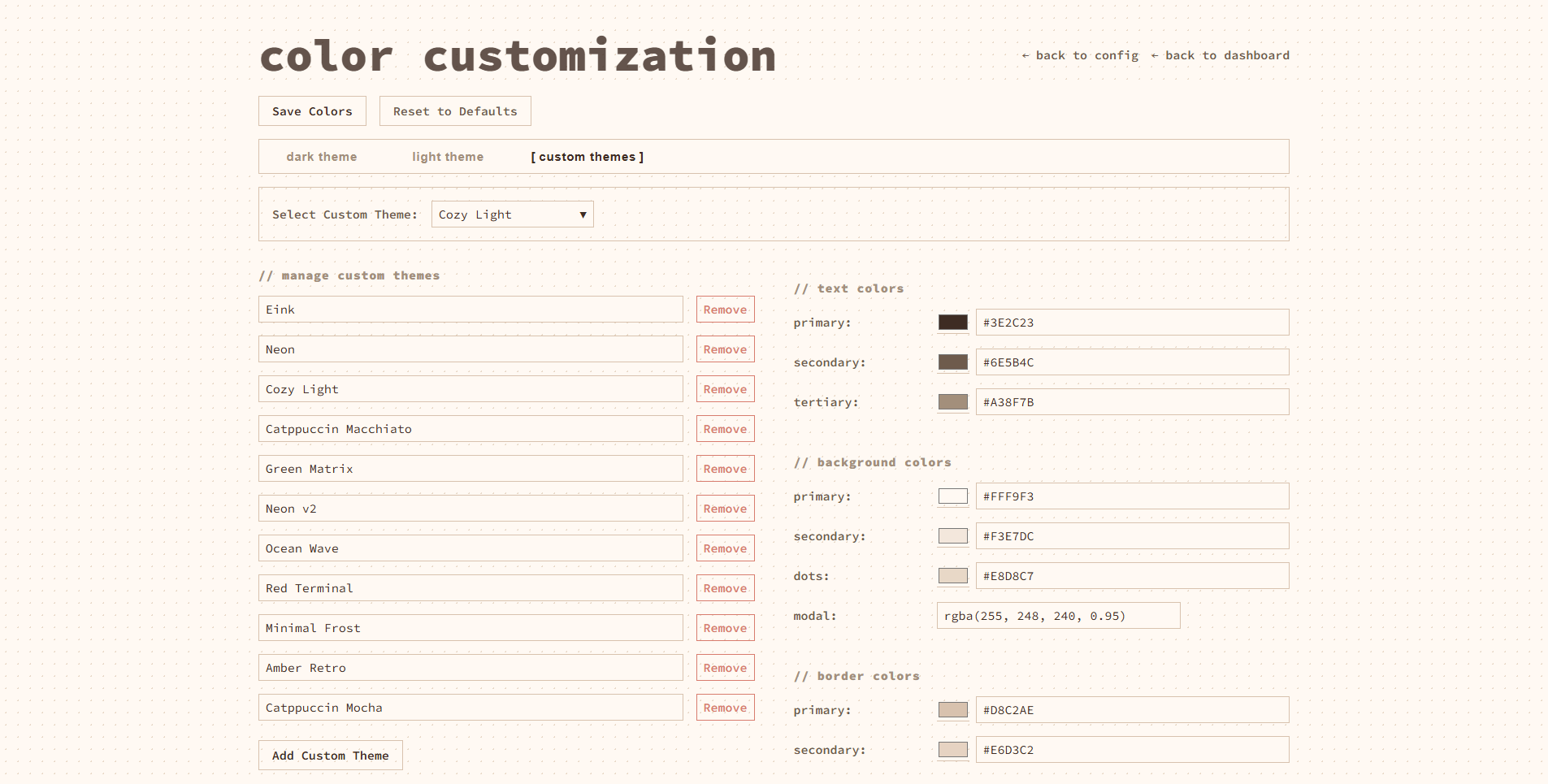 |
📱Mobile view
🚀 Quick Start
Using Docker Compose
services:
  thinkdashboard:
    image: ghcr.io/matiasdesuu/thinkdashboard:latest
    container_name: thinkdashboard
    ports:
      - "8080:8080"
    volumes:
      - ./data:/app/data
    environment:
      - PORT=8080
    restart: unless-stopped
Using Docker
- Run the container:
docker run --name thinkdashboard -d -p 8080:8080 -v ./data:/app/data -e PORT=8080 --restart unless-stopped ghcr.io/matiasdesuu/thinkdashboard:latest
- Open your browser and navigate to
http://localhost:8080
Using Go
- Clone the repository:
git clone https://github.com/MatiasDesuu/ThinkDashboard.git
cd ThinkDashboard
- Install dependencies:
go mod tidy
- Run the application:
go run .
- Open your browser and navigate to
http://localhost:8080
⚙️ Configuration
Access the configuration page by navigating to /config or clicking the "config" link in the top-right corner of the dashboard.
You can also access it by typing config in the Search bar.
🎨 Color Customization
Access the color customization page by navigating to /colors or clicking the "customize colors" in the config page.
You can also access it by typing colors in the Search bar.
⌨️ Keyboard Shortcuts
Assign keys shortcuts to your bookmarks for quick access. Simply press the assigned keys on the dashboard to open the bookmark.
💾 Data Storage
Configuration data is stored in JSON files in the data/ directory:
bookmarks-X.json: Your bookmarks (each page will have the corresponded number, bookmarks-1.json, bookmarks-2.json, etc.)colors.json: Your theme colors (default and customs)pages.json: Pages ordersettings.json: Application settings
⚖️ License
This project is licensed under the MIT License - see the LICENSE file for details.
Categories
Related apps
Explore more like this
Explore allDetails
ghcr.io/matiasdesuu/thinkdashboard:latestRuntime arguments
- Web UI
http://[IP]:[PORT:8080]- Network
bridge- Shell
sh- Privileged
- false
- Extra Params
--restart unless-stopped
Template configuration
- Target
- 8080
- Default
- 8080
- Target
- /app/data
- Default
- /mnt/user/appdata/thinkdashboard