
All apps · 0 apps

theme-park
Docker app from Selfhosters
Overview
theme.park contains 50 themed applications, with css addons on certain themes.
Installation methods include custom docker mods for linuxserver.io containers, custom scripts for select Hotio containers and multiple examples of subfiltering using webservers like Nginx and Apache
Choose between 10 official styles, and 22 community styles! With the possibility to easily create your own themes using the defined variables.
See https://theme-park.dev/ and https://docs.theme-park.dev/setup/#docker for more information
Installation methods include custom docker mods for linuxserver.io containers, custom scripts for select Hotio containers and multiple examples of subfiltering using webservers like Nginx and Apache
Choose between 10 official styles, and 22 community styles! With the possibility to easily create your own themes using the defined variables.
See https://theme-park.dev/ and https://docs.theme-park.dev/setup/#docker for more information
Readme
View on GitHub








A collection of themes/skins for your favorite apps!
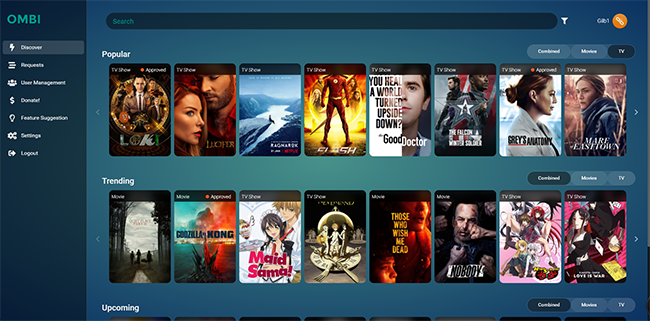
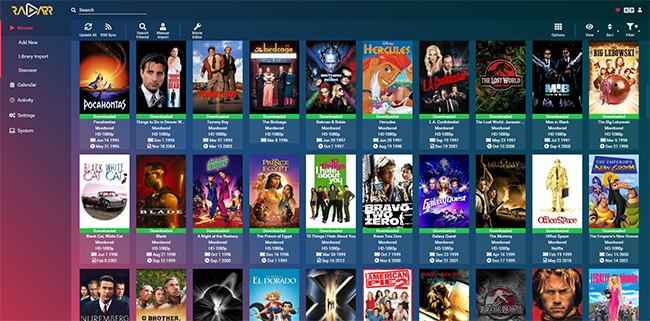
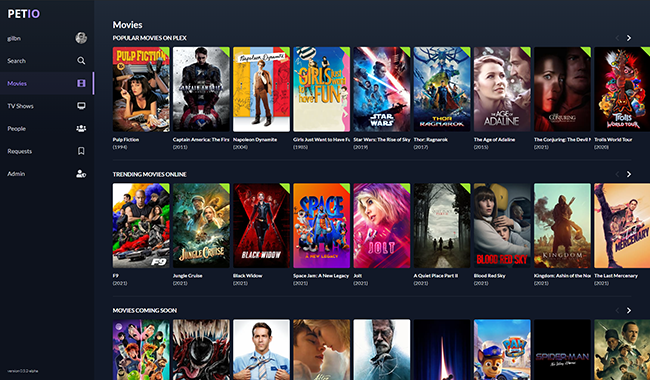
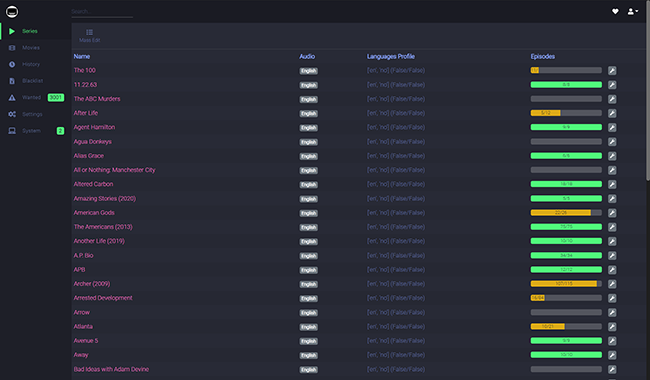
Themes
Click on the banners for screenshots.











Installation
Addons
Community Themes
Adding your own theme-options
Current themes in the repo
|
|
|
|
|
|
|
|
|
|
|
|
|
|
|
|
|
|
|
|
|
|
|
|
|
|
|
|
|
|
|
|
|
|
|
|
|
|
|
|
|
|
|
|
|
|
|
|
|
|
|
|
|
|
|
|
|
|
|
|
|
|
|
|
|
|
|
|
|



























































Categories
Related apps
Explore more like this
Explore allLinks
Details
Repository
ghcr.io/themepark-dev/theme.parkLast Updated2026-10-15
First Seen2023-10-11
Runtime arguments
- Web UI
http://[IP]:[PORT:80]- Network
bridge- Shell
bash- Privileged
- false
Template configuration
HTTP WebUIPorttcp
Container Port: 80
- Target
- 80
HTTPS WebUIPorttcp
Container Port: 443
- Target
- 443
DomainVariable
Container Variable: TP_DOMAIN - Optional - Add your own domain. Defaults to the nginx var $http_host
- Target
- TP_DOMAIN
URI SchemeVariable
Container Variable: TP_SCHEME - Optional - If this is set, the TP_DOMAIN domain will be set to use this URI scheme internally in the css files. Default is the nginx var $scheme
- Target
- TP_SCHEME
URL BaseVariable
Container Variable: TP_URLBASE - Optional - This will make the CSS files accessible on a subfolder instead of the root. ex domain.com/themepark/css/base/plex/overseerr.css
- Target
- TP_URLBASE
AppdataPathrw
Appdata
- Target
- /config
PUIDVariable
Container Variable: PUID
- Default
- 99
PGIDVariable
Container Variable: PGID
- Default
- 100