
All apps · 0 apps

TendaController
Docker app from Margot's Repository
Overview
This is a simple web controller for the Tenda SP9 smart plug.
- ROUTER_IP (env variable) to force your router ip if not 192.168.1.1
- Serve at port 80.
- JSON file is located at
/config/, add this to a volume to see it outside of the image.
The first run may take around 10 seconds (more if you don't have a decent CPU or local network). Because the application fetchs all Tenda SP9 devices over the local network.
Readme
View on GitHubTenda SP9 Controller
This is a simple controller for the Tenda SP9 smart plug. Thanks to rex_3 for providing the endpoints of the plugs.
Installation
Requirements
- Python 3
- Pip
- Git
Steps
- Clone the repository
git clone
- Install the requirements
pip install -r requirements.txt
- Run the script
python3 tenda_controller.py
Usage
To use the script, run the following command:
python3 tenda_controller.py
If it does not work, try with python or py instead of python3.
The script is a web server that listens on port 8080.
How does it work?
The script sees if plugs.json does exist (this is were IP addresses and names of the plugs are stored). If it does not exist the script will run another script (tenda_scraper.py) and wait for it to finish.
After this, we do have all IP addresses needed to control the plugs. The script will then start a web server that listens on port 8080. The web server has 3 endpoints:
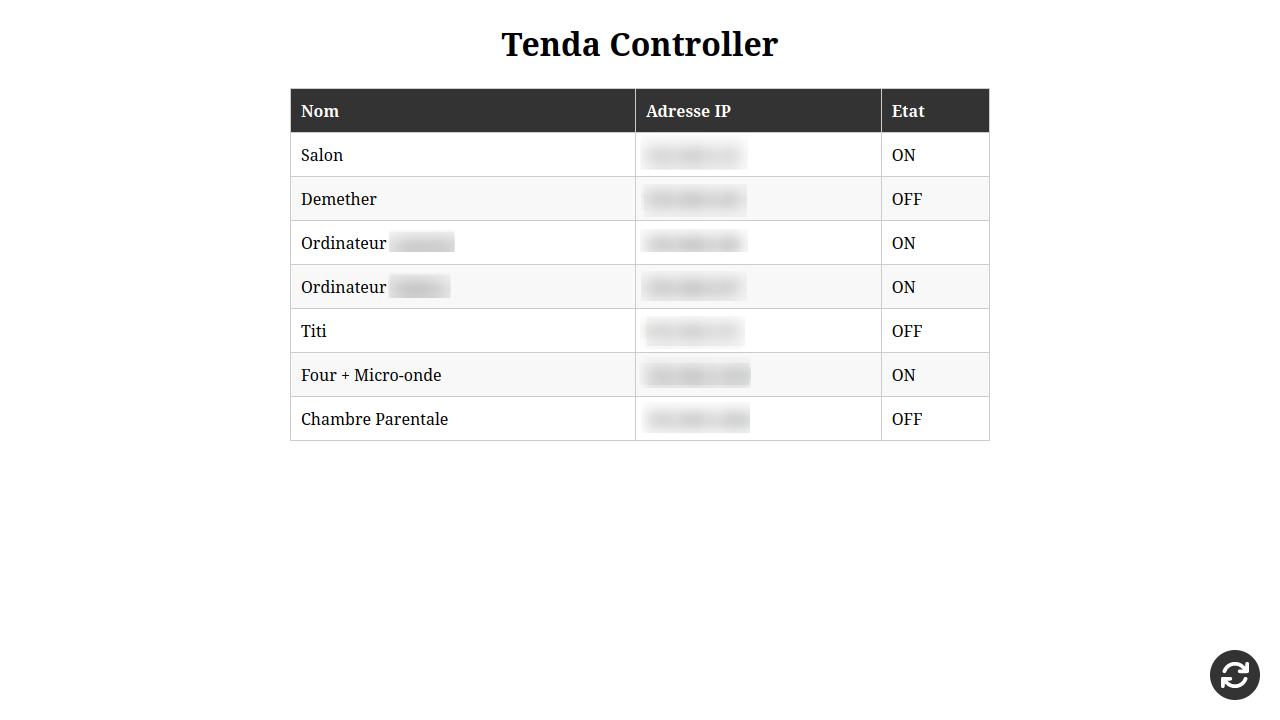
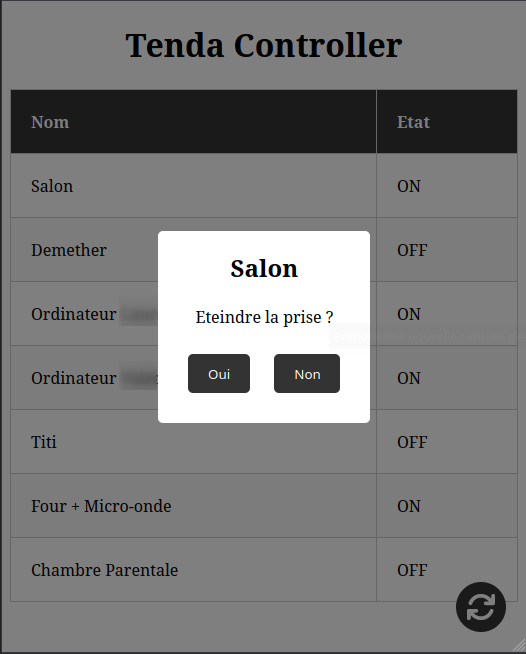
/- This is the main page. It shows all plugs and their status. By clicking on the row a modal will pop up that allows you to toogle the plug./toggle- This endpoint is used to toggle a plug. This one is used "in background" by the main page. The ip is in the url as/toogle/<ip>./refresh- This endpoint refreshplugs.jsonand reloads the main page. This is used when you add, remove or when the IP address of a plug changes.
I am in the main page, what do I do?
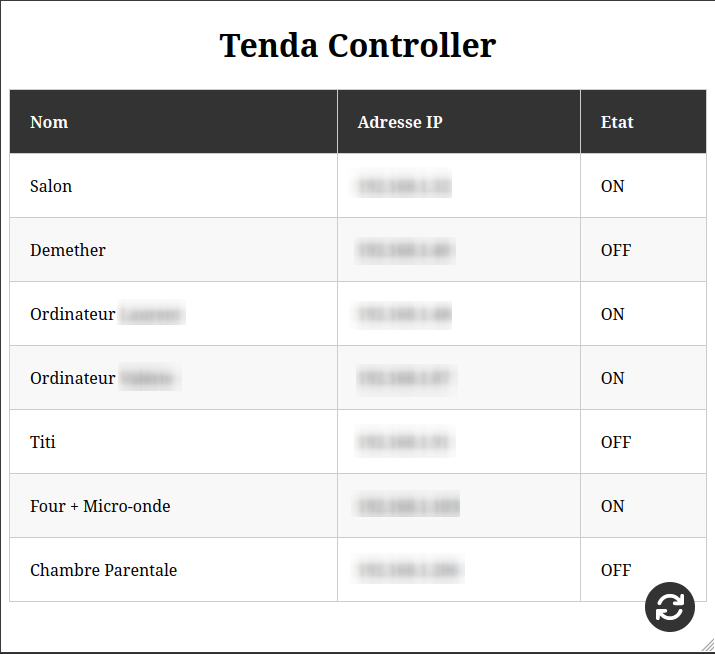
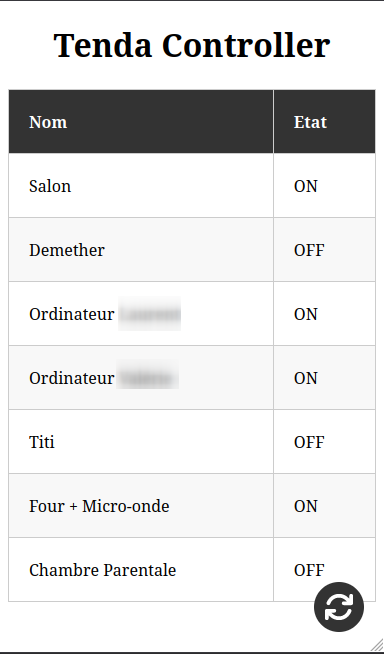
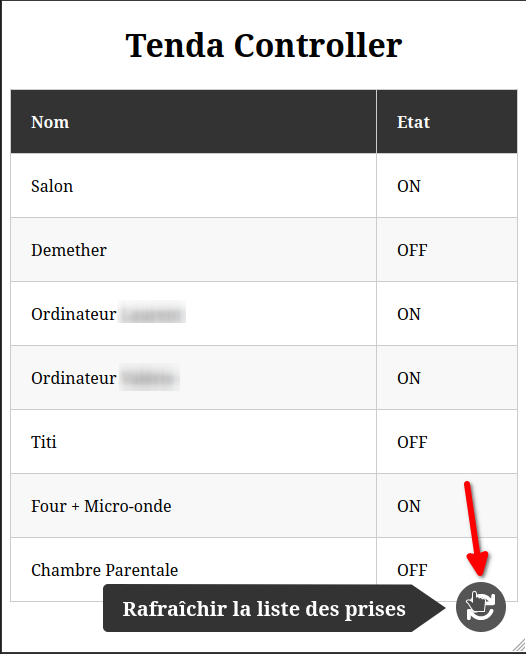
- The main page shows all plugs and their status.
- By clicking on the row of a plug a modal will pop up that allows you to toogle the plug.
- At the bottom of the page there is a button that allows you to refresh all the plugs found to get all newly accessible plugs (it changes only the
.jsonfile and not the plugs).
I refresh but one or multiple plugs are missing
Right, this is because the script only looks for plugs that are on the same network as the computer/server running the script. So, if you have a plug that is not on the same network as the computer/server running the script, it will not be found. To fix this, you can add the IP address of the plug to plugs.json manually.
It can also happen when a plug is bugged and need to be reset. To do this, hold the button on the plug for 10 seconds (unplugging until there is no led anymore works too). After this, the plug will be reset. Its possible that you will need to configure the plug again using the Tenda app. When the plug is OK (when the light is blue, and not blinking) you can click on the refresh button in the main page or add the IP address of the plug to plugs.json manually.
I want to add a plug
After the plug is rightly configured and at least accessible from the computer/server running the script, you can click on the refresh button in the main page or add the IP address of the plug to plugs.json manually.
I want to remove a plug
Unplug the plug and click on the refresh button in the main page or remove the IP address of the plug from plugs.json manually.
I want to change the name of a plug
Change the name of the plug via the Tenda app or ultimatly change the name in plugs.json manually.
Screenshots
On Computer (PC)
On Tablet
On Phone
Modal
Refresh
Download Statistics
Related apps
Explore more like this
Explore allDetails
ponylucky/tenda-controllerRuntime arguments
- Web UI
http://[IP]:[PORT:80]/- Network
bridge- Shell
sh- Privileged
- false
Template configuration
Port to access WebUI
- Target
- 80
- Default
- 8800
- Value
- 8800
Config path to access 'plugs.json'.
- Target
- /config
- Default
- /mnt/user/appdata/tenda-controller/
- Value
- /mnt/user/appdata/tenda-controller/
To force your Router IP if not 192.168.1.1
- Target
- ROUTER_IP
- Default
- 192.168.1.1
- Value
- 192.168.1.1