
All apps · 0 apps

Telegram-Files
Docker app from jarvis2f's Repository
Overview
Readme
View on GitHub

Telegram Files
A self-hosted Telegram file downloader for continuous, stable, and unattended downloads.


🔗 Table of Contents
- 📍 Overview
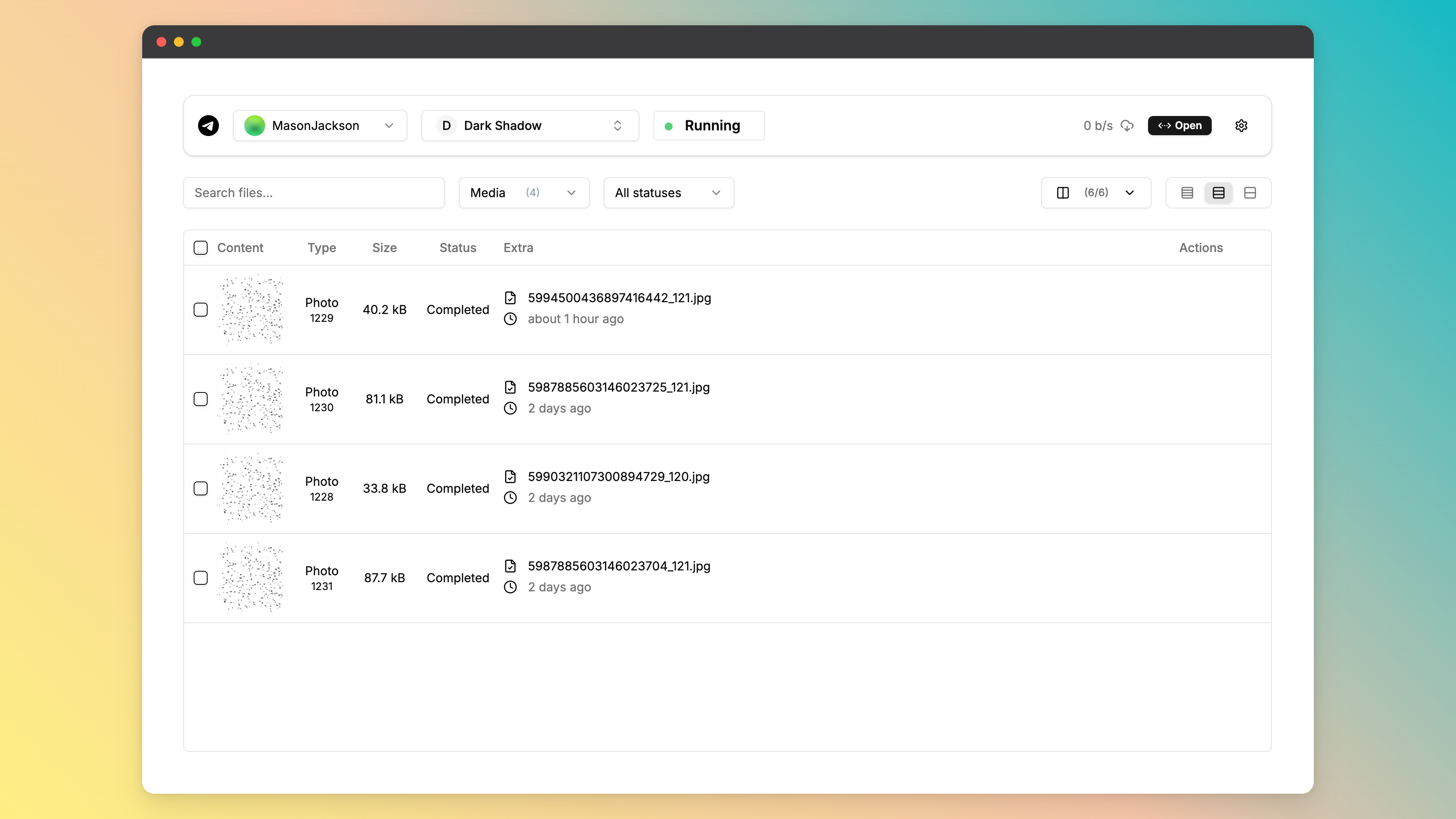
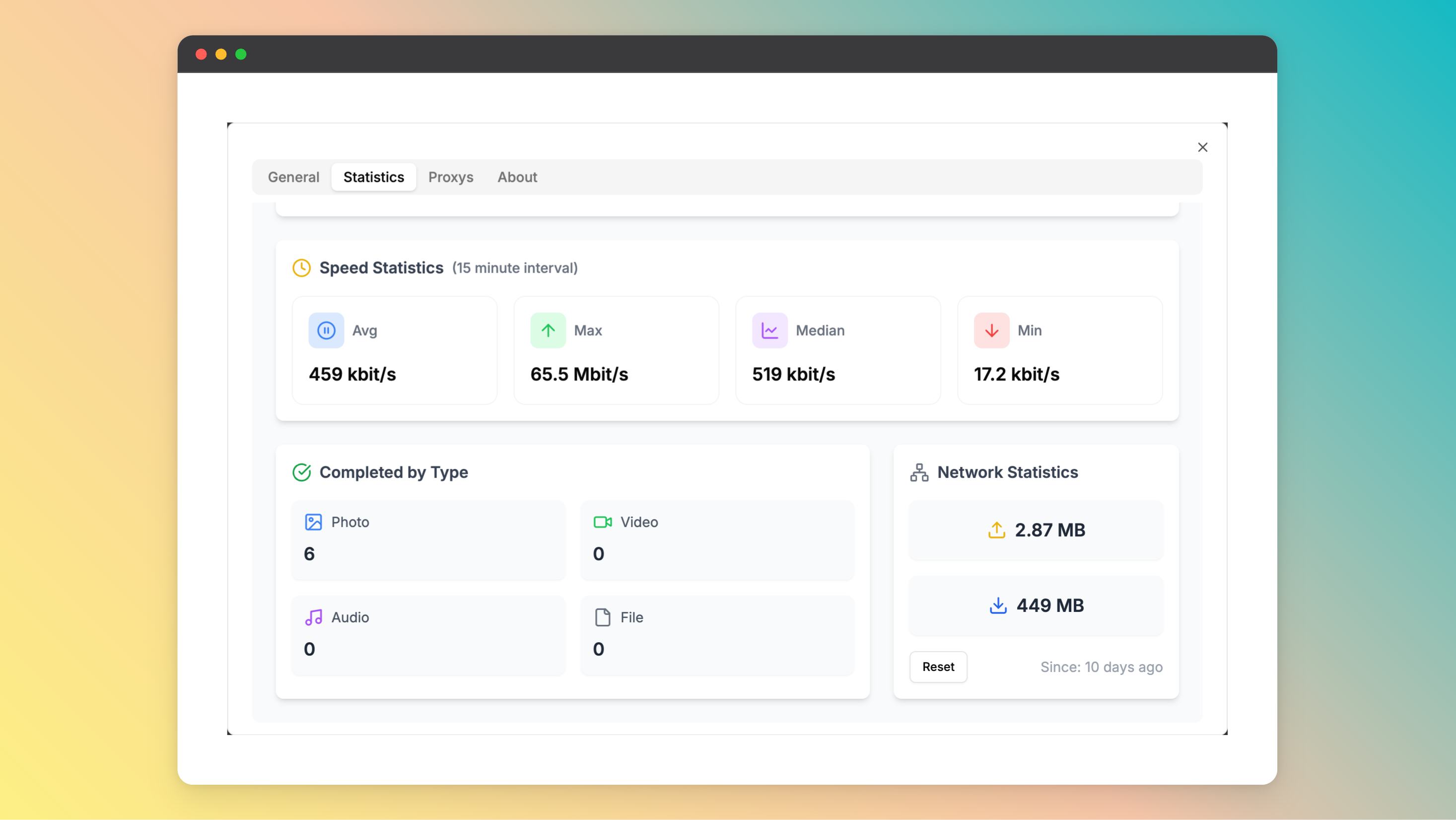
- 🧩 Screenshots
- 🚀 Getting Started
- ⌨️ Development
- 📌 Project Roadmap
- 🔰 Contributing
- 🎗 License
- 🆗 FAQs
📍 Overview
- Seamless file downloads from Telegram channels and groups
- Support for multiple Telegram accounts to manage and download files simultaneously
- Pause and resume downloads anytime, with automatic file transfer to designated destinations
- Instant preview of downloaded videos and images
- Fully responsive design with mobile-friendly access, Progressive Web App (PWA) support, and offline capabilities
- Easily fetch files from Telegram shared links
🧩 Screenshots
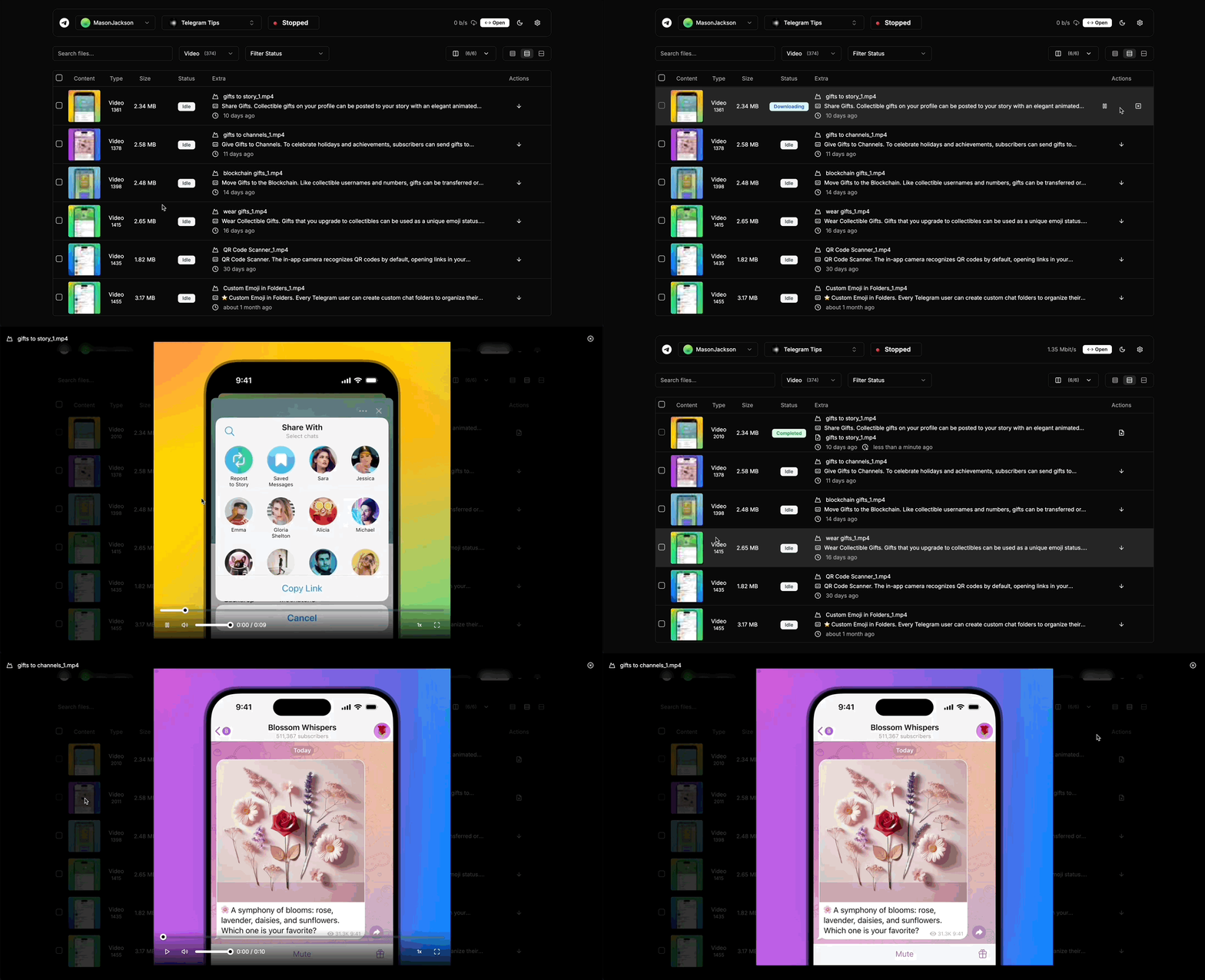
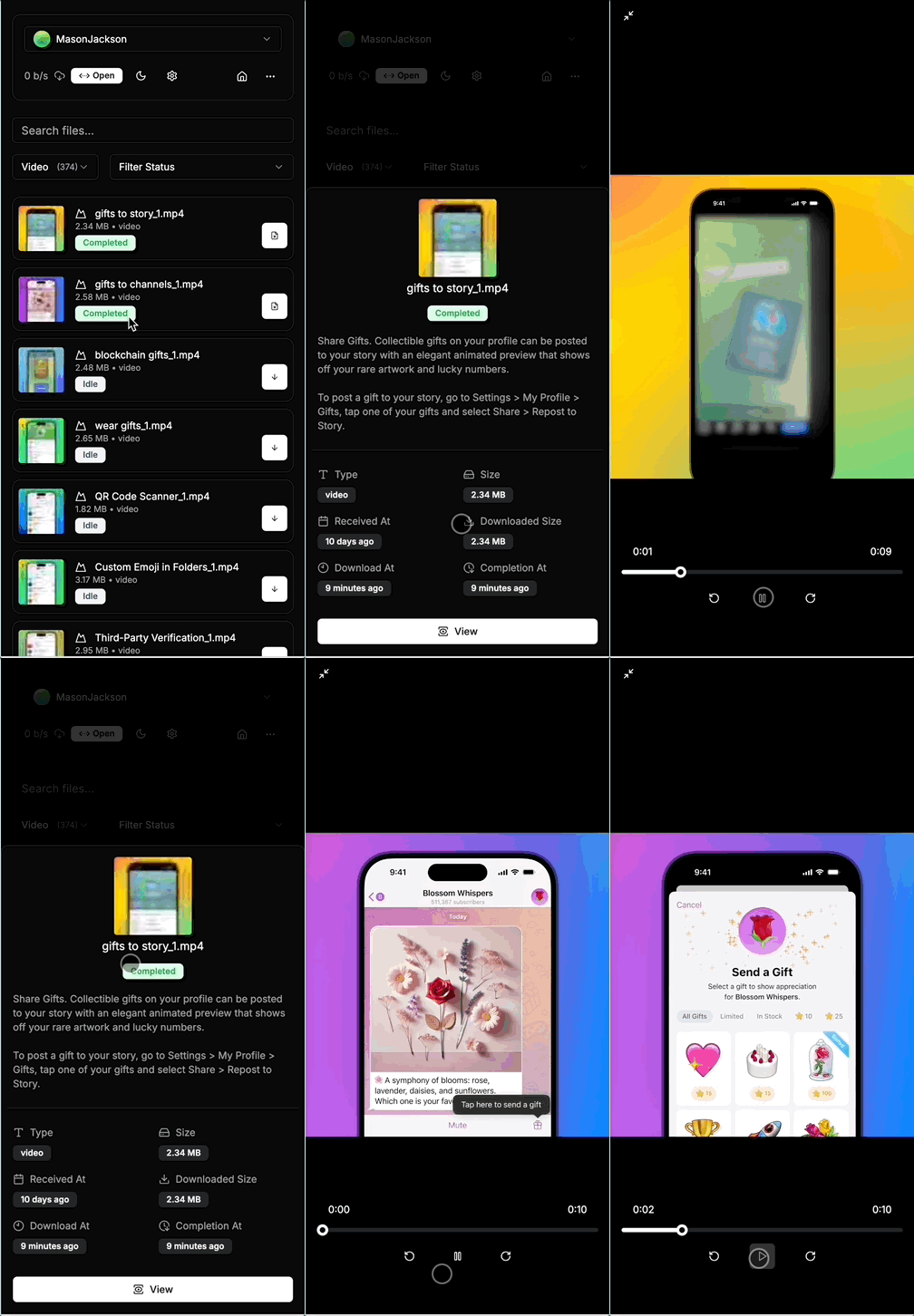
More Screenshots
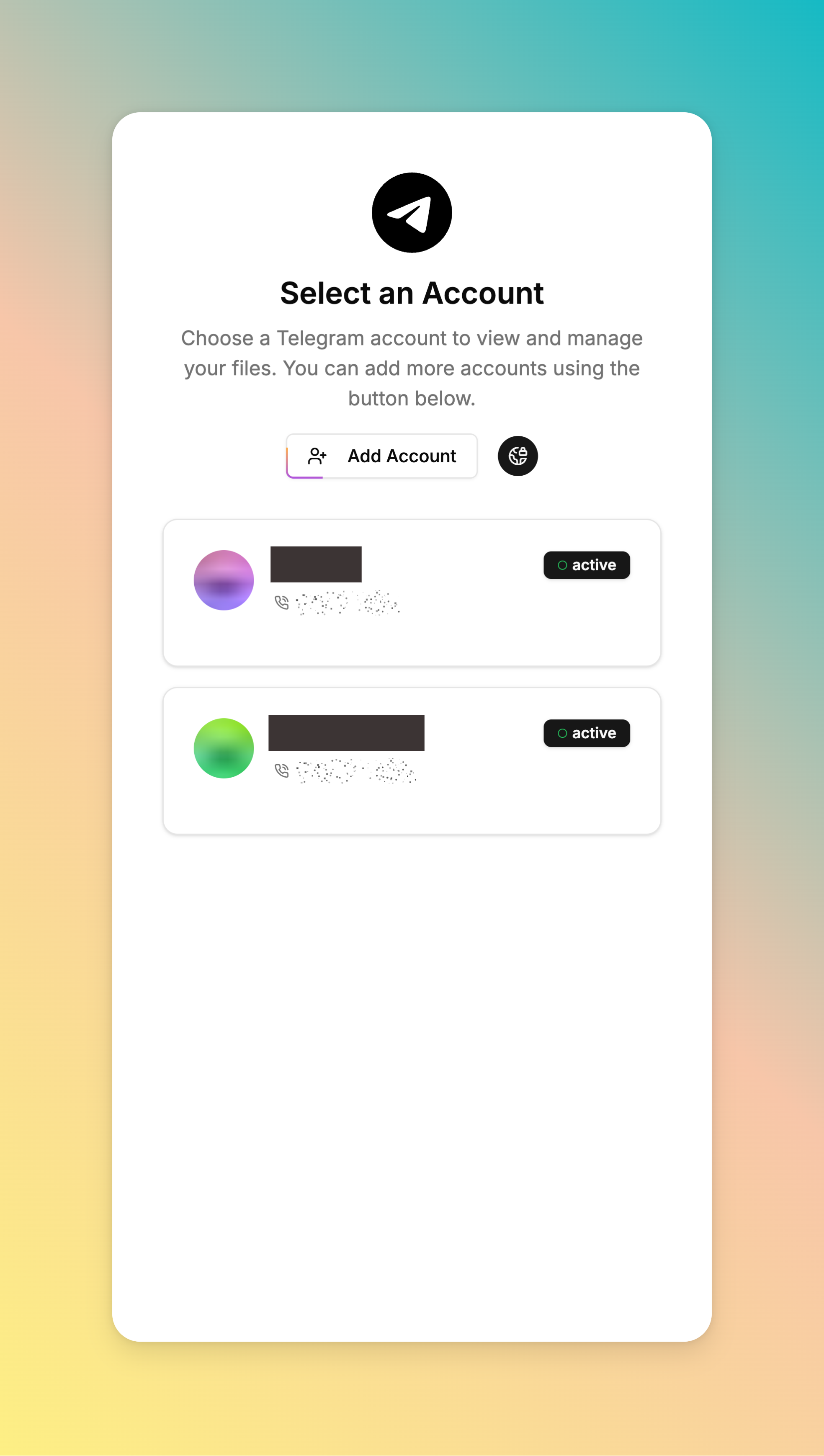
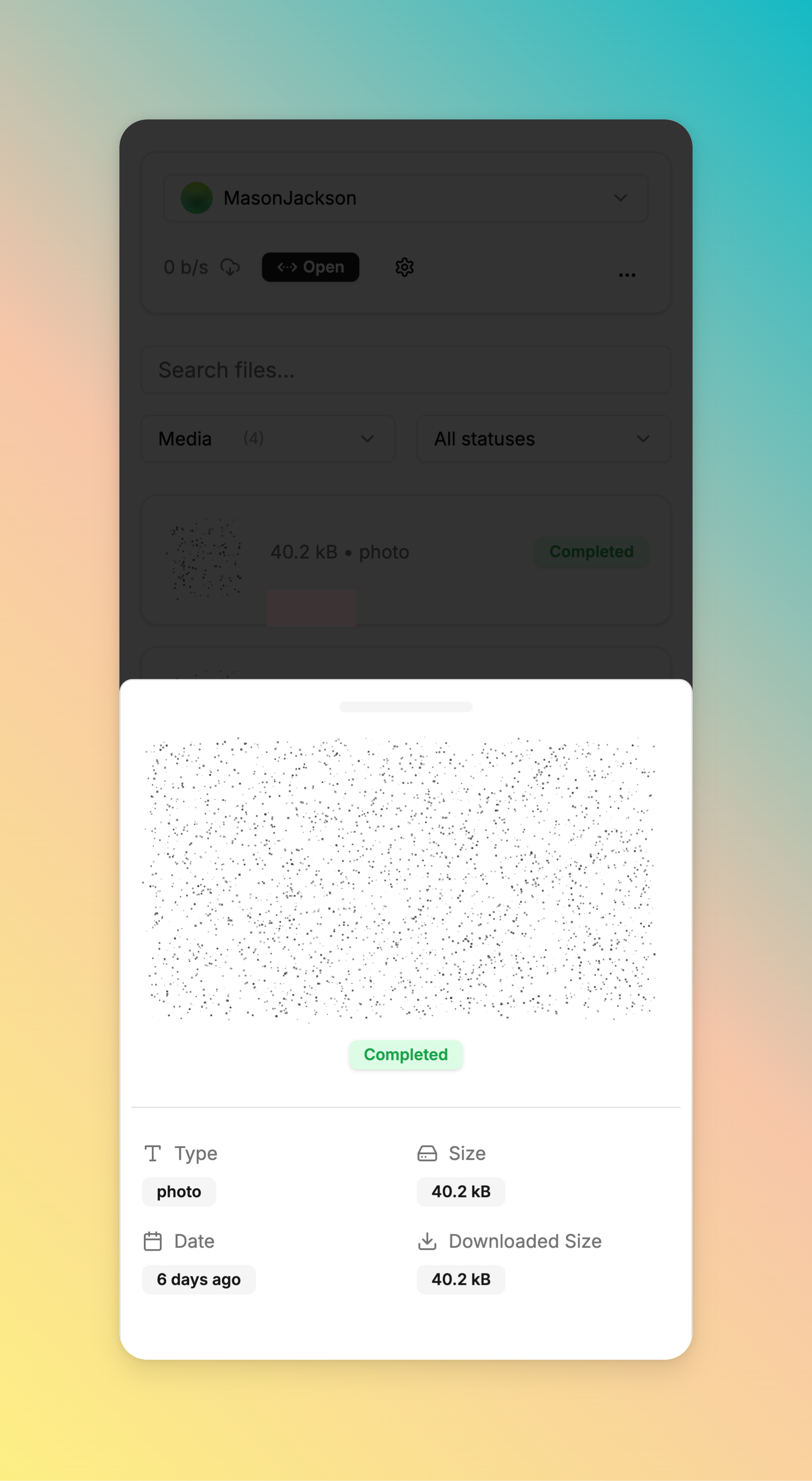
🚀 Getting Started
Before getting started with telegram-files, you should apply a telegram api id and hash. You can apply for it on the Telegram API page.
⚡ Docker Script (Recommended)
Run the interactive script to install, configure, stop, or update telegram-files (Supported OS: Linux amd64/arm64):
curl -fsSL https://raw.githubusercontent.com/jarvis2f/telegram-files/main/scripts/deploy.sh | bash
Script Command Usages
You can also run subcommands directly:
./scripts/deploy.sh start    # Install & start service
./scripts/deploy.sh stop     # Stop service
./scripts/deploy.sh update   # Pull latest image & restart
./scripts/deploy.sh restart  # Restart service
./scripts/deploy.sh status   # Check container status
./scripts/deploy.sh logs     # View live logs
./scripts/deploy.sh config   # Modify environment configuration
Using docker

docker run -d \
  --name telegram-files \
  --restart always \
  -e APP_ENV=${APP_ENV:-prod} \
  -e APP_ROOT=${APP_ROOT:-/app/data} \
  -e HTTP_SECURE_COOKIES=${HTTP_SECURE_COOKIES:-false} \
  -e TELEGRAM_API_ID=${TELEGRAM_API_ID} \
  -e TELEGRAM_API_HASH=${TELEGRAM_API_HASH} \
  -p 6543:80 \
  -v ./data:/app/data \
  ghcr.io/jarvis2f/telegram-files:latest
Using docker-compose
Copy docker-compose.yaml and .env.example to your project directory and run the following command:
docker-compose up -d
Install on unRaid
On unRaid, install from the Community Repositories by searching for telegram-files.
Security note: Management APIs, file previews, and WebSockets require an administrator session. Use HTTPS, configure
HTTP_ALLOWED_ORIGINS, and complete the first-administrator bootstrap before exposing the service.
On the first start, the API prints a 15-minute one-time bootstrap code. Open the UI from loopback or the same private
LAN and create the first administrator before exposing the service. A reverse proxy must preserve
X-Real-IP, X-Forwarded-Host, and X-Forwarded-Proto; the bundled Nginx configuration already does this.
Password recovery is local-only and revokes every active session:
java -cp api/build/libs/telegram-files.jar telegram.files.Maintain admin reset-password owner
java -cp api/build/libs/telegram-files.jar telegram.files.Maintain admin apply-reset owner
⌨️ Development
☑️ Prerequisites
Before getting started with telegram-files, ensure your runtime environment meets the following requirements:
- Programming Language: JDK23,TypeScript
- Package Manager: Gradle,Npm
- Container Runtime: Docker
⚙️ Installation
Install telegram-files using one of the following methods:
Build from source:
- Clone the telegram-files repository:
git clone https://github.com/jarvis2f/telegram-files
- Navigate to the project directory:
cd telegram-files
- Install the project dependencies:
Using npm

cd web
npm install
Using gradle

cd api
gradle build
Using docker
docker build -t jarvis2f/telegram-files .
📌 Project Roadmap
- ✅
Task 1: Automatically download files based on set rules. - ✅
Task 2: Download statistics and reports. - ✅
Task 3: Improve Telegram’s login functionality. - ✅
Task 4: Support auto transfer files to other destinations. - ✅
Task 5: File table is optimized using virtual lists. - ✅
Task 6: Preload file information to support responsible searches.
🔰 Contributing
- 💬 Join the Discussions: Share your insights, provide feedback, or ask questions.
- 🐛 Report Issues: Submit bugs found or log feature requests
for the
telegram-filesproject. - 💡 Submit Pull Requests: Review open PRs, and submit your own PRs.
Contributing Guidelines
- Fork the Repository: Start by forking the project repository to your github account.
- Clone Locally: Clone the forked repository to your local machine using a git client.
git clone https://github.com/jarvis2f/telegram-files - Create a New Branch: Always work on a new branch, giving it a descriptive name.
git checkout -b new-feature-x - Make Your Changes: Develop and test your changes locally.
- Commit Your Changes: Commit with a clear message describing your updates.
git commit -m 'Implemented new feature x.' - Push to github: Push the changes to your forked repository.
git push origin new-feature-x - Submit a Pull Request: Create a PR against the original project repository. Clearly describe the changes and their motivations.
- Review: Once your PR is reviewed and approved, it will be merged into the main branch. Congratulations on your contribution!
🎗 License
This project is protected under the MIT License. For more details, refer to the LICENSE file.
🆗 FAQs
Q. Web's spoiler is static, how to solve it?
A. 1. Because CSS Houdini Paint API is not supported by all browsers. 2. It is only supported on https.
Use in http environment, you can use the following method to solve it
Open the chrome://flags page, search for Insecure origins treated as secure, and add the address of the web page to
the list.
Q. How to use the telegram-files maintenance tool?
A. You can use the following command to run the maintenance tool(before running the command, you should stop telegram-files container):
Command
docker run --rm \
  --entrypoint tfm \
  -v $(pwd)/data:/app/data \
  -e APP_ROOT=${APP_ROOT:-/app/data} \
  -e TELEGRAM_API_ID=${TELEGRAM_API_ID} \
  -e TELEGRAM_API_HASH=${TELEGRAM_API_HASH} \
  ghcr.io/jarvis2f/telegram-files:latest ${Maintenance Command}
Maintenance Command:
album-caption: Fixed issue with missing caption for album messages before0.1.15.thumbnail: Fixed issue with missing clear thumbnail.admin reset-password <username>: Issue a one-time local administrator recovery code and revoke active sessions.admin apply-reset <username>: Apply the recovery code and set a new administrator password interactively.
Categories
Related apps
Explore more like this
Explore allDetails
ghcr.io/jarvis2f/telegram-files:latestRuntime arguments
- Web UI
https://[IP]:[PORT:80]/- Network
bridge- Shell
sh- Privileged
- false
Template configuration
The port for the web interface.
- Target
- 80
- Default
- 6543
- Value
- 6543
The root directory for the application.
- Target
- APP_ROOT
- Default
- /app/data
- Value
- /app/data
The API ID from https://my.telegram.org/apps
- Target
- TELEGRAM_API_ID
The API Hash from https://my.telegram.org/apps
- Target
- TELEGRAM_API_HASH
The root directory for the application. If you change this, you will need to update the APP_ROOT variable.
- Target
- /app/data