
All apps · 0 apps

tasktrove
Docker app from JPDVM2014's Repository
Overview
TaskTrove is a powerful, self-hosted task management application designed for individuals and teams who want advanced productivity features without compromising on data ownership.
Readme
View on GitHubTaskTrove




🌐 Website • Features • Installation • Usage • Development • Roadmap
| Light Theme | Dark Theme | Mobile View |
|---|---|---|
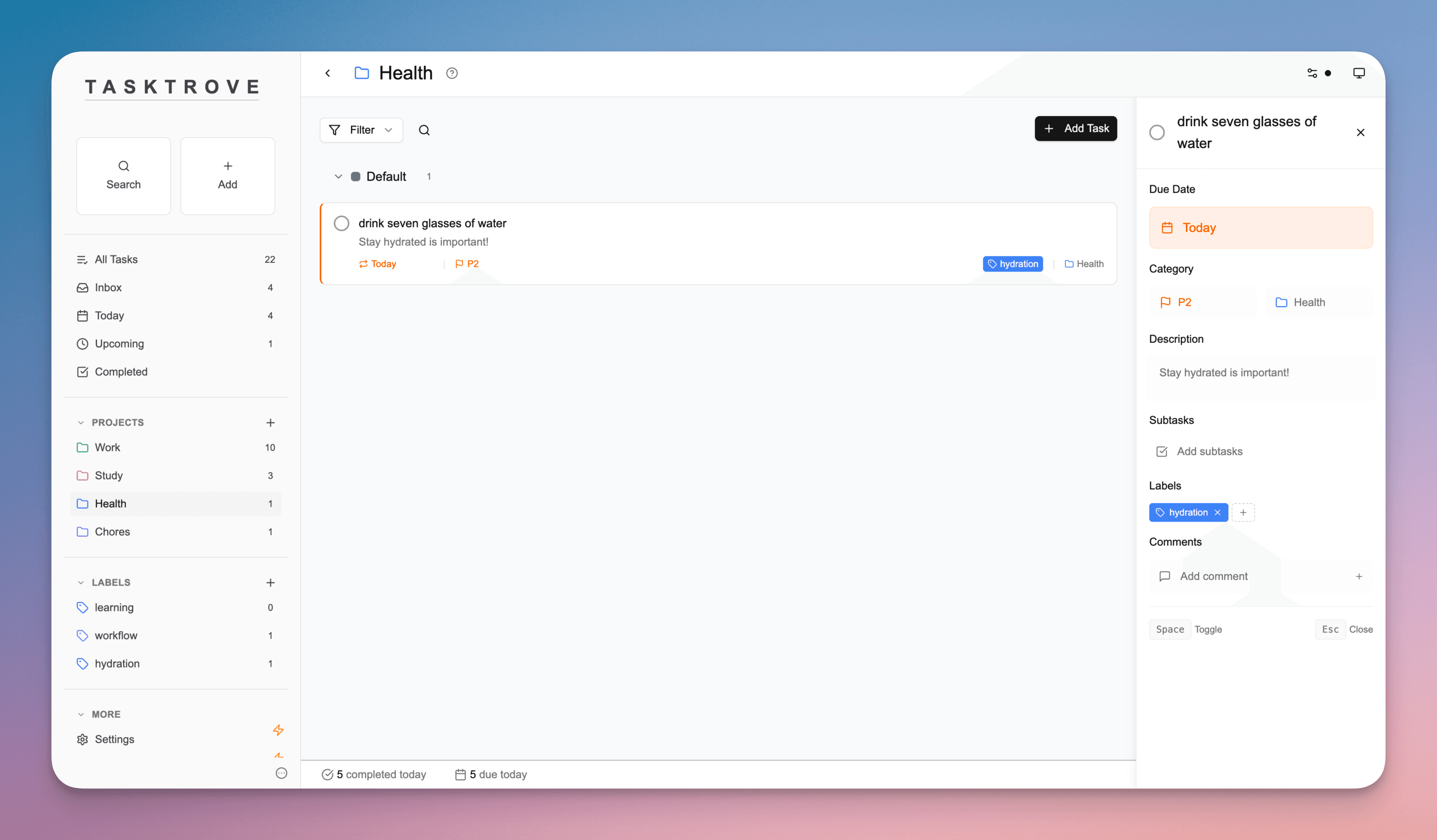 |
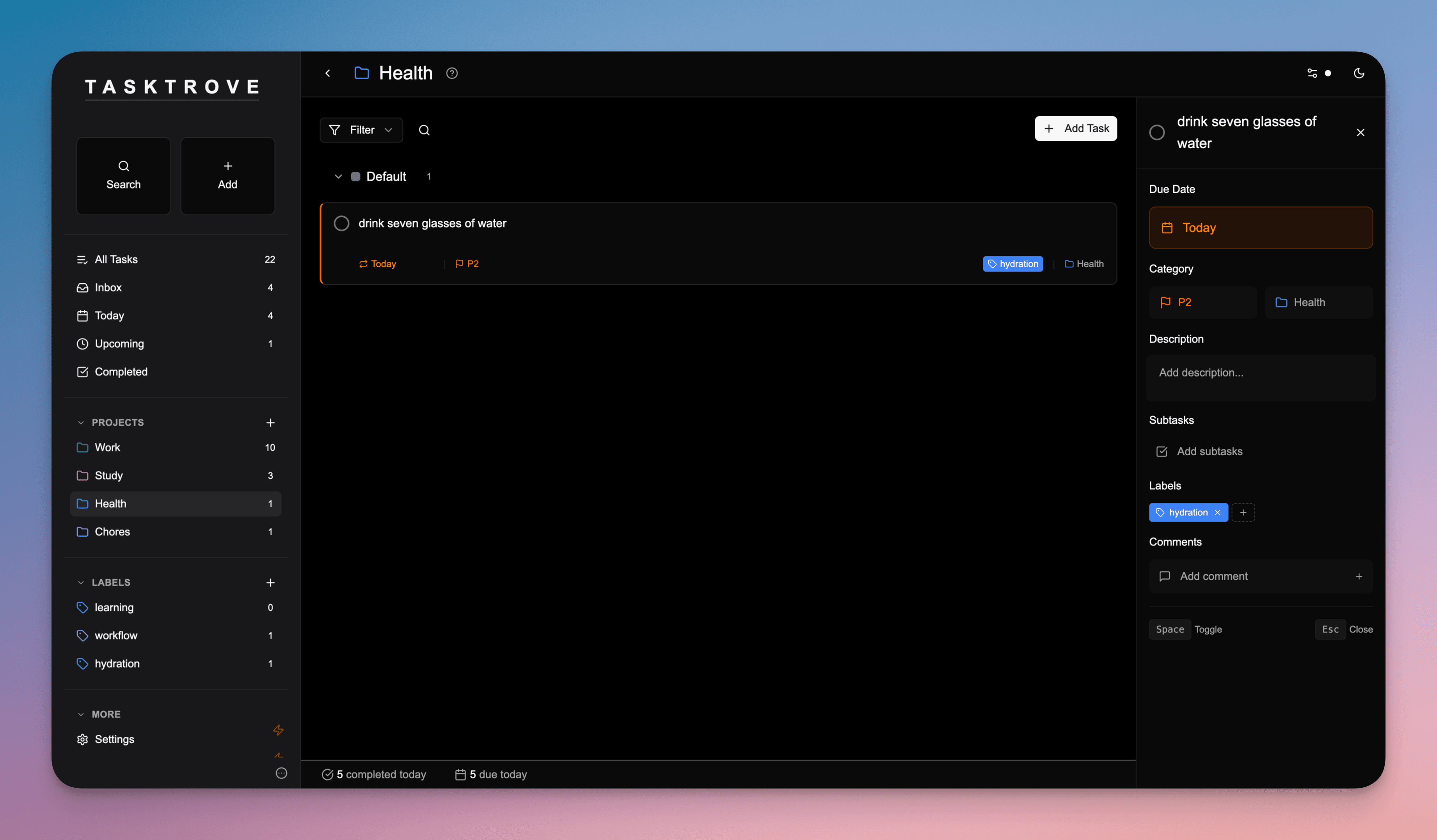 |
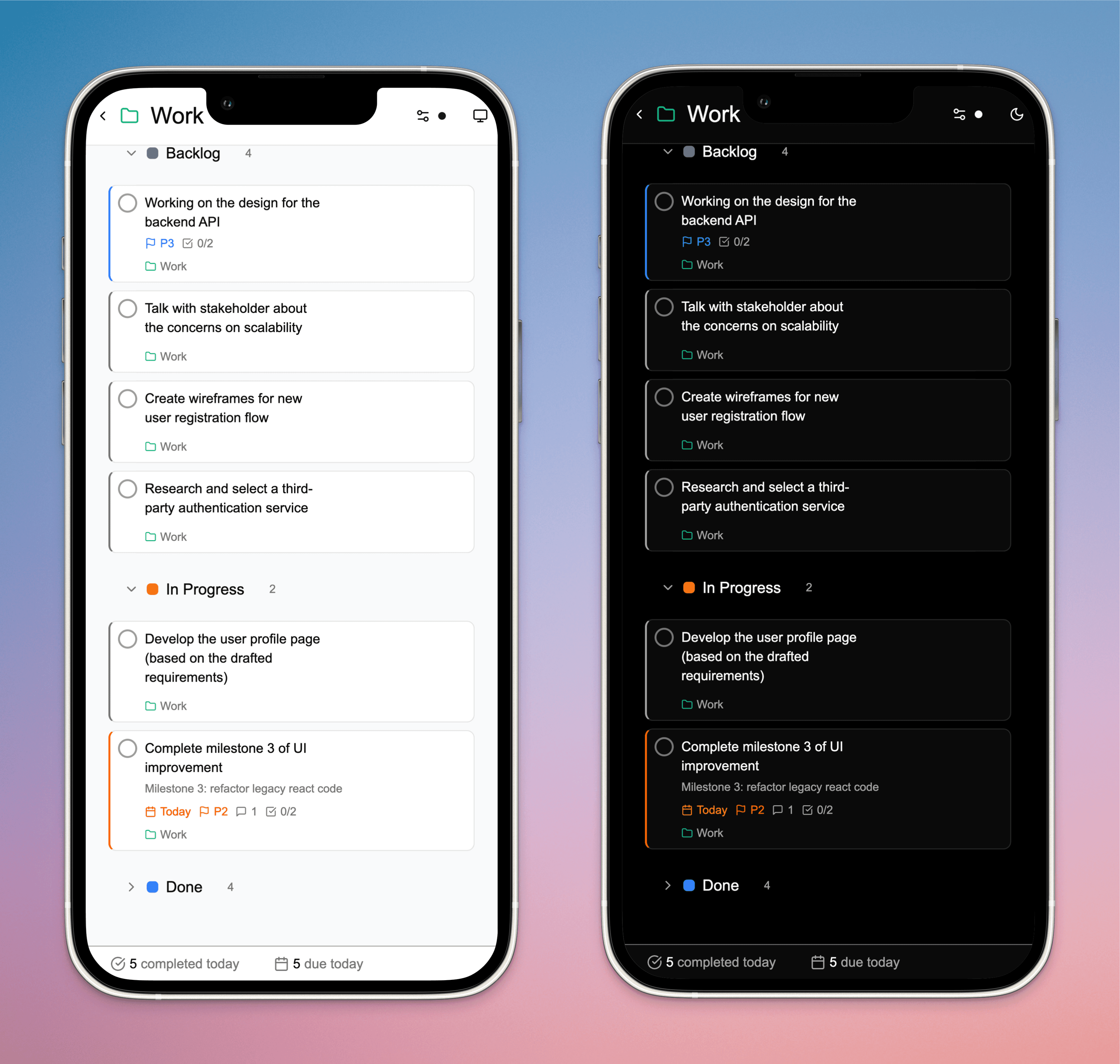 |
✨ Features
| Feature | Description |
|---|---|
| 🏠 Complete Privacy | Self-hosted on your infrastructure with zero tracking or data collection |
| 📝 Smart Task Creation | Natural language parsing ("tomorrow at 2pm") with unlimited subtasks and rich details |
| 🔄 Recurring Tasks | Daily, weekly, monthly, or custom patterns with automatic scheduling |
| 📊 Project Organization | Group tasks by projects with sections, color-coded labels, and multiple views |
| 🎨 Modern Interface | Clean design with dark/light themes, mobile-friendly, and keyboard shortcuts |
| 💾 Simple Data Management | File-based storage in JSON format for easy backups and transfers |
📦 Installation
Docker (Recommended)
# Quick start
docker run -p 3000:3000 -v ./data:/app/data -d --name tasktrove ghcr.io/dohsimpson/tasktrove
Docker Compose
# Download setup files
git clone https://github.com/dohsimpson/TaskTrove
cd TaskTrove/selfhost

# Start TaskTrove
docker-compose up -d
Manual Setup
# Clone repository
git clone https://github.com/dohsimpson/TaskTrove
cd TaskTrove

# Install dependencies
pnpm install

# Build and start
pnpm build
pnpm start
💻 Usage
Keyboard Shortcuts
| Key | Action |
|---|---|
n |
Quick add new task |
/ |
Search tasks and projects |
Space |
Mark task as complete/incomplete |
Esc |
Close details panel or dialogs |
Task Features
- Natural Language: "tomorrow at 2pm", "next Friday", "every Monday"
- Subtasks: Break down complex projects into manageable pieces
- Rich Details: Priorities, due dates, comments, file attachments
- Views: List, Kanban board, and Calendar views
Backup Your Data
cp data/data.json ~/tasktrove-backup-$(date +%Y%m%d).json
🧩 Development
Want to contribute? Check out the development setup:
git clone https://github.com/dohsimpson/TaskTrove
cd TaskTrove
pnpm install
pnpm dev
Key Commands:
pnpm typecheck- Type checkingpnpm lint- Code lintingpnpm test- Run testspnpm run check- Full validation
Contributing
We welcome and appreciate all contributions! Thank you for helping make TaskTrove better.
Process:
- Open an issue first - Discuss bugs in GitHub Issues, or features in GitHub Discussions
- Submit your PR - You'll be prompted to sign our CLA (Contributor License Agreement)
- Code review - A maintainer will review your changes and provide feedback
- Merge - Once approved, your contribution will be merged
Guidelines:
- Follow existing code patterns and test coverage requirements
- Add unit tests for non-trivial changes
- AI assisted PRs are allowed, but through review is required before submitting. Make sure you are the sole contributor of the PR (avoid
co-authored by XYZin commit message)
📄 License
See LICENSE.md for license terms and pricing.
Happy Tasking!
Categories
Download Statistics
4,795
Total Downloads
Related apps
Explore more like this
Explore allDetails
Repository
ghcr.io/dohsimpson/tasktroveLast Updated2025-08-16
First Seen2025-11-11
Runtime arguments
- Web UI
http://[IP]:[PORT:3000]- Network
bridge- Shell
sh- Privileged
- false
- Extra Params
--user 99:100
Template configuration
AppdataPathrw
- Target
- /app/data
- Default
- /mnt/user/appdata/tasktrove
- Value
- /mnt/user/appdata/tasktrove
WebUIPorttcp
- Target
- 3000
- Default
- 3000
- Value
- 3000
AUTH_SECRETVariable
Remove this variable if you don't need authentication.
- Default
- Your secret key - change me!
- Value
- Your secret key - change me!