
All apps · 0 apps

sonarrtorss
Docker app from bendy's Repository
Overview
Readme
View on GitHub Sonarr to RSS
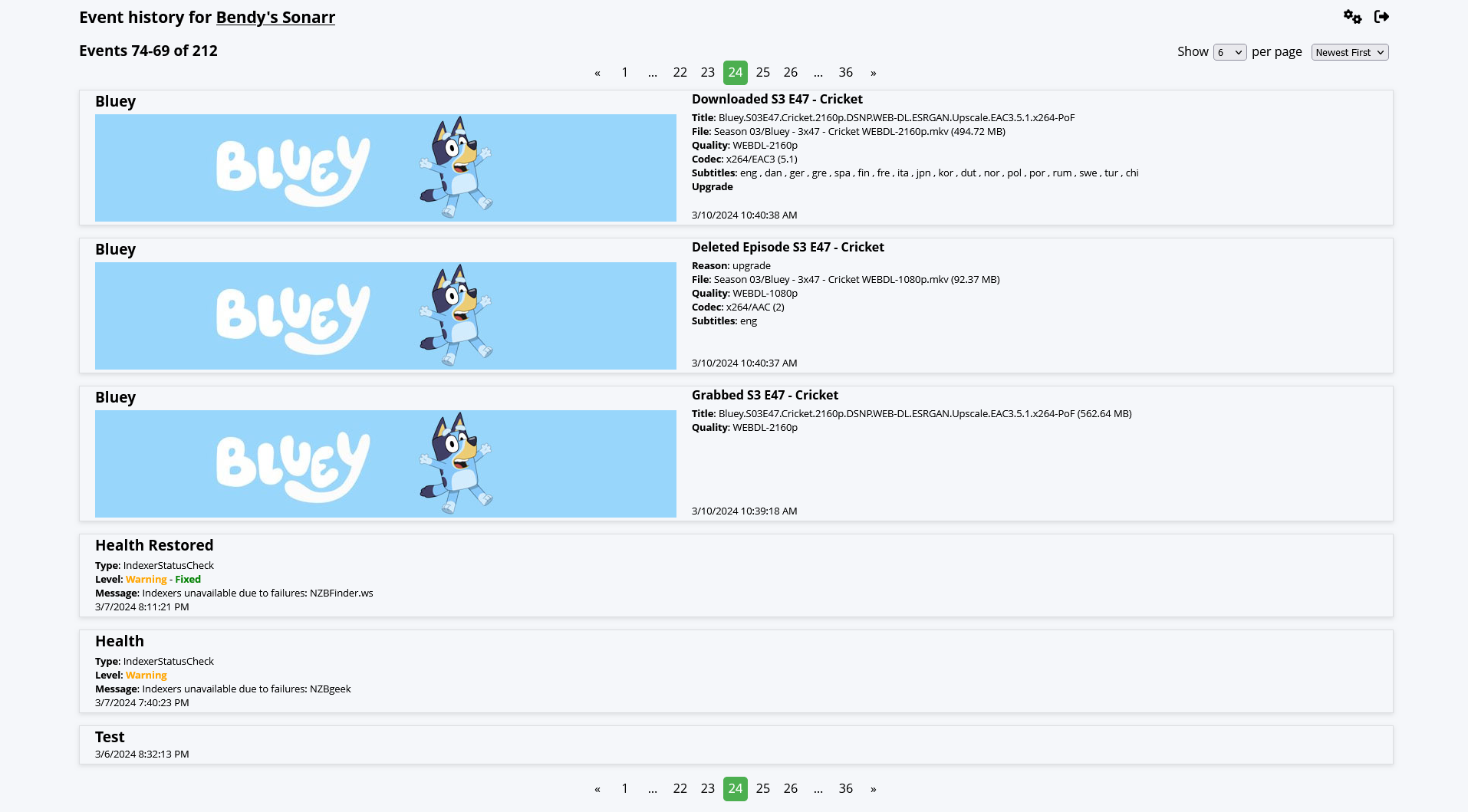
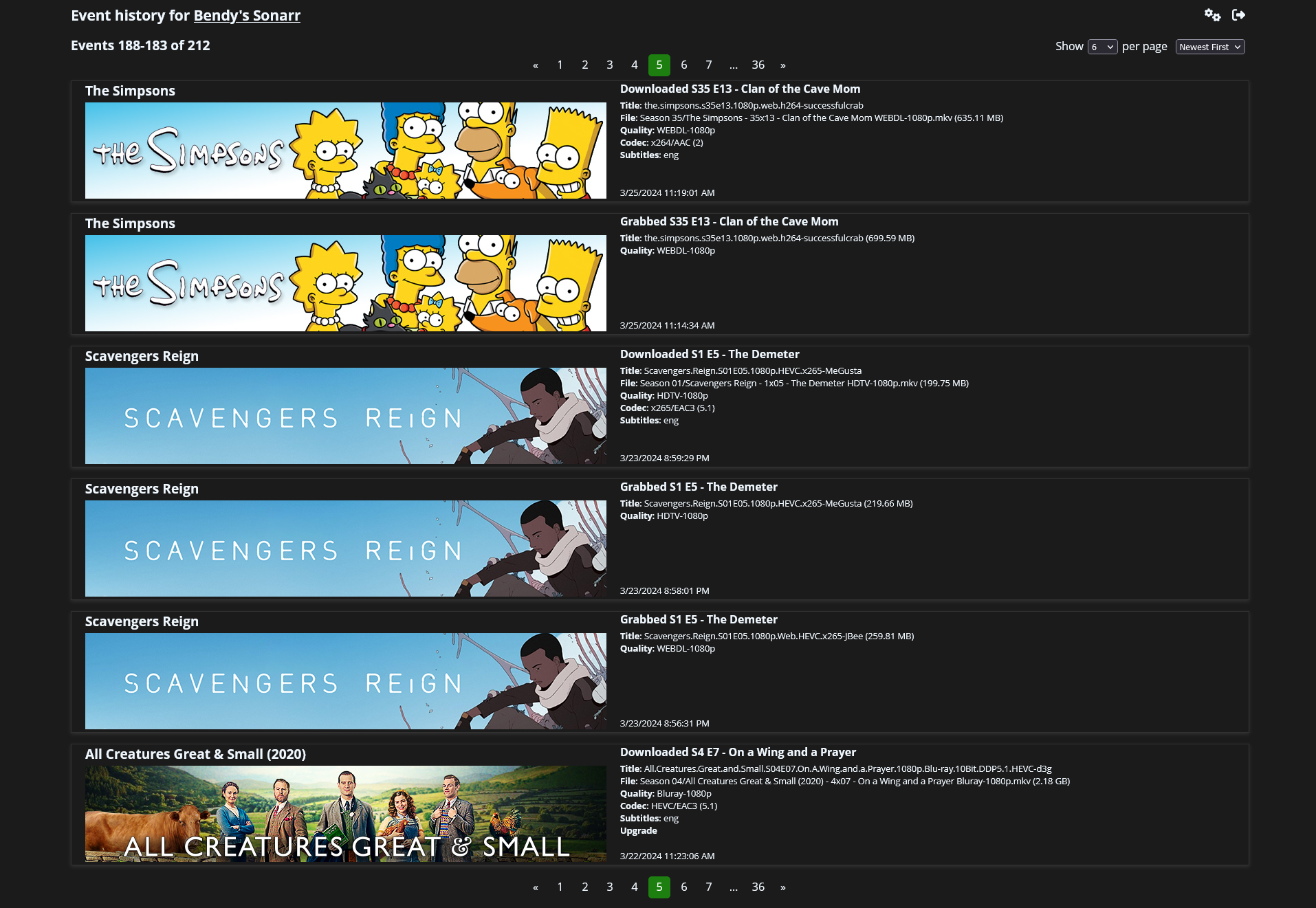
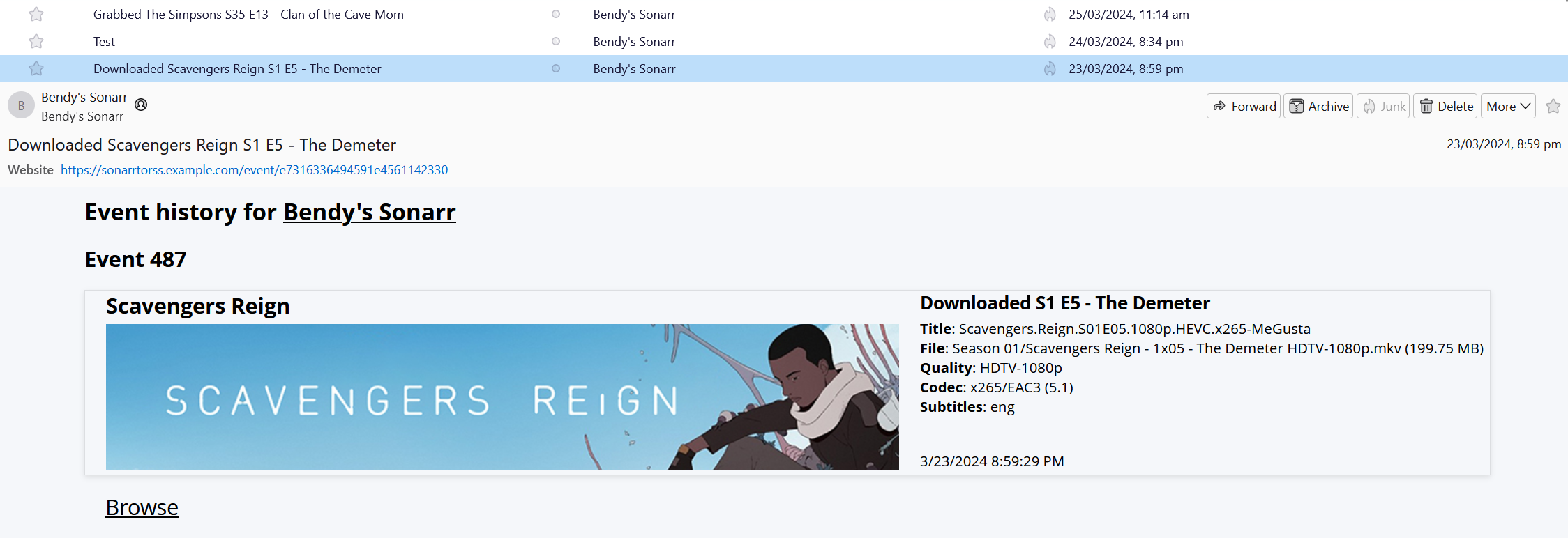
Sonarr to RSS is a Sonarr Webhook connection endpoint that streams events to RSS/Atom/JSON feeds and provides a paginated website to browse historical events.
Light mode
Dark mode
RSS feed
Getting Started
Docker
Sonarr to RSS can be conveniently installed via Docker.
Unraid
Sonarr to RSS is available as an Unraid Community Application. Just
search for 'Sonarr to RSS' in the Apps tab to install.
From Source
Sonarr to RSS requires Node.js 20 or later and can be run directly from a repository clone.
git clone https://github.com/gbendy/sonarrToRSS.git
cd sonarrToRSS
npm install
npm run build
npm run start
Once started connect to http://localhost:18989, set initial configuration then configure a Sonarr
Webhook Connection to send events to http://localhost:18989/sonarr. RSS feed is available at
http://localhost:18989/rss.
Features
Current Features
- Simple and convenient file based persistence, no external services required.
- Minimal configuration. Set a username and password on initial load and you're good to go. All configuration changes can be applied in situ. No restarts!
- Content aware event rendering provides rich event specific data. Add connection information for your Sonarr installation to add series banner images in events.
- Light and dark themes.
- Supports domain and subfolder based reverse proxies. SWAG version 2.11 and greater includes configuration files for Sonarr to RSS. Alternatively, configuration files are available here.
- Configurable cooldown for Health events to suppress transient issues from the feed, or purge them from history entirely.
Authentication
Sonarr to RSS requires authentication for both the browser interface and the Sonarr webhook endpoint. Feed endpoints are not authenticated and there is no way to enable this.
Local Access
If you do not expose the app externally and/or do not wish to have authentication required for local
(e.g. LAN) access then change Authentication => Required to Disabled For Local Addresses. As this
removes authentication from the browser interface it is the user's responsibility to understand the
risks. Sonarr to RSS uses ipaddr.js to identify local IP
addresses. Any ips in the following ranges are considered local and exempt from authentication:
loopbackprivatelinkLocaluniqueLocal
Note that the Sonarr webhook endpoint will still require authentication.
External Authentication
If you use an external authentication method such as Authelia, Authetik, NGINX Basic auth, etc. you
can prevent the need to double authenticate by shutting down the app, setting
"authenticationMethod: "external" in the config.json file, and restarting the app. This will
disable Sonarr to RSS based authentication for all endpoints. It is expected that authentication is
then handled by a higher level reverse proxy.
An additional supported setting is "authenticationMethod: "externalExceptWebhook". This disables
authentication for all endpoints except for the Sonarr webhook.
Neither of these options are available via the configuration interface unless first set in
config.json directly.
Summary
The following table summarises which endpoints require authentication under different configuration combinations.
| authenticationMethod | authenticationRequired | browser | webhook | feed | browser (local) | webhook (local) | feed (local) |
|---|---|---|---|---|---|---|---|
forms |
enabled |
✅ | ✅ | ❌ | ✅ | ✅ | ❌ |
forms |
disabledForLocalAddresses |
✅ | ✅ | ❌ | ❌ | ✅ | ❌ |
externalExceptWebhook |
enabled |
❌ | ✅ | ❌ | ❌ | ✅ | ❌ |
externalExceptWebhook |
disabledForLocalAddresses |
❌ | ✅ | ❌ | ❌ | ✅ | ❌ |
external |
enabled |
❌ | ❌ | ❌ | ❌ | ❌ | ❌ |
external |
disabledForLocalAddresses |
❌ | ❌ | ❌ | ❌ | ❌ | ❌ |
Endpoint categories
- webhook:
/sonarr - feed:
/rss/atom/json - brower: all other endpoints
The (local) suffix indicates access from the local network.
I've forgotten my password!
Cleansing with fire is the preferred solution to this problem.
Alternatively, shutdown the server. Edit config.json and set "configured": false then restart
the server. It will start in initial configuration mode, with your original configuration intact and
force you to set a new password.
Releases
1.0.3 (6/3/25) Changelog
1.0.2 (22/6/24) Changelog
1.0.1 (11/4/24) Changelog
1.0.0 (31/3/24) Changelog
Contributing
Development
This project exists thanks to all the people who contribute.
To help out fork the repository, make same changes and submit a PR.
Licenses
- GNU GPL v3
- Copyright 2024
Categories
Download Statistics
Total Downloads Over Time
Related apps
Explore more like this
Explore allLinks
Details
gbendy/sonarrtorssRuntime arguments
- Web UI
http://[IP]:[PORT:18989]- Network
bridge- Shell
sh- Privileged
- false
Template configuration
Database and Sonarr to RSS configs
- Target
- /data
The port for the Sonarr to RSS web interface
- Target
- 18989
- Default
- 18989
- Value
- 18989
- Default
- 100
- Value
- 100
- Default
- 99
- Value
- 99