
All apps · 0 apps

Shiori
Docker app from xthursdayx's Repository
Overview
Readme
View on GitHubShiori



Check out our latest Announcements
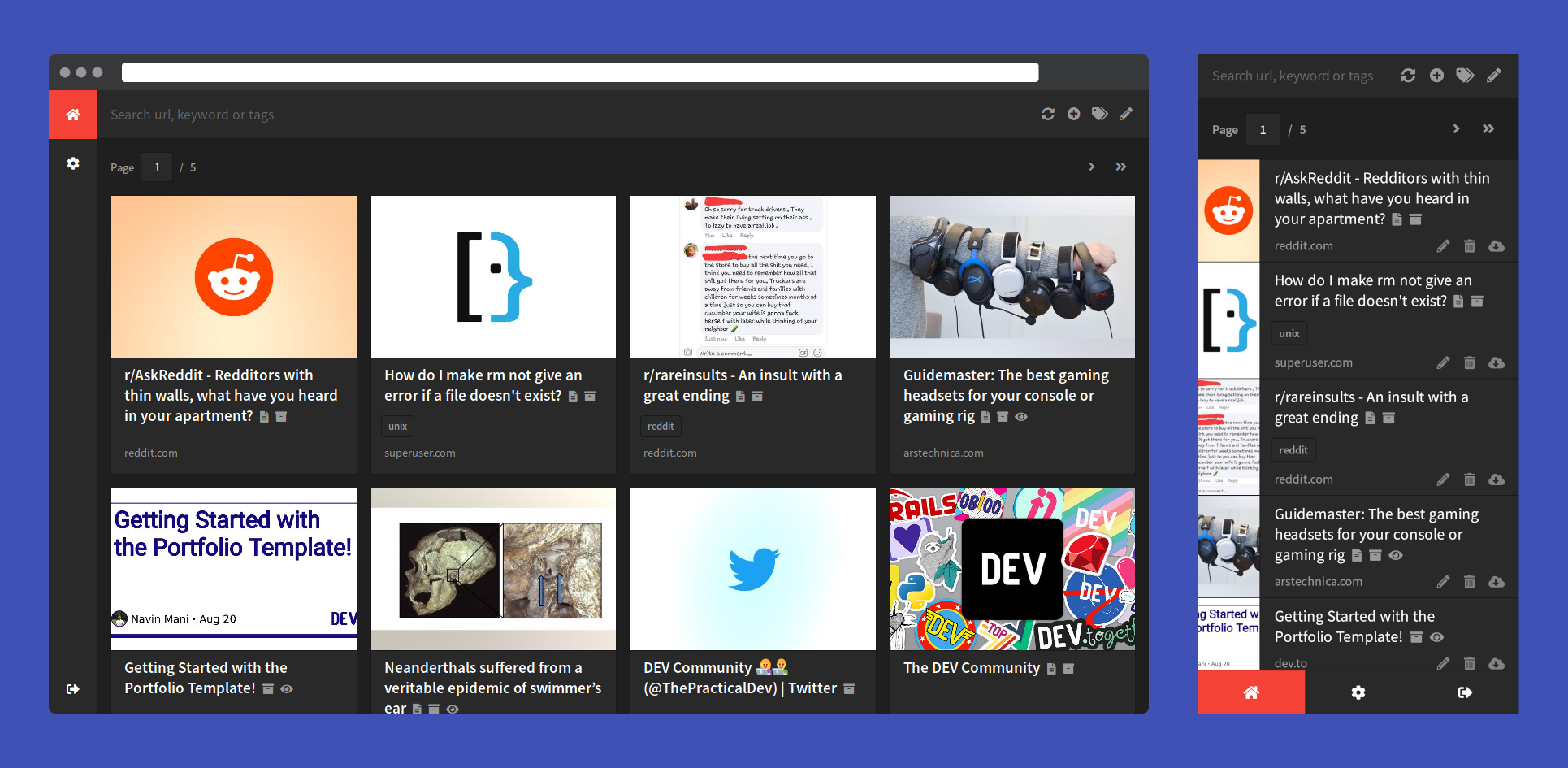
Shiori is a simple bookmarks manager written in the Go language. Intended as a simple clone of Pocket. You can use it as a command line application or as a web application. This application is distributed as a single binary, which means it can be installed and used easily.
Features
- Basic bookmarks management i.e. add, edit, delete and search.
- Import and export bookmarks from and to Netscape Bookmark file.
- Import bookmarks from Pocket.
- Simple and clean command line interface.
- Simple and pretty web interface for those who don't want to use a command line app.
- Portable, thanks to its single binary format.
- Support for sqlite3, PostgreSQL, MariaDB and MySQL as its database.
- Where possible, by default
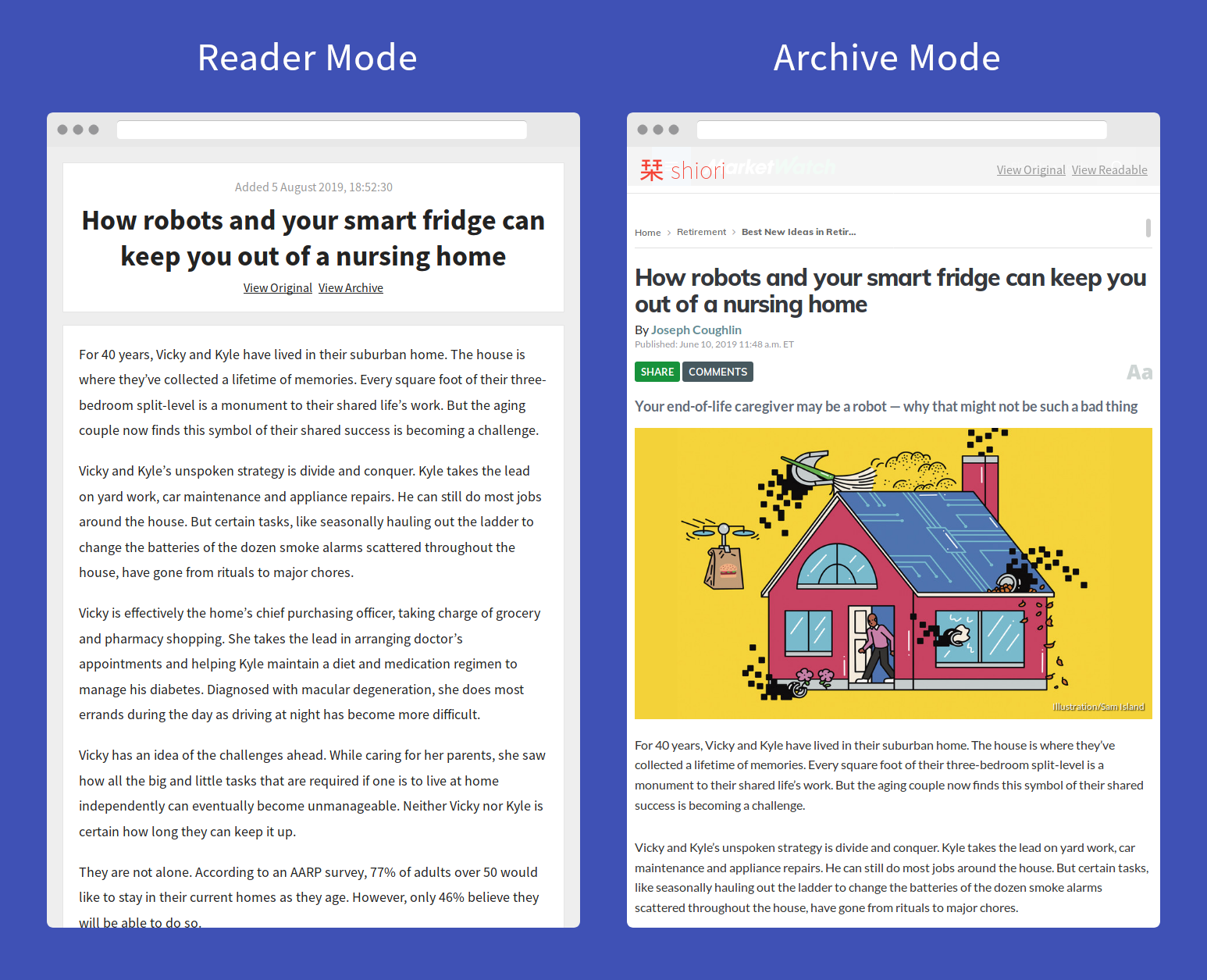
shioriwill parse the readable content and create an offline archive of the webpage. - [BETA] web extension support for Firefox and Chrome.
Documentation
All documentation is available in the docs folder. If you think there is incomplete or incorrect information, feel free to edit it by submitting a pull request.
License
Shiori is distributed under the terms of the MIT license, which means you can use it and modify it however you want. However, if you make an enhancement for it, if possible, please send a pull request.
Requirements
Categories
Related apps
Explore more like this
Explore allDetails
ghcr.io/go-shiori/shioriRuntime arguments
- Web UI
http://[IP]:[PORT:8080]/- Network
bridge- Shell
sh- Privileged
- false
Template configuration
- Target
- 8080
- Value
- 8080
- Target
- /shiori
- Default
- /mnt/cacte/appdata/shirori/
- Value
- /mnt/cache/appdata/shirori/
Shiori uses an SQLite3 database by default. If you prefer, you can use MySQL or PostgreSQL instead by adding mysql or postgresql here.
Optional: MySQL user
Optional: Password for mysql user
Optional: Name of database to use
- Default
- shiori
Optional: Database address in the form tcp(x.x.x.x:3306)
Optional: Name of PostgreSQL user
Optional: Password for PostgreSQL user
Optional: Name of PostgreSQL database to use
Optional: Address of PostgreSQL server
Optional: Port number used by PostgreSQL server