

Seekify
Docker app from Seekify's Repository
Overview
Readme
View on GitHubSeekify
a self-hosted music player. rip what's missing.
Seekify is a music player you run yourself. Point it at your music and listen in any browser. It can also find and download tracks you don't have yet, tag them, and keep your library tidy.
Screenshots are a snapshot, not a promise. The interface keeps moving.
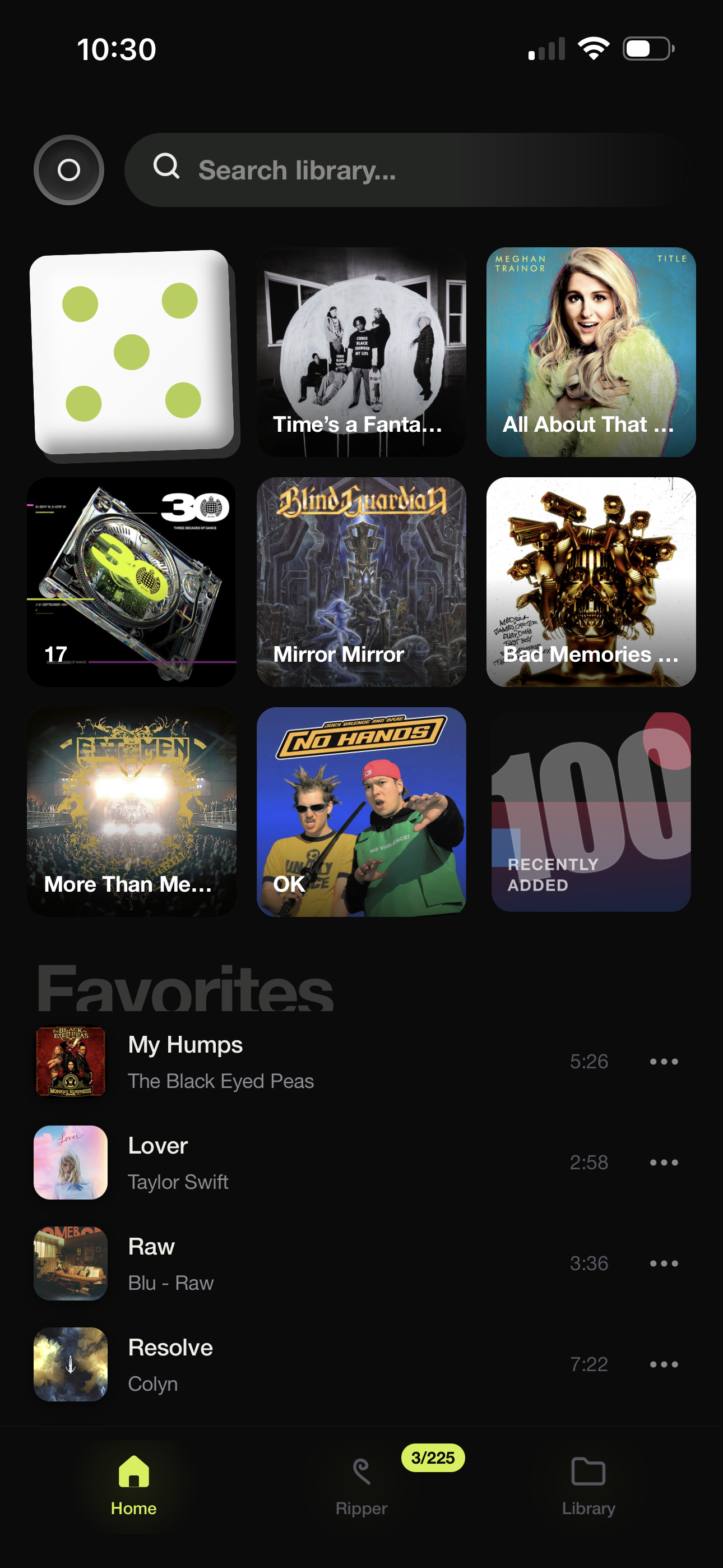
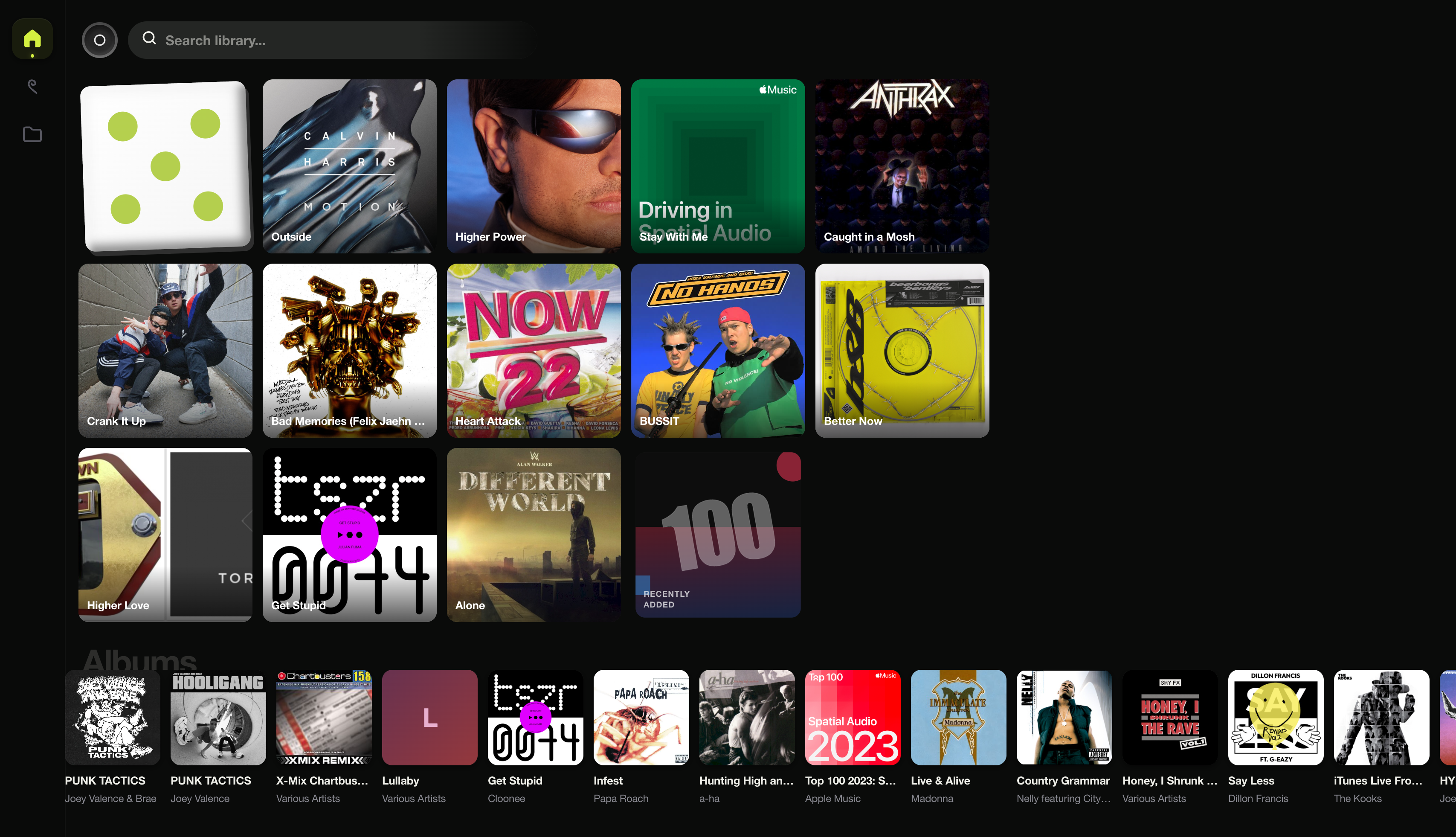 home |
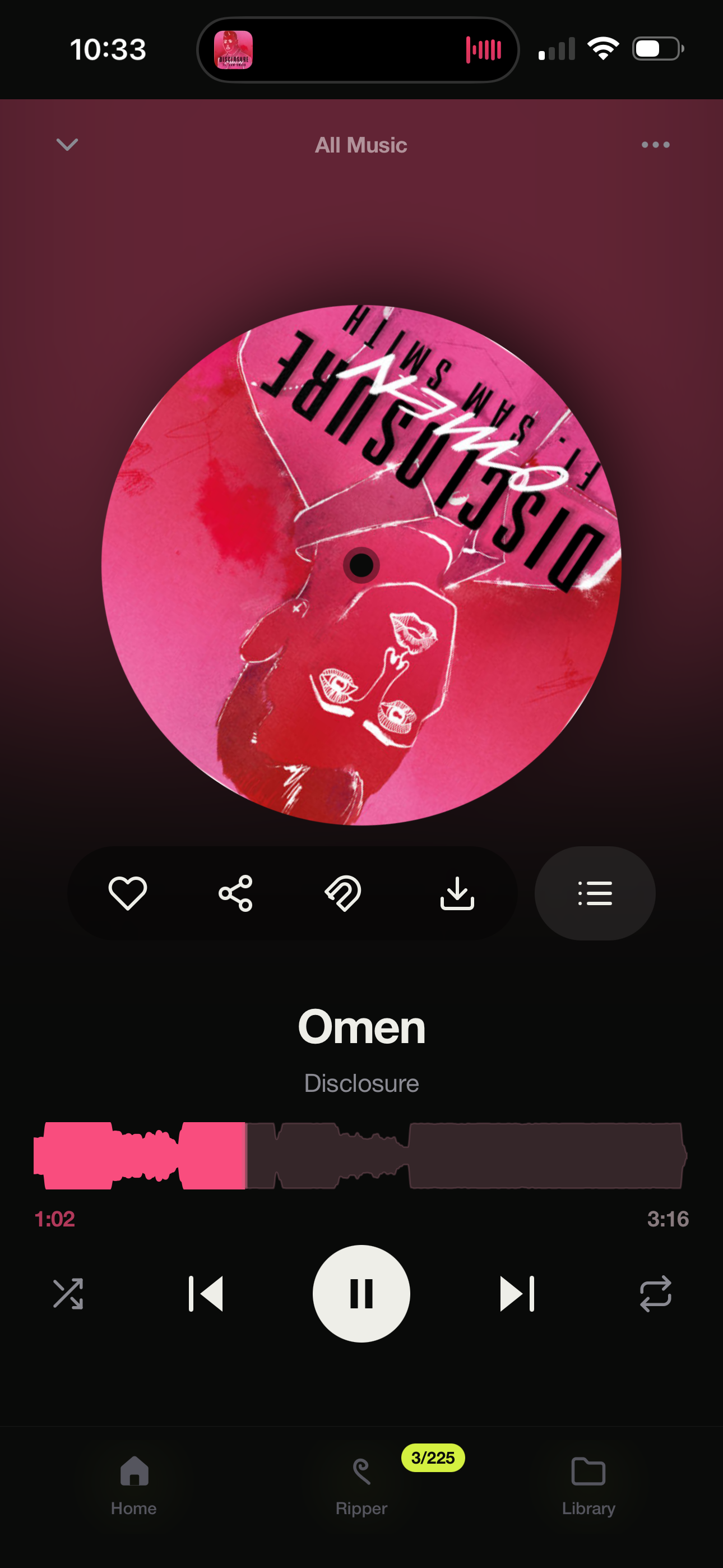
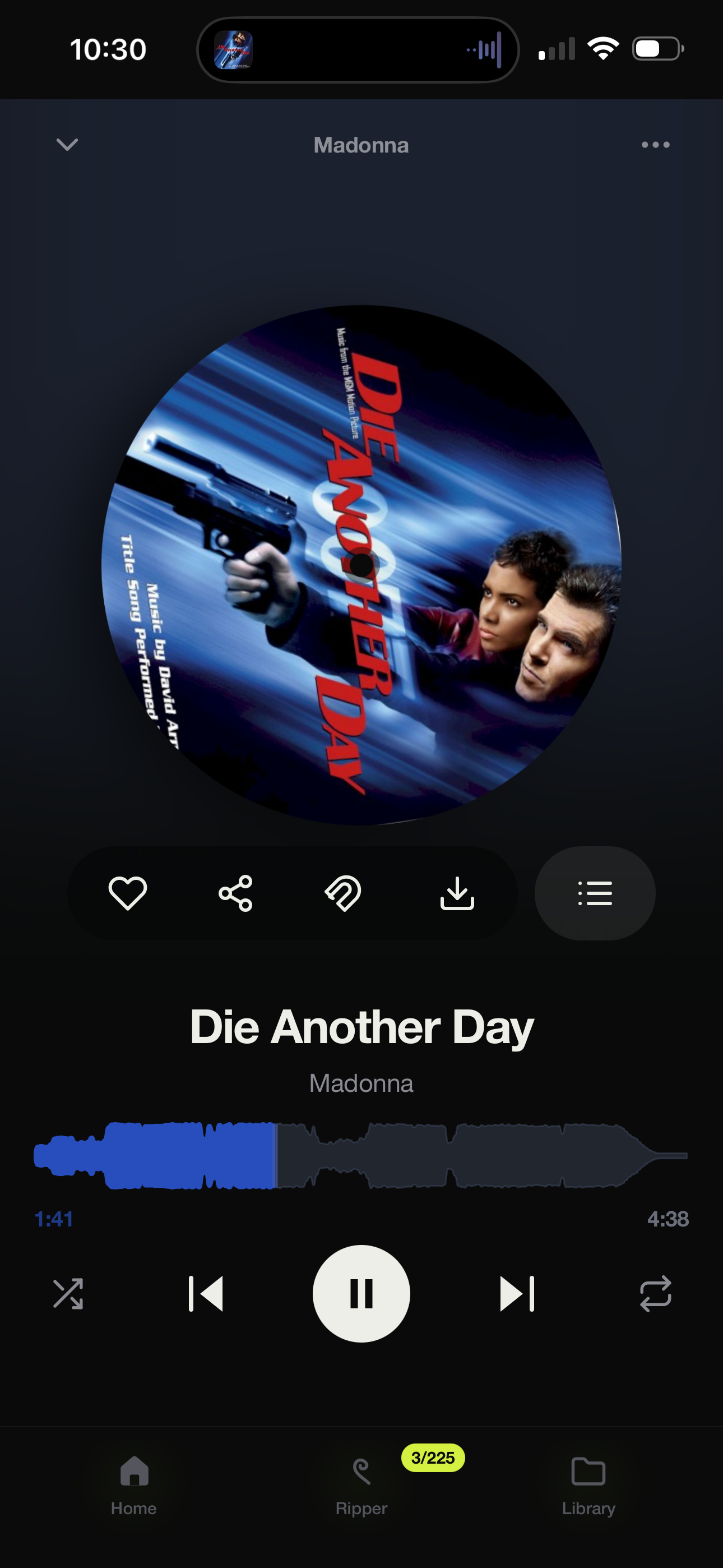
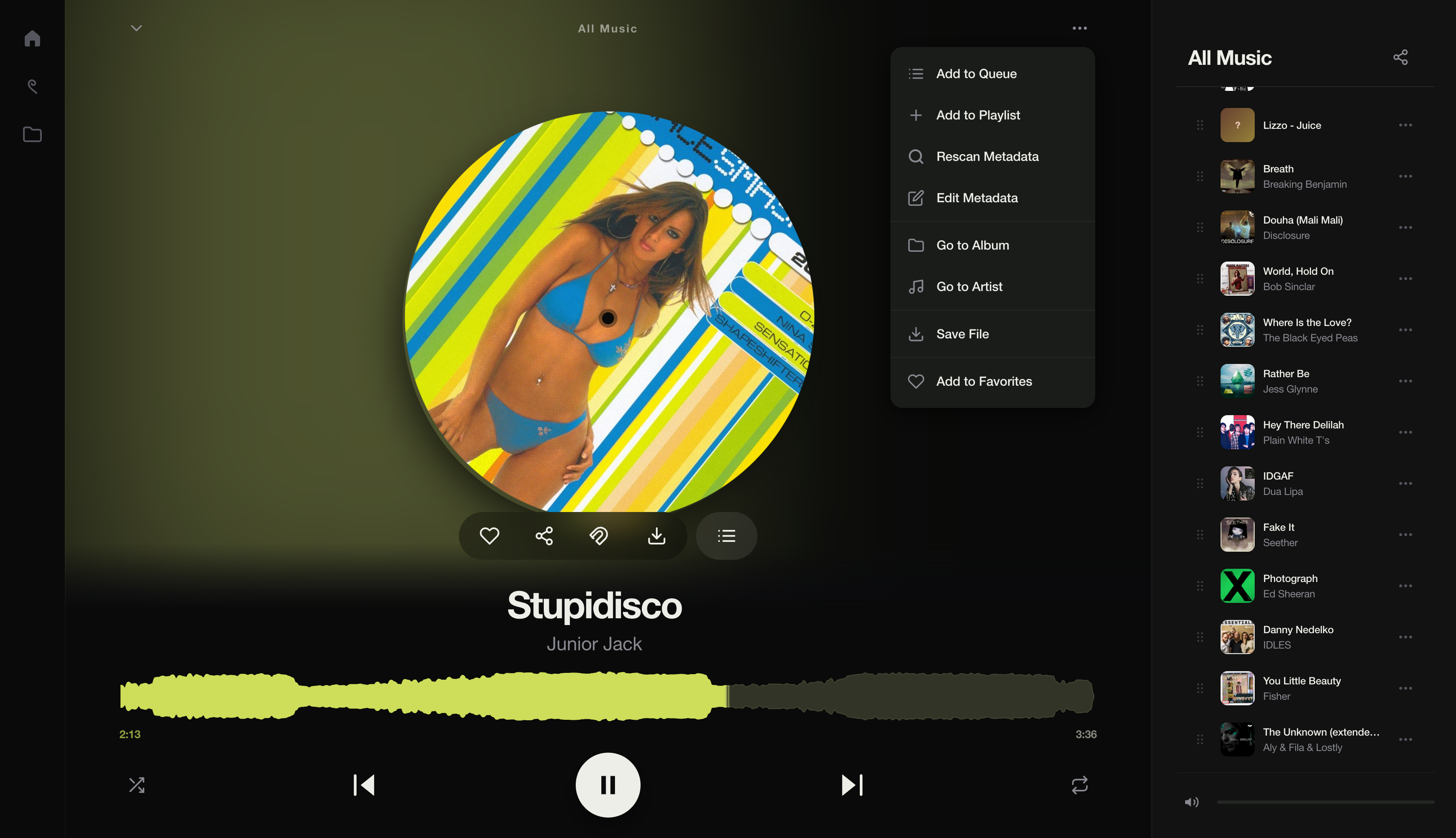 now playing |
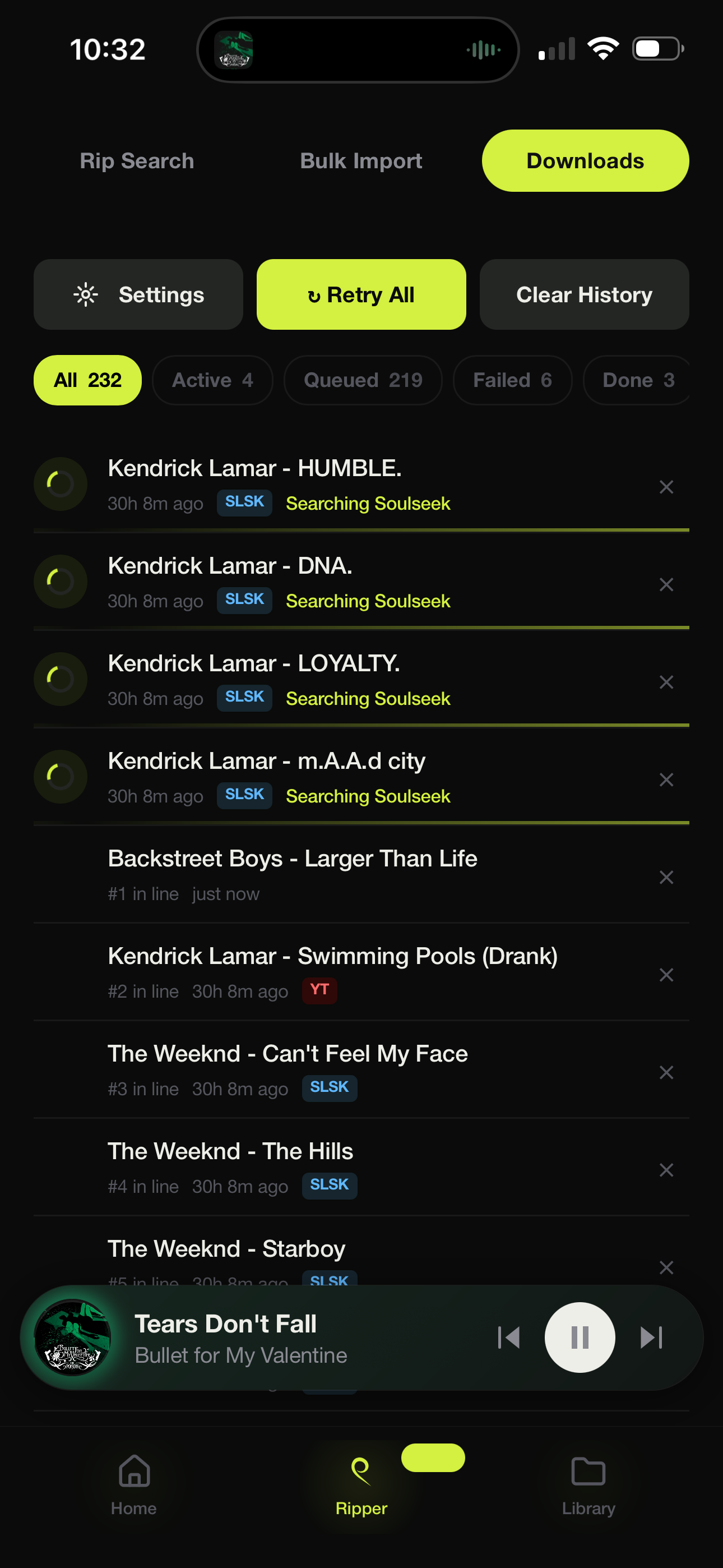
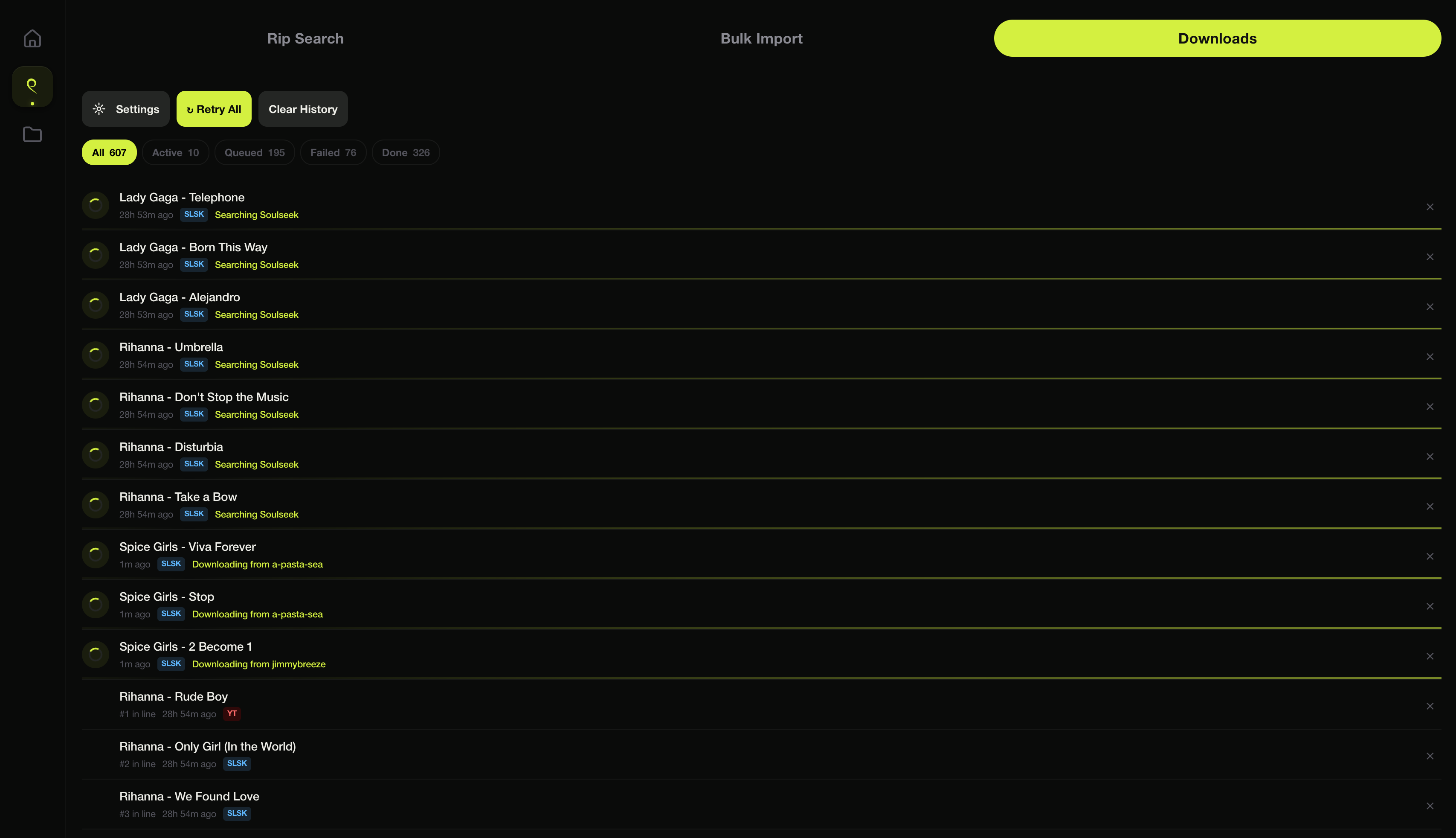 live download queue |
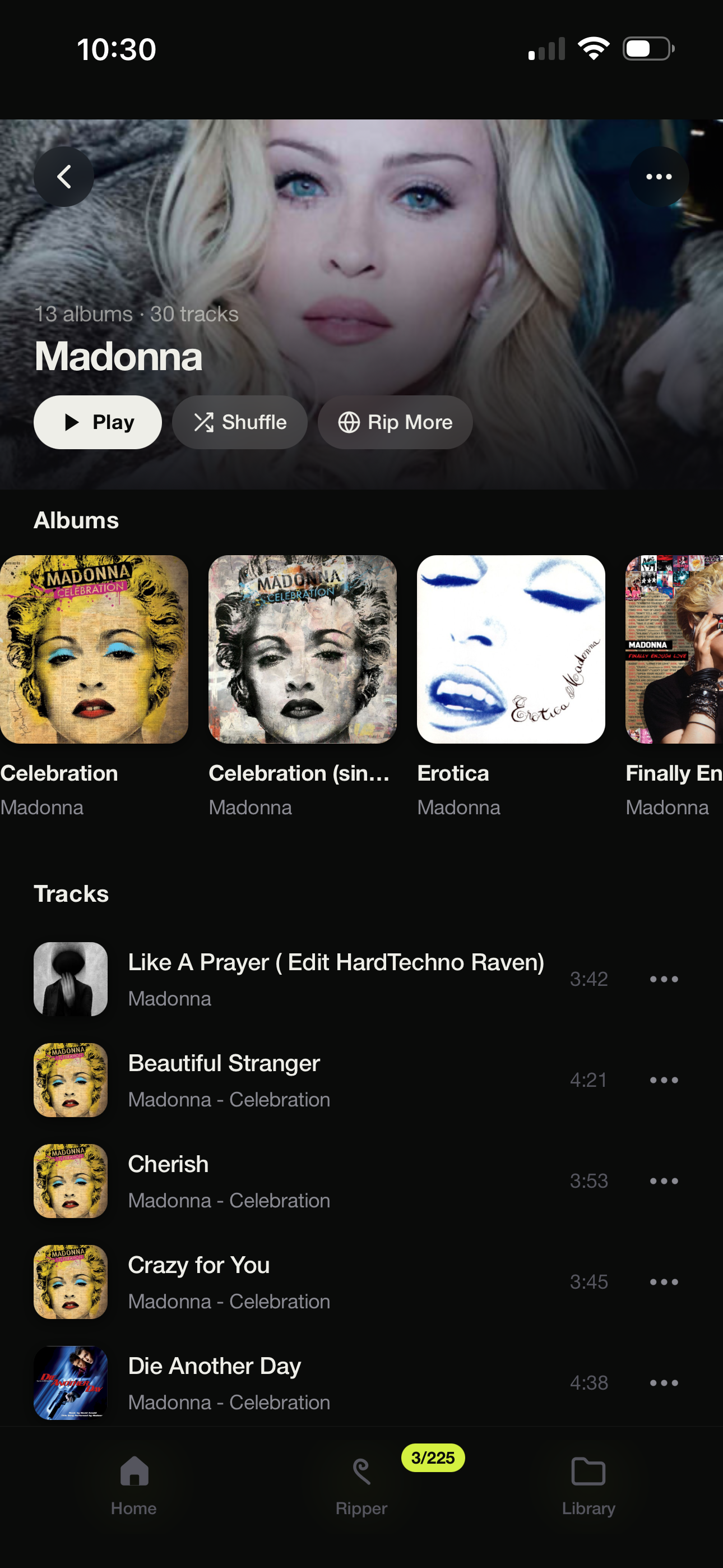
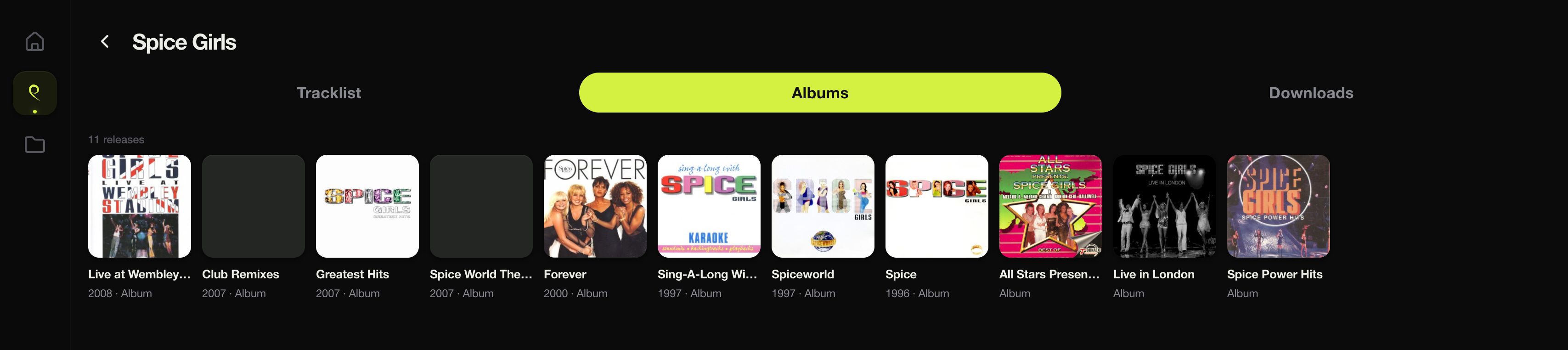 artist / albums |
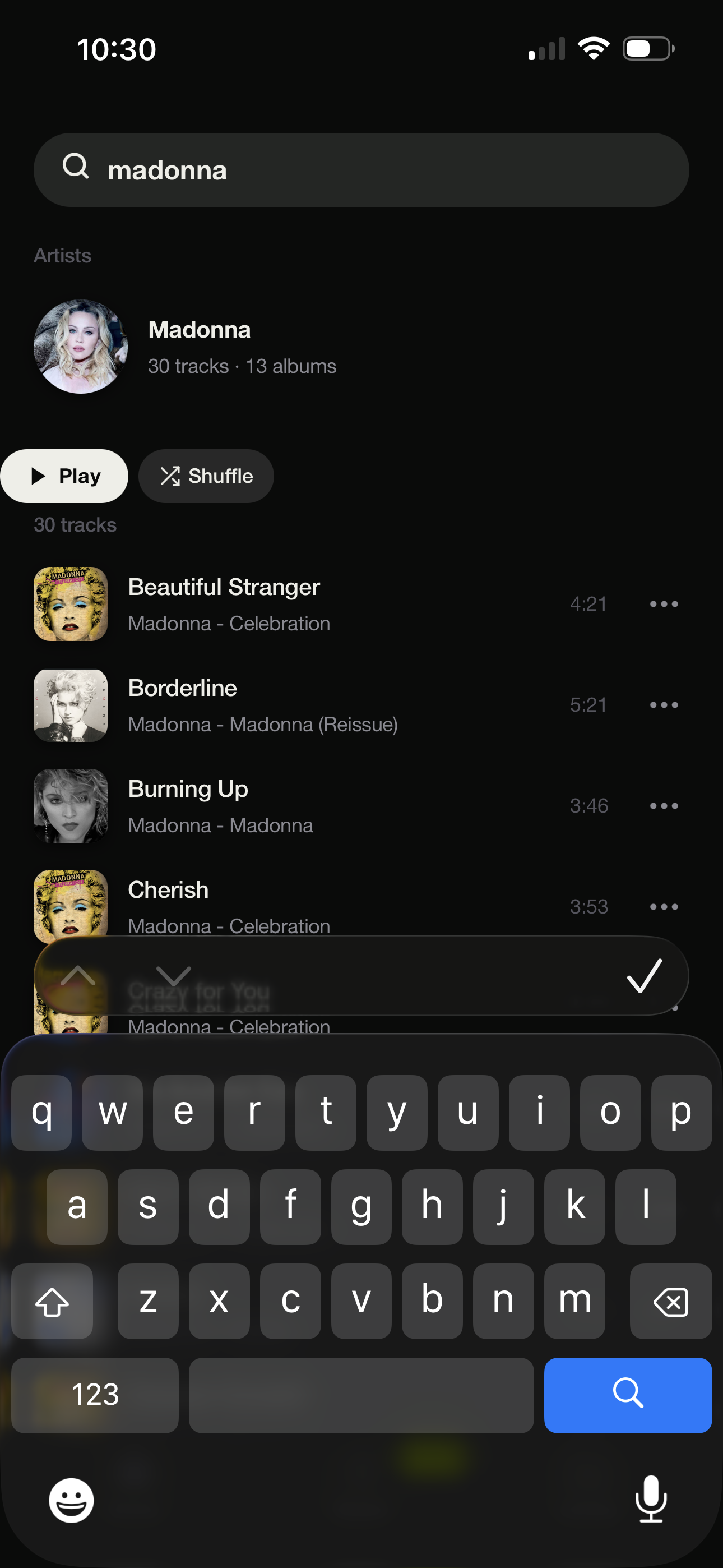
on a phone
 |
 |
 |
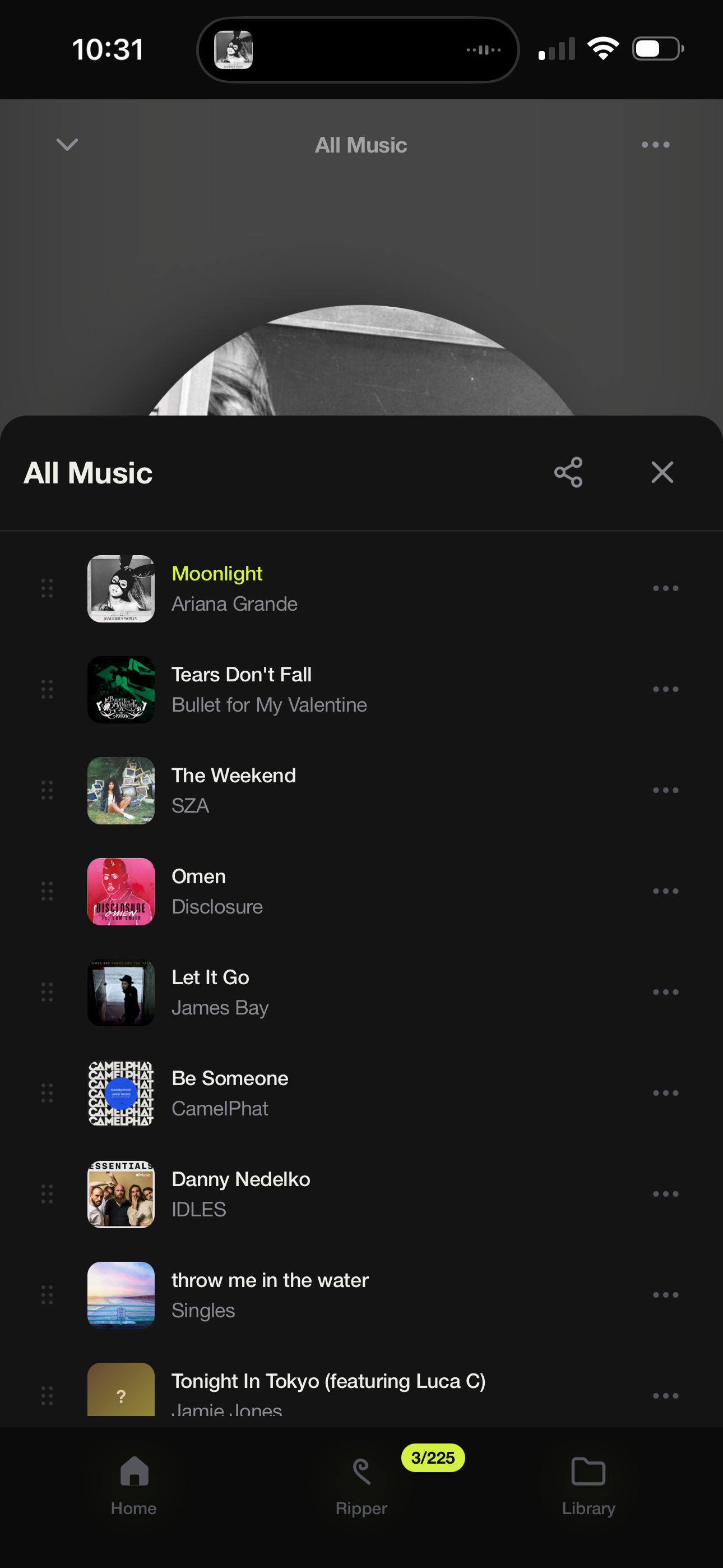 |
Install it as an app on a phone for a full-screen player with lock-screen and media-key controls.
More screenshots
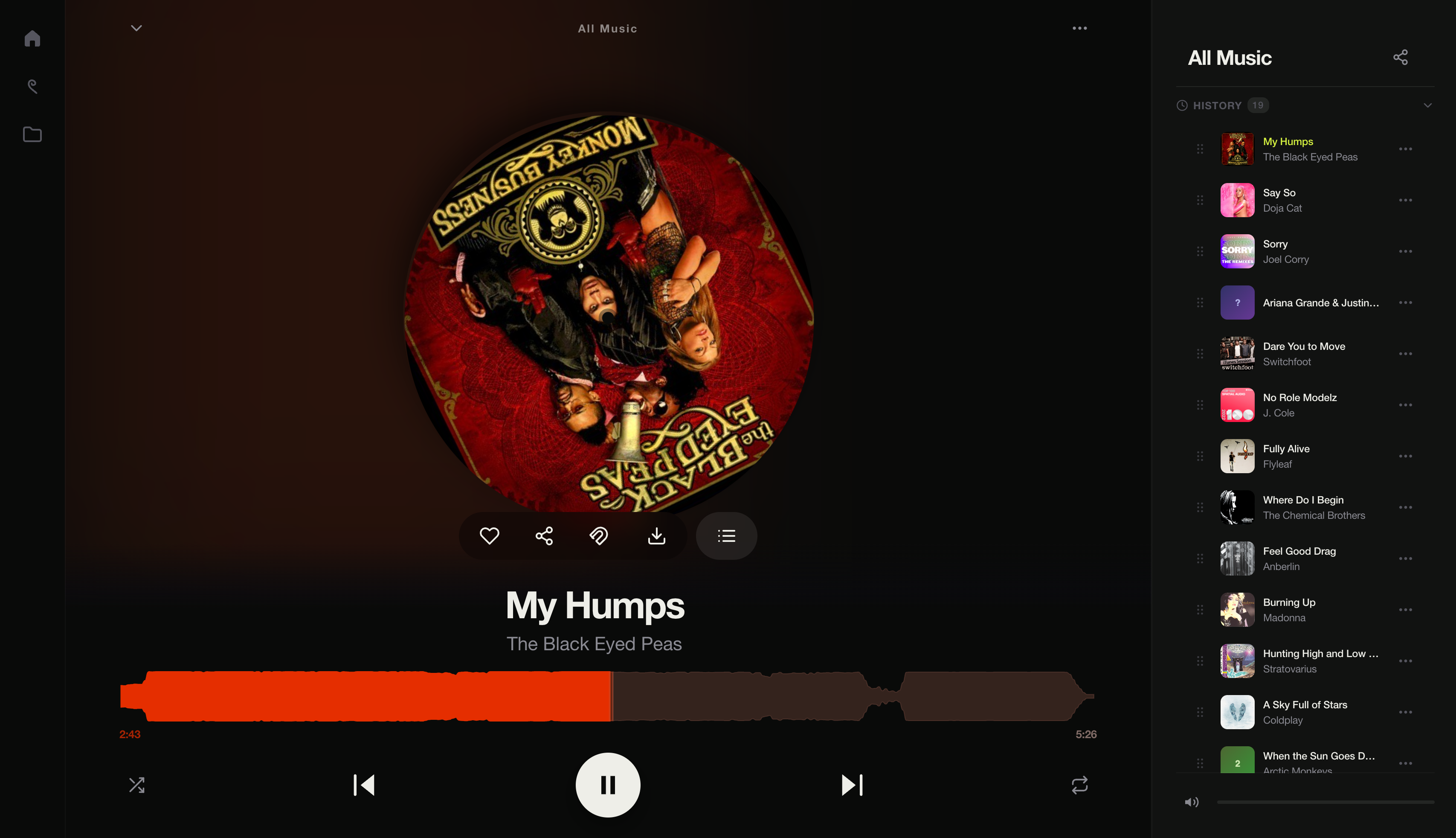 history |
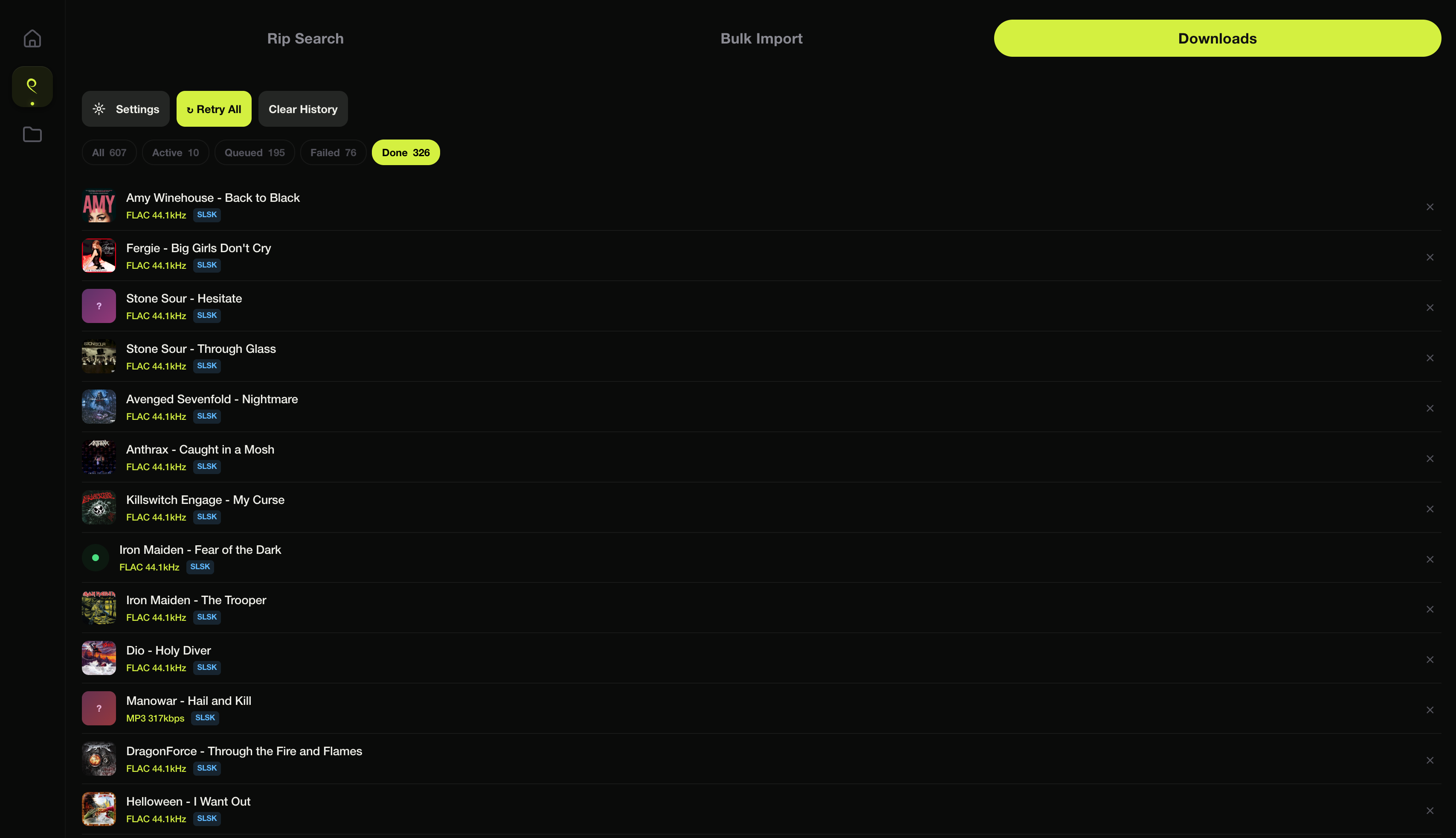 done |
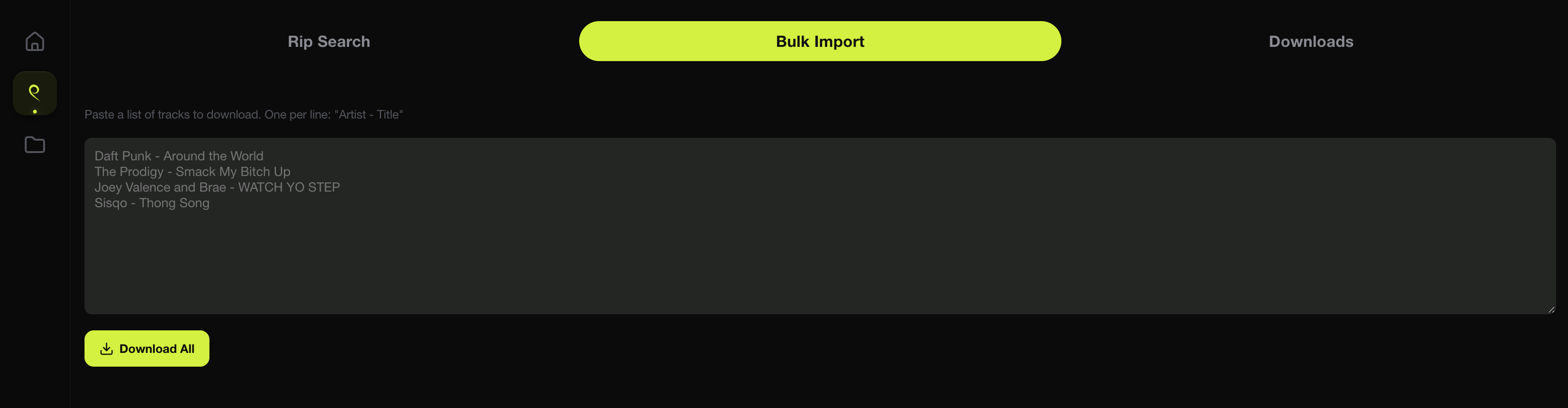 bulk import |
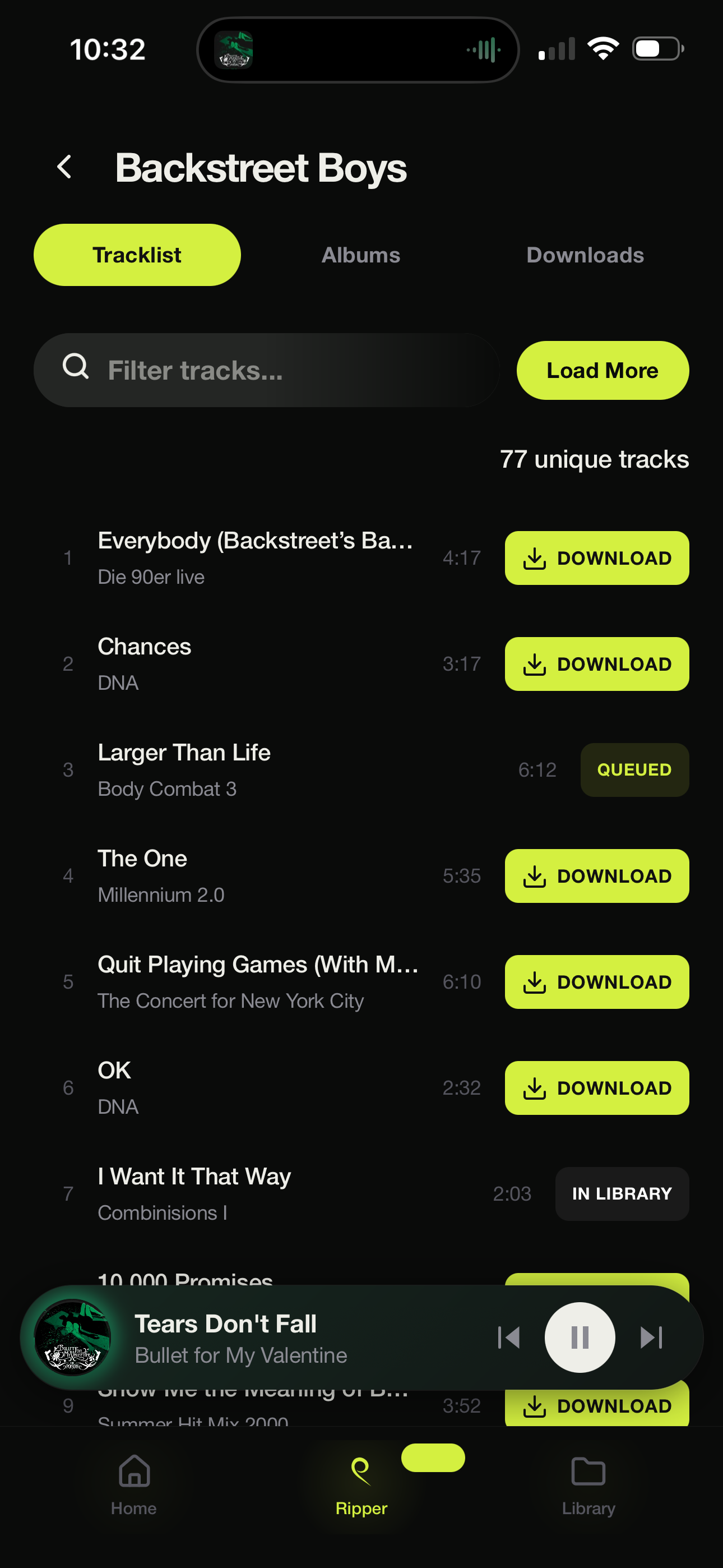
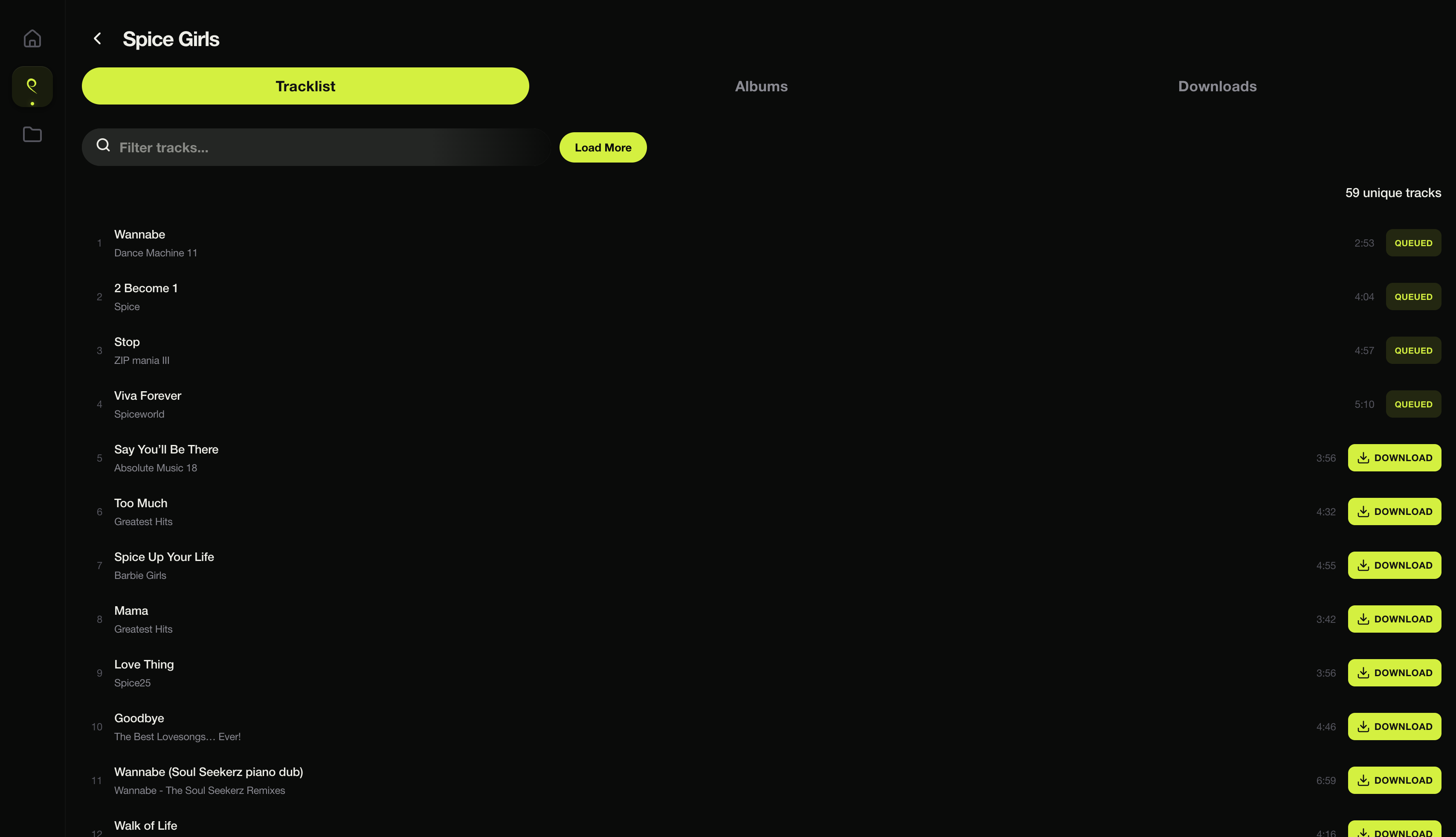 artist / tracks |
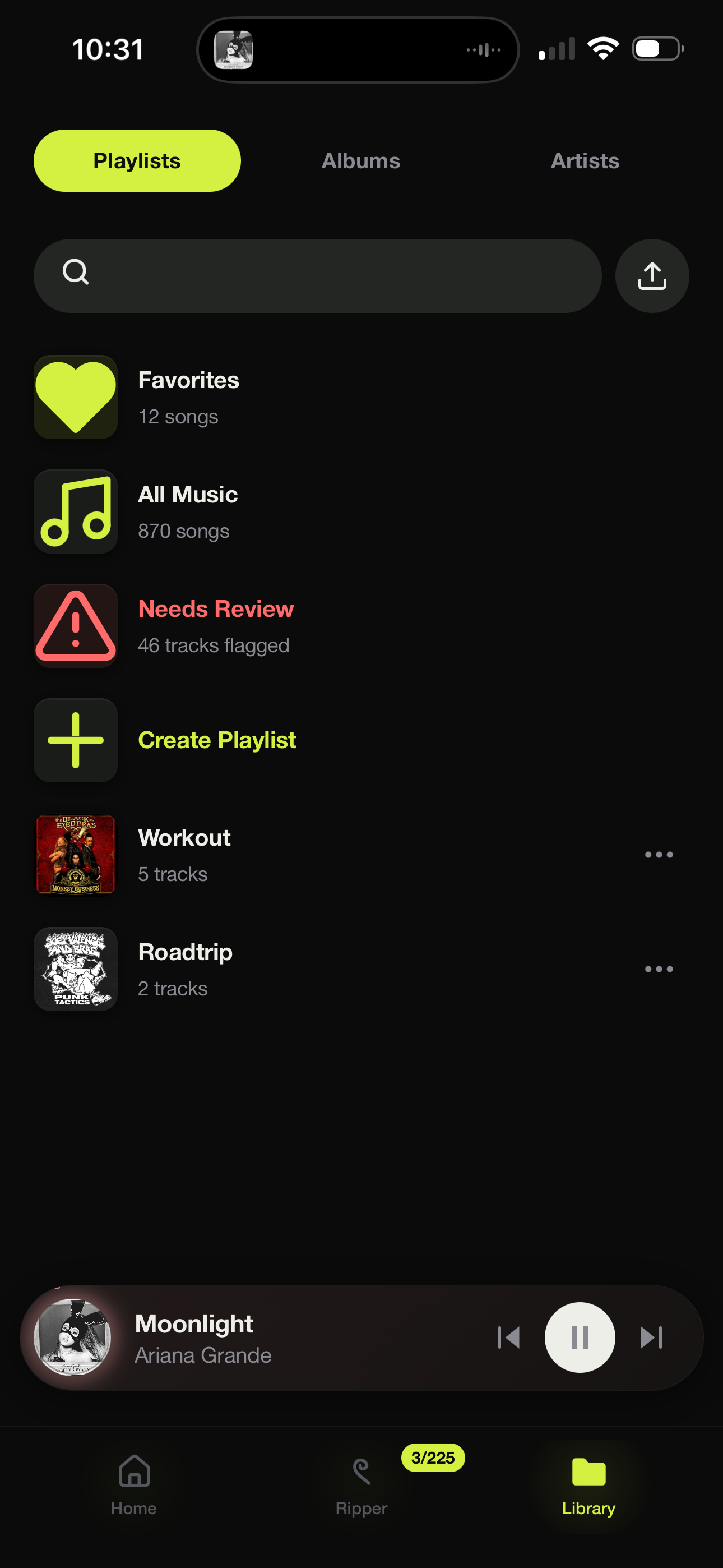
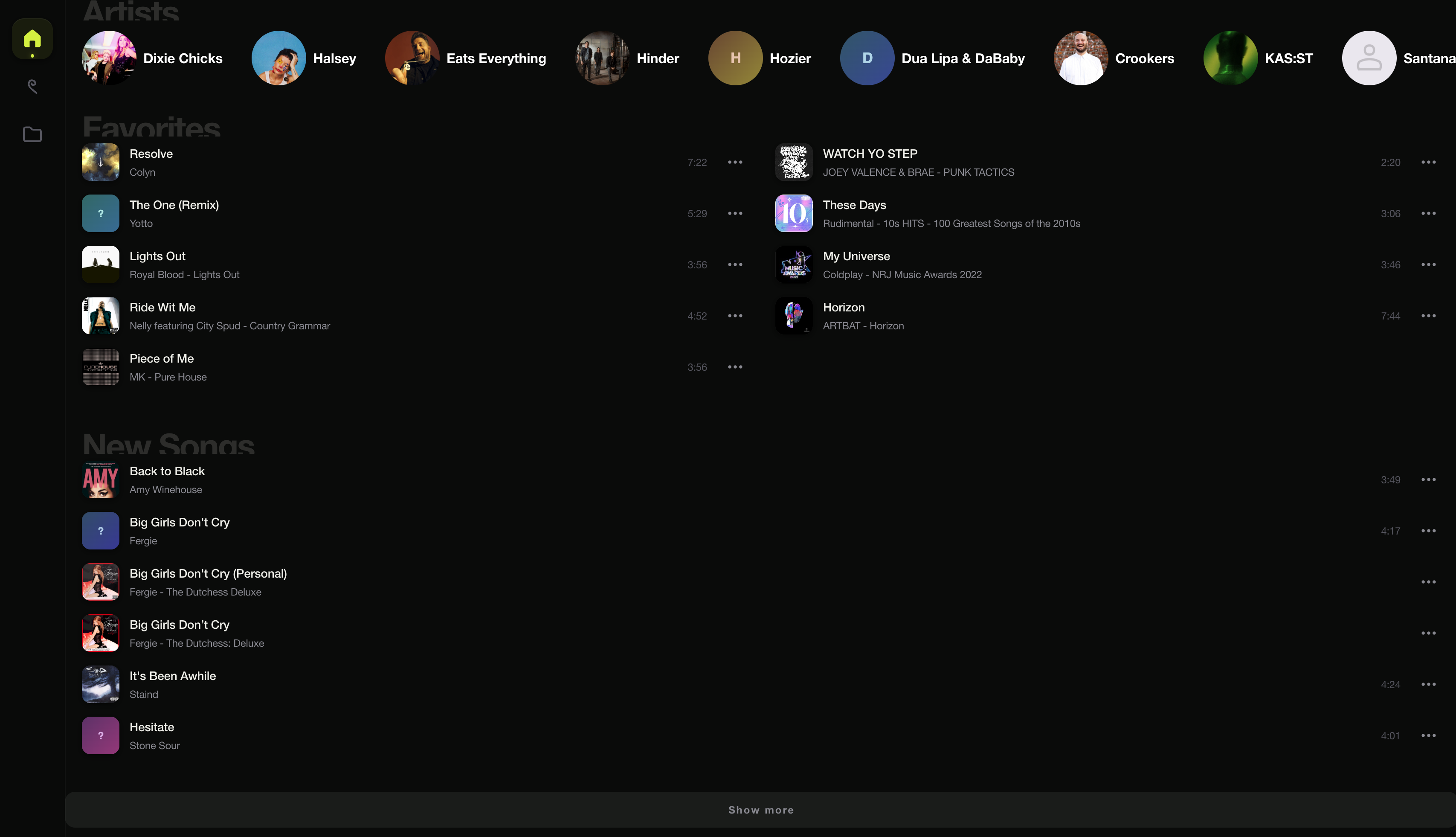 favorites + new |
 |
 |
 |
 |
 |
 |
 |
What It Does
- browse albums, artists, playlists and favorites, with a play history, a waveform seekbar, shuffle and repeat
- plays any format in any browser: if the browser can't handle it (FLAC on iPhone, ALAC in Chrome), the server converts it on the fly
- a save-bandwidth toggle in the home menu: one tap streams everything as compact 128k AAC — roughly a tenth of the data — remembered per device, and guests can use it too; the next track is pre-fetched while the current one plays, so skipping is instant
- album art is delivered as small, visually identical WebP copies to keep image downloads light on phones and slow connections
- a full-screen audio-reactive visualizer, written in raw WebGL2 shaders and tinted to the current album cover
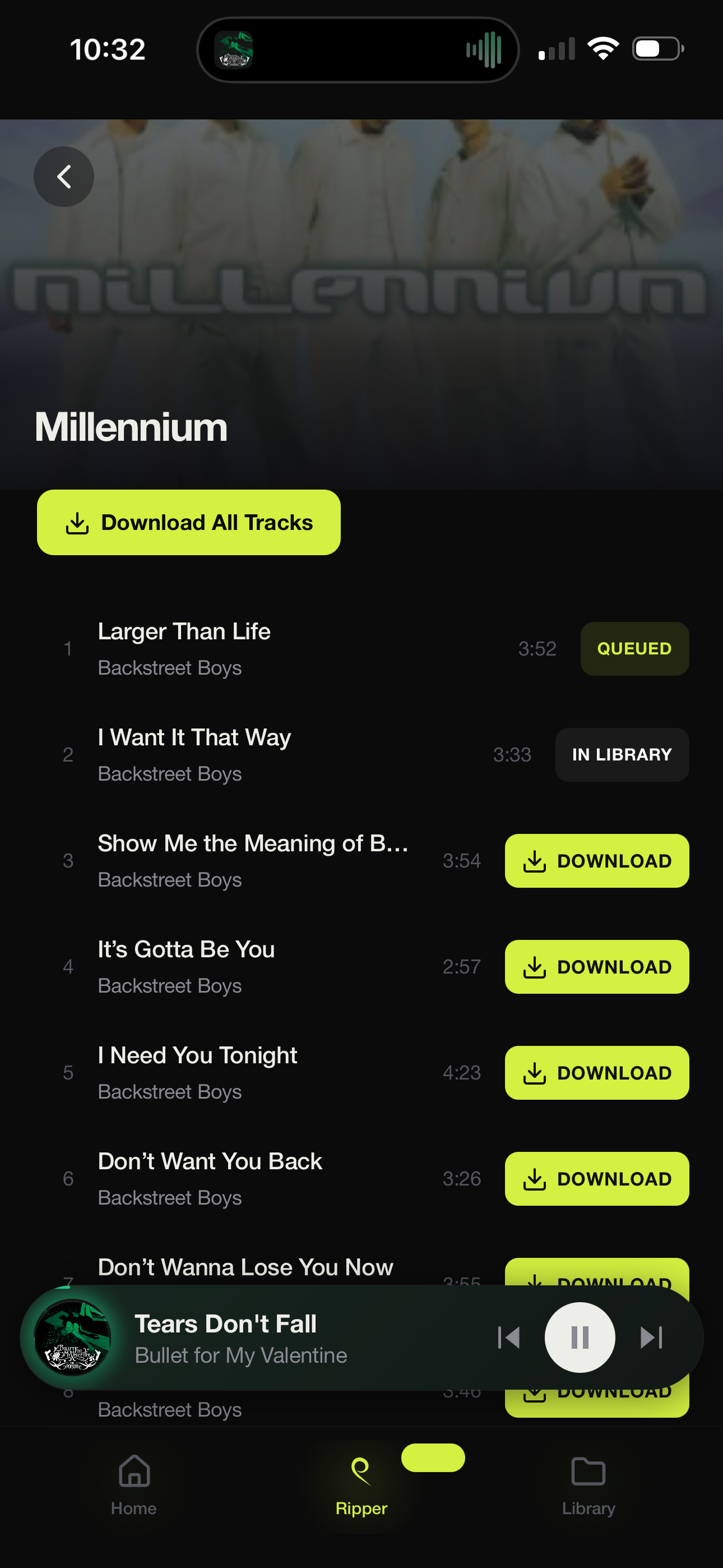
- browse an artist's whole catalogue, see which tracks you already have, and rip the rest with one tap; Rip More jumps there straight from now-playing
- search for a track or a whole album, paste a YouTube, SoundCloud or Bandcamp link, or paste a list of songs and bulk-rip them all; downloads come from Soulseek or YouTube, whichever you prefer, and every job shows its progress live
- when a download fails or arrives corrupt, the next candidate takes over, and live or wrong versions of a song get rejected in favor of the studio recording
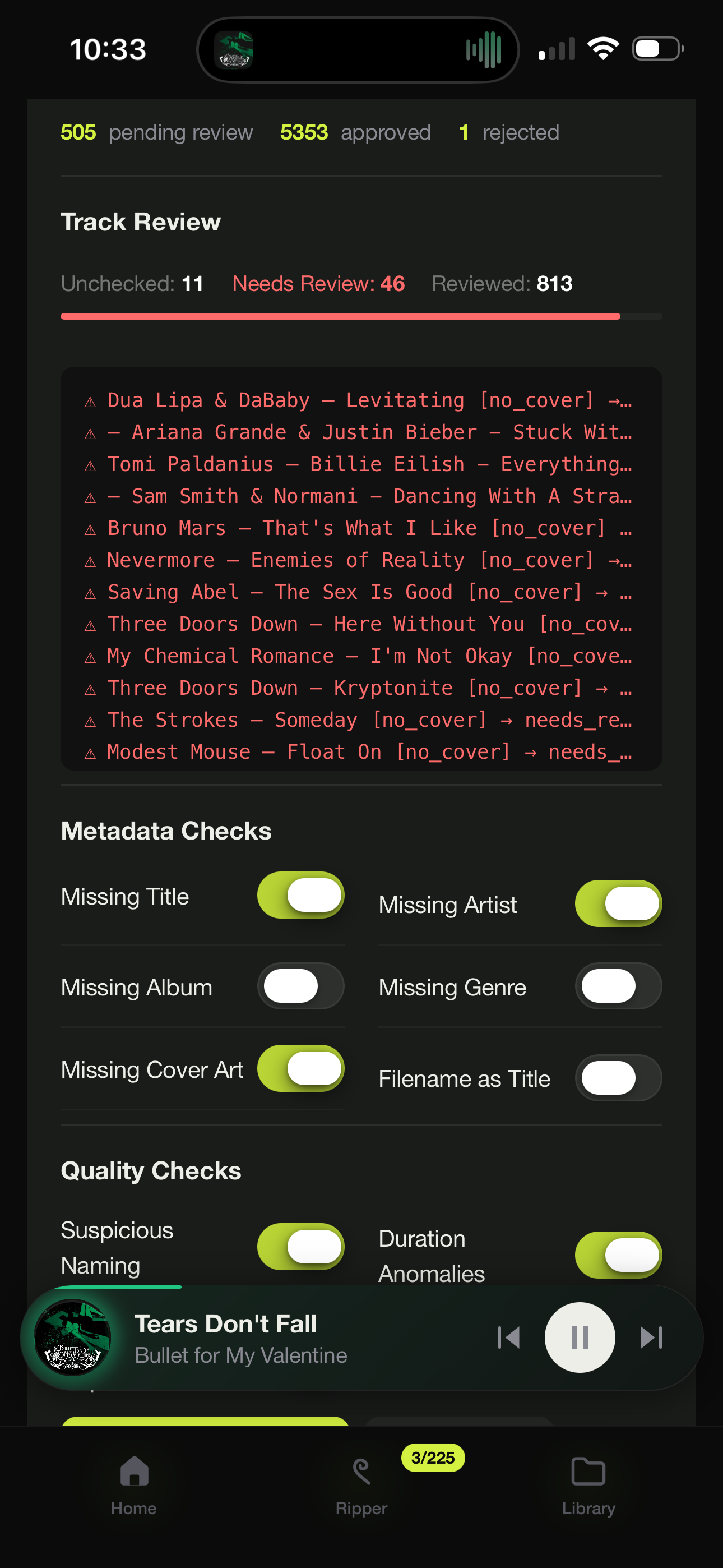
- downloads are tagged and sorted into artist and album folders for you; a needs-attention view flags missing info, messy names, duplicates and bad artwork; fix problems inline, and a track you approve stays approved
- tags, artwork and lyrics are written into the audio files themselves, so anything you rip stays fully tagged if it ever leaves Seekify
- send someone a playlist link and they can play it in their browser; upload your own cover art when the official one is wrong
- first run sets up an admin account; each user you add gets their own playlists, favorites and history, and visitors can still listen
- a rolling 7-day backup of your library database
- an admin log viewer for seeing what the server has been up to
Getting Started
The quickest start, from a clone of this repo:
./scripts/start.sh # installs helpers if missing, builds, and runs
Then:
- Seekify opens at http://localhost:8081. Create the admin account on first run.
- Put music in the folder it's watching (
./musicnext to the app, or whateverMUSIC_DIRpoints at). Anything you already have works: it reads the tags, finds cover art, and builds the library on its own. - Press play.
- Missing something? Search for it and rip it. Downloads arrive tagged, sorted, and ready to play.
To stop it later: ./scripts/stop.sh (Mac/Linux), stop.bat (Windows), or
just close it. Windows users can double-click start.bat; the scripts/
folder also has a Mac double-click starter.
Once running, Seekify runs as one program and works on its own; yt-dlp for YouTube, ffmpeg for converting and waveforms, and python for Soulseek are optional helpers, and it runs fine without them. Everything else (download format, sources, Soulseek login, what the needs-attention checker looks for) you set inside the app. There's also an example GitLab pipeline that builds a Docker image for an Unraid-style server. Reaching it from the internet and starting it on boot are yours to set up.
Soulseek account: you need a Soulseek account before you can use the Soulseek download source. Seekify can register one for you in Settings, or you can log in with an account you already have.
The .env file
.env is an optional plain-text settings file (NAME=value, one per line)
that sits next to the app. Real environment variables override it.
ADMIN_PASSCODE=          # locks the settings screen only (with ADMIN_AUTH_ENABLED=true)
ADMIN_AUTH_ENABLED=false
MUSIC_DIR=./music        # primary music library
# MEDIA_MUSIC_DIR=       # optional secondary read-only library
PORT=8081
The passcode guards the settings screen only, never the player or your music.
Changelog
Seekify moves fast; what's in main is the app. What changed lives in
CHANGELOG.md.
Credits
Written in Go, with a vanilla JavaScript and CSS front end, plus a little Python and shell. It's powered by:
- aioslsk: Soulseek downloads
- yt-dlp: YouTube downloads
- musicbrainzngs: MusicBrainz lookups
- Cover Art Archive: album art
- lrclib: lyrics
- ffmpeg: audio and image conversion, waveforms
- dhowden/tag: reading audio tags
- mutagen: writing audio tags
Media gallery
1 / 4Categories
Related apps
Explore more like this
Explore allDetails
ghcr.io/sadoway7/seekify:latestRuntime arguments
- Web UI
http://[IP]:[PORT:8081]- Network
bridge- Shell
sh- Privileged
- false
Template configuration
HTTP port for the WebUI.
- Target
- 8081
- Default
- 8081
SQLite database, cover/waveform cache, download jobs.
- Target
- /app/data
- Default
- /mnt/user/appdata/seekify/data
Primary music directory (read/write - autosort and downloads land here).
- Target
- /music
- Default
- /mnt/user/Media/music
Optional read-only secondary music library.
- Target
- /media-music
Path inside the container for the primary library.
- Default
- /music
Set to /media-music only if you mount the Secondary Library path.
Container-internal HTTP port. Leave as 8081.
- Default
- 8081