

Scryer
Docker app from Scryer Media's Repository
Overview
Readme
View on GitHub

Scryer for Unraid
Official Unraid Community Apps template for Scryer, a self-hosted, all-in-one media automation platform for movies, TV series, and anime. Scryer combines library management, discovery, requests, acquisition, imports, and subtitles in one efficient application with an embedded web interface.
What Scryer Replaces
Scryer can replace several separate applications with one coordinated system:
- Radarr for movie monitoring, searching, upgrades, importing, renaming, and organization
- Sonarr for TV series and anime monitoring, episode tracking, searching, upgrades, importing, renaming, and organization
- Seerr for discovery, user requests, request queues, and approval workflows
- Bazarr for subtitle discovery, acquisition, and management
Scryer was written from scratch and is not affiliated with the Servarr projects.
Major Features
- Unified movie, TV series, and anime catalogs with monitoring, wanted, calendar, history, and activity views
- Discovery recommendations plus multi-user request and approval workflows
- Pluggable indexers, download clients, subtitle providers, notifications, and media-server integrations
- Quality and delay profiles, custom release rules, cutoff upgrades, and automated release selection
- Coordinated downloads, imports, file renaming and organization, post-processing scripts, and recycle-bin recovery
- Automated subtitle searching and management
- Multilingual metadata and an interface that follows the selected language
- User access controls, authentication, API keys, security and audit tooling, encrypted credentials, and backup/restore
- Responsive embedded web UI, GraphQL API, scheduled jobs, logs, and health monitoring in an efficient compiled Rust service
Container
- Image:
ghcr.io/scryer-media/scryer:latest - Web UI: container port
8080 - Persistent configuration:
/config - Downloads and media libraries:
/data
Map one parent share to /data, and give your download client the same
mapping. The default is /mnt/user/data, which suits the TRaSH Guides layout.
Scryer must see completed downloads at the path the client reports, such as
/data/torrents, and hard links only work inside a single mount. Mapping
downloads and libraries separately makes every import a full copy.
Set your library folders in the Scryer web UI, for example /data/media/movies.
Existing installs that map /data/movies, /data/series, or /data/anime can
switch by adding the /data path and removing those mappings. Update the
library folders in Scryer if their paths changed.
Scryer creates /config/encryption.key with mode 0600 when no external key
is supplied. Preserve /config; it contains Scryer's database, settings,
metadata, and the key required to decrypt stored credentials.
Screenshots
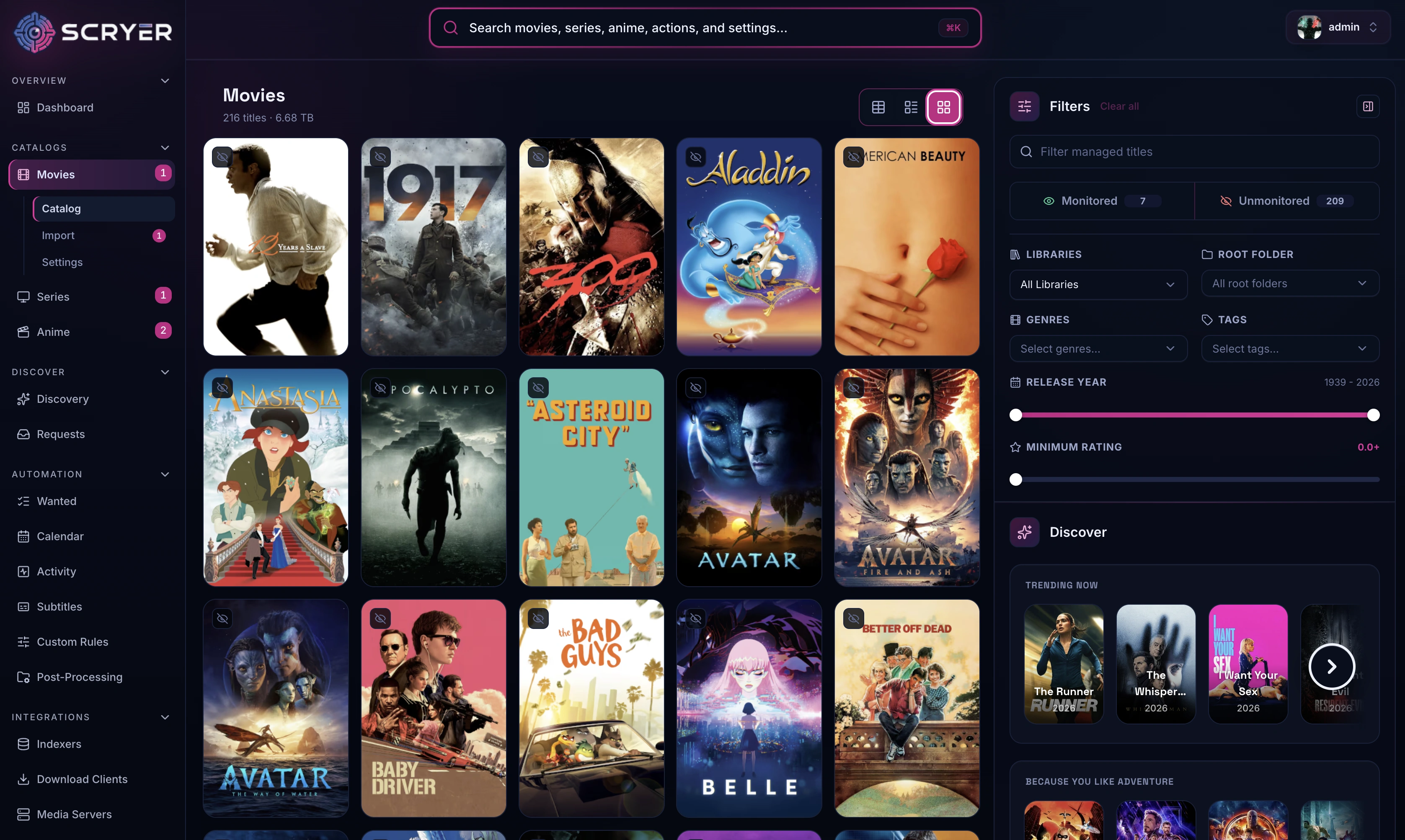
Movies
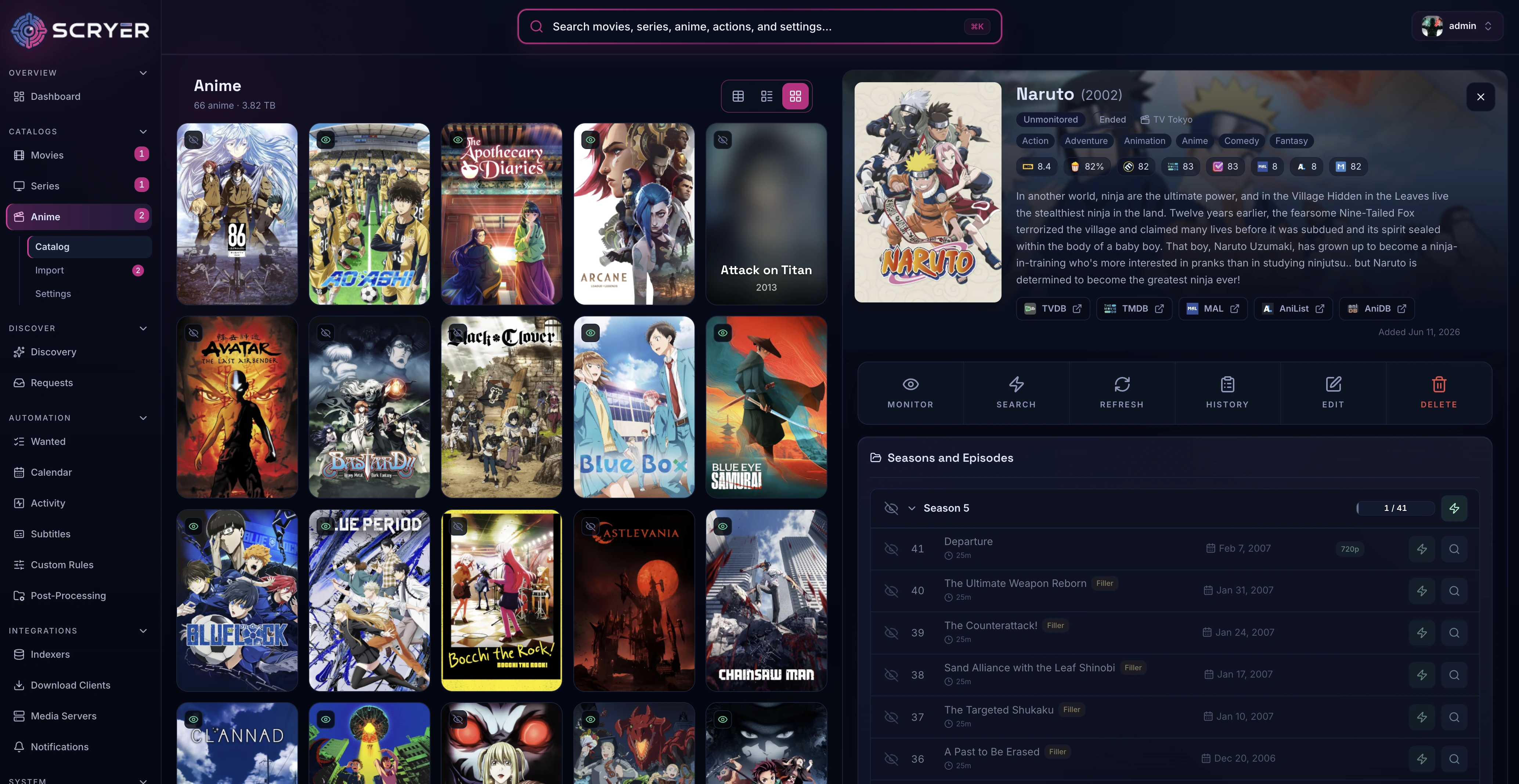
Anime Library
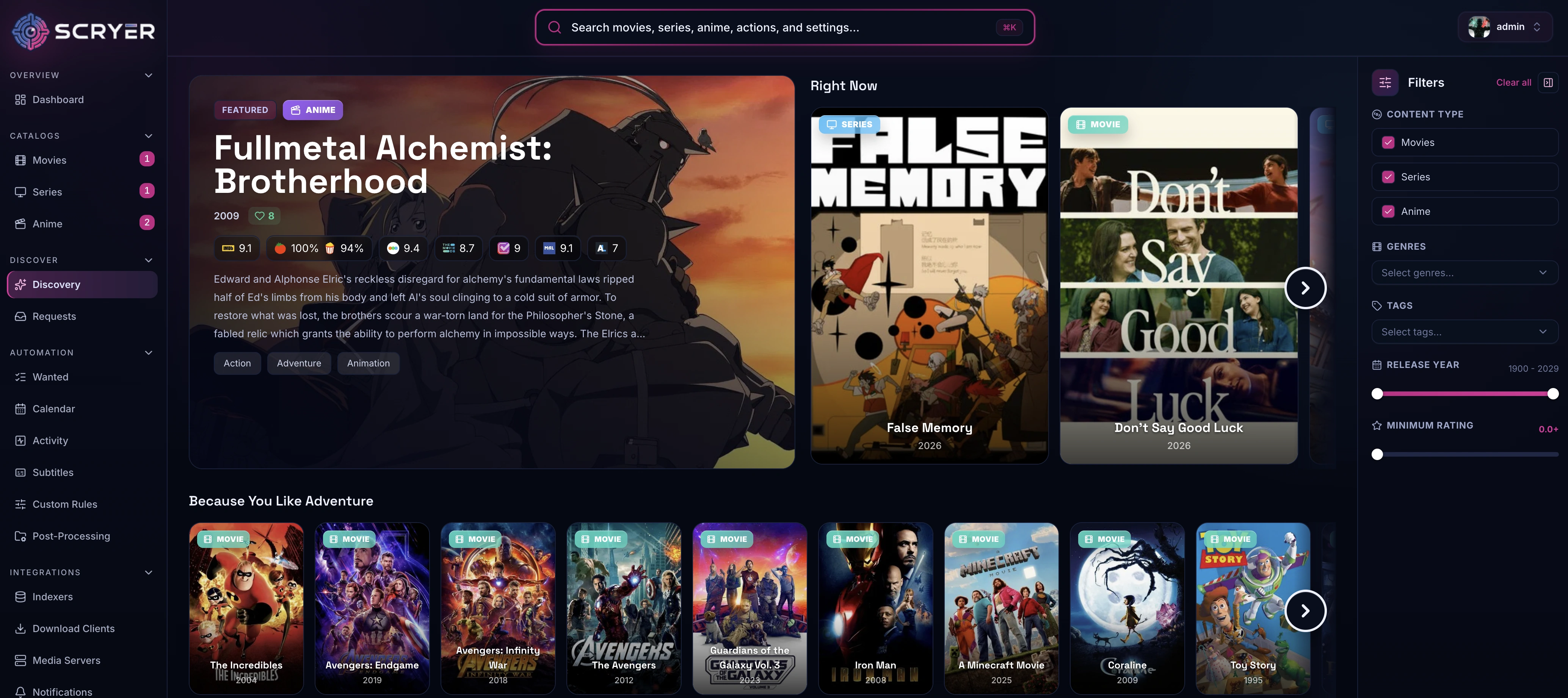
Discovery
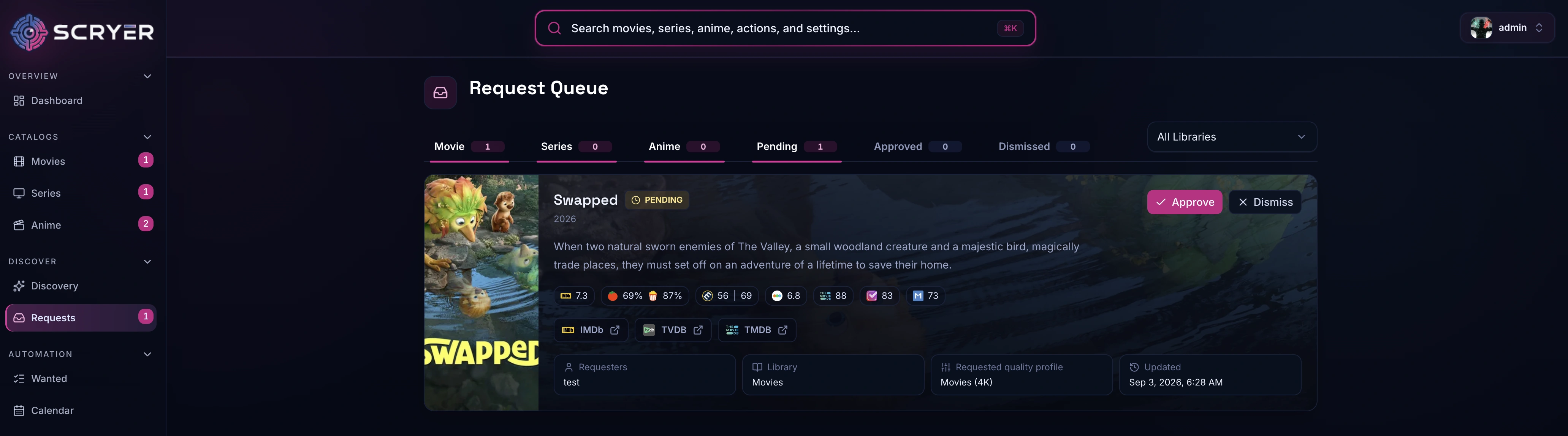
Request
Import
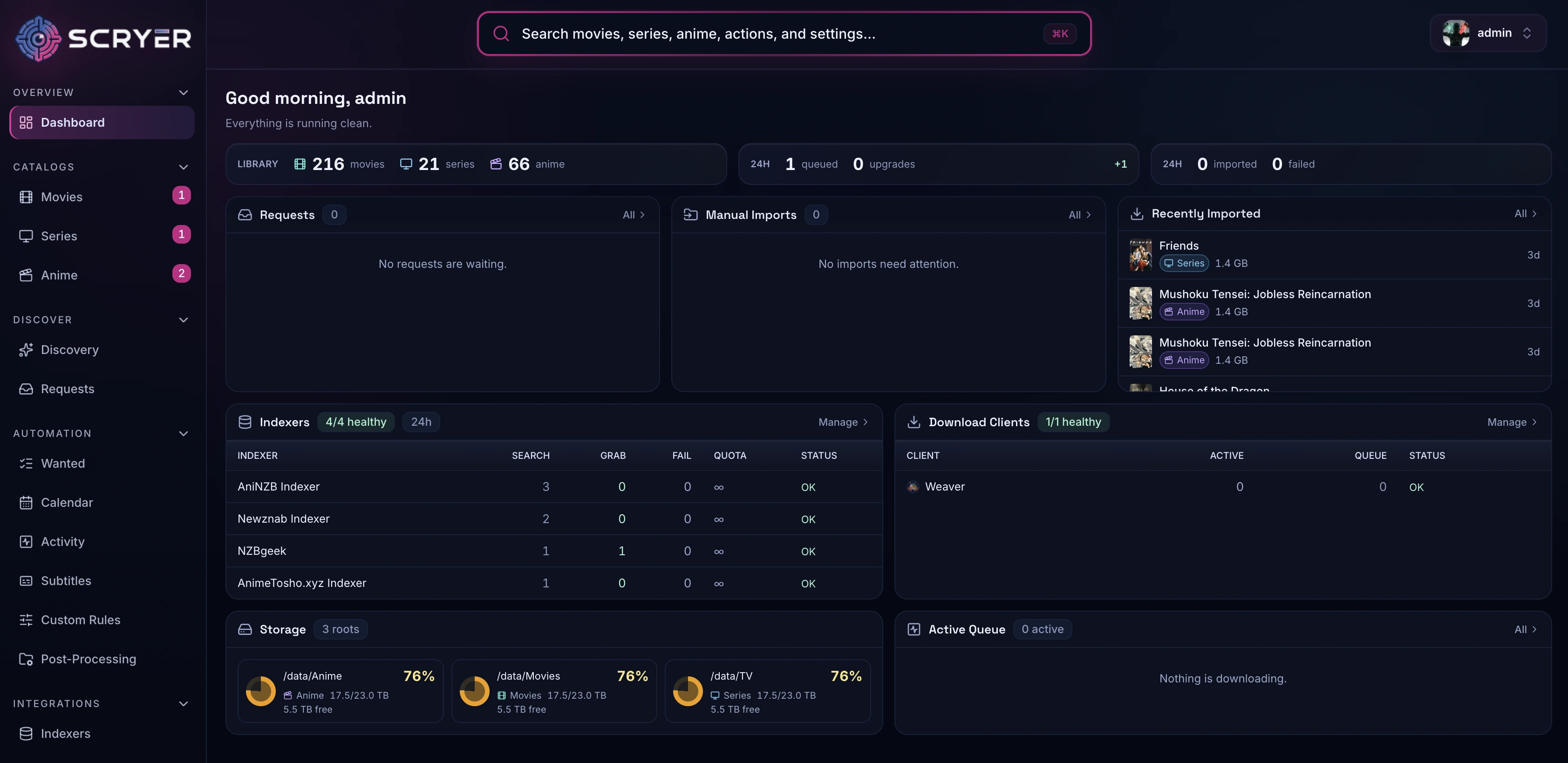
Dashboard
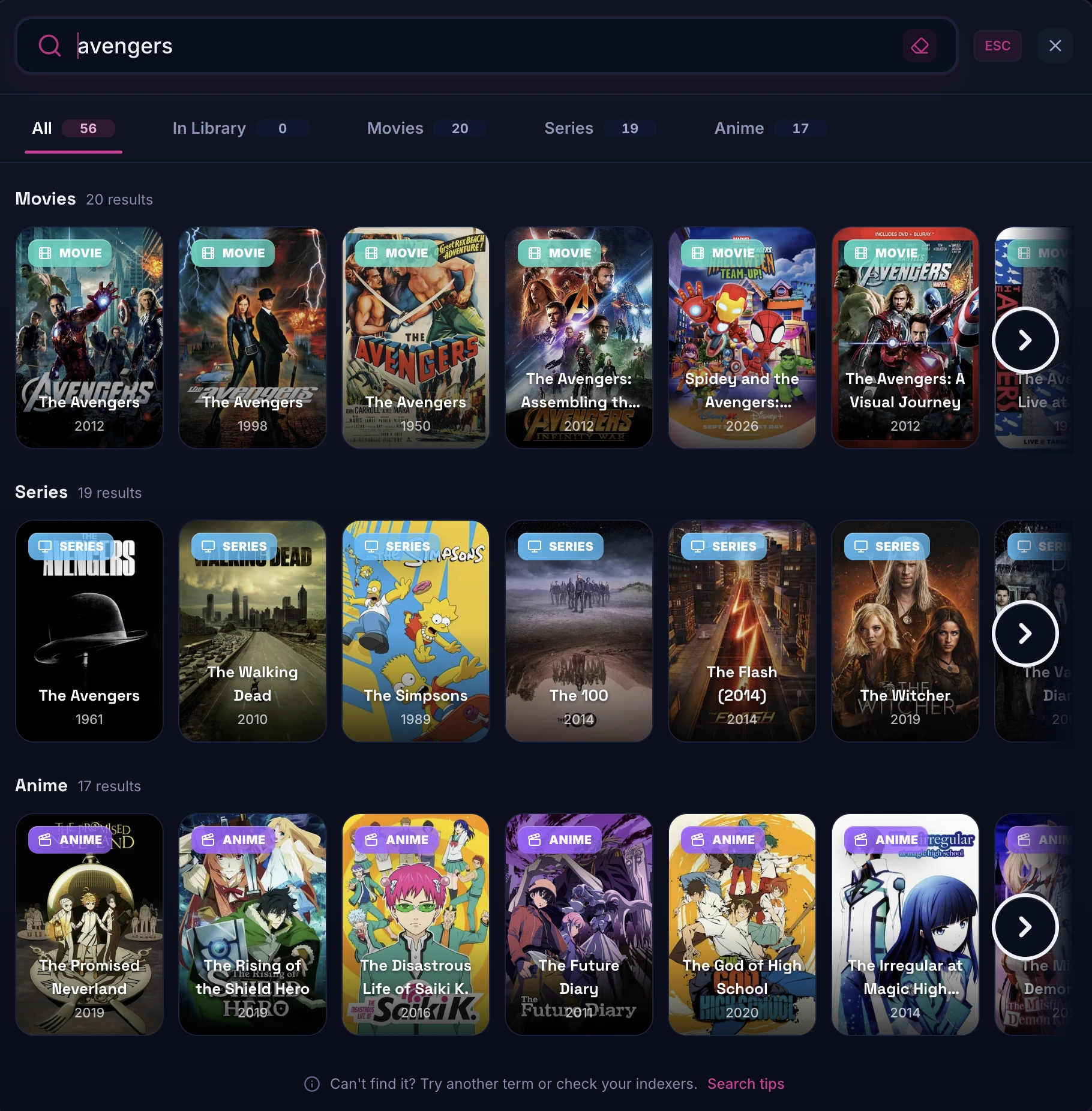
Search
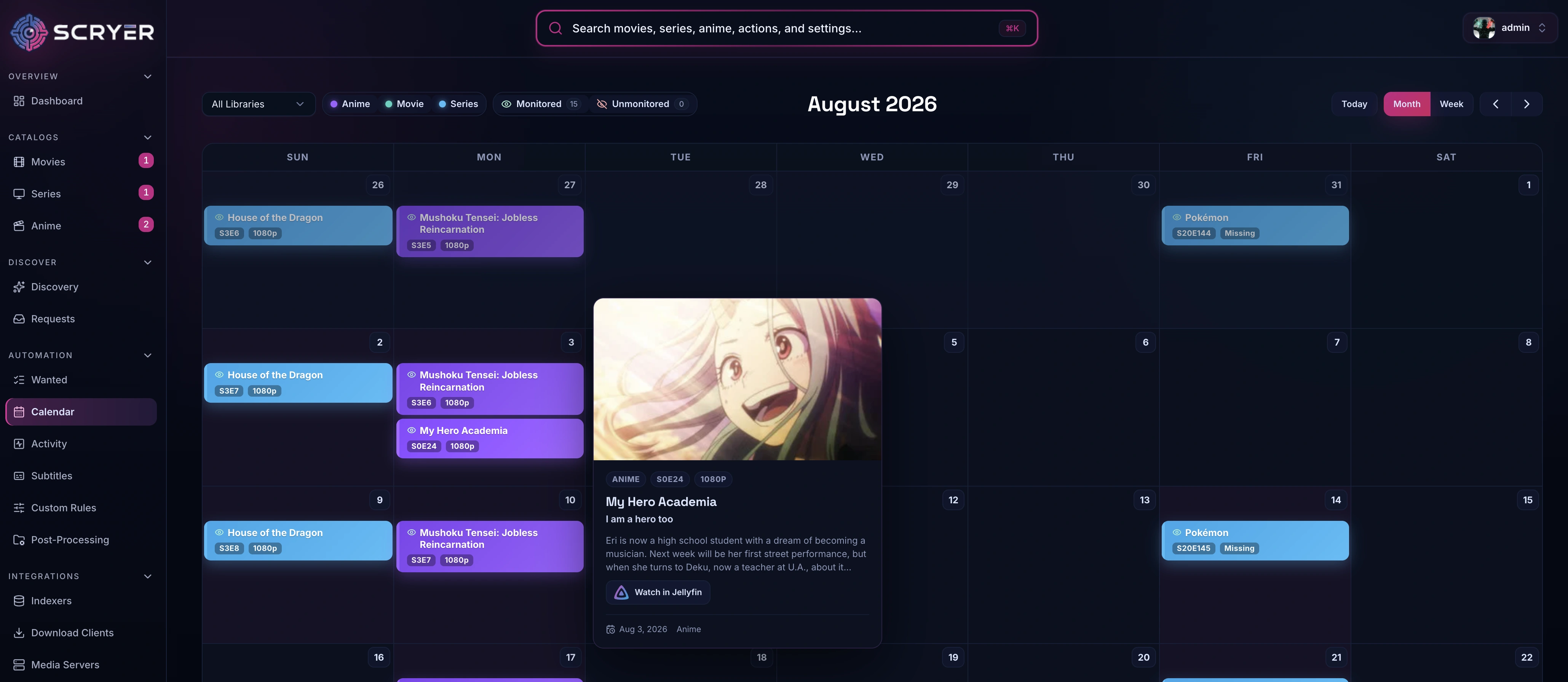
Calendar
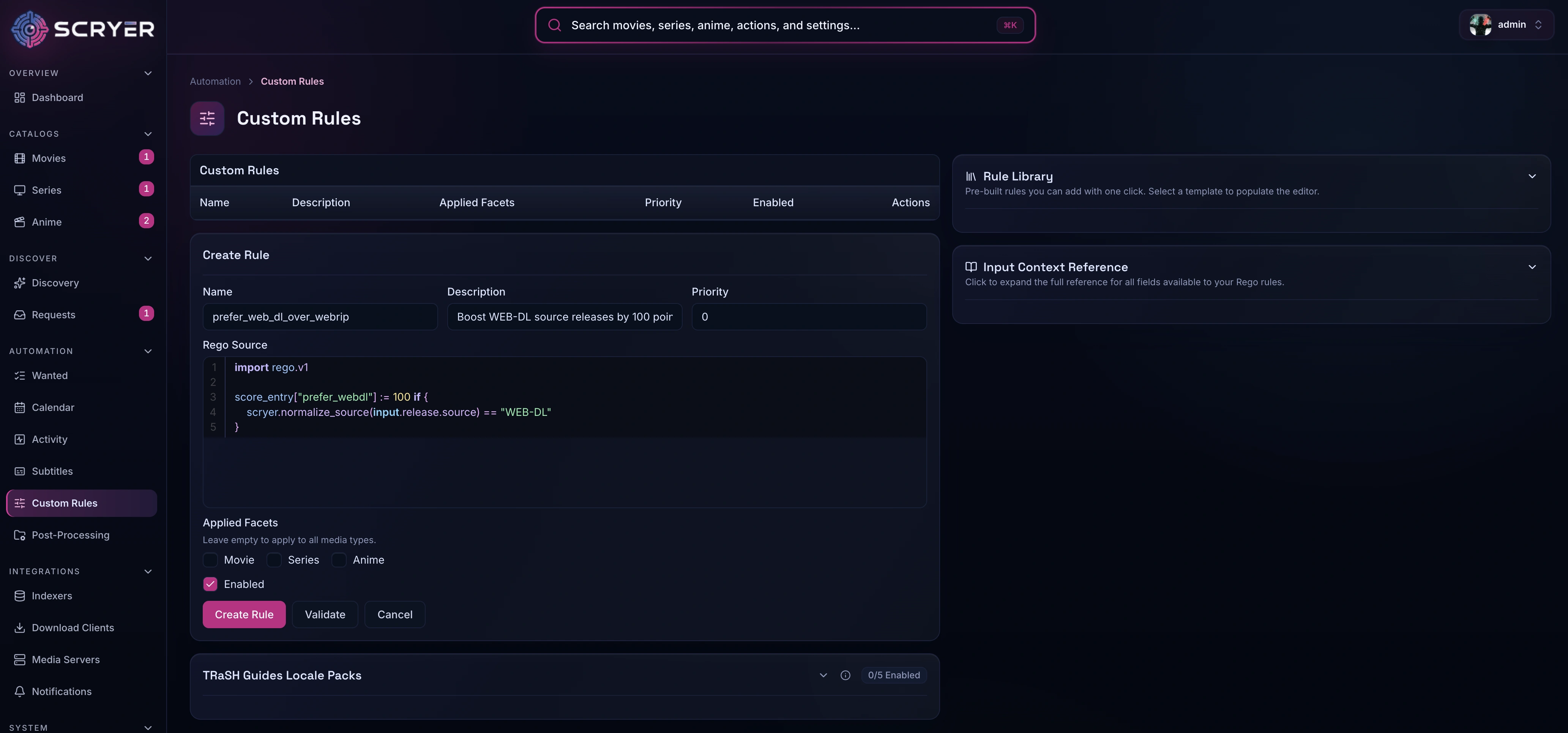
Rules
Support
Licensing
The files in this template repository are licensed under the MIT License. Scryer itself is licensed under the GNU General Public License version 3.
Media gallery
1 / 9Requirements
Categories
Related apps
Explore more like this
Explore allDetails
ghcr.io/scryer-media/scryer:latestRuntime arguments
- Web UI
http://[IP]:[PORT:8080]/- Network
bridge- Shell
sh- Privileged
- false
Template configuration
HTTP port for the Scryer web interface.
- Target
- 8080
- Default
- 8080
Persistent database, settings, metadata, and encryption key.
- Target
- /config
- Default
- /mnt/user/appdata/scryer
Parent share holding your downloads and media libraries. Give your download client the same mapping so imports can hard-link instead of copy. Set library folders in the Scryer web UI.
- Target
- /data
- Default
- /mnt/user/data
User ID used to own /config and run Scryer.
- Default
- 99
Group ID used to own /config and run Scryer.
- Default
- 100
Container timezone, for example America/Denver.
- Target
- TZ
- Default
- Etc/UTC
Require Scryer login instead of using the built-in administrator session.
- Target
- SCRYER_AUTH_ENABLED
- Default
- false