

reiverr
Docker app from JPDVM2014's Repository
Reiverr is a project that aims to create a single UI for interacting with TMDB, Jellyfin, Radarr and Sonarr, as well as be an alternative to Overseerr.
Overview
Readme
View on GitHubReiverr
Stargazers GitHub issues Version Size
Reiverr is a self hosted, TVs-first replacement for the arr stack (Jellyfin, Sonarr, Radarr, Seerr, a torrent client). See installation and user guide to get started.
This project is still in early stages, and many features are still missing / being tested and changed. Contributions are welcome! See contributing for more information.
For the old, desktop-only version that connects to Jellyfin, Radarr and Sonarr, see 1.0 branch.
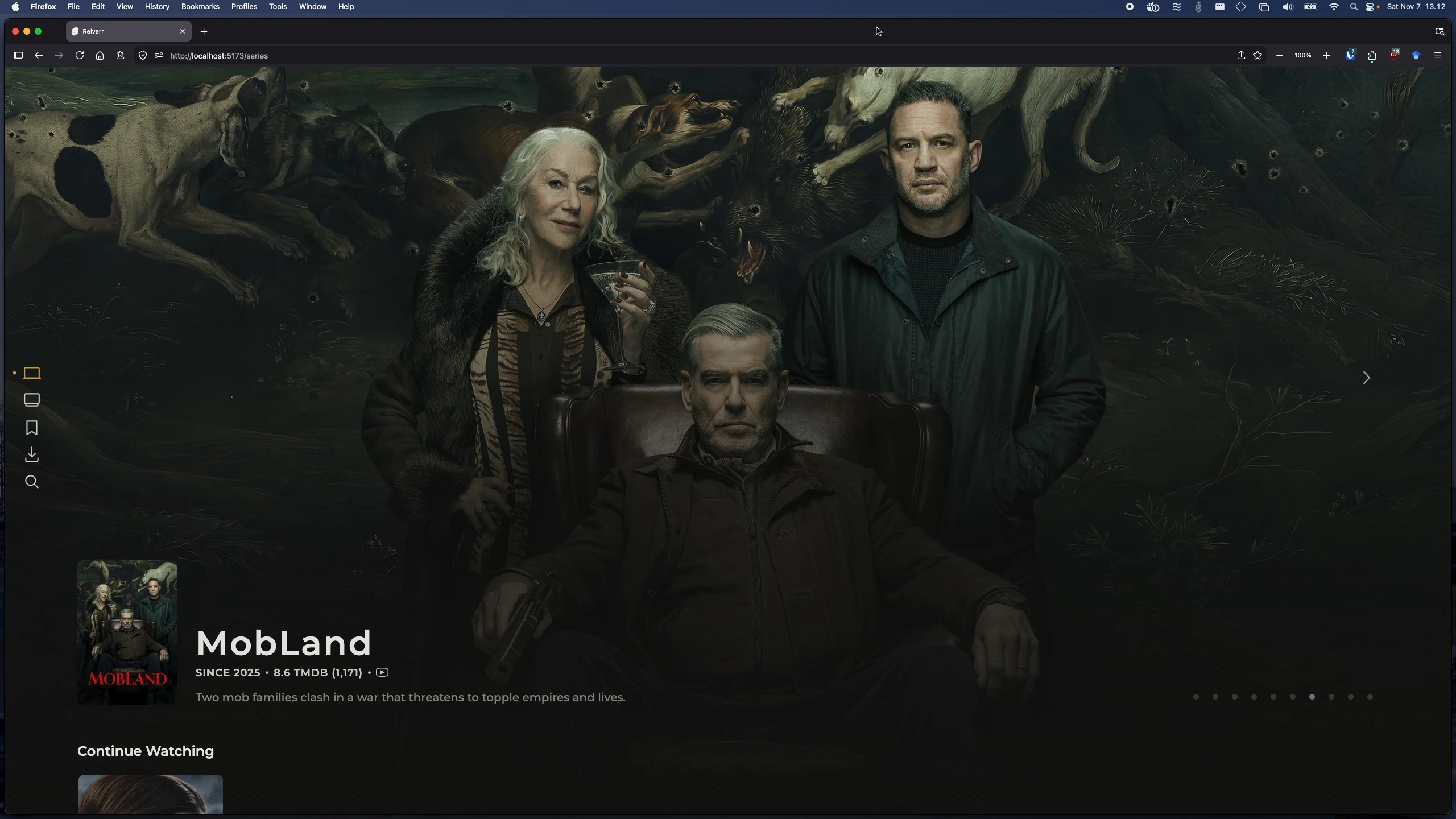
List of major features
TMDB Discovery:
- Discover trending movies and TV shows
- Get personalized recommendations based on your TMDB ratings
- View details about movies and TV shows, such as cast, crew, ratings & a trailer.
- Movie & TV show search
Requests & downloads:
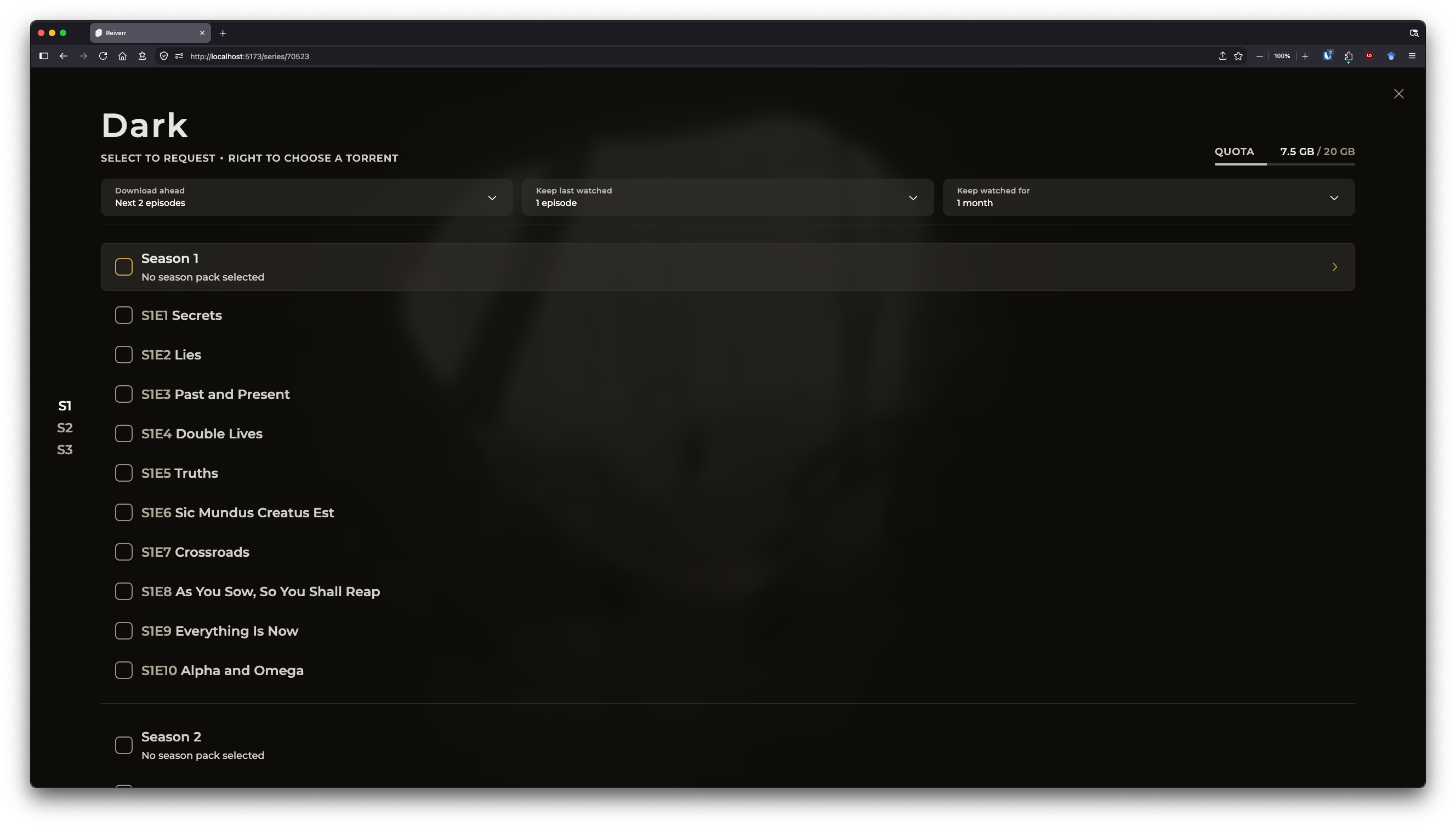
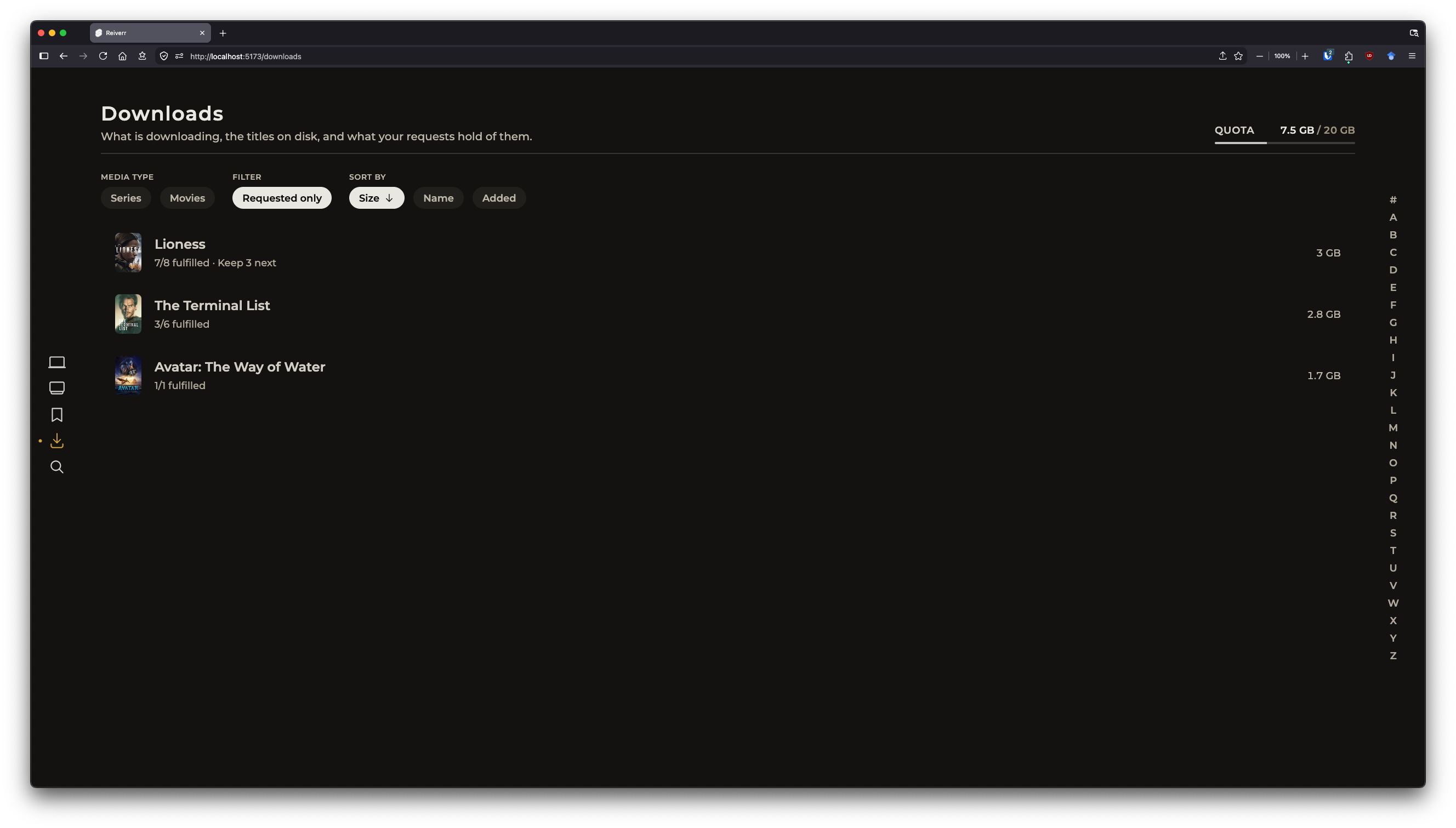
- Built-in torrent client for downloading media using a requesting system
- Can be configured to download episodes only as they are needed and automatically delete them after watching
- Storage usage quotas per user
Discovery of new content via RSSLimit # of concurrent downloads and download speed
Library:
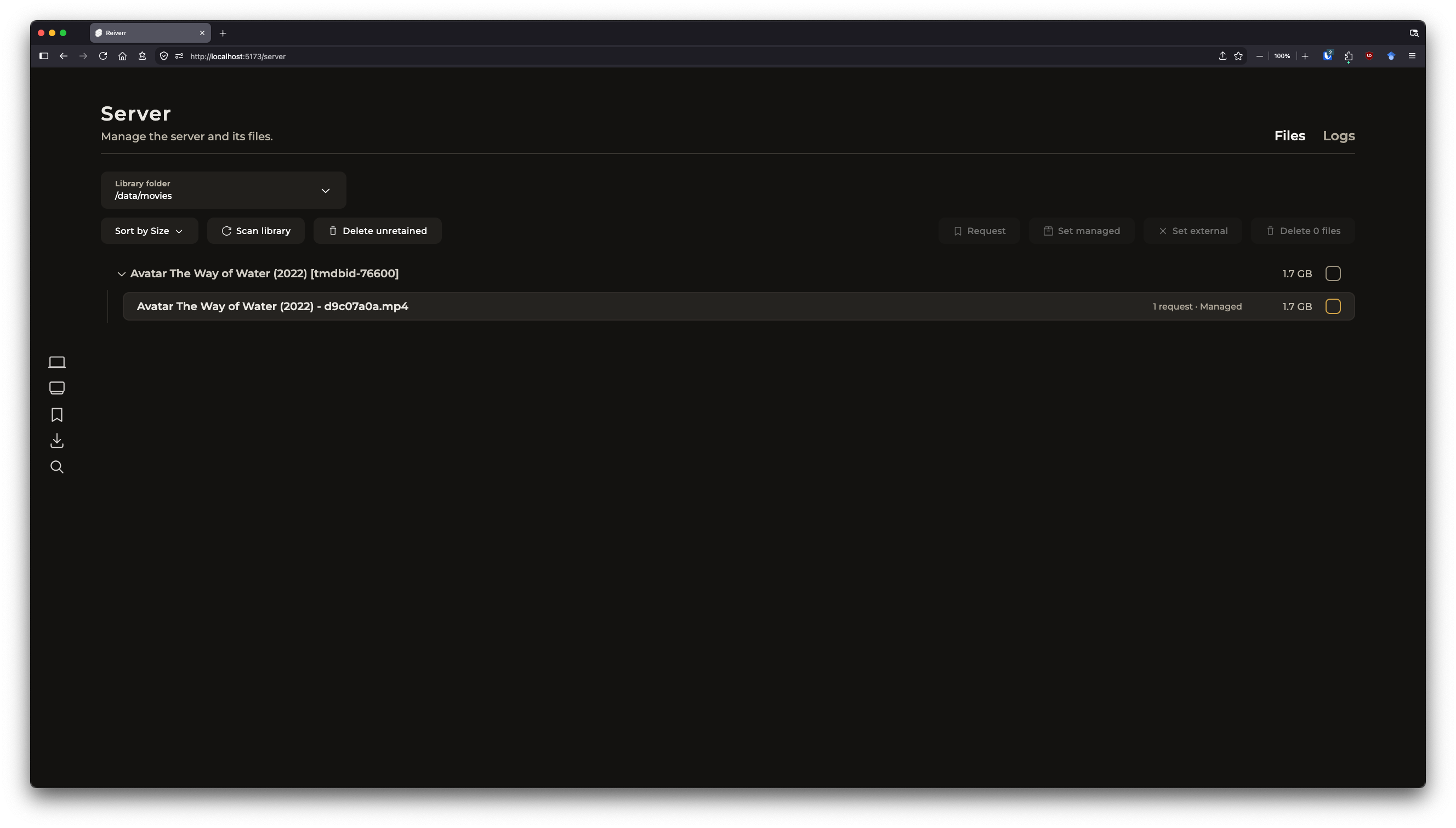
- External files are automatically discovered from disk
- Supports multiple library folders and is compatible with jellyfin libraries
Playback:
- Direct playback (see your browser compatibility)
Transcoding/HLSStreaming from torrents- Audio track selection (Tizen, or audioTracks)
- Subtitles (VTT/SRT as sidecar files)
For a list of planned features & known bugs, see Reiverr Taskboard.
Installation
The easiest and the recommended way to install Reiverr is via Docker. After installation, see post-installation.
Docker compose
name: reiverr

services:
  reiverr:
    image: ghcr.io/aleksilassila/reiverr:latest
    container_name: reiverr
    ports:
      - 9494:9494
    environment:
      # Optional variables:
      # - JWT_SECRET=your_secret_here # used to sign JWT tokens for authentication. If not set, defaults to a random string and sessions will not persist between server restarts. Use a random string.
      # - ADMIN_USERNAME=admin
      # - ADMIN_PASSWORD=very_strong_password
      # - TORRENT_PORT=51413 # The port that torrent client listens on. If not set, a random port is used. It's recommend to forward this in your VPN
      # - TORRENT_DHT_PORT=51414 # DHT nodes UDP port. If not set, a random port is used. Forward as well
      # - TORRENT_UPNP=true # Enable UPnP, off by default
      # - TORRENT_NAT_PMP=true # Enable NAT-PMP, off by default
      # - TORRENT_WEBRTC=false # Disable WebRTC peers. On by default
      # - TZ=Europe/Helsinki # Time zone of the nightly cleanup and scans. UTC by default
    volumes:
      - /path/to/appdata/config:/config
      - /path/to/data:/data
      # - /path/to/downloads:/data/downloads # Optional
    restart: unless-stopped
Docker CLI
docker run -it --init \
  --name reiverr \
  --restart unless-stopped \
  -p 9494:9494 \
  -v /path/to/appdata/config:/config \
  -v /path/to/data:/data \
  ghcr.io/aleksilassila/reiverr:latest
The /data volume holds the downloads (/data/downloads) and is meant to hold the media library too, for example /data/tv and /data/movies. When both are on the same volume, finished downloads are hard linked into the library and take no extra space; across volumes they are copied.
Building from Source
- Requirements(ish):
- Node v22.17.0 or higher
- NPM v9.3.1 or higher
- Clone from master or download the latest source
- Build & run the app:
npm installnpm run buildnpm run start:prod
Reiverr will be accessible via port 9494 by default.
Smart TVs
To be able to use Reiverr on TVs, you'll still need to host the backend server on a separate device. See the above methods for instructions on how to set up the backend / web app.
Tizen / Samsung Smart TVs
Installing on a Samsung TV needs developer mode on the TV, with the computer you install from as its Host PC IP.
Each release has a ready-built Reiverr.wgt on the releases page, signed with the Tizen SDK's generic developer certificate. Older TVs accept it as is, but newer TVs need the package to to be signed with a Samsung certificate made for the TV. Installers such as Apps2Samsung make the certificate and sign the package for you, or you can re-sign it with the Tizen CLI:
tizen package -t wgt -s <certificate profile> -- Reiverr.wgt
Alternatively, you can build and install the app from source with Docker:
- Obtain your TV's IP address
- Run
npm run deploy:tizen <TV_IP>to build and install the app on your TV
To sign with your own certificates, put author.p12 and distributor.p12 in tizen/certificates/ and give their password after the IP:
npm run deploy:tizen <TV_IP> <CERTIFICATE_PASSWORD>
An update has to be signed with the same certificate as the installed app; otherwise, uninstall the app first.
For troubleshooting, see install-jellyfin-tizen, which this build method is based on.
Android TV / Fire TV
The build has only been tested in an Android TV emulator. If you have a real TV, let me know if you run into issues.
Each release has a ready-built Reiverr.apk on the releases page. Download it on the TV with a downloader app and allow that app to install unknown apps, or install it from a computer with adb install -r Reiverr.apk. Fire TV models running Vega OS (the Fire TV Stick 4K Select and some newer Fire TV Stick HD models) cannot install Android apps.
In the emulator, files with Dolby (AC-3, E-AC-3) or DTS audio play without sound, and 10-bit HEVC (x265) video plays without a picture. If you try such files on a real TV, let me know how they play.
To build the APK yourself, npm run build:android builds the app in Docker and writes android/Reiverr.apk, which can be sideloaded on an Android TV or Fire TV device, or installed in the Android TV emulator of Android Studio with adb install -r android/Reiverr.apk (from inside the emulator, a backend on the same computer is at http://10.0.2.2:9494). To install it on a TV over the network:
- Enable ADB debugging on the TV (Android TV: Settings > System > Developer options; Fire TV: Settings > My Fire TV > Developer options) and allow the connection on the TV when it asks
- Obtain your TV's IP address
- Run
npm run deploy:android <TV_IP>
With Docker Desktop, npm run deploy:android host.docker.internal installs into an emulator running on the same computer.
The APK is signed with a key that is stored in android/keystore/ on the first build. If you want to update the app, it needs to be signed with the same key. To sign with a keystore of your own, put it there as reiverr.jks and set KEYSTORE_PASSWORD. An APK you build is signed with a different key than the release APKs, so switching between the two means uninstalling the app first.
WebOS
Planned
[!NOTE] If you have any questions or run into issues or bugs, you can start a discussion or open an issue. If find a feature request that you'd like to see implemented, you can react to it with a thumbs up.
Post Installation
To create the first user account, you can log in with any credentials and an admin account will be created. Alternatively, you can define the admin username and password using environment variables, as seen in the Docker Compose example. A new admin account is created on startup if there is no account with that name. If an admin account with that name exists, its password is reset to ADMIN_PASSWORD on every startup, which is also how you can recover a forgotten admin password. To change that admin's password in the app, remove ADMIN_PASSWORD first.
To get most out of Reiverr, it is recommended to also connect to TMDB.
You can find more detailed documentation in the wiki.
Contributing
To see a list of missing features & known bugs that you can help with, see Reiverr Taskboard. Feel free to also create your own issues for bug reports or feature requests, as well as discussions for general questions. Issues with the community label are issues that I can't or won't work on myself, and are left for the community to pick up. Feel free to work on any issues though, even without the label.
Before you contribute:
- If you are taking on an existing bug or feature ticket, it is encouraged to comment on the issue or mark yourself as an assignee at some point to avoid multiple people working on the same thing.
- If the ticket is vague or missing information, please ask for clarification in the comments.
- UI style should match the rest of the project, and it is a good idea to discuss the design beforehand, especially for larger design choices (issues labelled with
design). - Conventional commits are encouraged.
- When creating a pull request, please make sure to target the
devbranch and mark the PR as a draft if it is a work in progress.
Development
See docs for an overview of the backend architecture.
To get started with development:
# 1. Clone the repository
# 2. Check out the `dev` branch
# 3. Install dependencies\
npm install
npm install --prefix backend
# 4. To start the frontend:
npm run dev # or npx vite --host if you want to expose the server
# 5. To start the backend:
npm run --prefix backend start:dev
OR
docker compose -f docker-compose.dev.yml up --build
Frontend will run on port 5173 and backend port 9494
Notes
- 3.0 will primarily target TVs, so the UI must be optimized with TVs in mind. This means larger text, buttons, etc. Design Guide for Android TV is a good resource for how to design for TVs.
- The app should support old browsers all the way to Chromium 69, as that's what used in Tizen 5.5. This means that you might not be able to use the latest browser features, or that you'll have to use a polyfill. caniuse.com is a great resource if you need to check compatibility.
- For example older browsers don't support
gapcss property. You can use thespace-xandspace-yclasses from Tailwind CSS to achieve the same effect.
- For example older browsers don't support
Useful resources
- https://developer.themoviedb.org/reference
- Network tab in the browser in Jellyfin, Radarr & Sonarr web UIs
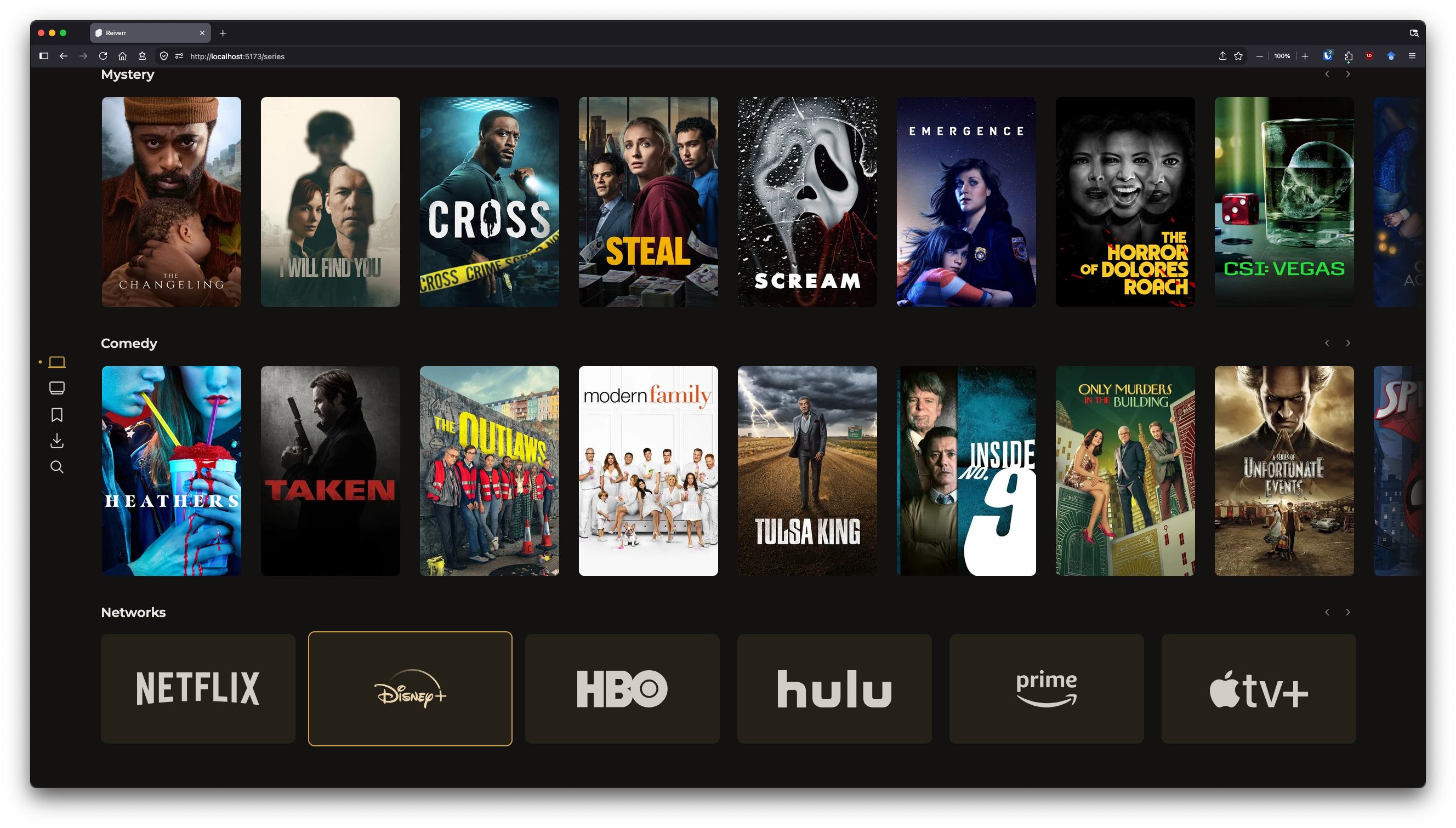
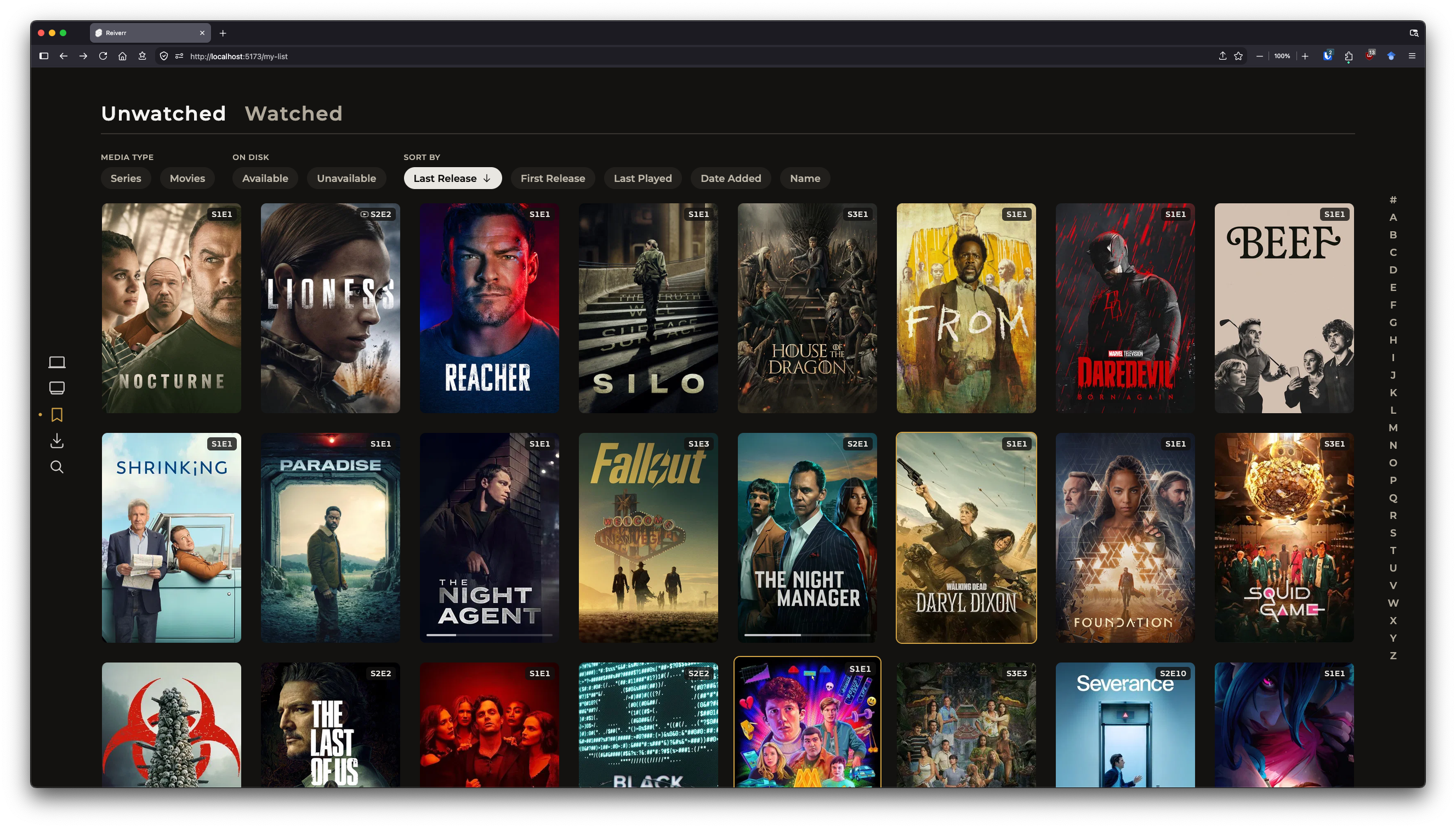
Additional Screenshots
Star History
Star History ChartCategories
Related apps
Explore more like this
Explore allLinks
Details
ghcr.io/aleksilassila/reiverr:latestRuntime arguments
- Web UI
http://[IP]:[PORT:9494]- Network
bridge- Shell
sh- Privileged
- false
Template configuration
- Target
- 9494
- Default
- 9494
- Value
- 9494
Where the config file will be stored
- Target
- /config
- Default
- /mnt/user/appdata/reiverr
- Value
- /mnt/user/appdata/reiverr
Used to sign JWT tokens for authentication. If not set, sessions will not persist between server restarts. Use a random string.
- Target
- SECRET
- Default
- your-very-long-and-mysterious-secret
- Value
- your-very-long-and-mysterious-secret
Default admin username. If not set, the first account created will be made an admin.
- Target
- ADMIN_USERNAME
- Default
- admin
- Value
- admin
Default admin password. If not set, the first account created will be made an admin.
- Target
- ADMIN_PASSWORD
- Default
- password
- Value
- password