
All apps · 0 apps

Reclaimerr
Docker app from Jessielw's Repository
Overview
Automatically reclaim space in your media library using customizable rules. Integrates with Jellyfin and/or Plex to analyze and manage your content. Functions similarly to Seerr (in reverse), providing efficient media cleanup and organization
Readme
View on GitHub



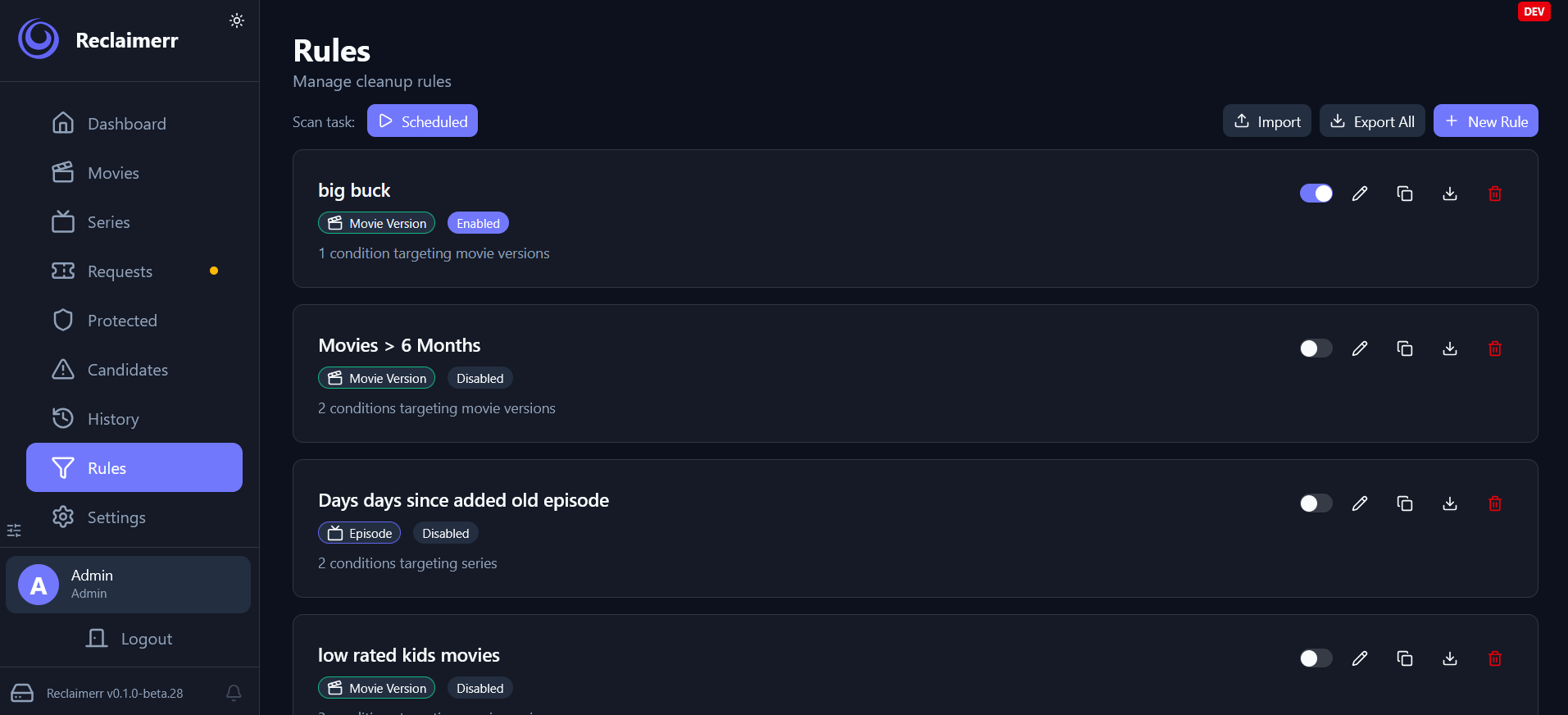
Reclaimerr scans media libraries for eligible items, tracks protection and deletion requests, and routes the final action through the appropriate service.
Capabilities
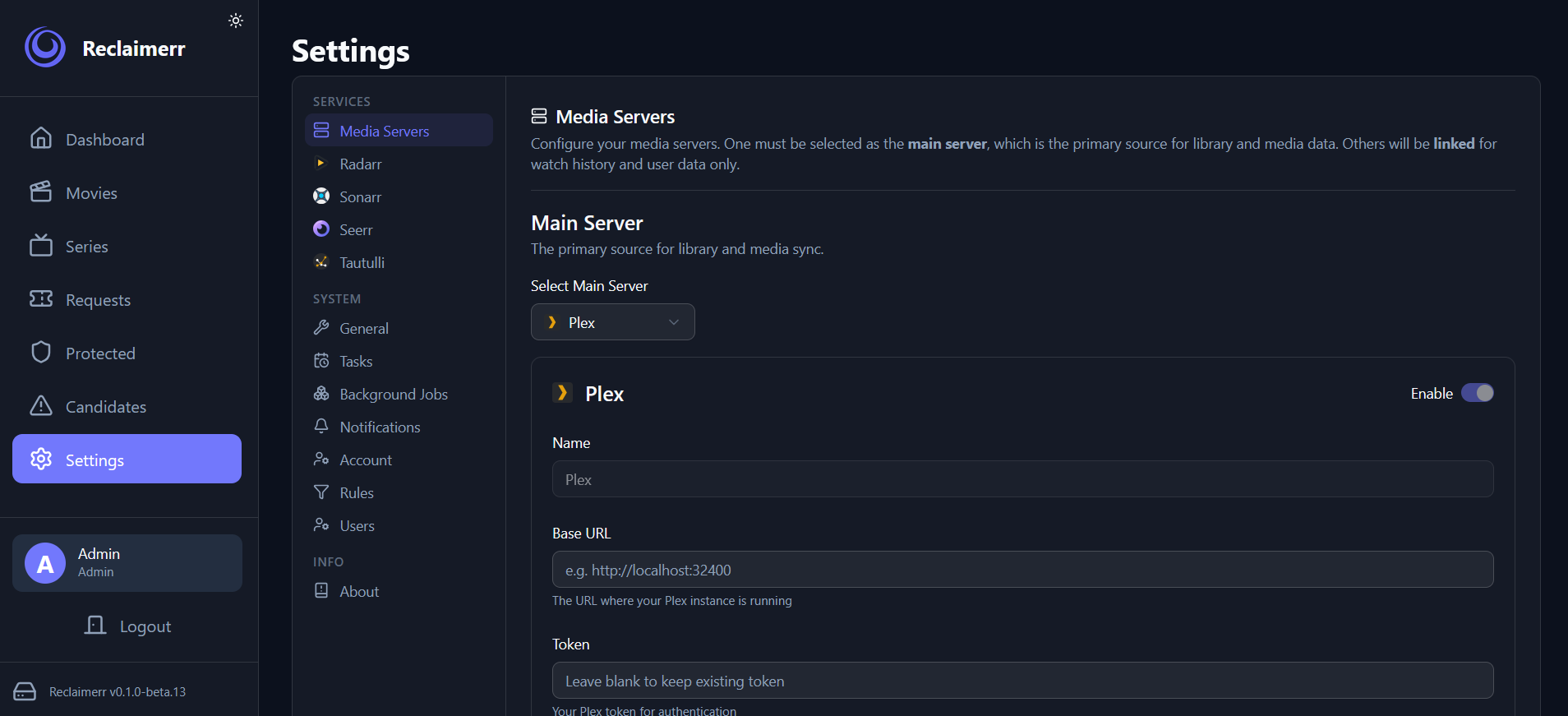
- Supports Jellyfin, Plex, and Emby
- Integrates with Radarr and Sonarr when configured
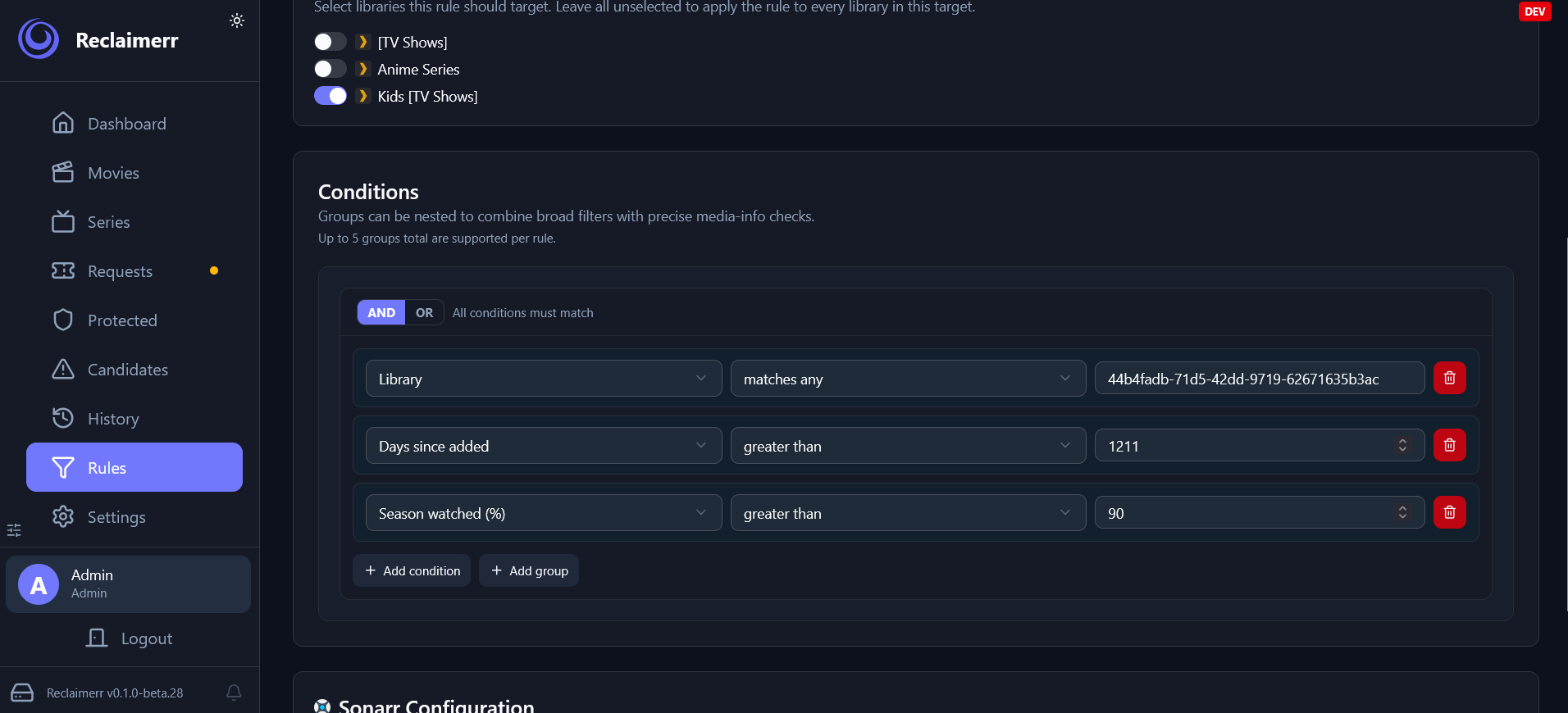
- Scans candidates using your reclaim rules
- Respects protection, pending requests, and approval flows
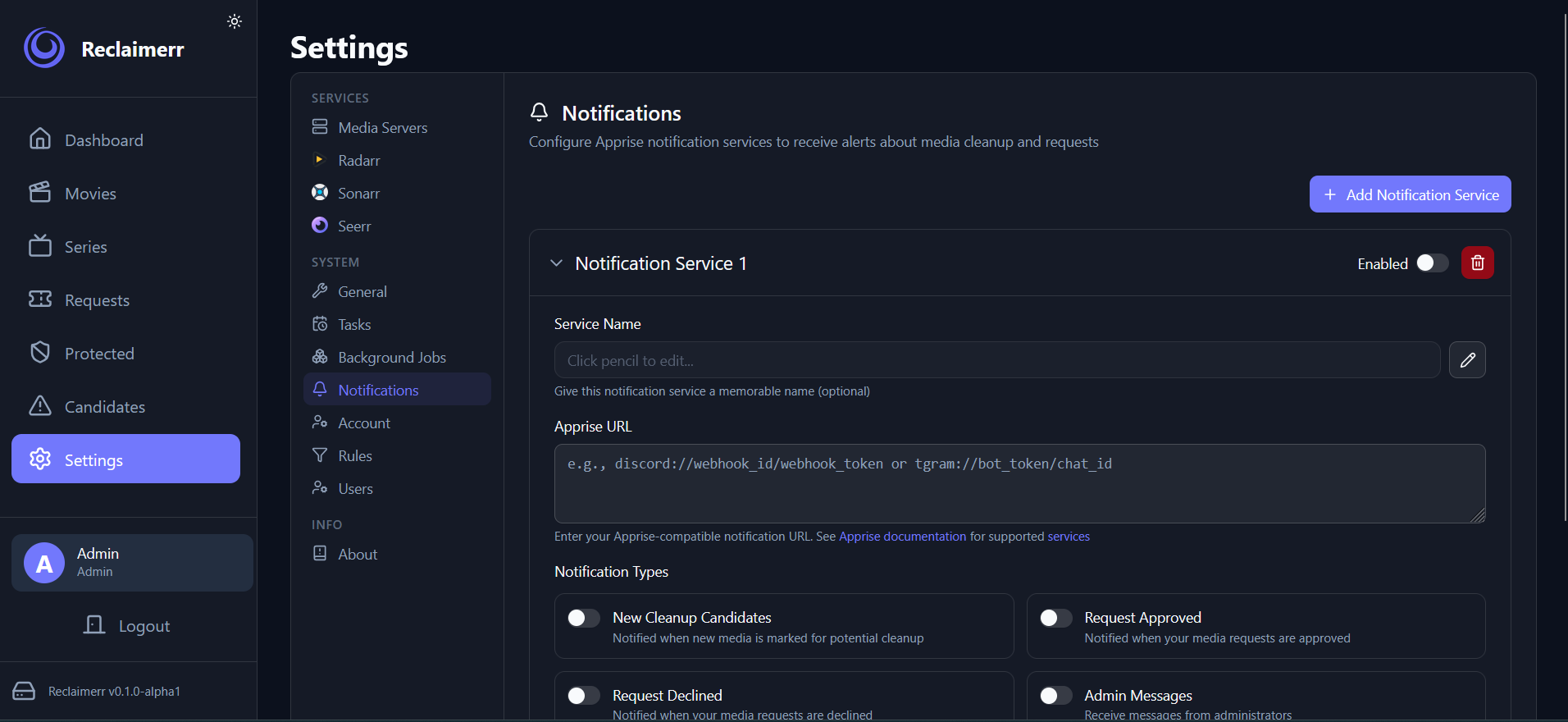
- Supports scheduled tasks, including automatic cleanup deletion
- Can move instead of delete when configured
Quick Start
- Install Reclaimerr with Docker, Desktop, or source.
- Connect at least one media server.
- Set one server as the main server when multiple servers are configured.
- Review the task schedule before enabling deletion.
Support
Preview

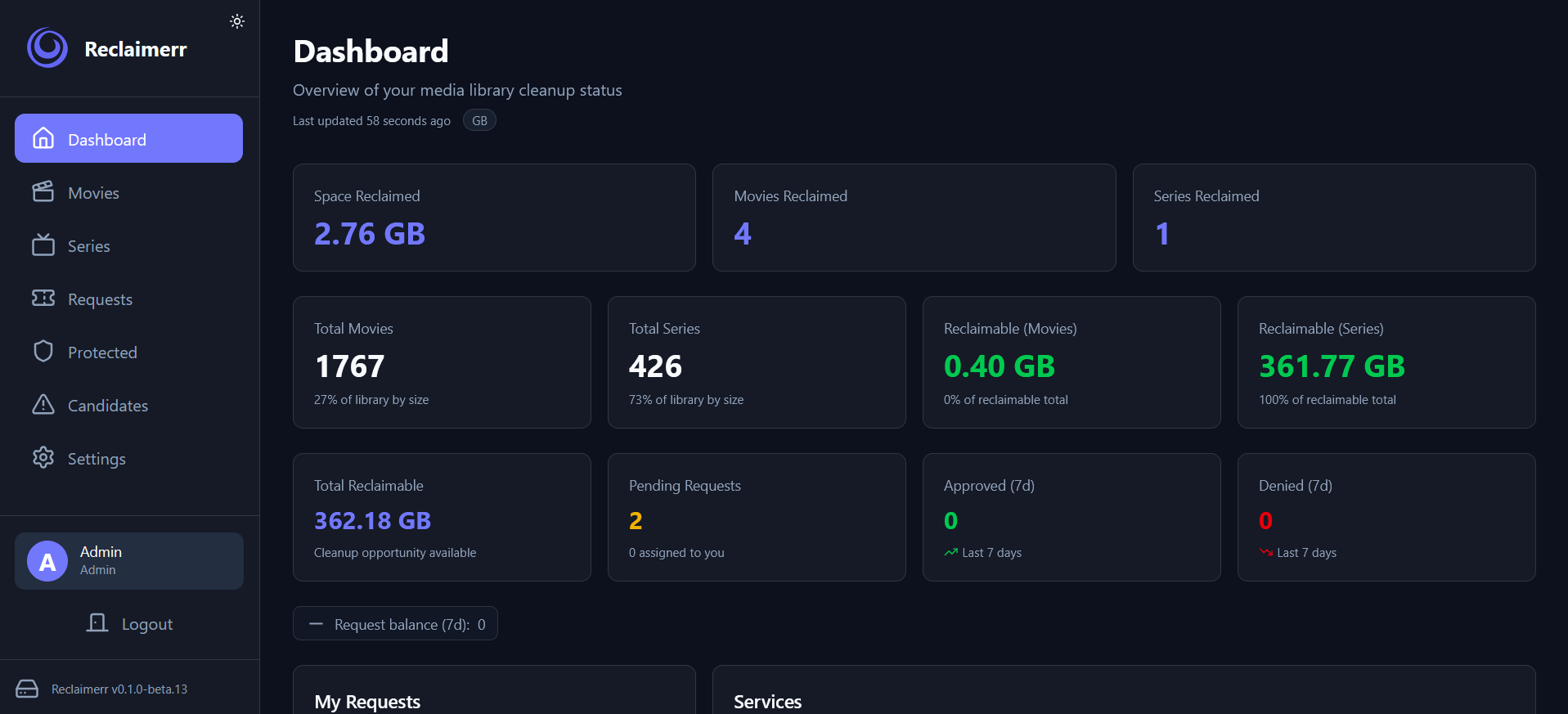
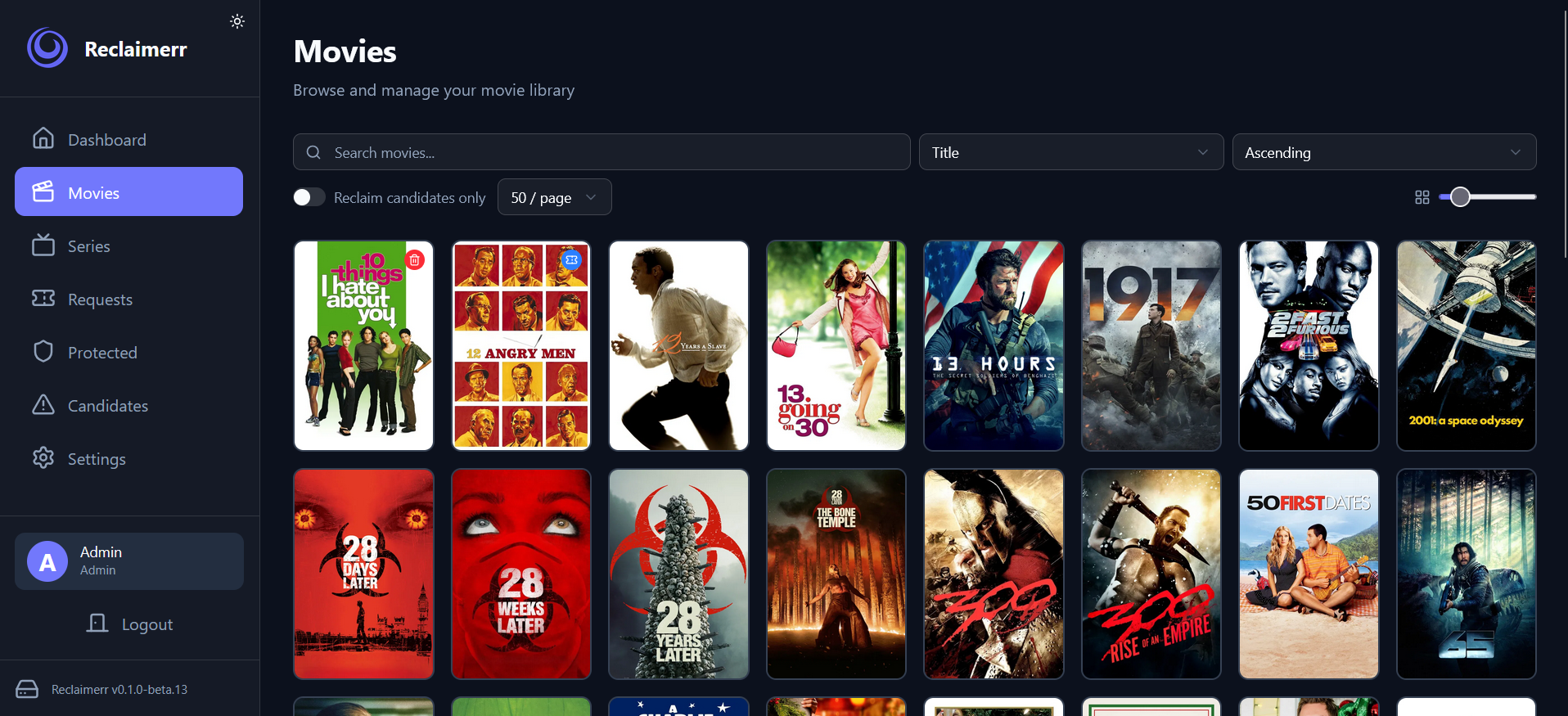
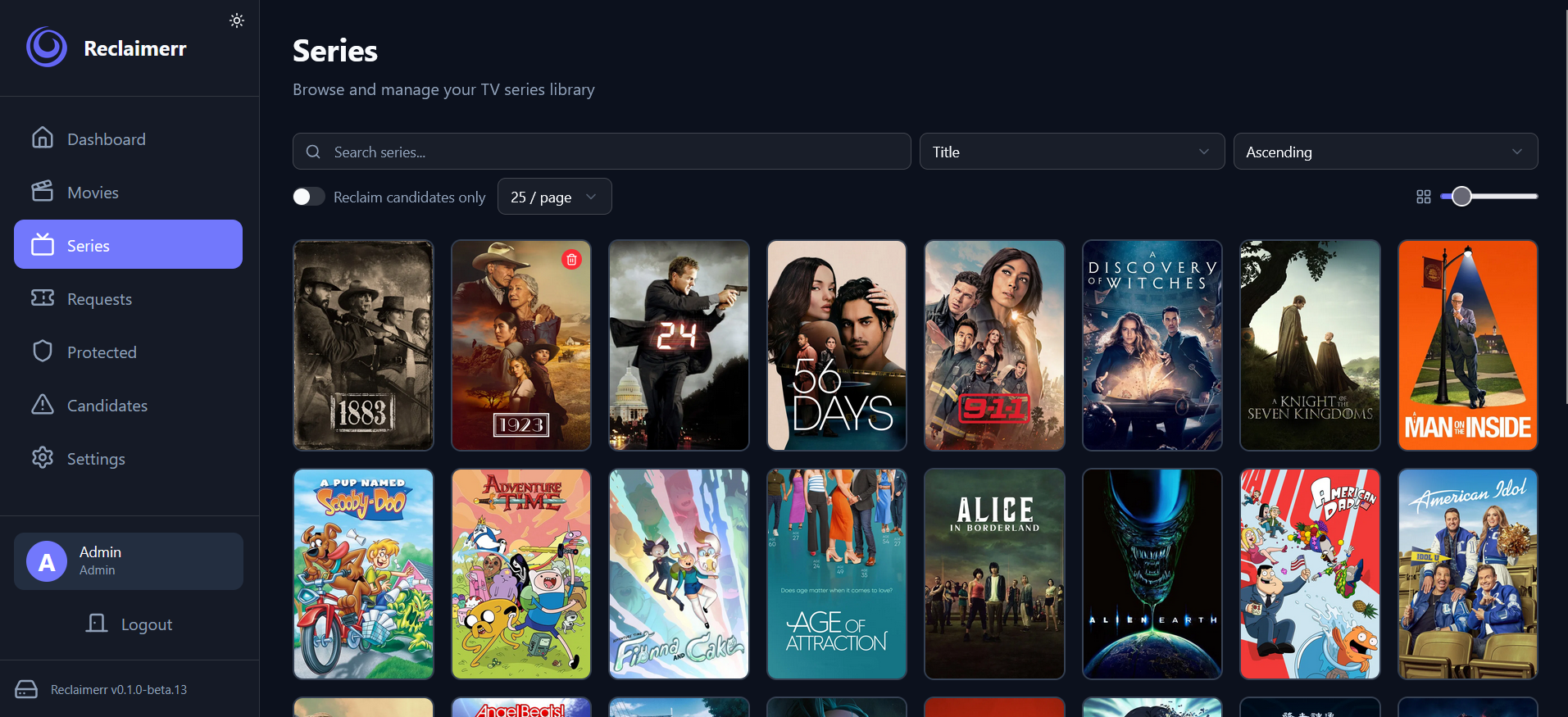
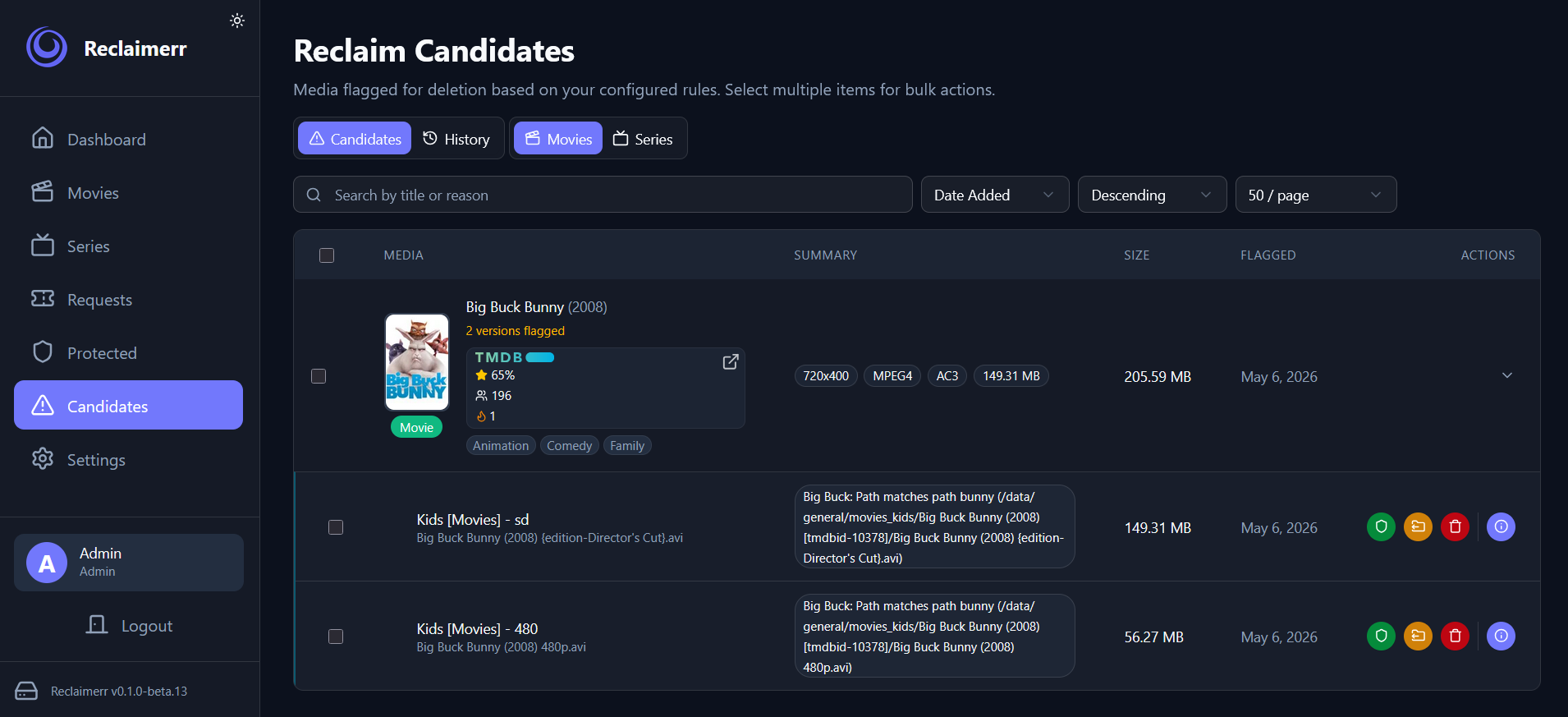
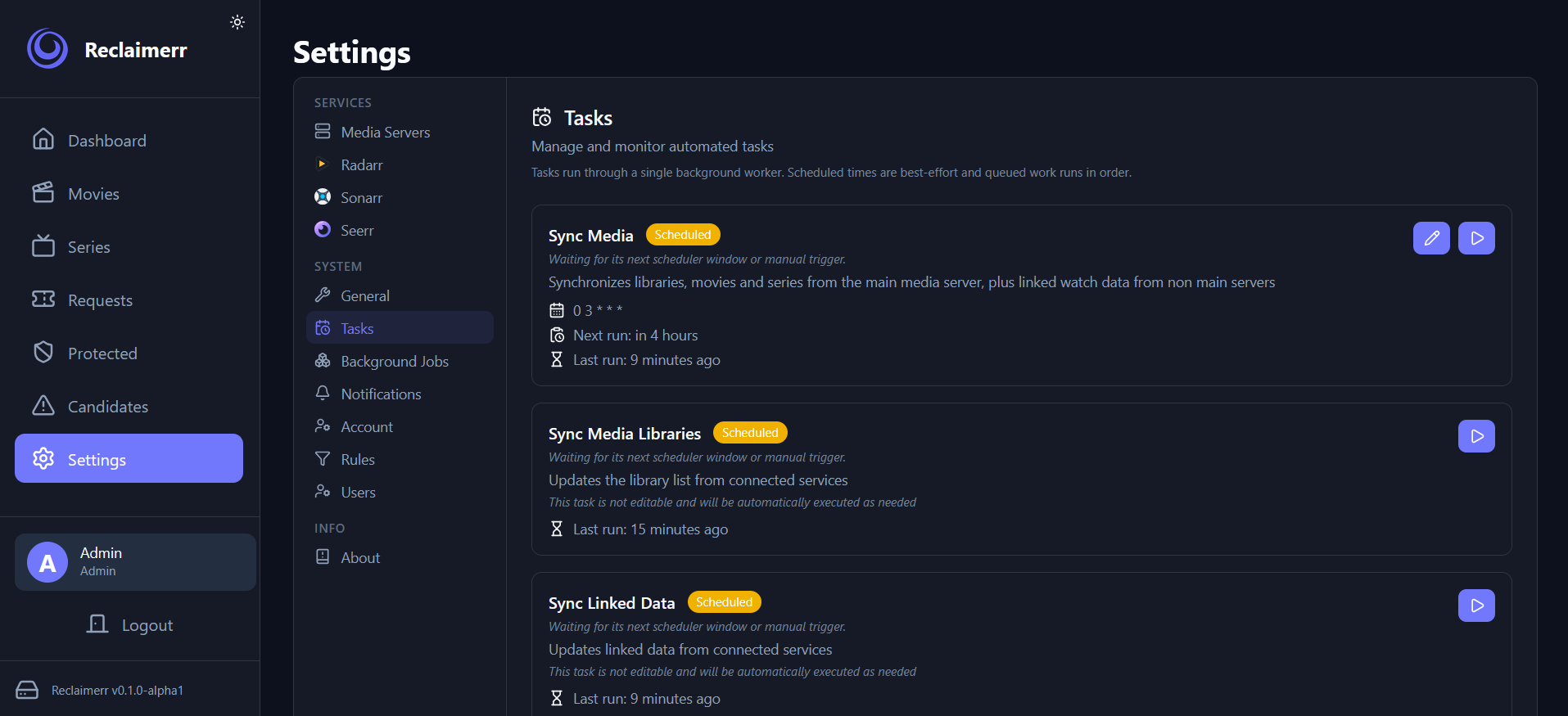
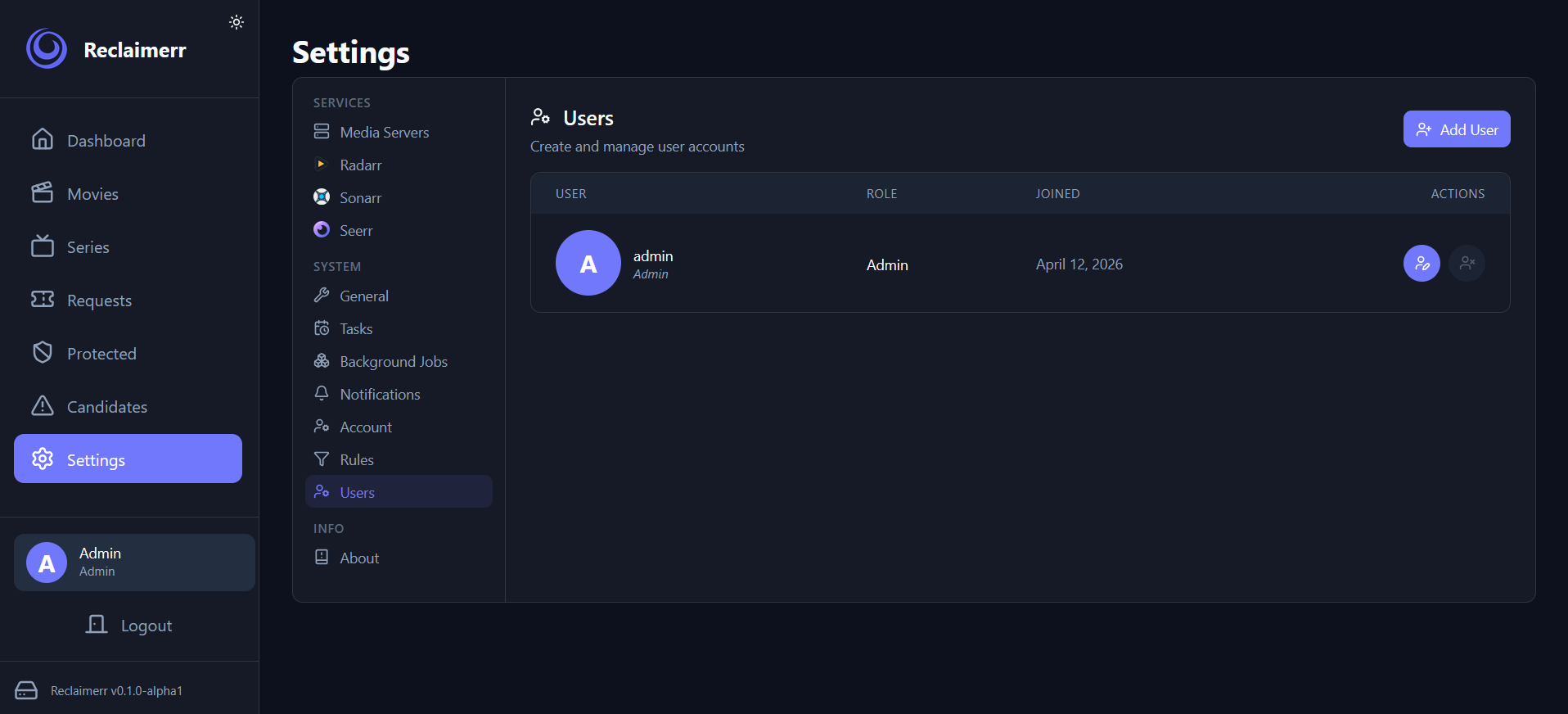
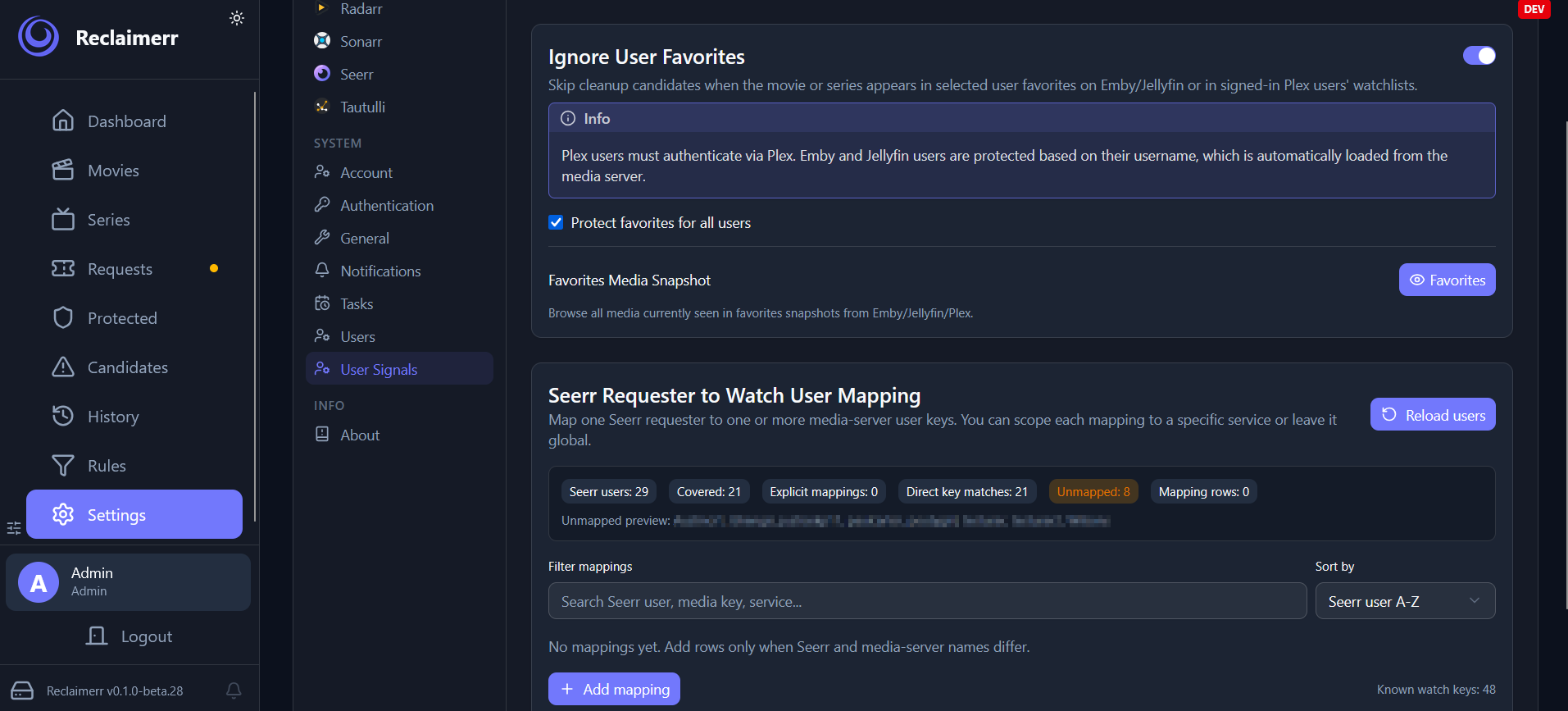
Categories
Related apps
Explore more like this
Explore allDetails
Repository
ghcr.io/jessielw/reclaimerr:latestLast Updated2026-10-15
First Seen2026-04-14
Runtime arguments
- Web UI
http://[IP]:[PORT:8000]- Network
bridge- Shell
sh- Privileged
- false
Template configuration
Path: /app/dataPathrw
- Target
- /app/data
- Value
- /mnt/cache/appdata/reclaimerr
Host Port for 8000Porttcp
- Target
- 8000
- Default
- 8000
- Value
- 8000
Path: /mediaPathrw
Optional: Bind mount for media files (adjust the host path as needed) this is needed for Reclaimerr to clean up additional files on delete when deleting via the main media server directly
- Target
- /media
Path: /moved_filesPathrw
Optional: Volume for moved files (adjust the host path as needed) - /moved_files:/moved_files
- Target
- /moved_files
PUIDVariable
- Default
- 99
- Value
- 99
PGIDVariable
- Default
- 100
- Value
- 100
UMASKVariable
- Default
- 022
- Value
- 022