
All apps · 0 apps

ReadMeABook
Docker app from ReadMeABook's Repository
Overview
Readme
View on GitHub
Audiobook automation for Plex and Audiobookshelf








Radarr/Sonarr + Overseerr for audiobooks, all in one
Features • Setup • Screenshots • Discord
What is this?
You run Plex or Audiobookshelf with audiobooks. You want more audiobooks. You search indexers, download torrents or NZBs, organize files, wait for your server to scan. ReadMeABook does all of that automatically.
Request a book → Prowlarr searches → qBittorrent or SABnzbd downloads → Files organized → Library imports. Done.
Also includes BookDate: AI recommendations with a Tinder-style swipe interface. Swipe right to request.
User friendly audible-backed searches, multi-file chapter merging, e-book sidecar support, OIDC OAuth, admin approval workflows, and more.
Features
- Plex or Audiobookshelf
- Torrents via qBittorrent
- Usenet via SABnzbd
- Prowlarr for indexer search (torrents + NZBs)
- BookDate: AI recommendations (OpenAI/Claude/Local) with swipe interface
- Chapter merging: Multi-file downloads → single M4B with chapters
- E-book sidecar: Optional EPUB/PDF downloads from Shadow Library
- Request approval: Admin approval workflow for multi-user setups
- Setup wizard: Step-by-step guided config with connection testing
Setup
Prerequisites: Docker, Plex or Audiobookshelf, qBittorrent or SABnzbd, Prowlarr
Quick Start
# Download docker-compose.yml
curl -fsSL https://raw.githubusercontent.com/kikootwo/readmeabook/main/docker-compose.yml -o docker-compose.yml

# Start the container
docker compose up -d
Open http://localhost:3030 and follow the setup wizard.
Manual Setup
If you prefer to customize the compose file:
services:
  readmeabook:
    image: ghcr.io/kikootwo/readmeabook:latest
    container_name: readmeabook
    restart: unless-stopped
    ports:
      - "3030:3030"
    volumes:
      - ./config:/app/config
      - ./cache:/app/cache
      - ./downloads:/downloads        # Your download client's path
      - ./media:/media                # Your audiobook library
      - ./pgdata:/var/lib/postgresql/data
      - ./redis:/var/lib/redis
    environment:
      PUID: 1000                      # Optional: your user ID
      PGID: 1000                      # Optional: your group ID
      PUBLIC_URL: "https://audiobooks.example.com"  # Required for OAuth
Then run docker compose up -d to start.
Important: Your download client (qBittorrent/SABnzbd) and RMAB must see files at the same path. See the Volume Mapping Guide if downloads aren't being detected.
Screenshots
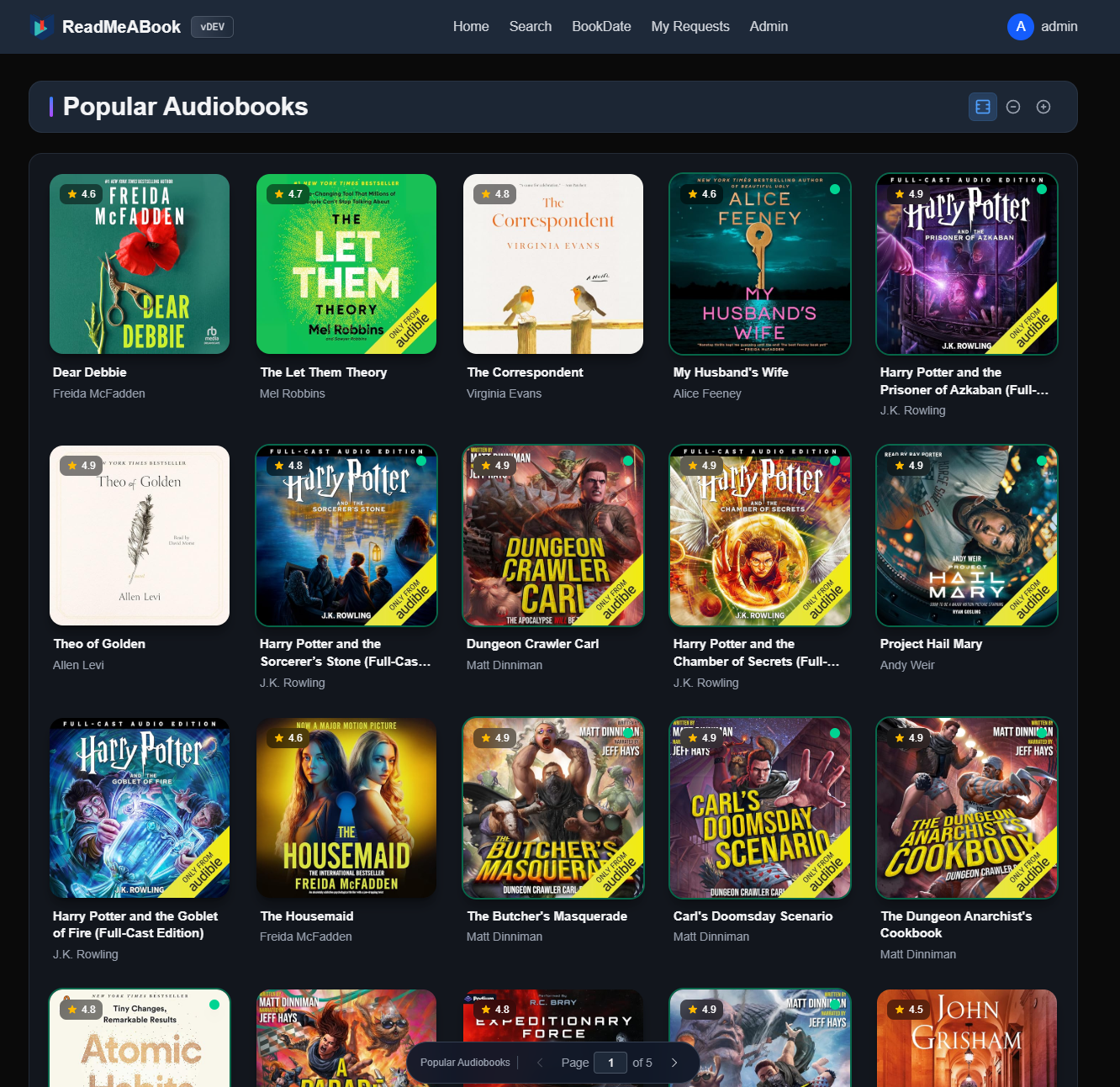
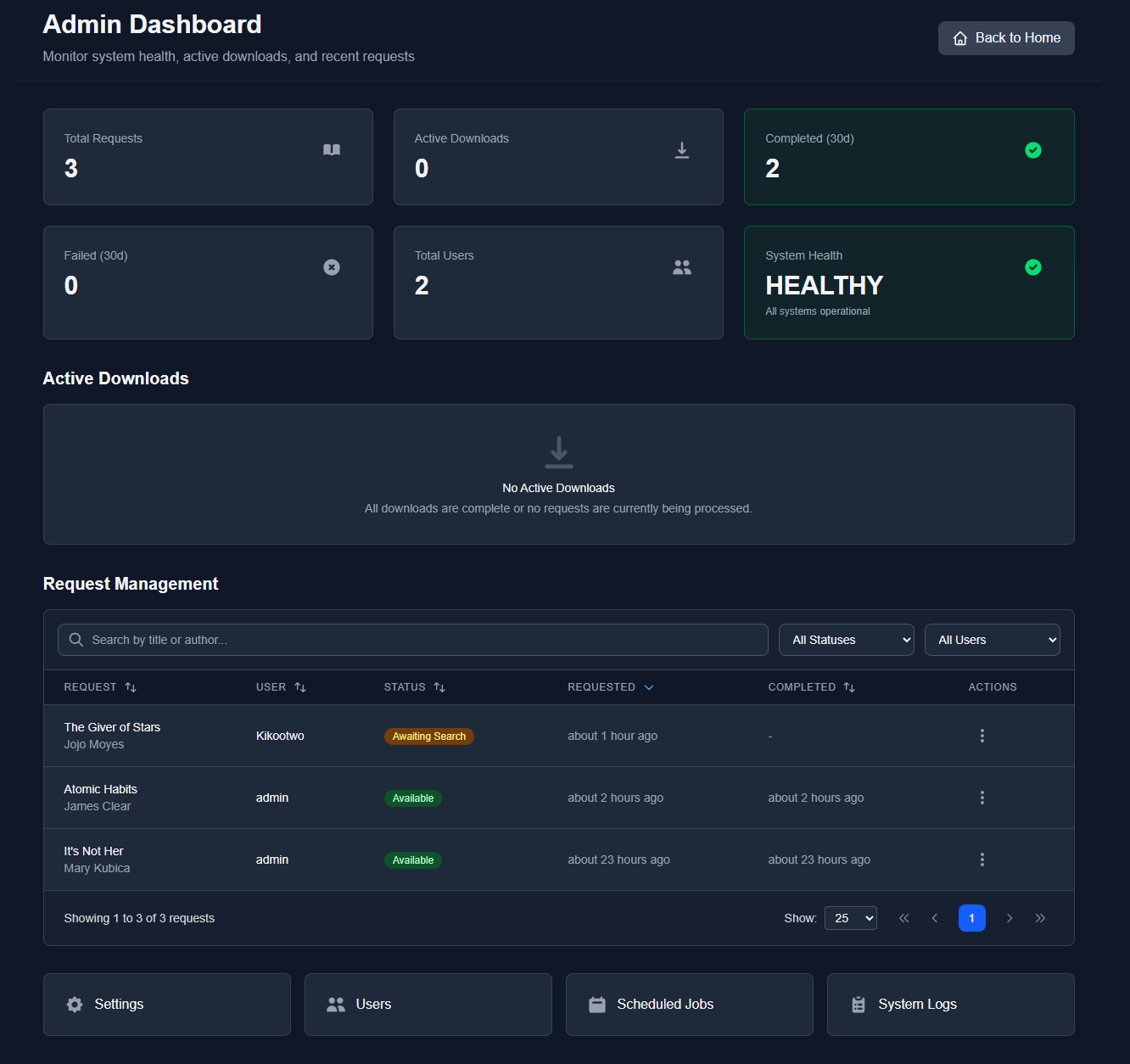
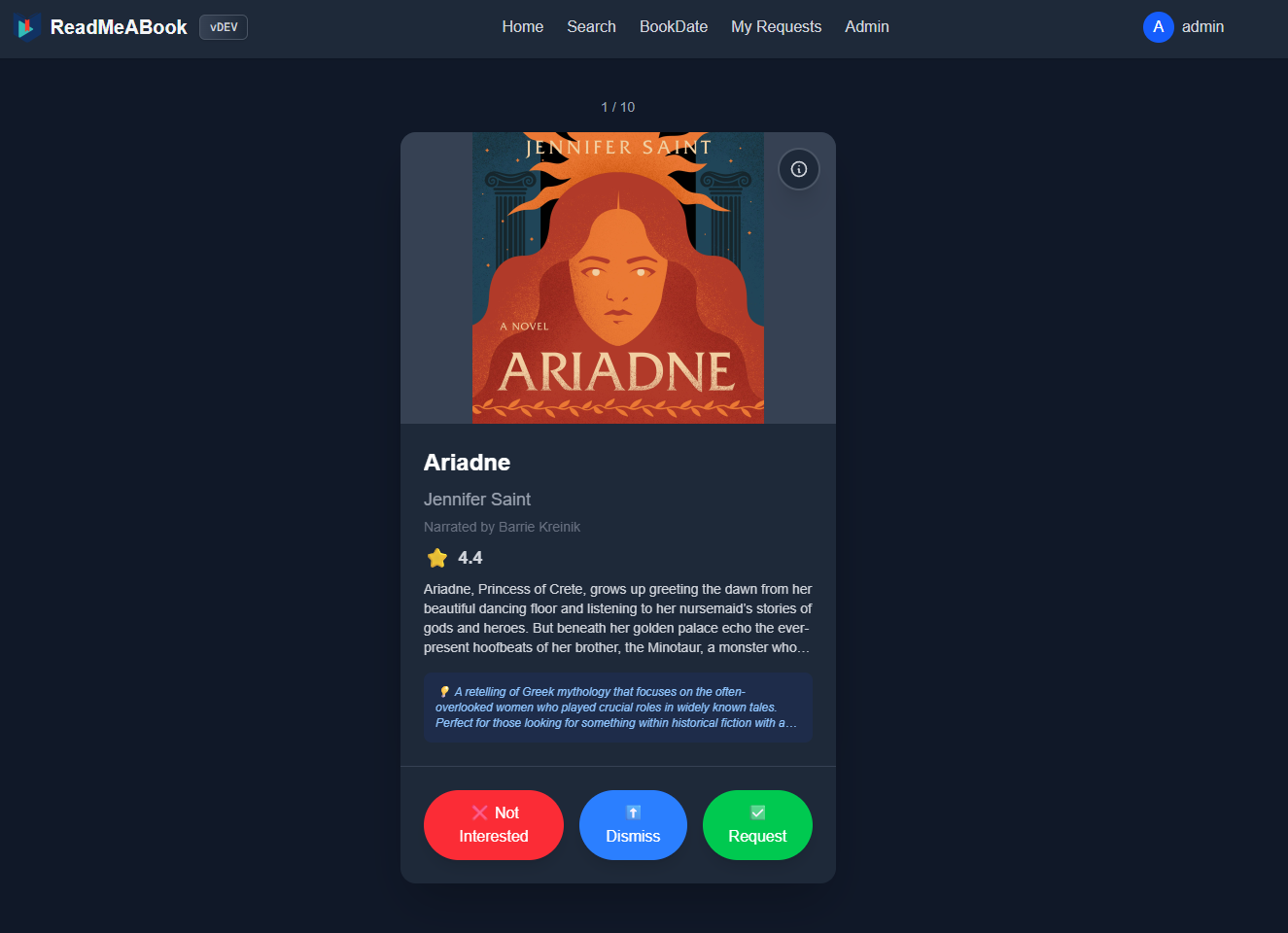
Community
Join the Discord: https://discord.gg/kaw6jKbKts
Feature and fix Contributions are highly welcome. Documentation in documentation/ if you want to contribute. Discord is a great place to ask questions!
Support
If you find this project useful, consider supporting development via GitHub Sponsors or Ko-fi.
If you'd like to support but cannot sponsor, a simple star on the GitHub repo is also greatly appreciated!
Built with AI Assistance
This is a human-engineered application. Architecture, design decisions, code review, and project direction are managed by a principal engineer with nearly 15 years of professional software development experience.
AI tools (Claude, GitHub Copilot) serve as force multipliers. Accelerating implementation, maintaining consistency, and handling boilerplate, while human expertise drives the technical vision. This mirrors how AI assistance is used at leading technology companies today.
The workflow:
- Token-optimized documentation system designed for AI consumption (CLAUDE.md)
- Structured navigation enabling AI to find relevant context without reading entire codebases
- Consistent architectural patterns that AI tools can follow and extend
- Human review of all AI-generated code before merge
The result: enterprise-grade velocity on a solo project without sacrificing code quality or architectural integrity.
AGPL v3 License
Related apps
Explore more like this
Explore allDetails
ghcr.io/kikootwo/readmeabook:latestRuntime arguments
- Web UI
http://[IP]:[PORT:3030]/- Network
bridge- Shell
bash- Privileged
- false
- Extra Params
--restart=unless-stopped
Template configuration
Port for ReadMeABook's web interface.
- Target
- 3030
- Default
- 3030
- Value
- 3030
Persistent config files
- Target
- /app/config
- Default
- /mnt/user/appdata/readmeabook/config
- Value
- /mnt/user/appdata/readmeabook/config
Both your download client and RMAB must see files at the SAME path. See: https://github.com/kikootwo/ReadMeABook/blob/main/documentation/deployment/volume-mapping.md
- Target
- /downloads
- Default
- /mnt/user/data/downloads
Your audiobook/ebook library
- Target
- /media
- Default
- /mnt/user/data/media/audiobooks
- Target
- /var/lib/postgresql/data
- Default
- /mnt/user/appdata/readmeabook/pgdata
- Value
- /mnt/user/appdata/readmeabook/pgdata
- Target
- /var/lib/redis
- Default
- /mnt/user/appdata/readmeabook/redis
- Value
- /mnt/user/appdata/readmeabook/redis
- Target
- /app/cache
- Default
- /mnt/user/appdata/readmeabook/cache
- Value
- /mnt/user/appdata/readmeabook/cache
Public URL if accessing from outside localhost. Required for OAuth.
- Default
- https://audiobooks.example.com
- Default
- 99
- Value
- 99
- Default
- 100
- Value
- 100