
All apps · 0 apps

pmse-to-wwb
Docker app from Stoatworks Labs' Repository
Overview
Readme
View on GitHubPMSE Licence → Wireless Workbench
AI-assisted project. This codebase was created with Claude (Anthropic), directed and reviewed by a human author. The code has not been independently audited, and the WWB
.shwshow-file format in particular is an undocumented, reverse-engineered format — open its output in Wireless Workbench and check it carefully before relying on it for a real show.
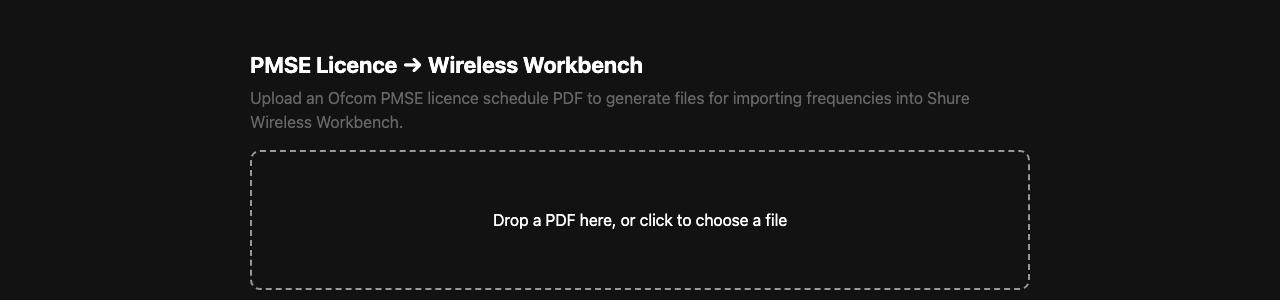
A small web app that converts an Ofcom PMSE radio microphone licence schedule (PDF) into files for importing frequencies into Shure Wireless Workbench.
Use it in your browser: https://rfutils.stoatworks-labs.com — this converter now lives in RFutils under Convert › Ofcom PMSE licence, where the PDF parser has been validated against a real Ofcom licence. It runs entirely on your own machine: the licence PDF is never uploaded anywhere. This repository remains a working standalone app, but RFutils is where the work continues. https://pmse-to-wwb.stoatworks-labs.com is a landing page pointing there.
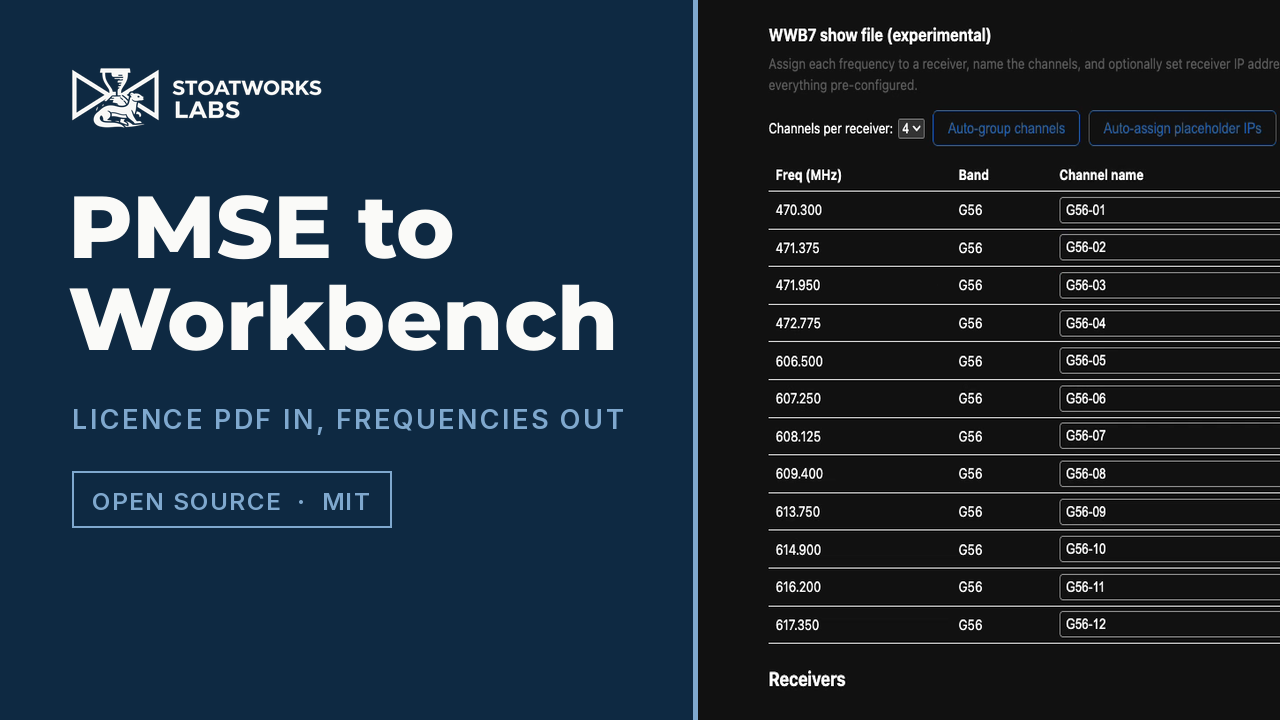
A 45-second tour of the real app. The licence it parses is the project's own
synthetic fixture (backend/tests/pdf_fixture.py), so no real licensee's name,
address or allocation appears on screen.
flowchart LR
    PDF["Ofcom PMSE<br/>licence PDF"] --> APP["pmse-to-wwb<br/>(PDF parser)"]
    APP --> TXT[".txt frequency list<br/>(safe, documented format)"]
    APP --> CSV[".csv reference sheet<br/>(names + coordination groups)"]
    APP --> EDIT["Receiver editor<br/>(group channels, name, IP)"]
    EDIT --> SHW[".shw WWB7 show file<br/>(experimental, reverse-engineered)"]
What it does
Upload an Ofcom PMSE licence schedule PDF and the app generates:
WWB frequency list (
.txt) — a bare list of licensed frequencies in Shure's documented import format (MHz, ≤3 decimals, one per line). This is the safe, standards-based option: import it into WWB via Import frequencies from file.Reference sheet (
.csv) — maps each frequency to a suggested channel name and its Ofcom coordination/fee group, since the licence itself has no per-mic names. Use it to manually label channels in WWB.WWB7 show file (
.shw, experimental) — a native Wireless Workbench show file with channels already named and frequencies already assigned. After parsing, an in-page editor lets you:- group the licensed frequencies into receivers of any channel count (1–8), not just fixed 4-channel blocks, to match whatever hardware you actually have;
- name every channel (auto-generated defaults you can overwrite);
- set an IP address per receiver, or click Auto-assign placeholder IPs to fill in sequential private addresses for anything left blank.
Each simulated receiver is built from a real, structurally-verified Shure AD4Q-A (G56 band) XML fragment — Shure does not publish this file format, so it was reverse-engineered from a real working show file and has not been validated by Shure. The generator refuses to build a show file for any band other than G56, since that's the only one with a verified template. Open it in WWB and check it carefully before relying on it for a real show — receiver IP addresses especially are a best-effort guess (see Status / TODO).
Documentation
| Doc | Contents |
|---|---|
| docs/USER-GUIDE.md | Converting a licence, which export to use, and what to check before a show |
| docs/API.md | The two endpoints, upload limits, error codes, and the show-file constraints |
| docs/DEVELOPING.md | The risk boundary around .shw generation, and what in it is a guess |
Status / TODO
The .txt and .csv outputs use Shure's documented import format and are stable. The show-file
generator has a pytest suite (run in CI on every push) covering the parser, both
export formats, and the show file's internal consistency (device/channel counts, XML escaping,
filler-channel handling, arbitrary receiver/channel groupings), and it refuses to generate a .shw
for any band other than G56 rather than silently mislabelling other Shure receiver hardware. Open
items:
- Validate the experimental
.shwshow file in real Wireless Workbench across more WWB versions and receiver models beyond the single AD4Q-A/G56 file it was reverse-engineered from — automated tests can check internal consistency, but not whether WWB itself accepts the file. - Verify the receiver IP-address encoding against a real WWB show file. The sample file
this was built from never had a device with a real IP configured, so the packed-integer
ip_addressvalue andip_mode=1for "static" are both best-effort guesses, not something we've confirmed WWB actually accepts. If a receiver's IP doesn't take effect after importing, set it again inside WWB.
Running locally
python3 -m venv venv
./venv/bin/pip install -r backend/requirements.txt
./venv/bin/uvicorn main:app --reload --port 8420 --app-dir backend
Then open http://localhost:8420.
Deploying
Render
The repo includes a render.yaml for deploying to Render via its
Blueprint feature: New → Blueprint, pick this repo, and Apply. It builds from the
Dockerfile and exposes a free-tier web service.
Docker / docker-compose (self-hosting)
A pre-built image is published to GitHub Container Registry on every push to main:
ghcr.io/stoatworks-labs/pmse-to-wwb:latest. It is multi-arch (linux/amd64 + linux/arm64),
so it runs on ARM hosts (Raspberry Pi, Apple-Silicon Docker, ARM servers) as well as x86.
To run it with docker compose:
git clone https://github.com/stoatworks-labs/pmse-to-wwb.git
cd pmse-to-wwb
docker compose up -d --build
This builds from the local Dockerfile and serves the app on http://localhost:8420
(edit the ports: mapping in docker-compose.yml to change the host port). The container
restarts automatically and has a healthcheck against /health.
To run the pre-built GHCR image directly instead of building locally:
docker run -d --name pmse-to-wwb --restart unless-stopped \
  -p 8420:8000 \
  ghcr.io/stoatworks-labs/pmse-to-wwb:latest
Unraid
An Unraid Community Applications template is included at
unraid/pmse-to-wwb.xml, so the app can be added and managed from the
Unraid Docker UI like any other addon:
- On your Unraid server, open a terminal (Unraid web UI → top-right icon → Terminal, or SSH
in) and download the template:
wget -O /boot/config/plugins/dockerMan/templates-user/pmse-to-wwb.xml \ https://raw.githubusercontent.com/stoatworks-labs/pmse-to-wwb/main/unraid/pmse-to-wwb.xml - In the Unraid web UI, go to Docker → Add Container.
- In the Template dropdown at the top, select pmse-to-wwb — the fields (image, port) will be pre-filled.
- Review the WebUI Port (defaults to host
8420→ container8000) and click Apply. - Once running, it appears in your Docker tab with a WebUI button, or visit
http://<unraid-ip>:8420.
The template pulls ghcr.io/stoatworks-labs/pmse-to-wwb:latest, so make sure that package is set
to public visibility on GitHub (Packages → pmse-to-wwb → Package settings) — otherwise Unraid
can't pull it without registry credentials.
Install pmse-to-wwb on Unraid in a few clicks.
Find pmse-to-wwb in Community Apps on your Unraid server, review the template, and click Install. Unraid handles the Docker app or plugin setup from the published template.
Categories
Related apps
Explore more like this
Explore allDetails
ghcr.io/stoatworks-labs/pmse-to-wwb:latestRuntime arguments
- Web UI
http://[IP]:[PORT:8000]/- Network
bridge- Shell
sh- Privileged
- false
Template configuration
Host port for the web interface.
- Target
- 8000
- Default
- 8507
- Value
- 8507