
All apps · 0 apps

plex-utills
Docker app from jkirkcaldy's Repository
Overview
Readme
View on GitHubplex-utills






For support you can join the discord server: https://discord.gg/z3FYhHwHMw
Changelog
Version 23.01.31
Changes
- plex-Utills now no longer needs write access to your media, docker compose example adds read only tag to /films directory.
- The scripts now only need access to your media for the media info scan. If you disable this in the config then no access is required at all. If you disable media scanning, audio banners will be disabled
- Plex Utills now keeps a database of all your processed films and TV shows. Backups are kept separately to your media files.
- You can now search through your plex libraries inside Plex-utills. If you set your TMDB api key you are able to upload new posters from TMDB which will be processed and bannered immediately before upload. As well as creating a backup for the unbannered version. This works for Films, Shows, Seasons and episodes. Though bannered posters are not supported on Shows.
- Docker Compose file options for Windows systems are in the example compose file.
- On the first run after updating, it ask you to migrate, this will seed the database of your bannered films.
Posters 4K:
Changes:
- Poster backups as well as a bannered poster backup are now stored in a backup folder next to your config files.
- Posters are saved with the guid of your plex media.
- restores are now much quicker as files are restored from your local backups.
- TMDB fall back is still there if requred.
- information to speed up subsiquent scans is now stored in the database, this means that media doesn't need to be scanned again unless a change in the file is detected.
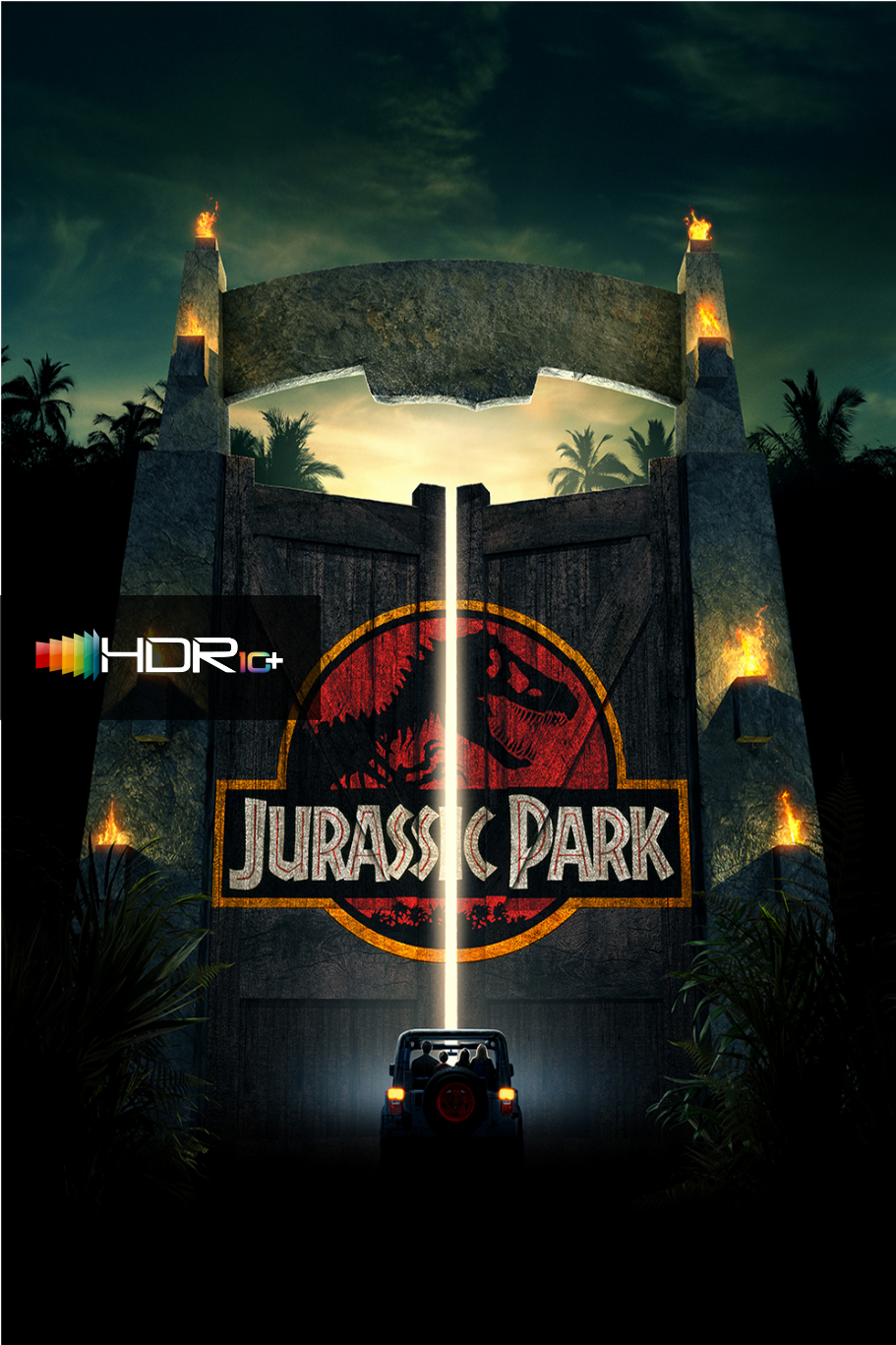
- media info scans are only required for audio banners and HDR10+ banners. HDR and Dolby Vision banners can be done with metadata provided by plex.
TV posters finally got some love
- Now the tv poster script works for adding banners to your episodes and seasons.
- TV posters search is filtered to only include files that are 4K or HDR. Audio banners can still be applied to these files but they will not be applied for files <1080p that are not HDR.
- media info scans are only required for audio banners and HDR10+ banners. HDR and Dolby Vision banners can be done with metadata provided by plex.
The whole app now runs in a webui. This should make things easier for those who are not as comfortable in the command line or just prefer a ui.
I have also removed a couple of the config elements, namely, the PLEXPATH and MOUNTEDPATH options. These are now handled directly by the application and Docker. When you pass through you plex media directory, the app will automatically map this and find your plex path to make the config easier. Now as long as the container has write access to the media directory, it should make enabling the backup posters much easier.
The new scripts us TheMoviedb for finding posters and metadata, so for maximum compatibility and fewer issues, these work best when using TheMoviedb as your metadata agent. Throughout my testing, it is only sequels that were giving me issues, as the Plex scanner will name your films like:
Boss Baby 2: Family Business
Whereas on TheMoviedb it is named:
Boss Baby: Family Business
This means that the search for the film can fail in the script.
New Features:
GUI for managing the application in a browser
Add 4k mini banners to your 4K TV episodes.
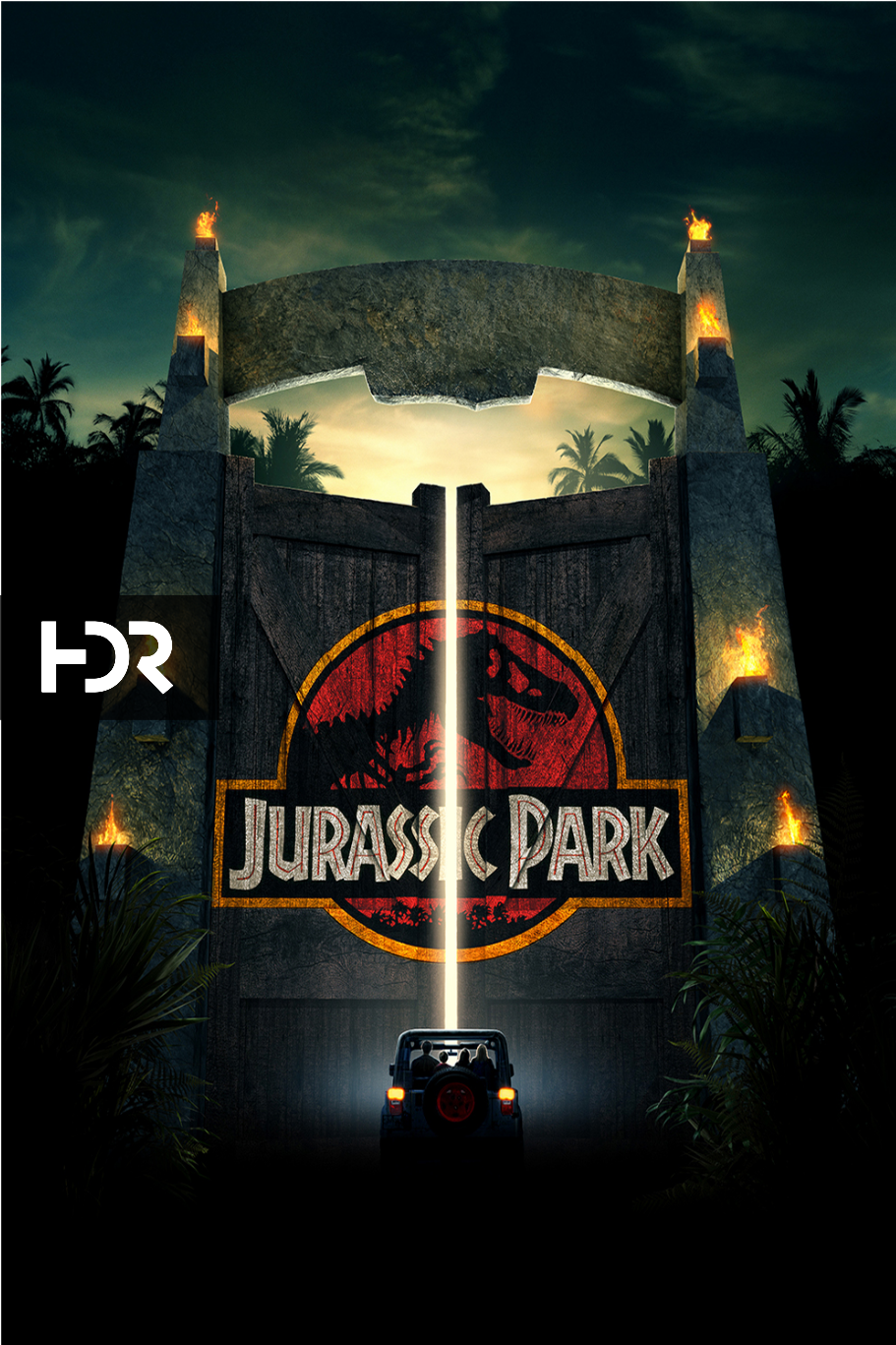
New HDR banner design Dolby Vision HDR Banner HDR10 Banner
Migration scripts for moving from the old config files to the new database and for moving from the old HDR banner to the new designs.
Features
4K/HDR Posters
This script will go through your library and add a 4k banner to your posters. Configurable options include:
- Selecting full width banners or mini corner banners
- enabling HDR banners
- Backup your original posters alongside your media
This can be run on both your films library and your TV shows Library. If enabled on your TV shows, a mini 4K banner will be added to each of your 4K episodes, not the season posters. This is due to the possibility of having Shows/Seasons with mixed resolutions. TV shows will be done at the same time as film posters.
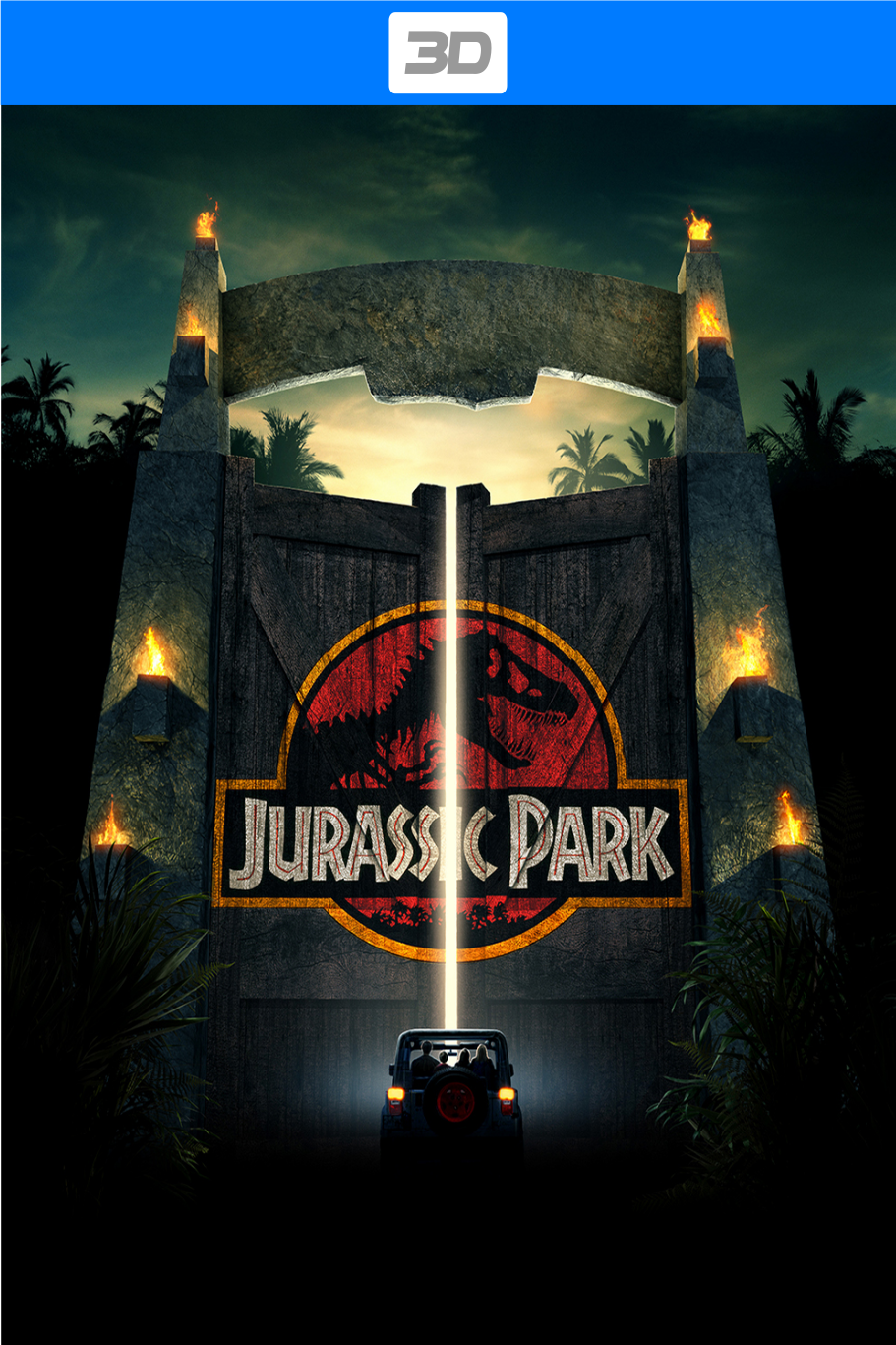
3D Posters
Much like the 4K poster script, this will go through your films and add a 3D banner to your films. Currently as Plex has no support for labelling content as 3D this will only work for 3D films kept in a separate library. You can configure the script to have full width banners or the mini corner banners as well as backing up your posters.
Available Banners
The 4K/3D banners will be combined with the HDR posters if they are enabled.
 |
 |
 |
 |
|---|---|---|---|
 |
 |
 |
 |
Hide 4K
For those of you who don't separate your 4K and non-4K content into separate libraries. This script will go through your films library and add an "Untranscodable" tag to any of your films that only have a single 4K copy of the film available. By adding this tag to your users restrictions, they simply won't see these 4K films giving your hardware a break.
If your hardware is powerful enough, there is the option to create an optimized version so that your users can play this version. This will send your film to be optimized with the Plex optimize feature baked directly into Plex. This means all the hard work is done by your plex server, (useful if you're hosting these scripts on a lower powered device.) Once the transcode has finished, the untranscodable tag will be removed the next time the script runs and your users will be able to see the film.
Disney Collection
Where this whole project started. A simple script, that will go through your films library and add any film from the Disney Studio into a Disney collection.
Pixar Collection
As above only with Pixar Films
How to Install
This update has been designed to run in docker only.
Click here for installation instructions
This app uses the TMDB api but is not affiliated or endorsed by TMDB.
Categories
Download Statistics
Total Downloads Over Time
Related apps
Explore more like this
Explore allLinks
Details
jkirkcaldy/plex-utillsRuntime arguments
- Web UI
http://[IP]:[PORT:80]- Network
bridge- Shell
bash- Privileged
- false
Template configuration
Location of your Plex media files. Needed if you want to create backup posters
- Target
- /films
- Default
- /mnt/user/plex-media
- Value
- /mnt/user/Plex/
Location of your config file
- Target
- /config
- Default
- /mnt/user/appdata/plex-utills
- Value
- /mnt/user/appdata/plex-utills/
Container Port: 80
- Target
- 80
- Default
- 80
- Value
- 80
Container Path: /logs
- Target
- /logs
- Default
- /mnt/appdata/plex-utills/logs
- Value
- /mnt/disks/Docker_SSD/plex-utills/logs
Container Variable: PUID
- Default
- 99
- Value
- 99
Container Variable: PGID
- Default
- 100
- Value
- 100