
All apps · 0 apps

P-StreamRec
Docker app from Raccommode's Repository
Overview
Readme
View on GitHubP-StreamRec
[!IMPORTANT] P-StreamRec is no longer maintained. This project has been replaced by OpenEasyX.



Discover, watch, record, and organize live cam streams with a profile-first media library.
Features
- Discover live models from supported providers with source, tag, gender, and search filters.
- Following keeps local and provider-backed follows grouped by source.
- Watch opens a browser player for live streams and exposes a Set recording flow.
- Set recording links the current live channel to an existing Media profile or creates a new profile.
- Media is the main library surface for finished recordings, imported files placed on disk, photos, and model profiles.
- Profiles store display name, first/last name, birth date, aliases, tags, social links, notes, and a vertical profile image URL.
- Profile images can be saved from a direct image URL or resolved from a Babepedia page URL.
- Multiple stream sources per profile let one profile record several Chaturbate, CAM4, or other supported channels.
- Per-source recording controls include source URL, quality, retention, and auto-record.
- Continuous playback supports previous/next navigation and an automatic next-video prompt.
- Unwatched filters make it possible to sort unseen videos from oldest to newest and continue through them.
- Automatic recording monitors enabled profile sources and records when they go live.
- Recording segmentation can split captures by time or maximum file size.
- Auto MP4 conversion converts TS recordings to browser-friendly MP4 in the background.
- Settings manage provider accounts, FlareSolverr URL, recording defaults, diagnostics, logs, and tag rules.
- FlareSolverr integration is configurable from Settings and defaults to the bundled Compose service.
- Password protection can restrict access to the web interface.
- Docker ready for local installs, NAS setups, and one-command updates.
Supported sites
| Site | Discover | Watch | Record | Follow |
|---|---|---|---|---|
| Chaturbate | yes | yes | yes | yes |
| CAM4 | yes | yes | yes | yes |
| Stripchat | yes | yes | yes | local |
| BongaCams | yes | yes | yes | local |
| MyFreeCams | yes | yes | yes | local |
| LiveJasmin | yes | yes | yes | local |
| CamSoda | yes | yes | yes | local |
| Cams.com | yes | yes | yes | local |
| Xcams | yes | yes | yes | local |
Provider integrations expose Discover through provider-specific browse/search pages, then resolve public live HLS/DASH streams through yt-dlp or the integrated Playwright browser. Follow support is local unless the provider exposes a compatible authenticated follow API.
Screenshots
| Discover | Following | Media |
|---|---|---|
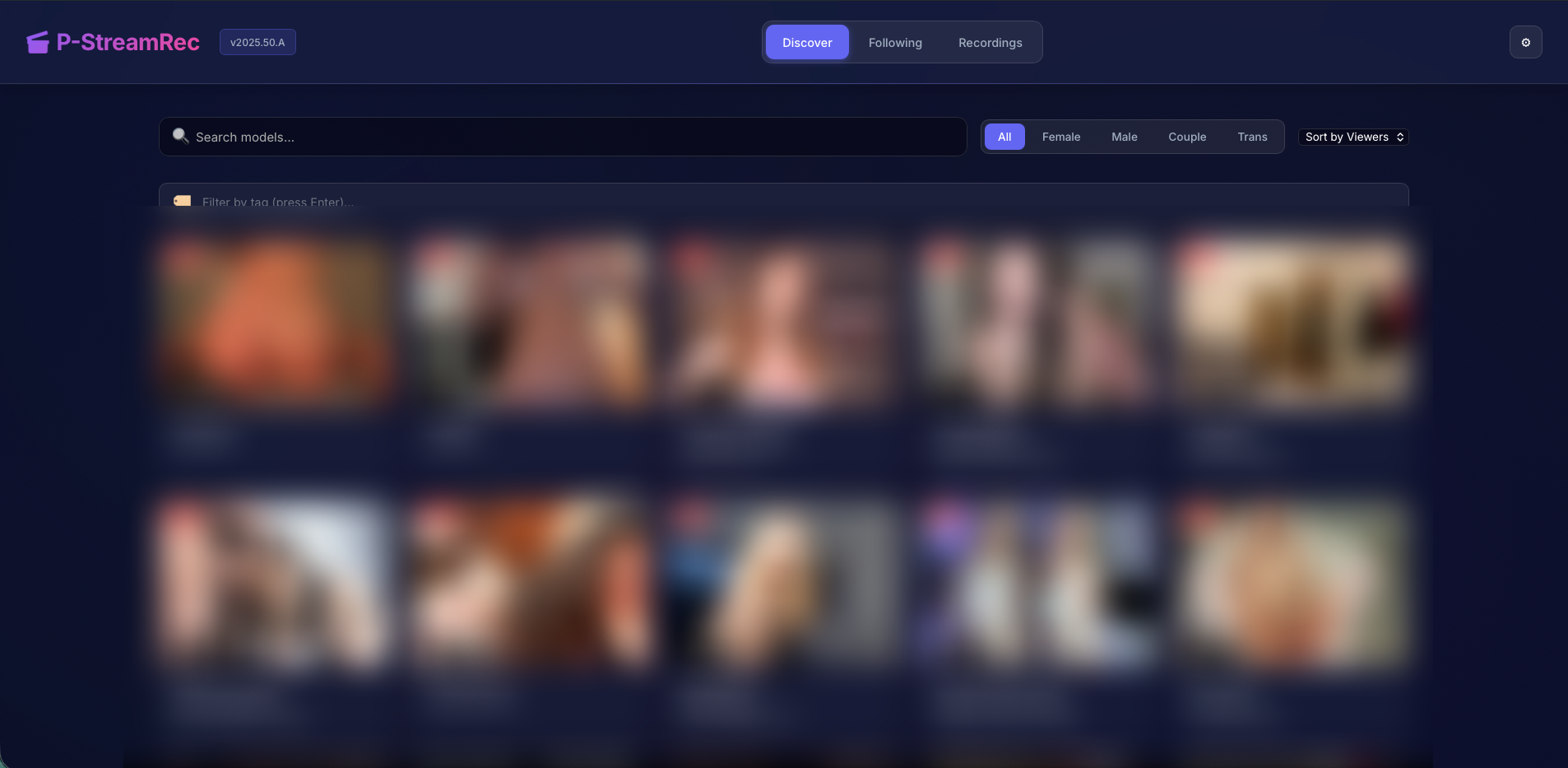 |
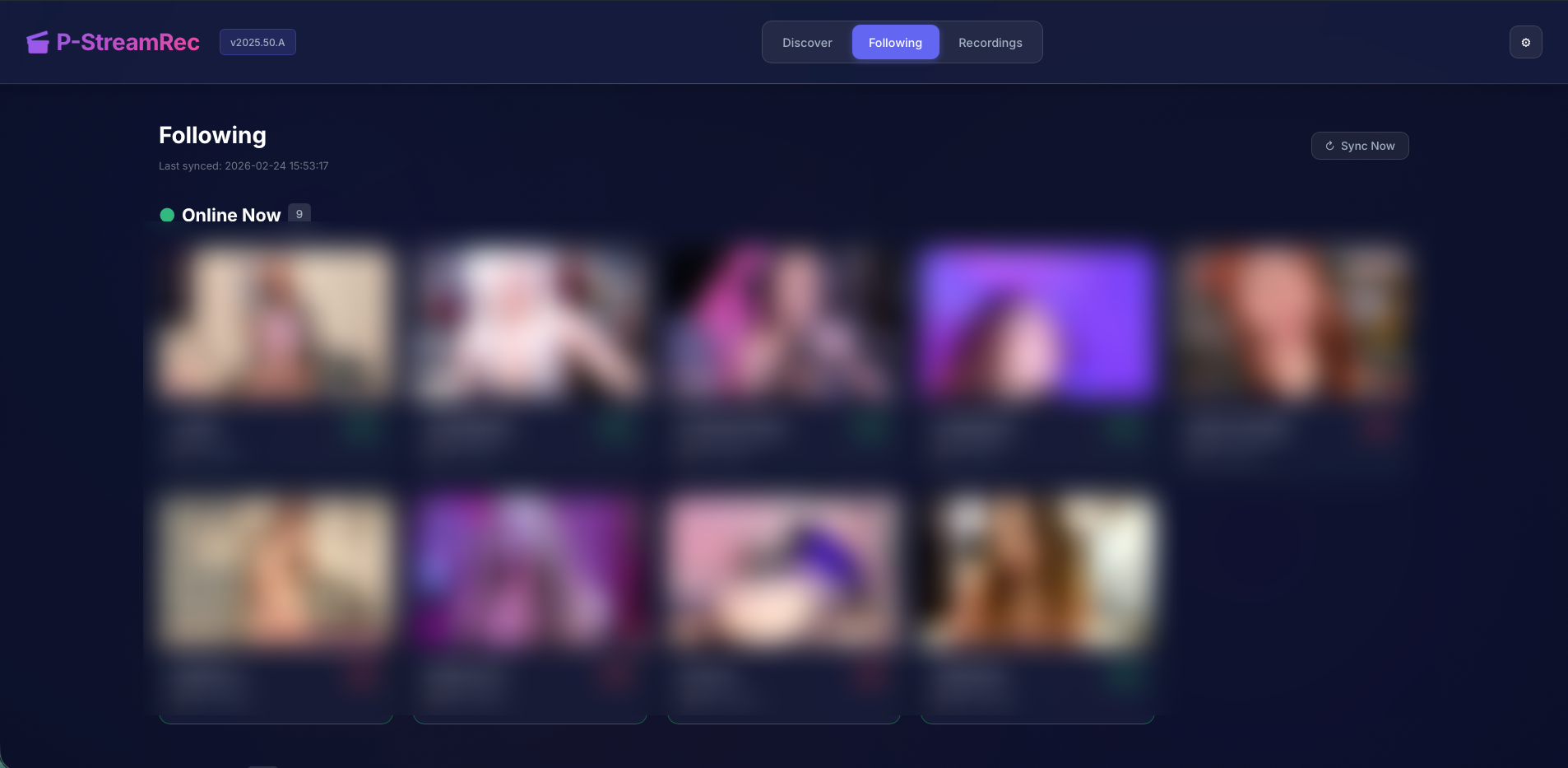 |
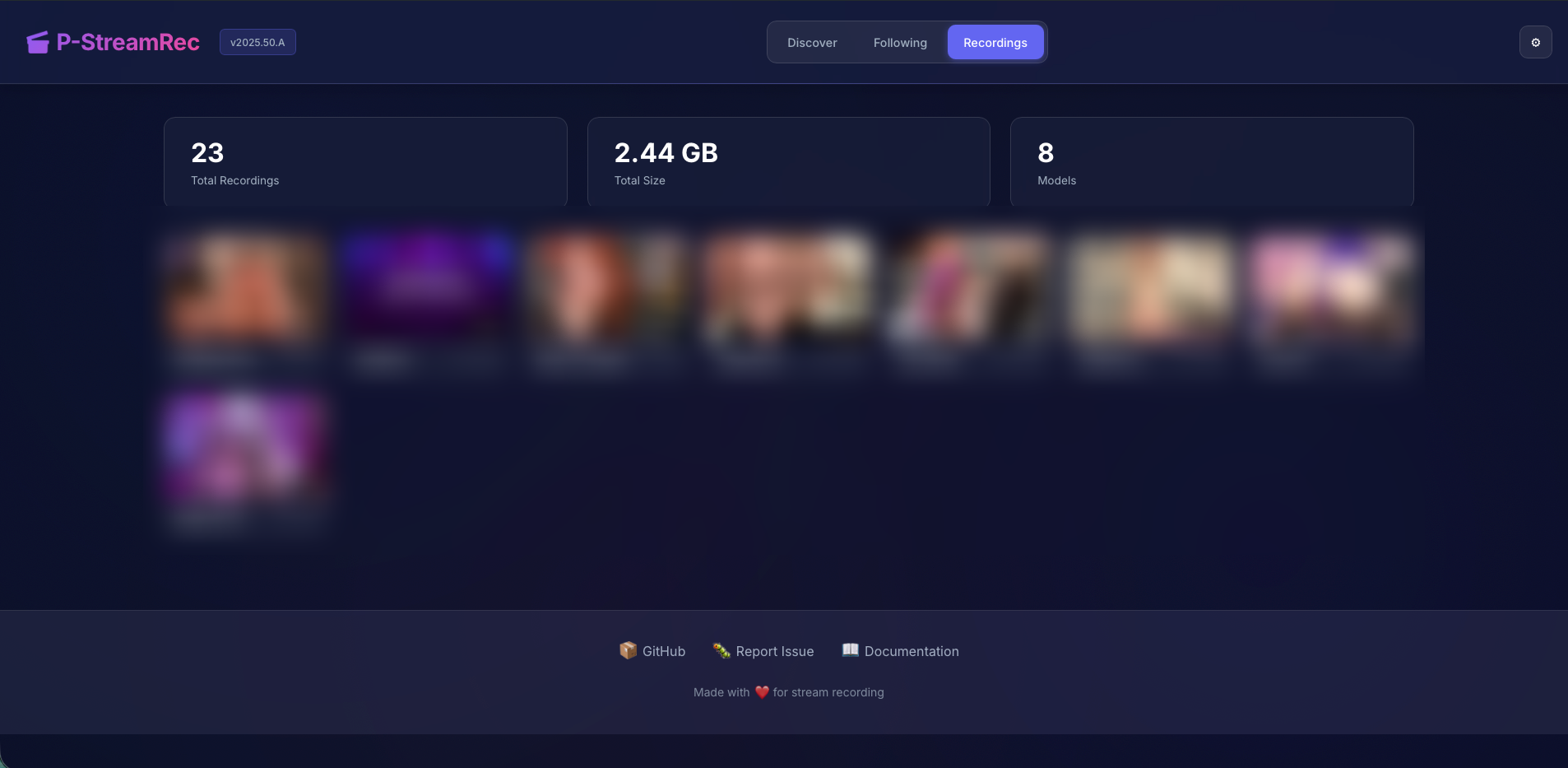 |
Quick Start
Docker Compose
The included Compose stack starts P-StreamRec and FlareSolverr together.
git clone https://github.com/raccommode/P-StreamRec.git
cd P-StreamRec
docker compose up -d
Open the app at http://localhost:8080.
For local image testing:
docker build -t p-streamrec:local .
PSTREAMREC_IMAGE=p-streamrec:local HOST_PORT=2727 docker compose up -d p-streamrec
Open the local test instance at http://127.0.0.1:2727.
App Configuration
Most day-to-day configuration is handled from the web UI:
- Settings -> Providers: connect provider accounts, import browser sessions, and sync follows.
- Settings -> FlareSolverr: edit, save, and test the FlareSolverr service URL.
- Settings -> Recording: set monitor interval, default quality, retention, conversion, TS retention, segmentation, and watched cleanup.
- Settings -> Tests: run local diagnostics for API, providers, recording, media, and supporting services.
- Media -> Profile settings: edit model identity, profile image, links, notes, and stream sources.
FlareSolverr defaults to http://flaresolverr:8191 when using the bundled Compose stack. If you run FlareSolverr somewhere else, save the custom URL in Settings -> FlareSolverr.
Media Library
Media is built around profile folders under:
/data/records/<profile>/
Automatic recordings and files you place manually in those folders appear in the Media library after indexing. The UI does not provide an upload button; add personal media by copying or dragging files into the profile folder on disk.
Supported Media videos:
.mp4 .m4v .mov .webm .mkv .avi
Supported Media photos:
.jpg .jpeg .png .webp .gif .bmp .avif
Raw .ts files are intentionally excluded from Media. They may still exist on disk as original recording files or conversion sources, but Media only exposes browser-oriented videos and photos.
Recording Flow
- Open Discover or Following.
- Open a live model in Watch.
- Click Set recording.
- Choose an existing Media profile or create a new one.
- The live channel is saved as a stream source on that profile.
- Enable auto-record on any source that should be monitored automatically.
Each profile can have multiple stream sources. This allows one model profile to record several channels, for example two Chaturbate pages or one Chaturbate page plus one CAM4 page.
Source settings:
- URL: the source page or channel URL.
- Quality:
Bestor a specific maximum resolution. - Retention: days to keep recordings;
0keeps them forever. - Auto-record: enables or disables background monitoring for that source.
Playback
The Media page supports:
- filtering by profile, type, search text, and watched state;
- sorting by newest, oldest, largest, smallest, or name;
- saved video playback progress;
- watched/unwatched state;
- previous and next video controls;
- a short countdown prompt that automatically opens the next video if you do nothing.
Recording Files
Default recording paths:
/data/records/<profile>/<timestamp>_<id>.ts
/data/records/<profile>/<timestamp>_<id>.mp4
Segmented recordings use numbered suffixes:
/data/records/<profile>/<timestamp>_<id>_part001.ts
/data/records/<profile>/<timestamp>_<id>_part002.ts
Estimated storage:
| Format | Size per hour |
|---|---|
| TS original | about 2-4 GB |
| MP4 converted | about 600 MB-1.2 GB |
Development
git clone https://github.com/raccommode/P-StreamRec.git
cd P-StreamRec
python -m venv .venv
source .venv/bin/activate
pip install -r requirements.txt
uvicorn app.main:app --reload
Recommended validation:
python3 -m compileall app
python -m unittest discover -s tests
docker build -t p-streamrec:local .
Stack: FastAPI, SQLite, HLS.js, FFmpeg, Playwright, Docker
License
Non-Commercial Open Source License - See LICENSE
Free to use, modify, and distribute for non-commercial purposes. Modifications must keep the same license and attribution.
Media gallery
1 / 3Categories
Related apps
Explore more like this
Explore allDetails
ghcr.io/raccommode/p-streamrec:latestRuntime arguments
- Web UI
http://[IP]:[PORT:8080]- Network
bridge- Shell
sh- Privileged
- false
Template configuration
Web interface port. Host port defaults to 7399; container port: 8080.
- Target
- 8080
- Default
- 7399
- Value
- 7399
Stores the database, sessions, thumbnails, cookies, original TS recordings, and converted MP4 files.
- Target
- /data
- Default
- /mnt/user/appdata/p-streamrec
- Value
- /mnt/user/appdata/p-streamrec