
All apps · 0 apps

organizrv2
OfficialDocker app from Organizr Repository
Overview
Readme
View on GitHub







Do you have quite a bit of services running on your computer or server? Do you have a lot of bookmarks or have to memorize a bunch of ip's and ports? Well, Organizr is here to help with that. Organizr allows you to setup "Tabs" that will be loaded all in one webpage. You can then work on your server with ease. Want to give users access to some Tabs? No problem, just enable user support and have them make an account. Want guests to be able to visit too? Enable Guest support for those tabs.

PHP 7.2+
Official Site - Will be refreshed soon!
See Wiki - Will be updated soon!




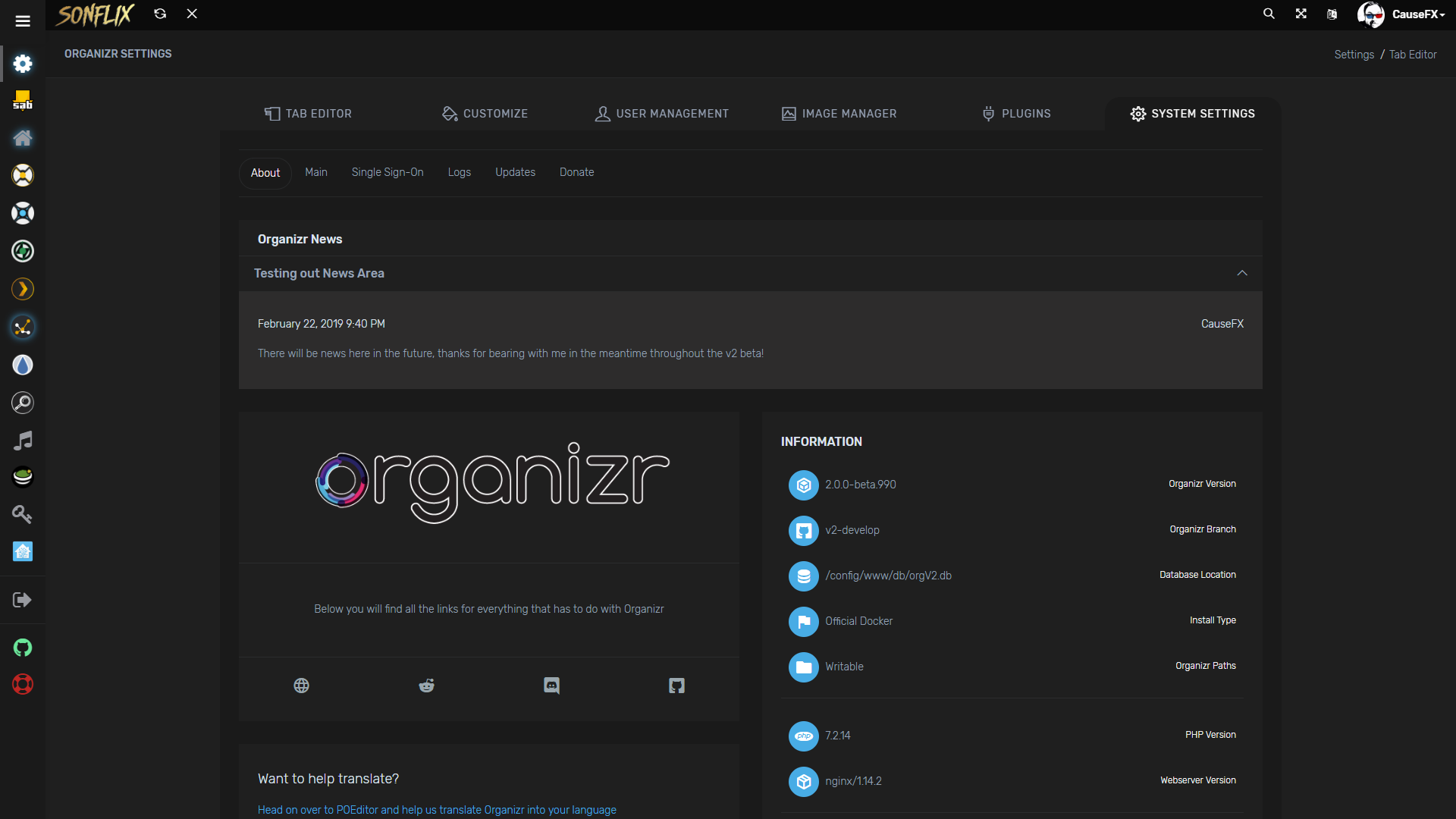

- 'Forgot Password' support [receive an email with your new password, prerequisites: mail server setup]
- Additional language support
- Custom tabs for your services
- Customise the top bar by adding your own site logo or site name
- Enable or disable iFrame for your tabs
- Fail2ban support (see wiki)
- Fullscreen Support
- Gravatar Support
- Keyboard shortcut support (Check help tab in settings)
- Login with Plex/Emby/LDAP or sFTP credentials
- Mobile support
- Multiple login support
- Nginx Auth_Request support (see wiki)
- Organizr login log viewer
- Personalise any theme: Customise the look and feel of Organizr with access to the colour palette
- Pin/Unpin sidebar
- Protect new user account creation with registration password
- Quick access tabs (access your tabs quickly e.g. www.example.com/#Sonarr)
- Set default page on launch
- Theme-able
- Unlimited User Groups
- Upload new icons with ease
- User management support: Create, delete and promote users from the user management console
- Many more...





Usage
docker create \
  --name=organizr \
  -v <path to data>:/config \
  -e PGID=<gid> -e PUID=<uid>  \
  -p 80:80 \
  -e fpm="false" `#optional` \
  -e branch="v2-master" `#optional` \
  organizr/organizr
Parameters
The parameters are split into two halves, separated by a colon, the left hand side representing the host and the right the container side. For example with a port -p external:internal - what this shows is the port mapping from internal to external of the container. So -p 8080:80 would expose port 80 from inside the container to be accessible from the host's IP on port 8080 and http://192.168.x.x:8080 would show you what's running INSIDE the container on port 80.
-p 80- The port(s)-v /config- Mapping the config files for Organizr-e PGIDUsed for GroupID - see below for link-e PUIDUsed for UserID - see below for link
The optional parameters and GID and UID are described in the readme for the container.
Info
- Shell access whilst the container is running:
docker exec -it organizr /bin/bash - To monitor the logs of the container in realtime:
docker logs -f organizr

Seedboxes.cc

BrowserStack for allowing us to use their platform for testing

This project is supported by

Contributors
 Chris Yocum ⚠️ |
 Roxedus ⚠️ |
 HalianElf ⚠️ |
Categories
Download Statistics
Total Downloads Over Time
Related apps
Explore more like this
Explore allLinks
Details
organizr/organizrRuntime arguments
- Web UI
http://[IP]:[PORT:80]/- Network
bridge- Shell
bash- Privileged
- false
Template configuration
Chooses which branch of organizr you wish to use
- Target
- branch
- Default
- master|develop
- Value
- master
Container Port: 80
- Target
- 80
Container Path: /config
- Target
- /config
- Default
- /mnt/user/appdata/organizr
Variable: PUID
- Default
- 99
- Value
- 99
Variable: PGID
- Default
- 100
- Value
- 100