
All apps · 0 apps

oPodSync
Docker app from grtgbln's Repository
Overview
Readme
View on GitHuboPodSync - a minimalist GPodder-compatible server
(Previously known as Micro GPodder server)
This is a minimalist podcast synchronization server, for self-hosting your podcast listening / download history.
This allows you to keep track of which episodes have been listened to.
Requires PHP 7.4+ and SQLite3 with JSON1 extension.
- Main development happens on Fossil: https://fossil.kd2.org/opodsync/
- Github mirror: https://github.com/kd2org/opodsync (PR and issues accepted)
Features
- Compatible with GPodder and NextCloud gPodder Sync APIs
- Stores history of subscriptions and episodes (plays, downloads, etc.)
- Sync between devices
- Compatible with gPodder desktop client
- Self-registration
- See subscriptions and history on web interface
- Fetch feeds and episodes metadata and store them locally (optional)
- Can be used as an app inside KaraDAV (alternative WebDAV server with support for NextCloud clients)
Roadmap
- Support Podcasting 2.0 GUID
- Unit tests
- Implement the Open Podcast API
- Download, archive and listen to podcasts from the web UI (optional feature)
Screenshots
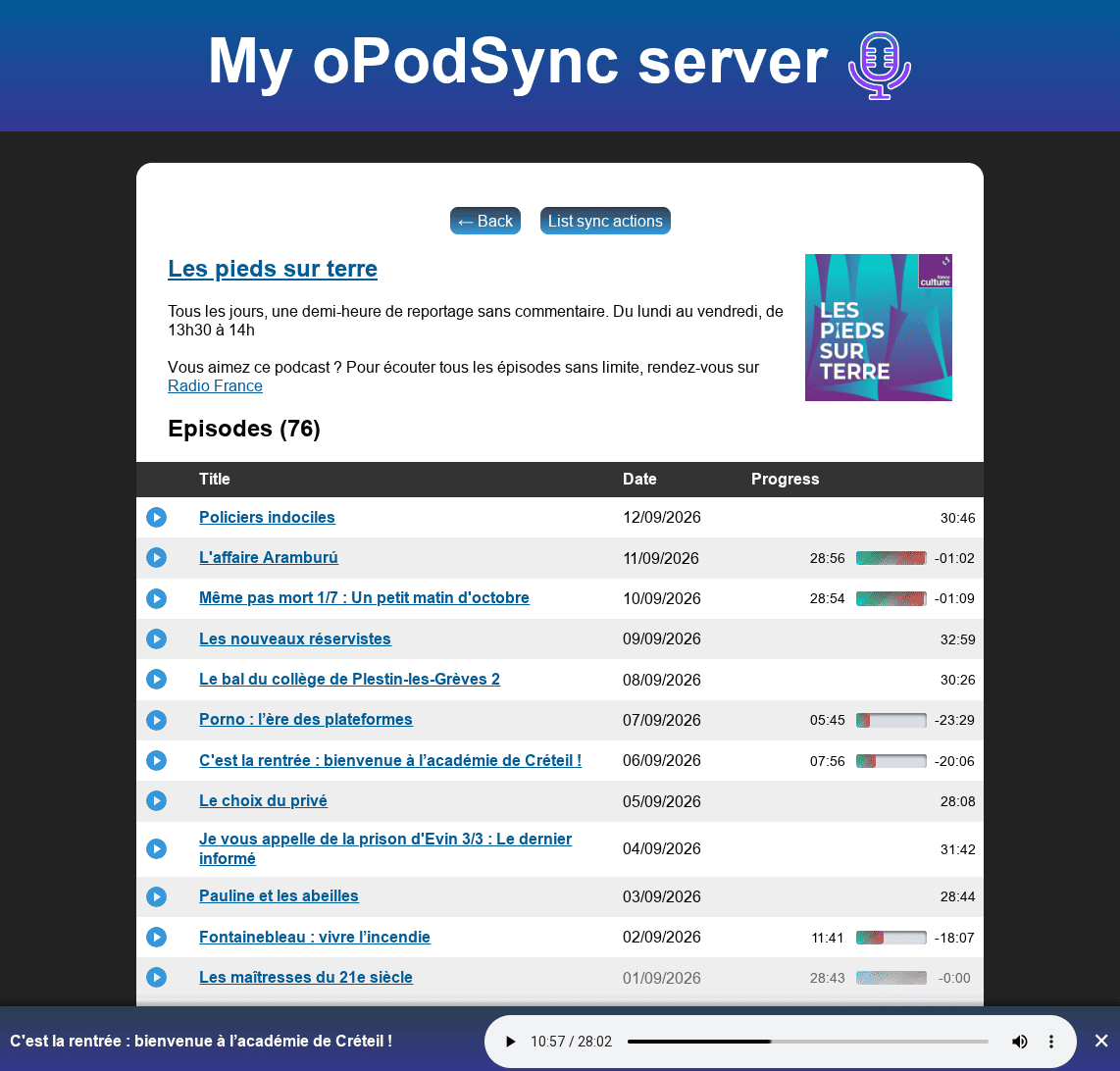
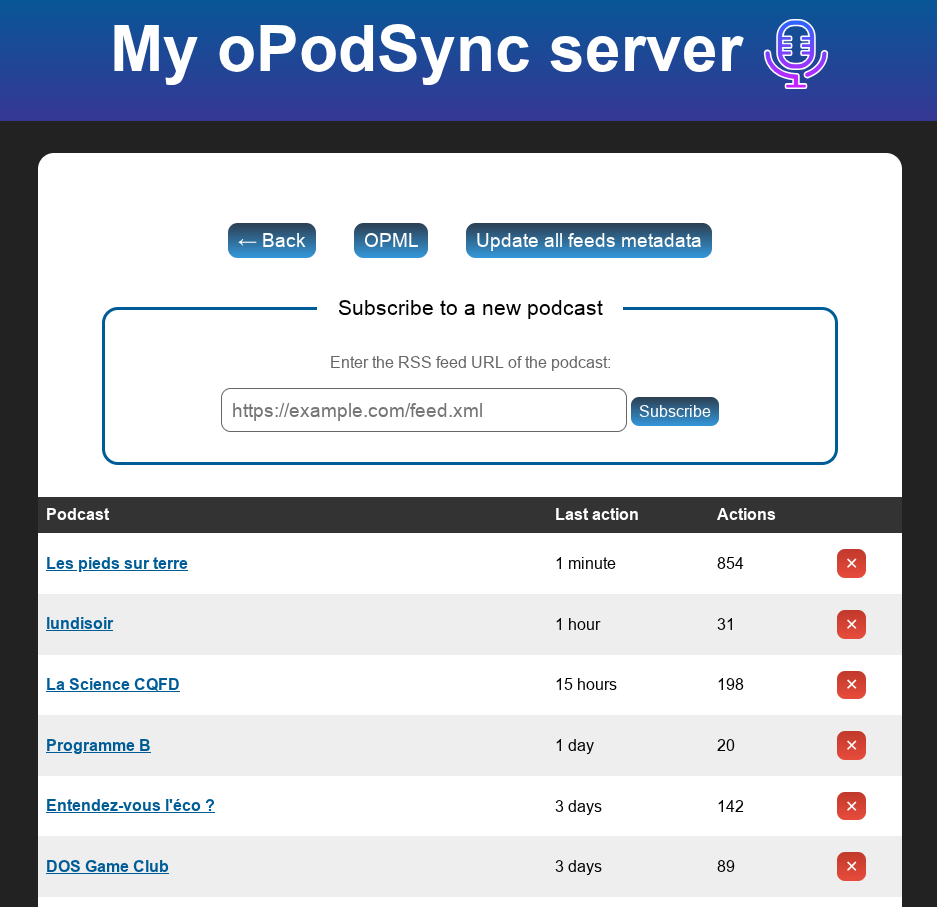
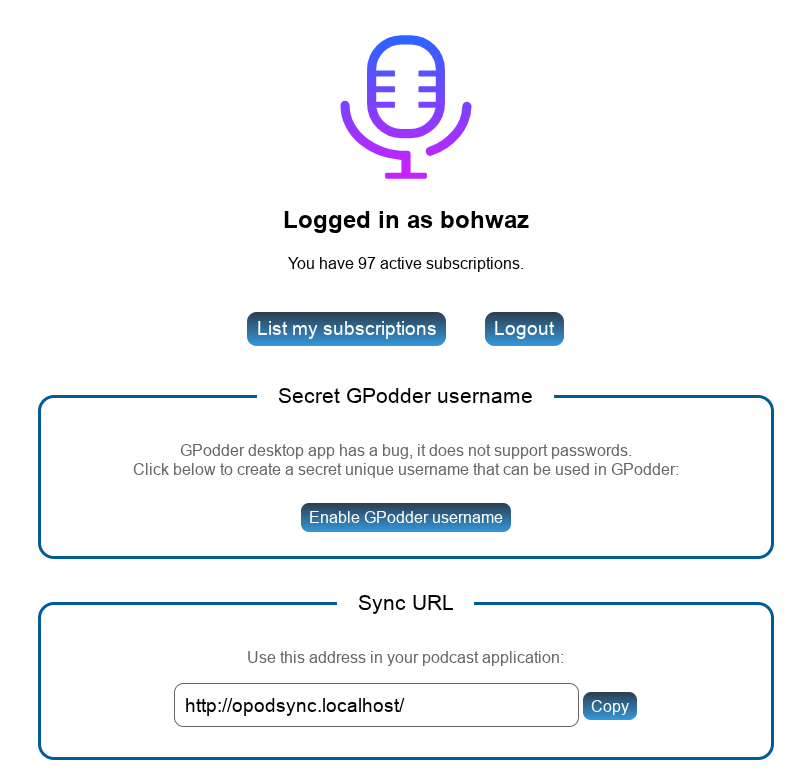
Installation
Just copy the files from the server directory into a new directory of your webserver, and point a virtual host to this directory (using DocumentRoot in Apache).
This should work in most cases. Exceptions are:
- If you are not using Apache, but Caddy, or nginx, make sure to adapt the rules from the
.htaccessfile to your own server. This is untested. - If you are using Apache, but have set-up this server in a sub-folder of your document root, then you will have to adapt the
.htaccessto your configuration and setBASE_URLcorrectly inconfig.local.php(see below). This is also untested.
First account
When installed, the server will allow to create a first account. Just go to the server URL and you will be able to create an account and login.
After that first account, account creation is disabled by default.
If you want to allow more accounts, you'll have to configure the server (see "Configuration" below).
Docker
- billznn/opodsync_dckr: downloads from oPodSync upstream when building the container (not forking) (Source)
- ganeshlab/opodsync: fork with Dockerfile (Source)
If these images stop being maintained, see Docker Hub to find other community distribution for Docker.
Please don't report Docker issues here, this repository is only for software development.
Configuration
You can copy the config.dist.php to data/config.local.php, and edit it to suit your needs.
Fetching and updating feeds metadata
Version 0.3.0 brings support for fetching metadata for feed subscriptions.
Feeds will only be fetched/updated if an action has been created on the linked subscription since the last fetch.
To update feeds metadata, users can click the Update all feeds metadata button in the subscription list, unless you did set DISABLE_USER_METADATA_UPDATE to TRUE.
You can also just set a crontab to run index.php every hour for example:
@hourly php /var/www/opodsync/server/index.php
This requires to set the BASE_URL either in config.local.php or in an environment variable.
Note: episodes titles may not appear in the list of actions, as the media URL may differ between what your podcast apps reports and what the RSS feed providers. This is because some podcast providers will provide a different URL for each user/app, for adding tracking or advertisement.
Configuring your podcast client
Just use the domain name where you installed the server, and the login and password you have chosen.
gPodder (desktop client)
gPodder (the desktop client, not the gpodder.net service) doesn't support any kind of authentication (!!), see this bug report for details.
This means that you have to use a unique secret token as the username.
This token can be created when you log in. Use it as the username in gPodder configuration. Be warned that this username is replacing your password, so it lowers the security of your account.
APIs
This server supports the following APIs:
It also supports endpoints defined by the NextCloud GPodder app.
The endpoint /api/2/updates/(username)/(deviceid).json (from the Devices API) is not implemented.
API implementation differences
This server only supports JSON format, except:
PUT /subscriptions/(username)/(deviceid).txtGET /subscriptions/(username)/(deviceid).opmlGET /subscriptions/(username).opml
Trying to use a different format on other endpoints will result in a 501 error. JSONP is not supported either.
Please also note: the username "current" always points to the currently logged-in user. The deviceid "default" points to the first deviceid found.
Compatible apps
This server has been tested so far with:
- AntennaPod 2.6.1 (both GPodder API and NextCloud API) - Android
- gPodder 3.10.17 - Debian (requires a specific token, see above!)
- Kasts 21.08 - Linux/Windows/Android
- PinePods 0.6.1 - WebServer
- Music Assistant (according to their documentation)
- Rhythmbox 3.5.0 - Linux
Please report if apps work (or not) with other clients.
It doesn't work with:
- Clementine 1.4.0rc1 - Debian (not possible to choose the server: bug report)
Other interesting resources
- Podcast Index to find podcasts and apps
- Castopod to share your podcast in the Fediverse
- Podcasting 2.0 to find modern listening apps and update your podcast feeds to the latest features
License
GNU AGPLv3
Author
Requirements
Expects a `config.local.php` file in the "Config Data" path. See documentation: https://github.com/kd2org/opodsync?tab=readme-ov-file#configuration
Download Statistics
Total Downloads Over Time
Related apps
Explore more like this
Explore allDetails
ganeshlab/opodsync:latestRuntime arguments
- Web UI
http://[IP]:[PORT:8080]- Network
bridge- Privileged
- false
Template configuration
Container Port: 8080
- Target
- 8080
- Default
- 8080
- Value
- 8080
Path to config data
- Target
- /var/www/server/data
- Default
- /mnt/user/appdata/opodsync/config
- Value
- /mnt/user/appdata/opodsync/config