
All apps · 0 apps

Odin
Docker app from grtgbln's Repository
Overview
Follow configuration instructions on the GitHub page: https://github.com/ad-on-is/odin-server#1%EF%B8%8F%E2%83%A3-first-steps
Readme
View on GitHub
Enjoy movies and TV shows.
To be used with Odin TV


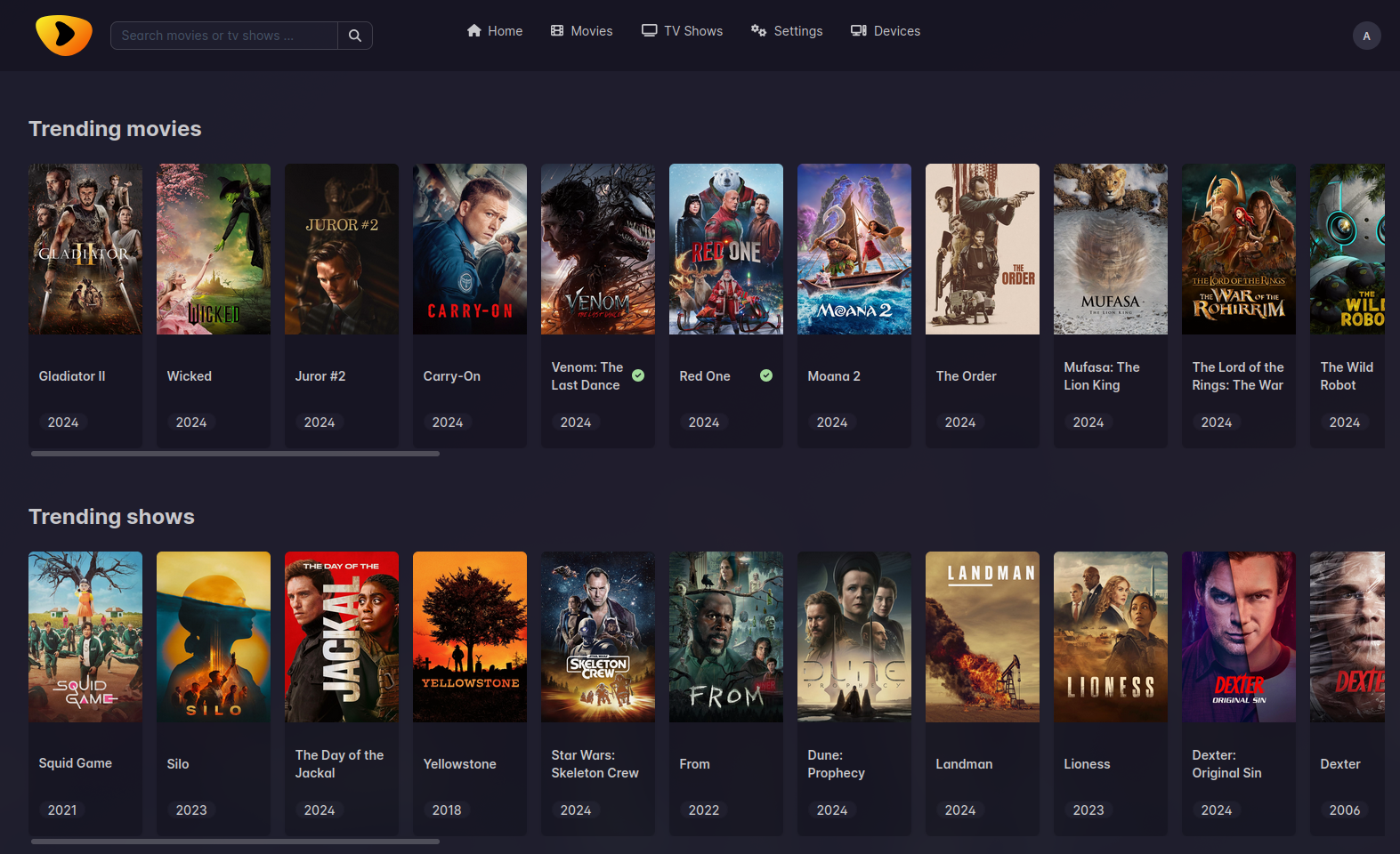
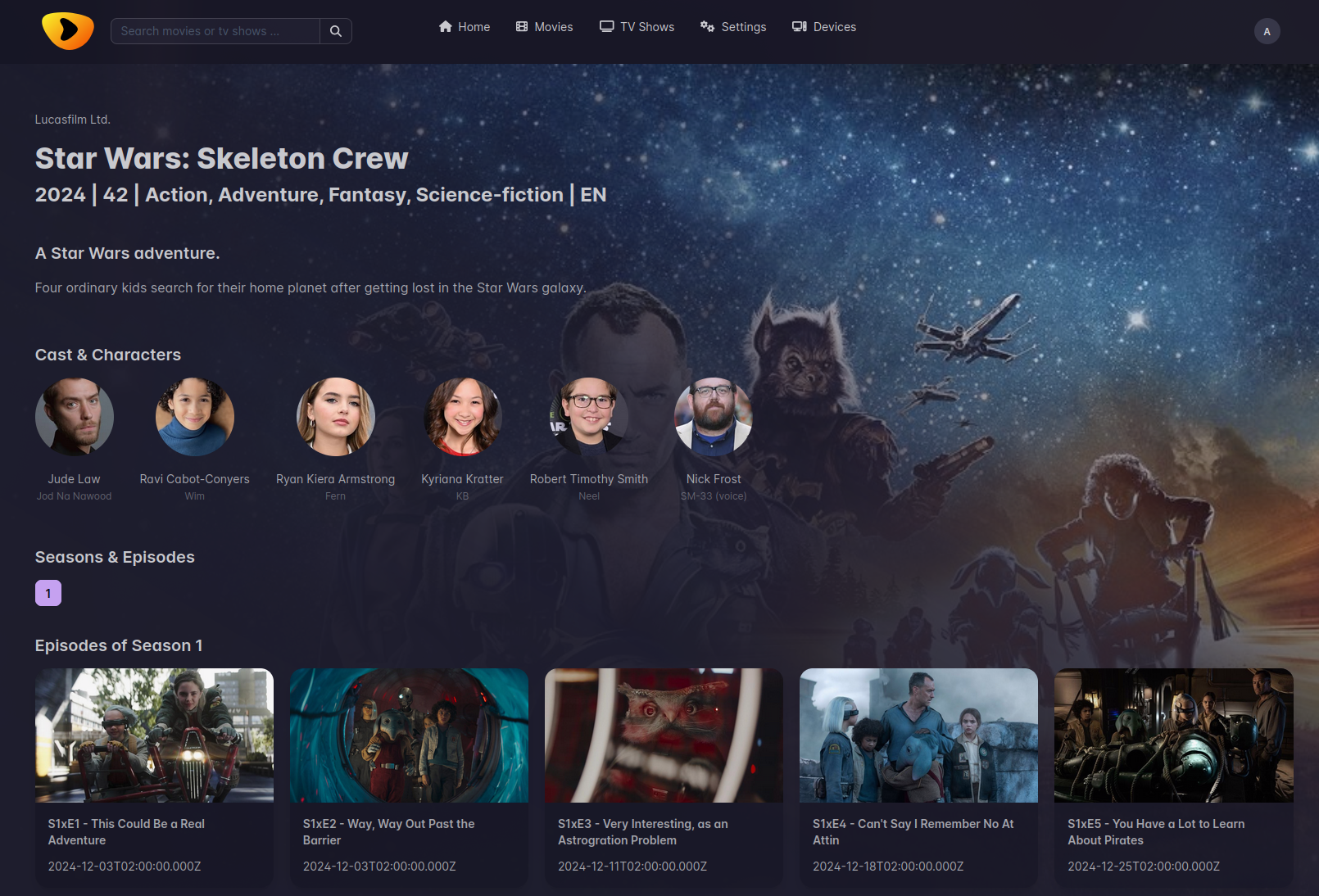
🚀 Key features
- Discover movies and shows
- Scrobble
- See your watchlists
- Setup custom sections from Trakt lists
- Scrape Jackett for Torrents
- Multi-User support
- Unrestrict links with RealDebrid/AllDebrid
💡 Prerequisites
[!WARNING]
In order to make sure Odin works as expected, please setup these things before starting the app.
- Trakt API credentials
- TMDB API key
- A working Jackett server
- Make sure you have some good indexers set up
- At least one of:
- RealDebrid Account
- AllDebrid API_KEY
🐋 Setup with Docker (docker-compose)
services:
  odin:
    image: ghcr.io/ad-on-is/odin:latest
    # image: ghcr.io/ad-on-is/odin:latest-arm64
    container_name: odin
    restart: always
    ports:
      - 6060:6060
    environment:
      - LOG_LEVEL=info
      - JACKETT_URL=http://jackett:9117
      - JACKETT_KEY=xxxxx
      - TMDB_KEY=<tmdbkey>
      - TRAKT_CLIENTID=<trakt_clientid>
      - TRAKT_SECRET=<trakt_secret>
      - ADMIN_EMAIL=<user@example.com> #optional
      - ADMIN_PASSWORD=<password> #optional
      - ALLDEBRID_KEY=<alldebrid_key> # if you have an AllDebrid account
    volumes:
      - ./pb_data:/pb_data

  jackett:
    image: lscr.io/linuxserver/jackett:latest
    container_name: jackett
    ports:
      - 9117:9117
    environment:
      - TZ=Etc/UTC
      - AUTO_UPDATE=true
    volumes:
      - ./jackett:/config
    restart: always
  flaresolverr:
    container_name: flaresolverr
    image: ghcr.io/flaresolverr/flaresolverr:latest
    restart: always
    environment:
      - LOG_LEVEL=info

  # use a reverse proxy to serve the app
  # nginx:
  # caddy:
1️⃣ First steps
Trakt
- Create a new App: https://trakt.tv/oauth/applications/new
- Note down the Trakt
clientIdandclientSecret
TMDB
- Create a new account and get an API key: https://www.themoviedb.org/settings/api
- Note down the
apiKey
Jackett and flaresolverr
- Configured Jackett as needed
- Add flaresolverr
- Add as many good quality indexers as possible
- Make sure the Jackett search returns some results
Prepare the server
- Log in as admin
- E-Mail: admin@odin.local, Password: odinAdmin1
- If you've set them via the environment variables, use these instead
- Configure RealDebrid
- Create a new user
Configuration
RealDebrid
- Connect to RealDebrid by following the steps in the frontend
AllDebrid
- Go to Apikey manager
- Create a new API key
- Use the key as environment variable
Trakt
- Log in as a User
- Go to Profile
- In the Trakt section click on "Login" and follow the steps
Trakt Lists
- Go to settings
- Add lists, with title and url in the desired section
[!INFO]
Trakt API for info about possible endpoints
Example: /movies/trending
Placeholders
::(year|month|day)::current year|month|day::(year|month|day):-1:current year|month|day +1 (or -1)::monthdays::days of the current month
Examples:
/movies/popular?years=::year::,::year:-1: -> /movies/popular?years=2024,2023
📺 Connecting to Odin TV
[!NOTE] This only works with a regular user, not an admin account.
- Install the Odin TV app on your Android TV box
- Open Odin TV on your Android TV box. A screen with a code should show up.
- Login as your user in the Odin frontend, and go to devices
- Click on Link device, enter the code shown on your TV and click Connect
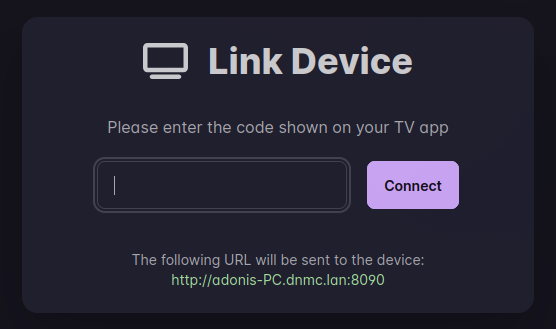
[!NOTE] This process uses ntfy.sh to propagate the public URL from the server to the App. The public URL only needs to be accessible within your network where the Android TV is running on.
💻 Running local dev environment
# install Bun
curl -fsSL https://bun.sh/install | bash

# lone the repo
git clone https://github.com/ad-on-is/odin-movieshow
cd odin-movieshow

# install dependencies
bun install

# copy .env.example to apps/backend/.env and apps/frontend/.env and fill in the blanks

# run dev
bun --bun run dev
Donations

License
GPLv3
GitHub @ad-on-is · Built using pocketbase and Nuxt
Media gallery
1 / 2Requirements
Requires a separate Jackett server.
Related apps
Explore more like this
Explore allDetails
ghcr.io/ad-on-is/odin:latestRuntime arguments
- Web UI
http://[IP]:[PORT:6060]/- Network
bridge- Privileged
- false
Template configuration
Container Port: 6060
- Target
- 6060
- Default
- 6060
- Value
- 6060
URL of the Jackett server
- Target
- JACKETT_URL
- Default
- http://jackett:9117
- Value
- http://jackett:9117
API key of the Jackett server
- Target
- JACKETT_KEY
API key for The Movie Database
- Target
- TMDB_KEY
Client ID for Trakt
- Target
- TRAKT_CLIENTID
Client secret for Trakt
- Target
- TRAKT_SECRET
API key for AllDebrid. Remove if you don't use AllDebrid
- Target
- ALLDEBRID_KEY
Log level
- Target
- LOG_LEVEL
- Default
- info|debug|warn|error
Path to store data
- Target
- /pb_data
- Default
- /mnt/user/appdata/odin/data
- Value
- /mnt/user/appdata/odin/data