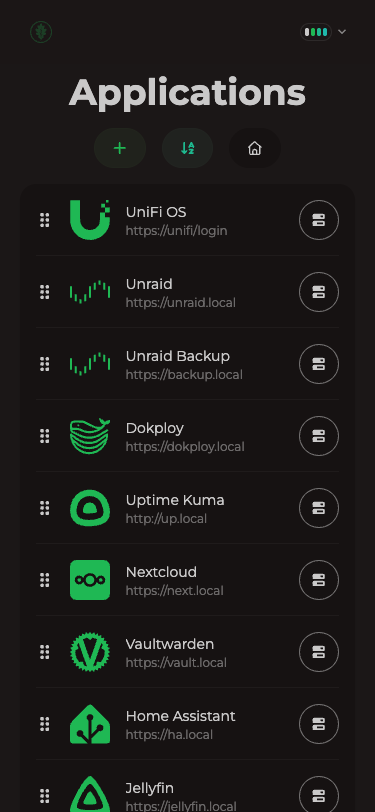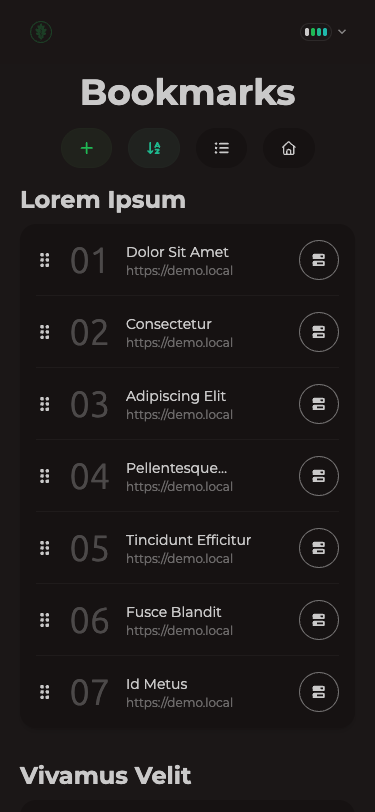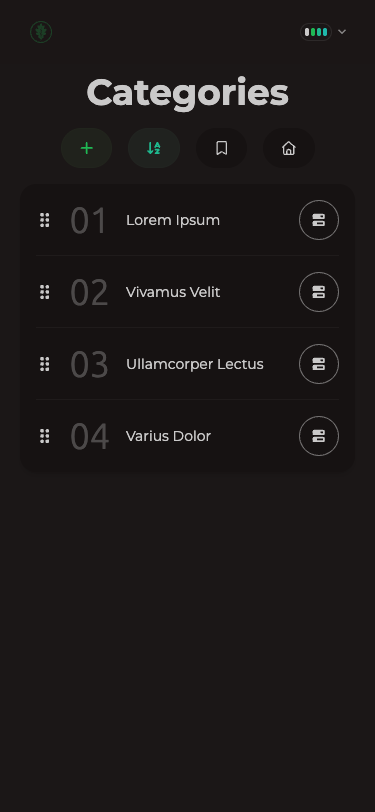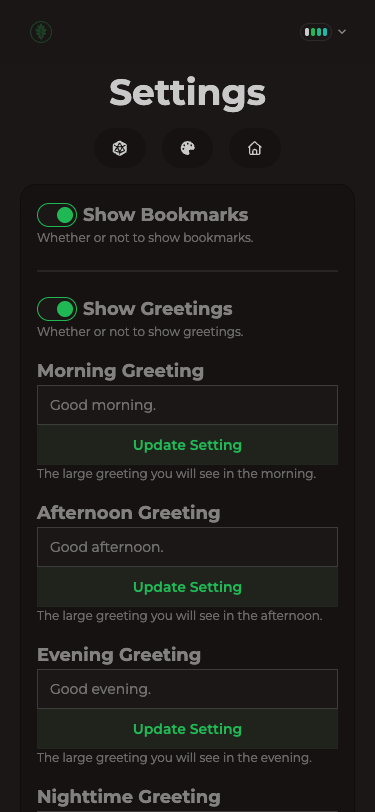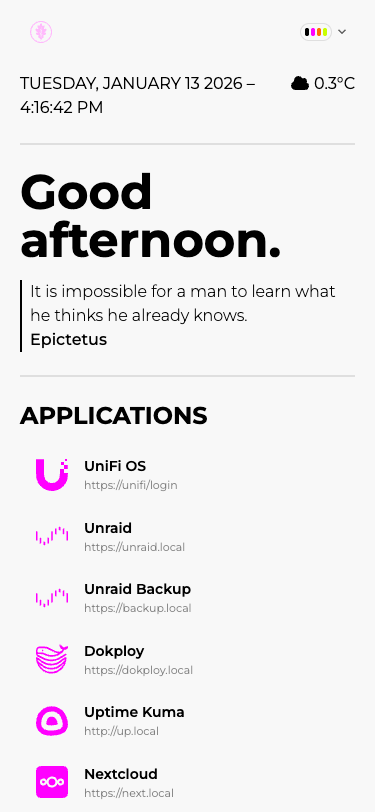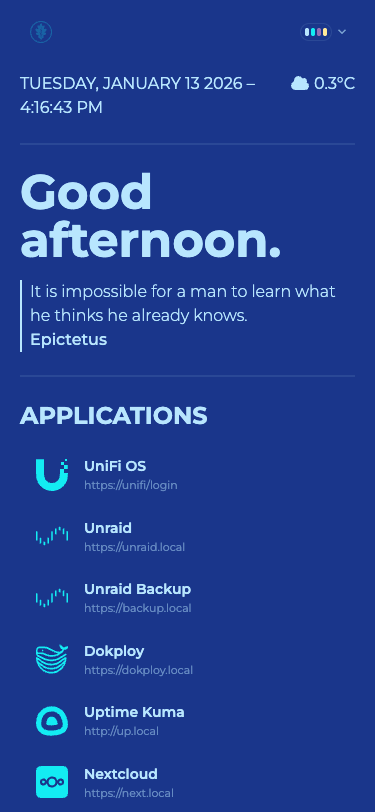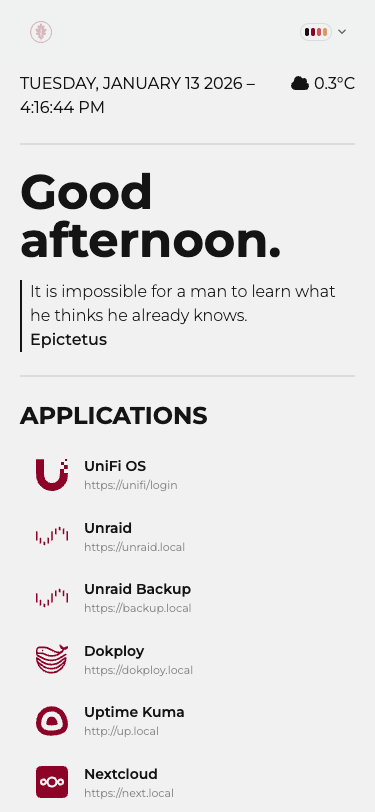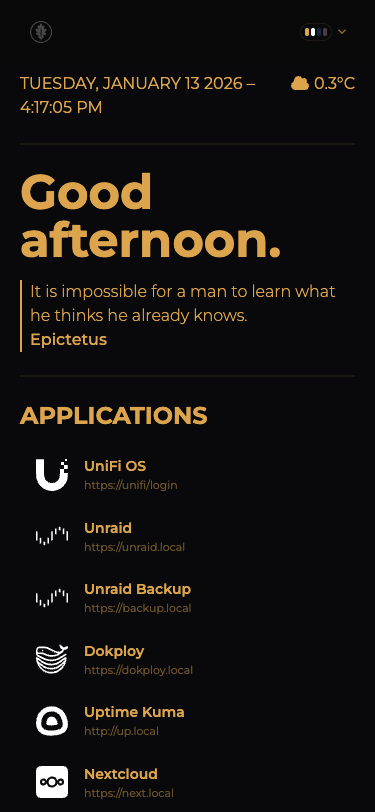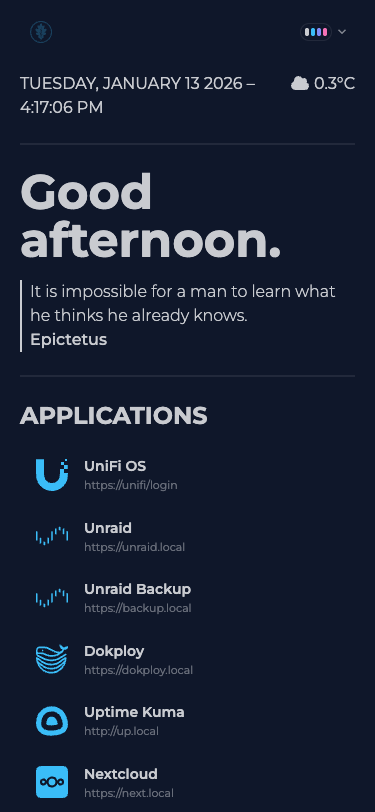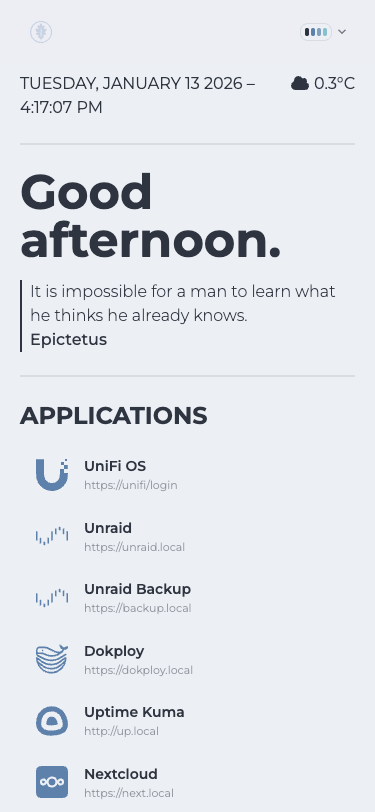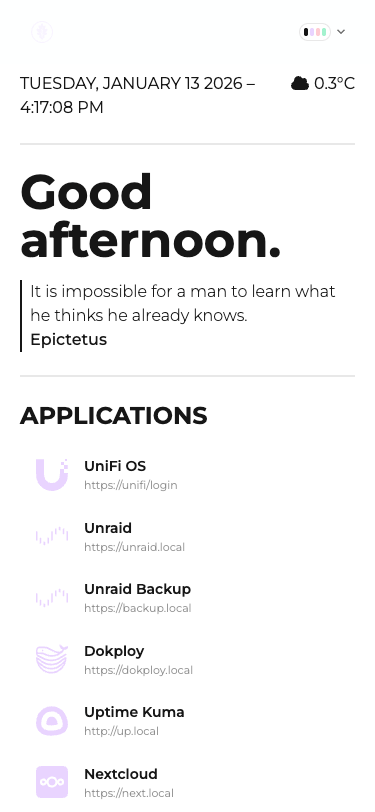
A simple homepage for self-hosters.
100% opinionated — based on Flame and SUI. Fork or make your own if you want something different.
Features
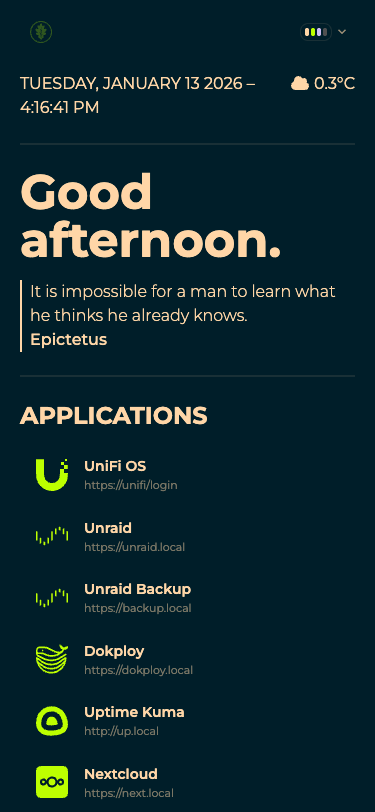
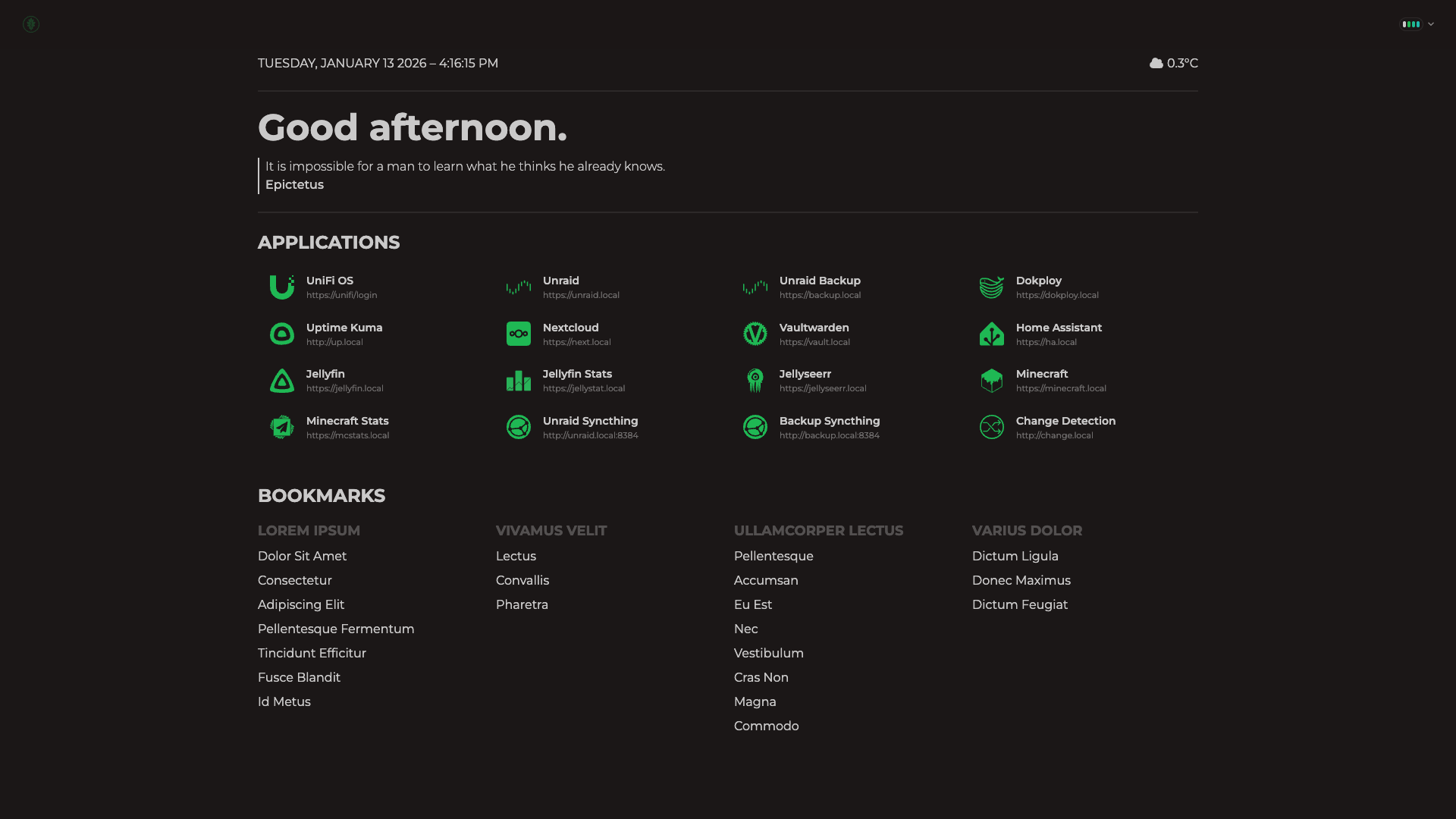
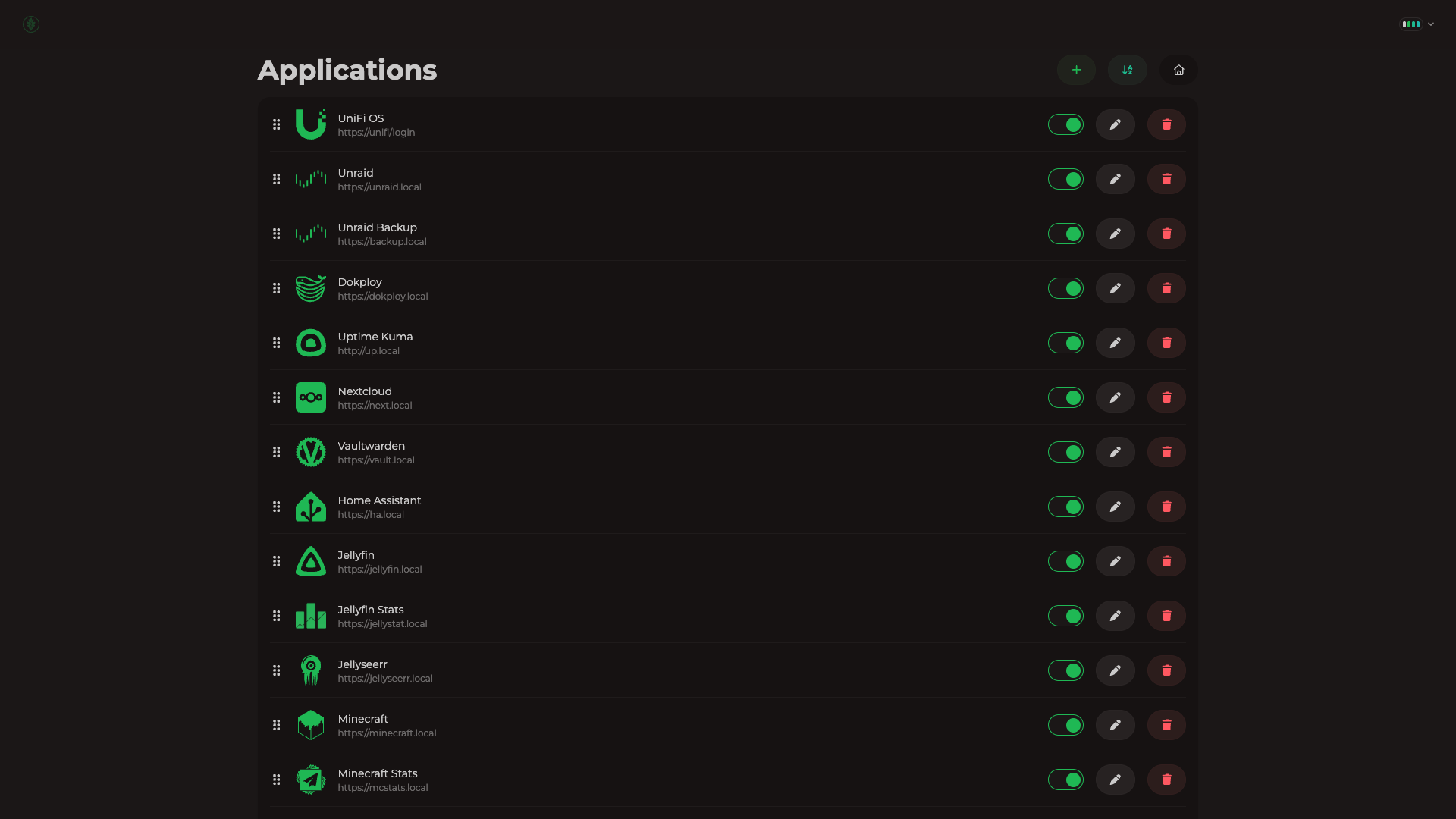
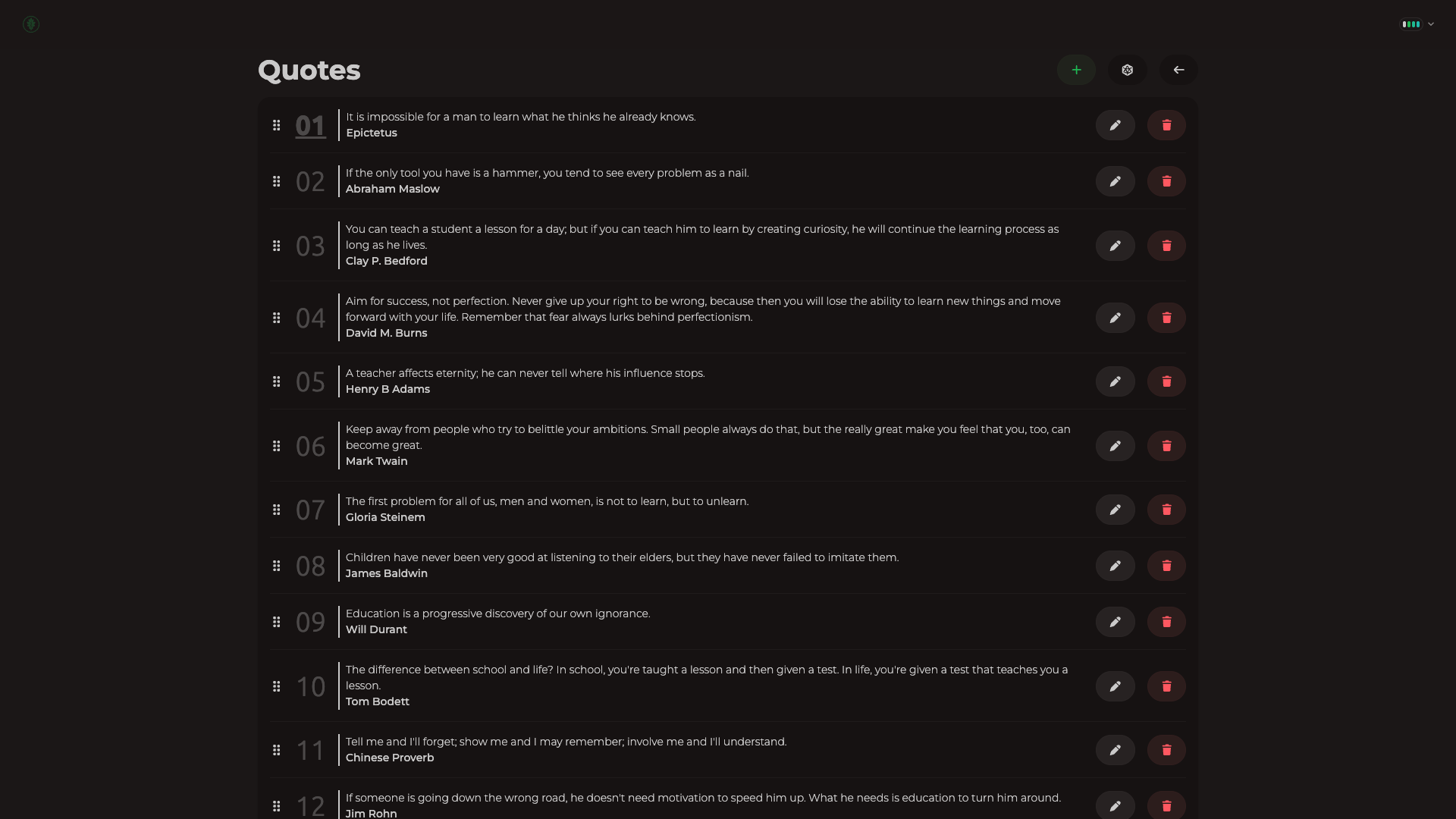
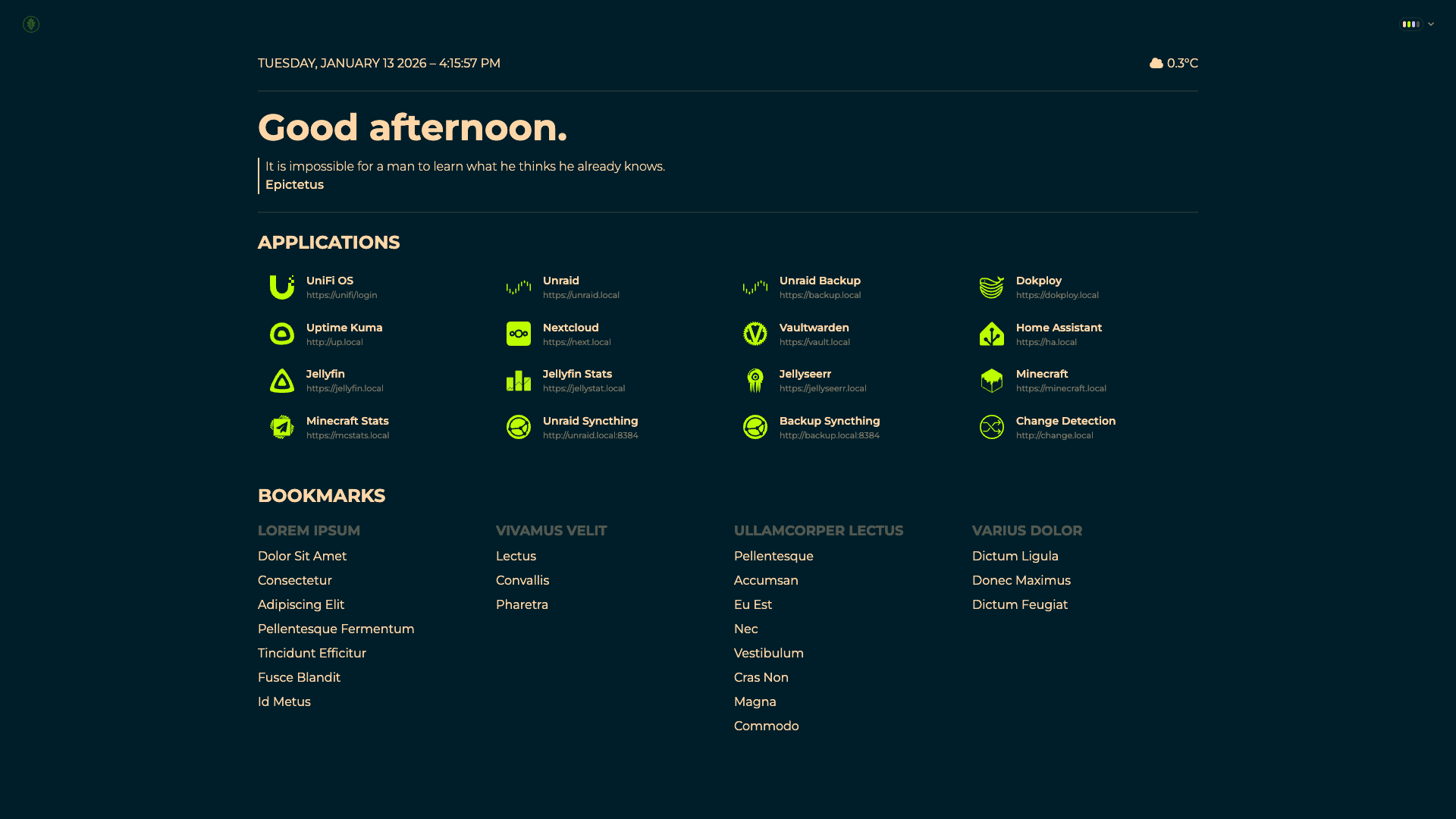
- Quickly navigate your self-hosted applications.
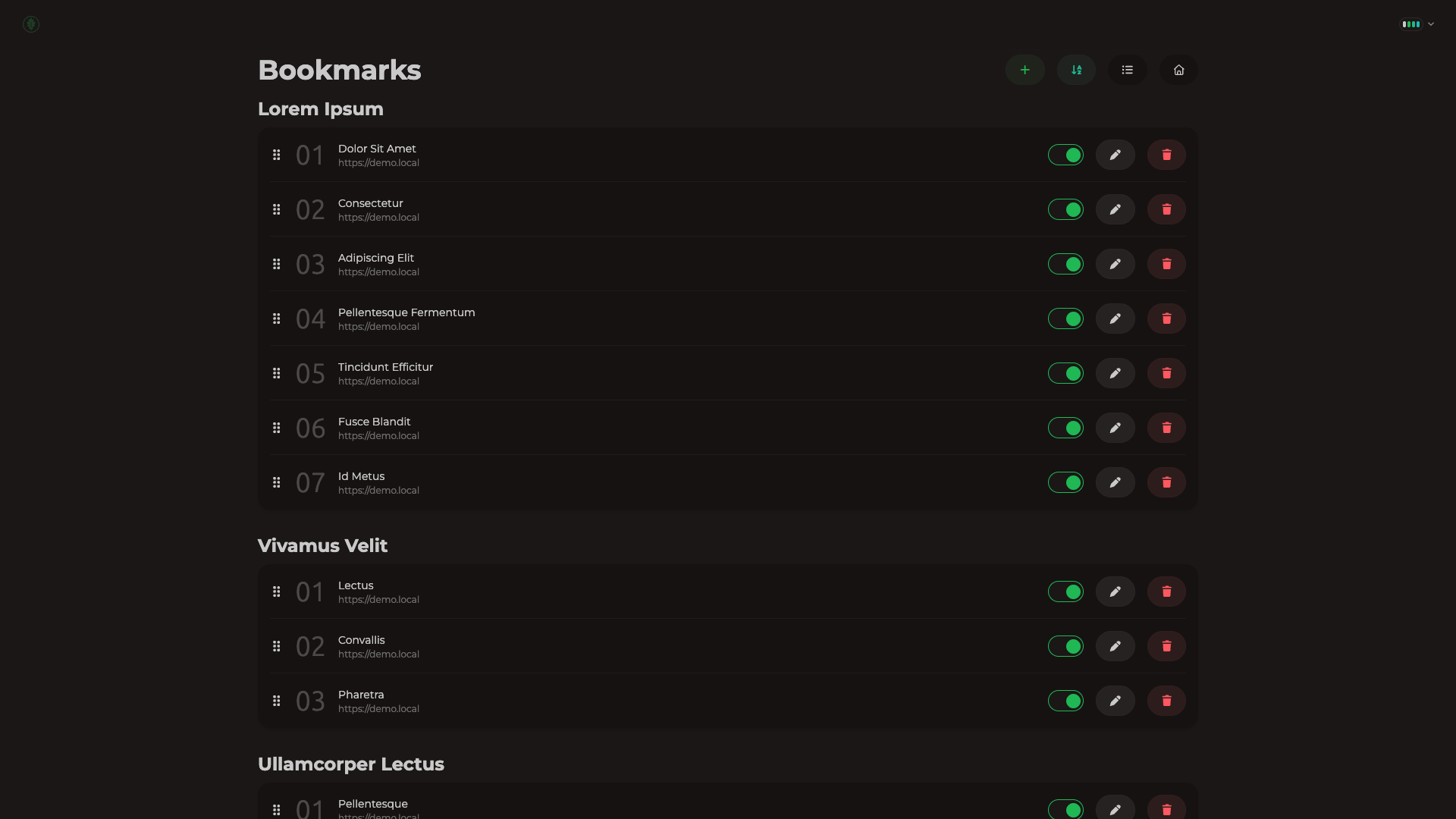
- Keep common bookmarks handy. (optional)
- Organize them with categories.
- Greetings for good vibes. (optional)
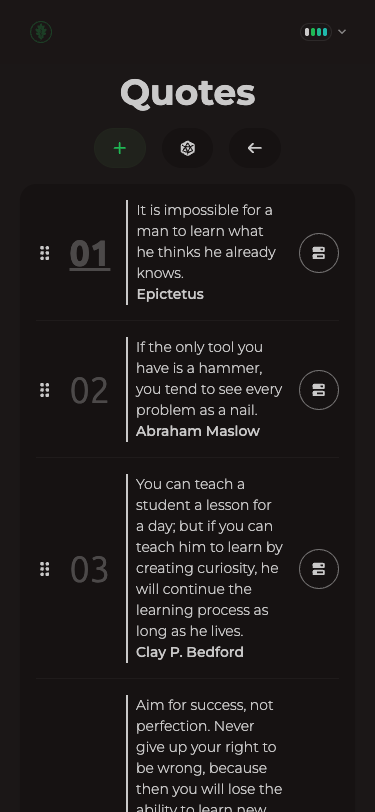
- Daily quotes for extra wisdom. (optional)
- Local weather conditions. (optional)
- Completely customizable.
- 100% mobile friendly.
And More!
- Search
- Global application/bookmark search for quick access (⌘ + K).
- Press tab from the global search to enter web search. (optional)
- Configurable hotkey and search engine.
- Theme
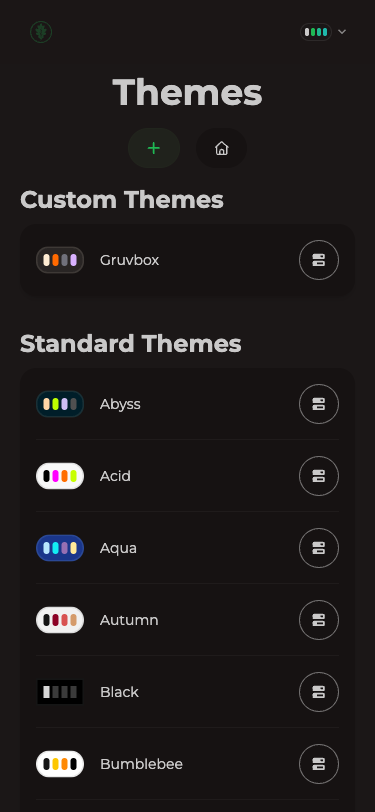
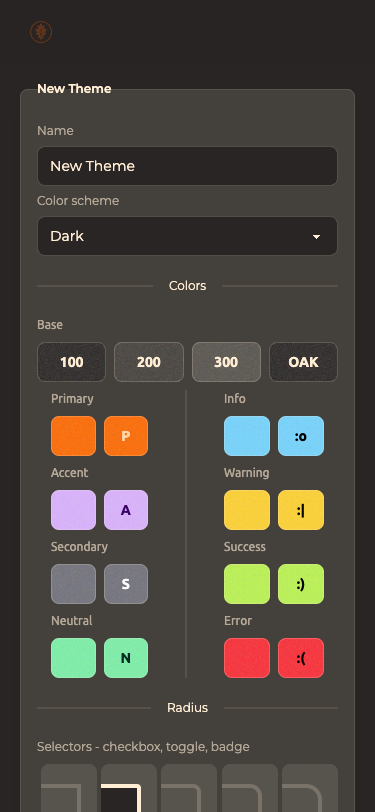
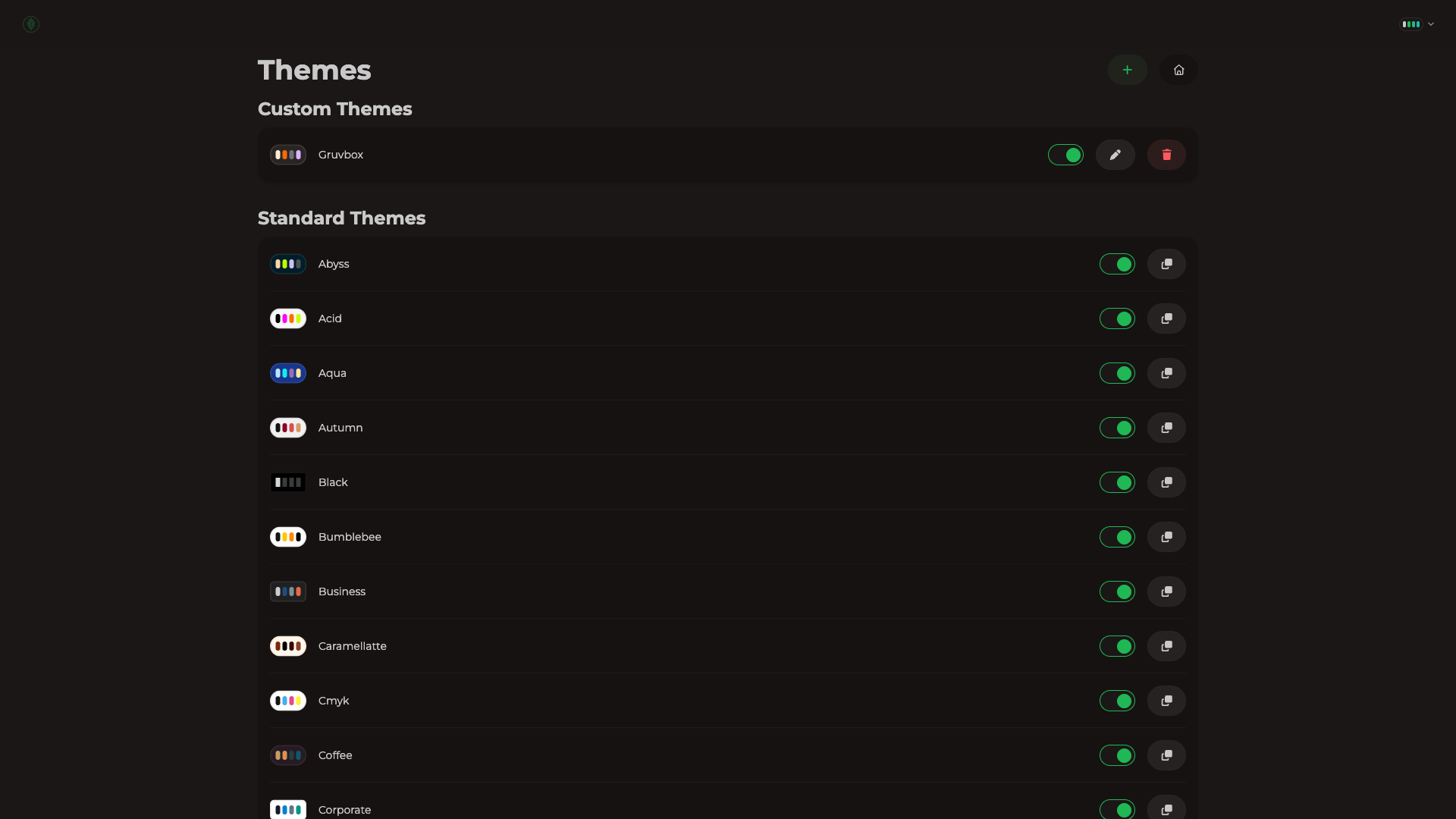
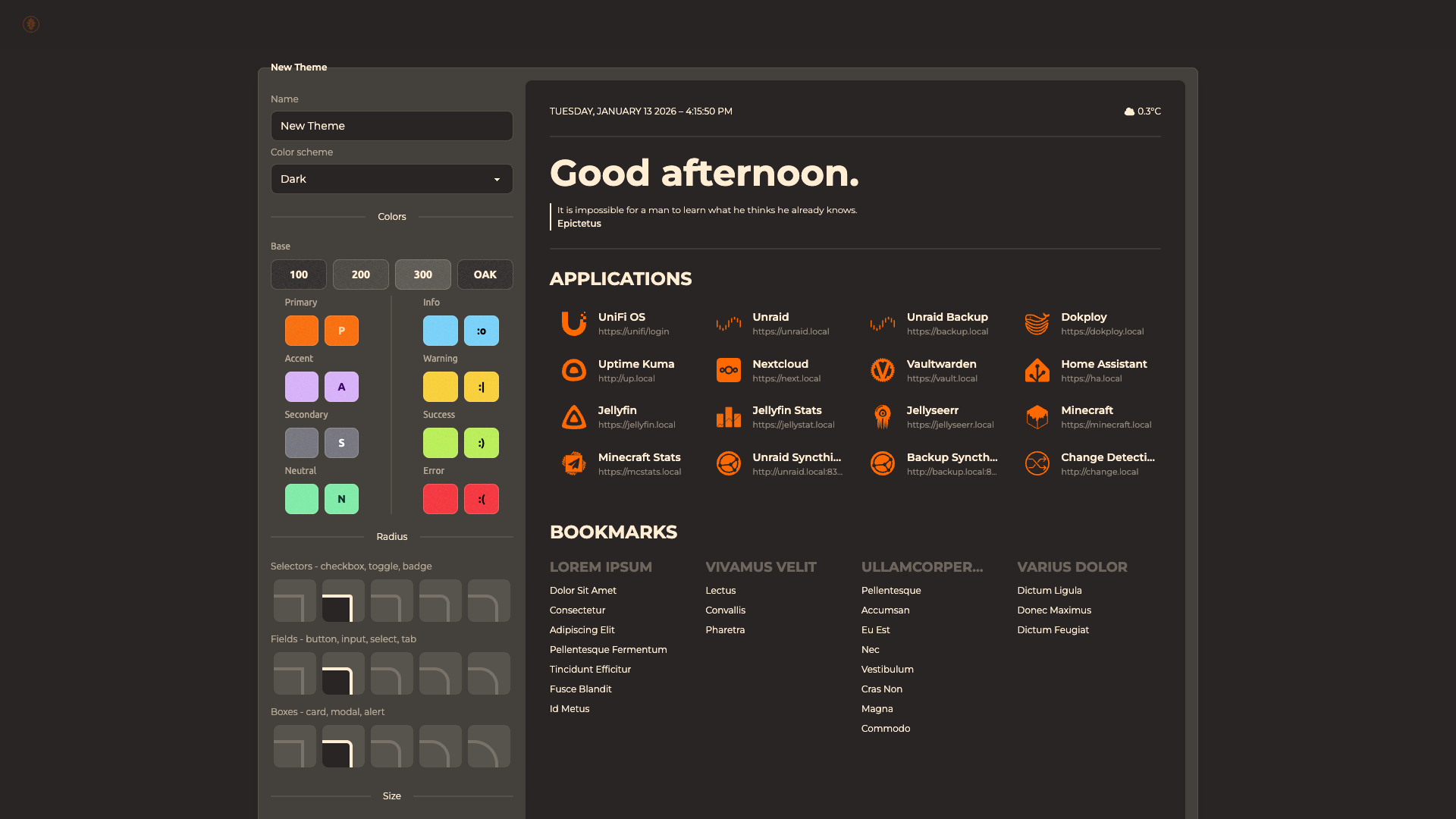
- Create your own themes using a custom theme builder.
- Clone existing themes and tweak them.
- Disable any theme you don't want to see.
- Migrate
- Move from Flame to Oak easily with a built-in import utility.
Uhh... No Logins?
Like many self-hosted applications, Oak is not intended to be hosted publicly. Don't open it up to the internet.
Usage
Environment Variables
| Variable |
Description |
Default |
HOSTS |
Allow connections from the provided hosts. You can provide a single host oak.test, or mutliple comma-separated hosts oak.test, maple.test. |
All connections are allowed. |
SSL |
Assume all access to the app is happening through a SSL-terminating reverse proxy. Force all access to the app over SSL, use Strict-Transport-Security, and use secure cookies. |
false |
LOG_LEVEL |
Only print logs from the set level or higher in criticality. Valid options are debug, info, warn, error, fatal, and unknown. |
info |
Docker
This application uses SQLite for storage. You must mount your desired database storage path to /rails/storage.
Example
docker run -d -it -p 3000:80 -v /path/on/host:/rails/storage ghcr.io/bert-mccutchen/oak:latest
Unraid
You need to change your storage directory ownership for Oak.
chown 1000:1000 /mnt/cache/appdata/oak
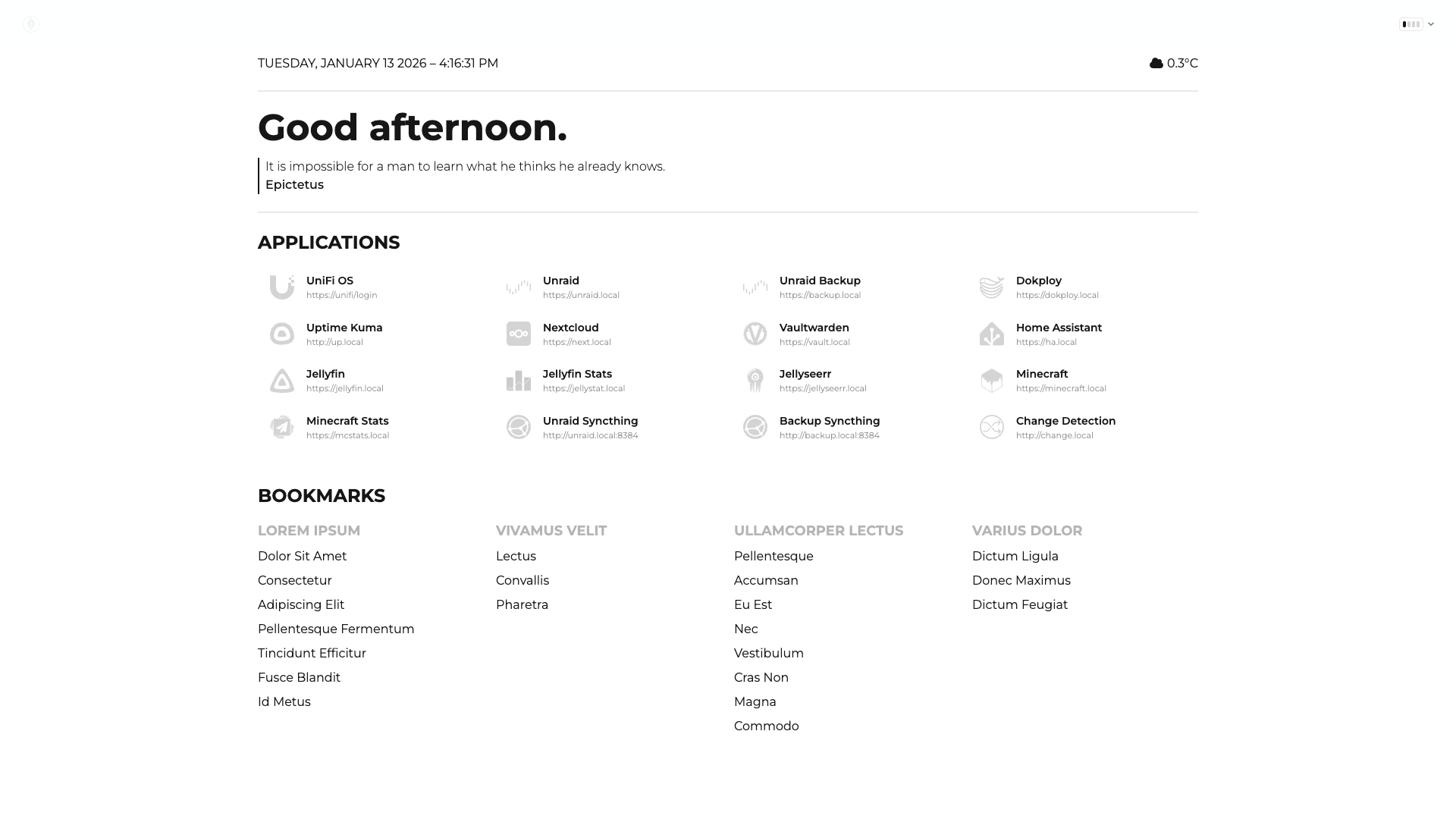
Screenshots
Self-Host
Bookmark
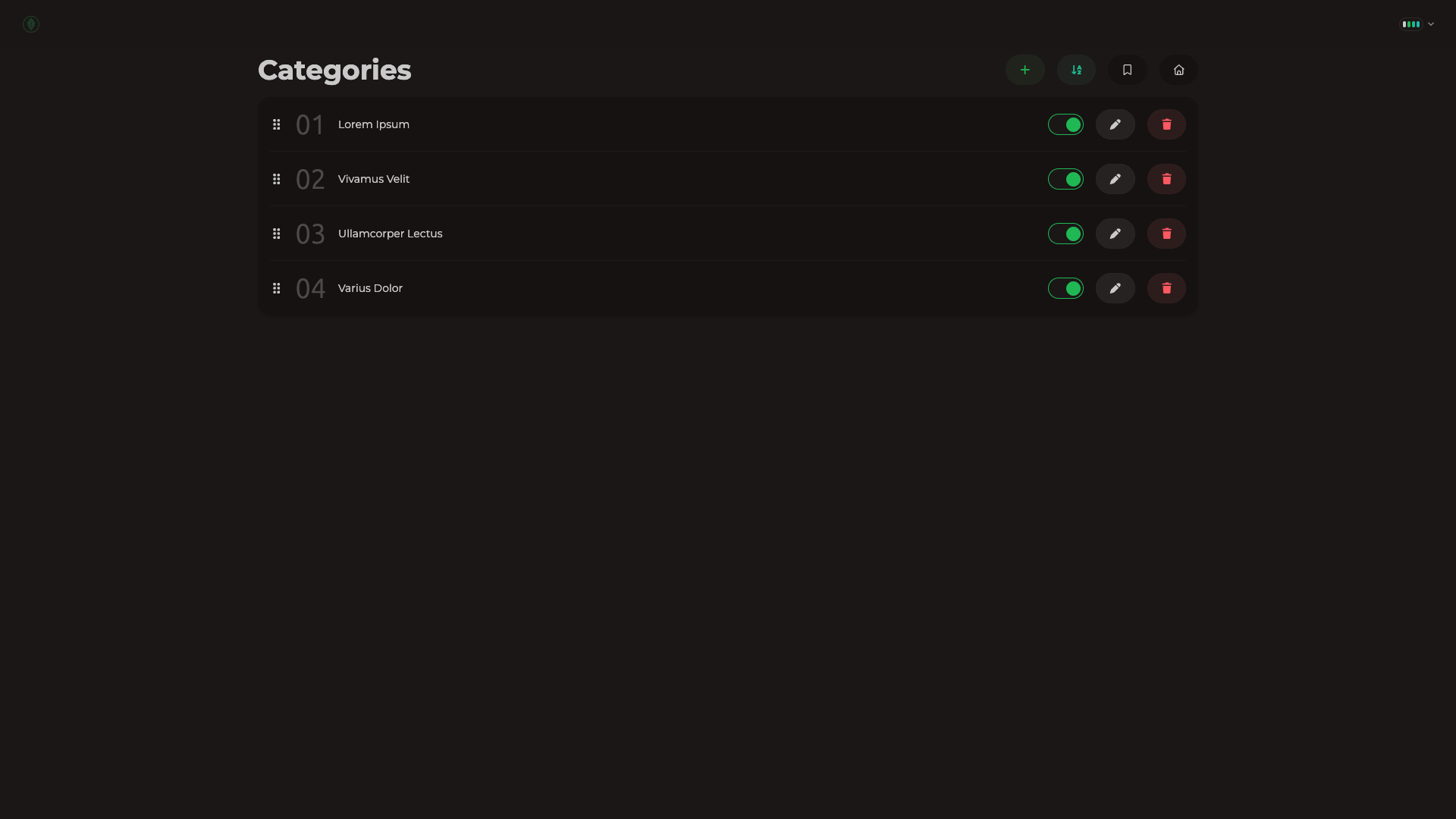
Customize
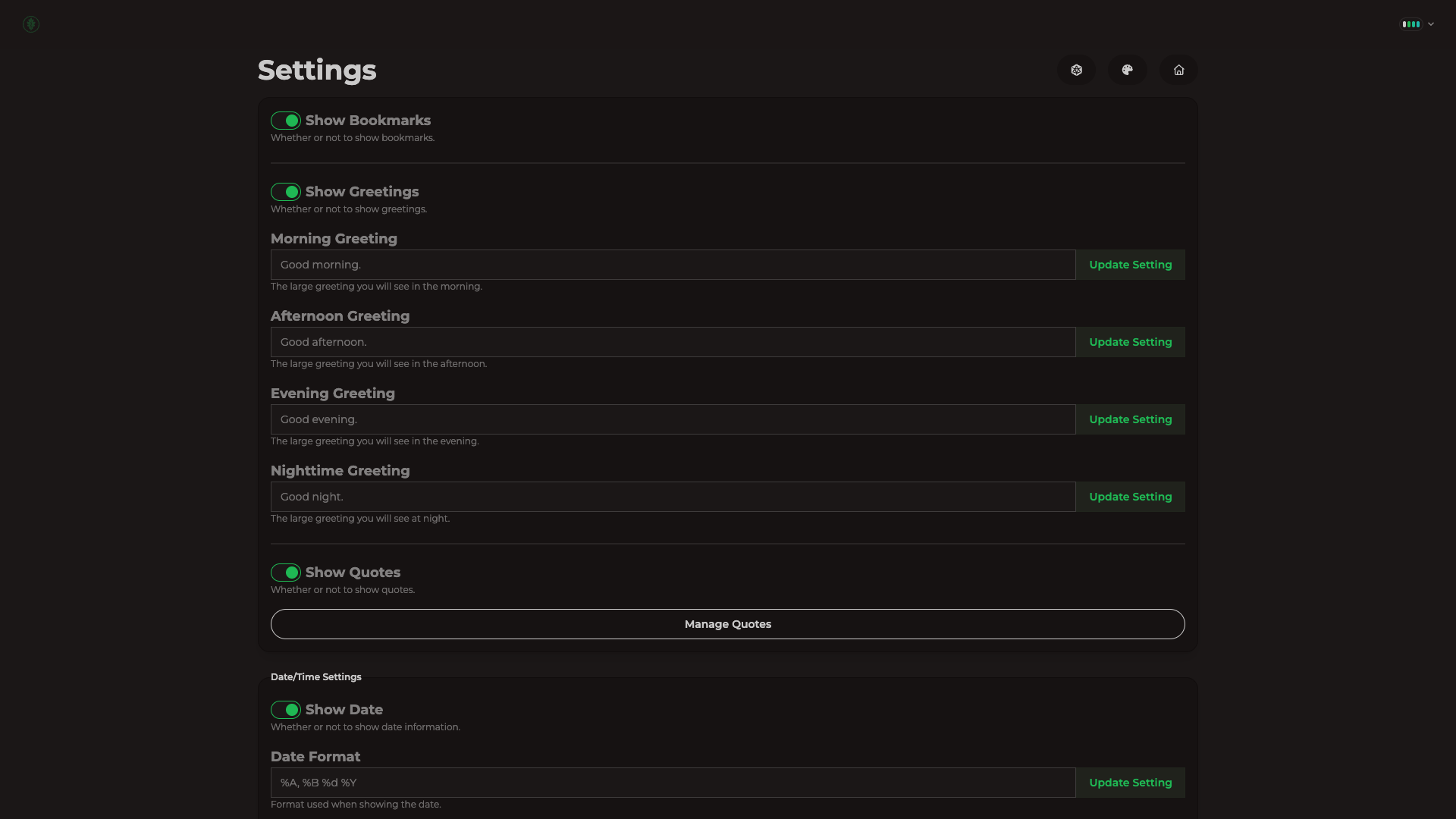
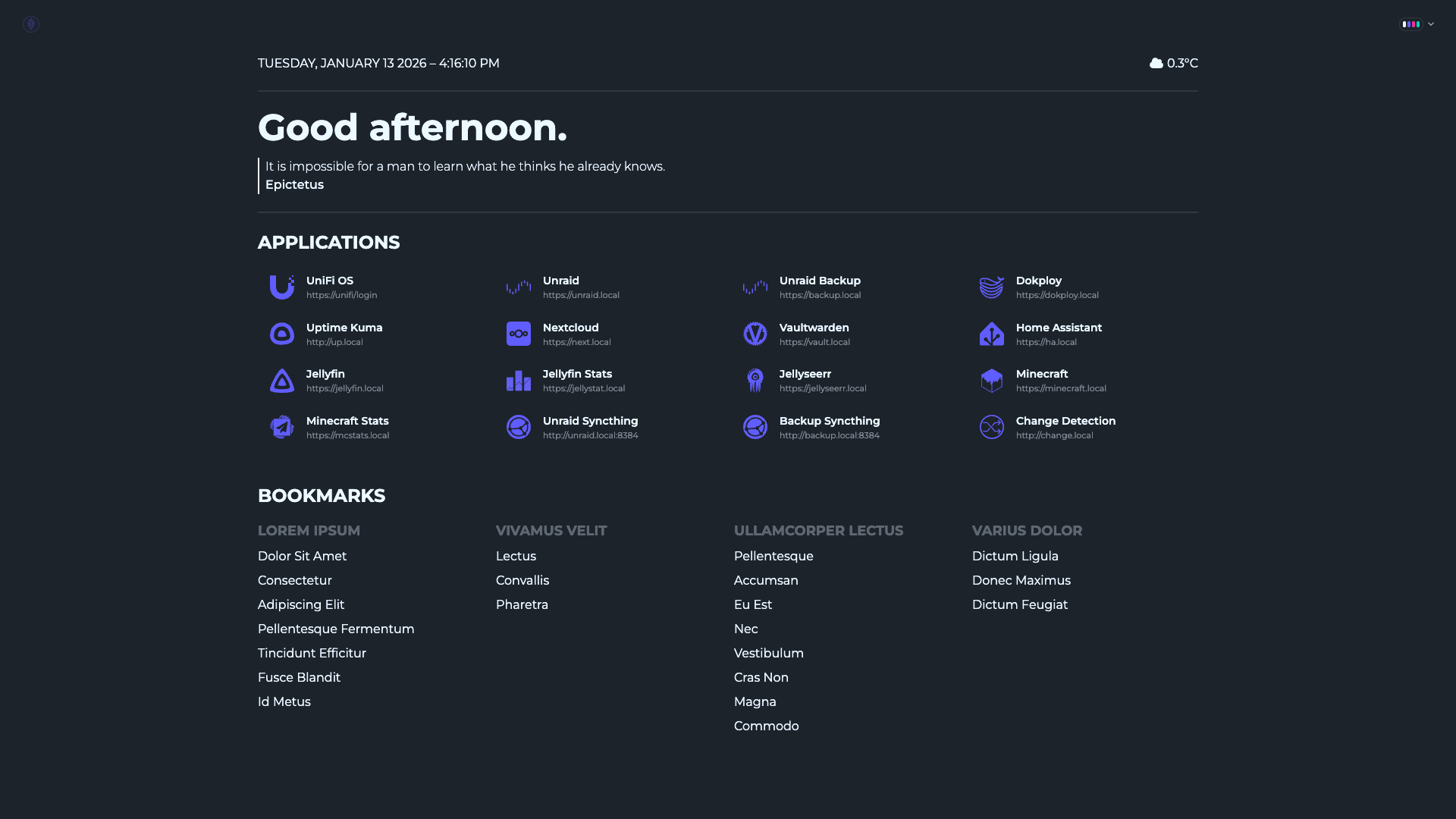
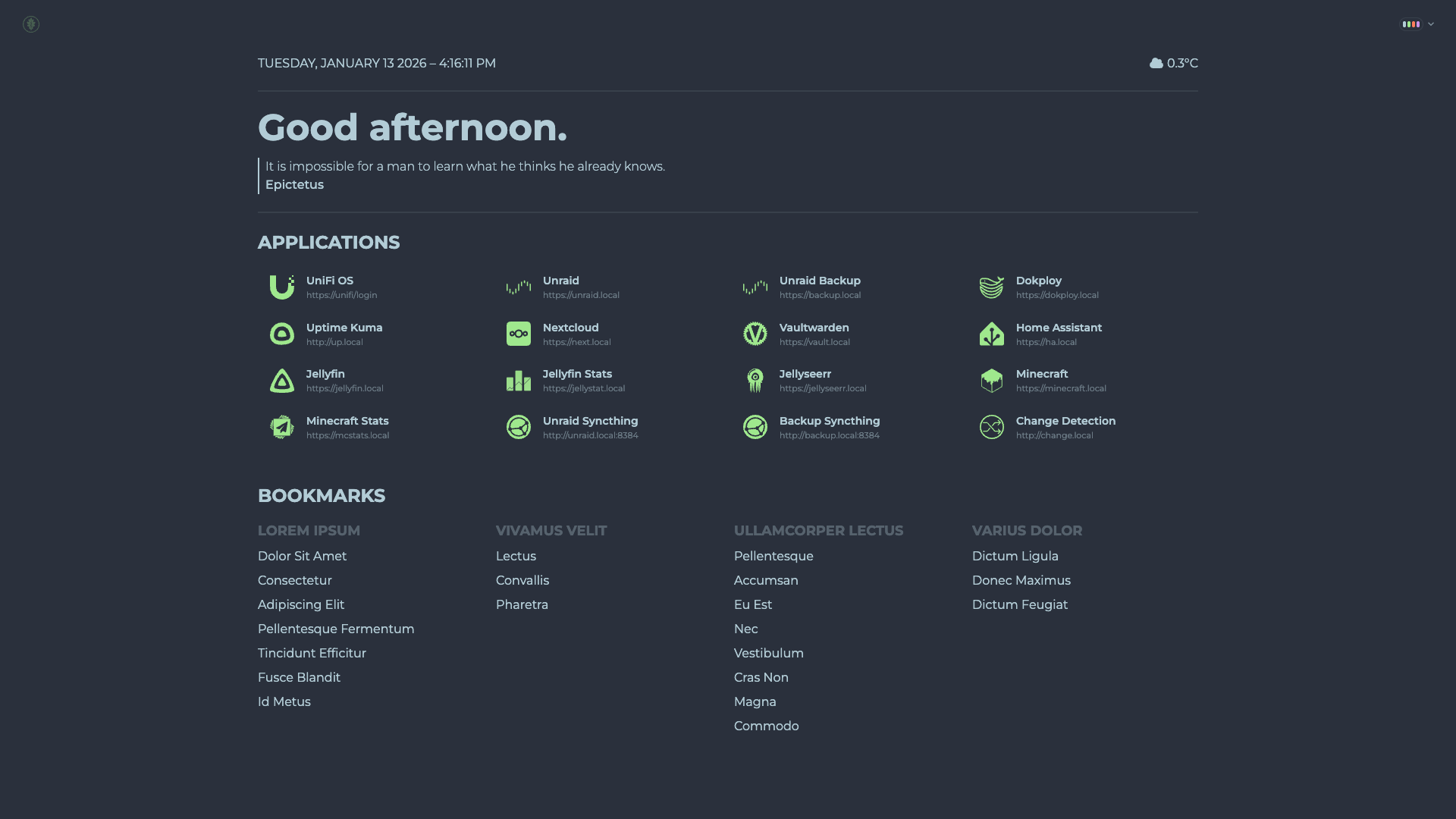
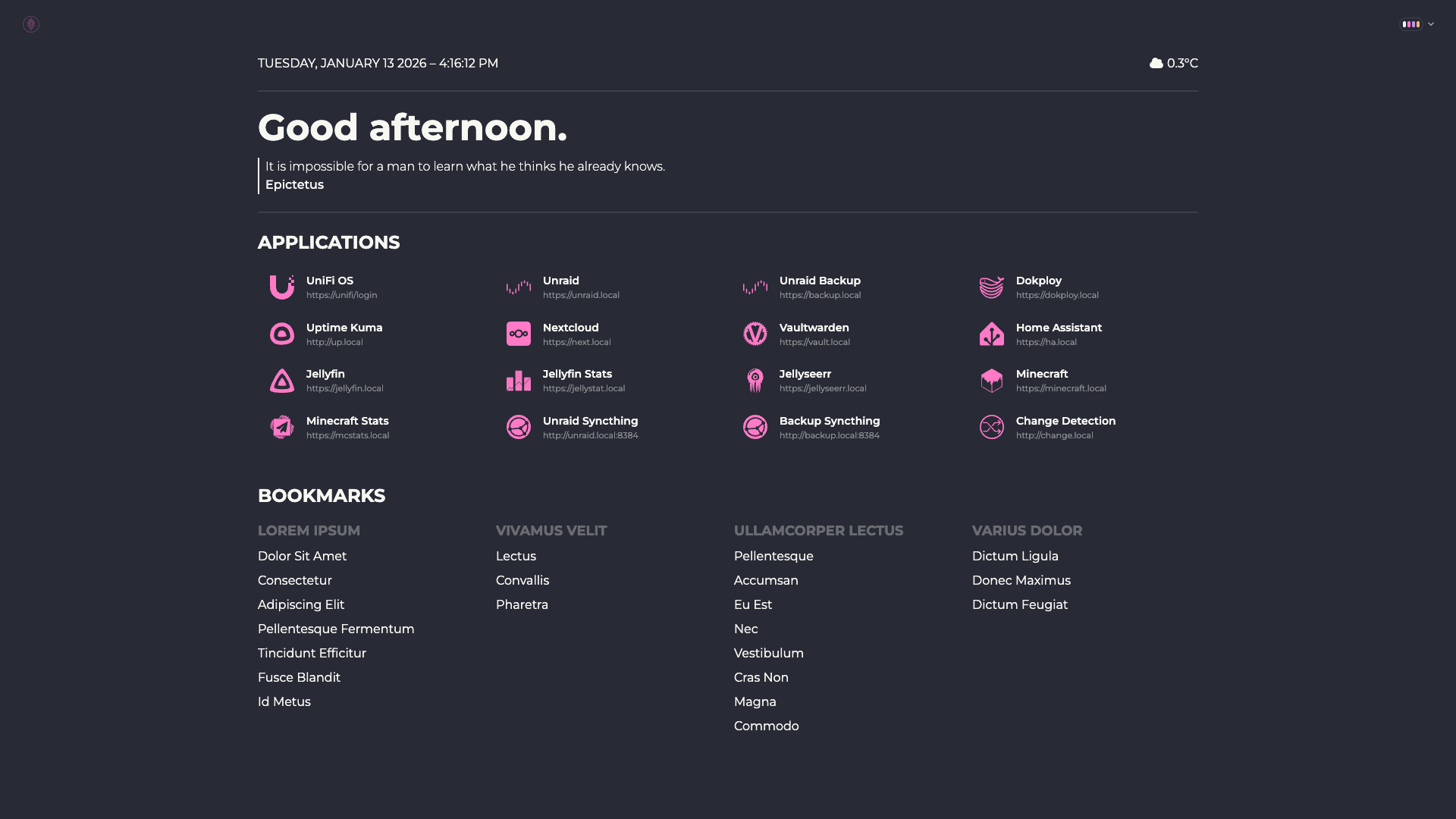
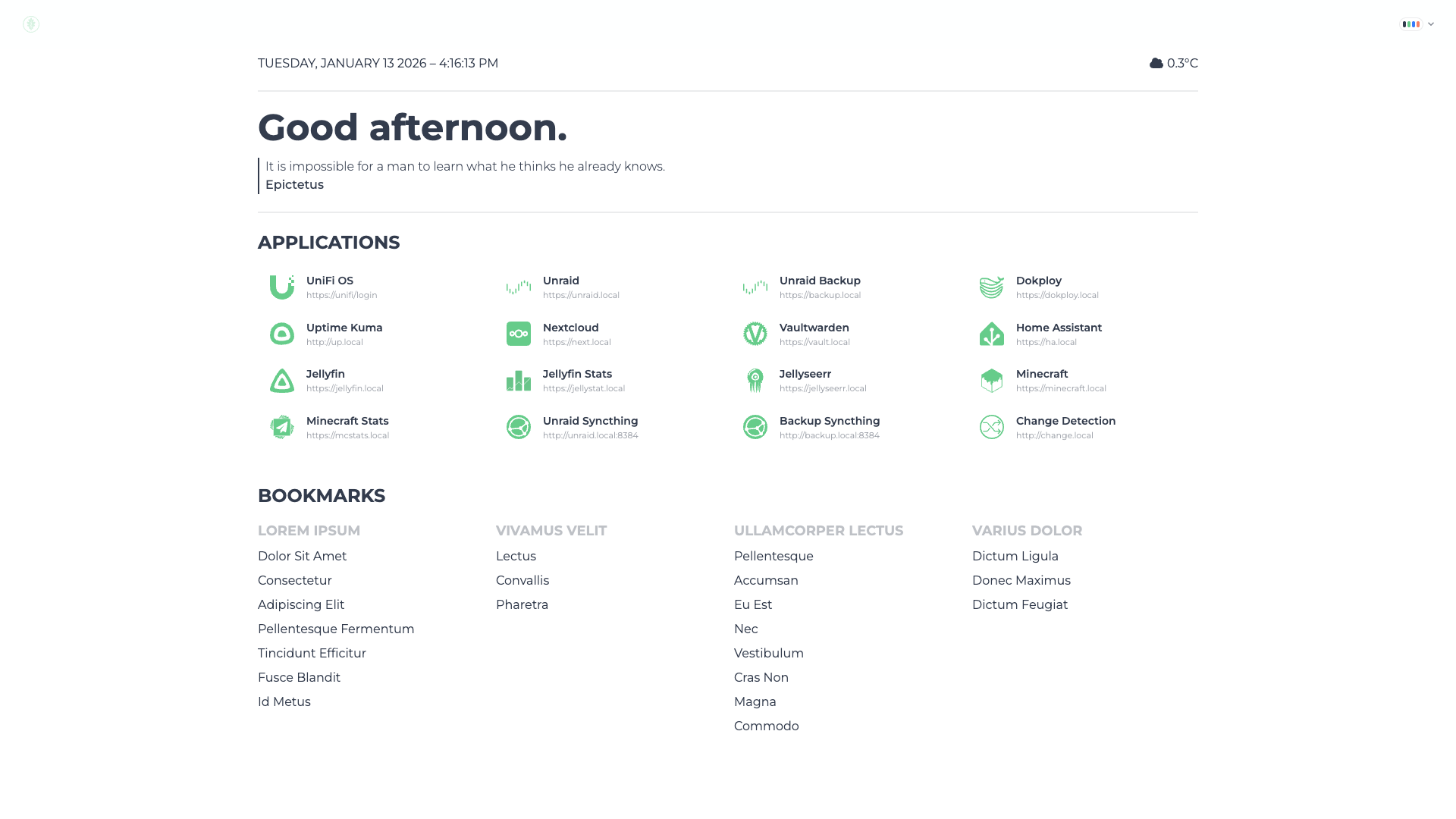
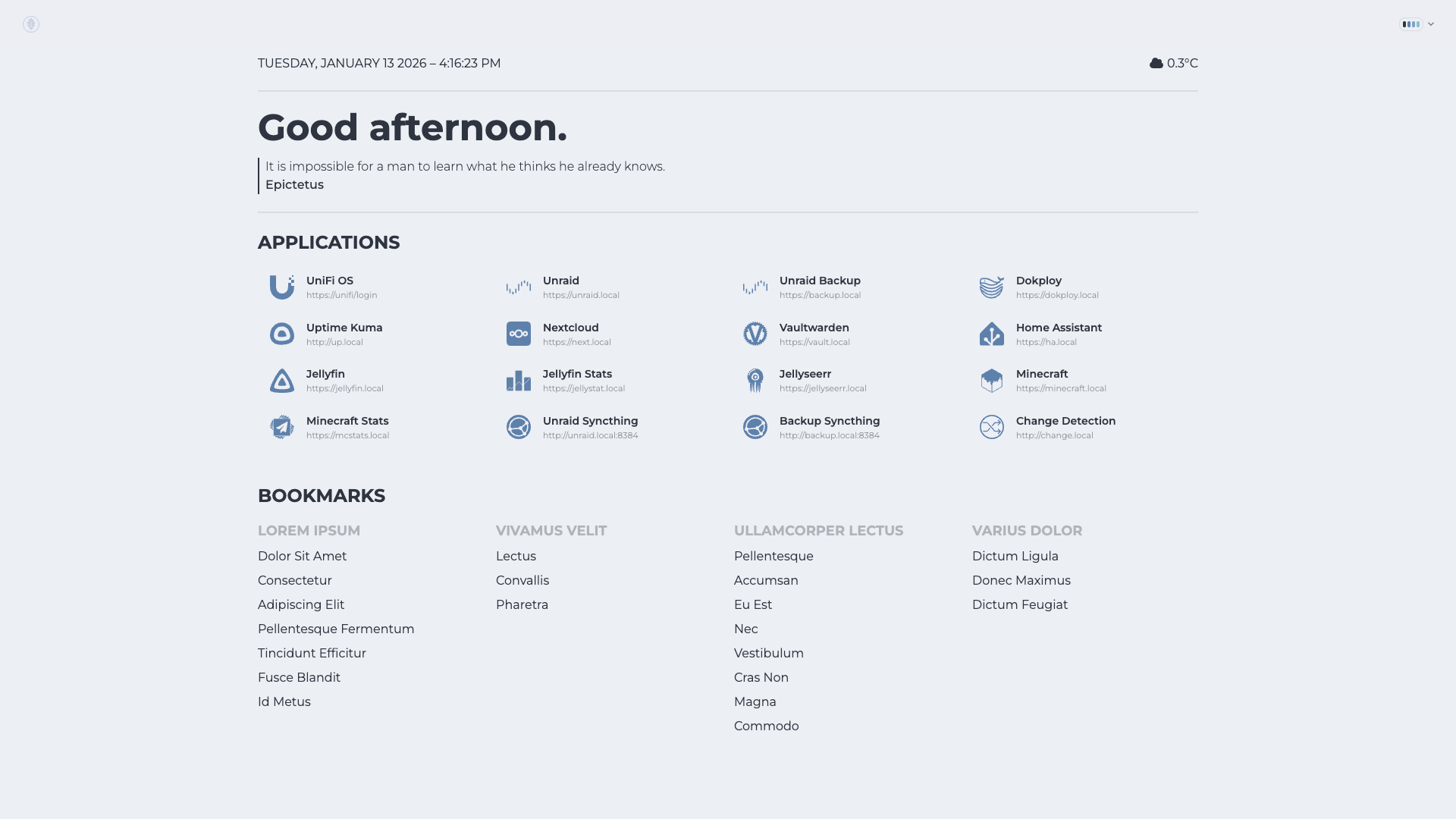
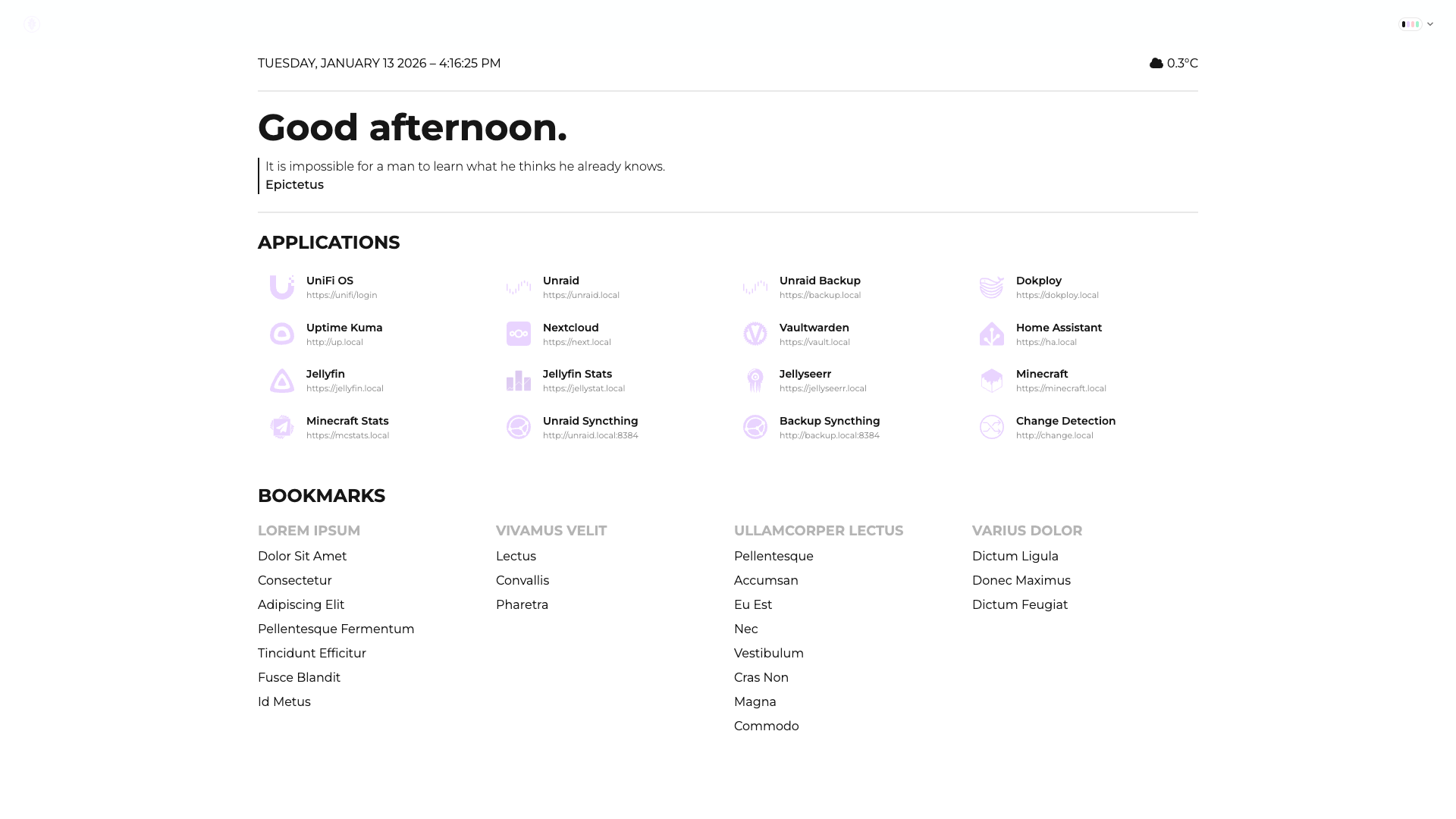
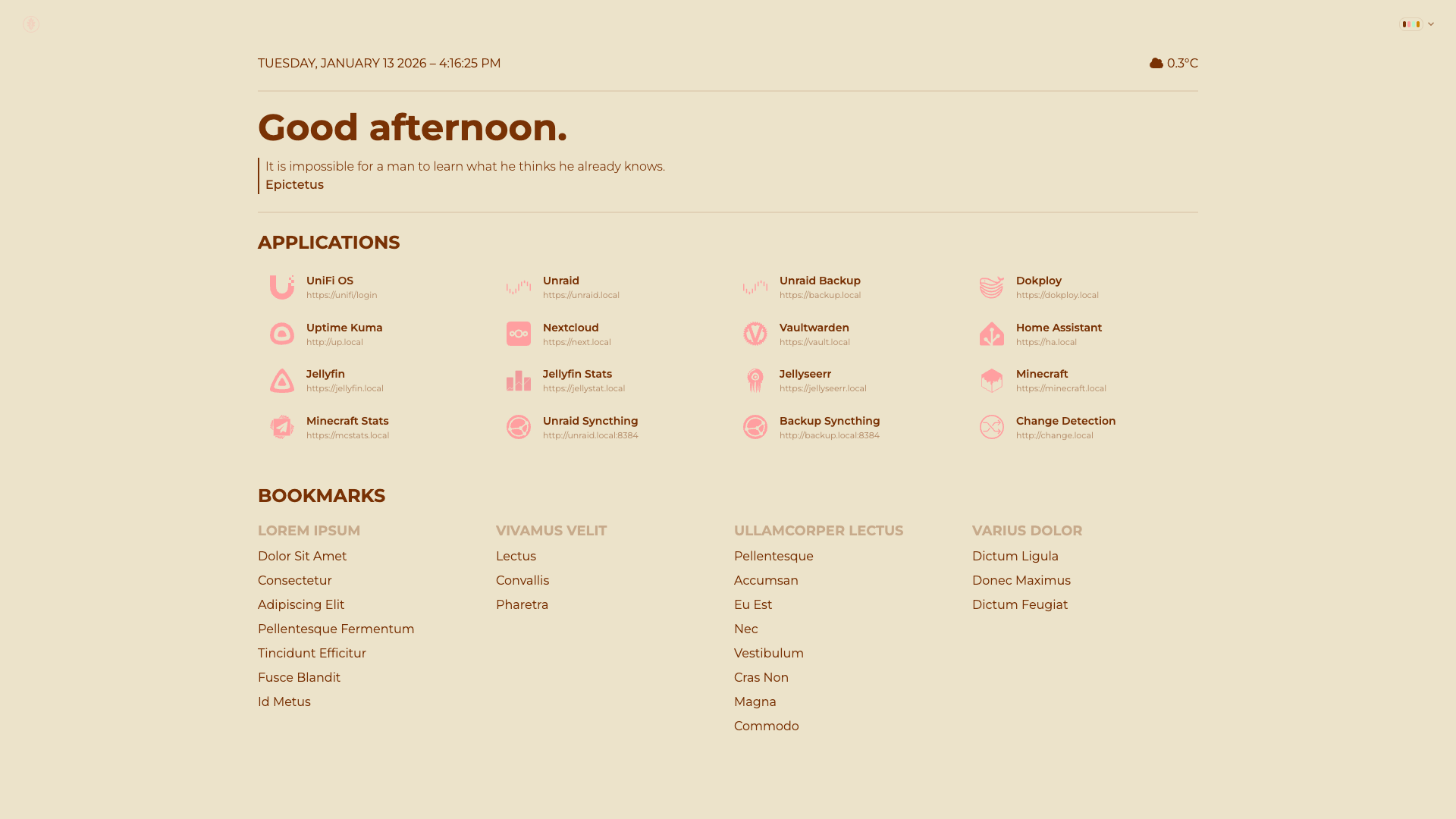
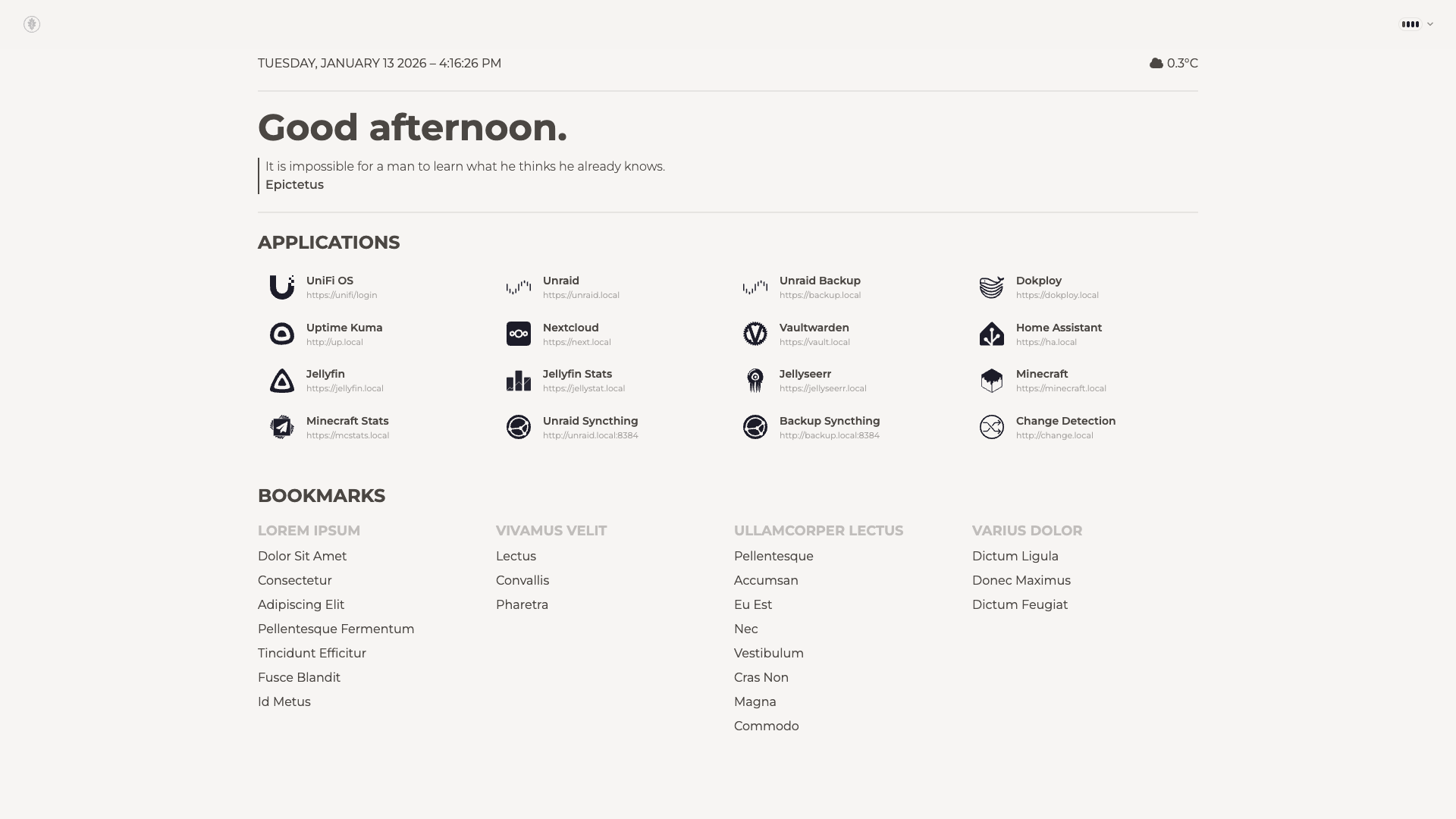
Standard Themes
| Abyss |
Acid |
 |
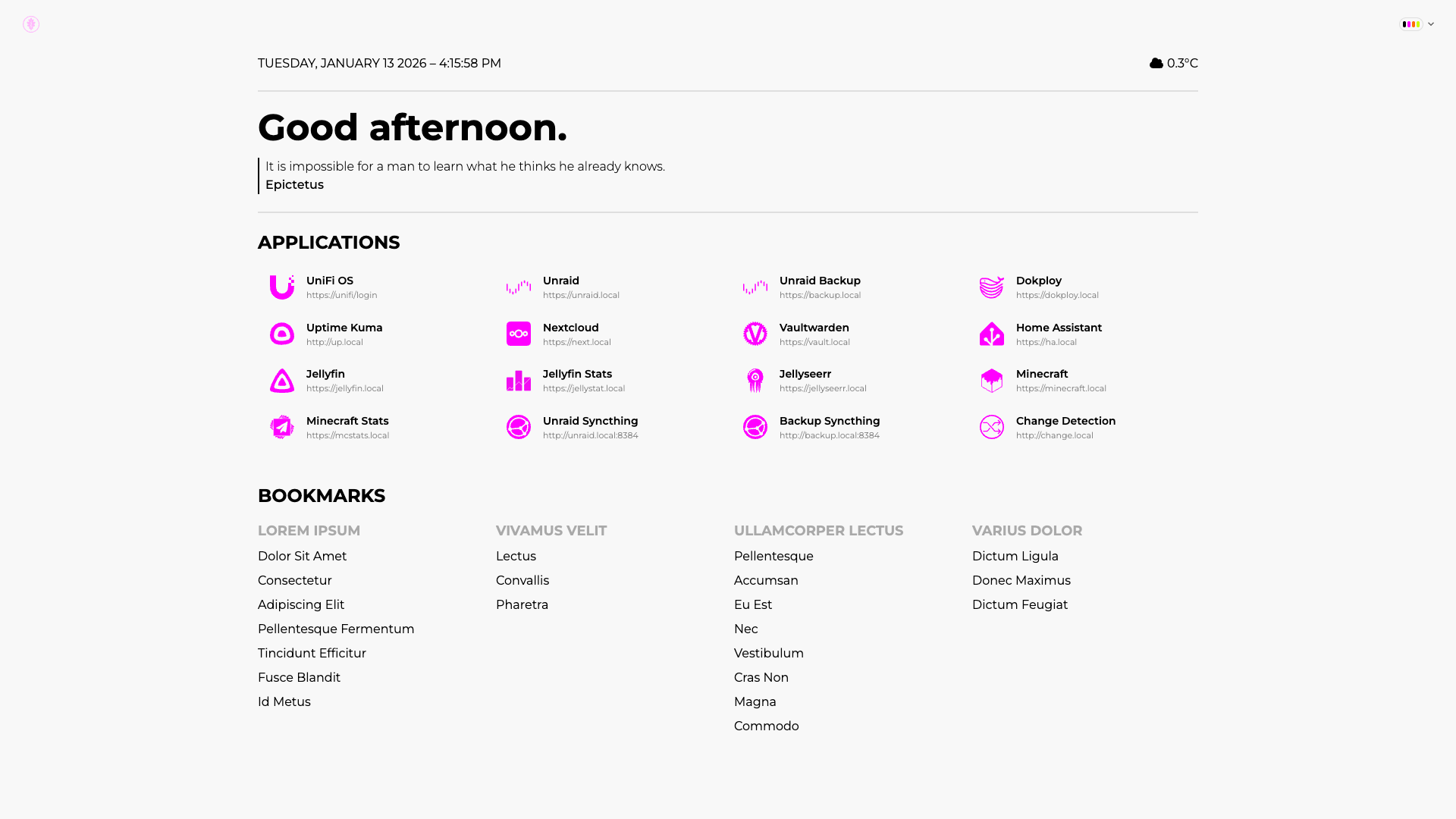 |
| Aqua |
Autumn |
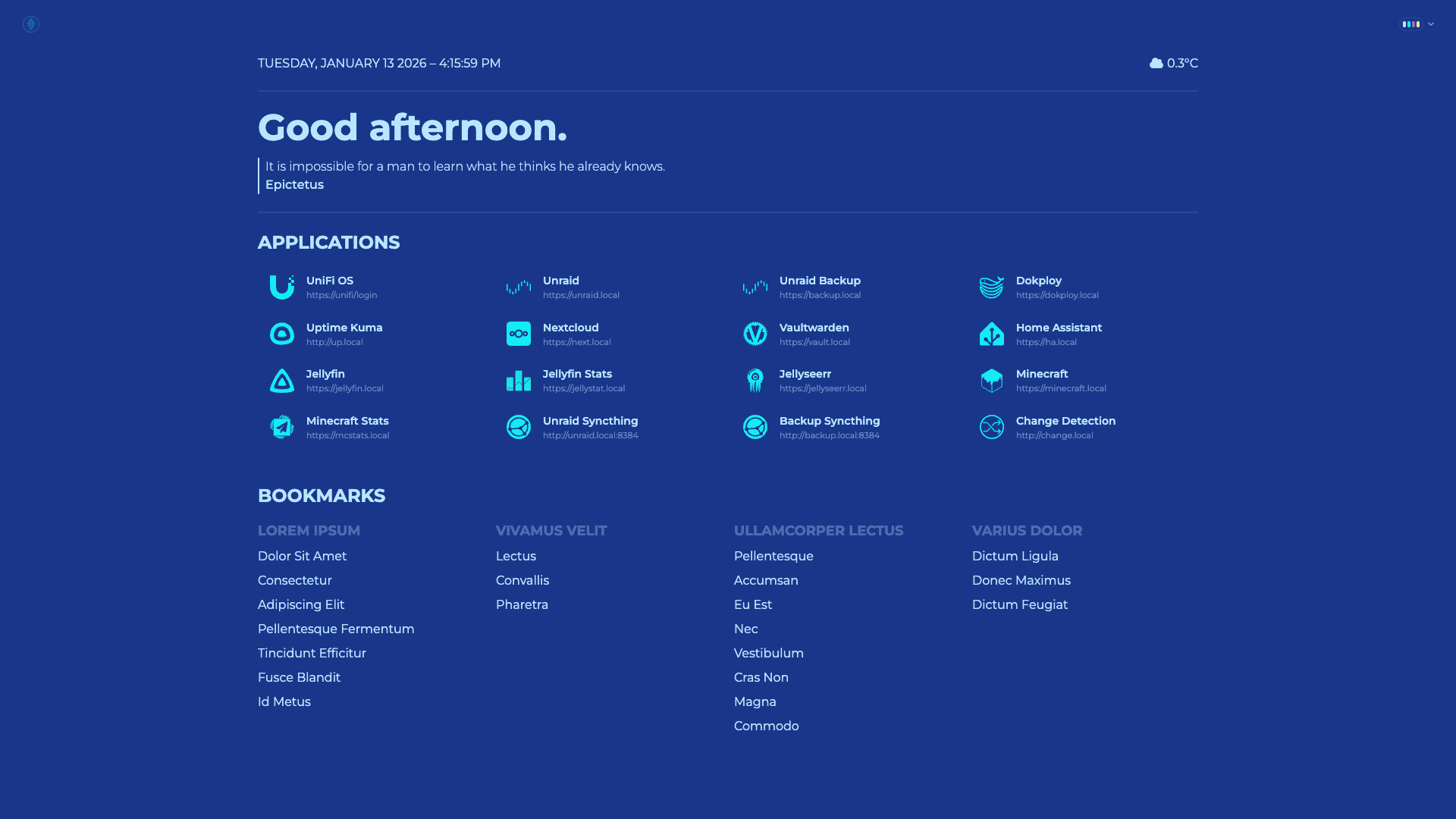 |
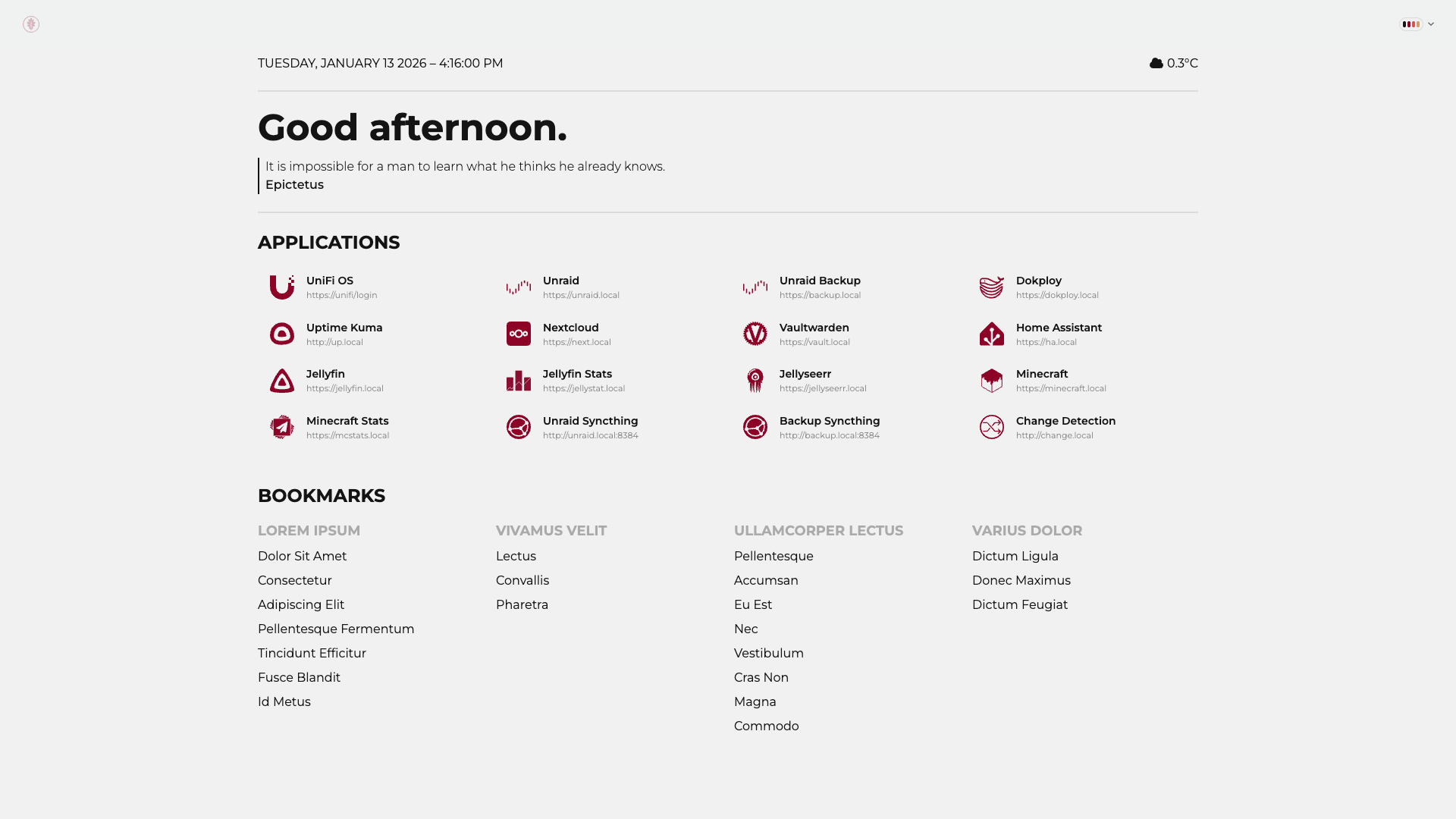 |
| Black |
Bumblebee |
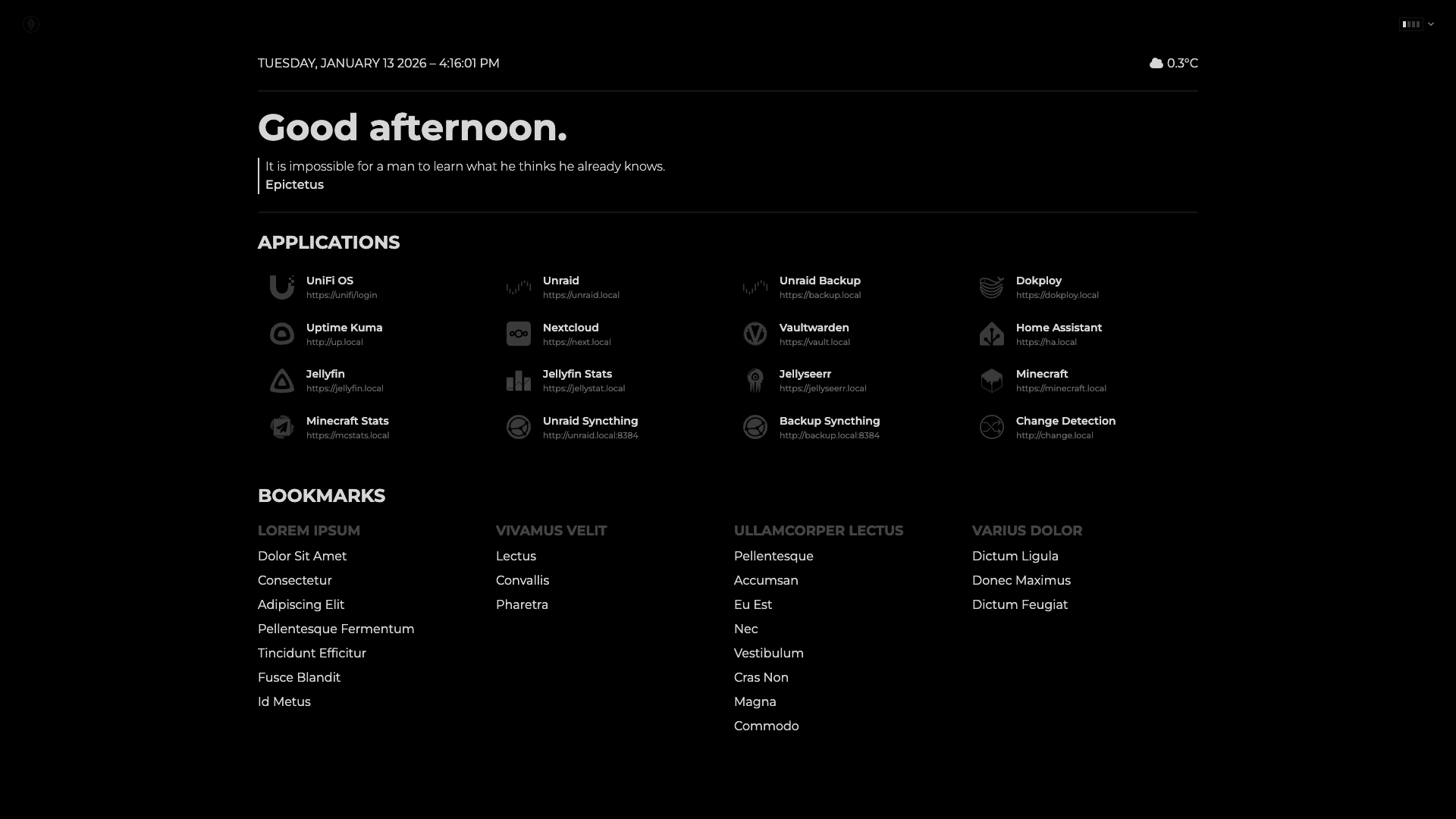 |
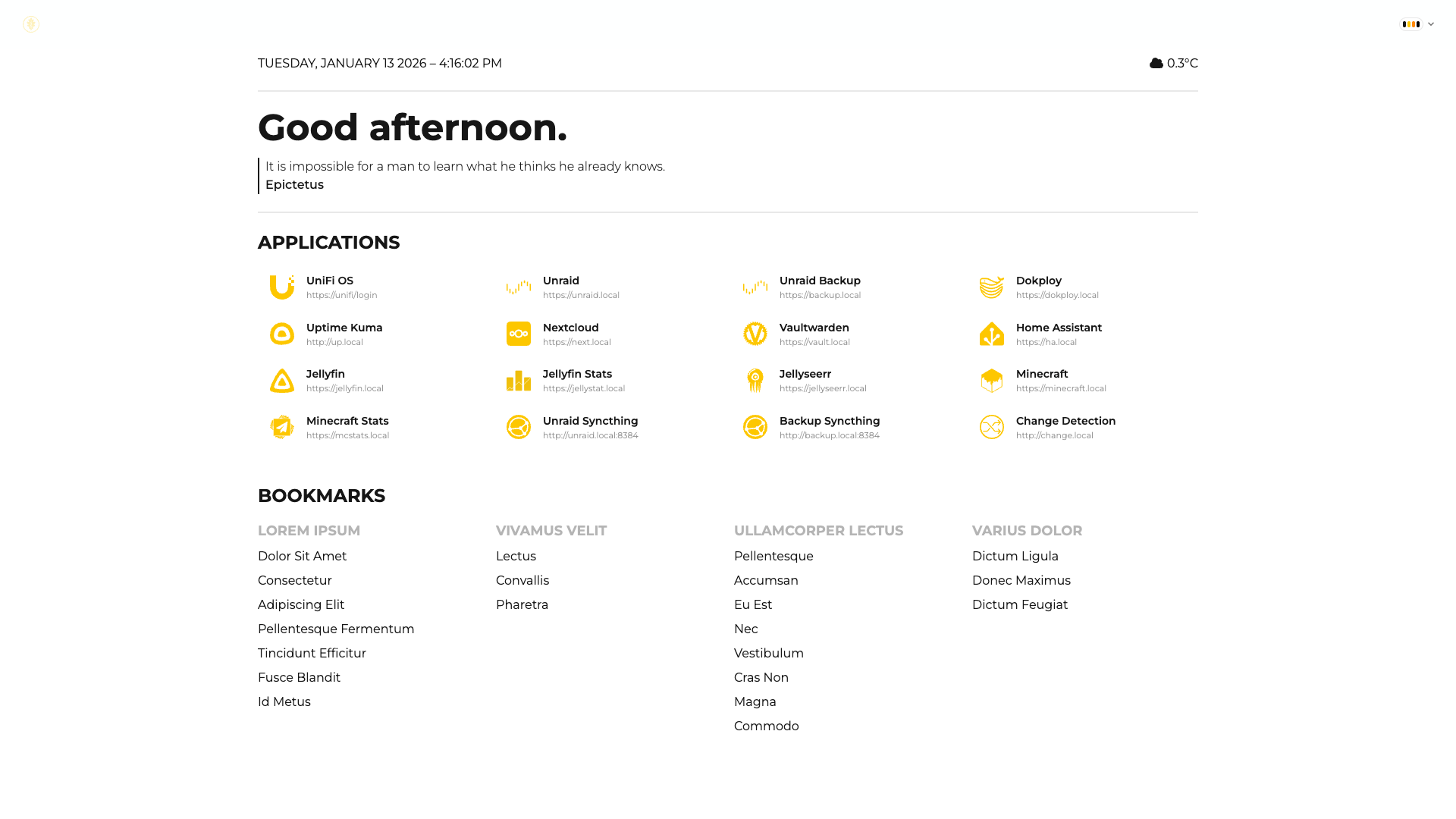 |
| Business |
Caramellatte |
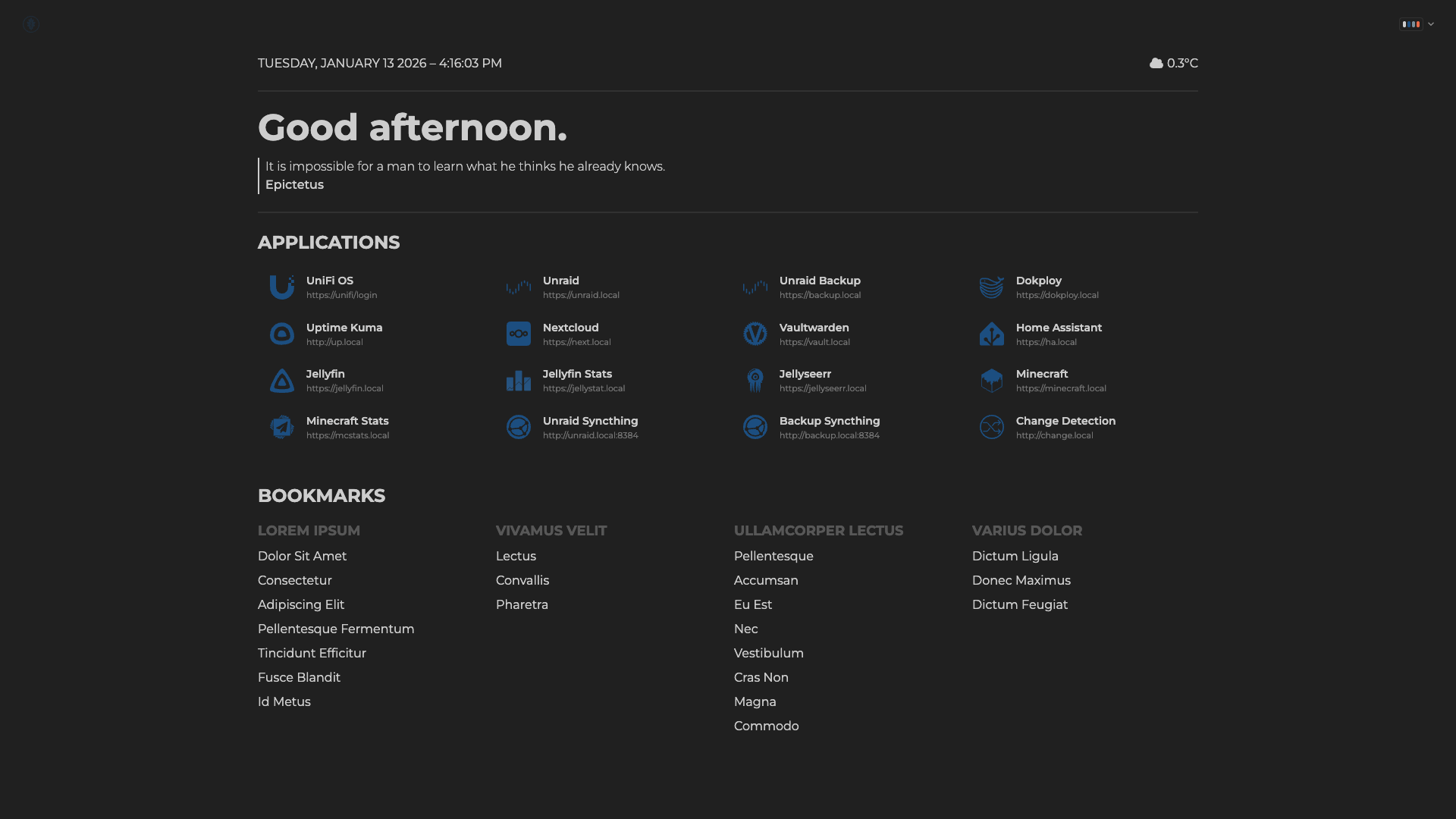 |
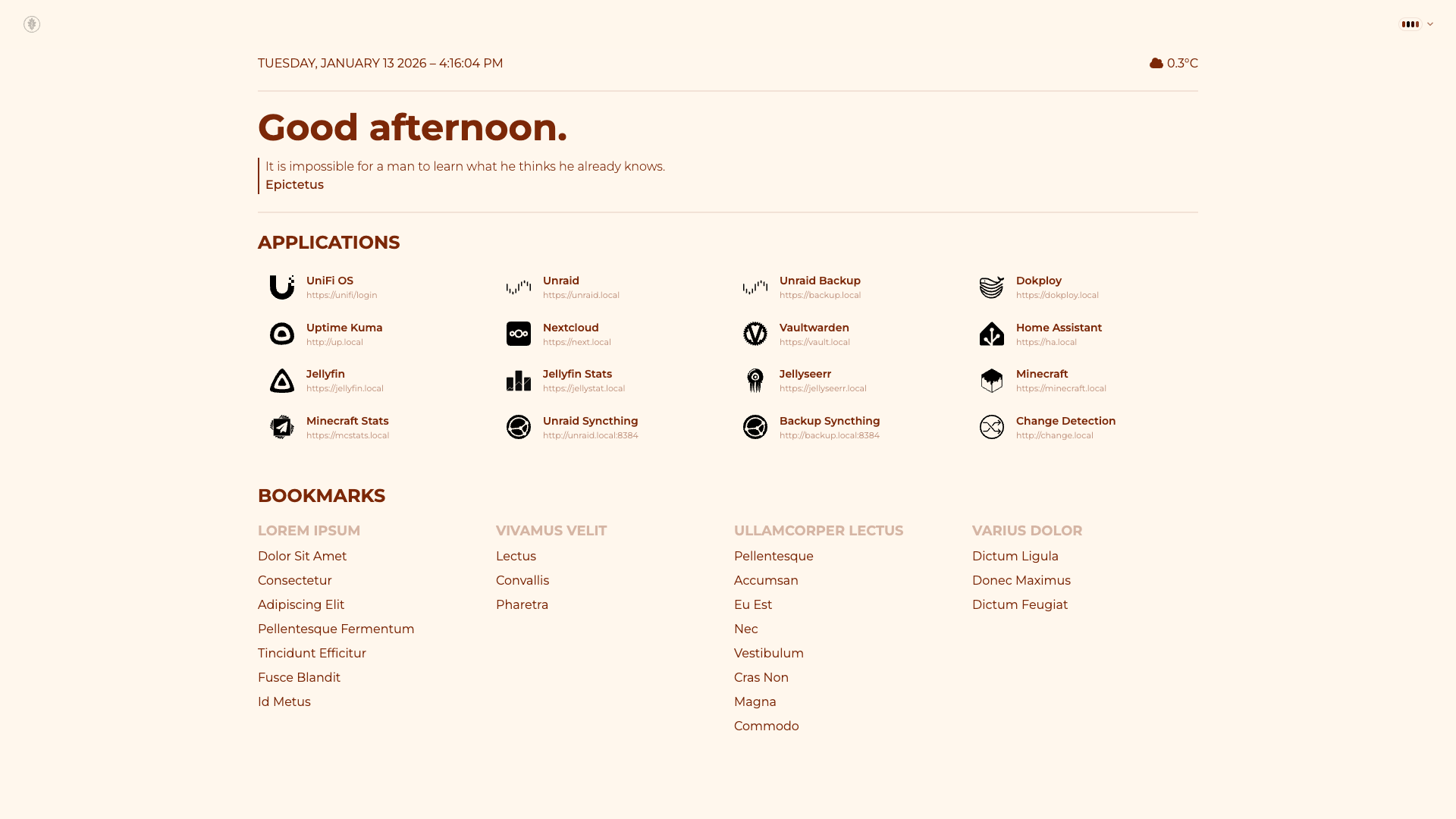 |
| Cmyk |
Coffee |
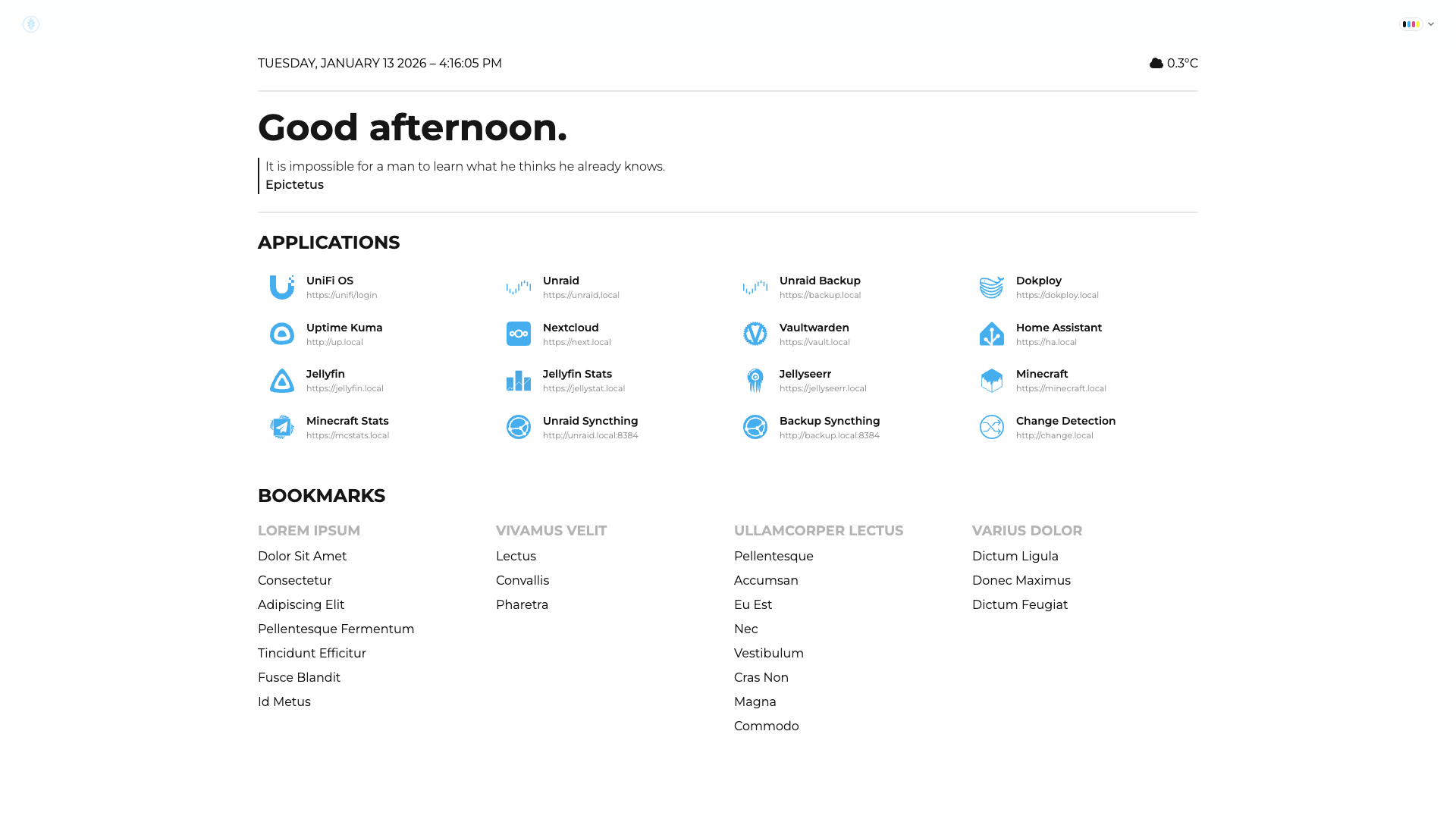 |
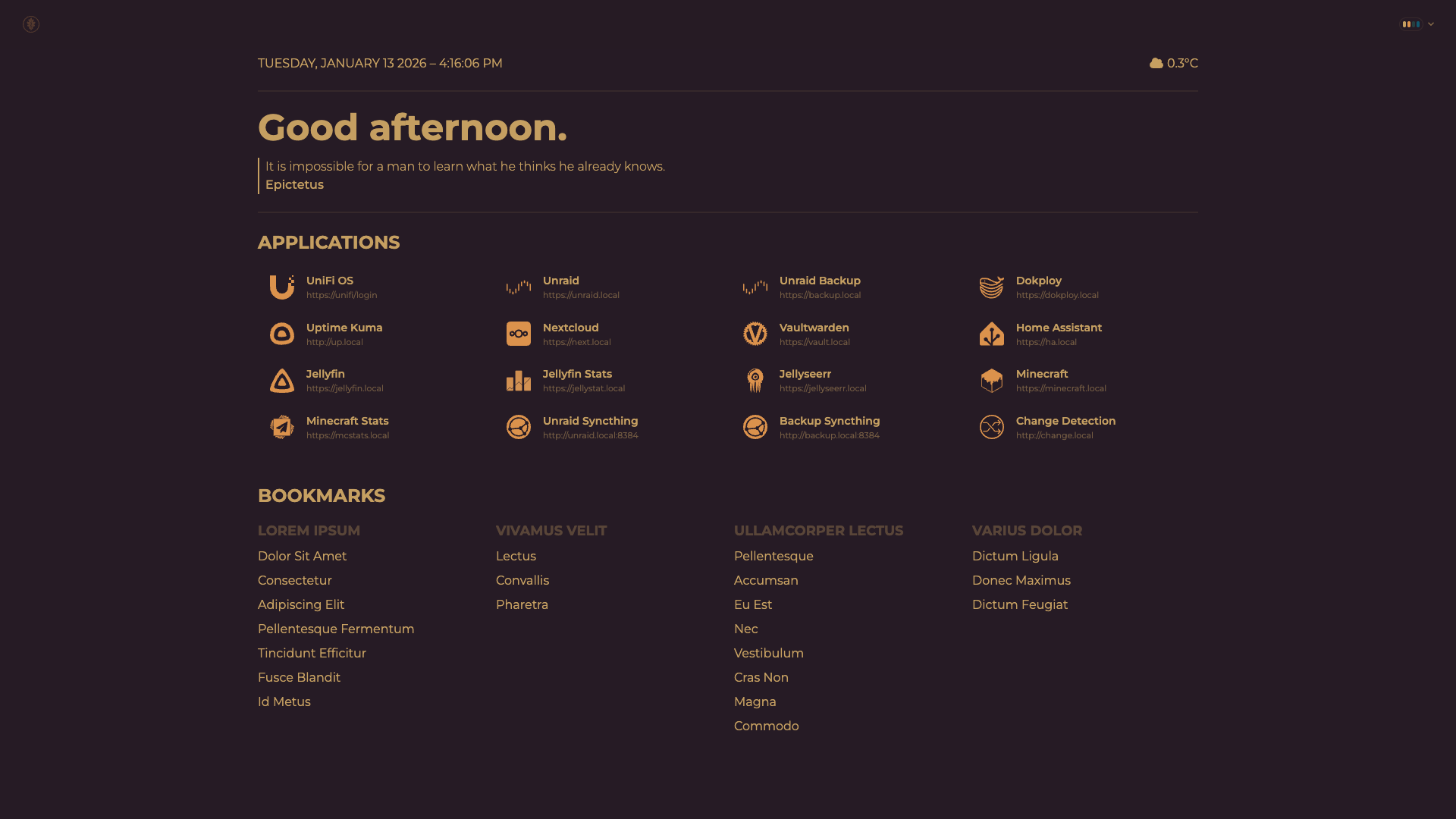 |
| Corporate |
Cupcake |
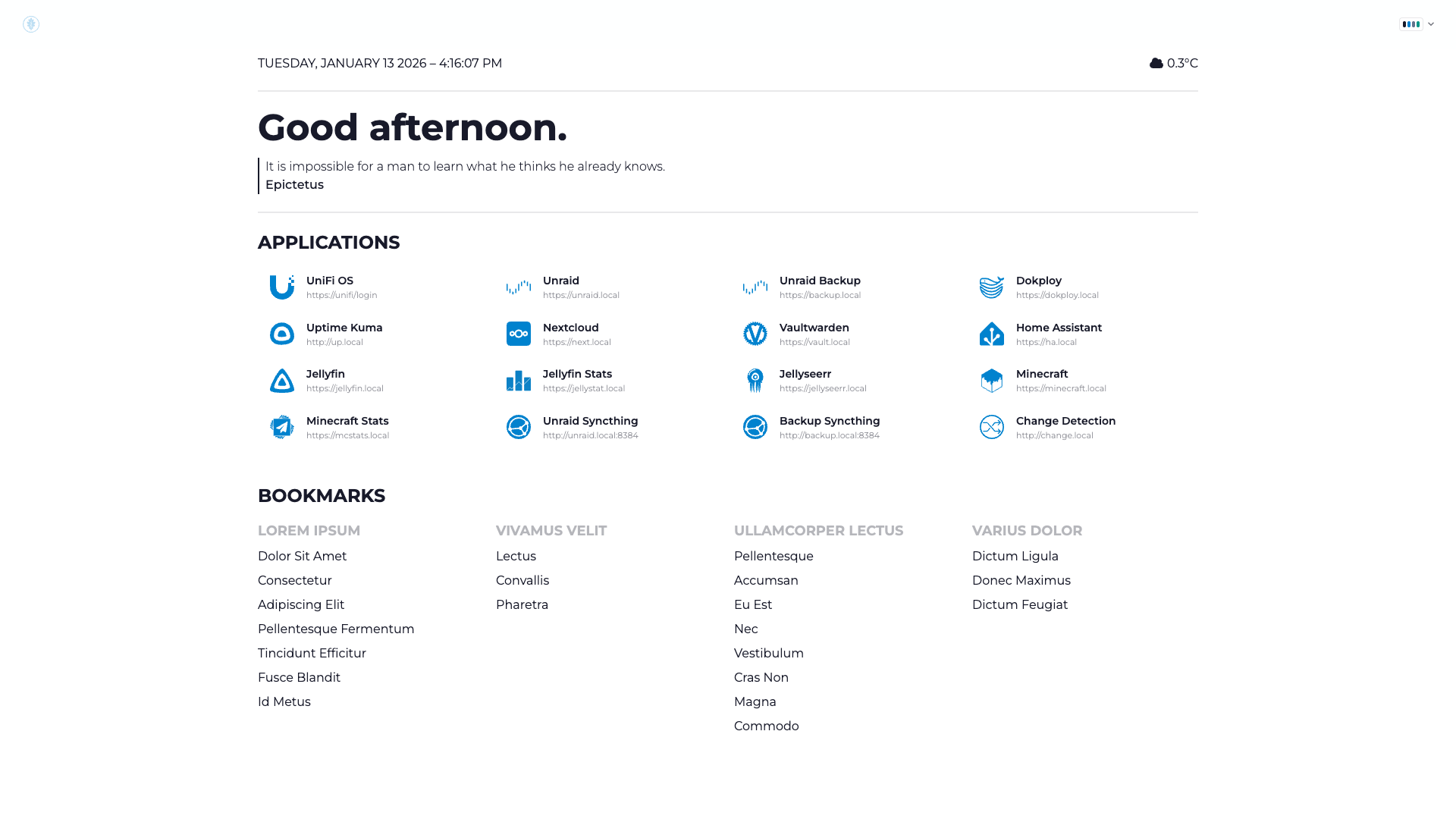 |
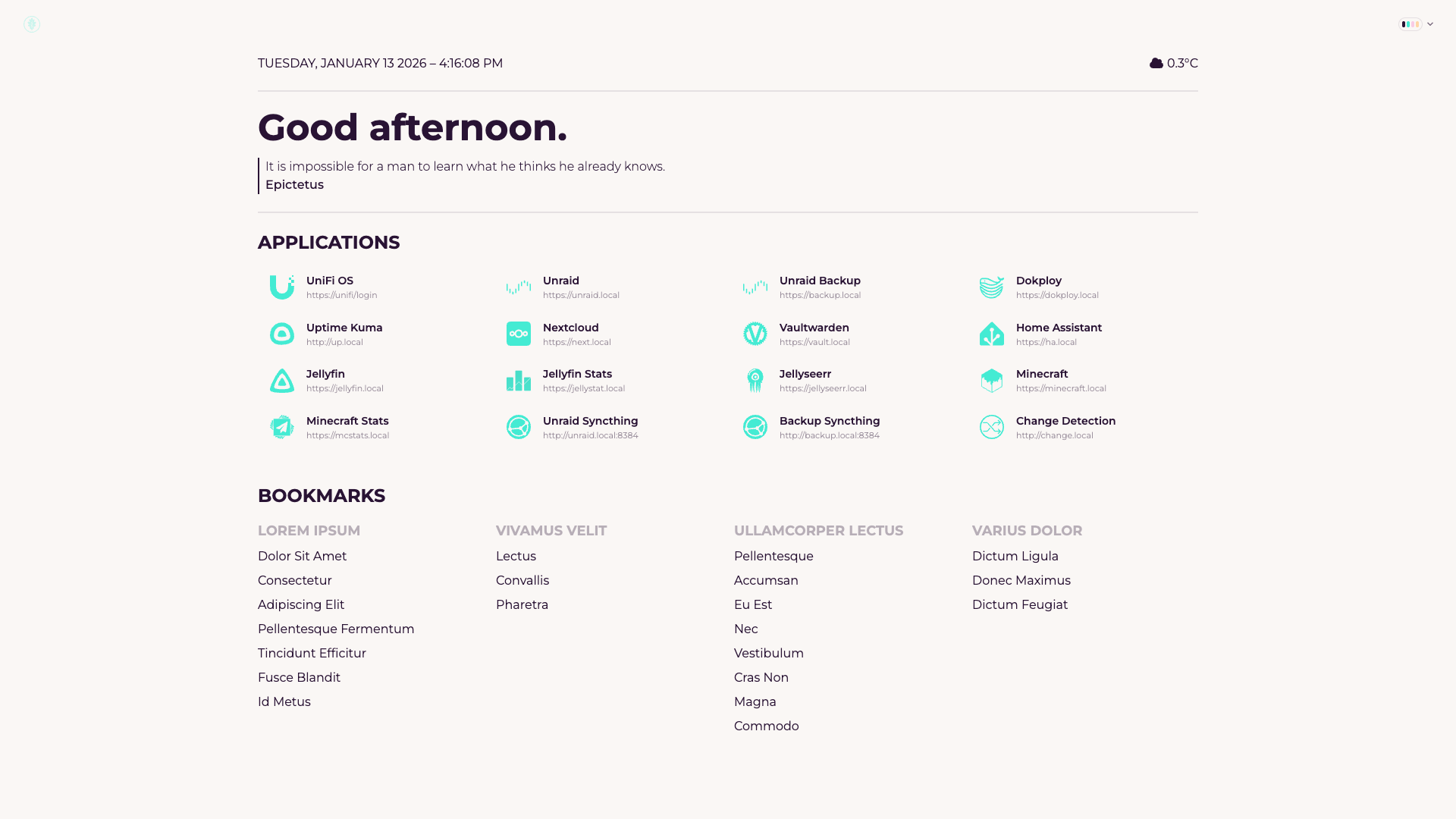 |
| Cyberpunk |
Dark |
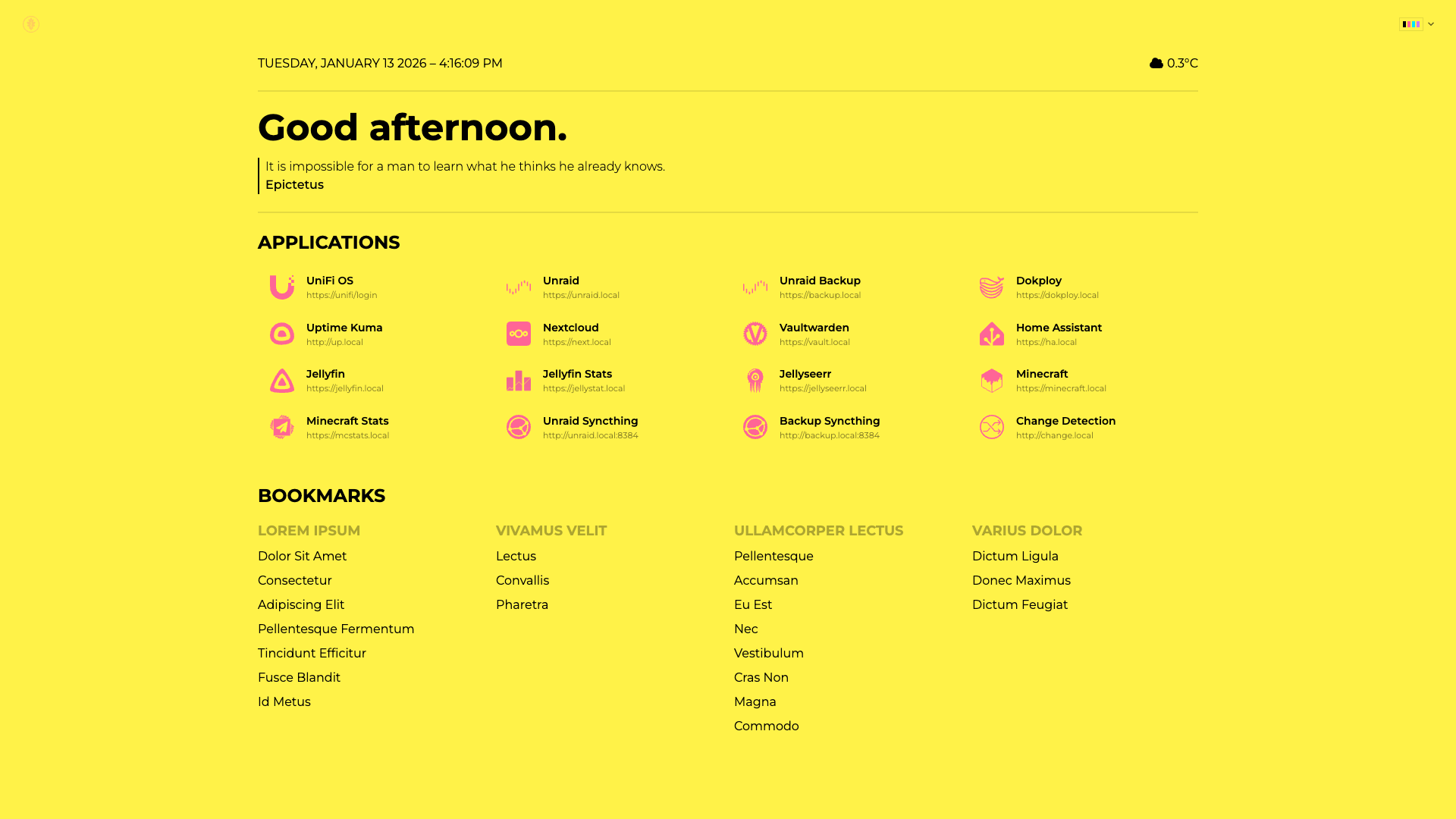 |
 |
| Dim |
Dracula |
 |
 |
| Emerald |
Fantasy |
 |
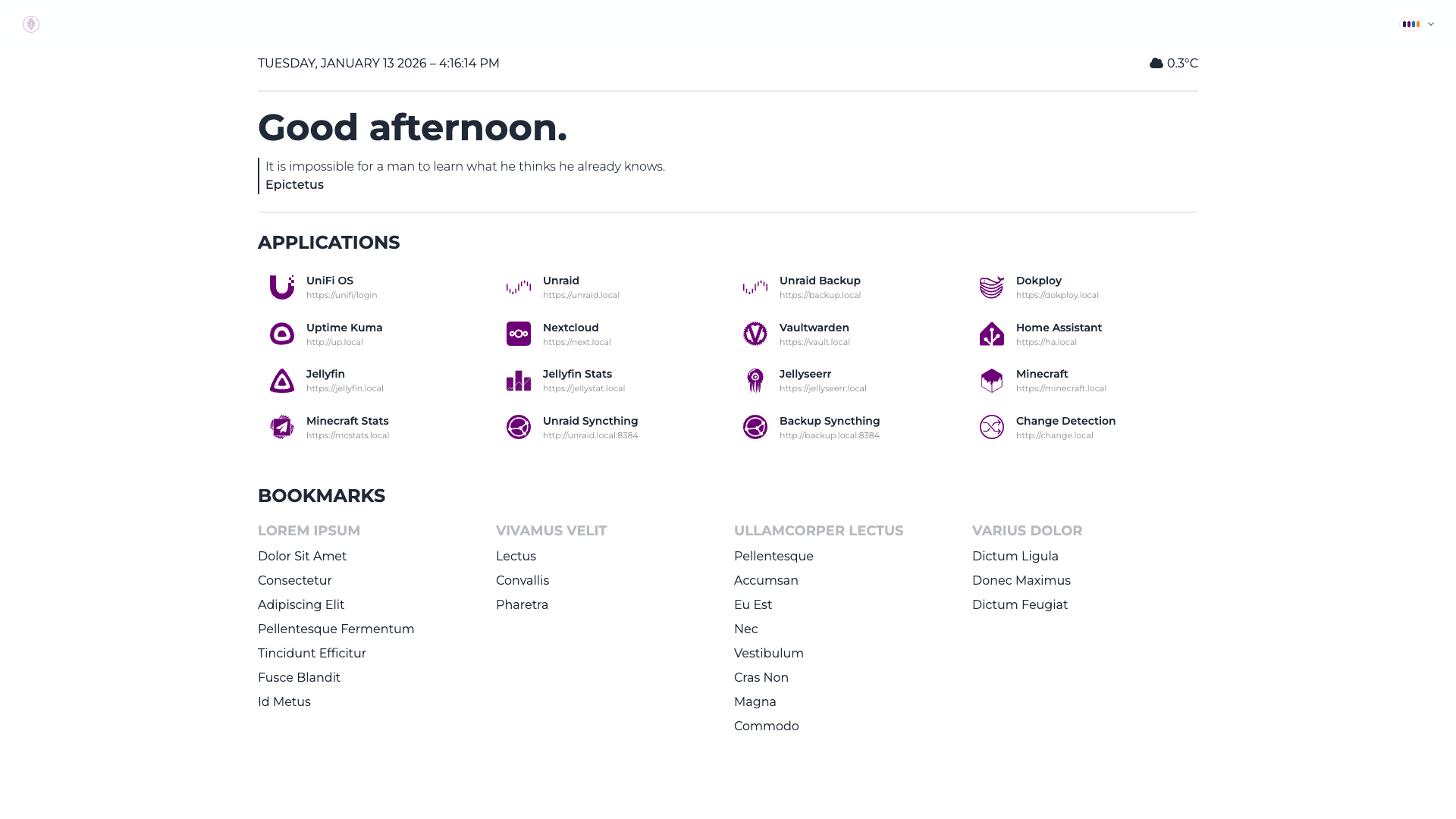 |
| Forest |
Garden |
|
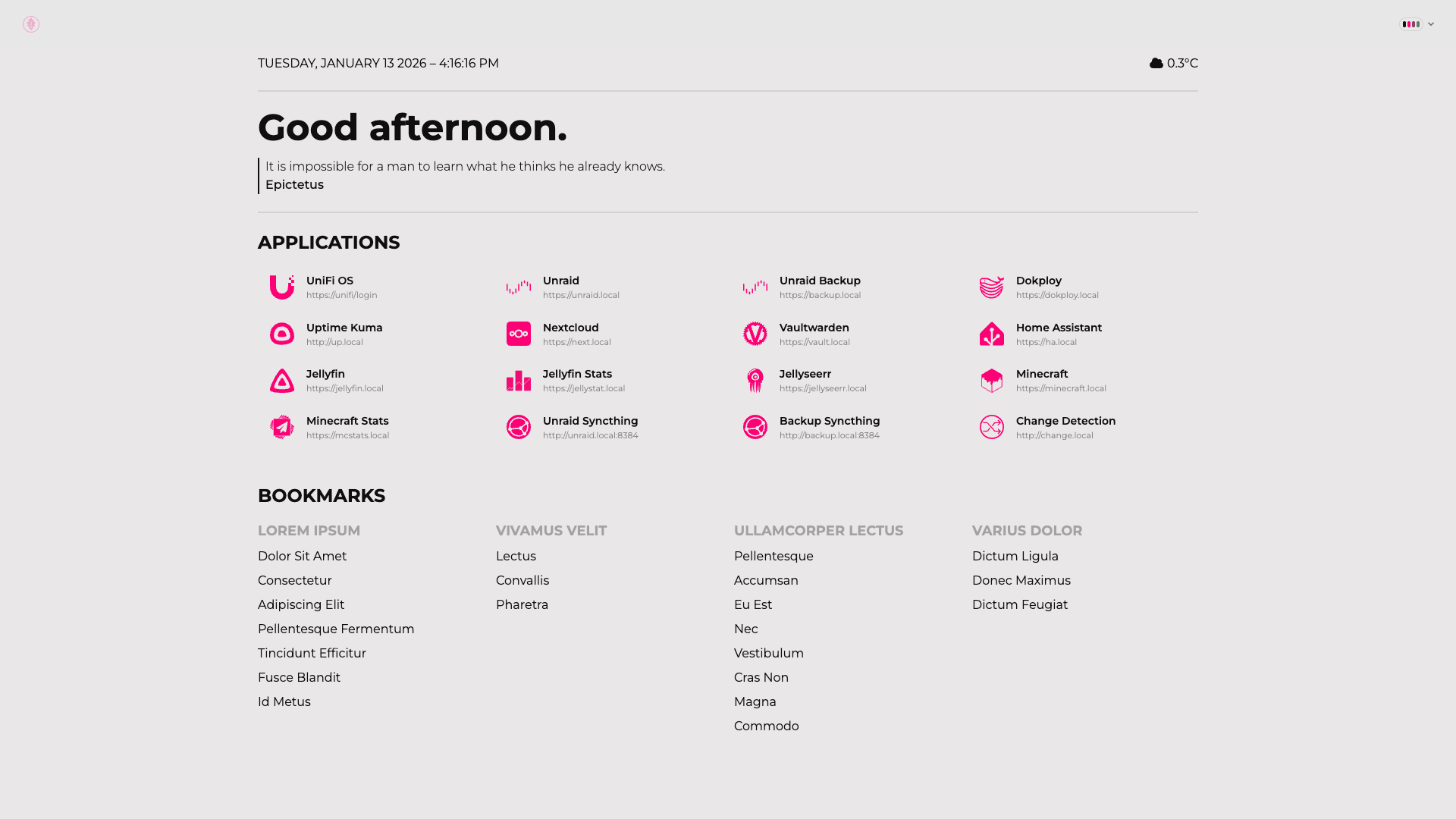 |
| Halloween |
Lemonade |
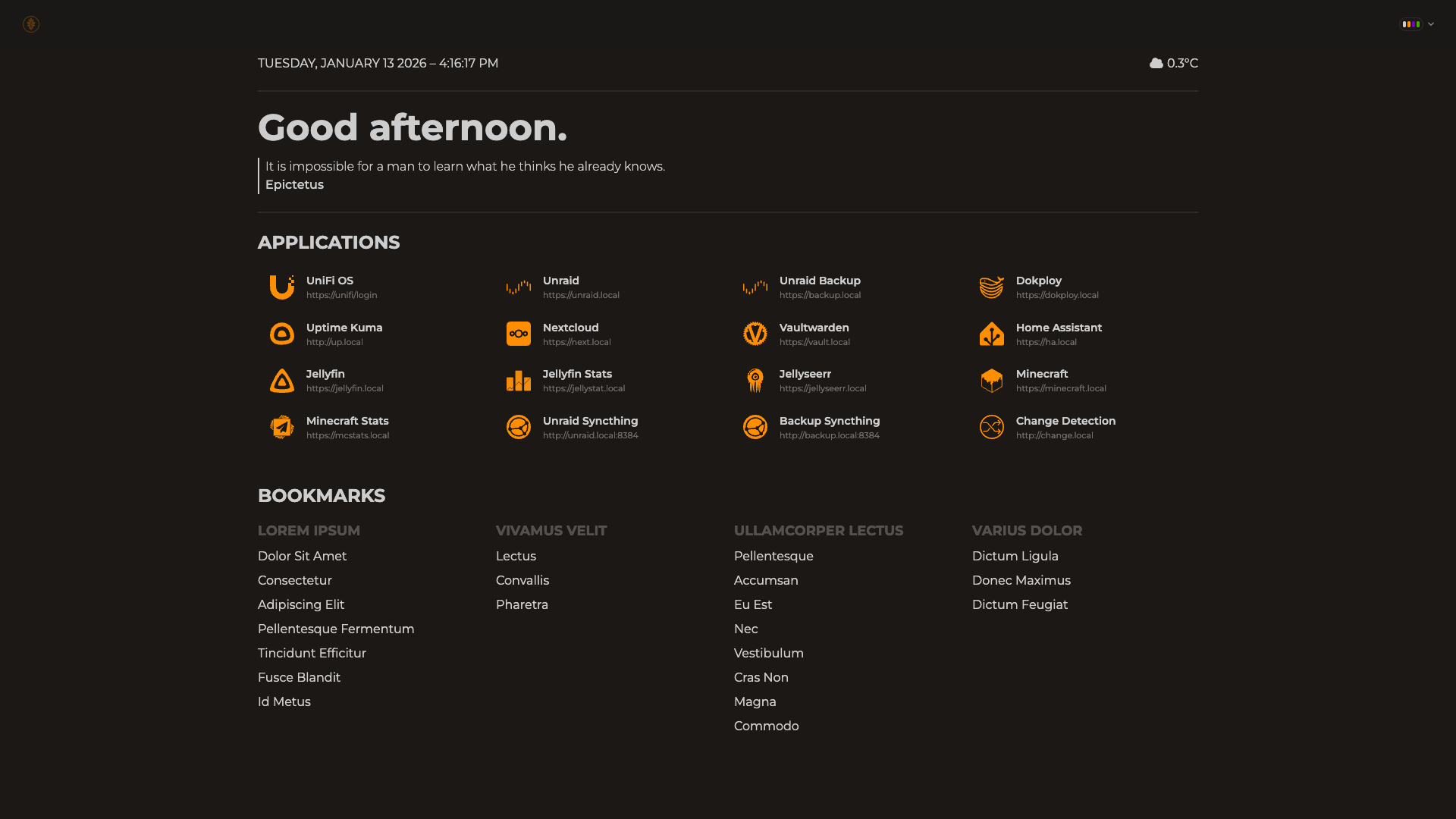 |
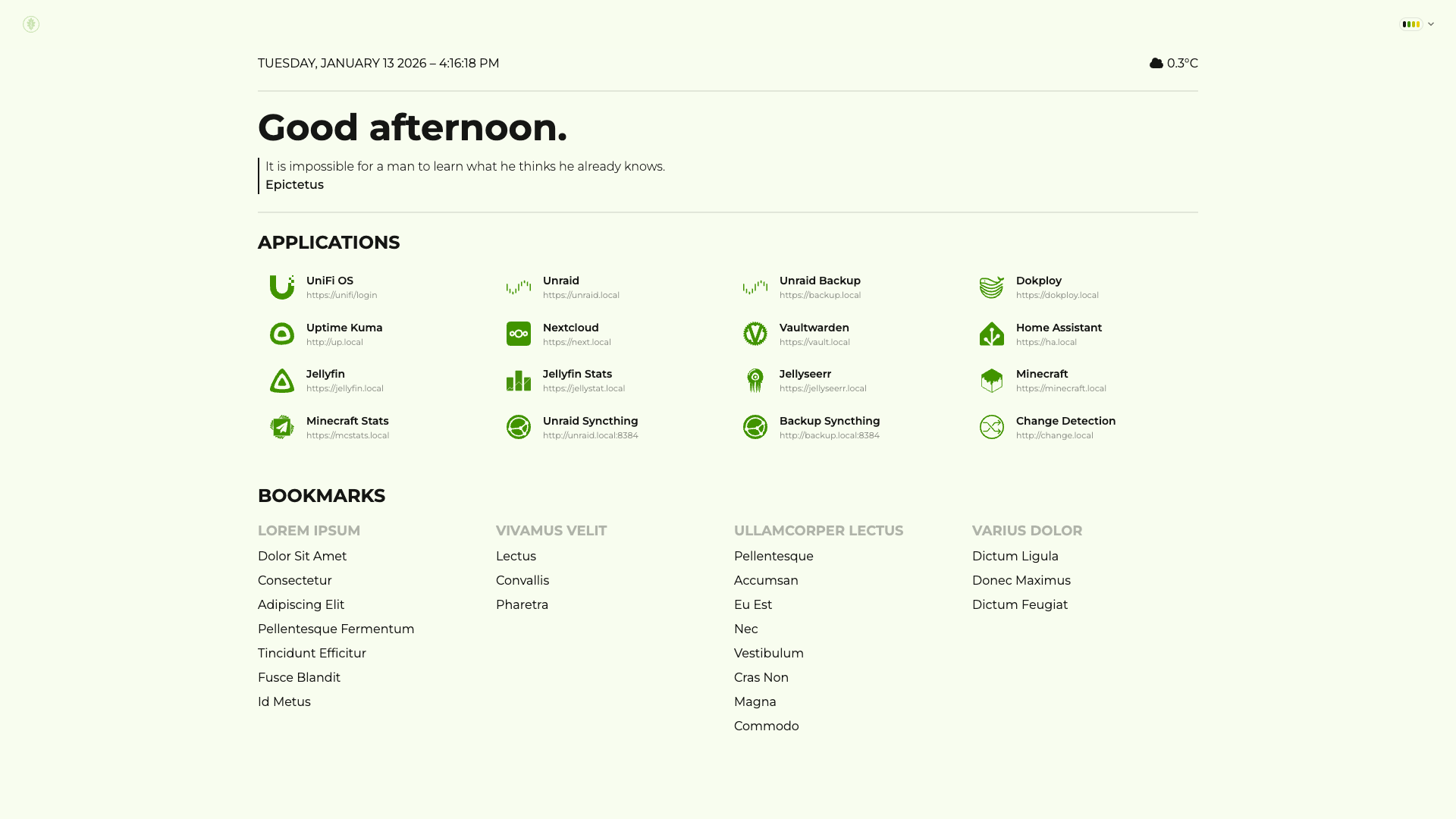 |
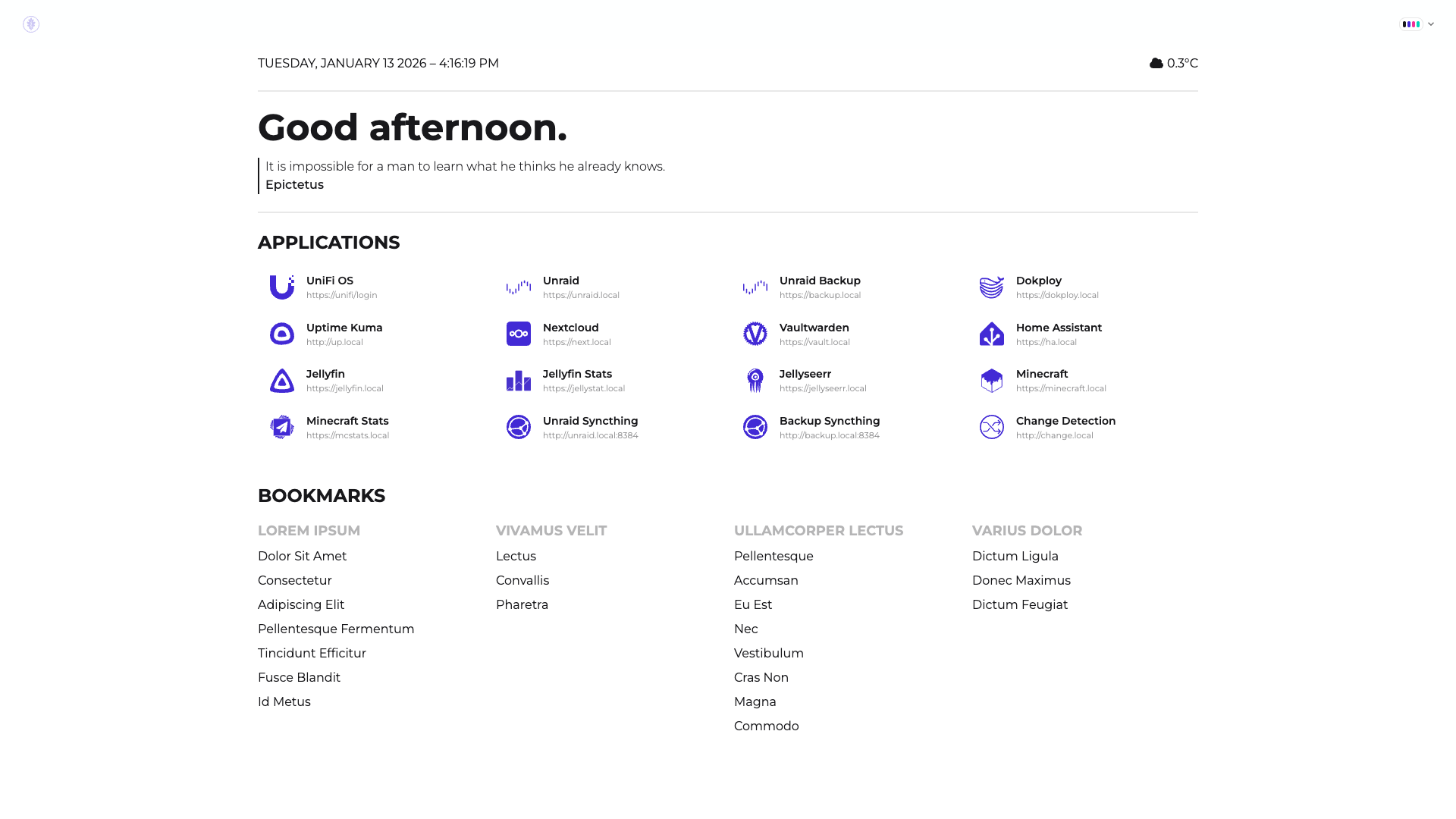
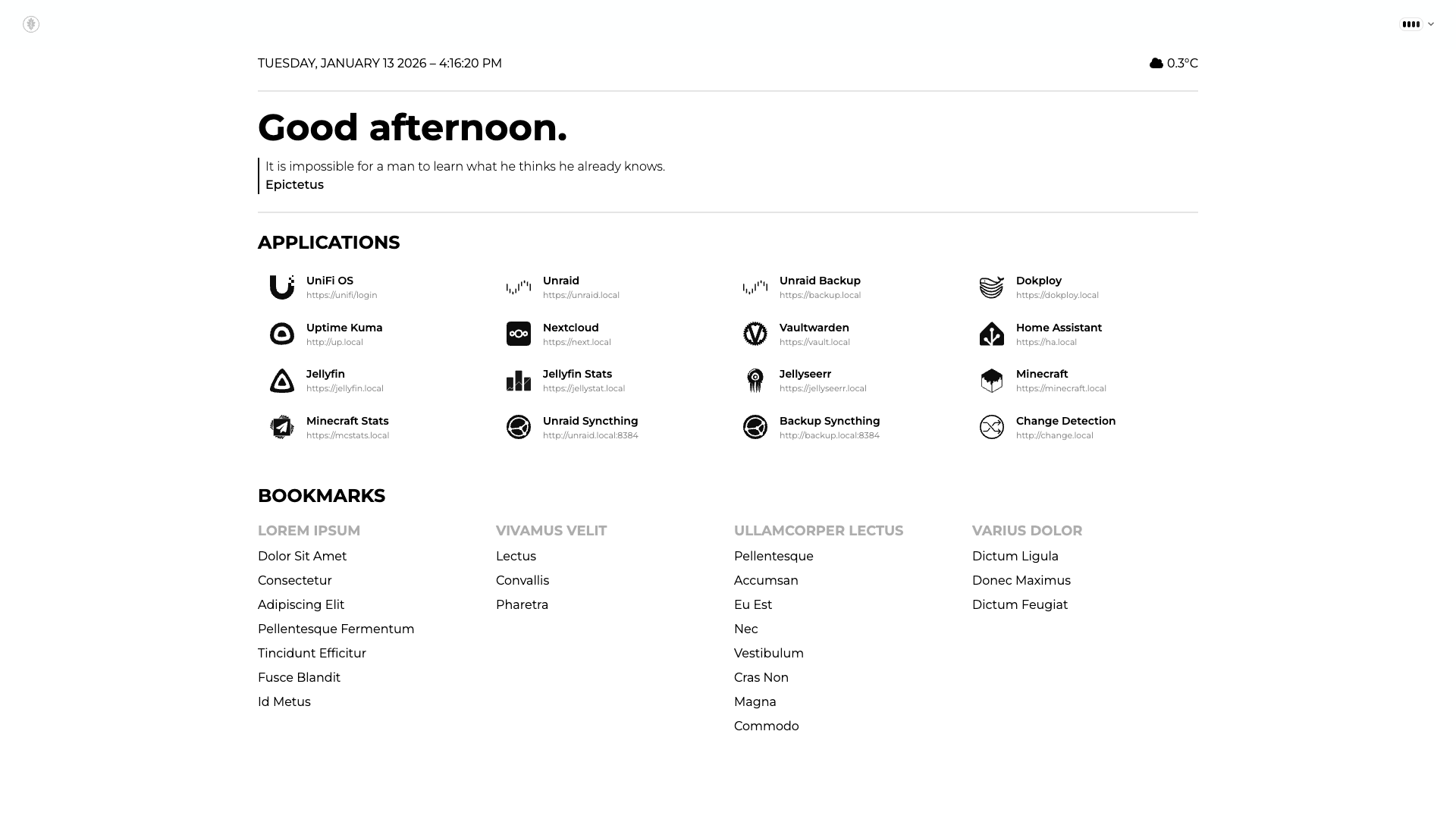
| Light |
Lofi |
 |
 |
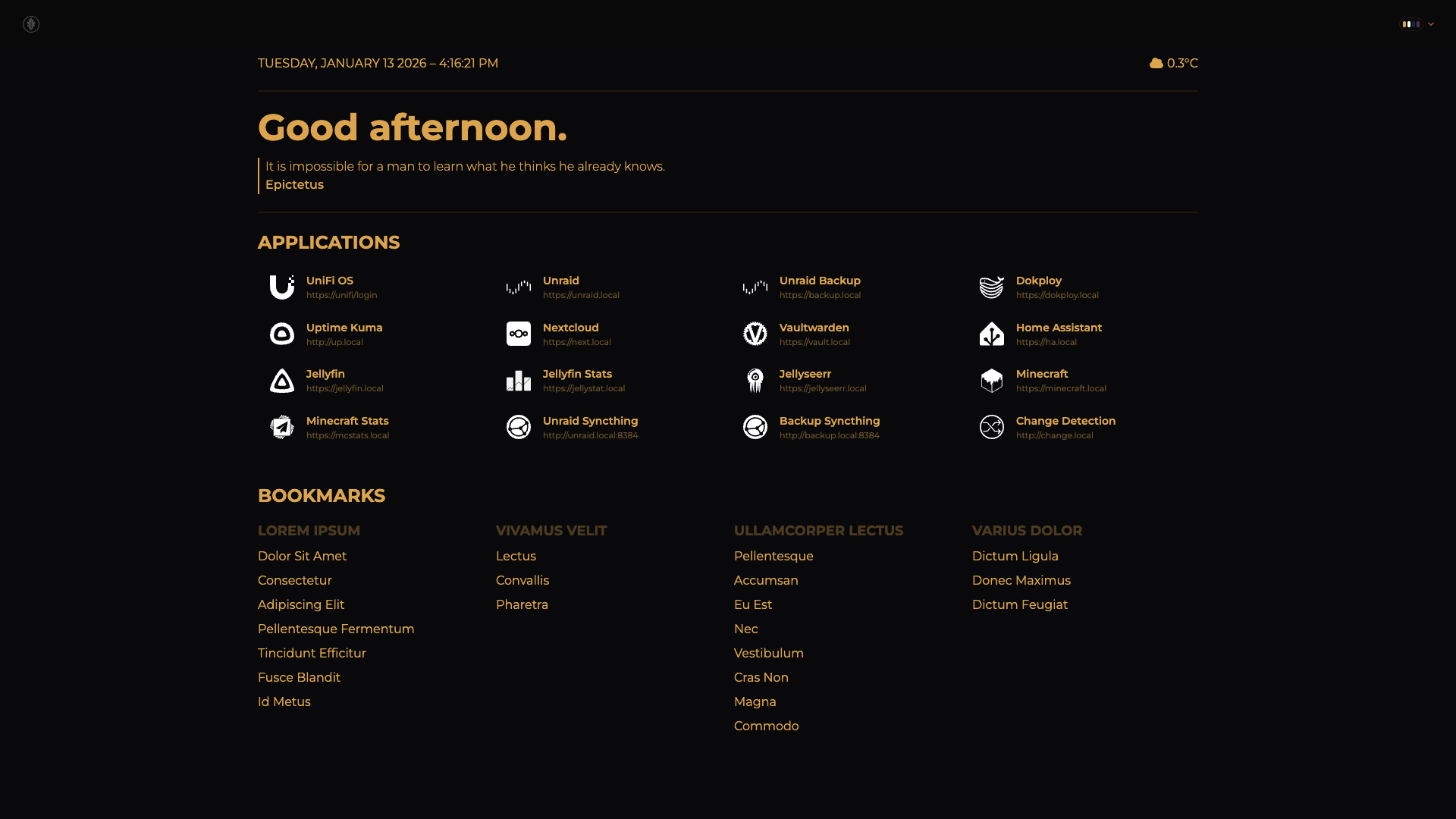
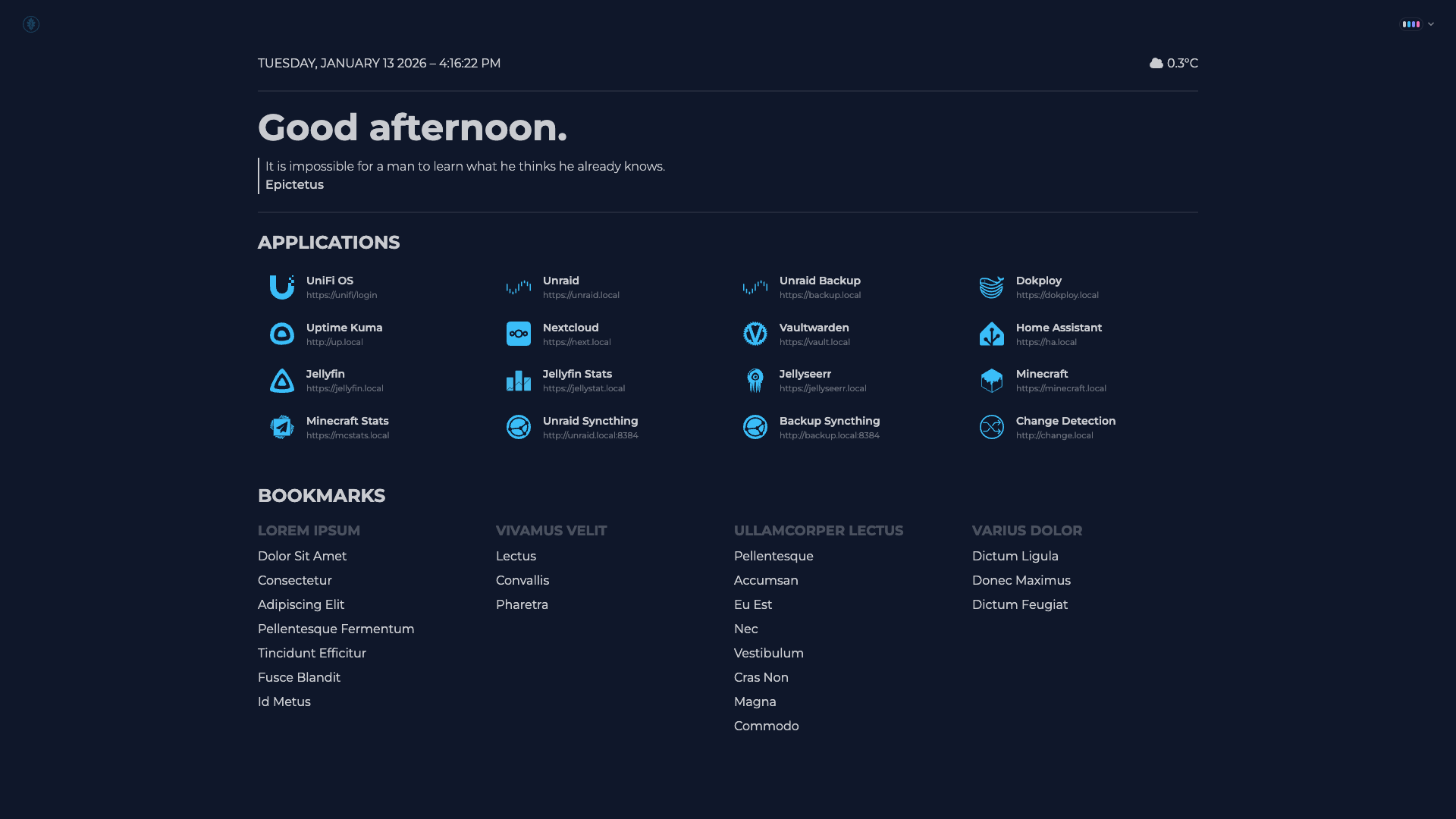
| Luxury |
Night |
 |
 |
| Nord |
Pastel |
 |
 |
| Retro |
Silk |
 |
 |
| Sunset |
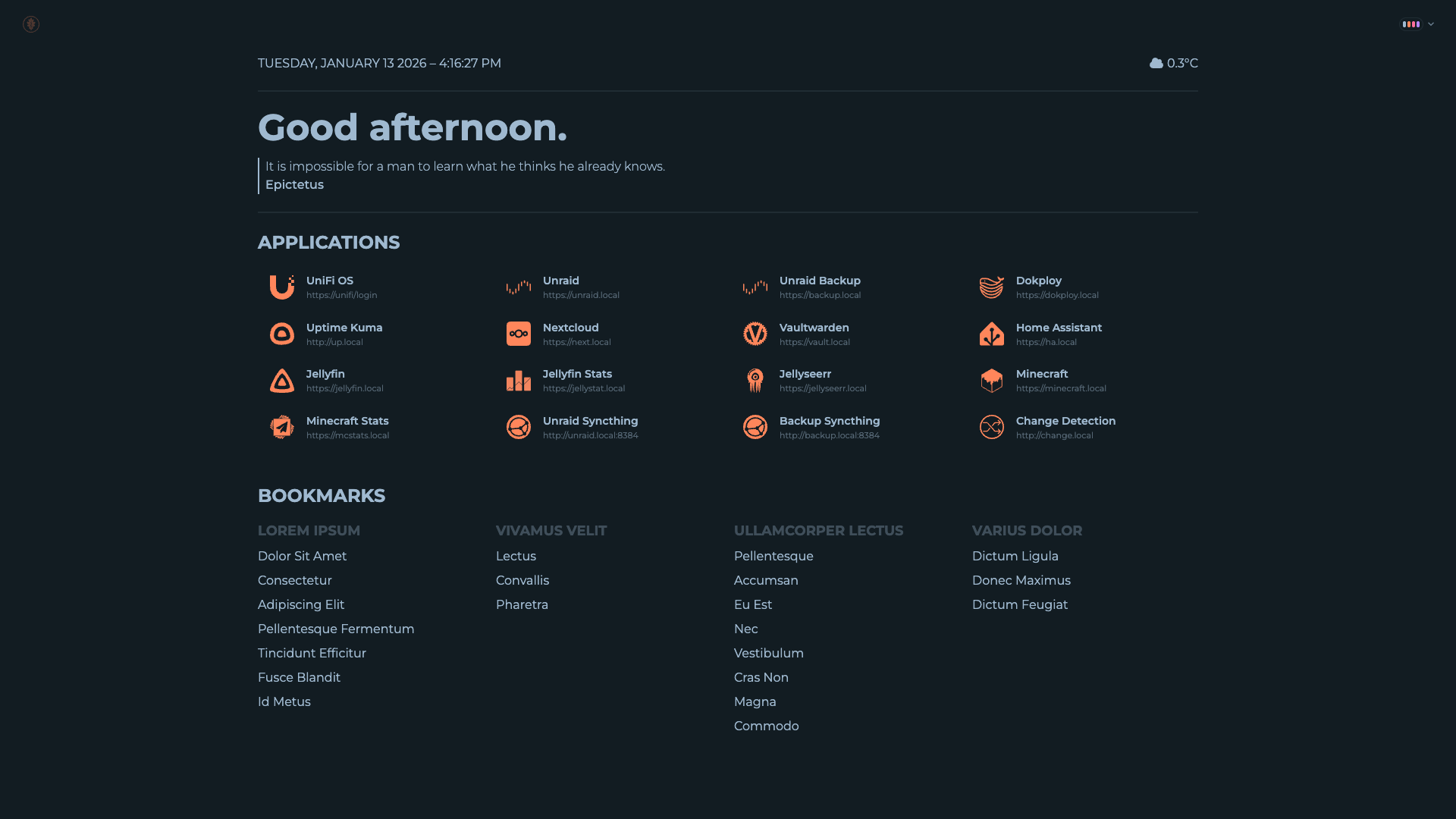
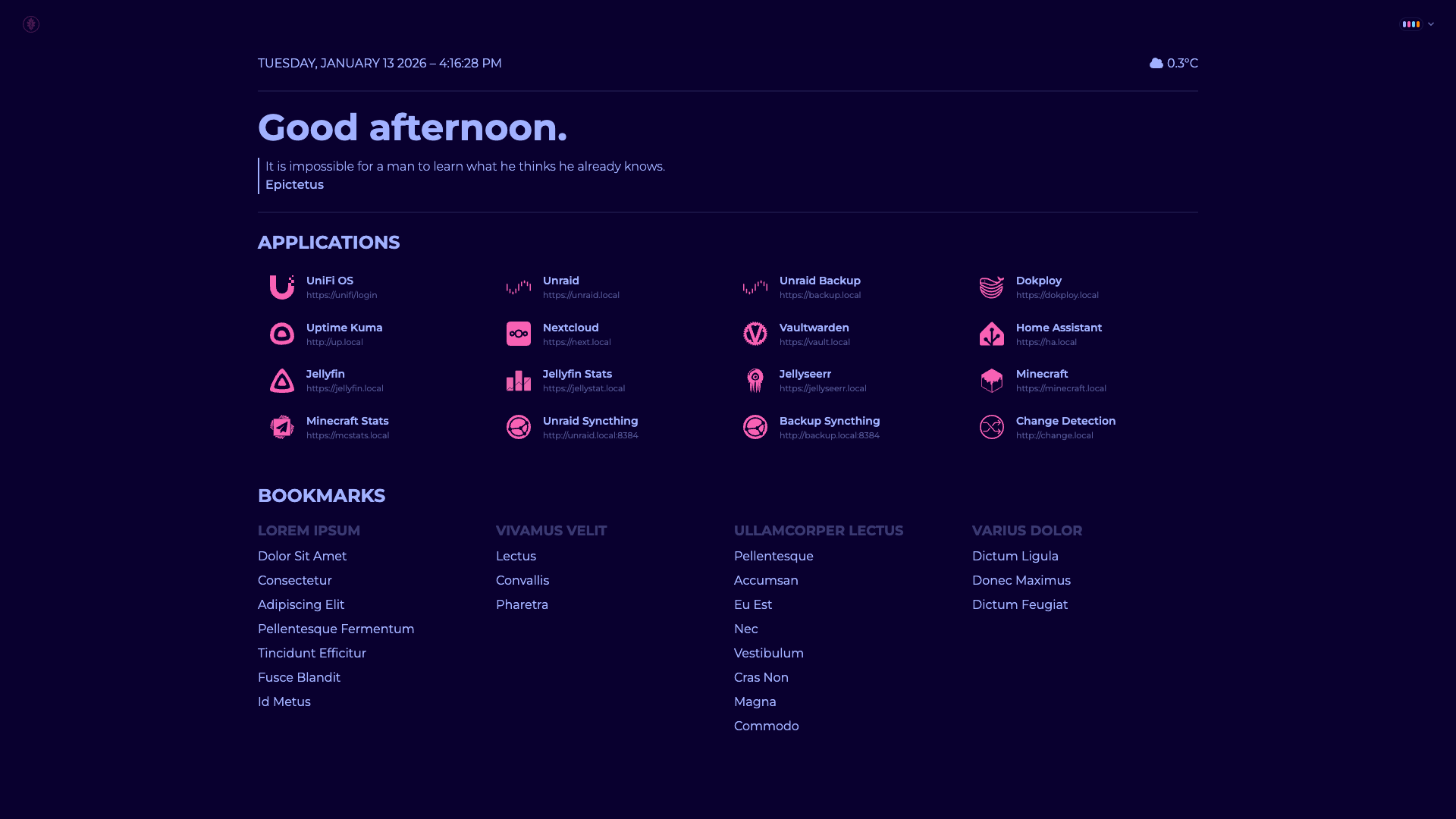
Synthwave |
 |
 |
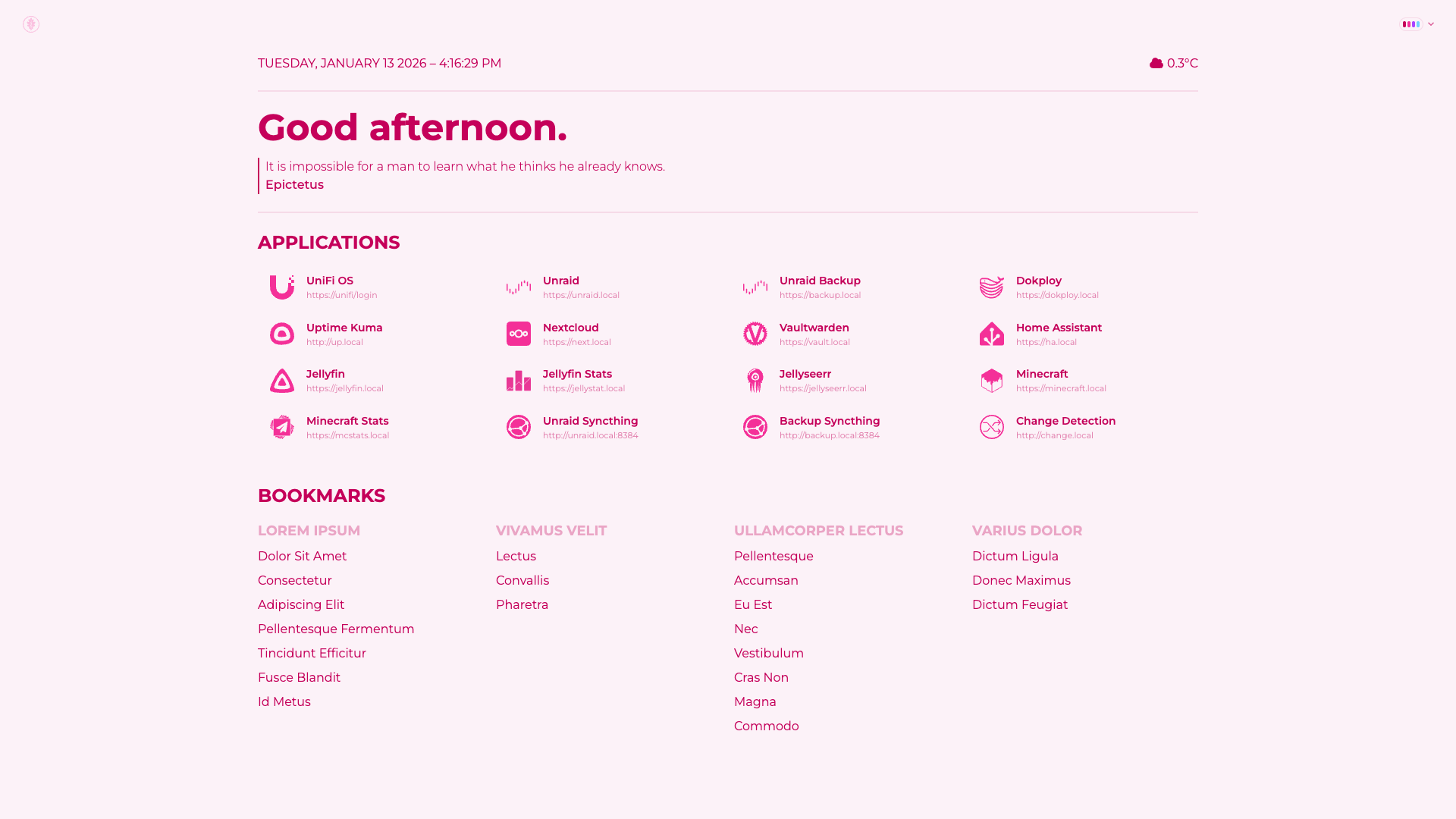
| Valentine |
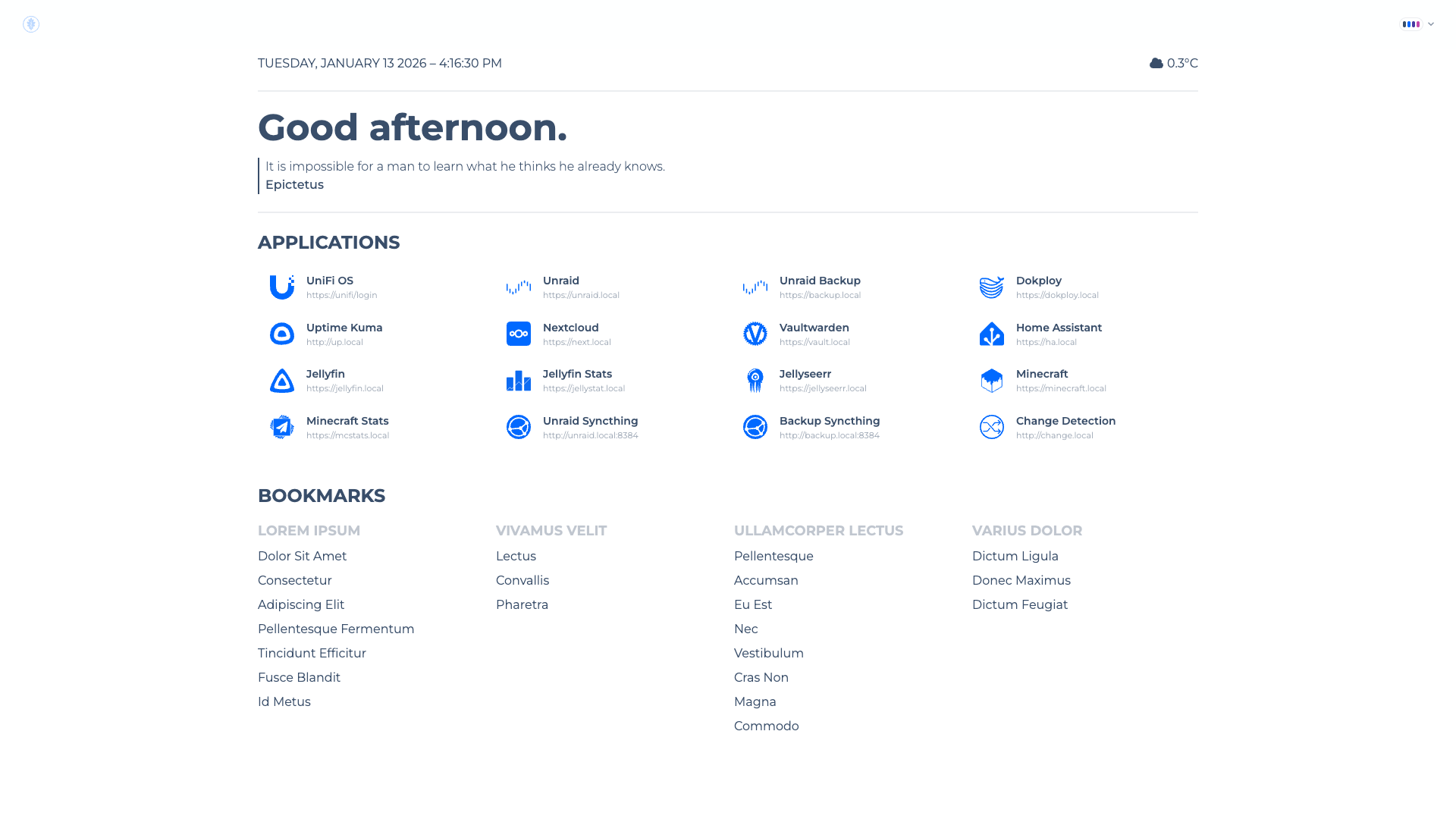
Winter |
 |
 |
| Wireframe |
 |
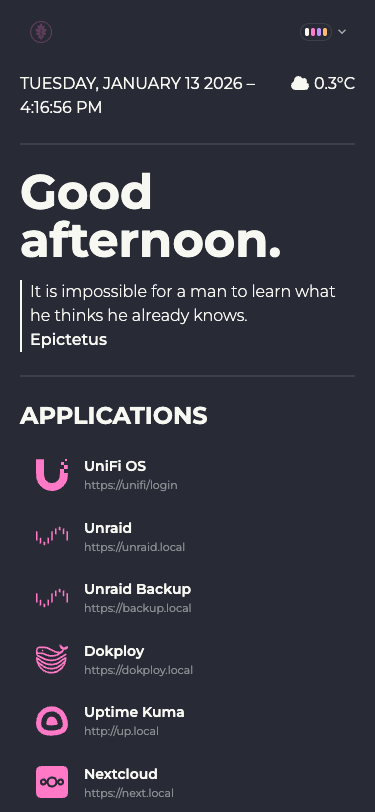
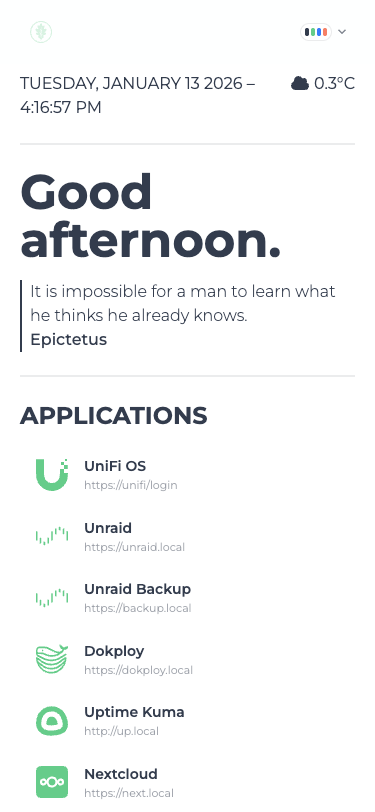
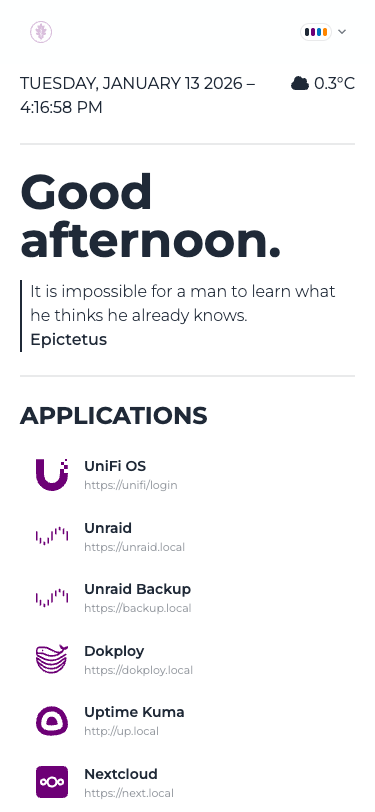
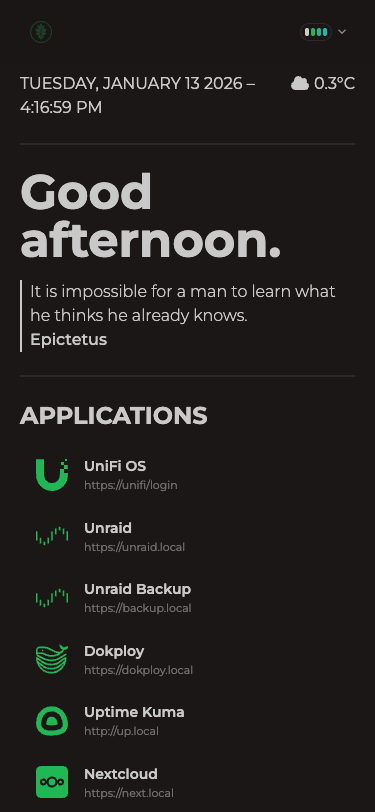
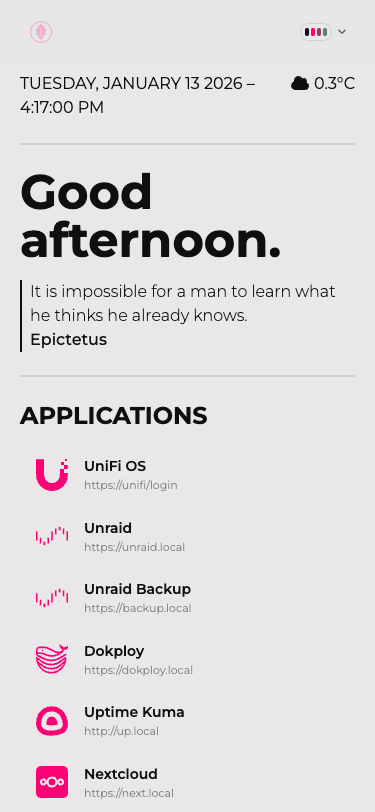
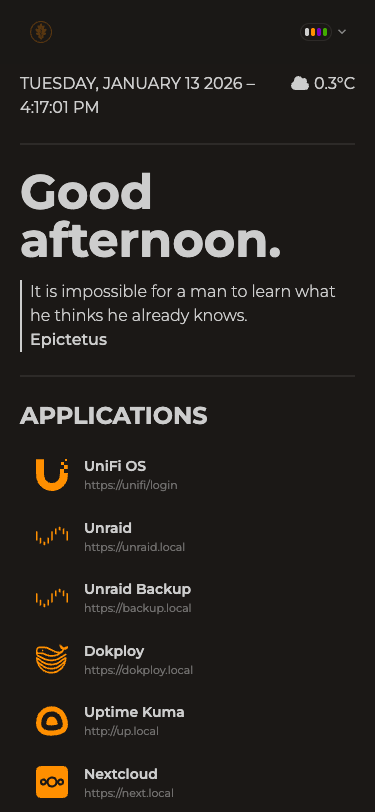
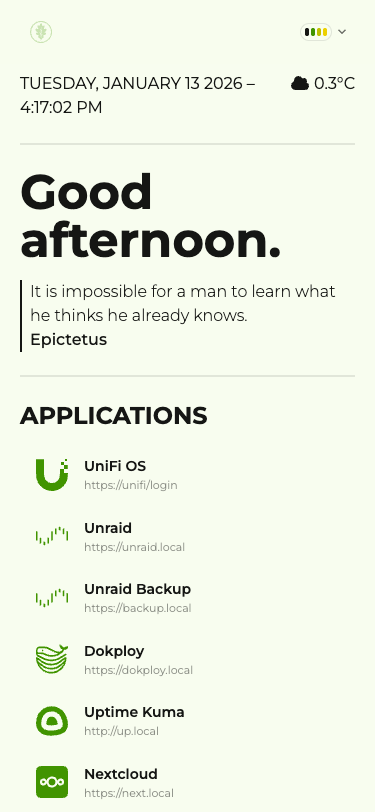
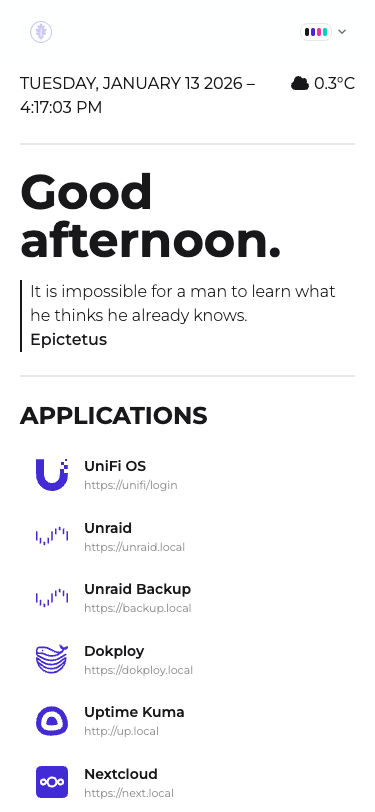
Mobile Screenshots
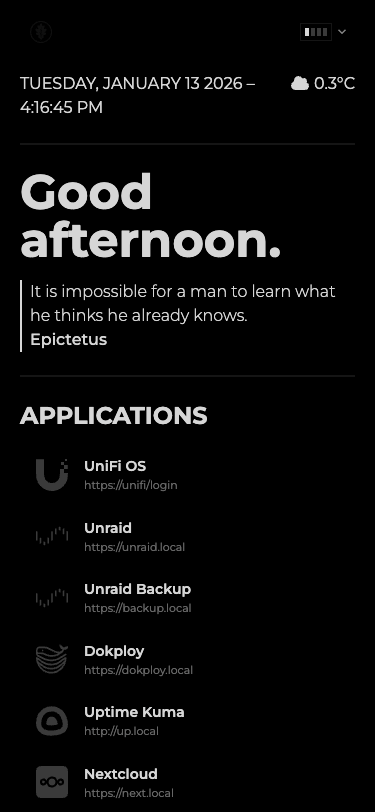
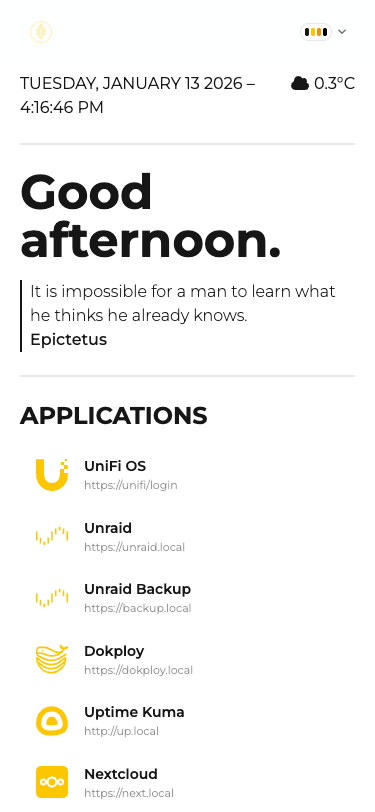
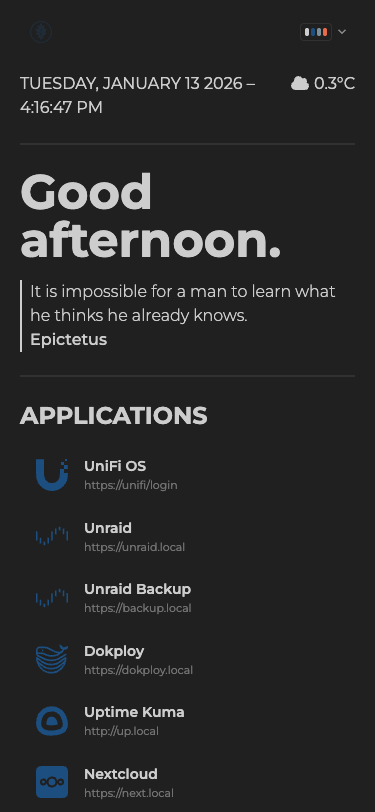
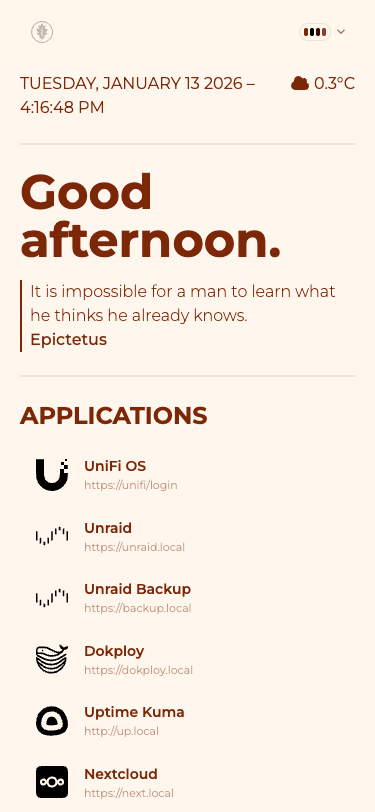
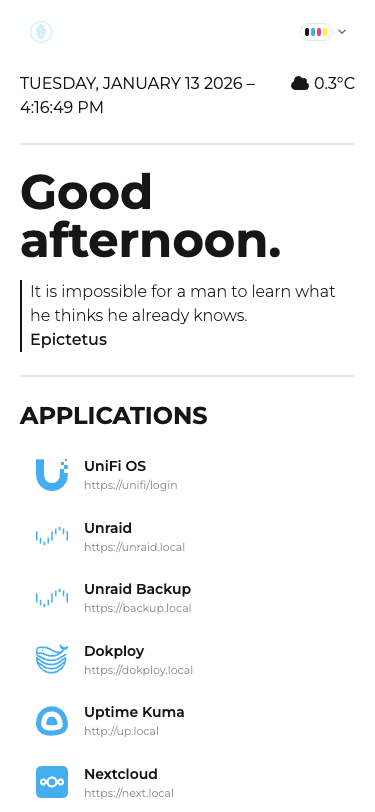
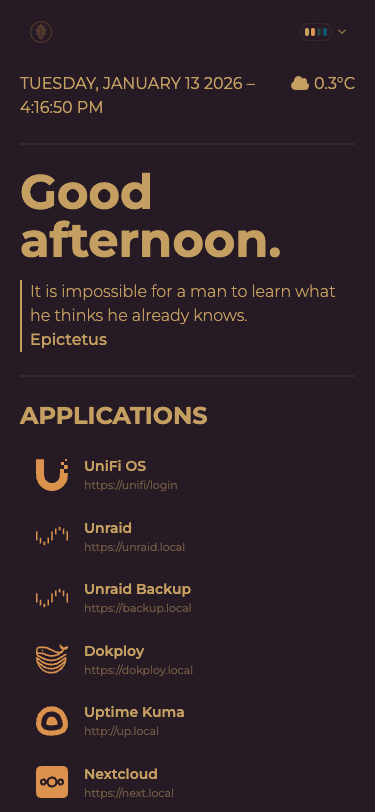
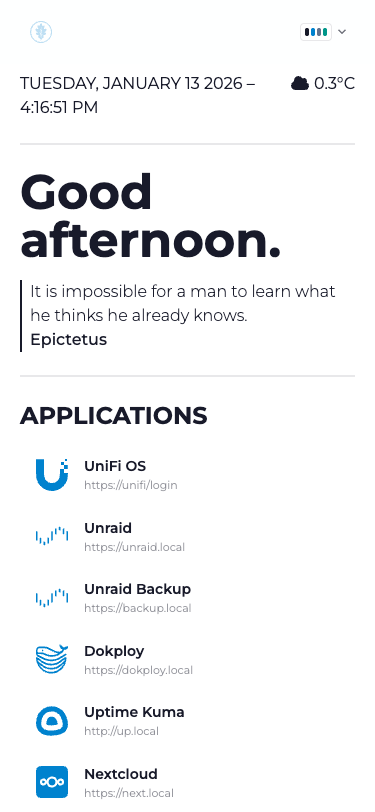
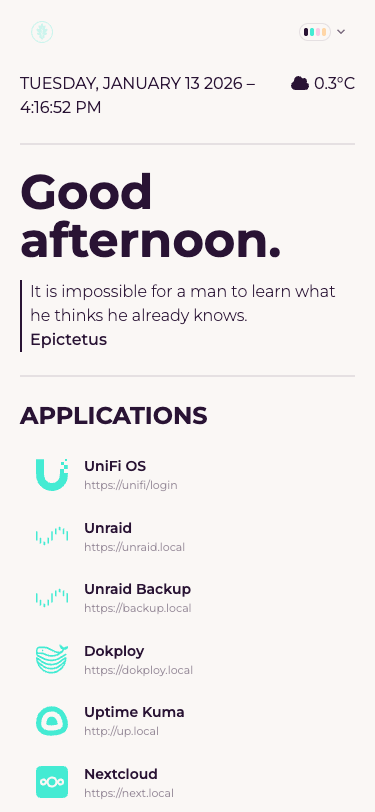
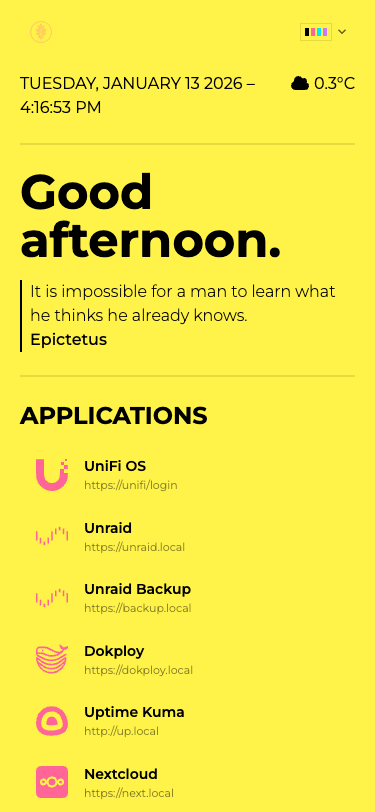
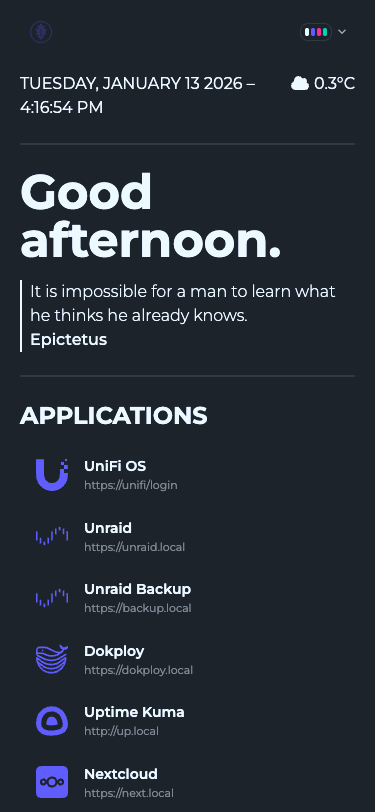
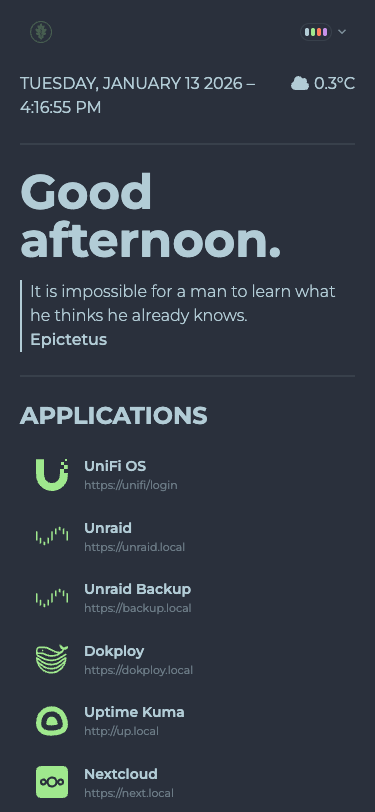
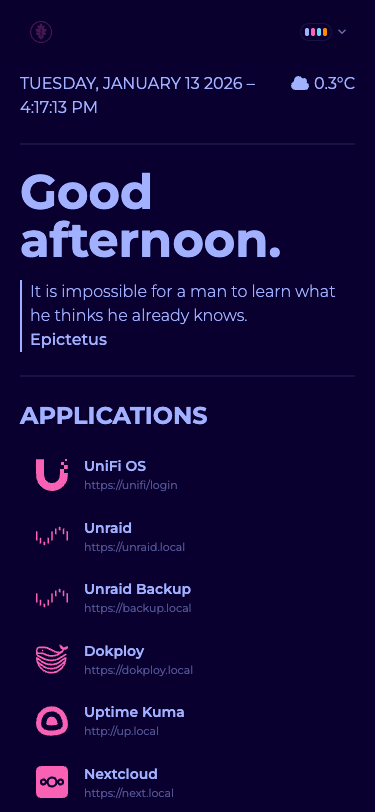
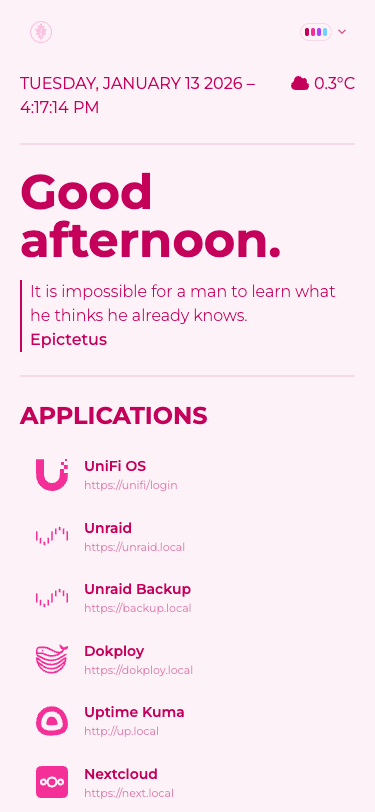
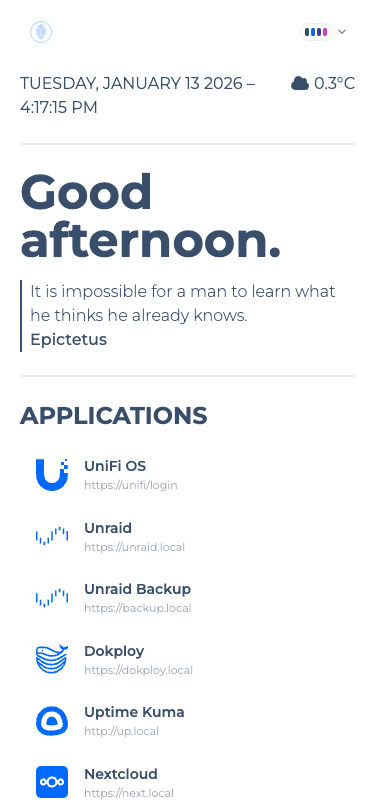
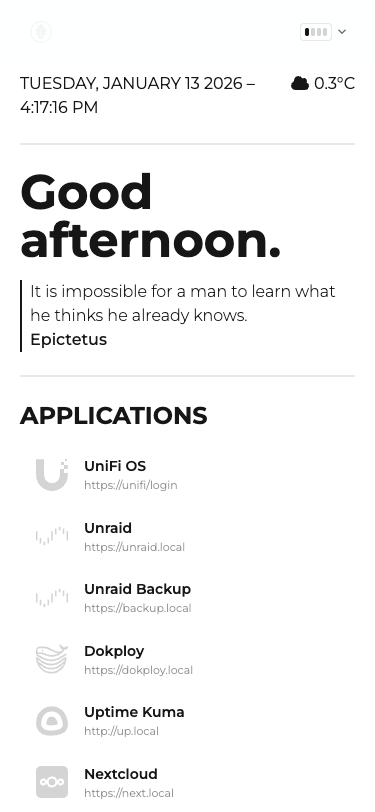
Standard Themes (Mobile)
| Black |
Bumblebee |
Business |
Caramellatte |
 |
 |
 |
 |
| Cmyk |
Coffee |
Corporate |
Cupcake |
 |
 |
 |
 |
| Cyberpunk |
Dark |
Dim |
Dracula |
 |
 |
 |
 |
| Emerald |
Fantasy |
Forest |
Garden |
 |
 |
 |
 |
| Halloween |
Lemonade |
Light |
Lofi |
 |
 |
 |
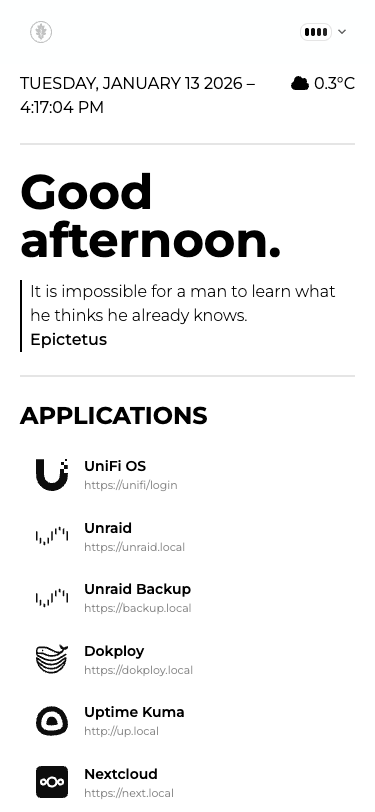 |
| Retro |
Silk |
Sunset |
Synthwave |
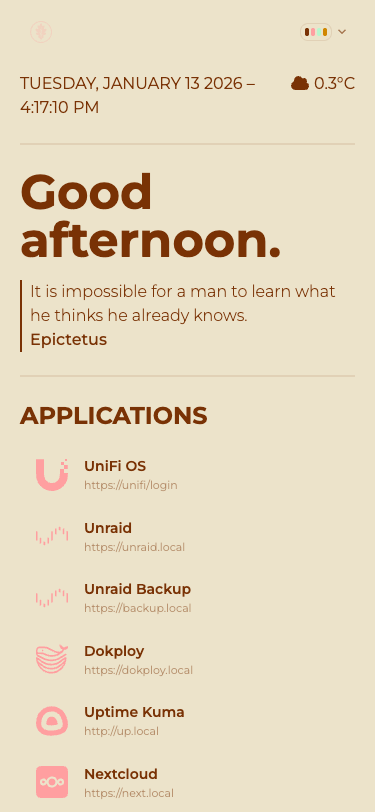 |
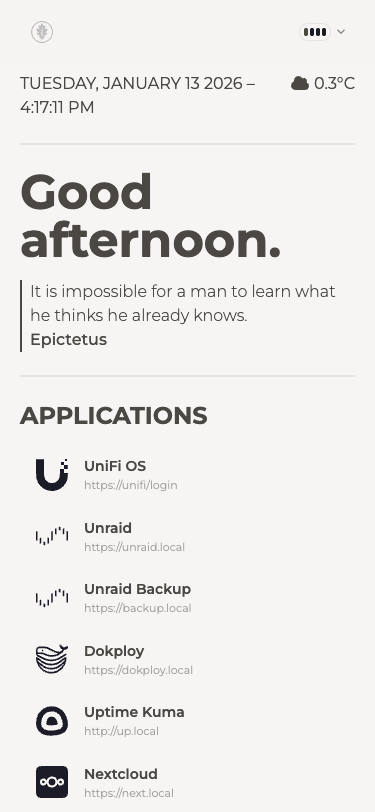 |
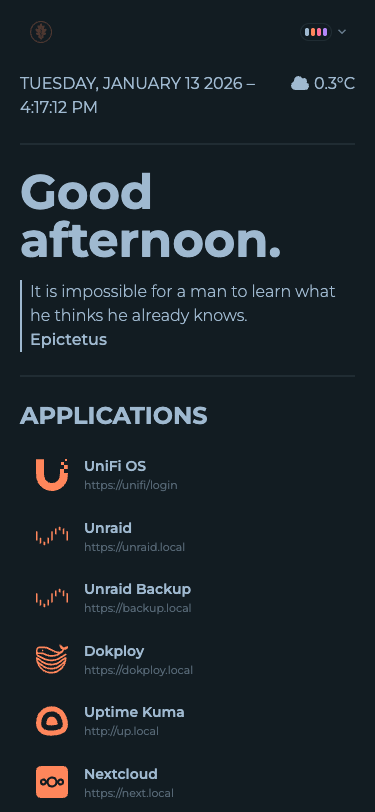 |
 |
| Valentine |
Winter |
Wireframe |
 |
 |
 |
Thanks
Big thanks to DaisyUI for the component library and themes. Also Flame, which has been the inpiration and my homepage for many years.
Legal Attributions
Icons are modified and colored programatically to match the user's theme. Icons are provided by selfh.st/icons, and Font Awesome Free under CC BY 4.0.
Absolutely no LLM (large language model) has, or ever will, contribute to this project in any capacity - directly or knowingly indirectly.