
All apps · 0 apps
nfsen-ng-nfcapd
Docker app from mbolli's Repository
Overview
Readme
View on GitHubnfsen-ng










nfsen-ng is a modern, in-place replacement for the ageing NfSen web frontend. It sits on top of the existing nfdump tools and adds real-time SSE push, a responsive UI, and support for RRD or VictoriaMetrics as the storage backend.
Requires Linux. The backend runs on the OpenSwoole PHP extension, which has no maintained FreeBSD/other-BSD port — see openswoole/ext-openswoole#233. Docker images are Linux-only.
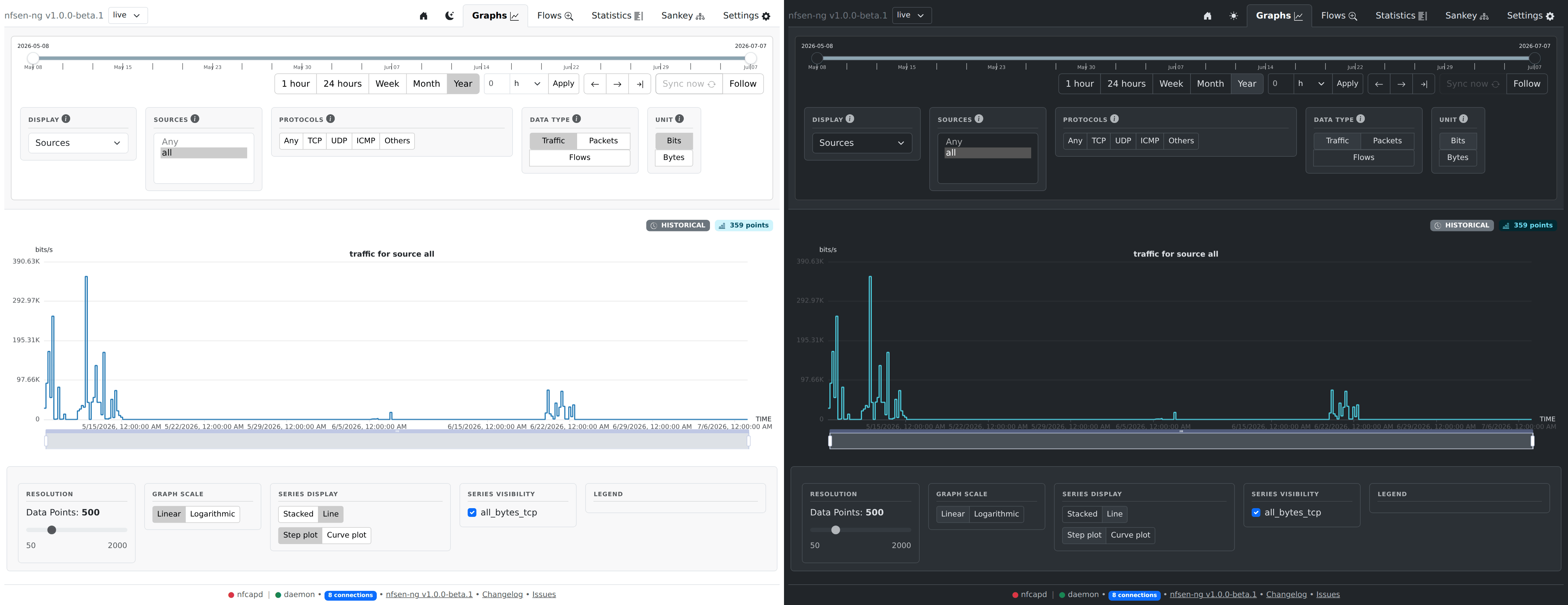
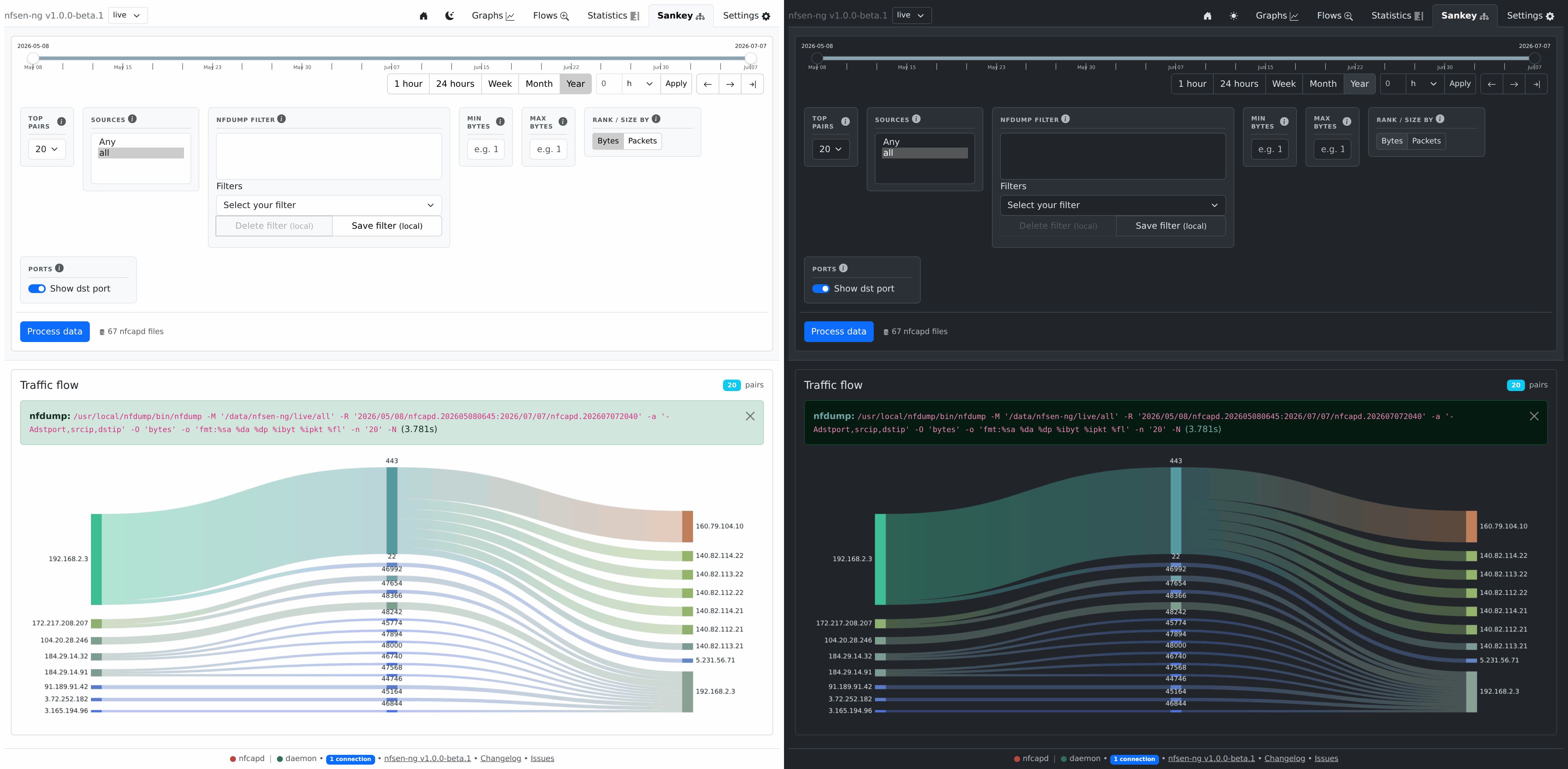 Sankey traffic-flow diagram, available since v1.0.0-beta.1, with the optional destination-port column added in v1.0.0-beta.2.
Quick start
No clone needed — just grab the compose file and go:
curl -O https://raw.githubusercontent.com/mbolli/nfsen-ng/master/deploy/docker-compose.yml

# Edit NFSEN_SOURCES, NFSEN_NFDUMP_PROFILES, and other env vars in docker-compose.yml, then:

# Production with bundled Caddy (auto-HTTPS, ports 80/443)
docker compose --profile proxy up -d

# Production behind your own reverse proxy (app on port 9000 only)
docker compose up -d
The app image is published on GHCR: ghcr.io/mbolli/nfsen-ng. The bundled-Caddy profile uses the stock caddy:latest image — no custom build needed, since php-via serves and Brotli-compresses static assets itself. :latest tracks the newest release, betas included while pre-1.0; :edge always tracks the newest master build; or pin an explicit version tag from Releases for a fixed image.
Development (source mounted, auto-reload on file change):
git clone https://github.com/mbolli/nfsen-ng
cd nfsen-ng
docker compose -f deploy/docker-compose.dev.yml up -d
Set NFSEN_SOURCES, NFSEN_NFDUMP_PROFILES, and other options as environment variables in your compose file. See Installation and Configuration in the book for the full guide.
MCP server (AI agent access, optional)
nfsen-ng ships an optional, off by default, read-only MCP server, so an AI agent can investigate traffic through the same data the UI shows without anyone writing nfdump filter expressions by hand.
Ten tools in two tiers, and every description says which: the cheap ones answer from the stored five-minute aggregates immediately, while the rest read capture files with nfdump and cost time proportional to the window. estimate_cost prices a window before you commit to it.
# stdio: a client launches it as a subprocess, no socket, no credentials
docker exec -i nfsen-ng php /var/www/html/nfsen-ng/backend/mcp.php
Set NFSEN_MCP_HTTP=true to serve the same tools at /_mcp on nfsen-ng's own port instead, for an agent that does not live on this host.
Nothing in it writes: no rule creation, no import triggering, no settings changes, so the worst case is disclosure of flow data rather than control of the box. Access to it is equivalent to access to the dashboard. See the MCP chapter.
Documentation
The full user guide and developer reference now live in the nfsen-ng book — installation, configuration, every tab's feature docs, and the architecture/signals/SSE internals for contributors.
Migrating from the old v0.x NfSen-style release? See the upgrade guide in the book.
Requirements
Categories
Related apps
Explore more like this
Explore allDetails
ghcr.io/mbolli/nfsen-ng:latestRuntime arguments
- Network
bridge- Shell
bash- Privileged
- false
- Extra Params
--restart unless-stopped --entrypoint /usr/local/nfdump/bin/nfcapd
Template configuration
UDP port nfcapd listens on. Configure your router's NetFlow/sFlow/IPFIX exporter to send here.
- Target
- 9995
- Default
- 9995
- Value
- 9995
Same data directory the nfsen-ng UI reads. nfcapd writes into live/source under it.
- Target
- /data/nfsen-ng
- Default
- /mnt/user/appdata/nfsen-ng
- Value
- /mnt/user/appdata/nfsen-ng
Container timezone. Should match the UI container.
- Target
- TZ
- Default
- UTC
- Value
- UTC