
All apps · 0 apps

NetlifyDDNS
Docker app from daredoes' Repository
Overview
Readme
View on GitHubNetlify Dynamic DNS
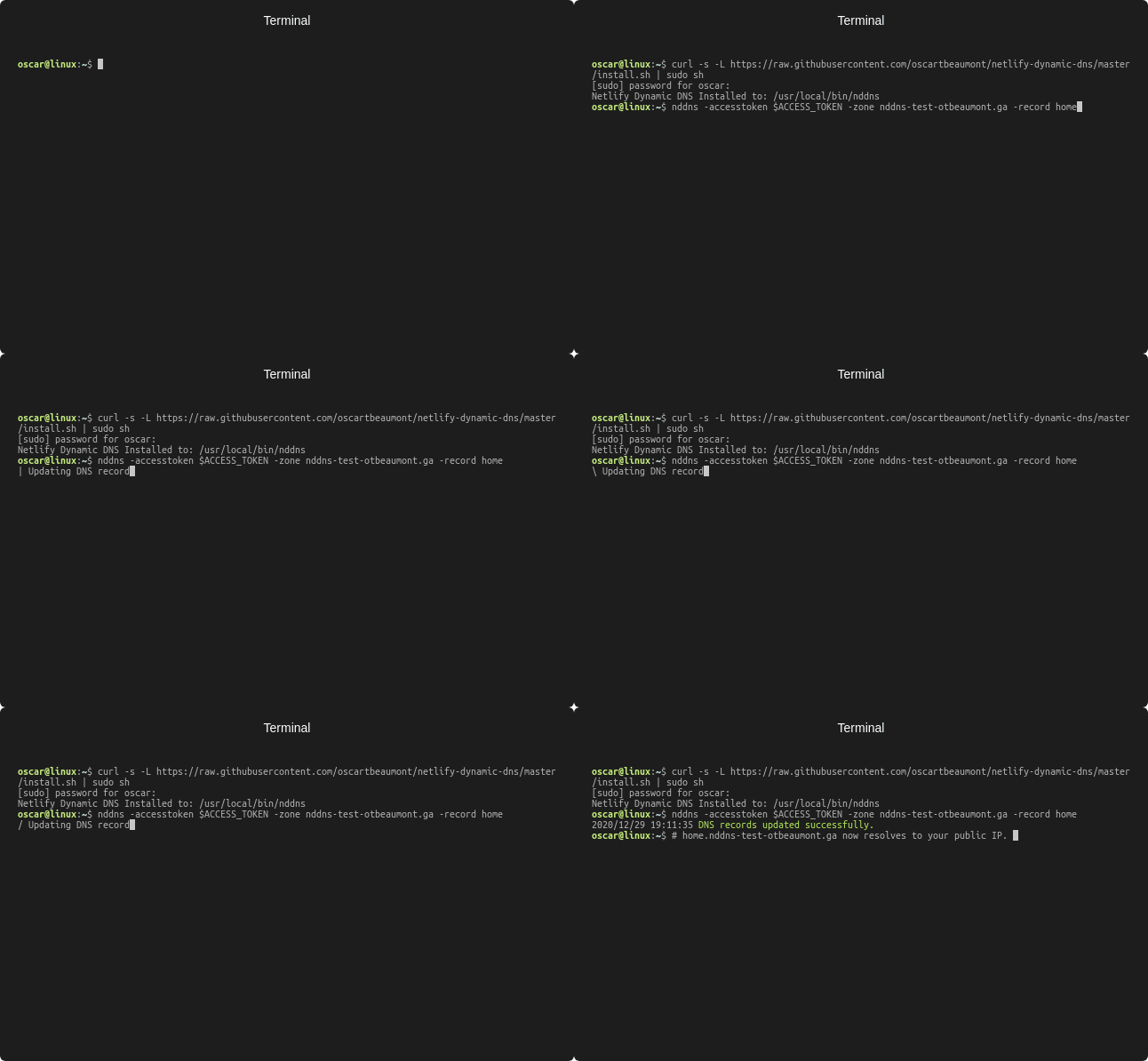
A simple command line tool for updating a Netlify's Managed DNS record to point at your public IP address. Supporting both IPv4 and IPv6.

Installation & Usage
# Install via script
curl -s -L https://raw.githubusercontent.com/oscartbeaumont/netlify-dynamic-dns/master/install.sh | sudo sh

# Set home.example.com to your public IP and quit
nddns -accesstoken xxx -zone example.com -record home

# Set home.example.com to your pulbic IP every 5 minutes
nddns -accesstoken xxx -zone example.com -record home -interval 5

# Using Docker
docker run ghcr.io/oscartbeaumont/netlify-dynamic-dns:latest -accesstoken xxx -zone example.com -record home -interval 5

# From Git
git clone https://github.com/oscartbeaumont/netlify-dynamic-dns.git
cd netlify-dynamic-dns
go run ./cmd -accesstoken xxx -zone example.com -record home
Configuration
| Flag | Environment Variable | Default | Description |
|---|---|---|---|
| access-token | NDDNS_ACCESS_TOKEN | Your Netlify personal access token. Can be created at here | |
| zone | NDDNS_ZONE | example.com | The Netlify DNS zone domain name |
| record | NDDNS_RECORD | home | The record in the DNS zone to set as your public IP |
| ipv6 | NDDNS_IPv6_ENABLED | true | Whether the IPv6 record (AAAA) should also be updated |
| interval | NDDNS_INTERVAL | 0 | The amount of minutes between sending updates. If 0 only a single update is done. |
If you would like a custom TTL value, create an existing record (you can set anything in the IP field) and then the application will use it when recreating the record.
How It Works
Netlify Dynamic DNS uses the OpenDNS resolver to determine your public IP. The resolver has a feature which echoes the clients IP address when you lookup myip.opendns.com. This lookup is done both over IPv4 and IPv6 to determine both public IP's then using the Netlify OpenAPI Client the old DNS records are removed and new ones are created with your latest public IP.
Categories
Download Statistics
Related apps
Explore more like this
Explore allDetails
daredoes/netlify-ddns:latestRuntime arguments
- Network
host- Shell
sh- Privileged
- false
Template configuration
It can be created here: https://app.netlify.com/account/applications
- Target
- NETLIFY_TOKEN
Container Variable: NETLIFY_DOMAIN
- Target
- NETLIFY_DOMAIN
- Default
- example.com
Container Variable: NETLIFY_SUBDOMAIN
- Target
- NETLIFY_SUBDOMAIN
- Default
- home
- Value
- home
Interval of time in minutes between IP address updates
- Target
- NETLIFY_TTL
- Default
- 3600
- Value
- 3600