
All apps · 0 apps

neonlink
Docker app from A75G's Repository
Overview
Readme
View on GitHub

Overview
Introduction
NeonLink is a simple and open-source self-hosted bookmark service. It is lightweight, uses minimal dependencies, and is easy to install via Docker. Due to the low system requirements, this application is ideal for deployment on the RaspberryPI.
Features
- Tags
- Search
- Auto icon, title, description
- Customizable background
- Lightweight
- Private
- Dashboard
Installation
With Docker
You can easily install an application using Docker. The images are also optimized for RaspberryPi.
Then run the command which will install the Docker container.
docker run -p {80}:3333 -v {/path/to/data}:/app/data -v {/path/to/backgrounds}:/app/public/static/media/background alexscifier/neonlink:latest
- Replace {80} with any port you like.
- Replace {/path/to/data} with the path to the data folder with private data
- Replace {/path/to/backgrounds} with the path to the background images folder
Or you can install with docker-compose.yml file
#clone repo
git clone https://github.com/AlexSciFier/neonlink.git
cd neonlink

#edit doker-compose.yml and run docker compose
docker-compose up -d
Development
This project is open source, so you can change it or contribute. The application consists of two parts. The frontend is based on the React framework. The server part is based on the Fastify framework. Sqlite is used as a data base and its implementation for Nodejs is better-sqlite3.
This project requires Nodejs and npm.
For Windows development, it is recommended to use git bash.
Setup
# Clone project
git clone https://github.com/AlexSciFier/neonlink.git
cd neonlink

# Install fastify-cli
npm install fastify-cli --global

# Run once to install dependencies
npm run dev-init

# Run dev server
npm run dev-start
Build
Neonlink uses multiarch build. That means you need to use buildx. Or you can use BuildKit to build image for one platform. To build your own docker container run in root folder
Build multiarch image
docker buildx build --platform linux/arm/v7,linux/amd64 --push --tag alexscifier/neonlink:latest .
Build for one platform
# Linux shell
DOCKER_BUILDKIT=1 docker build --tag alexscifier/neonlink:latest .
# Windows PowerShell
$env:DOCKER_BUILDKIT=1; docker build -t alexscifier/neonlink .
Screenshots
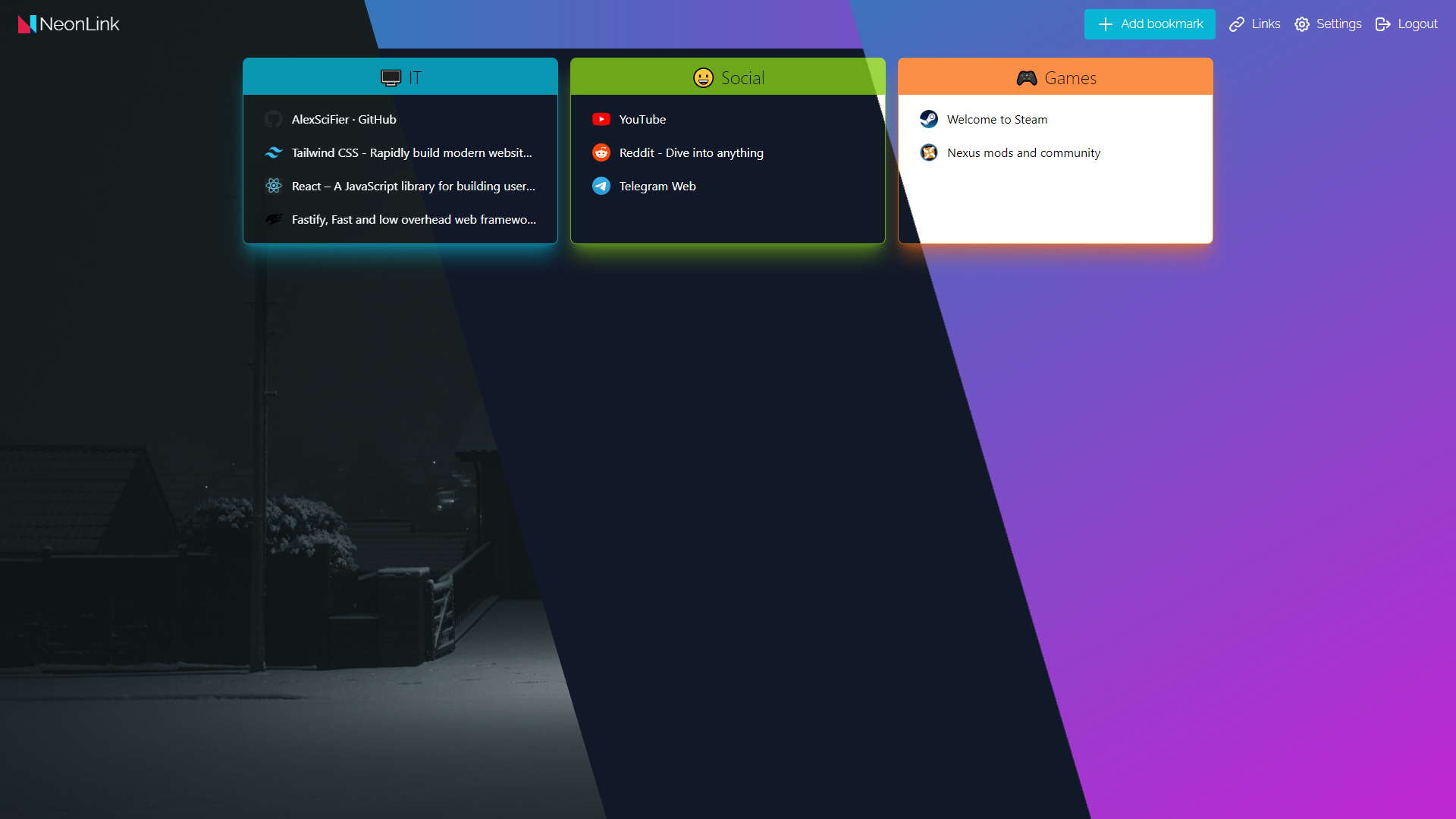
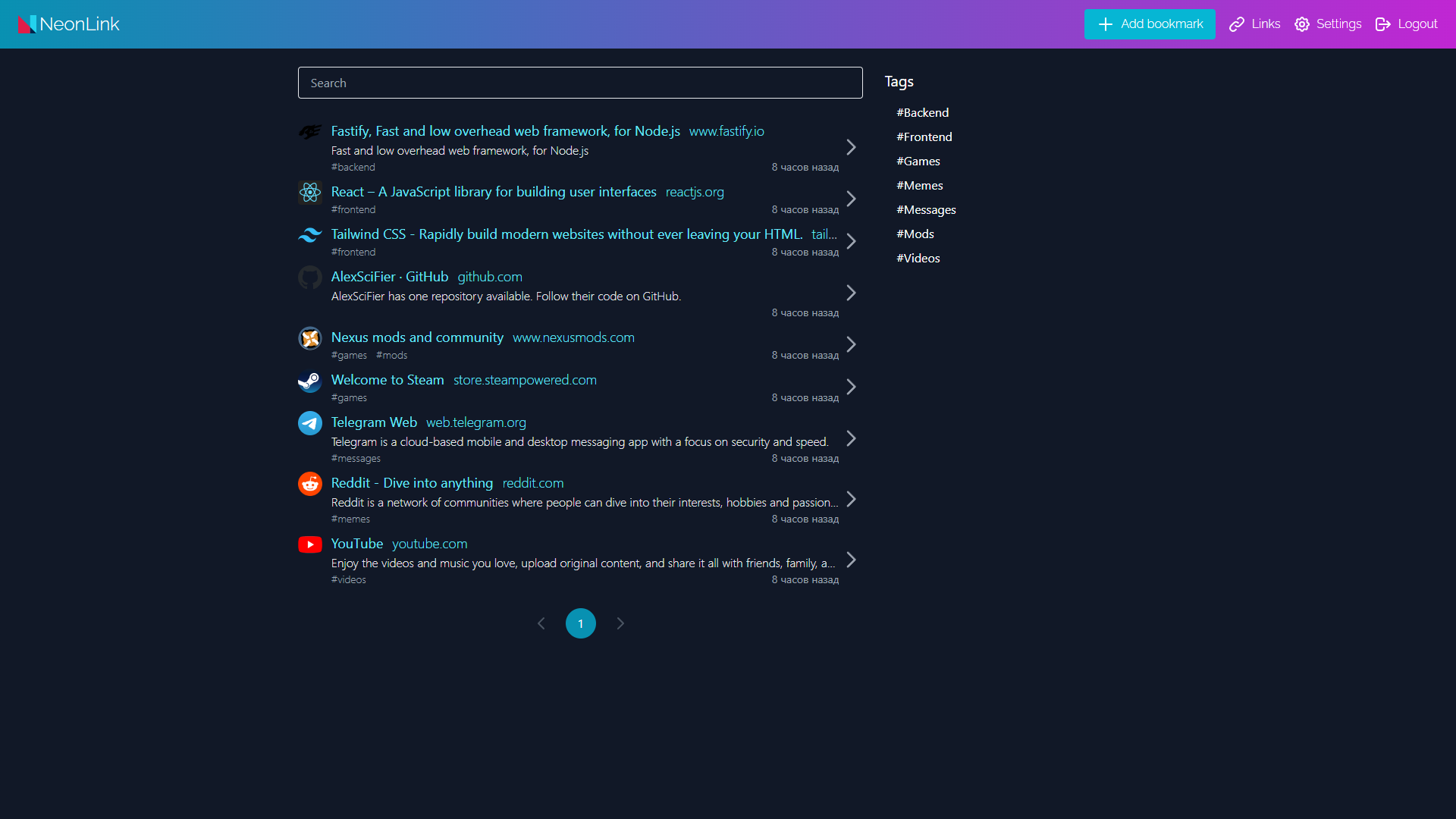
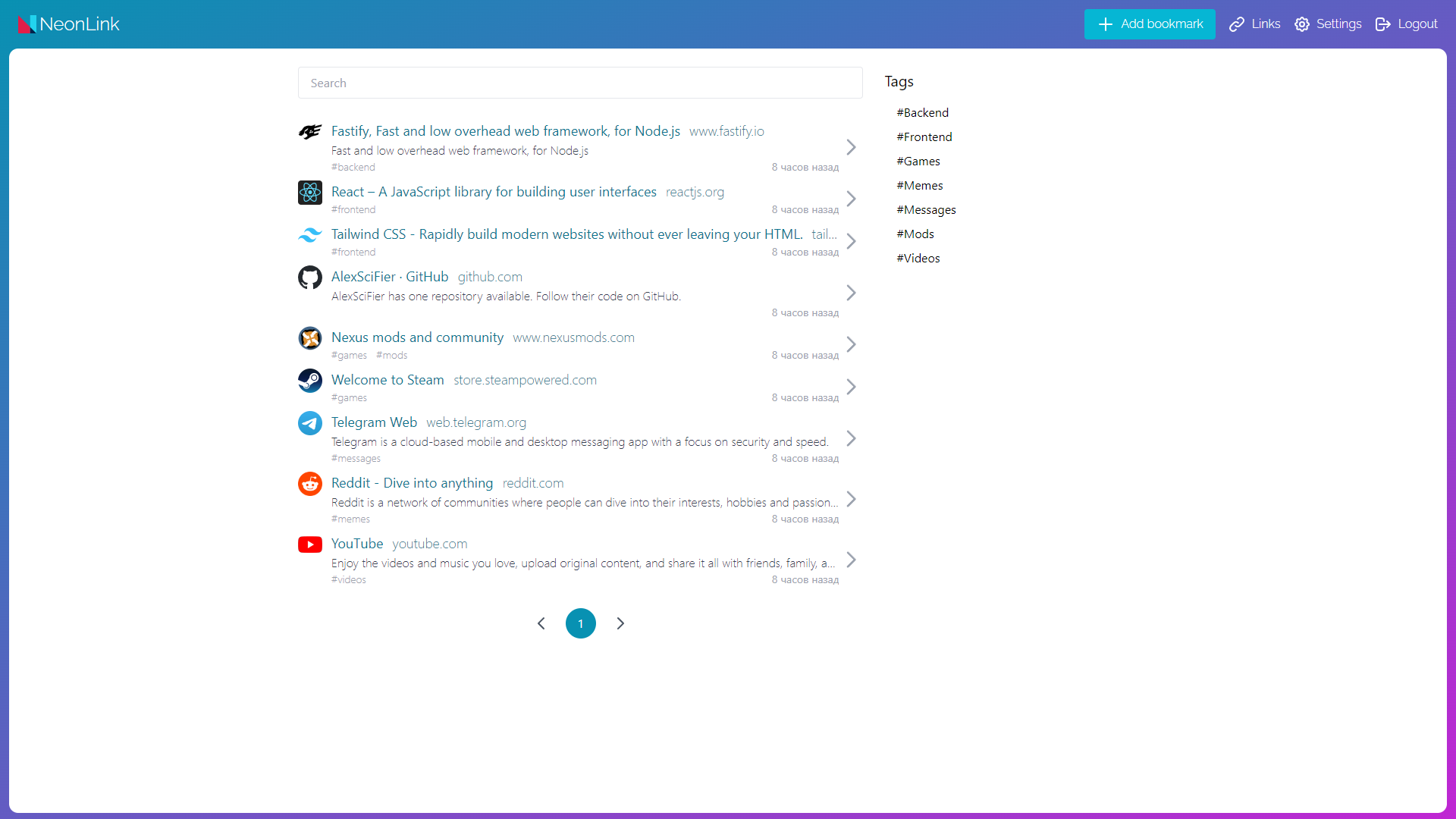
Categories
Download Statistics
Total Downloads Over Time
Related apps
Explore more like this
Explore allLinks
Details
alexscifier/neonlink:latestRuntime arguments
- Web UI
http://[IP]:[PORT:3333]/- Network
bridge- Shell
sh- Privileged
- false
- Extra Params
--user=0:0
Template configuration
- Target
- 3333
- Value
- 3333
- Target
- /app/data
- Value
- /mnt/user/appdata/neonlink/data/
- Target
- /app/public/static/media/background
- Value
- /mnt/user/appdata/neonlink/background/
optional: change to 0 if AVV_ERR_READY TIMEOUT error is occured
- Value
- 120000