

MytView
Docker app from mytview's Repository
MytView is a clean, fast player for a video library you host yourself: video files plus their metadata sidecars (.info.json, or Kodi/Emby.nfo for TV series and movies).
Requirements
Overview
Readme
View on GitHubMytView Server
A media server that shows your video library and nothing else. Fast, private, read-only.
Website · Documentation · Privacy
MytView does one job: it shows the video library on your own disks, quickly, to the people you share it with. No streaming catalogue, no rentals, no "discover" tab, no ads, no account with anybody's cloud. It runs as one container on a NAS or home server, and you watch in a browser or in the apps for iPhone, iPad, Apple TV, Android, Google TV and Samsung TV.
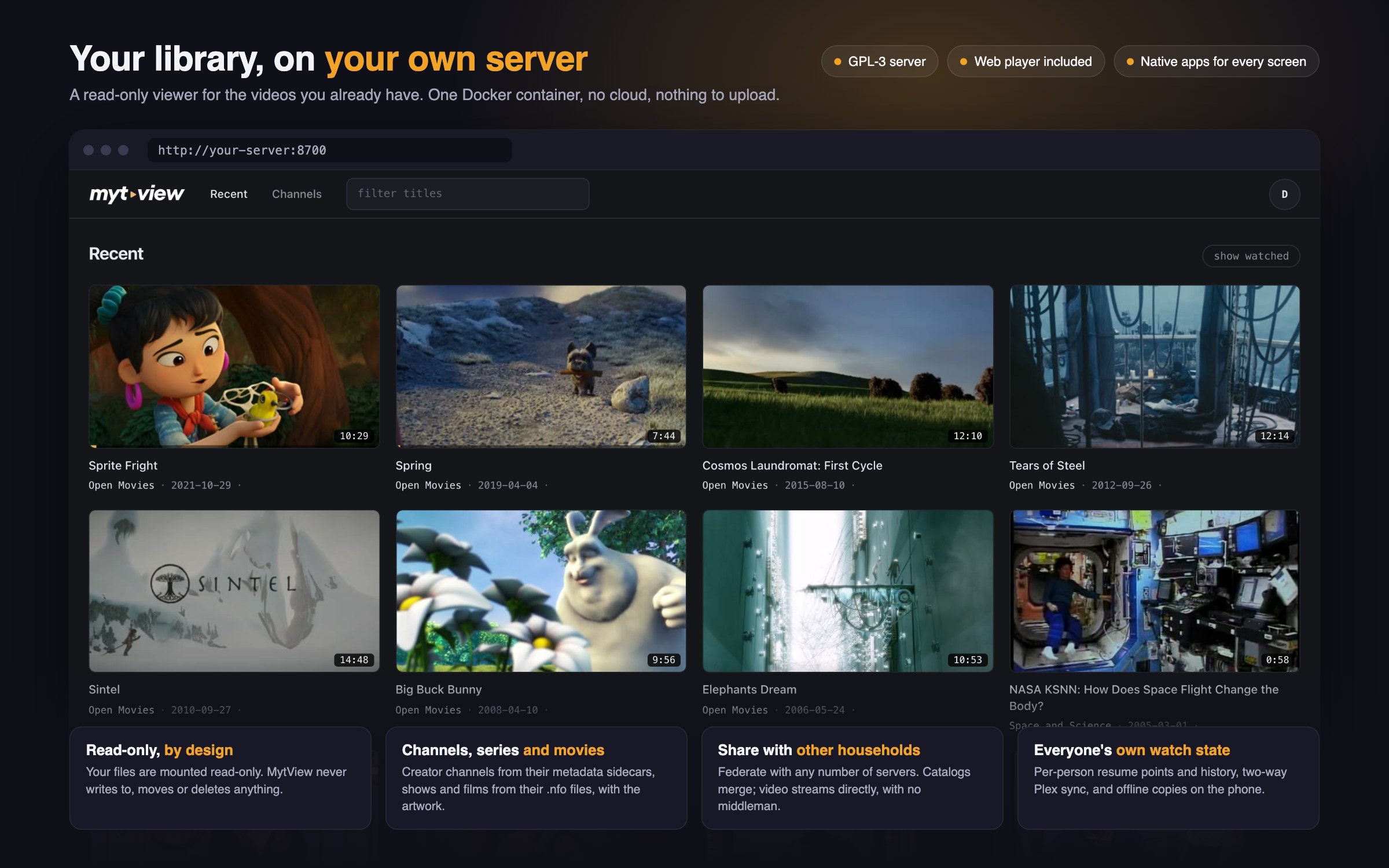
- Fast. Nothing is looked up online. Titles, artwork and descriptions come from the
.nfoand.info.jsonfiles already next to your videos, so a scan is a walk through your folders and the first items appear in seconds. Devices play the original file, and the server transcodes live only when a device can't. - Private. The only account is on your own server. No telemetry, no licence check, no outbound connections unless you switch on Plex sync or federation. Video goes straight from your server to your screen.
- Read-only. The library is mounted
:ro, so nothing is renamed, moved or written next to your files. It runs beside Plex or Jellyfin on the same folders.
The trade-off: it shows what is on disk. If your library has no .nfo files or artwork, MytView
will not fetch them.
Quick start
# docker-compose.yml
services:
  mytview:
    image: ghcr.io/mytview/mytview:latest
    container_name: mytview
    restart: unless-stopped
    ports:
      - "8700:8700"
    volumes:
      - /path/to/your/library:/media:ro   # your videos, read-only
      - mytview-data:/data                # accounts, watch state, index: back this up
      - /path/to/scratch:/transcodes      # scratch space for live transcoding
volumes:
  mytview-data:
Run docker compose up -d, then open http://your-host:8700:
- Sign up. The first account becomes the owner. After that, signing up needs an invite.
- Add a library (avatar menu → Server → Libraries): a name, a format and a folder under
/media. Nothing is indexed until you do.
Other ways to install:
- Unraid: search
MytViewin Community Applications. - Synology, TrueNAS, CasaOS, OpenMediaVault: see the install guide.
- Intel iGPU for transcoding: add the override file,
docker compose -f docker-compose.yml -f docker-compose.hwaccel.yml up -d. - Behind a reverse proxy or Cloudflare: see Behind a reverse proxy.
What your library needs to look like
A library is a folder under /media in one of three formats:
| Format | Layout | Metadata read |
|---|---|---|
| Movies | Movie Name (2024)/Movie Name (2024).mkv |
movie.nfo, poster.jpg, fanart.jpg |
| Series | Show Name/Season 1/Show - S01E02 - Title.mkv |
Kodi/Emby .nfo files and local artwork, or SxxExx in the filename when there is no .nfo |
| Channels | Channel Name/Video Title.mp4 |
Video Title.info.json beside it: title, date, description, tags |
Every detail is in Libraries and formats.
What is in it
- Films, shows and creator channels. A poster wall with genres for films, seasons and next-episode for shows, and a newest-first feed across channels, with their own descriptions and tags.
- Accounts by invite, each with their own history and resume points. Channels, shows and movie collections can be private to the people you choose. Accounts · Sharing and privacy
- Direct play first. When a device cannot decode a file, the server transcodes it live (Intel VAAPI, or CPU). Nothing is converted ahead of time or stored. Playback
- Subtitles and audio tracks from
.srtand.vttfiles or from text tracks inside the file. Image-based subtitles (PGS, VobSub) are not supported. Subtitles - Share links for a single video, with an expiry and a view cap. Share links
- Federation. Pair with other MytView servers to share a show or a whole library with another household. Their catalogue merges into your libraries, and video streams directly from the server that holds the file. Federation
- Plex sync. Two-way sync of watched state and resume points with a Plex server on the same files, linked per user. Plex sync
- Offline downloads in the iPhone and iPad app.
Reference: environment variables · troubleshooting
The apps
The web player ships with the server and is complete on its own. The native apps are separate, closed-source products by the same author:
- iPhone, iPad, Apple TV: App Store
- Android phone, tablet, Google TV: Google Play, an open beta, no invite needed
- Samsung TV: free, and in review for the Samsung store. Until it is listed, you can build it from source and sideload it.
The apps start with a 14-day free trial, then a small one-time purchase per store, with no subscription. An app installed before 1 November 2026 stays free forever, with nothing to claim.
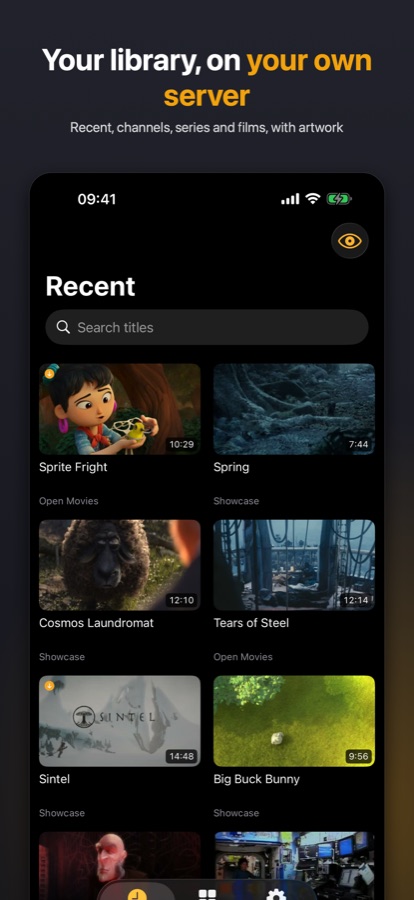
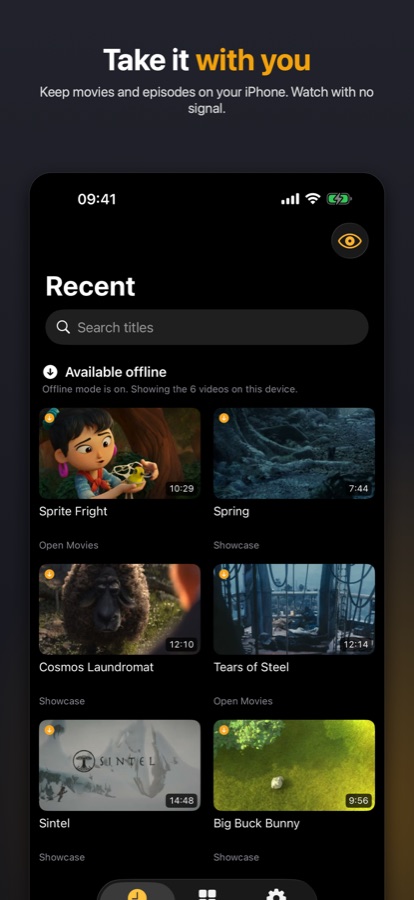
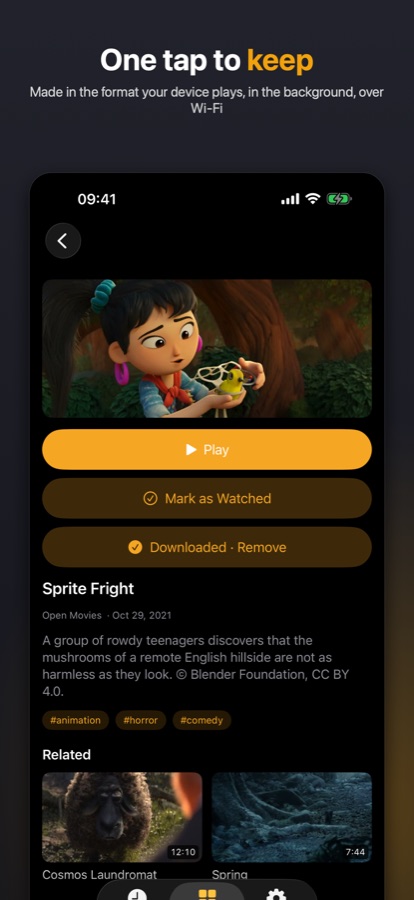
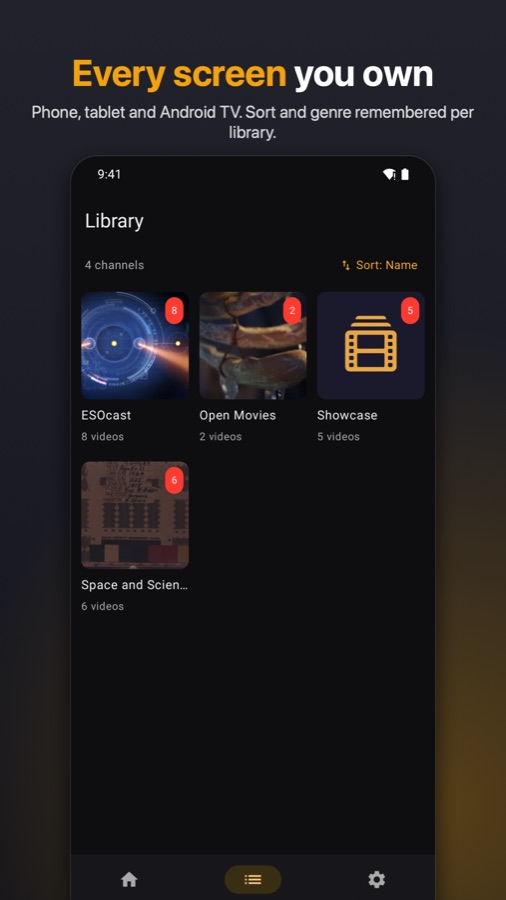
The demo library in these shots is Blender's open movies and NASA public-domain footage.
Third-party clients are welcome. The client API is documented in docs/api.md.
Development
npm install
cp .env.example .env    # set MEDIA_ROOT to a local path
npm run dev             # Vite dev server
npm run check           # svelte-check, must stay clean
npm test                # vitest suite
npm run build && node build   # production build (adapter-node)
Runtime dependencies are deliberately few: SvelteKit, better-sqlite3, and hls.js in the web
player. Transcoding shells out to ffmpeg and ffprobe, which the image bundles. /data holds two
SQLite databases: index.db, a cache rebuilt by scanning, and state.db, the accounts and watch
state, which is the one thing to back up.
How it is built
MytView is a solo project, proudly co-created with Anthropic's Claude (Opus and Fable) under my direction: the design, the product decisions, the review and the field testing are mine, and every increment ships with tests and runs on my own servers before it is released. It is 2026; get over it. Opinions on the tooling are not sought here and will not be engaged with. Bug reports and pull requests about what the software does are very welcome.
License
GPL-3.0, see LICENSE. Contributions are welcome under the terms in CONTRIBUTING.md.
Media gallery
Categories
Download Statistics
Related apps
Explore more like this
Explore allLinks
Details
fbartolini/mytview:latestRuntime arguments
- Web UI
http://[IP]:[PORT:8700]- Network
bridge- Shell
bash- Privileged
- false
Template configuration
The port MytView answers on. Point the browser and the apps at http://your-server:this-port.
- Target
- 8700
- Default
- 8700
- Value
- 8700
Your video library. Mounted read-only: MytView never writes to, moves or deletes anything here. Pick the folder that holds your collections; inside the app you then add each sub-folder as a library (avatar menu, Server, Libraries).
- Target
- /media
- Default
- /mnt/user/media
- Value
- /mnt/user/media
Accounts, sessions, watch progress and the library index. Back this up: the index rebuilds from disk, your users and their progress do not.
- Target
- /data
- Default
- /mnt/user/appdata/mytview/data
- Value
- /mnt/user/appdata/mytview/data
Working space for live-transcode segments (they exist only while someone is watching) and the resized-artwork cache. Keep it on a cache pool and outside your library share. If the share this lives on has a Minimum free space larger than the pool can honour, Unraid refuses new files and transcodes fail.
- Target
- /transcodes
- Default
- /mnt/user/appdata/mytview/transcodes
- Value
- /mnt/user/appdata/mytview/transcodes
1 = Intel VAAPI hardware encoding for live transcodes. Also add --device=/dev/dri:/dev/dri to Extra Parameters (Advanced View). Falls back to the CPU automatically if the GPU path fails.
- Default
- 0
- Value
- 0
invite = the first account becomes the owner, then a single-use invite link is required. all = open signup. off = no new accounts.
- Default
- invite
- Value
- invite
Who may create invite links: owner or all.
- Default
- owner
- Value
- owner
Minutes between library rescans (incremental, cheap). 0 = only on start and on demand.
- Default
- 5
- Value
- 5
Only behind a reverse proxy / TLS: your real external URL, e.g. https://mytview.example.com. Leave empty for direct LAN access.
Behind a reverse proxy or CDN: the header carrying the real client address (x-forwarded-for; Cloudflare: cf-connecting-ip) so per-IP login rate limits see clients, not the proxy. Leave empty for direct LAN access.
Federation only: the address other MytView servers reach you at, if it differs from what the app can derive.