
All apps · 0 apps

Morphos
Docker app from grtgbln's Repository
Overview
Readme
View on GitHubMorphos Server



Self-Hosted file converter server.
Table of contents
Overview
Today we are forced to rely on third party services to convert files to other formats. This is a serious threat to our privacy, if we use such services to convert files with highly sensitive personal data. It can be used against us, sooner or later. Morphos server aims to solve the problem mentioned above, by providing a self-hosted server to convert files privately. The project provides an user-friendly web UI. For now, Morphos only supports images. Documents will be added soon.
Installation
Docker
docker run --rm -p 8080:8080 -v /tmp:/tmp ghcr.io/danvergara/morphos-server:latest
Features
- Serves a nice web UI
- Simple installation (distributed as a Docker image)
Usage
HTML form
Run the server as mentioned above and open up your favorite browser. You'll see something like this:
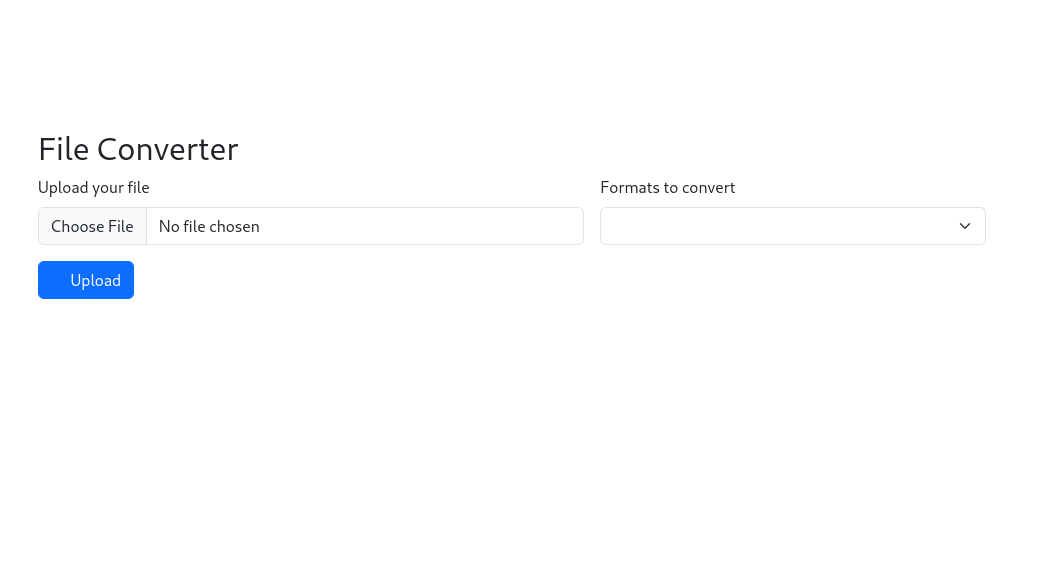
Hit the file input section on the form to upload an image.
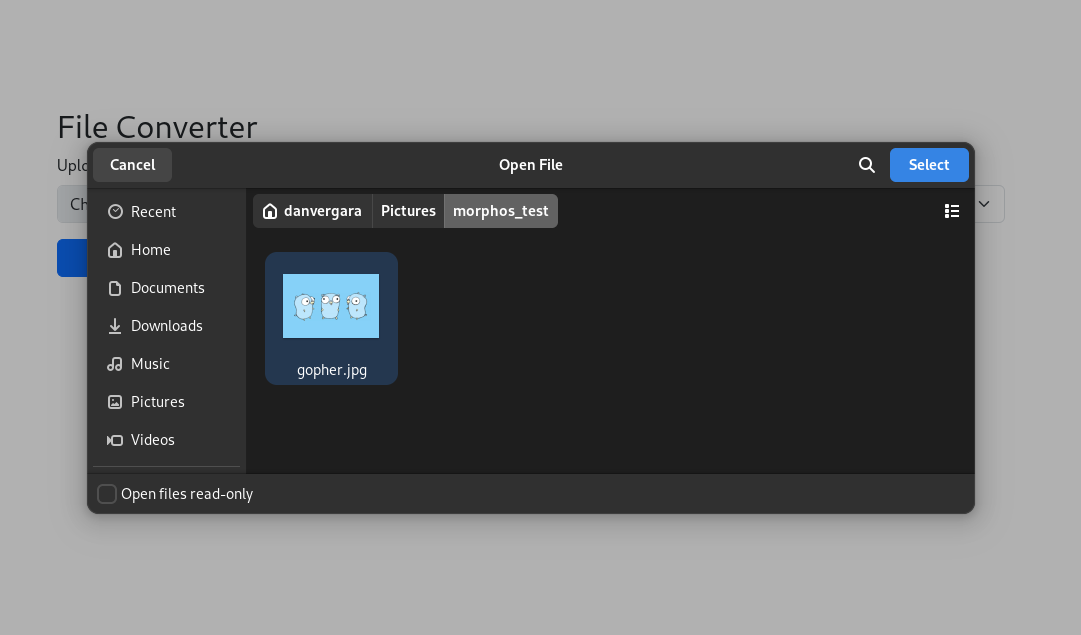
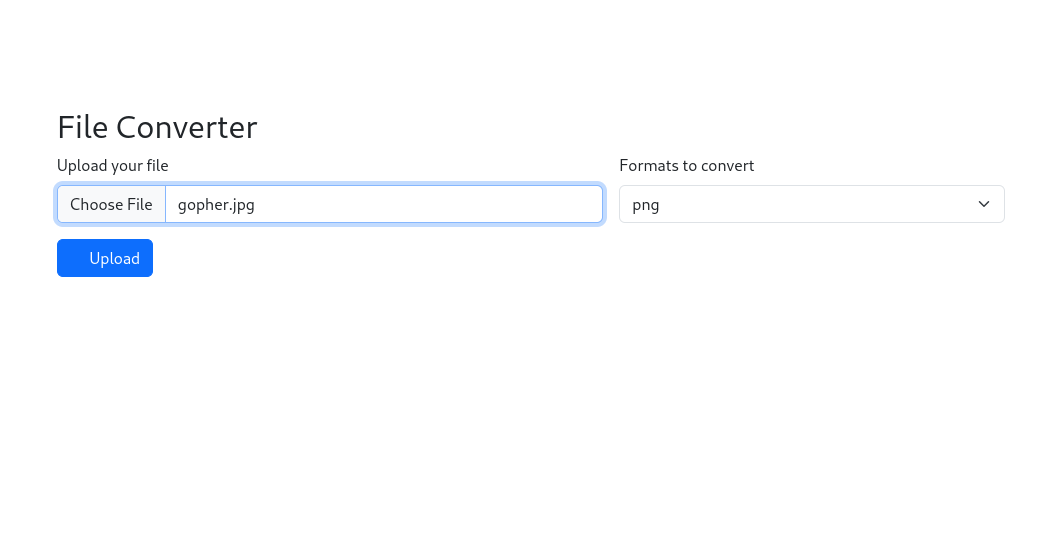
You'll see the filed uploaded in the form.
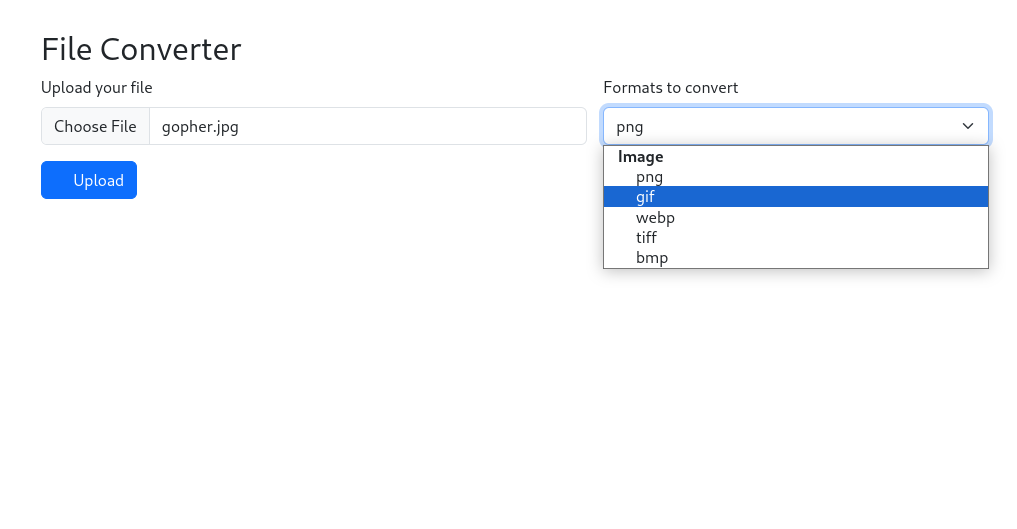
Then, you can select from a variety of other formats you can convert the current image to.
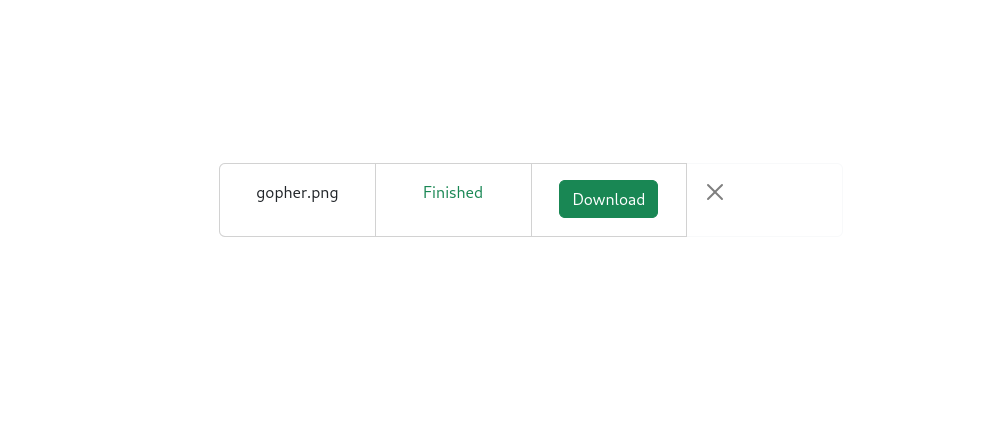
After hitting Upload button you will see a view like the one below, asking you to download the converted file.
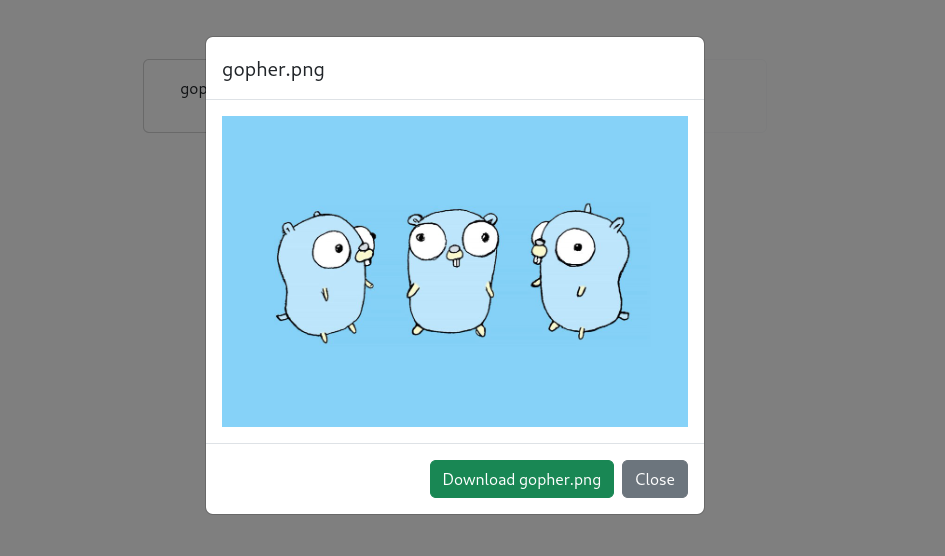
A modal will pop up with a preview of the converted image.
API
You can consume morphos through an API, so other systems can integrate with it.
Endpoints
GET /api/v1/formats
This returns a JSON that shows the supported formats at the moment.
e.g.
{"documents": ["docx", "xls"], "image": ["png", "jpeg"]}
POST /api/v1/upload
This is the endpoint that converts files to a desired format. It is basically a multipart form data in a POST request. The API simply writes the converted files to the response body.
e.g.
curl -F 'targetFormat=epub' -F 'uploadFile=@/path/to/file/foo.pdf' localhost:8080/api/v1/upload --output foo.epub
The form fields are:
- targetFormat: the target format the file will be converted to
- uploadFile: The path to the file that is going to be converted
Configuration
The configuration is only done by the environment varibles shown below.
MORPHOS_PORTchanges the port the server will listen to (default is8080)MORPHOS_UPLOAD_PATHdefines the temporary path the files will be stored on disk (default is/tmp)
Supported Files And Convert Matrix
Images X Images
| PNG | JPEG | GIF | WEBP | TIFF | BMP | AVIF | |
|---|---|---|---|---|---|---|---|
| PNG | ✅ | ✅ | ✅ | ✅ | ✅ | ✅ | |
| JPEG | ✅ | ✅ | ✅ | ✅ | ✅ | ✅ | |
| GIF | ✅ | ✅ | ✅ | ✅ | ✅ | ✅ | |
| WEBP | ✅ | ✅ | ✅ | ✅ | ✅ | ✅ | |
| TIFF | ✅ | ✅ | ✅ | ✅ | ✅ | ✅ | |
| BMP | ✅ | ✅ | ✅ | ✅ | ✅ | ✅ | |
| AVIF | ✅ | ✅ | ✅ | ✅ | ✅ | ✅ |
Images X Documents
| PNG | ✅ |
| JPEG | ✅ |
| GIF | ✅ |
| WEBP | ✅ |
| TIFF | ✅ |
| BMP | ✅ |
| AVIF |
Documents X Images
| PNG | JPEG | GIF | WEBP | TIFF | BMP | AVIF | |
|---|---|---|---|---|---|---|---|
| ✅ | ✅ | ✅ | ✅ | ✅ | ✅ |
Documents X Documents
| DOCX | XLSX | CSV | ||
|---|---|---|---|---|
| ✅ | ||||
| DOCX | ✅ | |||
| CSV | ✅ | |||
| XLSX | ✅ |
Ebooks X Ebooks
| MOBI | EPUB | |
|---|---|---|
| EPUB | ✅ | |
| MOBI | ✅ |
Documents X Ebooks
| EPUB | MOBI | |
|---|---|---|
| ✅ | ✅ | |
| DOCX | ||
| CSV | ||
| XLSX |
Ebooks X Documents
| EPUB | ✅ |
| MOBI | ✅ |
License
The MIT License (MIT). See LICENSE file for more details.
Related apps
Explore more like this
Explore allDetails
ghcr.io/danvergara/morphos-server:latestRuntime arguments
- Web UI
http://[IP]:[PORT:8080]/- Network
bridge- Privileged
- false
Template configuration
Container Port: 8080
- Target
- 8080
- Default
- 8080
- Value
- 8080
Path to temporary data
- Target
- /tmp
- Default
- /tmp
- Value
- /tmp