
All apps · 0 apps

Monitee-agent
Docker app from Krillsson's Repository
Overview
Readme
View on GitHub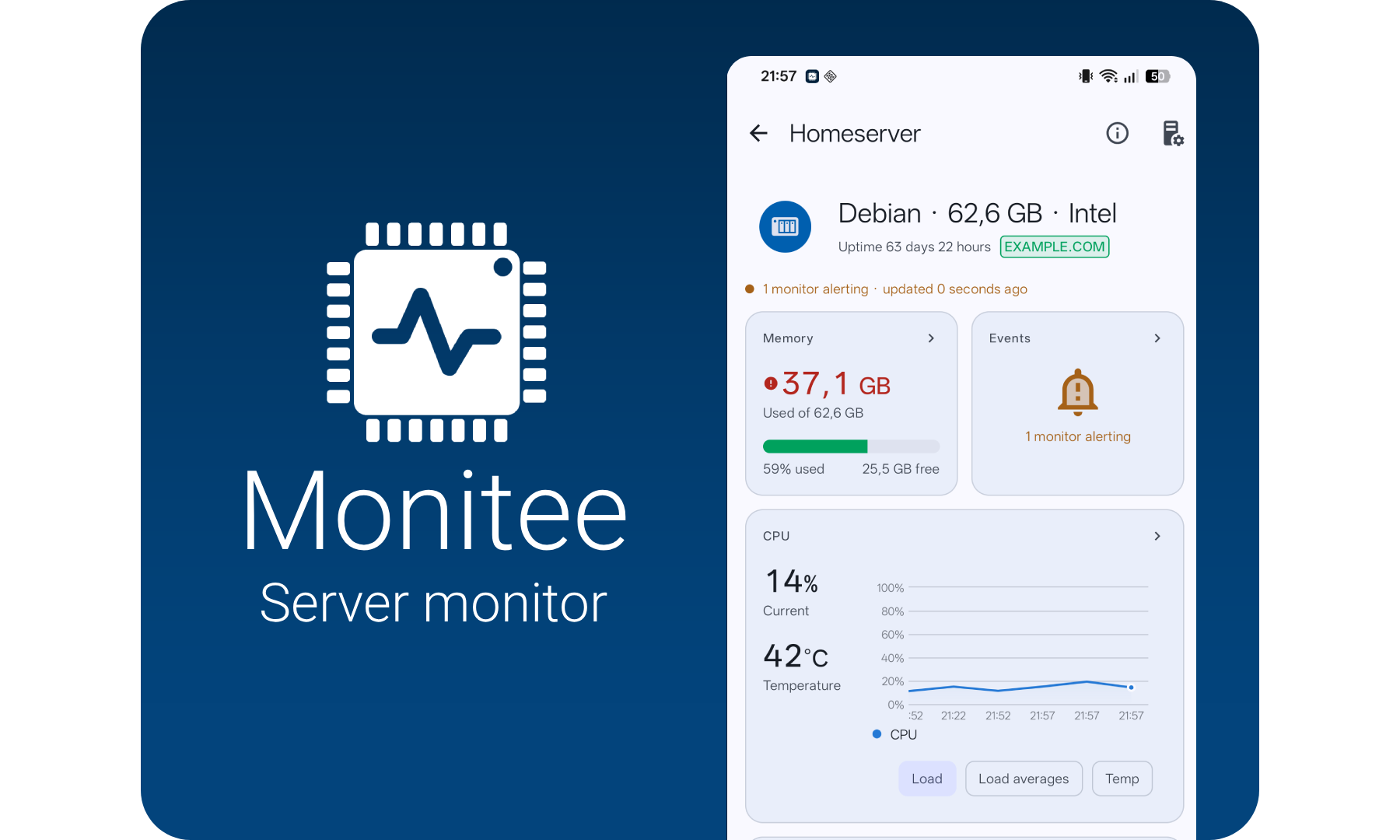
monitee.app

Monitor your servers from your phone. This is the agent you install on the server.
Monitee agent provide a GraphQL API to your computers hardware.
It publishes and monitors values from OSHI with the help of Spring. On Windows the information is supplemented with OpenHardwareMonitor with a bit of help from OhmJni4Net.
What can it do?
Query for:
- CPU usage & info
- Memory usage
- List running processes
- List all network interfaces
- Show info from sensors and fans
- Motherboard information
- Manage docker containers
- Manage systemd services
- Manage windows services
- Read logs from files, systemd journal and Windows events
- Browse and manage files in configured directories
Monitoring
Currently, you can monitor
- CPU load
- CPU temperature
- Memory usage
- Network up
- Network upload/download rate
- Drive space
- Drive read/write rate
- Process ID CPU or Memory
- Docker container in running state
- Connectivity
- External IP changed
GraphQL
GraphQL is available through the /graphql endpoint. Checkout the schema. There's also a set of sample queries in the sample-queries directory
A web-UI for trying out the GraphQL-API is also available at <IP>:8080/graphiql. If you don't want to expose this functionality. It can be disabled via the configuration.
graphQLPlayGround:
  enabled: false
Get started
Monitee is two pieces: the app on your phone, and an agent you run on the server you want to watch. The agent does the work — install it first, then point the app at it.
1. Install the agent on your server
- Docker Compose
- Docker
- Unraid
- TrueNAS Scale
- Home Assistant
- Deb package
- Command line
- Windows setup.exe
2. Add the server in the app
Install Monitee from Google Play and tap +. On your own network it usually finds the server by itself — the agent announces itself over DNS-SD, so there is often nothing to type at all.
3. Decide where alerts go
Configuration
The application expects a user config file (configuration.yml) and a spring configuration file (application.properties) in the /config directory. See the sample files in the /config repository directory.
Self-signed certificates
By default, the Monitee agent will generate a self-signed certificate to enable HTTPS. This is to lower the barrier for encrypted traffic between the client and the server. Please note that using properly signed certificates is better. Let's Encrypt is a free and good alternative.
For convenience, the certificates are persisted using a java keystore. If you wish to re-generate the certificates, delete the keystorewww.jks file. But note that this will require re-adding the server in Monitee.
Development
Setup
git clone [this repo] monitee-agent
./gradlew run
License
Licensed under the Apache License, Version 2.0 (the "License");
you may not use this file except in compliance with the License.
You may obtain a copy of the License at

   http://www.apache.org/licenses/LICENSE-2.0

Unless required by applicable law or agreed to in writing, software
distributed under the License is distributed on an "AS IS" BASIS,
WITHOUT WARRANTIES OR CONDITIONS OF ANY KIND, either express or implied.
See the License for the specific language governing permissions and
limitations under the License.
Categories
Download Statistics
Total Downloads Over Time
Related apps
Explore more like this
Explore allLinks
Details
krillsson/sys-apiRuntime arguments
- Web UI
http://[IP]:[PORT:8080]/graphiql?path=/graphql- Network
host- Shell
sh- Privileged
- false
- Extra Params
--pid=host --restart unless-stopped
Template configuration
- Target
- /config
- Target
- /data
To allow Monitee agent to monitor HDD devices
- Target
- /dev
- Default
- /dev
- Value
- /dev
To allow Monitee agent to monitor filesystems
- Target
- /mnt
- Default
- /mnt
- Value
- /mnt
To allow Monitee agent to read log files. Has to be specified in configuration.yml
- Target
- /var/log
- Default
- /var/log
- Value
- /var/log
To allow Monitee agent to read device names from udev
- Target
- /run/udev
- Default
- /run/udev
- Value
- /run/udev
- Target
- /var/run/docker.sock
- Default
- /var/run/docker.sock
- Value
- /var/run/docker.sock
To allow Monitee agent to read the correct OS info
- Target
- /etc/os-release
- Default
- /etc/os-release
- Value
- /etc/os-release