
All apps · 0 apps

mazanoke
Docker app from ctrlaltd1337's Repository
Overview
MAZANOKE is a simple image compressor and converter that runs entirely in your browser. No external uploads, works offline as a web app, and is powered by Browser Image Compression.
Readme
View on GitHub
MAZANOKE
A self-hosted local image optimizer that runs in your browser.
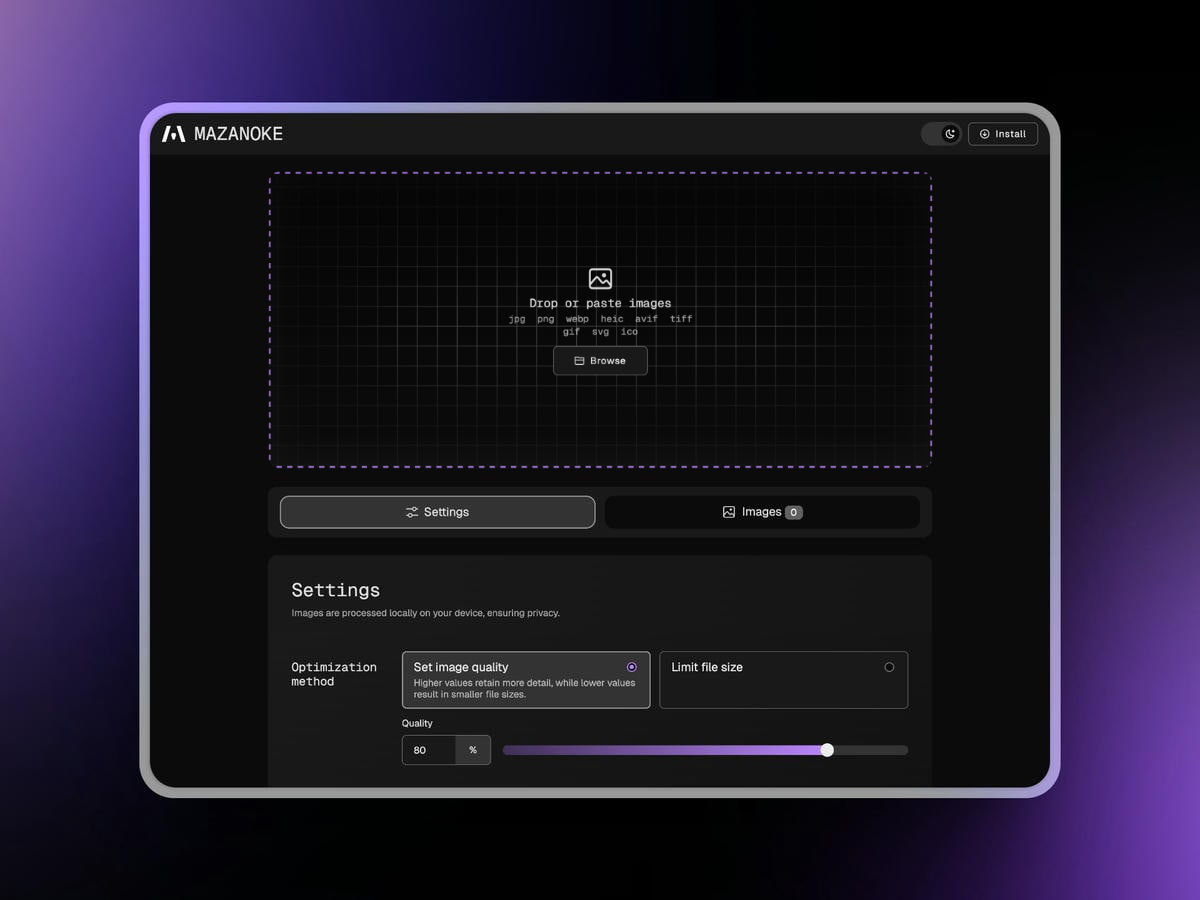
About
MAZANOKE is a simple image optimizer that runs in your browser, works offline, and keeps your images private without ever leaving your device.
Created for everyday people and designed to be shared with family and friends, it serves as an alternative to questionable "free" online tools.
Table of Content
Features
- 🖼️ Optimize Images in Your Browser
- Adjust image quality
- Set target file size
- Set max width/height
- Paste images from clipboard
- Convert between and to
JPG,PNG,WebP,ICO - Convert from
HEIC,AVIF,TIFF,GIF,SVG
- 🔒 Privacy-Focused
- Works offline
- On-device image processing
- Removes EXIF data (location, date, etc.)
- No tracking
- Installable web app (learn more)
Install
Docker
- Using Docker Compose:
Available environmental variables: Configurationservices: mazanoke: container_name: mazanoke image: ghcr.io/civilblur/mazanoke:latest ports: - "3474:80" restart: unless-stopped - Access the app at
http://localhost:3474
Local
- Download the latest source code release.
- Open the
index.htmlfile to launch the app in your browser.
Web App
- Visit MAZANOKE.com, or self-host for even stronger privacy.
- Click the "Install" button in the top-right.
- If the button isn’t available, you can still install it manually in a few simple clicks. (See how)
- A shortcut to MAZANOKE will be added to your device and can even be used offline.
Screenshots
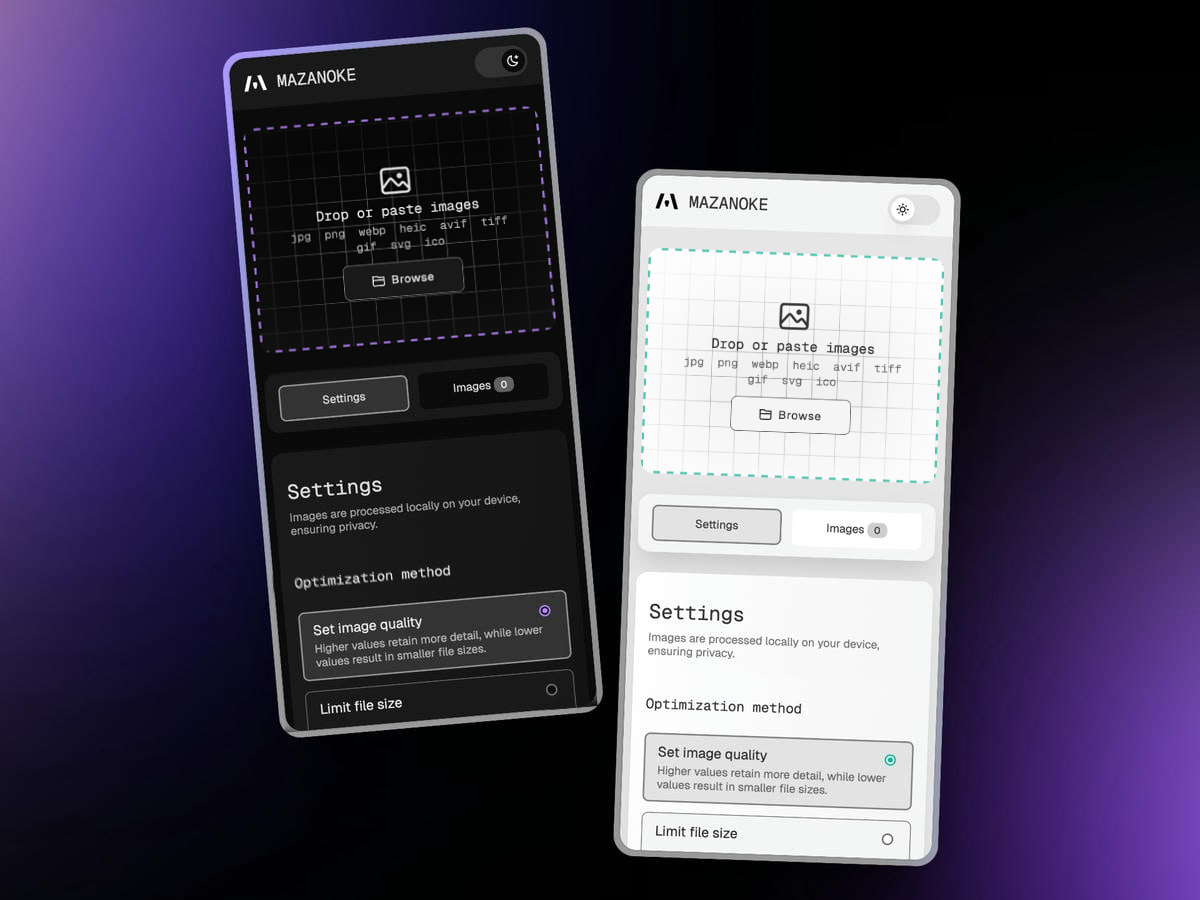
Dark mode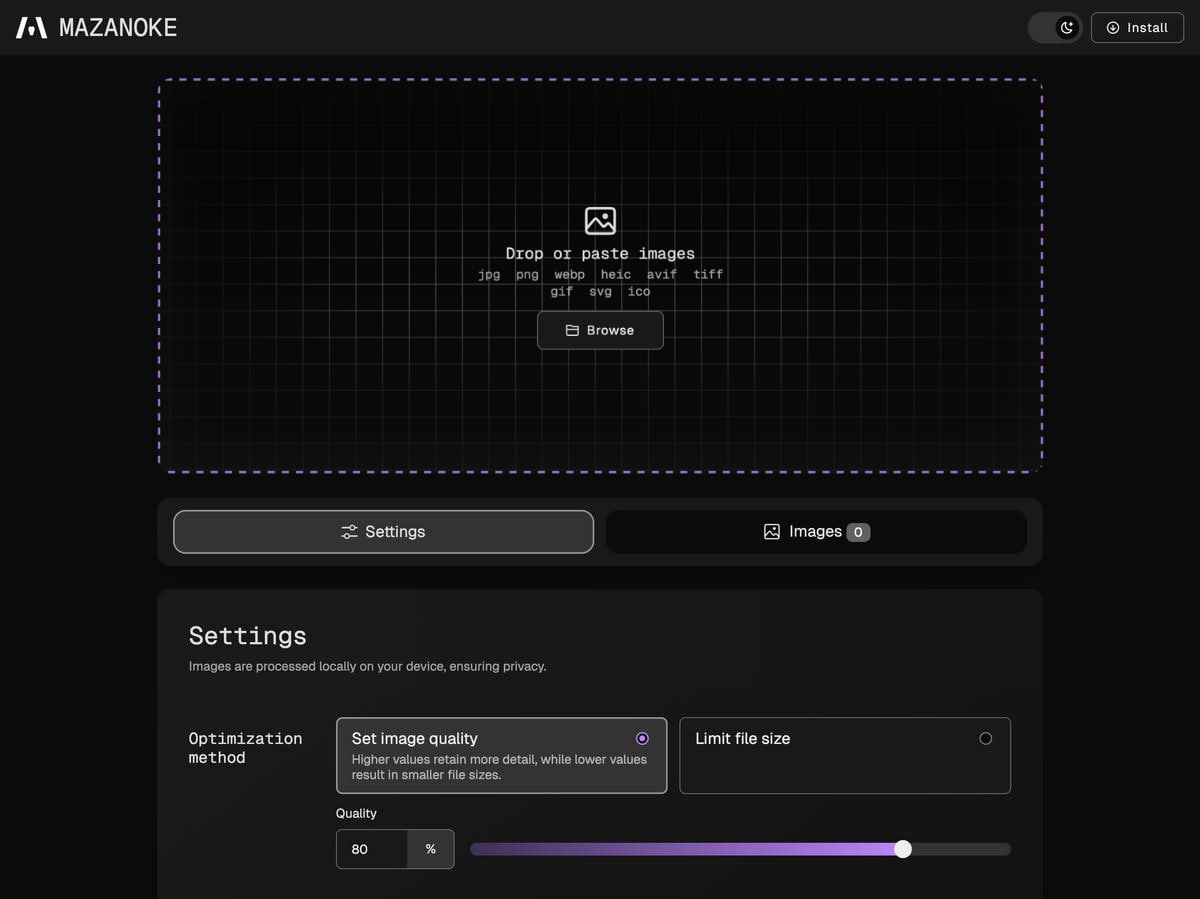 |
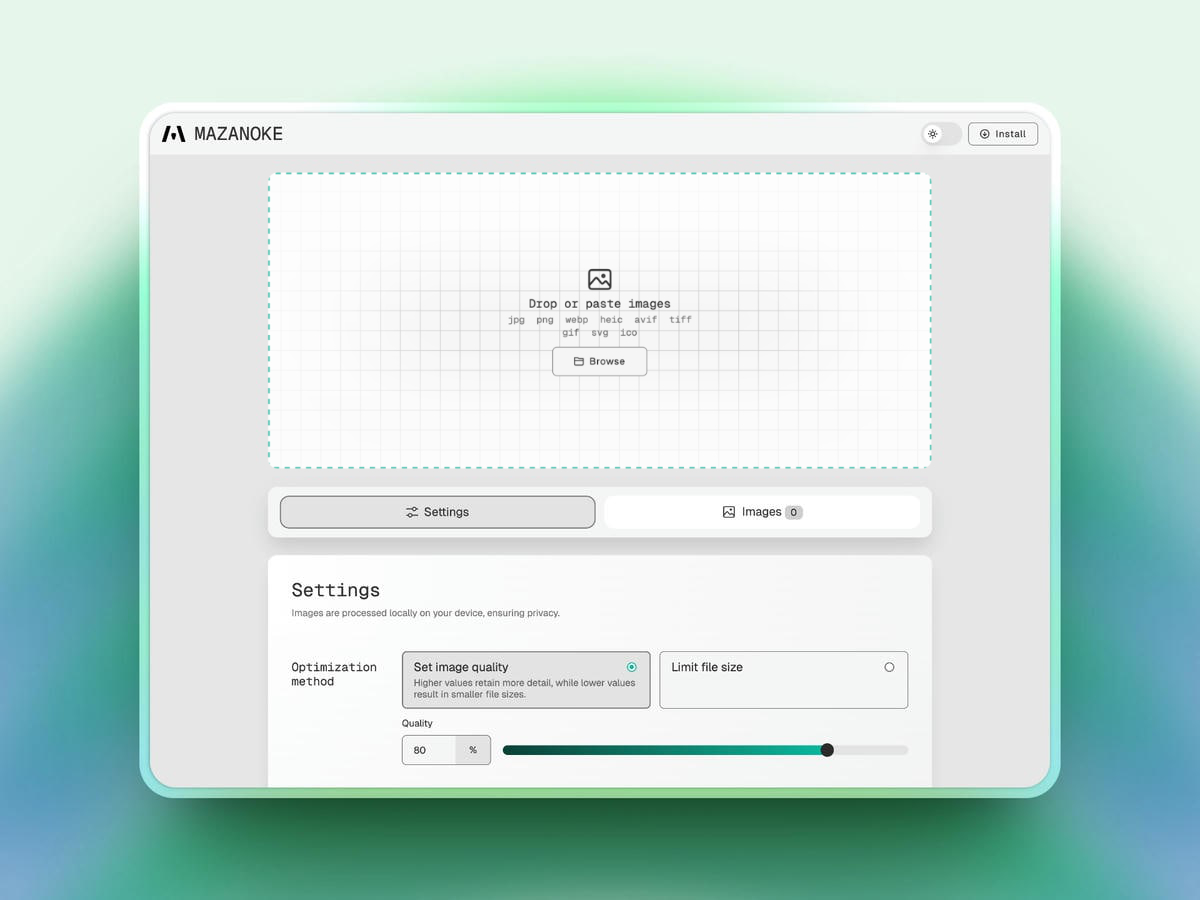
Light mode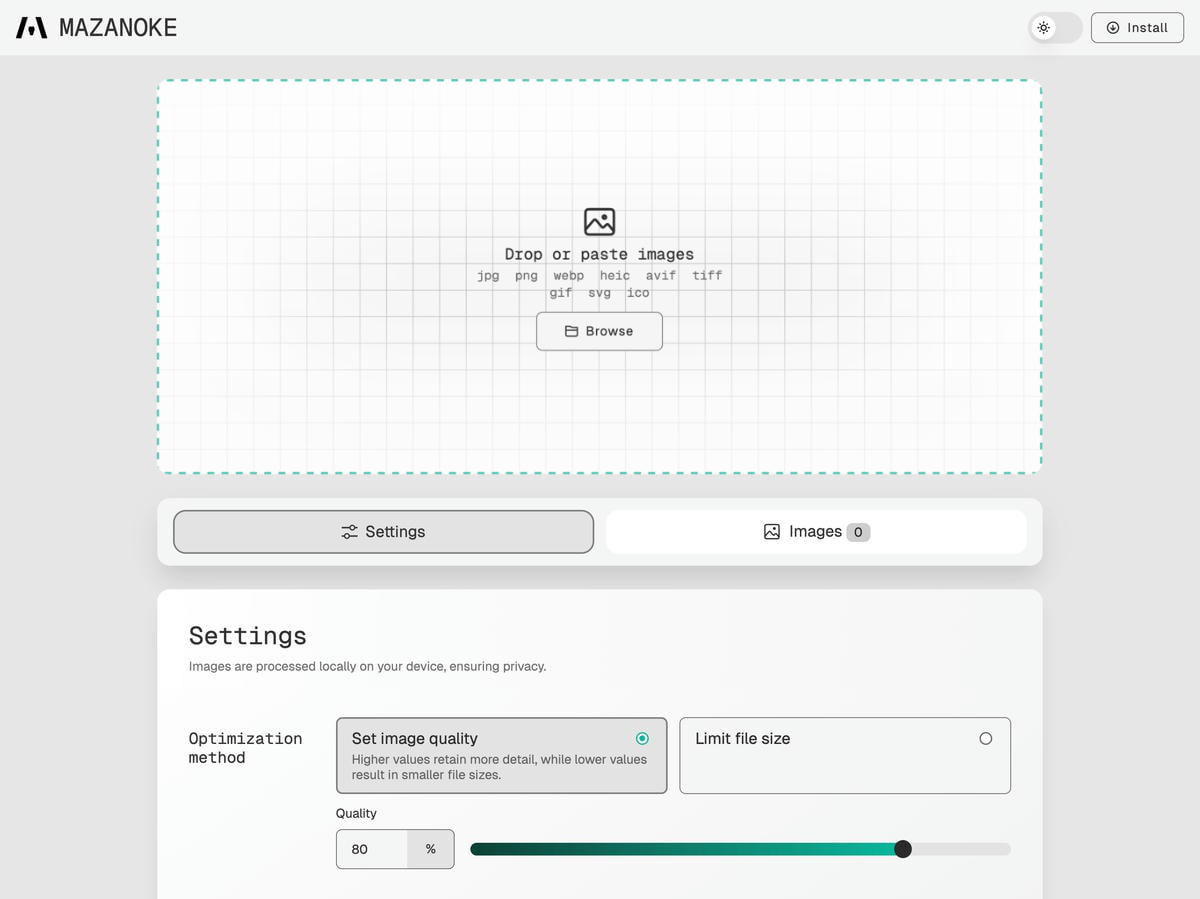 |
Settings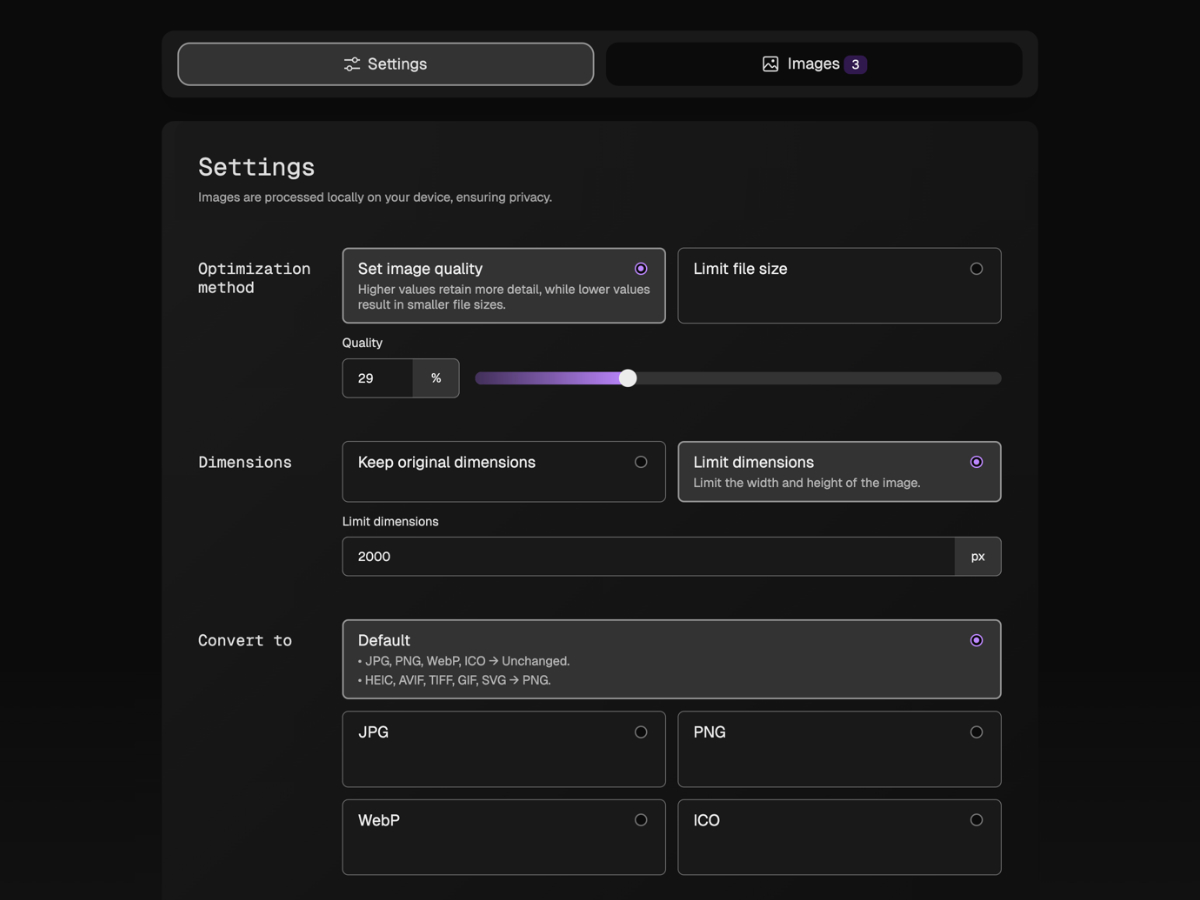 |
Download images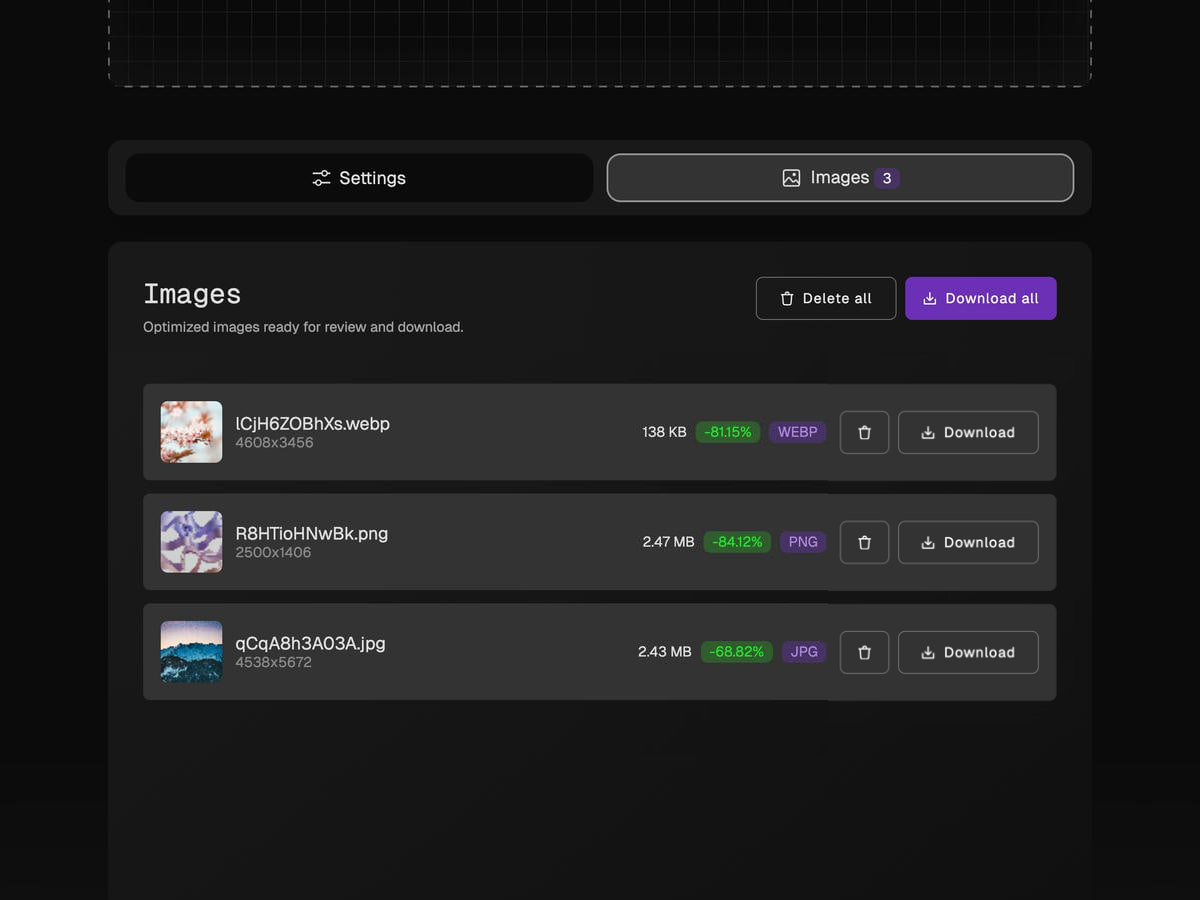 |
Attributions
License
Categories
Related apps
Explore more like this
Explore allDetails
Repository
ghcr.io/civilblur/mazanoke:latestLast Updated2026-10-16
First Seen2025-03-28
Runtime arguments
- Web UI
http://[IP]:[PORT:80]- Network
bridge- Shell
sh- Privileged
- false
Template configuration
Host PortPorttcp
- Target
- 80
- Default
- 3474
- Value
- 3474