
All apps · 0 apps

Materialious
Docker app from LubricantJam's Repository
Overview
Readme
View on GitHub
Materialious
Modern Material design for YouTube and Invidious.






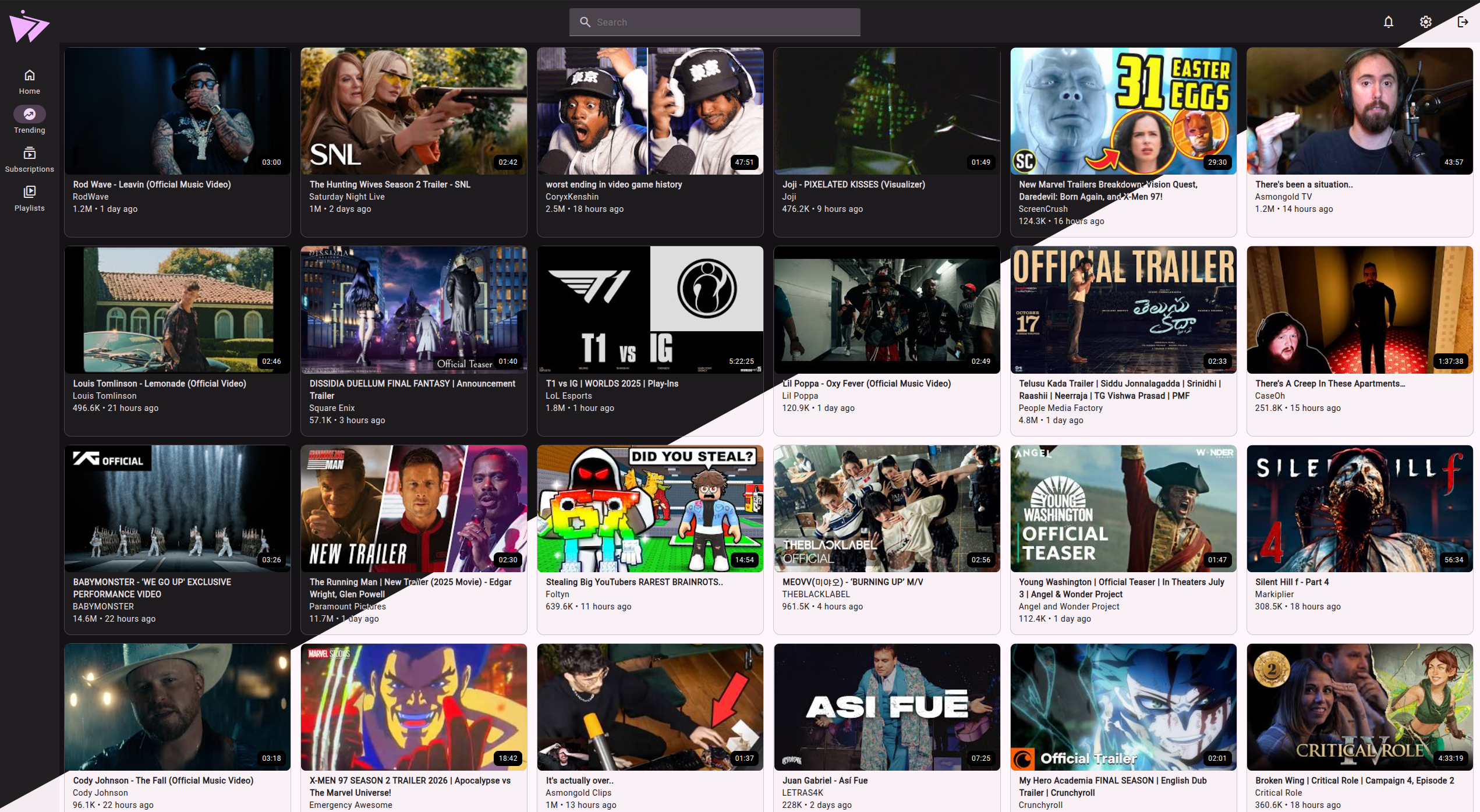
Table of Contents
- Features
- Docker deployment
- Legacy Docker deployment, Invidious only
- Installing as a app
- Translations
- Previews
- Have any questions?
- Special thanks to
- Contributing
- License
Features
- Accounts & Syncing
- Internal account system (optional).
- Subscriptions are end-to-end encrypted.
- History & watch progress syncing.
- Proof-of-work Captcha.
- Subscription importing/exporting, with automatic Invidious/Materialious import & export.
- Sync your watch progress between Invidious sessions.
- Internal account system (optional).
- Invidious & Subscriptions
- Invidious is optional.
- Enjoy Materialious without an Invidious instance via our YouTube backend.
- Local video fallback if Invidious fails loading videos.
- Invidious companion support.
- Integrates with Invidious subscriptions.
- Invidious is optional.
- Integrations
- SponsorBlock built-in.
- Return YouTube Dislike (RYD) built-in.
- DeArrow built-in.
- Player
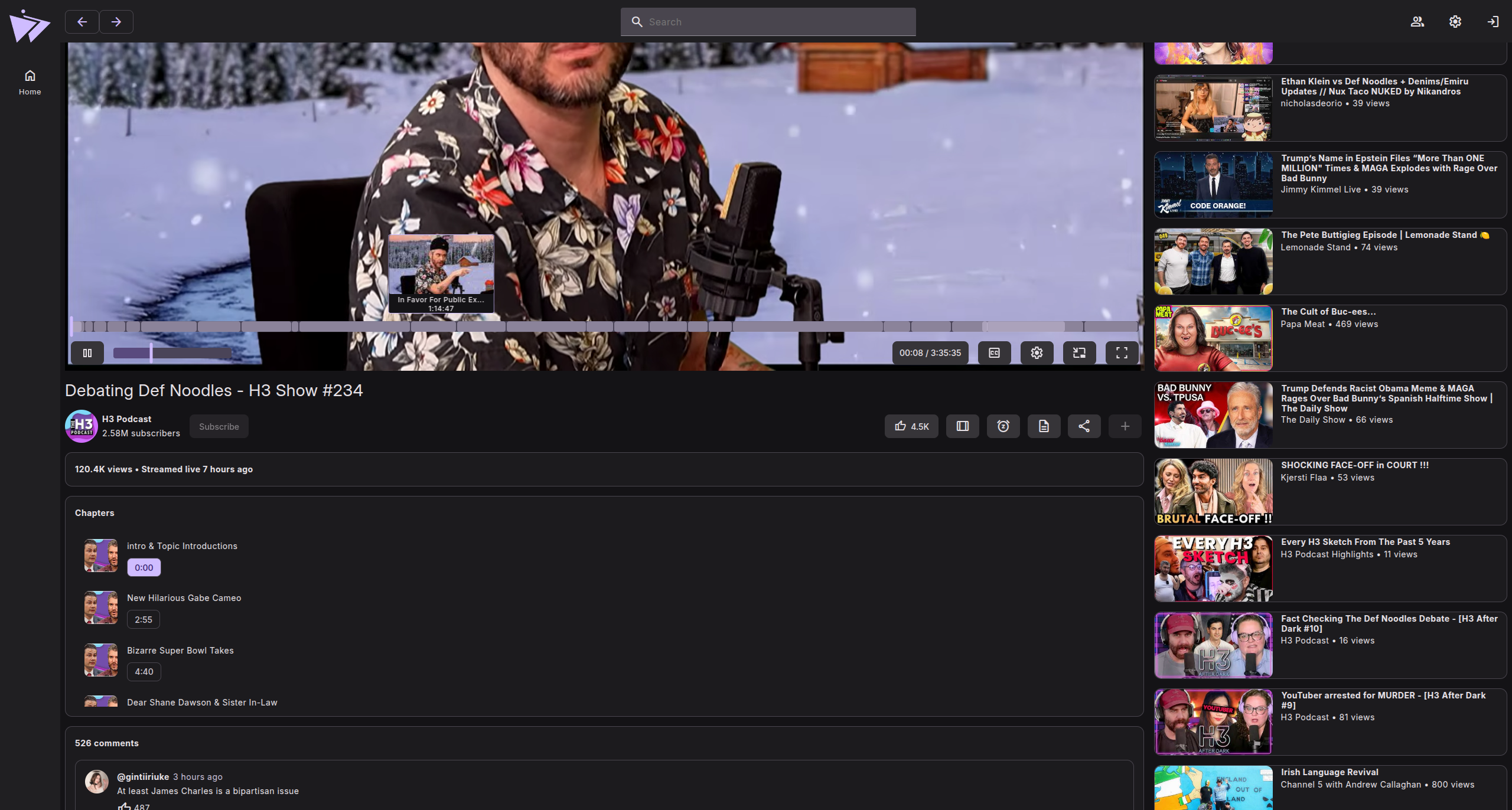
- Chapters.
- Mini player (PIP).
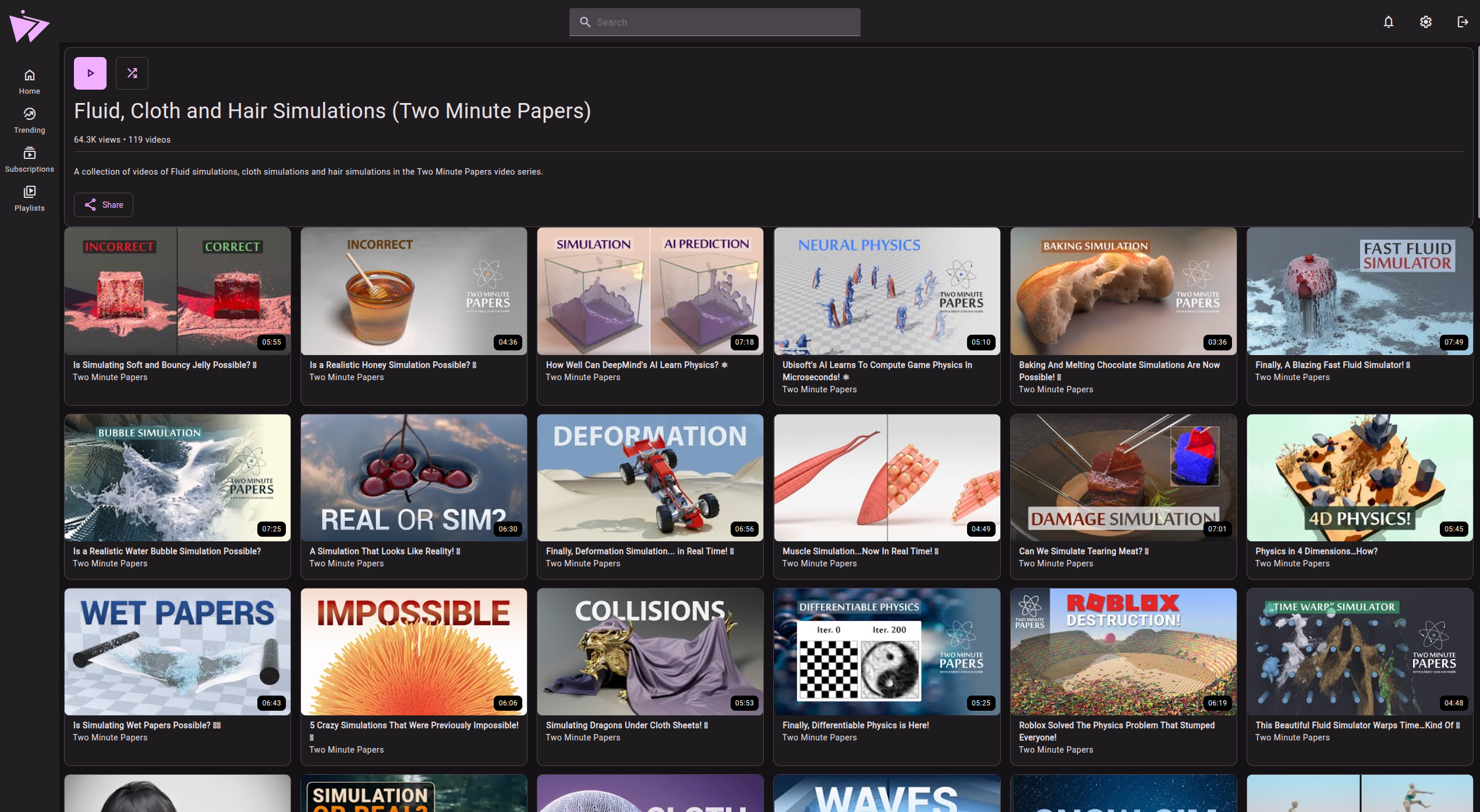
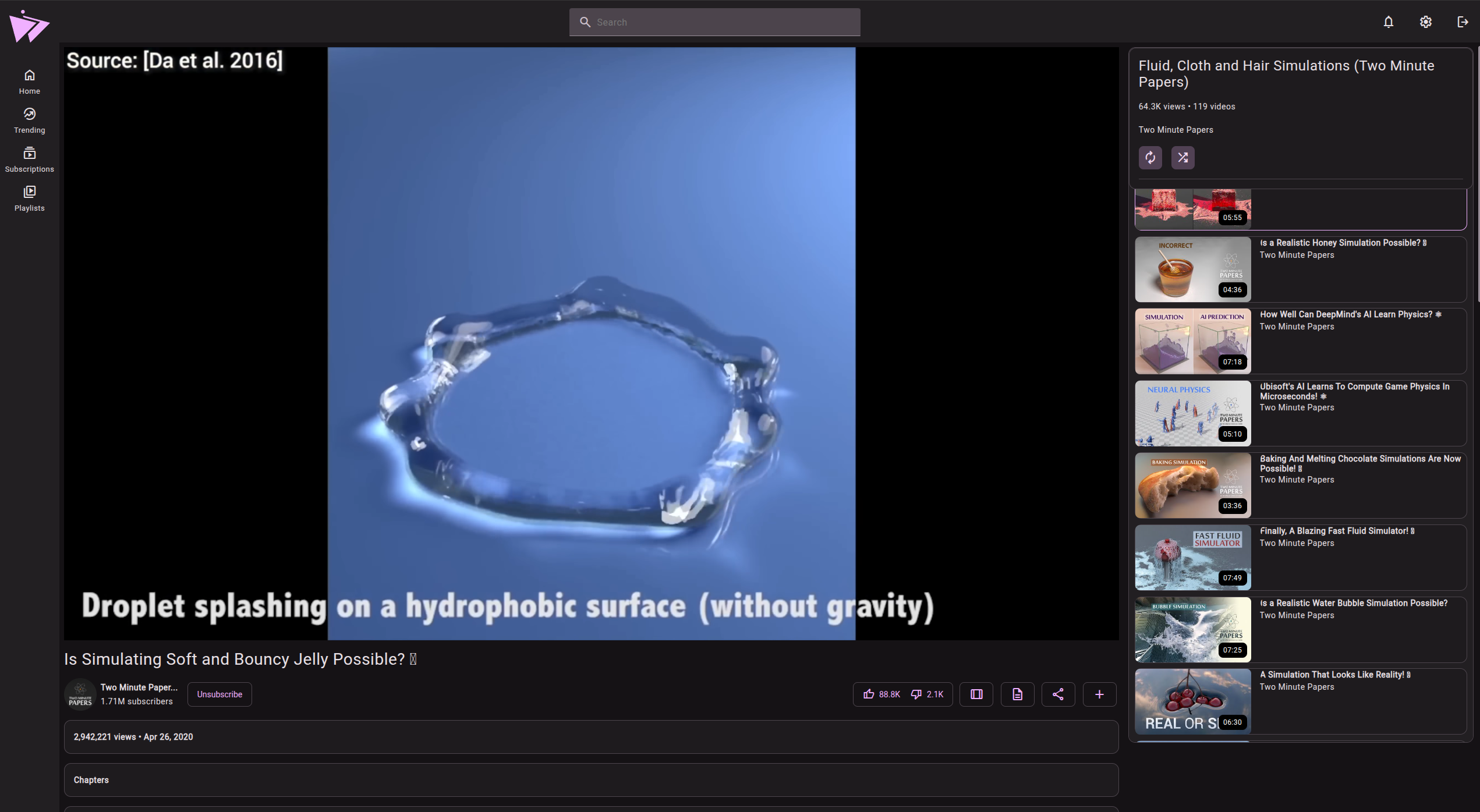
- Playlists.
- Platform & Privacy
- Android TV support.
- Support for disabling certificate validation for homelab users.
- No ads.
- No tracking.
- Light/Dark themes.
- Custom colour themes.
- PWA support.
- YT path redirects.
Docker deployment
This version of Materialious is feature rich, has its own account system (optional) & is easier to setup.
Legacy Docker deployment, Invidious only.
This version of Materialious is still fully supported, but is purely just a Invidious frontend without any fancy bells and whistles, this version is harder to deploy...
Installing as a app
| Platform | Package/Installation Method |
|---|---|
| Windows |

|
| MacOS (x64 & arm64) |

|
| Android |




|
| Android TV | For Android TV use APKUpdater. |
| Flatpak |

|
| AppImage |

|
| Debian/Ubuntu |

Then run: |
| Fedora/OpenSuse |

For Fedora: For OpenSuse: |
| Linux (tarball) |

|
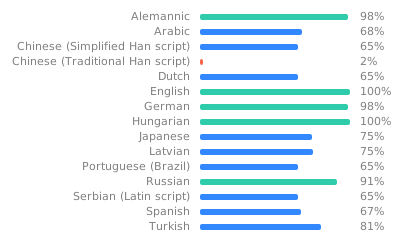
Translations
Help translate Materialious via Weblate!
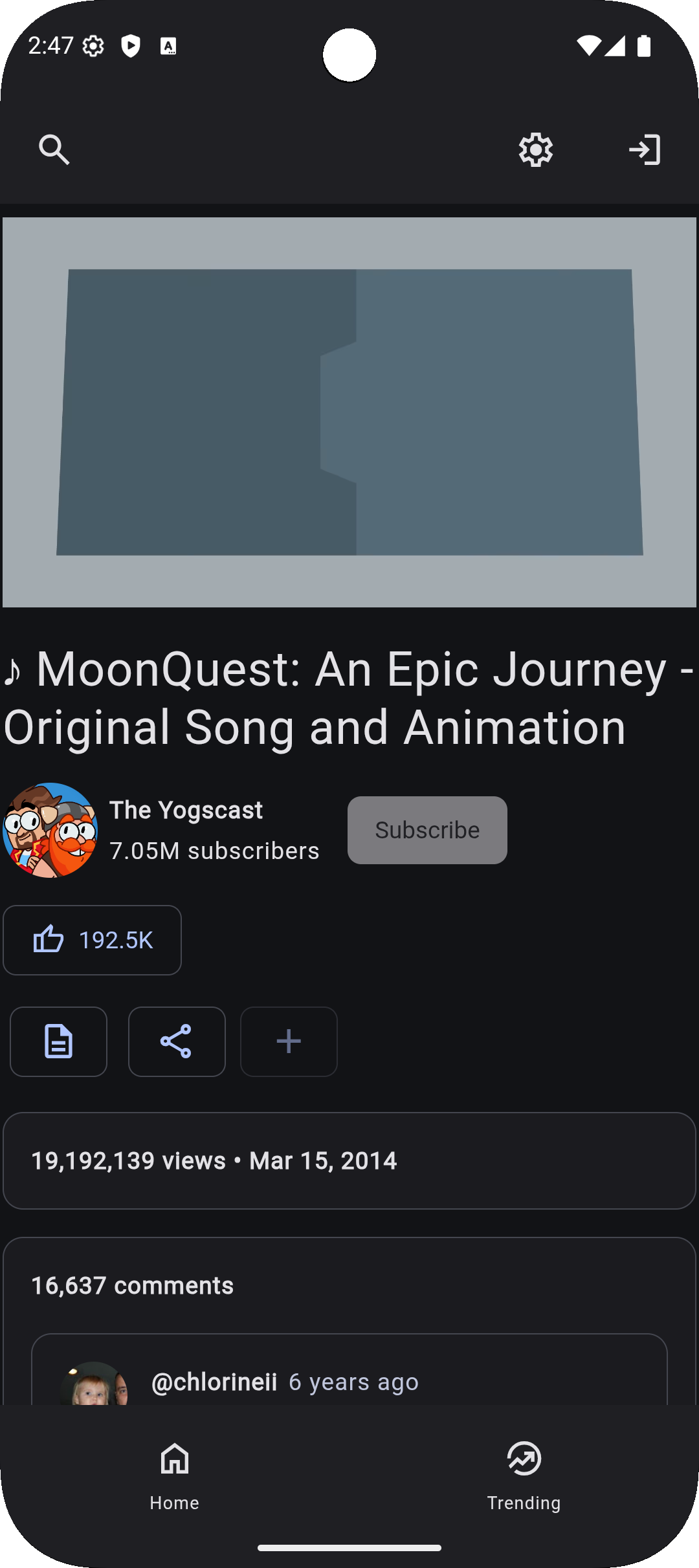
Previews
More screenshots
Mobile
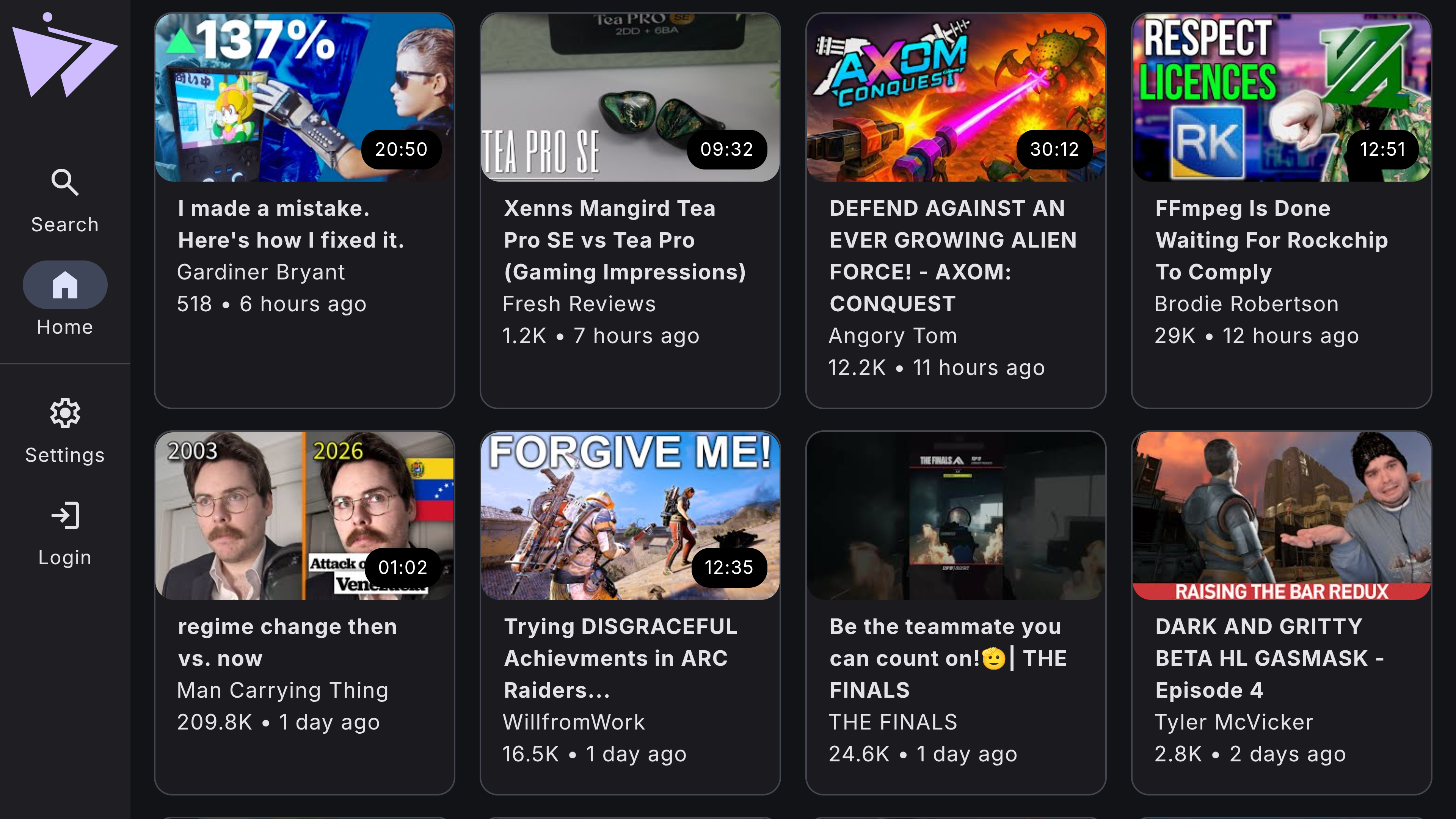
Android TV Home
Android TV Player
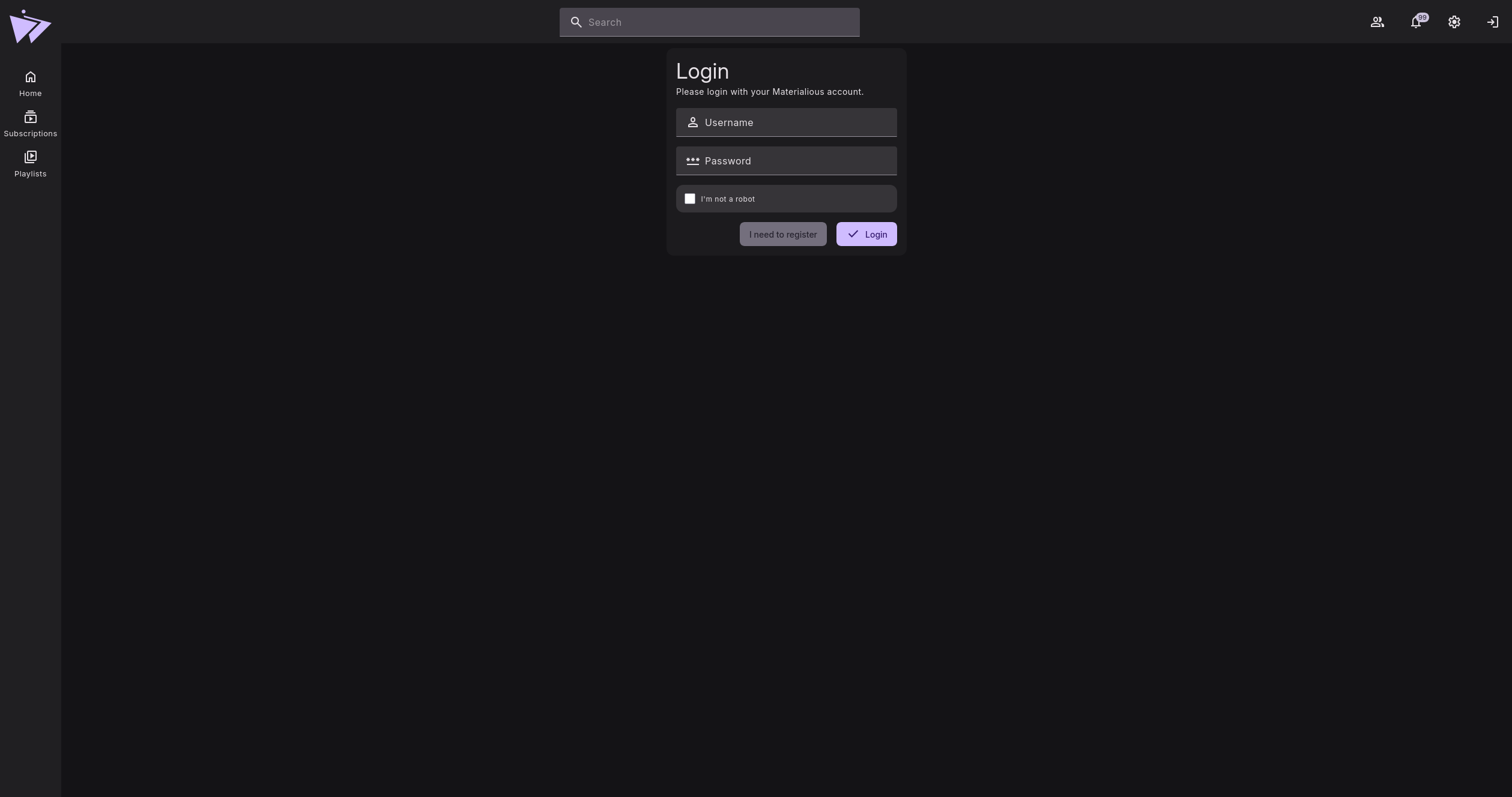
Login
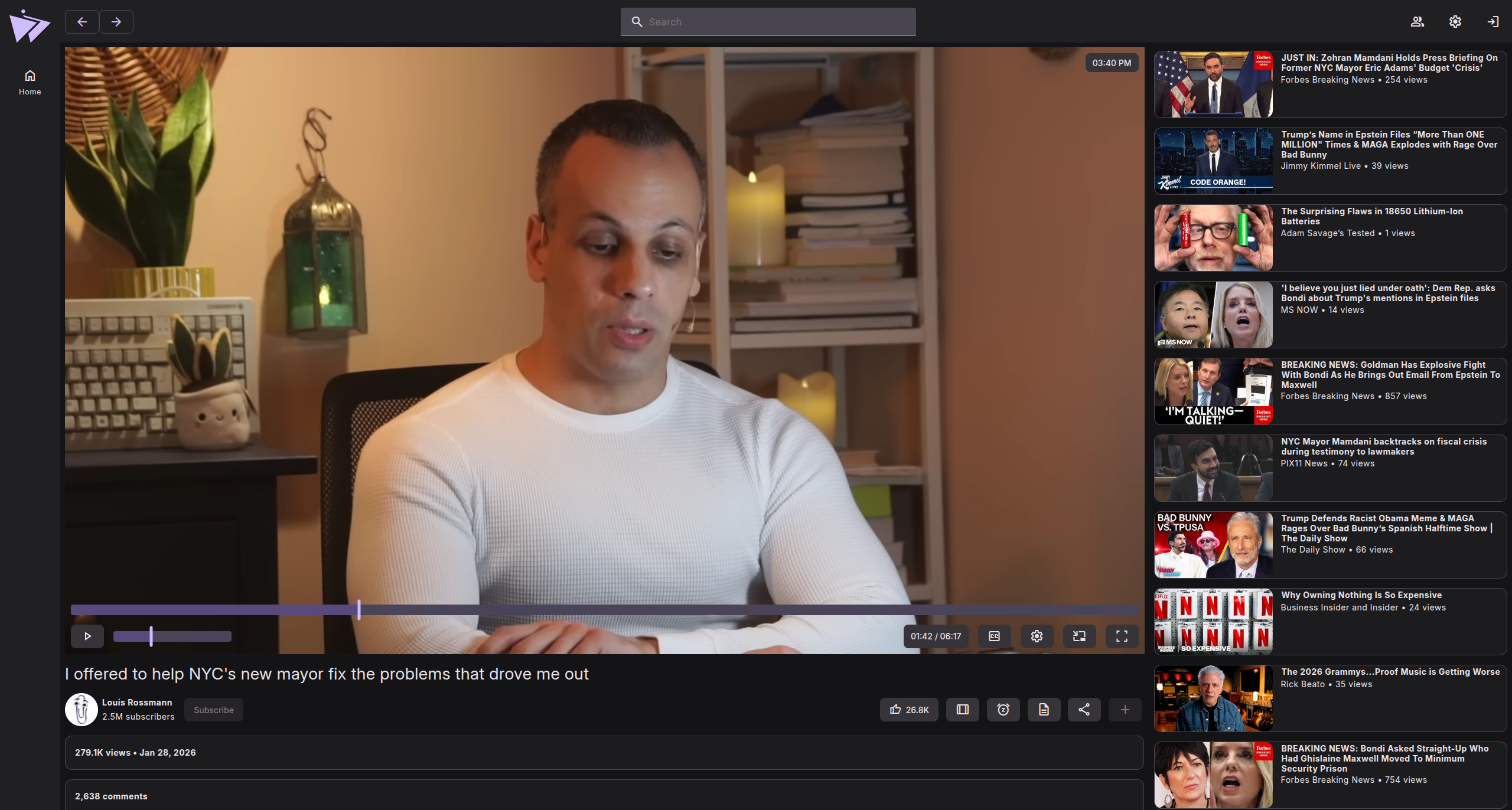
Player
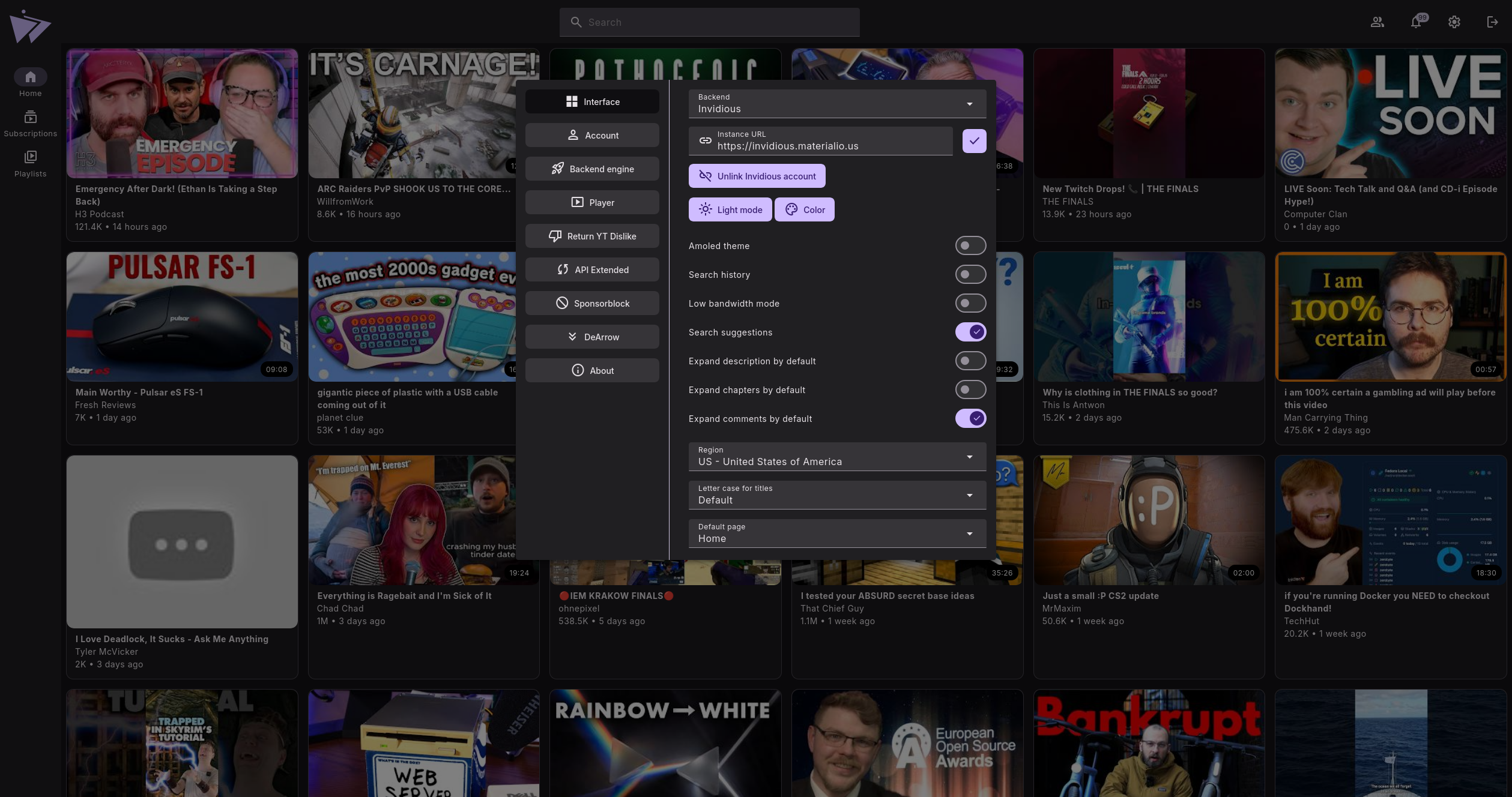
Settings
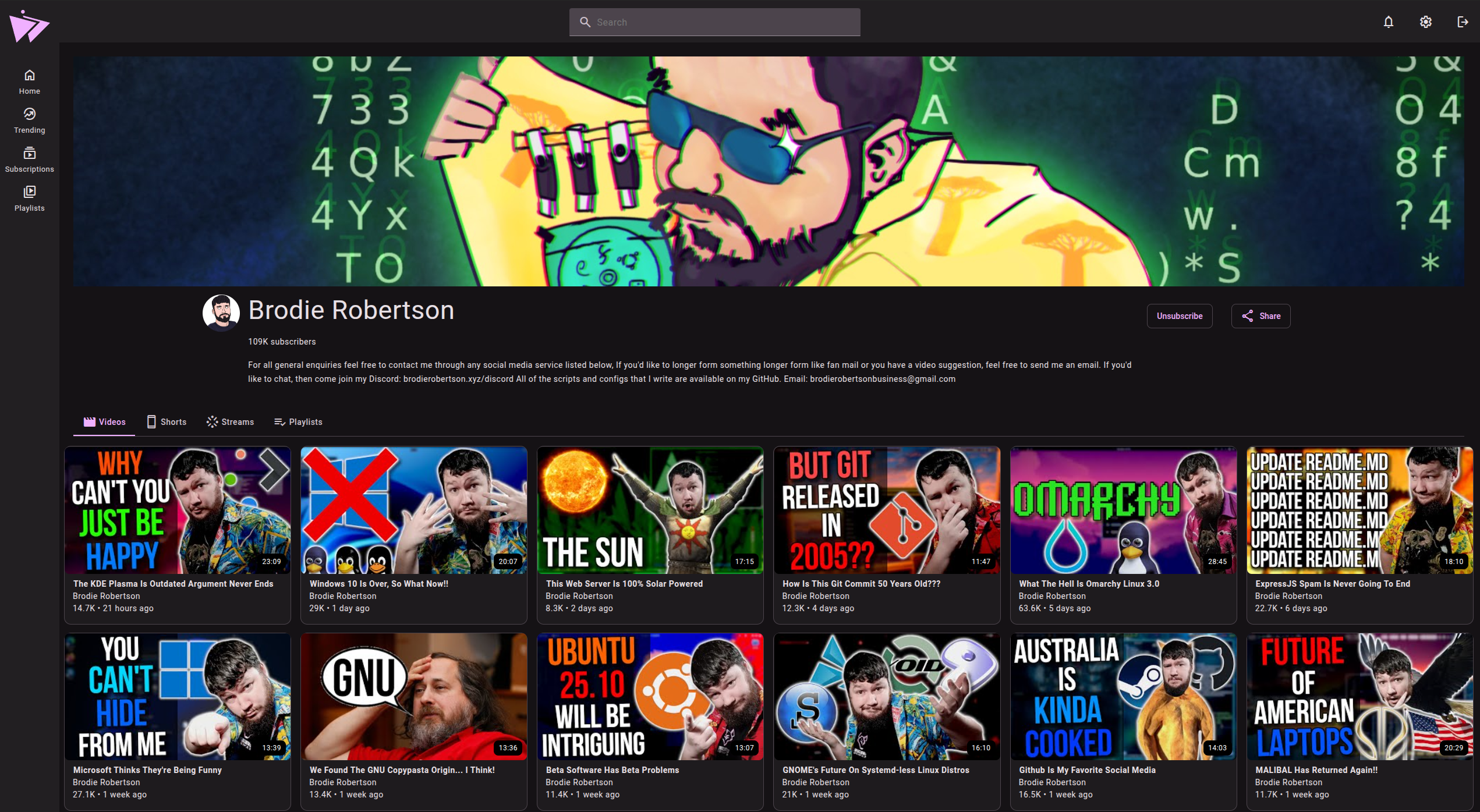
Channel
Chapters
Playlists
Have any questions?
Special thanks to
- SecularSteve for creating Materialious' logo.
- Invidious.
- Clipious for inspiration & references to undocumented Invidious routes.
- Beer CSS (Especially the YouTube template what was used as the base for Materialious.)
- LuanRT for YouTube.js & SABR implementation.
- FreeTube for their subtitle fix.
- spotube for using their README layout for local installation.
- Every dependency in package.json.
Contributing
Contributions are welcome! Please read the guidelines below before getting started.
License
Materialious is licensed under the GNU Affero General Public License v3.0 (AGPL-3.0).
Requirements
For security reasons regarding CORS, your hosted instance of Materialious must serve as the value for the Access-Control-Allow-Origin header on Invidious.
Invidious doesn't provide a simple way to modify CORS, so this must be done with your reverse proxy.
Please see the documentation on further information on how to do this if you are unsure.
https://materialio.us/
Download Statistics
Total Downloads Over Time
Related apps
Explore more like this
Explore allDetails
wardpearce/materialious:latestRuntime arguments
- Web UI
http://[IP]:[PORT:80]- Network
bridge- Shell
bash- Privileged
- false
Template configuration
- Target
- 80
- Default
- 3001
- Value
- 3001
Specify the URL to your proxied Invidious Instance. Do not include a trailing backslash as this will cause issues.
- Target
- VITE_DEFAULT_INVIDIOUS_INSTANCE
- Default
- https://invidious.materialio.us
- Value
- https://invidious.materialio.us
Leave blank or delete this variable to disable.
- Target
- VITE_DEFAULT_RETURNYTDISLIKES_INSTANCE
- Value
- https://returnyoutubedislikeapi.com
Leave blank or delete this variable to disable.
- Target
- VITE_DEFAULT_SPONSERBLOCK_INSTANCE
- Value
- https://sponsor.ajay.app
Specify the URL to your DeArrow Instance.
- Target
- VITE_DEFAULT_DEARROW_INSTANCE
- Default
- https://sponsor.ajay.app
- Value
- https://sponsor.ajay.app
Specify the URL to your DeArrow Thumbnail Instance.
- Target
- VITE_DEFAULT_DEARROW_THUMBNAIL_INSTANCE
- Default
- https://dearrow-thumb.ajay.app
- Value
- https://dearrow-thumb.ajay.app
Set your default overrides for Materialous. Refer to the documentation for a list of all configurable options.
- Target
- VITE_DEFAULT_SETTINGS
- Value
- {"themeColor": "#2596be"}