
All apps · 0 apps
macreplayv2
Docker app from T4s3rF4c3's Repository
Overview
Readme
View on GitHubMacReplayV2
MacReplayV2 is a lightweight IPTV portal proxy packaged for Docker on Unraid. This repository exists purely as a test sandbox, so expect limited polish and no formal support.
This codebase is an adaptation/extension of the original Evilvir-us/MacReplay project. All credit for the foundational work goes to the original author; this fork simply layers on adjustments, updates, and experimental features.
MacReplay is an improved version of STB-Proxy, designed for seamless connectivity between MAC address portals and media platforms like Plex / JellyFin or M3U-based software.
Snapshot
- Multi-portal management with MAC rotation and basic EPG ingestion
- Channel editor with duplicate cleanup, fallback chains, and quick filters
- Single web UI on port
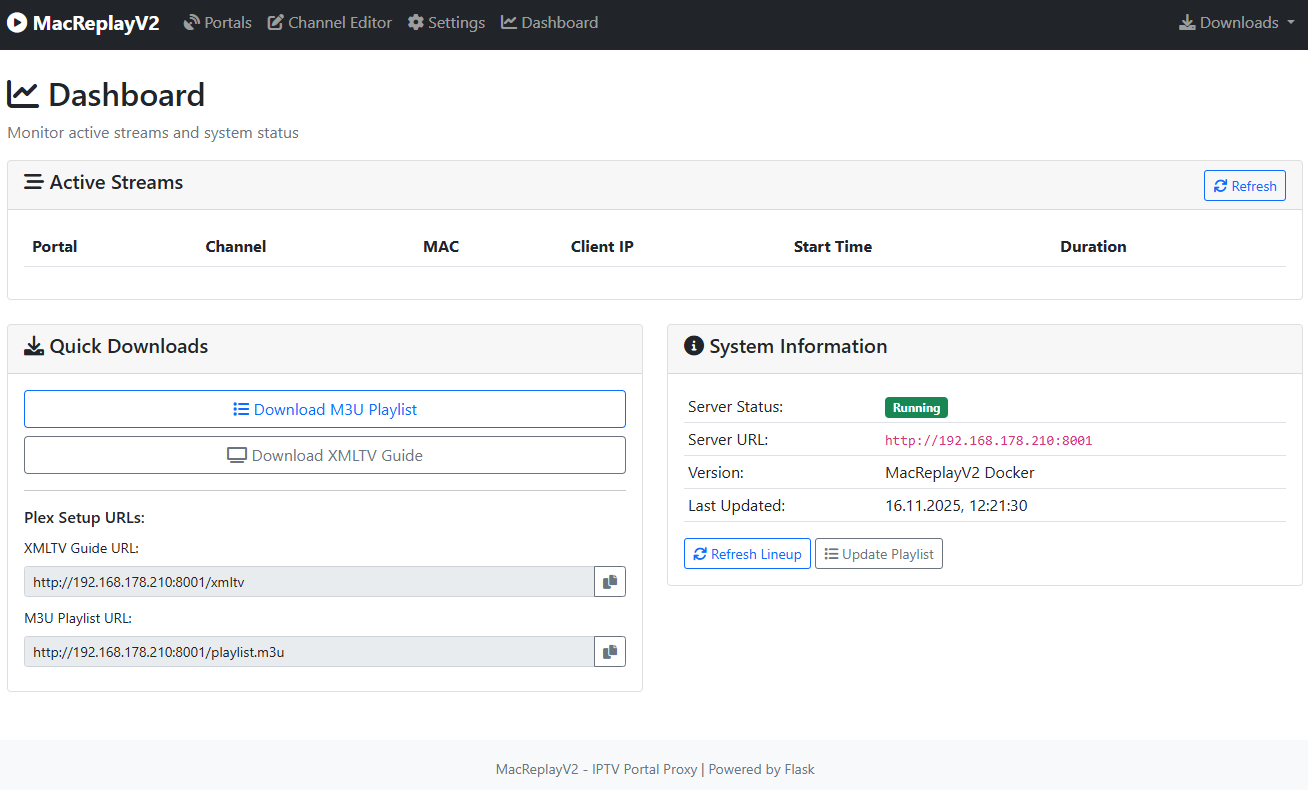
8001that exposes dashboard, portals, editor, and settings views - Generates M3U and XMLTV outputs for Plex or any M3U-compatible player
Quick Start on Unraid
Manual Template Installation
- Download the
my-macreplayv2.xmltemplate file from this repository. - Copy it to your Unraid server at:
/boot/config/plugins/dockerMan/templates-user/ - In Unraid WebUI, navigate to APPS → Previous Apps → search for "MacReplayV2"
- Select the Container and click Actions → Reinstall to create the container.
- Wait for the container to start, then open
http://YOUR-UNRAID-IP:8001in your browser.
First Steps
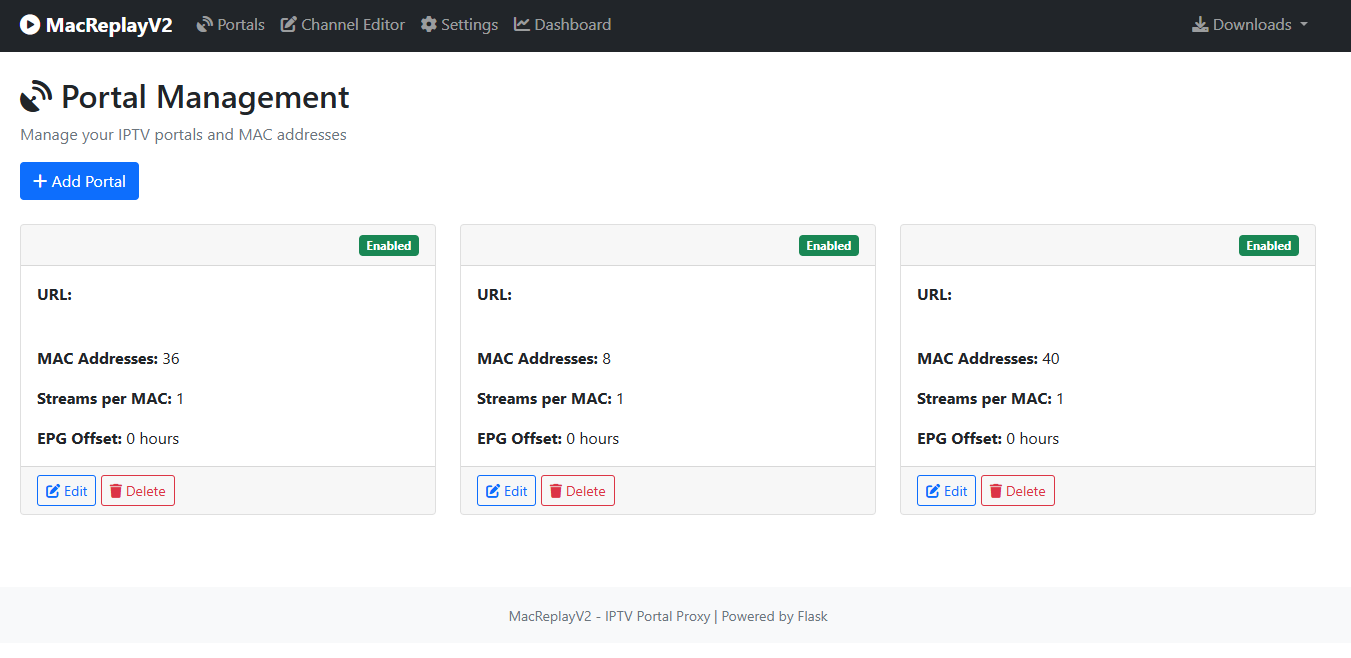
- Navigate to the Portals tab and add your IPTV provider endpoint.
- Supply one or more MAC addresses (or leave for auto-detection).
- Click Test to verify connectivity.
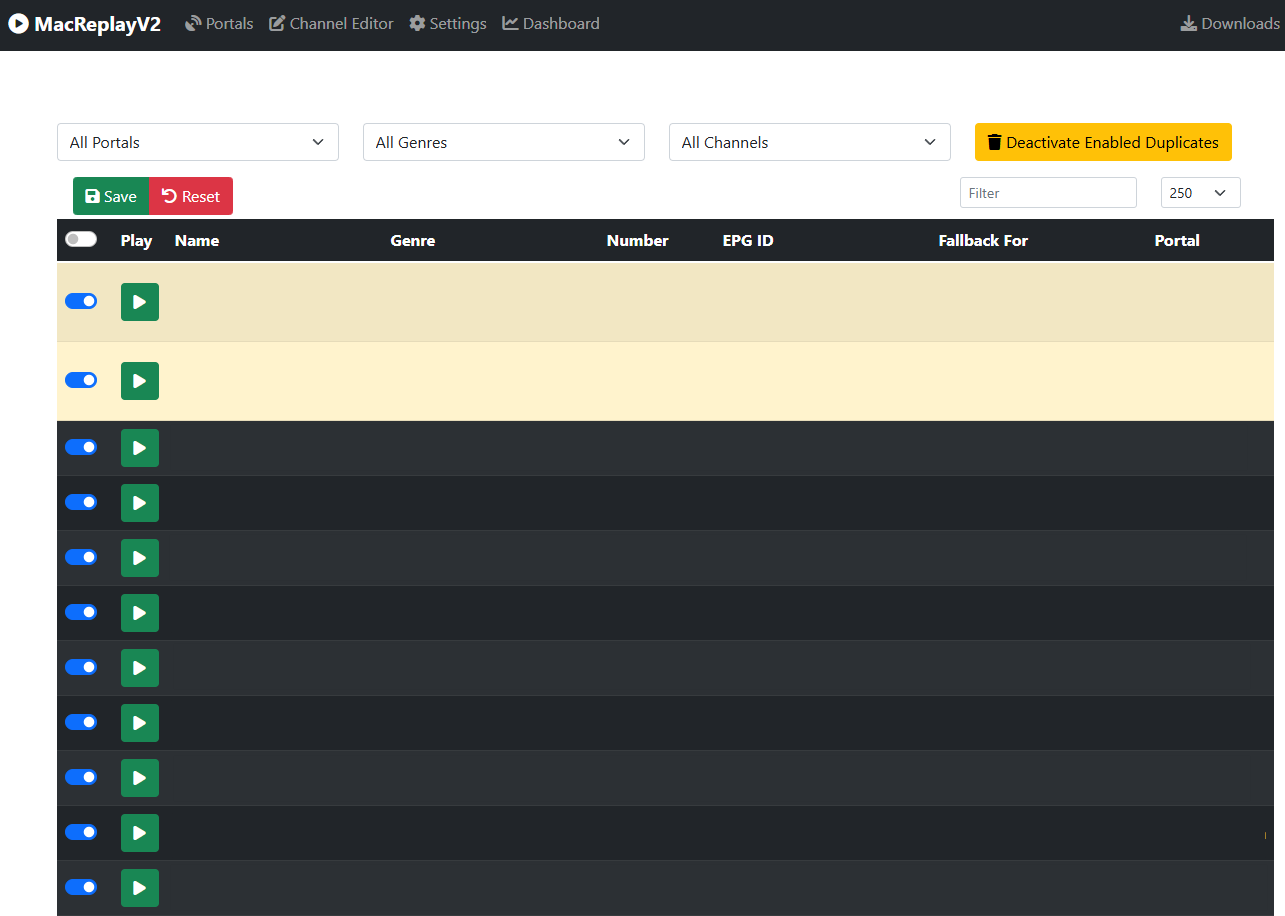
- Visit the Channel Editor to manage, filter, and enable/disable streams.
- Use the Downloads menu to grab the M3U and XMLTV outputs for your media player.
Minimal Configuration
| Setting | Value | Notes |
|---|---|---|
| Ports | 8001/tcp |
Web dashboard + API |
| Volumes | /mnt/user/appdata/macreplayv2/data:/app/data/mnt/user/appdata/macreplayv2/logs:/app/logs |
Persist config and logs |
| Env Vars | PUID=99, PGID=100, TZ=Europe/Berlin (adjust as needed) |
Match your Unraid user/group |
| XMLTV refresh | 4-hour background loop (override via EPG_REFRESH_INTERVAL_HOURS) |
Keeps Jellyfin guides up to date |
Daily Use
- Portals tab – add the IPTV endpoint, supply one or more MAC addresses, and verify connectivity.
- Editor tab – filter channels, toggle enablement, and define fallback lists.
- Integrations – consume
http://YOUR-IP:8001/playlist.m3u8for streams andhttp://YOUR-IP:8001/epg.xmlfor guide data.
Maintenance Cheatsheet
# Tail logs
docker logs macreplayv2 -f

# Update test container
cd /mnt/user/appdata/macreplayv2
docker-compose -f docker-compose-unraid.yml down
git pull
docker-compose -f docker-compose-unraid.yml up -d --build

# Reset configuration
docker stop macreplayv2
rm /mnt/user/appdata/macreplayv2/data/MacReplayV2.json
docker start macreplayv2
Screenshots
Showcase your MacReplayV2 setup by adding screenshots here:
Dashboard
Portals Management
Channel Editor
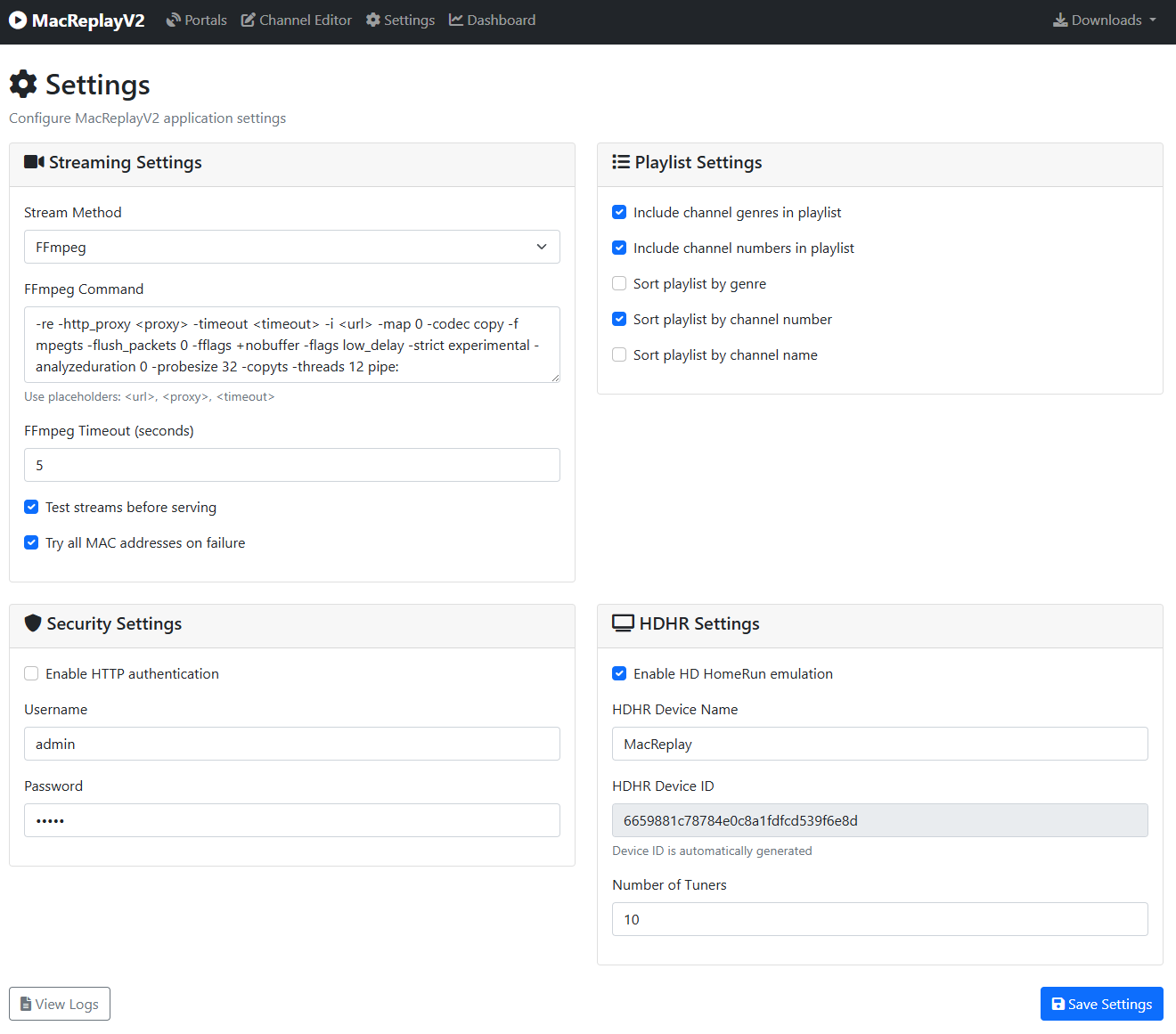
Settings
Status
Experimental test project. Use at your own risk and do not rely on it.
License
This project is licensed under the MIT License – see the LICENSE file for details.
This codebase builds upon the original work from:
All credit for foundational contributions goes to the original authors.
Categories
Related apps
Explore more like this
Explore allDetails
ghcr.io/t4s3rf4c3/macreplay_v2:latestRuntime arguments
- Web UI
http://[IP]:[PORT:8001]- Network
bridge- Shell
bash- Privileged
- false
- Extra Params
--restart=unless-stopped
Template configuration
Web interface port
- Target
- 8001
- Default
- 8001
- Value
- 8001
Application data directory
- Target
- /app/data
- Default
- /mnt/user/appdata/macreplayv2/data
- Value
- /mnt/user/appdata/macreplayv2/data
Application logs directory
- Target
- /app/logs
- Default
- /mnt/user/appdata/macreplayv2/logs
- Value
- /mnt/user/appdata/macreplayv2/logs
User ID (99 = nobody)
- Default
- 99
- Value
- 99
Group ID (100 = users)
- Default
- 100
- Value
- 100
Timezone
- Target
- TZ
- Default
- Europe/Berlin
- Value
- Europe/Berlin
Python unbuffered output
- Target
- PYTHONUNBUFFERED
- Default
- 1
- Value
- 1