
All apps · 0 apps

LRCGET
Docker app from crywolf203's Repository
Overview
Readme
View on GitHubLRCGET
Utility for mass-downloading LRC synced lyrics for your offline music library.
LRCGET will scan every files in your chosen directory for music files, then and try to download lyrics to a LRC files having the same name and save them to the same directory as your music files.
LRCGET is the official client of LRCLIB service.
Download
🎉 Latest version: v2.2.0
Visit the release page to download.
Windows
EXE installer (recommended): LRCGET_2.2.0_x64-setup.exe
MSI installer: LRCGET_2.2.0_x64_en-US.msi
Linux
Flatpak build (recommended, for most Linux distros):
Deb packages (for Ubuntu 24.04+ and Linux Mint 22+): LRCGET_2.2.0_amd64.deb
RPM packages (for Fedora, openSUSE, etc.): LRCGET-2.2.0-1.x86_64.rpm
AppImage (for most Linux distros): LRCGET_2.2.0_amd64.AppImage
macOS
Mac x64 (Intel): LRCGET_2.2.0_x64.dmg
Mac Apple Silicon: LRCGET_2.2.0_aarch64.dmg
Screenshots
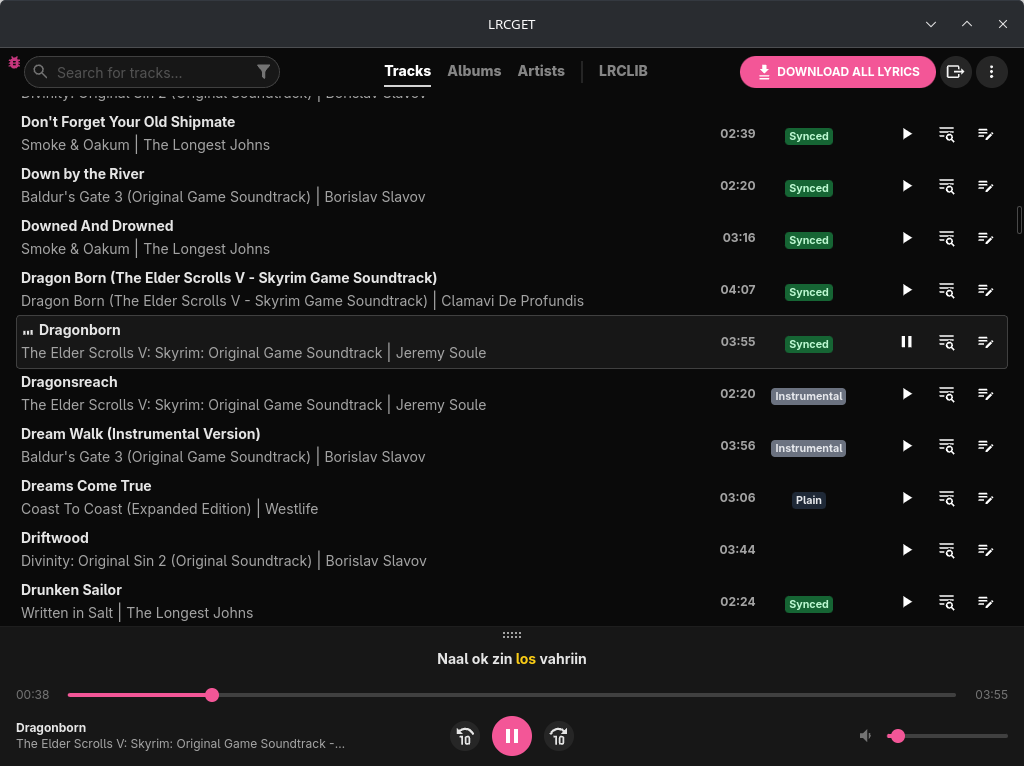
Click to expand more screenshots
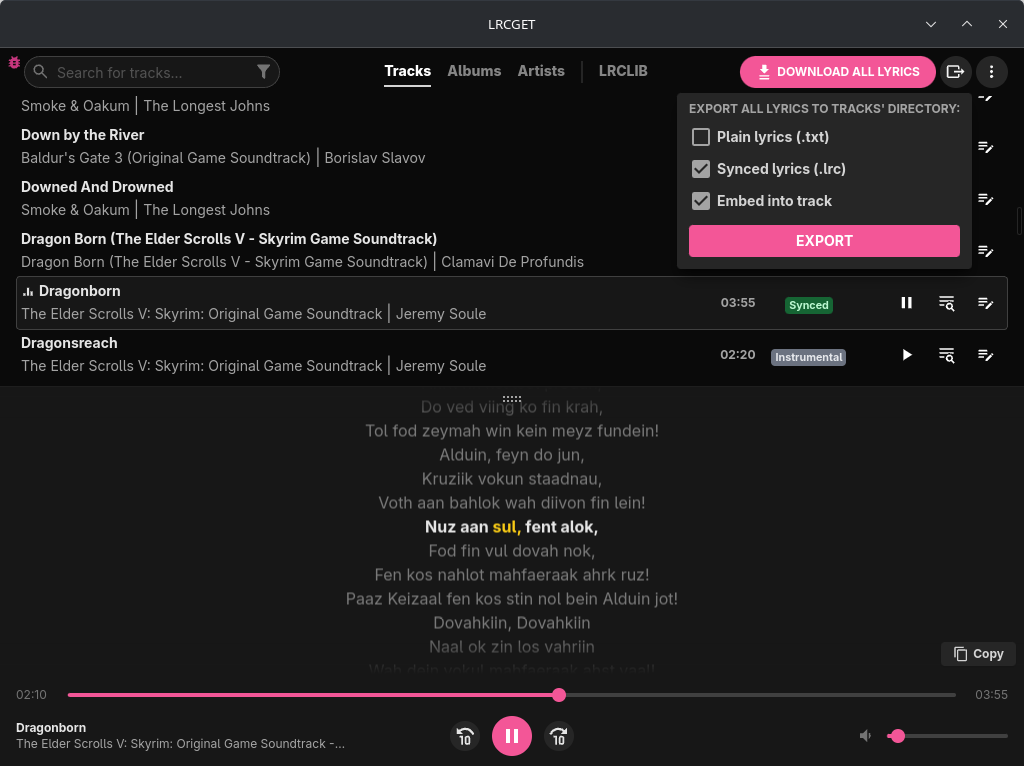
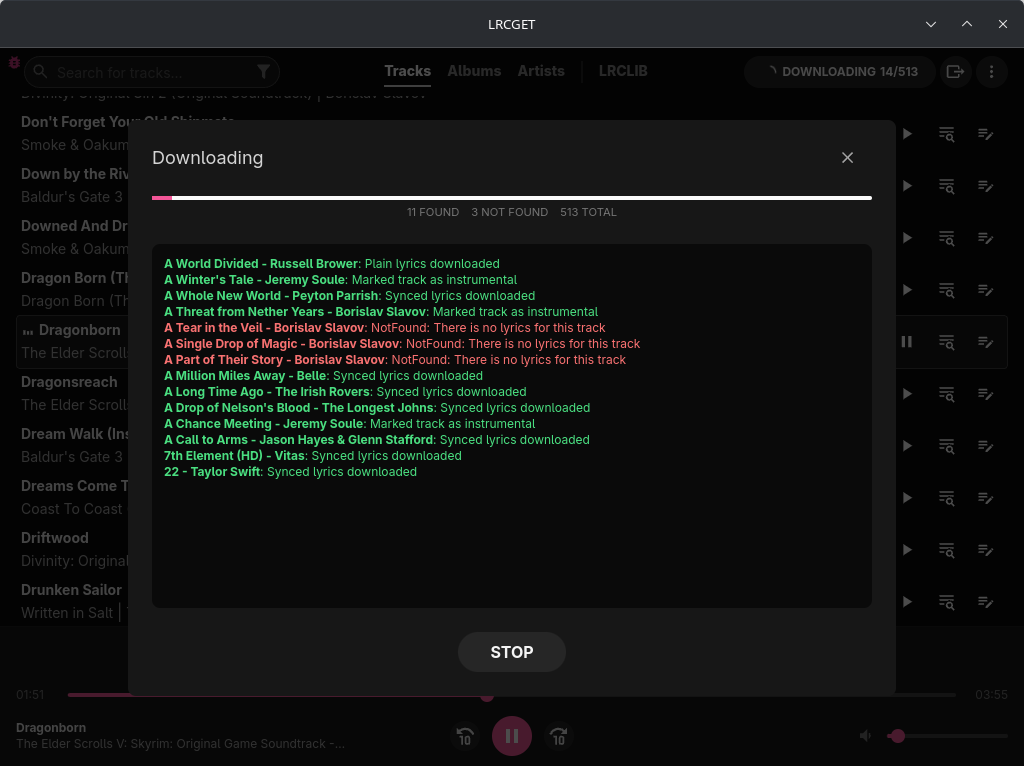
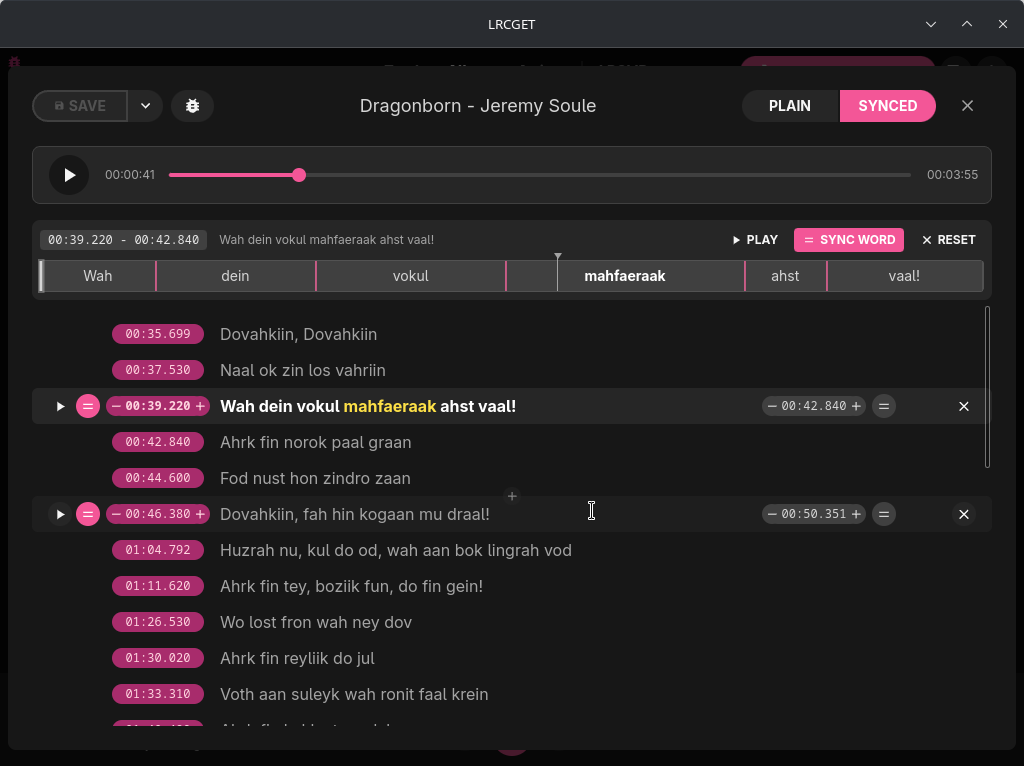
Donation
Toss a coin to your developer?
GitHub Sponsors (Recommended - 100% of your support goes to the developer):
https://github.com/sponsors/tranxuanthang
Buy Me a Coffee:
https://www.buymeacoffee.com/thangtran
Paypal:
https://paypal.me/tranxuanthang98
Monero (XMR):
43ZN5qDdGQhPGthFnngD8rjCHYLsEFBcyJjDC1GPZzVxWSfT8R48QCLNGyy6Z9LvatF5j8kSgv23DgJpixJg8bnmMnKm3b7
Litecoin (LTC):
ltc1q7texq5qsp59gclqlwf6asrqmhm98gruvz94a48
Troubleshooting
Audio cannot be played in Linux (Ubuntu and other distros)
Try to install pipewire-alsa package. For example, in Ubuntu or Debian-based distros:
sudo apt install pipewire-alsa
App won't open in Windows 10/11
If you are using Windows 10 LTSC, or have tried running some scripts to debloat Windows 10 (which will uninstall Microsoft Edge and its webview component), you might have issues as LRCGET depends on WebView2. Reinstalling Microsoft Edge might fix the problem (see issue https://github.com/tranxuanthang/lrcget/issues/45).
Scrollbar is invisible in Linux (KDE Plasma 5/6)
The exact cause is still unknown, but it can be fixed by going to System Settings > Appearance > Global Theme > Application Style > Configure GNOME/GTK Application Style... > Change to something other than breeze (Awaita or Default) > Apply (see comment https://github.com/tranxuanthang/lrcget/issues/44#issuecomment-1962998268)
Contact
If you prefer to contact by email:
Development
LRCGET is made with Tauri.
To start developing the application, you need to do the prerequisites steps according to your operating system.
For example, you need the following components to start the development in Windows:
- Microsoft Visual Studio C++ Build Tools
- Rust 1.81.0 or higher
- NodeJS v16.18.0 or higher
Start the development window with the following command:
cd lrcget
npm install
npm run tauri dev
Building
Start the build process with the following command:
cd lrcget
npm install
npm run tauri build
Your built binaries are located at:
./src-tauri/target/release/
For more detailed instruction, follow the building guide to build the application according to your OS platform.
Categories
Related apps
Explore more like this
Explore allDetails
ghcr.io/crywolf203/lrcget-unraid:latestRuntime arguments
- Web UI
http://[IP]:[PORT:5800]- Network
bridge- Shell
bash- Privileged
- false
- Extra Params
--shm-size=8g --cap-add=SYS_NICE --tmpfs /tmp:rw,size=8g
Template configuration
Browser GUI port for LRCGET.
- Target
- 5800
- Default
- 5800
- Value
- 5800
Persistent LRCGET config and database.
- Target
- /config
- Default
- /mnt/user/appdata/lrcget
- Value
- /mnt/user/appdata/lrcget
Music library folder. Change this to your actual Unraid music path.
- Target
- /music
- Default
- /mnt/user/media/music
- Value
- /mnt/user/media/music
Container user ID. 99 is the default Unraid nobody user.
- Default
- 99
- Value
- 99
Container group ID. 100 is the default Unraid users group.
- Default
- 100
- Value
- 100
File permission mask.
- Default
- 000
- Value
- 000
Timezone.
- Default
- America/New_York
- Value
- America/New_York
Keep the GUI app running.
- Default
- 1
- Value
- 1
Enable browser-based audio streaming from the container WebUI. Audio works through port 5800, not VNC.
- Default
- 1
- Value
- 1
Browser GUI display width.
- Default
- 1920
- Value
- 1920
Browser GUI display height.
- Default
- 1080
- Value
- 1080
Enable CJK fonts.
- Default
- 1
- Value
- 1
Process niceness. Negative values require SYS_NICE capability, which is included in Extra Parameters.
- Default
- -10
- Value
- -10
GTK backend. Required for the browser GUI container.
- Default
- x11
- Value
- x11
Use software rendering to avoid black screen issues.
- Default
- 1
- Value
- 1
Disable WebKit DMABUF renderer to avoid black screen issues.
- Default
- 1
- Value
- 1
Disable WebKit compositing mode to avoid black screen issues.
- Default
- 1
- Value
- 1
Disable accessibility bridge warnings.
- Default
- 1
- Value
- 1