

lidatube
Docker app from IBRACORP's Repository
Web GUI for finding and downloading missing Lidarr albums
Overview
Web GUI for finding and downloading missing Lidarr albums
Readme
View on GitHub Docker Pulls

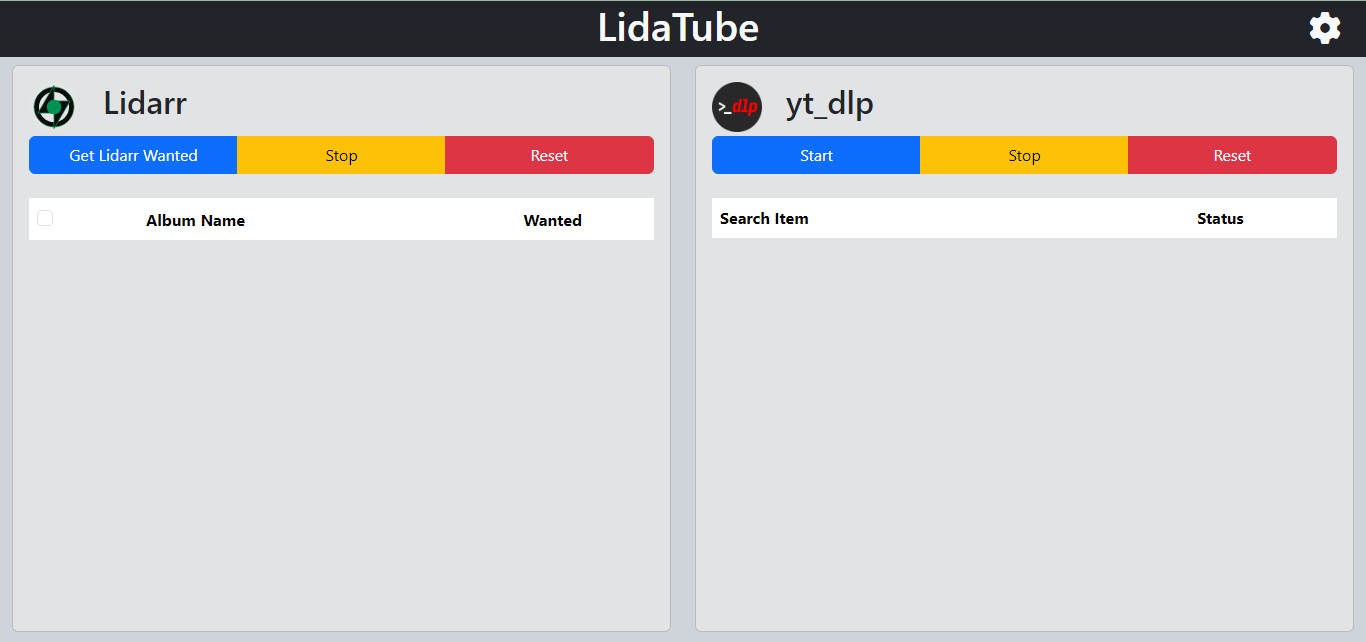
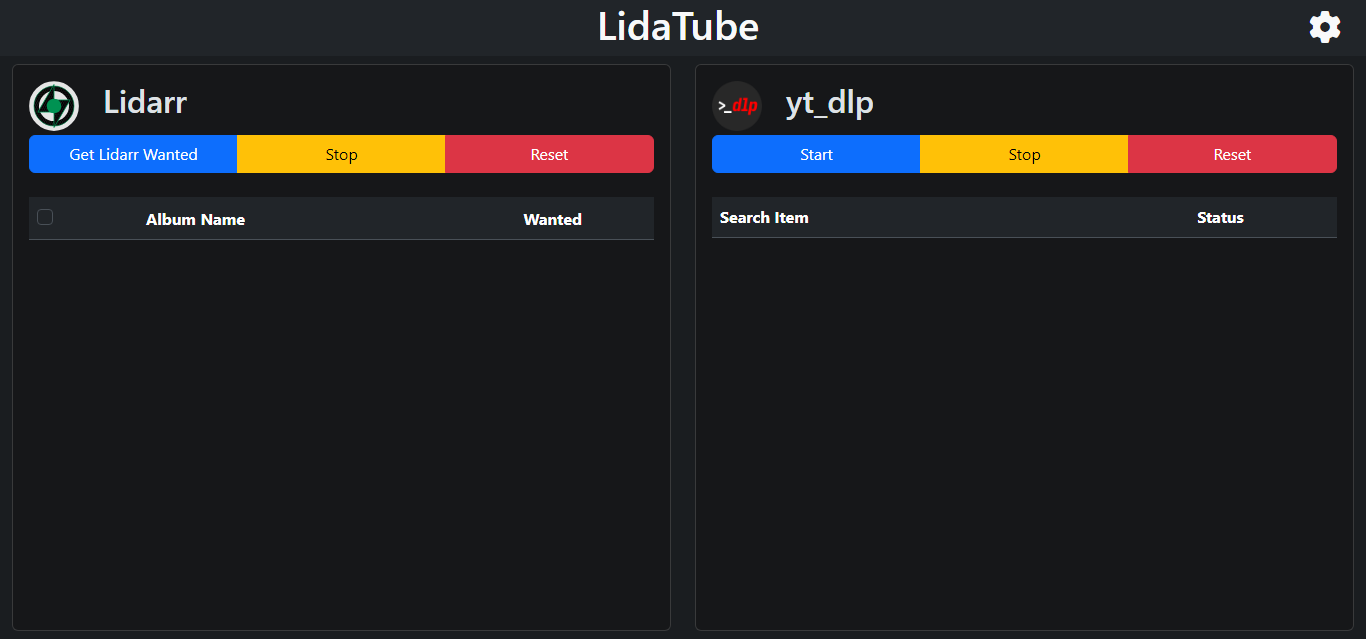
LidaTube is a tool for finding and fetching missing Lidarr albums via yt-dlp.
Run using docker-compose
services:
  lidatube:
    image: thewicklowwolf/lidatube:latest
    container_name: lidatube
    volumes:
      - /path/to/config:/lidatube/config
      - /data/media/lidatube:/lidatube/downloads
      - /etc/localtime:/etc/localtime:ro
    ports:
      - 5000:5000
    restart: unless-stopped
Configuration via environment variables
Certain values can be set via environment variables:
- PUID: The user ID to run the app with. Defaults to
1000. - PGID: The group ID to run the app with. Defaults to
1000. - lidarr_address: The URL for Lidarr. Defaults to
http://192.168.1.2:8686. - lidarr_api_key: The API key for Lidarr. Defaults to ``.
- lidarr_api_timeout: Timeout duration for Lidarr API calls. Defaults to
120. - thread_limit: Max number of threads to use. Defaults to
1. - sleep_interval: Interval to sleep. Defaults to
0. - fallback_to_top_result: Whether to use the top result if no match is found. Defaults to
False. - library_scan_on_completion: Whether to scan Lidarr Library on completion. Defaults to
True. - sync_schedule: Schedule times to run (comma seperated values in 24hr). Defaults to ``
- minimum_match_ratio: Minimum percentage for a match. Defaults to
90 - secondary_search: Method for secondary search (YTS or YTDLP). Defaults to
YTS. - preferred_codec: Preferred codec (mp3). Defaults to
mp3. - attempt_lidarr_import: Attempt to import each song directly into Lidarr. Defaults to
False.
Sync Schedule
Use a comma-separated list of hours to start sync (e.g. 2, 20 will initiate a sync at 2 AM and 8 PM).
Note: There is a deadband of up to 10 minutes from the scheduled start time.
Cookies (optional)
To utilize a cookies file with yt-dlp, follow these steps:
Generate Cookies File: Open your web browser and use a suitable extension (e.g. cookies.txt for Firefox) to extract cookies for a user on YT.
Save Cookies File: Save the obtained cookies into a file named
cookies.txtand put it into the config folder.
Categories
Download Statistics
510,676
Total Downloads
21,864
This Month
27,708
Avg / Month
Total Downloads Over Time
Loading chart...
Related apps
Explore more like this
Explore allLinks
Details
Repository
thewicklowwolf/lidatube:latestLast Updated2026-10-27
First Seen2023-11-11
Runtime arguments
- Web UI
http://[IP]:[PORT:5000]- Network
bridge- Shell
sh- Privileged
- false
Template configuration
WebUIPorttcp
- Target
- 5000
- Default
- 5000
- Value
- 5000
DownloadsPathrw,shared
- Target
- /lidatube/downloads
- Value
- /mnt/user/data/downloads
LocaltimePathro
- Target
- /etc/localtime
- Value
- /etc/localtime
LidarrVariable
- Target
- lidarr_address
- Value
- http://SERVER-IP:8686
Lidarr APIVariable
- Target
- lidarr_api_key
Thread LimitVariable
- Target
- thread_limit
- Value
- 1
PGIDVariable
- Value
- 100
PUIDVariable
- Value
- 99