
All apps · 0 apps

Knitting-Library
Docker app from z33tlex's Repository
Overview
Readme
View on GitHubKnitting Library
Knitting Library is a self-hosted pattern, project, and yarn inventory manager for people who want their knitting archive under their own control. It runs in a single Docker container or directly as a Python service, stores data locally, and provides a mobile-friendly interface for daily use.
The project started as a practical home tool: a private place to keep knitting patterns, notes, project status, and yarn inventory without a subscription or third-party data lock-in.
Built with AI assistance. This project was developed with AI coding assistants. Architecture, feature decisions, and direction remain human-owned; AI helped write and debug code. The codebase has not been formally reviewed by a professional developer or security auditor. See Security for the current posture and limits.
What It Does
- Stores PDF patterns and scanned image recipes with generated thumbnails.
- Provides searchable recipe browsing, categories, tags, and project status filters.
- Supports page annotations, recipe text versions, image cleanup tools, and per-recipe knitting tools for counters, increase/decrease calculations, and notes.
- Tracks active and finished projects per user, with shared household visibility.
- Manages yarn and thread references, color variants, stock, needles, tools, and notions.
- Includes user accounts, optional TOTP two-factor authentication, per-user appearance settings, and admin tools.
- Offers the interface in English, Norwegian, Hungarian, French, German, and Spanish.
- Runs locally with SQLite-backed storage in configurable data and log directories.
Status
Knitting Library is active beta software. It is used in real workflows, but interfaces and data workflows may still change. Keep regular backups of the data/ folder, especially before updating.
AI-assisted text recognition and diagram review are early beta features. Treat generated text as a draft and check it against the original pattern before relying on it.
Quick Start
Requirements: Docker Desktop, Docker Engine, or another Docker-compatible host.
From the folder containing docker-compose.yml:
docker compose up -d
Open http://localhost:3000 and create the first admin account. There are no default credentials.
For Unraid, reverse proxy, fail2ban, backups, AI setup, and troubleshooting, see the deployment and operations guide.
Storage
Runtime data is kept separately from the application. The default Docker bind mounts use this layout:
data/
  recipes.db
  recipes/
  yarns/
  branding/
logs/
  uvicorn.log
  supervisord.log
  auth.log
Backups are straightforward: stop the container if possible, copy data/, then restart. Restoring means putting data/ back and starting the container again.
Running without Docker
Knitting Library can also run directly as a Python service, serving the API and built frontend. Deployment paths are configurable:
| Environment variable | Default | Purpose |
|---|---|---|
KNITTING_DATA_DIR |
/data |
Database, recipes, yarns, and branding |
KNITTING_LOG_DIR |
/logs |
Authentication logs and Admin Logs files |
KNITTING_STATIC_DIR |
/app/frontend/build |
Built frontend assets |
Existing Docker deployments keep their current defaults. See Running without Docker for requirements, setup, service configuration, and data migration.
Mail Configuration
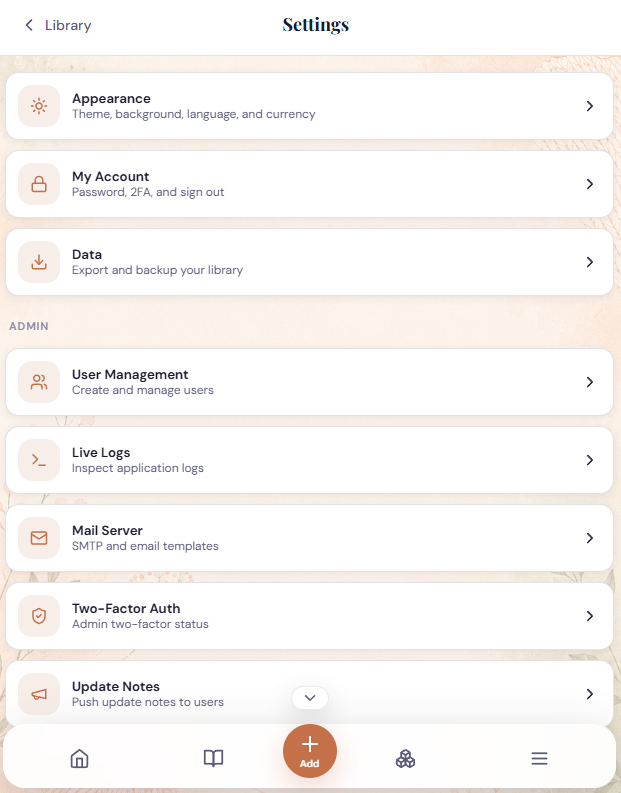
Admins can configure SMTP under Settings -> Admin -> Mail Server. Deployments such as YunoHost can instead provide KNITTING_MAIL_* environment variables; supplied values override the matching admin settings and appear read-only in the interface. SMTP supports unencrypted trusted/local connections, STARTTLS, and implicit SSL/TLS. See Mail configuration for the complete variable reference and examples.
Recover a User Password
If a user cannot sign in and email recovery is unavailable, an operator with access to the Docker host can reset the password interactively:
docker exec -it knitting-library python -m app.cli reset-password admin
Replace admin with the exact username. The command prompts for the new password twice, requires at least 8 characters, and does not put the password in the command or shell history. A successful reset signs out that user's existing sessions. If the Compose service has a different container name, use that name in place of knitting-library (find it with docker compose ps).
Security
Implemented measures include bcrypt password hashing, login rate limiting, optional TOTP two-factor authentication, HttpOnly SameSite session cookies, CSRF protection for cookie-authenticated writes, upload validation, same-origin CORS by default, security headers, disabled production API docs, parameterised database queries, upload filename sanitisation, and SSRF checks for yarn URL imports.
HTTPS is not built into the container. Use a reverse proxy if the app is reachable beyond a trusted private network. A home network or VPN-only deployment is strongly preferred; direct public port forwarding is not recommended.
These measures were implemented in good faith, but the project has not had a professional security audit. You run this software at your own risk.
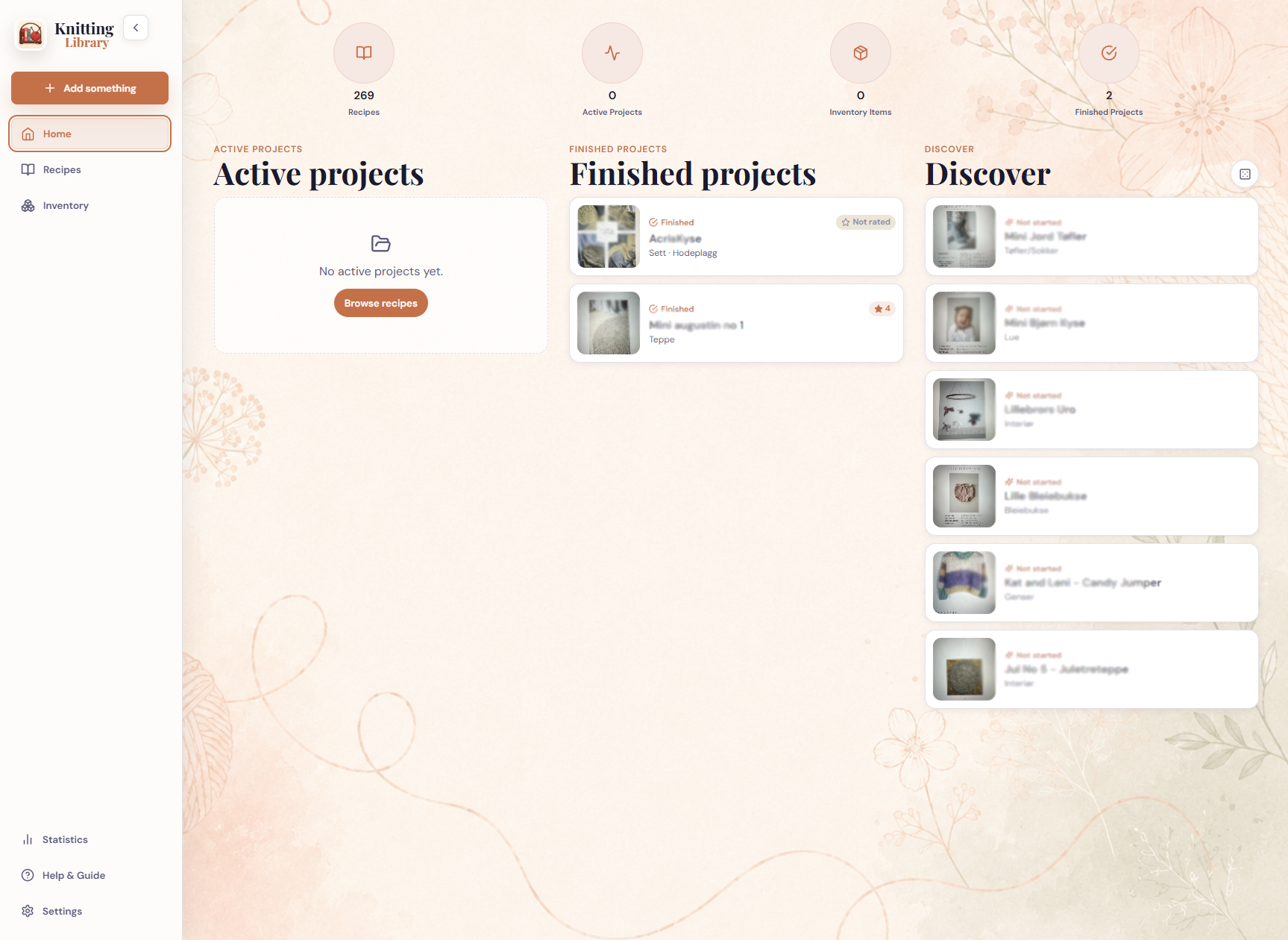
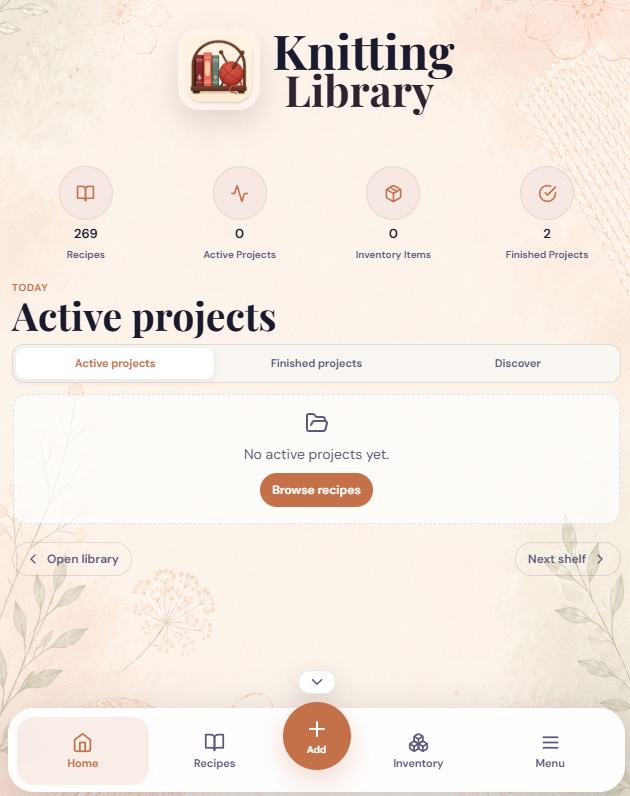
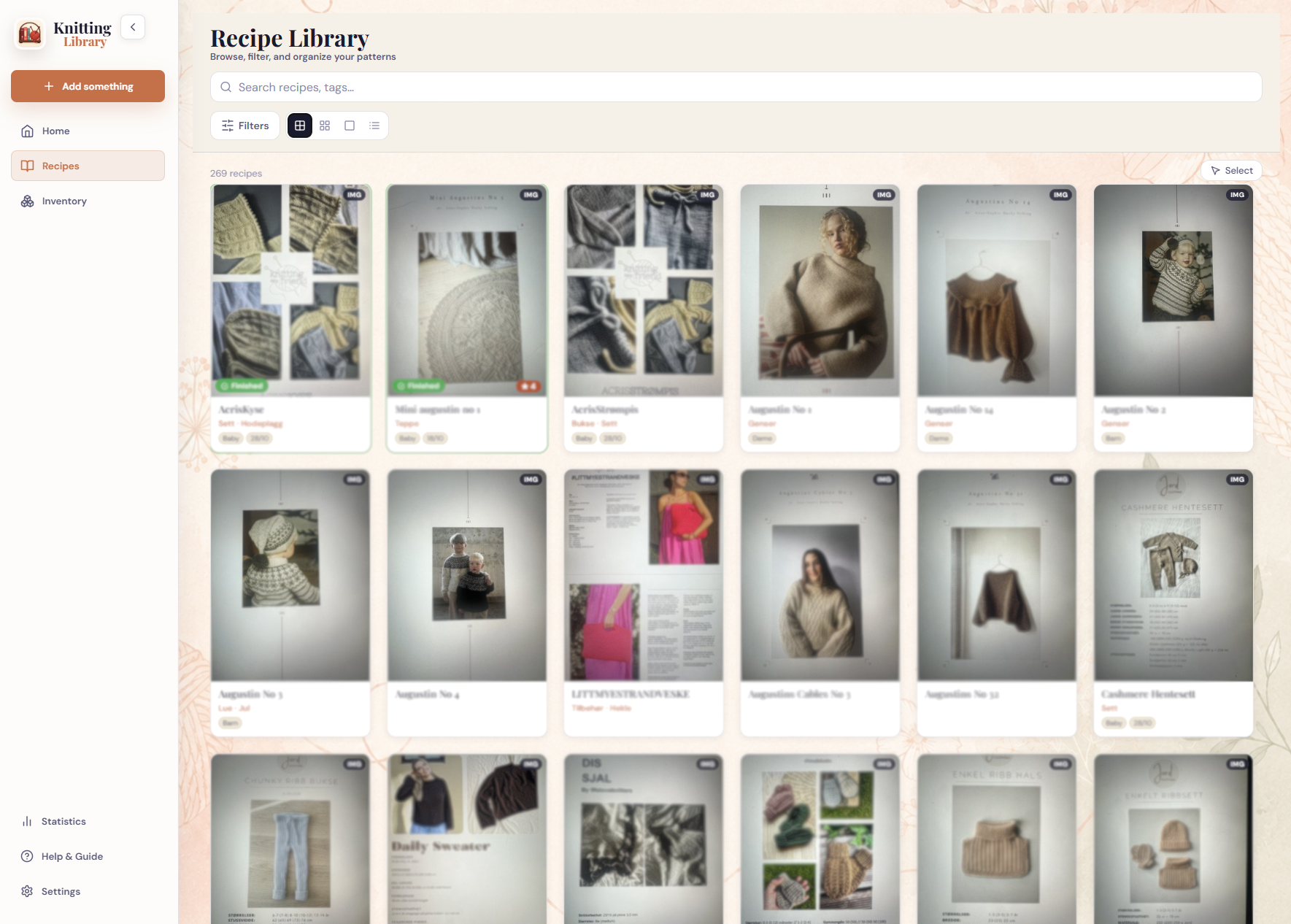
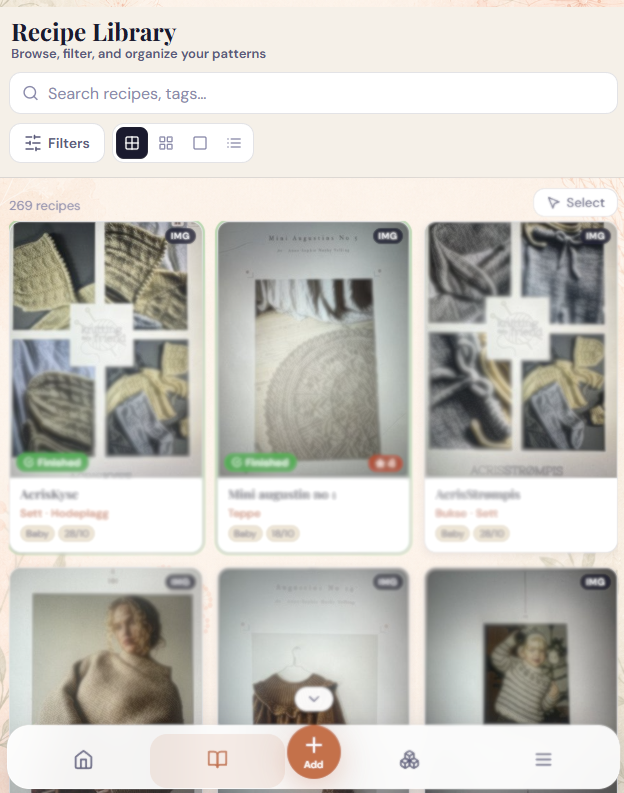
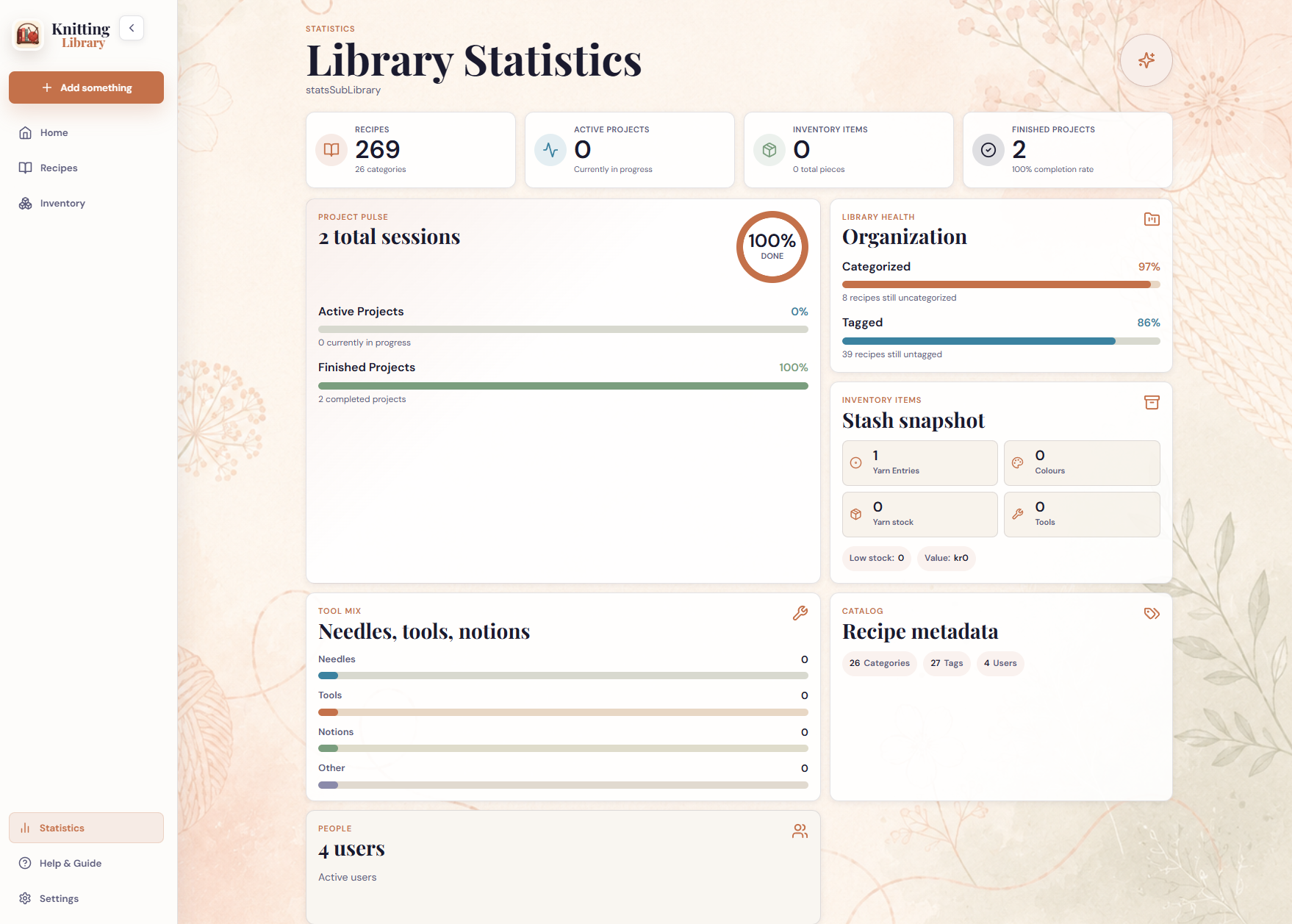
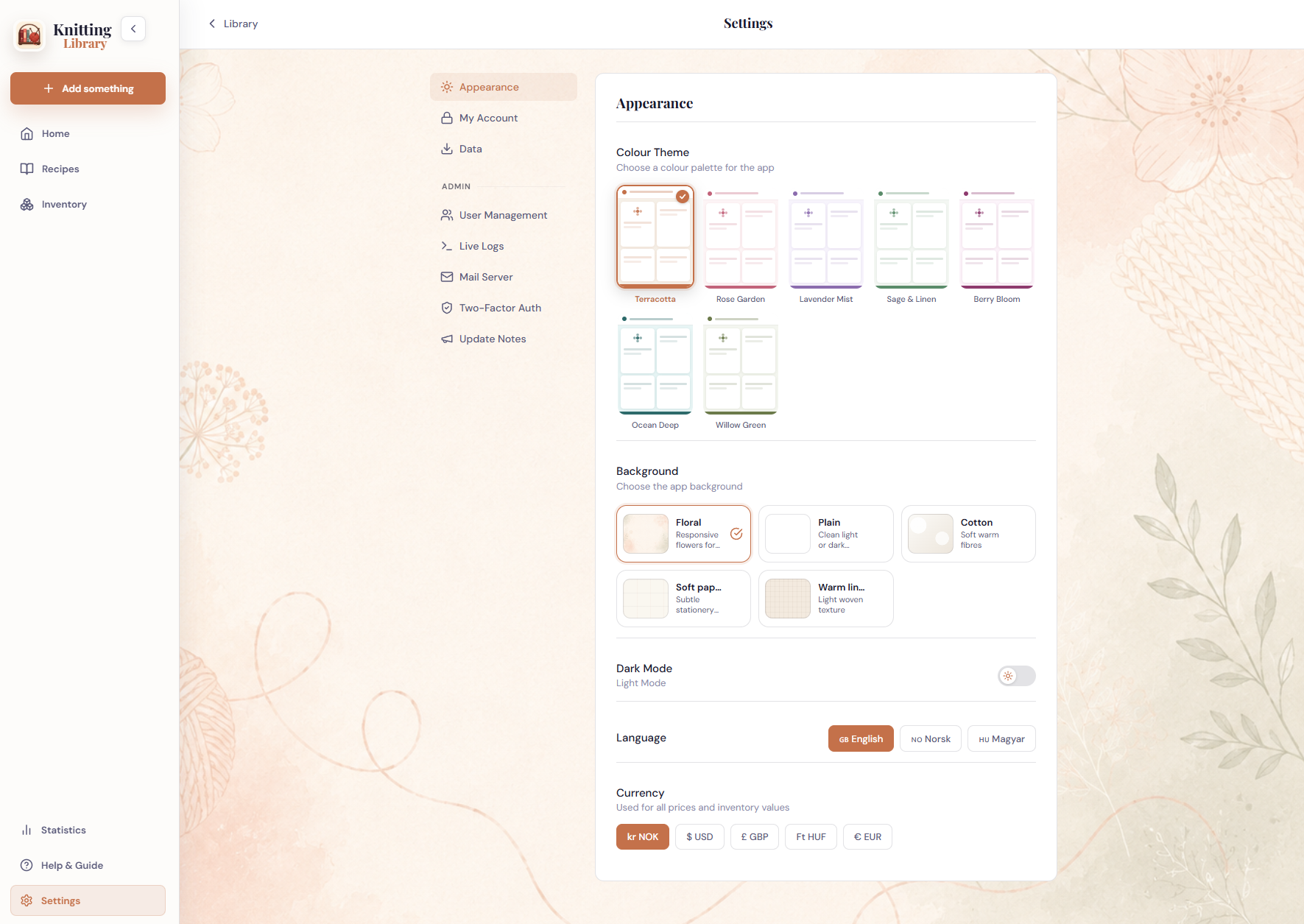
Screenshots
| Desktop | Mobile |
|---|---|
 |
 |
 |
 |
 |
 |
Documentation
Tech Stack
FastAPI, React, Vite, SQLite, and Docker.
Categories
Download Statistics
Related apps
Explore more like this
Explore allDetails
zeetlex/knitting-library:latestRuntime arguments
- Web UI
http://[IP]:[PORT:8080]- Network
bridge- Shell
bash- Privileged
- false
Template configuration
HTTP port for the Knitting Library web interface.
- Target
- 8080
- Default
- 3000
Persistent app data, including the SQLite database, uploaded patterns, thumbnails, yarn images, annotations, and settings.
- Target
- /data
- Default
- /mnt/user/appdata/knitting-library/data
Application and authentication logs.
- Target
- /logs
- Default
- /mnt/user/appdata/knitting-library/logs
User ID used for files written to /data and /logs. Unraid default is 99.
- Default
- 99
Group ID used for files written to /data and /logs. Unraid default is 100.
- Default
- 100
Comma-separated proxy IPs or CIDRs whose X-Forwarded-For and X-Forwarded-Proto headers should be trusted. Leave blank when accessing the app directly.
- Target
- TRUSTED_PROXIES
Comma-separated allowed browser origins for CORS. Leave blank for same-origin access.
- Target
- ALLOWED_ORIGINS