

JuiceFS
Docker app from junkerderprovinz's Repository
Overview
Readme
View on GitHub




JuiceFS keeps file metadata in a database and file contents in an object store. This container runs its S3 gateway, so everything on your server that speaks S3 can talk to it. The official binary, unmodified, supervised by s6-overlay. The file system is created on first boot, so there is no console step between installing the template and using it.
))
))
))
))
A one-knight job: I build it, keep it running, work through the issues and add what people ask for, until nothing is missing. It is free, with no accounts, no telemetry, no ads and no paid tier. No asterisk anywhere. Nothing readable ever leaves your own walls. Forged on evenings and weekends, with heart and stubbornness.
If it has earned a place on your server or computer, toss a coin to your knight: it helps cover the costs and keeps the project alive. It also makes this knight's heart beat a little faster. Three ways below, whichever suits you.
))
))
))
Table of Contents
1. What it looks like
The buckets and files in these pictures are made up.
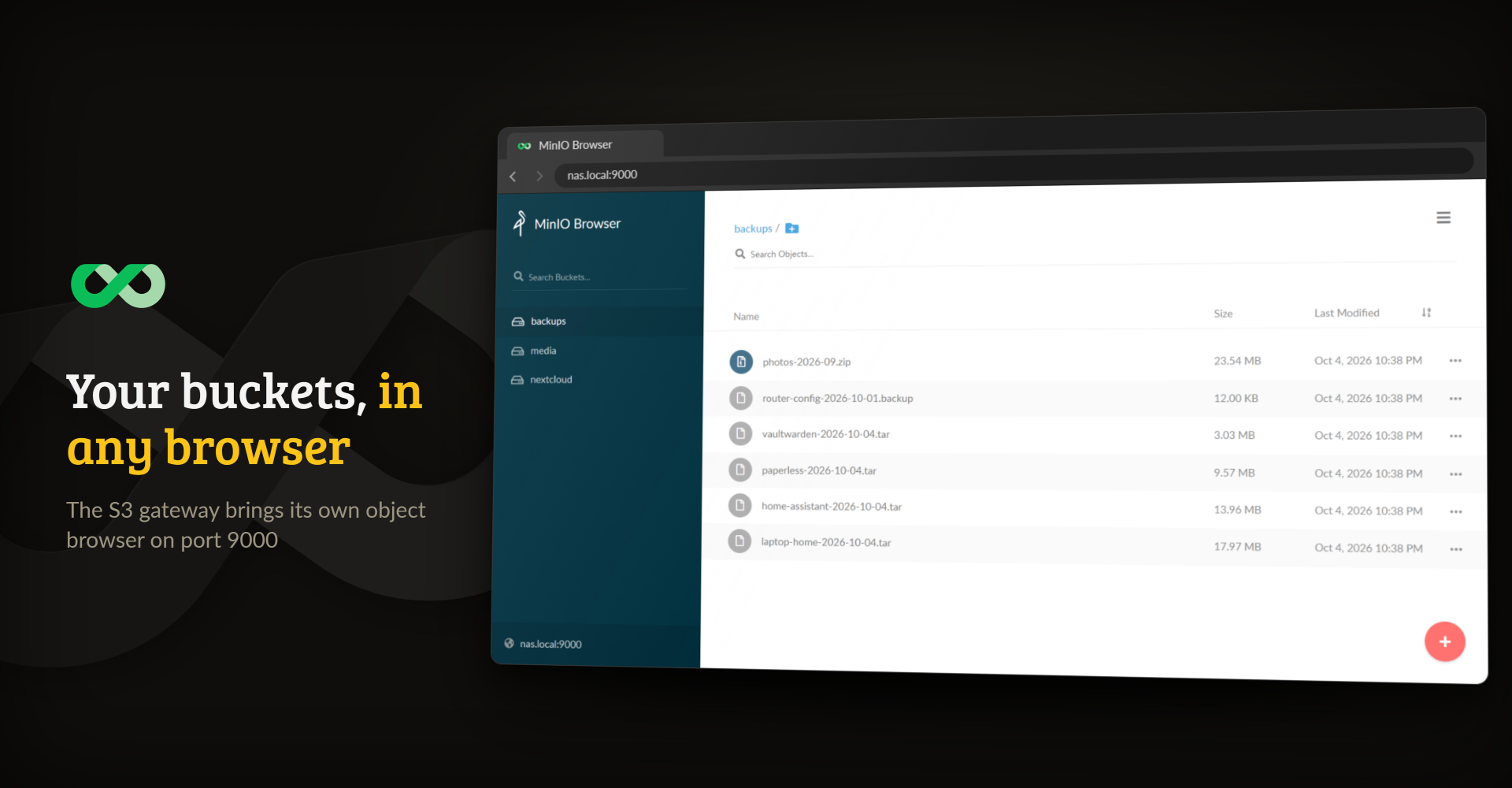
The gateway's own object browser on port 9000, after signing in with the S3 keys
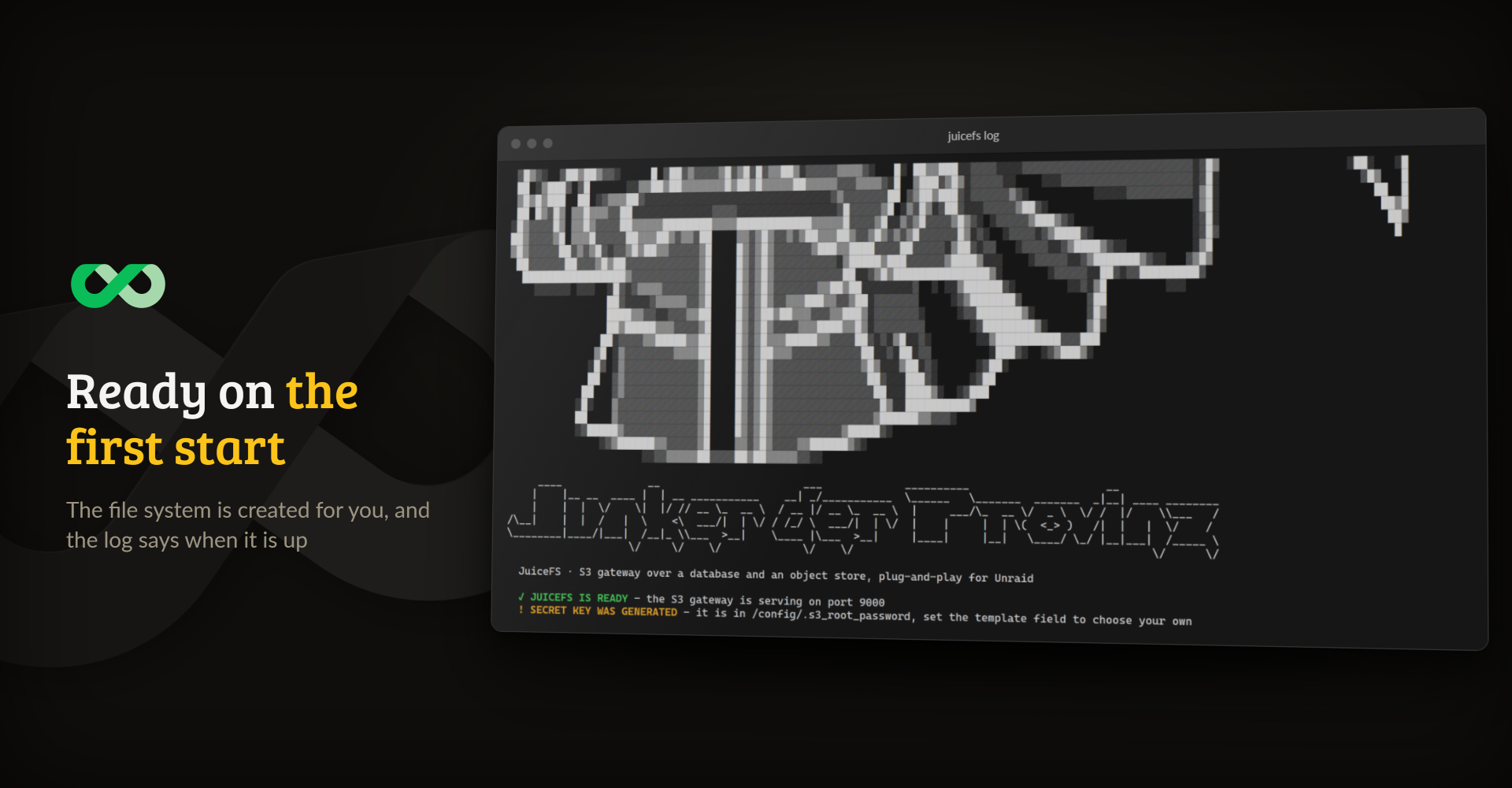
The end of the log after a first start, with the ready line and where the generated key is
2. What it does
- JuiceFS as an ordinary container. Upstream offers a Docker volume plugin, which Unraid cannot install from a template, and the
juicedata/mountimage, which wants the whole command line written by hand. Here every setting is an environment variable, so every setting is a field in the template. - No console step. The file system is created on the first start. Every later start finds it and leaves it alone, so a volume is never formatted twice.
- S3 on port 9000, without FUSE. The gateway needs neither
--privilegednor shared mount propagation. Clients can create as many buckets as they like; setMULTI_BUCKETS=falsefor upstream's single bucket named after the volume. - Metadata where you want it. SQLite under
/configby default, so a fresh install needs nothing else. A Redis or Postgres URL inMETA_URLmoves it to a database several machines can share. - Chunks, not files. JuiceFS stores contents as chunks, so
/datashows its own layout and not your file names. If you want an S3 API in front of a share you can still browse, VersityGW is the better fit. - The official binary. It comes from the upstream release and is checked against the published SHA256 during the build.
3. Getting started
On Unraid, install JuiceFS from Community Applications and start it. Nothing else is required. Anywhere else, one container is enough:
docker run -d --name juicefs -p 9000:9000 \
  -v /path/to/config:/config \
  -v /path/to/data:/data \
  junkerderprovinz/juicefs:latest
The log says JUICEFS IS READY once the gateway is up. The access key is juicefs. Without S3_ROOT_PASSWORD the container generates a secret key and writes it to /config/.s3_root_password; one you set yourself needs at least 8 characters. Then point any S3 client at it:
aws --endpoint-url http://<server>:9000 s3 mb s3://backups
aws --endpoint-url http://<server>:9000 s3 cp ./file.txt s3://backups/
With AWS CLI 2.38 or newer, uploads fail with XAmzContentSHA256Mismatch until you set AWS_REQUEST_CHECKSUM_CALCULATION=when_required, or request_checksum_calculation = when_required in ~/.aws/config. The gateway does not accept the checksum those versions send by default (juicedata/juicefs#7723).
STORAGE, BUCKET and VOLUME_NAME are read only when the file system is created, so choose them before the first start. They accept every backend JuiceFS supports, such as another S3 server or Backblaze B2 instead of the local disk.
Back up the metadata and the object store together, which with the defaults means /config and /data. The chunks are unreadable without the metadata, so a backup of /data alone is not a backup.
Other Docker hosts
compose.yaml runs JuiceFS on any Linux server with Docker. Put it in a folder of its own and start it with docker compose up -d. The folders are created next to the file.
- Synology: in Container Manager, create a project from the file (DSM 7.2 or newer).
- Proxmox: run it in a VM or an LXC container that has Docker.
- MOS: install JuiceFS from the MOS Hub.
4. How AI is used here
One knight builds this, and AI is one of the tools I work with, the same way I work with an editor or a compiler. It helps me write code and documentation and it checks my work, and that saves me a good many evenings. It does not make the decisions, though. I read and understand everything before it ships, and if something here breaks, that is on me and not on the tool.
You do not have to take my word for it. The code is open and every release note is written by hand. The issue tracker shows how problems actually get handled, including the ones I got wrong the first time. If you find something that is not right, open an issue and I will look at it.
5. Support this project
Questions? Check the support thread. Bugs, ideas or feature requests? Please open a GitHub issue.
A one-knight job: I build it, keep it running, work through the issues and add what people ask for, until nothing is missing. It is free, with no accounts, no telemetry, no ads and no paid tier. No asterisk anywhere. Nothing readable ever leaves your own walls. Forged on evenings and weekends, with heart and stubbornness.
If it has earned a place on your server or computer, toss a coin to your knight: it helps cover the costs and keeps the project alive. It also makes this knight's heart beat a little faster. Three ways below, whichever suits you.
JuiceFS is made by Juicedata and ships here unmodified under the Apache-2.0 licence.
Requirements
Download Statistics
Related apps
Explore more like this
Explore allLinks
Details
junkerderprovinz/juicefs:latestRuntime arguments
- Network
bridge- Shell
sh- Privileged
- false
- Extra Params
--restart=unless-stopped
Template configuration
The S3 endpoint every client (rclone, restic, aws-cli, ...) connects to.
- Target
- 9000
- Default
- 9000
- Value
- 9000
Holds the metadata database when the default SQLite engine is used, and the generated secret key. This MUST be mapped. Lose it and the objects in Data become unreadable, because nothing says which chunks made up which file.
- Target
- /config
- Default
- /mnt/user/appdata/juicefs/config
- Value
- /mnt/user/appdata/juicefs/config
The object store, when the default local backend is used. Not browsable: JuiceFS stores files as chunks under its own layout.
- Target
- /data
- Default
- /mnt/user/appdata/juicefs/data
- Value
- /mnt/user/appdata/juicefs/data
The local read cache. Optional, but worth mapping: unmapped it lives in the container's own layer, and the cache grows to whatever free space allows.
- Target
- /cache
- Default
- /mnt/user/appdata/juicefs/cache
- Value
- /mnt/user/appdata/juicefs/cache
The access key your S3 clients use to connect to this container.
- Target
- S3_ROOT_USER
- Default
- juicefs
- Value
- juicefs
The secret key your S3 clients use. At least 8 characters: anything shorter is refused at startup with one clear line in the log. Leave empty and one is generated on first boot and stored in /config/.s3_root_password. Use a real generated secret (e.g. openssl rand -hex 24), not a short password.
- Target
- S3_ROOT_PASSWORD
Where the metadata lives. The default is a SQLite file in Config: one server, no extra container, and a backup of Config captures it. For several machines writing at once, put a Redis or Postgres URL here instead, for example redis://:password@192.168.20.10:6379/1 or postgres://user:password@192.168.20.10:5432/juicefs?sslmode=disable. This is read every start, but the file system is only created once.
- Target
- META_URL
- Default
- sqlite3:///config/juicefs.db
- Value
- sqlite3:///config/juicefs.db
Where the file contents go. 'file' means the Data folder above. Every backend JuiceFS supports works here too, e.g. s3, minio, b2. READ ONLY WHEN THE FILE SYSTEM IS CREATED: changing it later has no effect on an existing volume.
- Target
- STORAGE
- Default
- file
- Value
- file
The path or URL of the object store. With the 'file' backend this is a path inside the container, so leave it at /data/ unless you know why you are changing it. READ ONLY WHEN THE FILE SYSTEM IS CREATED.
- Target
- BUCKET
- Default
- /data/
- Value
- /data/
The name of the file system. Set once, when it is created; changing it later has no effect on an existing volume.
- Target
- VOLUME_NAME
- Default
- juicefs
- Value
- juicefs
Whether S3 clients can create buckets. Leave this on unless you know why you are turning it off: with it off, the whole file system is a single bucket named after the volume and creating one is refused, which is the first thing most backup clients do.
- Target
- MULTI_BUCKETS
- Default
- true
- Value
- true
Only needed if Storage Backend is not 'file': the access key of the remote object store. READ ONLY WHEN THE FILE SYSTEM IS CREATED.
- Target
- ACCESS_KEY
Only needed if Storage Backend is not 'file': the secret key of the remote object store. READ ONLY WHEN THE FILE SYSTEM IS CREATED.
- Target
- SECRET_KEY
How many days deleted files stay recoverable. Applied when the file system is created, so it has no effect on an existing volume. Leave empty for the JuiceFS default.
- Target
- TRASH_DAYS
Local read cache limit in MiB. Leave empty for the JuiceFS default.
- Target
- CACHE_SIZE
Where the local read cache goes. Leave empty to use /cache inside the container. Point it at a mapped fast disk if you want the cache on specific storage.
- Target
- CACHE_DIR
Passed to 'juicefs gateway' as is, for anything not covered by the fields above.
- Target
- EXTRA_ARGS
User ID the gateway runs as. Default 99 = 'nobody' on Unraid.
- Default
- 99
- Value
- 99
Group ID the gateway runs as. Default 100 = 'users' on Unraid.
- Default
- 100
- Value
- 100