
All apps · 0 apps

jetlog
Docker app from campu0999's Repository
Overview
Readme
View on GitHubjetlog


A self-hostable personal flight tracker and viewer
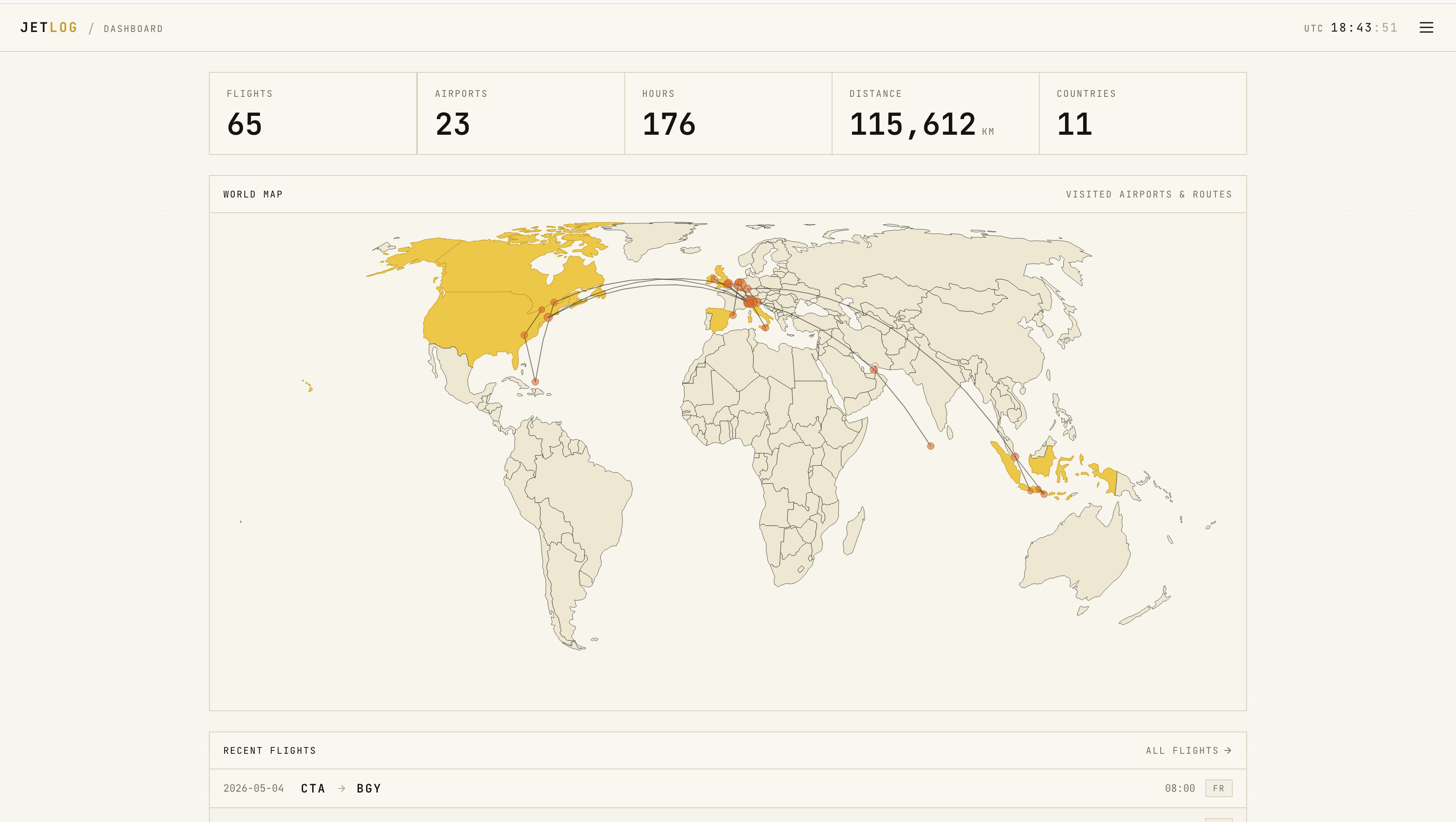 |
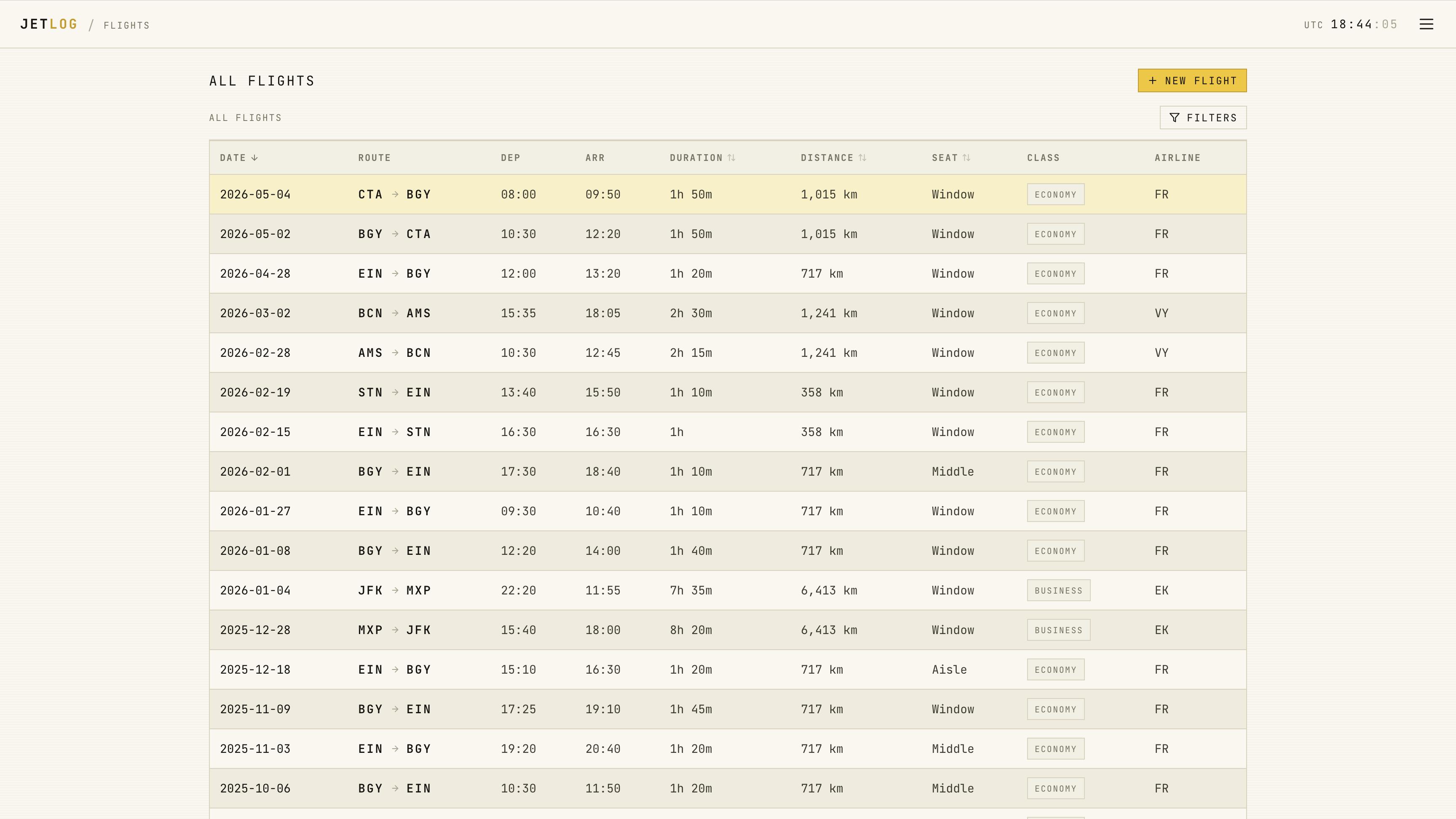 |
|---|
Table of Contents
Features
- 🌍 World map view of your flights
- 📊 Statistics for all your flights
- 📱 Responsive design
- ✅ Add, edit, and delete past flights
- 🔐 Secure authentication
- 👥 Support for multiple users
- 💾 Ability to import and export your data
Getting Started
Here's a sample docker-compose.yml to get started
services:
  jetlog:
    image: pbogre/jetlog:latest
    volumes:
      - /your/data/path:/data
    environment:
        JETLOG_PORT: 3000 # optional, default is 3000
        SECRET_KEY: yourLongAndRandomStringOfCharacters123!
    restart: unless-stopped
    ports:
      - 3000:3000
Once up and running, the default admin account has username and password admin.
Make sure that you change the password after the first login!
For details about troubleshooting, environment variables, and more installation options such as running Jetlog under a path prefix, have a look at the installation wiki
Importing & Exporting
You can currently import from MyFlightRadar24, custom CSV; you can also export to CSV, iCal
For details on how to import your data, have a look at the importing wiki
Privacy Notice
Jetlog itself does not collect any user data outside of your own setup. However,
it relies on external APIs (adsbdb) for some features
such as automatic flight fetching from the flight number. Since you cannot always
be sure of how external APIs use your data, you may wish to opt out of these by setting
the ENABLE_EXTERNAL_APIS environment variable to false.
Contributing
If you would like to contribute to this project by opening an issue or a pull request, please read CONTRIBUTING.md
Stack
Acknowledgements
Categories
Download Statistics
Total Downloads Over Time
Related apps
Explore more like this
Explore allDetails
pbogre/jetlog:latestRuntime arguments
- Web UI
http://[IP]:[PORT:3000]/- Network
bridge- Shell
sh- Privileged
- false
Template configuration
- Target
- 3000
- Default
- 3000
- Value
- 3000
- Default
- 1000
- Value
- 1000
- Default
- 1000
- Value
- 1000
- Default
- /mnt/user/appdata/jetlog
- Value
- /mnt/user/appdata/jetlog
- Target
- /data
- Default
- /mnt/user/appdata/jetlog/data
- Value
- /mnt/user/appdata/jetlog/data
Enter a long random string of characters