
All apps · 0 apps

JellyHub
Docker app from LubricantJam's Repository
Overview
Readme
View on GitHub
JellyHub
The jellyfin servers media indexer
About the project
JellyHub is a web app that allow you to fetch media from all of your jellyfin servers and regroup it in one place, so there is one place to search for specific media and tells you on wich server the desired media is located.Installation
To be able to run JellyHub, first you must have Docker installed on your system.
Create a volume to store the data of the app or skip this step if you want to use a bind mount to a folder.
docker volume create jellyhub_data
Then you can run the app with the following command, make sure to replace the AUTH_SECRET and SECRET_KEY values with valid ones (You can generate a key for each with openssl rand -base64 32).
docker run -d --name jellyhub \
        -v jellyhub_data:/app/data \
        -e ALLOW_SIGNUP=false \
        -e AUTH_SECRET= \
        -e APP_URL=http://localhost:3000 \
        -e SECRET_KEY= \
        --restart unless-stopped \
        -p 3000:3000 \
        zigleur/jellyhub:latest
Now you can access the app at http://localhost:3000 (adapt the host and port depending on how you configured it)
Screenshots
Home Page

Movies Pages

TV Shows Pages

Albums Pages

Movie Details Dialog

TV Show Details Dialog

Album Details Dialog

Servers List

Users List
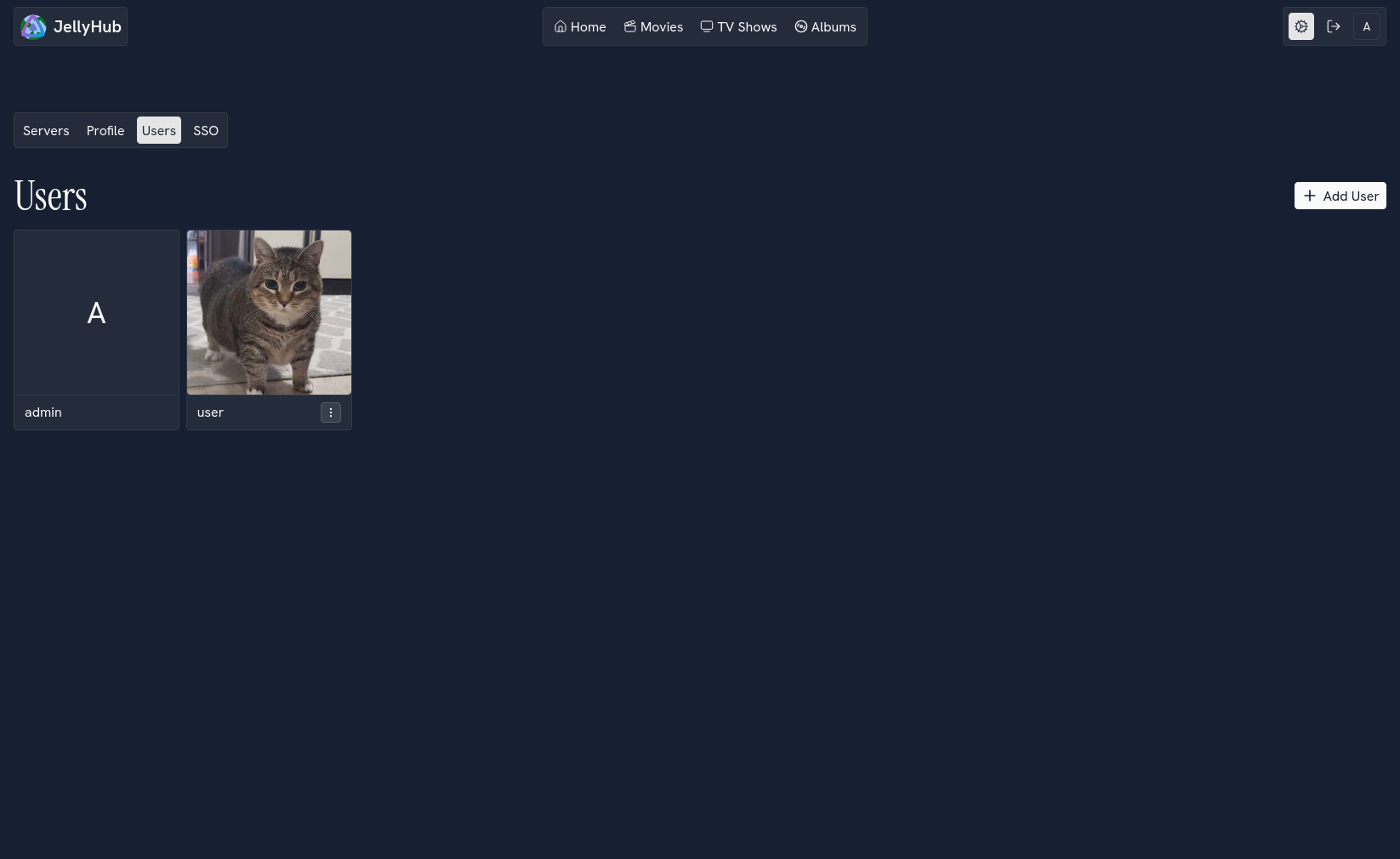
SSO List

Login Page

Requirements
Categories
Download Statistics
Related apps
Explore more like this
Explore allDetails
zigleur/jellyhub:latestRuntime arguments
- Web UI
http://[IP]:[PORT:3000]- Network
host- Shell
bash- Privileged
- false
Template configuration
- Target
- 3000
- Value
- 3000
Change this to a random secure string.
- Target
- JWT_SECRET
- Default
- your-very-long-and-mysterious-secret
- Value
- your-very-long-and-mysterious-secret
Change this to your Postgres connection string.
- Target
- DATABASE_URL
- Default
- postgresql://jellyhub:jellyhub@localhost:5432/jellyhub?schema=prisma
- Value
- postgresql://jellyhub:jellyhub@localhost:5432/jellyhub?schema=prisma