
All apps · 0 apps

iPlayarr
Docker app from Uirel's Repository
Overview
Readme
View on GitHub iPlayarr
iPlayarr is a companion tool for Sonarr and Radarr, making it easy to integrate get_iplayer for searching and downloading iPlayer content directly. It acts as both an indexer and a download client, allowing seamless automation of TV and movie downloads.



📸 Screenshots
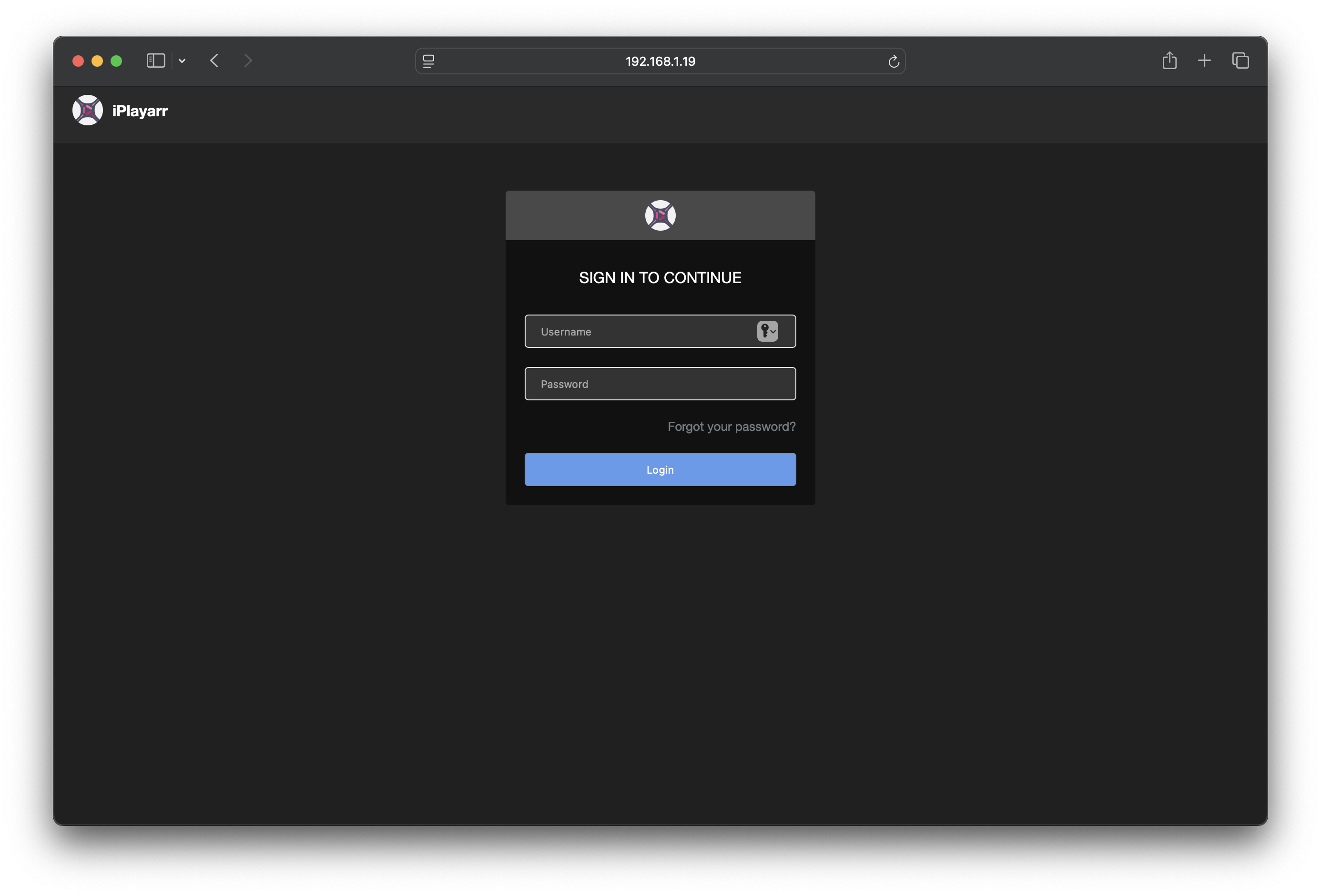
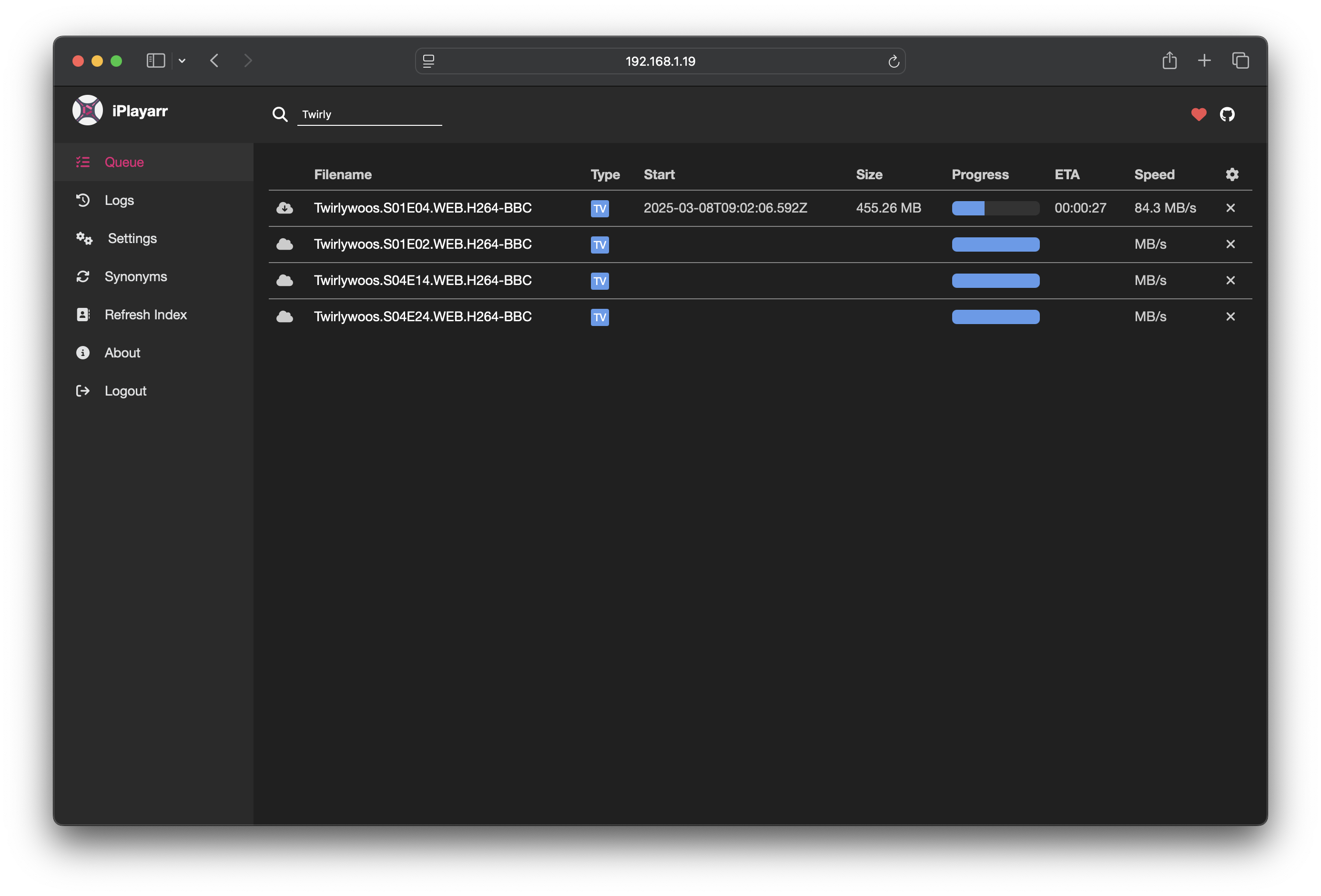
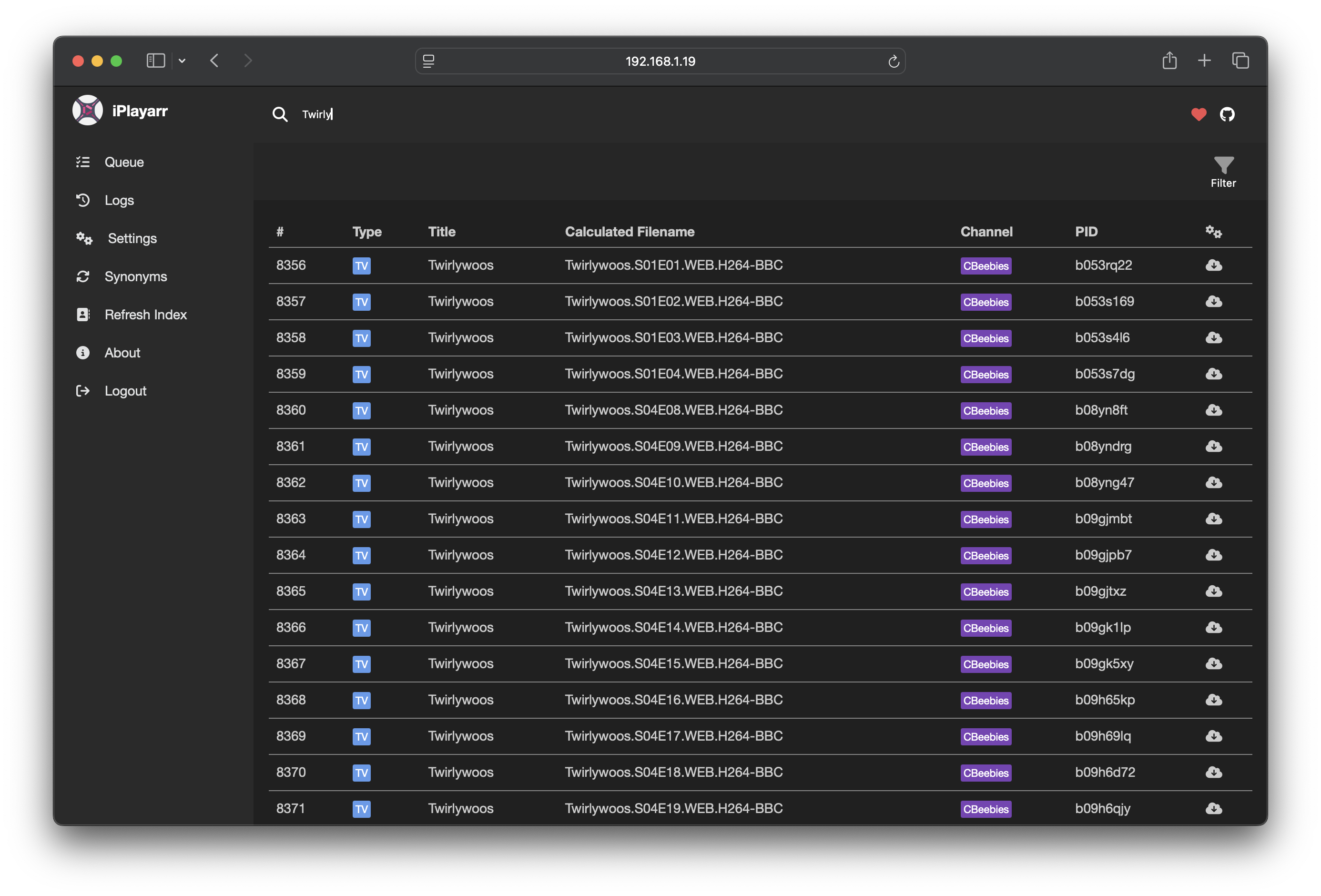
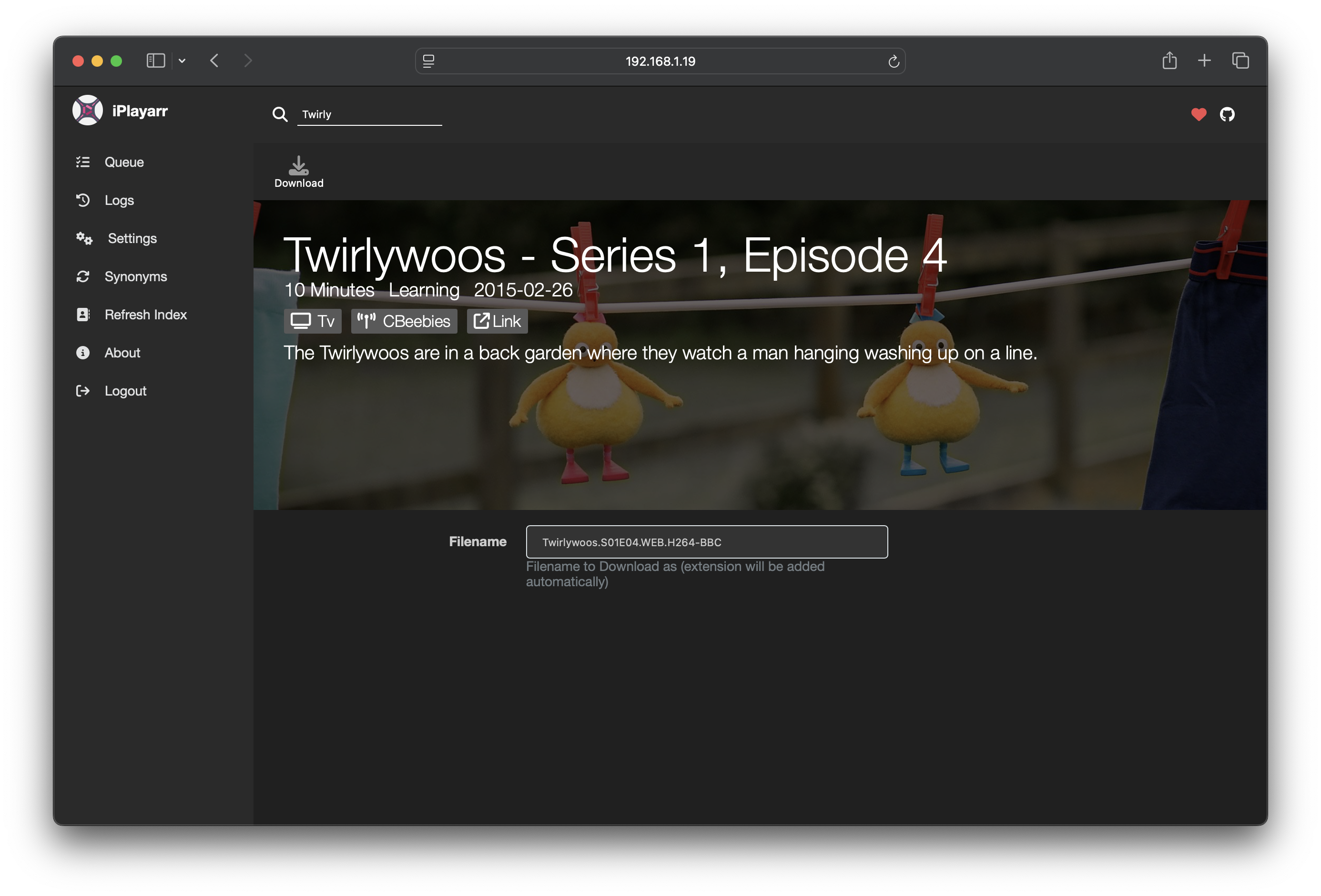
Why iPlayarr?
iPlayer offers a wide range of high-quality content, but integrating it with Sonarr and Radarr has always been tricky. iPlayarr solves this problem by:
- Acting as a Newznab-compatible indexer, making iPlayer content searchable within Sonarr/Radarr
- Presenting as a SABnzbd-compatible download client, allowing automatic downloads and post-processing
- Handling the full download lifecycle, from fetching content with get_iplayer to organizing completed files
Unlike torrents and Usenet, iPlayarr operates in a less legally ambiguous space by only downloading content that is freely available for streaming.
Why Create iPlayarr?
This project started as an experiment: Is it possible to integrate iPlayer with Sonarr/Radarr in a clean, automated way?
Most existing solutions rely on torrents or Usenet, but I wanted something that could get media from a reliable source. iPlayarr functions like a personal DVR for iPlayer, making it easier to automate downloads without needing traditional PVR software.
Getting Started
Download/Installation
The simplest way to use iPlayarr is via Docker:
docker run -d --name iplayarr \
  -v ./cache:/data \
  -v ./config:/config \
  -v ./logs:/logs \
  -v /path/to/incomplete:/incomplete \
  -v /path/to/complete:/complete \
  --env-file=env-file \
  -p 4404:4404 \
  nikorag/iplayarr:latest
Alternatively, use the bundled Dockerfile:
docker build -t iplayarr .
docker run -d --name iplayarr \
  -v ./cache:/data \
  -v ./config:/config \
  -v ./logs:/logs \
  -v /path/to/incomplete:/incomplete \
  -v /path/to/complete:/complete \
  --env-file=env-file \
  -p 4404:4404 \
  iplayarr
Or use Docker Compose:
services:
    iplayarr:
        image: 'nikorag/iplayarr:latest'
        container_name: 'iplayarr'
        environment:
            - 'API_KEY=1234'
            - 'DOWNLOAD_DIR=/mnt/media/iplayarr/incomplete'
            - 'COMPLETE_DIR=/mnt/media/iplayarr/complete'
            - 'PUID=1000'
            - 'PGID=1000'
        ports:
            - '4404:4404'
        volumes:
            - '/mnt/media:/mnt/media'
            - './cache:/data'
            - './config:/config'
            - './logs:/logs'
You can pre-set the following environment variables, or you can set them in the Settings menu once the container is up.
| Property | Description |
|---|---|
| API_KEY | Api key to secure your iplayarr instance |
| DOWNLOAD_DIR | Download directory for in progress pulls |
| COMPLETE_DIR | Directory to move completed files to |
There's a few more optional settings too:
| Property | Description |
|---|---|
| ACTIVE_LIMIT | How many downloads are allowed simultaneously, defaults to 3 |
| REFRESH_SCHEDULE | Cron expression for when to proactively refresh schedule, defaults to hourly, on the hour |
| HIDE_DONATE | If you don't like the Kofi donate links you can hide them |
| PUID | Host User ID for file permissions |
| PGID | Host Group ID for file permissions |
Usage
Authentication
The default details are:
| Username | Password |
|---|---|
| admin | password |
Sonarr and Radarr link
Info: The best way to add iPlayarr to Sonarr or Radarr is to use the "Apps" section of the web UI in iPlayarr
iPlayarr presents itself as both an indexer and a download client on port 4404. You can configure it automatically in the Settings menu or manually as follows:
Add iPlayarr manually as a Download Client
- Go to Settings > Download Clients in Sonarr/Radarr.
- Add a new SABnzbd client with the following details:
| Property | Value |
|---|---|
| Name | iPlayarr |
| Host | Your_Docker_Host |
| Port | 4404 |
| API Key | API_KEY from above |
| Category | iplayer |
- Test and save.
Add iPlayarr manually as an Indexer
- Go to Settings > Indexers in Sonarr/Radarr.
- Add a new Newznab indexer with these settings:
| Property | Value |
|---|---|
| Name | iPlayarr |
| URL | http://Your_Docker_Host:4404 |
| API Key | API_KEY from above |
| Download Client | iPlayarr (created above) |
Web Interface
To access the web frontend, visit http://Your_Docker_Host:4404.
From here, you can manage settings, view logs, and monitor downloads.
Development Setup
To run iPlayarr locally for development:
Prerequisites
- Node.js (see
.node-versionfor current version) - Docker (for local dev instance of Redis)
Installation
- Install dependencies for both backend and frontend:
npm run install:both
- Start Redis using Docker (or see Redis section below to use another instance):
npm run serve:redis
- Start the development server (runs backend and frontend concurrently):
npm run dev
The application will be available at:
- Frontend:
http://localhost:8080(Vue dev server) - Backend API:
http://localhost:4404
Additional Useful Scripts
| Script | Description |
|---|---|
npm run build:both |
Build backend and frontend for production |
npm test |
Run tests with coverage |
npm run lint |
Run ESLint |
npm run prettier |
Check code formatting |
Redis
iPlayarr uses Redis for storage. This is built into the container and doesn't require any additional setup, but if you would like to use a standalone redis instance, set the following settings:
- REDIS_HOST
- REDIS_PORT
- REDIS_PASSWORD (optional)
- REDIS_SSL (optionally 'true')
If these are all set, it will not start the bundled version of Redis.
Categories
Download Statistics
Total Downloads Over Time
Related apps
Explore more like this
Explore allLinks
Details
nikorag/iplayarr:latestRuntime arguments
- Web UI
http://[IP]:[PORT:4404]- Network
bridge- Shell
sh- Privileged
- false
Template configuration
Incoming TMP Location
- Target
- /iplayarr/incoming
- Value
- /mnt/download/iPlayarr/incoming/
Completed Downloads
- Target
- /iplayarr/completed
- Value
- /mnt/download/iPlayarr/completed/
- Target
- /config
- Value
- /mnt/user/appdata/iplayarr/config
- Target
- /logs
- Value
- /mnt/user/appdata/iplayarr/logs
- Target
- /data
- Value
- /mnt/user/appdata/iplayarr/data
- Target
- API_KEY
- Value
- makeupakey
- Target
- 4404
- Value
- 4404
- Target
- COMPLETE_DIR
- Default
- /iplayarr/completed
- Value
- /iplayarr/completed
- Value
- 99
- Default
- 1000
- Value
- 100
- Target
- DOWNLOAD_DIR
- Default
- /iplayarr/incoming
- Value
- /iplayarr/incoming