
All apps · 0 apps

immich-machine-learning-rocm
Docker app from rorar's Repository
Overview
Readme
View on GitHub



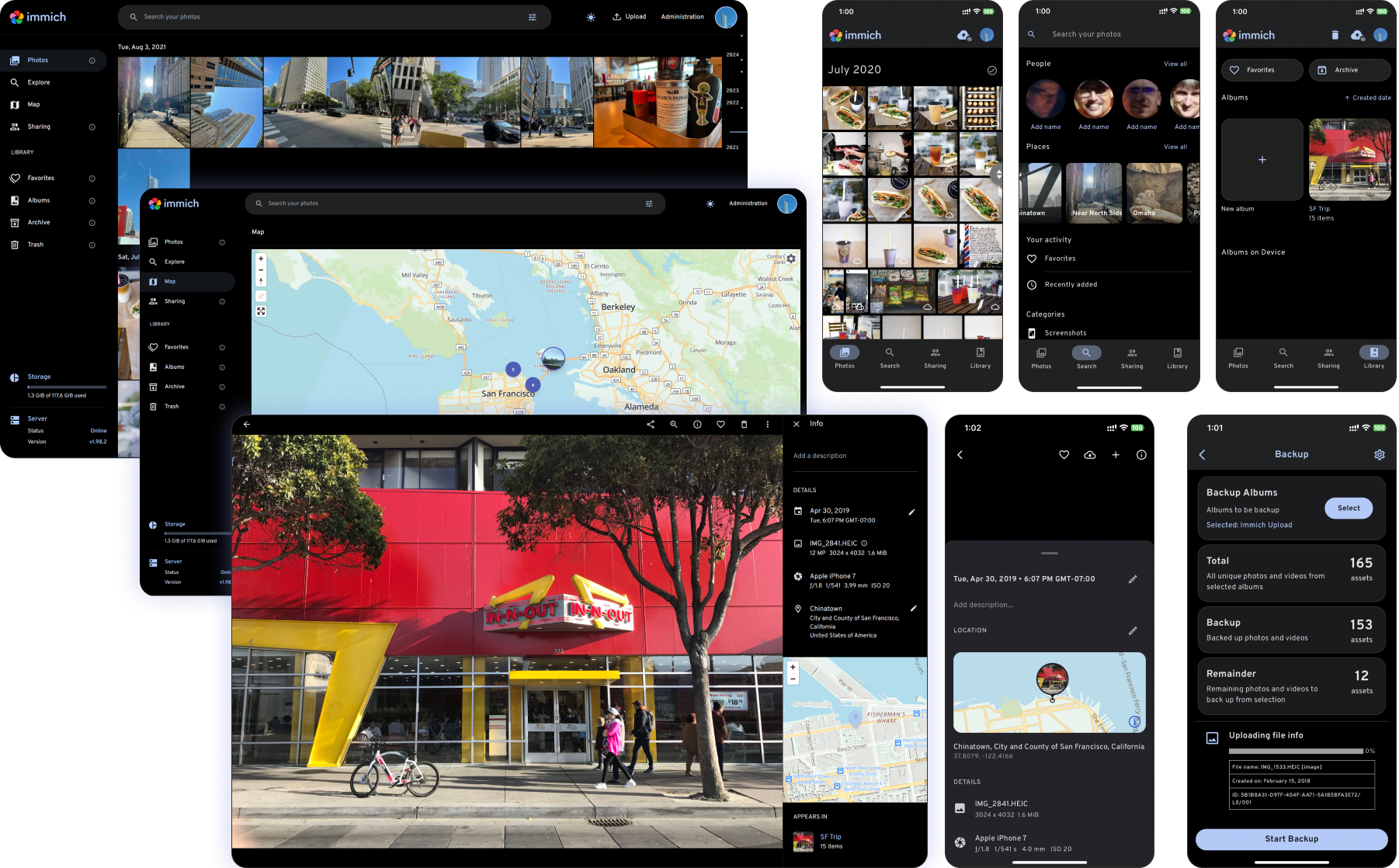
High performance self-hosted photo and video management solution
Català Español Français Italiano 日本語 한국어 Deutsch Nederlands Türkçe 简体中文 正體中文 Українська Русский Български Português Brasileiro Svenska العربية Tiếng Việt ภาษาไทย മലയാളം
[!WARNING] ⚠️ Always follow 3-2-1 backup plan for your precious photos and videos!
[!NOTE] You can find the main documentation, including installation guides, at https://immich.app/.
Links
Demo
Access the demo here. For the mobile app, you can use https://demo.immich.app for the Server Endpoint URL.
Login credentials
| Password | |
|---|---|
| demo@immich.app | demo |
Features
| Features | Mobile | Web |
|---|---|---|
| Upload and view videos and photos | Yes | Yes |
| Auto backup when the app is opened | Yes | N/A |
| Prevent duplication of assets | Yes | Yes |
| Selective album(s) for backup | Yes | N/A |
| Download photos and videos to local device | Yes | Yes |
| Multi-user support | Yes | Yes |
| Album and Shared albums | Yes | Yes |
| Scrubbable/draggable scrollbar | Yes | Yes |
| Support raw formats | Yes | Yes |
| Metadata view (EXIF, map) | Yes | Yes |
| Search by metadata, objects, faces, and CLIP | Yes | Yes |
| Administrative functions (user management) | No | Yes |
| Background backup | Yes | N/A |
| Virtual scroll | Yes | Yes |
| OAuth support | Yes | Yes |
| API Keys | N/A | Yes |
| LivePhoto/MotionPhoto backup and playback | Yes | Yes |
| Support 360 degree image display | No | Yes |
| User-defined storage structure | Yes | Yes |
| Public Sharing | Yes | Yes |
| Archive and Favorites | Yes | Yes |
| Global Map | Yes | Yes |
| Partner Sharing | Yes | Yes |
| Facial recognition and clustering | Yes | Yes |
| Memories (x years ago) | Yes | Yes |
| Offline support | Yes | No |
| Read-only gallery | Yes | Yes |
| Stacked Photos | Yes | Yes |
| Tags | No | Yes |
| Folder View | Yes | Yes |
Translations
Read more about translations here.

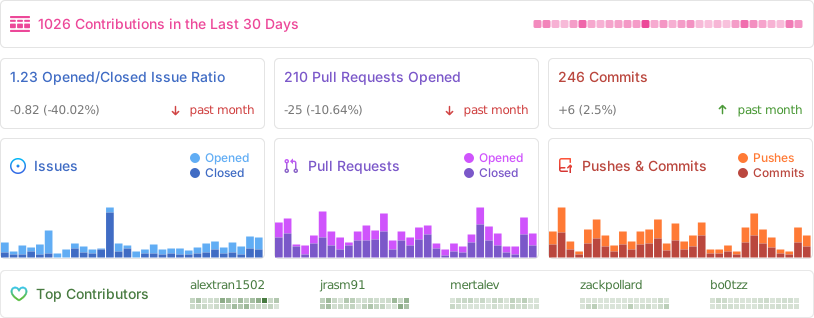
Repository activity
Contributors
Requirements
Categories
Related apps
Explore more like this
Explore allDetails
ghcr.io/immich-app/immich-machine-learning:release-rocmRuntime arguments
- Network
immich_internal- Shell
bash- Privileged
- false
- Extra Params
--group-add video
Template configuration
AMD Kernel Fusion Driver. Required for ROCm.
- Target
- /dev/kfd
- Default
- /dev/kfd
- Value
- /dev/kfd
AMD GPU render device.
- Target
- /dev/dri
- Default
- /dev/dri
- Value
- /dev/dri
ML model cache directory. Models are downloaded on first use (several GB).
- Target
- /cache
- Default
- /mnt/user/appdata/immich/model-cache/
- Value
- /mnt/user/appdata/immich/model-cache/
General settings.
Timezone. See: https://en.wikipedia.org/wiki/List_of_tz_database_time_zones#List
- Target
- TZ
- Default
- Europe/Berlin
- Value
- Europe/Berlin
Advanced ML settings.
Seconds of inactivity before unloading models from VRAM. Set to 0 to keep loaded permanently.
- Default
- 300
- Value
- 300
Number of ML worker processes. For multi-GPU setups, increase workers and set MACHINE_LEARNING_DEVICE_IDS (e.g. 0,1) to distribute workers across GPUs.
- Default
- 1
- Value
- 1
Seconds before a worker is considered unresponsive. GPU inference can be slow on first run.
- Default
- 300
- Value
- 300
Log verbosity: verbose, debug, log, warn, error
- Default
- log
- Value
- log