
All apps · 0 apps

hyperion.ng
Docker app from xenco's Repository
Overview
Readme
View on GitHub








About Hyperion
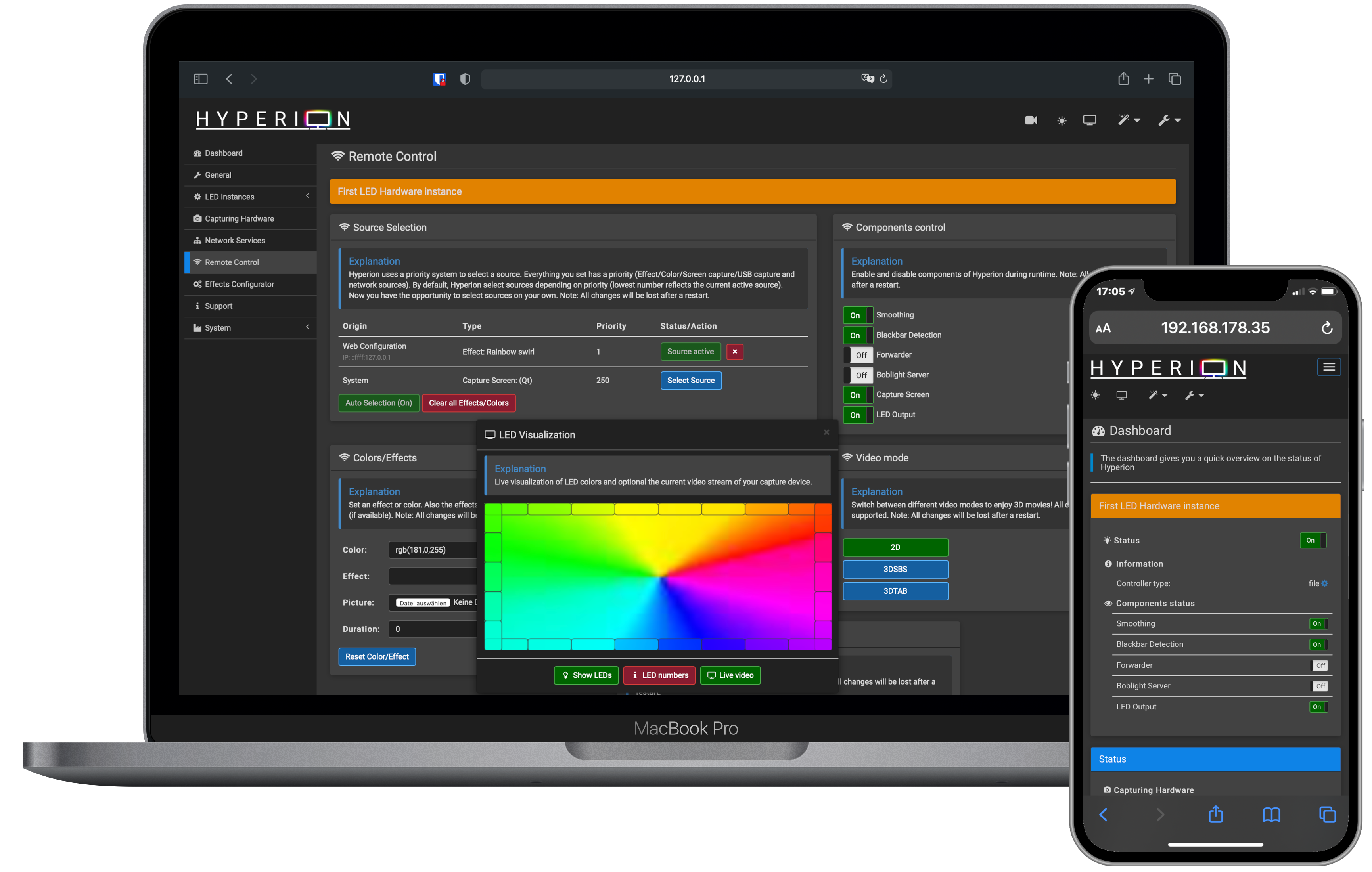
Hyperion is an opensource Bias or Ambient Lighting implementation which you might know from TV manufacturers. It supports many LED devices and video grabbers.
Features:
- Low CPU load makes it perfect for SoCs like Raspberry Pi
- Json interface which allows easy integration into scripts
- A command line utility for testing and integration in automated environment
- Priority channels are not coupled to a specific led data provider which means that a provider can post led data and leave without the need to maintain a connection to Hyperion. This is ideal for a remote application (like our former Android app, which is no longer available).
- Black border detector and processor
- A scriptable (Python) effect engine with 39 build-in effects for your inspiration
- A multi language web interface to configure and remote control hyperion
Supported Hardware
You can find a list of supported hardware here.
If you need further support please open a topic at the forum!
Contributing
Contributions are welcome! Feel free to join us! We are looking always for people who wants to participate.

For an example, you can participate in the translation.

Supported Platforms
Find here more details on supported platforms and configuration sets.
Documentation
Covers these topics:
Changelog
Released and unreleased changes at CHANGELOG.md.
Building
See CompileHowto.md.
Installation
See Getting Started and Installation.
Download
GitHub Releases are available on the Hyperion release page.
Privacy Policy
See PRIVACY.md.
License
The source is released under MIT-License (see https://opensource.org/licenses/MIT).

Media gallery
Download Statistics
Total Downloads Over Time
Related apps
Explore more like this
Explore allLinks
Details
nq00/hyperion-ngRuntime arguments
- Web UI
http://[IP]:[PORT:8090]/- Network
bridge- Shell
sh- Privileged
- false
Template configuration
Container Path: /etc/hyperion
- Target
- /etc/hyperion
- Default
- /mnt/user/appdata/hyperion.ng
- Value
- /mnt/user/appdata/hyperion.ng
Container Port: 19445
- Target
- 19445
- Default
- 19445
- Value
- 19445
Container Port: 19400
- Target
- 19400
- Default
- 19400
- Value
- 19400
Container Port: 19444
- Target
- 19444
- Default
- 19444
- Value
- 19444
Container Port: 8090
- Target
- 8090
- Default
- 8090
- Value
- 8090
Container Port: 8092
- Target
- 8092
- Default
- 8092
- Value
- 8092