
All apps · 0 apps

Huntorr
Docker app from grtgbln's Repository
Overview
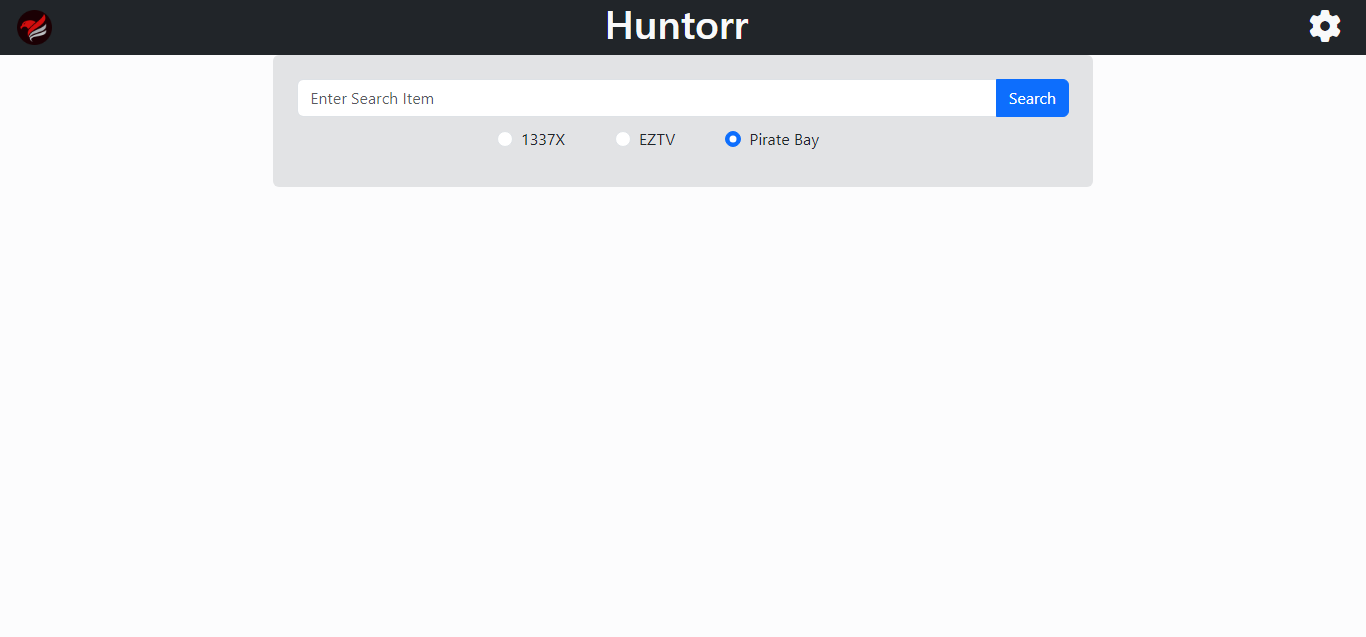
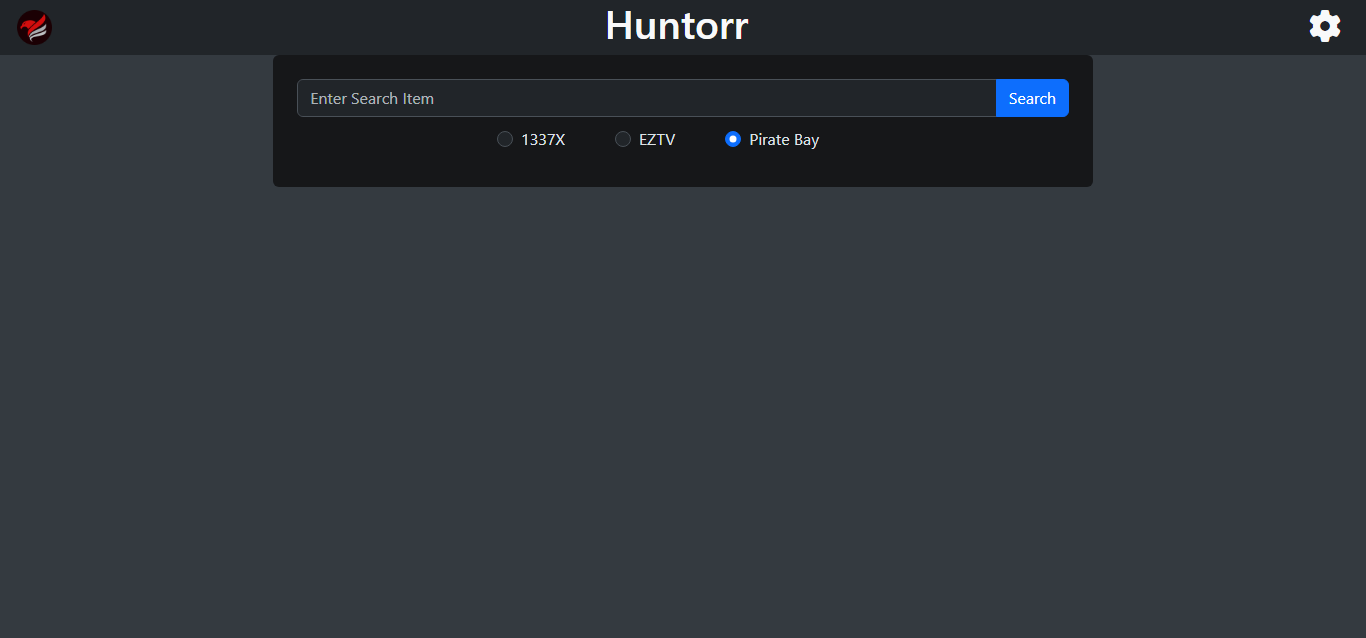
Huntorr is a quick and simple tool for performing torrent searches against the three top torrent sites and automatically adding them to your qBittorrent client.
Readme
View on GitHub


Web GUI for manually finding torrents and adding them to qBittorrent.
Run using docker-compose
services:
  huntorr:
    image: thewicklowwolf/huntorr:latest
    container_name: huntorr
    environment:
      - torrenter_username=user
      - torrenter_password=password
      - torrenter_ip=192.168.1.2
      - torrenter_port=5002
      - media_server_addresses=Plex:http://192.168.1.2:32400, Jellyfin:http://192.168.1.2:8096
      - media_server_tokens=Plex:abc, Jellyfin:def
      - media_server_library_name=Movies
    ports:
      - 5000:5000
    restart: unless-stopped
Media gallery
Requirements
Requires a separate qBittorrent instance.
Download Statistics
8,116
Total Downloads
Related apps
Explore more like this
Explore allLinks
Details
Repository
thewicklowwolf/huntorr:latestLast Updated2026-08-21
First Seen2026-01-26
Runtime arguments
- Web UI
http://[IP]:[PORT:5000]/- Network
bridge- Privileged
- false
Template configuration
Web UI PortPorttcp
Container Port: 5000
- Target
- 5000
- Default
- 5000
- Value
- 5000
qBittorrent - HostVariable
The IP address or hostname of your qBittorrent instance.
- Target
- torrenter_ip
qBittorrent - PortVariable
The port number of your qBittorrent Web UI.
- Target
- torrenter_port
- Default
- 5002
- Value
- 5002
qBittorrent - UsernameVariable
The username for your qBittorrent Web UI.
- Target
- torrenter_username
- Default
- admin
- Value
- admin
qBittorrent - PasswordVariable
The password for your qBittorrent Web UI.
- Target
- torrenter_password
Media Servers - AddressesVariable
Comma-separated list of Plex or Jellyfin server addresses to notify after adding torrents (e.g. Plex:http://192.168.1.2:32400, Jellyfin:http://192.168.1.2:8096)
- Target
- media_server_addresses
Media Servers - TokensVariable
Token for your Plex or Jellyfin server(s) to allow Huntorr to notify them of new content. (e.g. Plex:abc, Jellyfin:def)
- Target
- media_server_tokens
Media Servers - Library NameVariable
Name of the library to update on your media server(s) after adding torrents.
- Target
- media_server_library_name