
All apps · 0 apps

huginn
OfficialDocker app from Selfhosters
Overview
Huginn is a system for building agents that perform automated tasks for you online. They can read the web, watch for events, and take actions on your behalf. Huginn's Agents create and consume events, propagating them along a directed graph. Think of it as a hackable version of IFTTT or Zapier on your own server. You always know who has your data. You do.
Log in to your Huginn instance using the username admin and password password
See https://hub.docker.com/r/huginn/huginn/ for more information on running Huginn with a separate database container
More variables can be found here: https://github.com/huginn/huginn/blob/master/.env.example
Readme
View on GitHub


What is Huginn?
Huginn is a system for building agents that perform automated tasks for you online. They can read the web, watch for events, and take actions on your behalf. Huginn's Agents create and consume events, propagating them along a directed graph. Think of it as a hackable version of IFTTT or Zapier on your own server. You always know who has your data. You do.

Here are some of the things that you can do with Huginn
- Scrape websites and receive an email when they change
- Watch RSS feeds, IMAP mailboxes, webhooks, and MQTT topics, and act on what arrives
- Track the weather and get an email when it's going to rain (or snow) tomorrow ("Don't forget your umbrella!")
- Watch for air travel or shopping deals
- Detect peaks and gaps in a stream of events and send a message within moments when something unusual happens
- Send digest emails with the things you care about at specific times of the day
- Post to Slack, Telegram, Threads, Tumblr, Twitter, Weibo, Pushover, Pushbullet, and Jabber, or send SMS and phone calls with Twilio
- Summarize, classify, and translate text, or generate images and speech, with OpenAI-compatible APIs
- Fetch, transform, and store files on Dropbox, S3, FTP, and the local filesystem
- Write custom logic in JavaScript, Liquid templates, or jq
- Publish your own feeds and JSON endpoints from the events your Agents collect
- Track your location over time
- Send and receive webhooks to connect Huginn with anything else
Ask questions and share your ideas in GitHub Discussions.
Join us!
Want to help with Huginn? All contributions are encouraged! You could make UI improvements, add new Agents, write documentation and tutorials, or try tackling issues tagged with "help wanted". See CONTRIBUTING.md to get started.
Have an awesome idea but not feeling quite up to contributing yet? Head over to our official 'suggest an agent' thread and tell us!
Examples
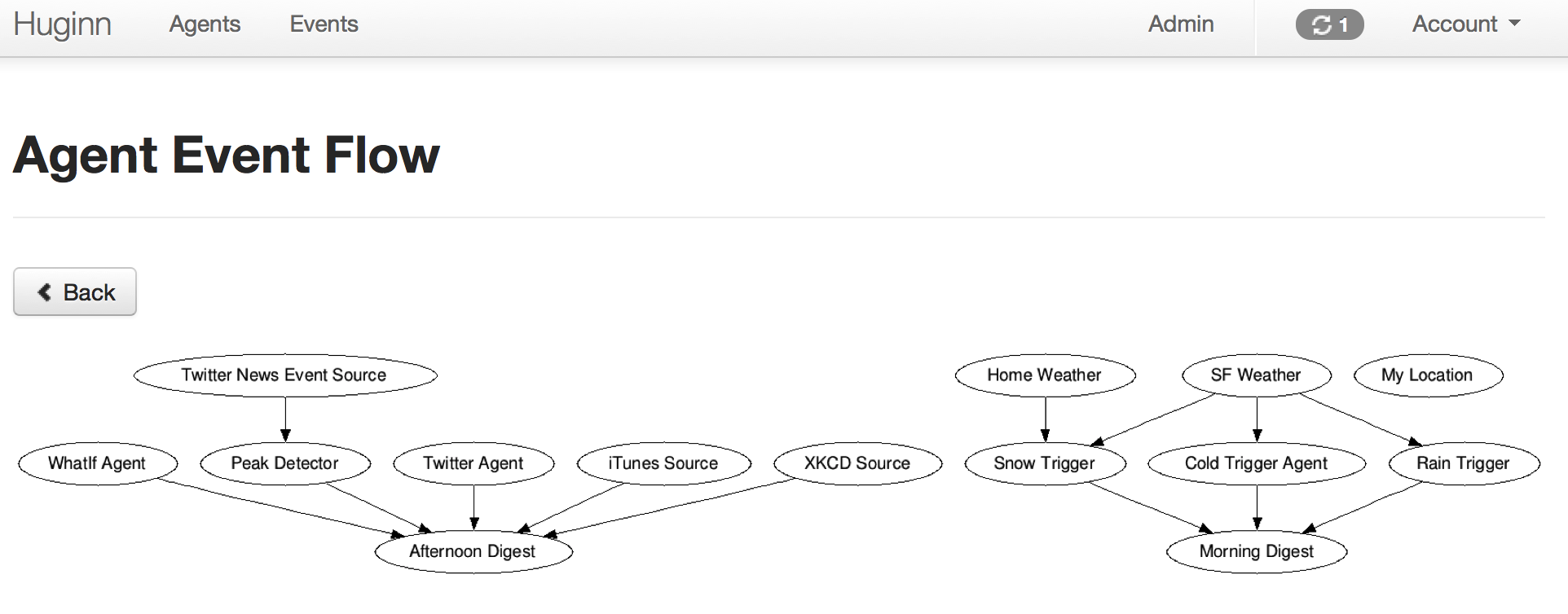
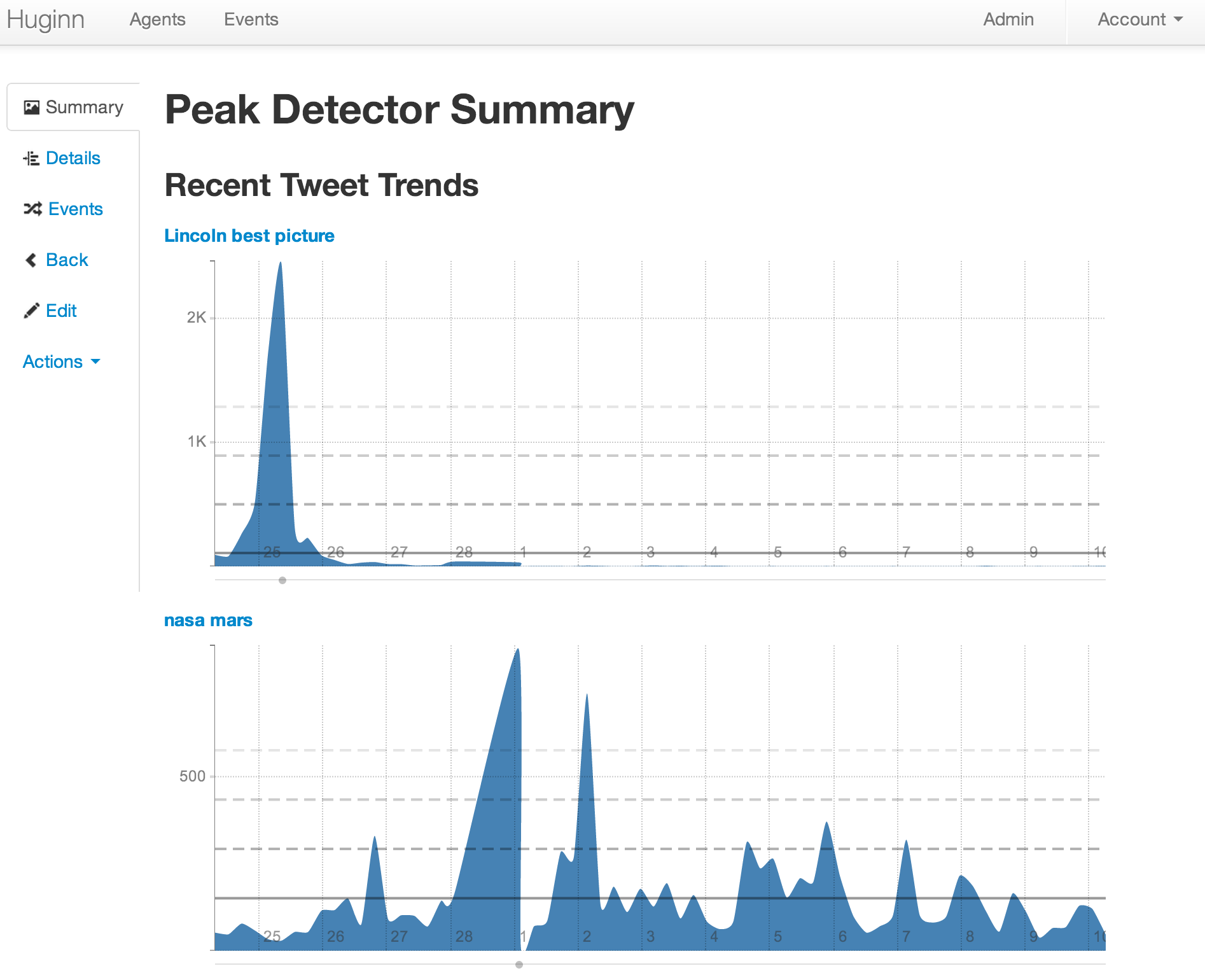
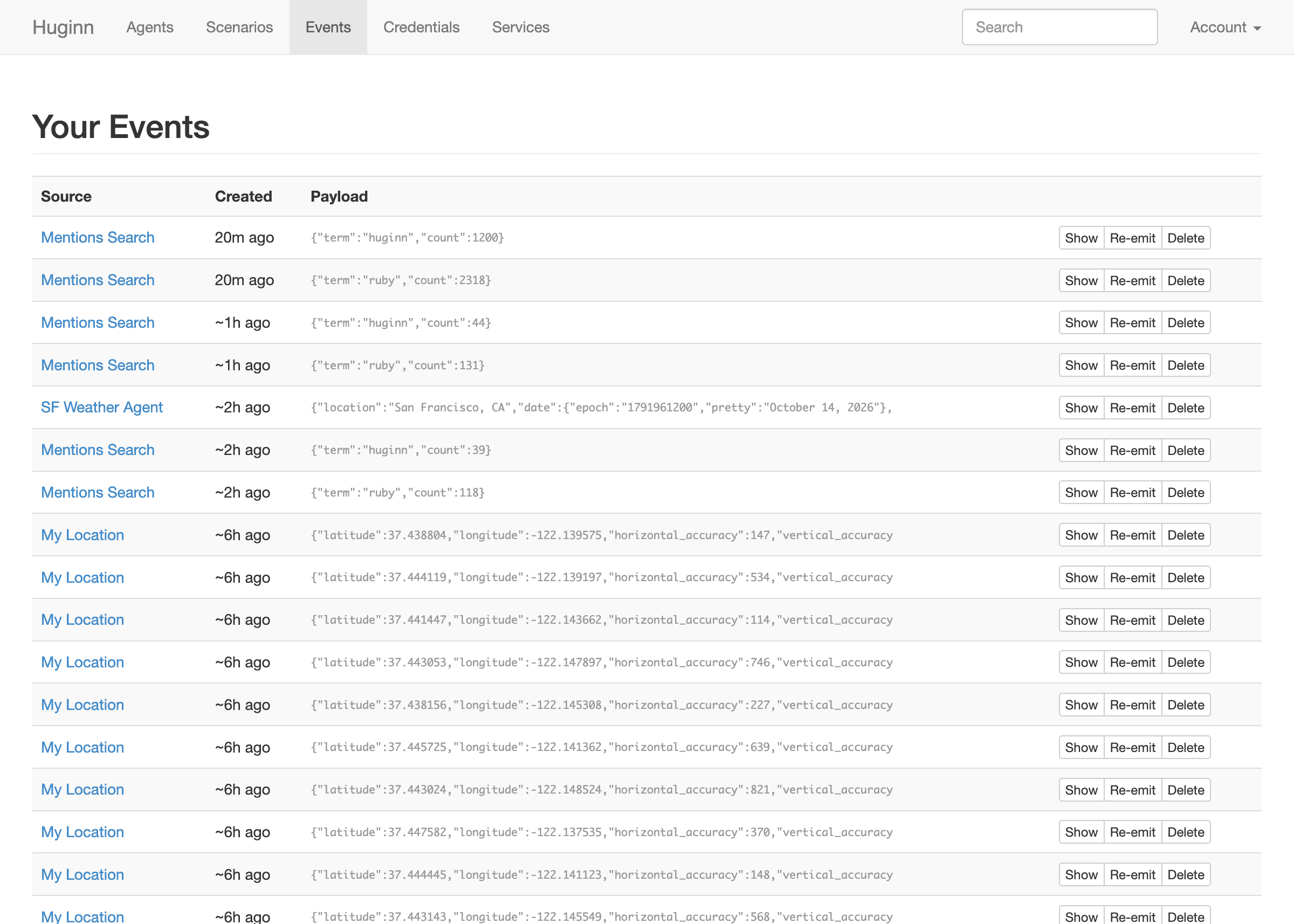
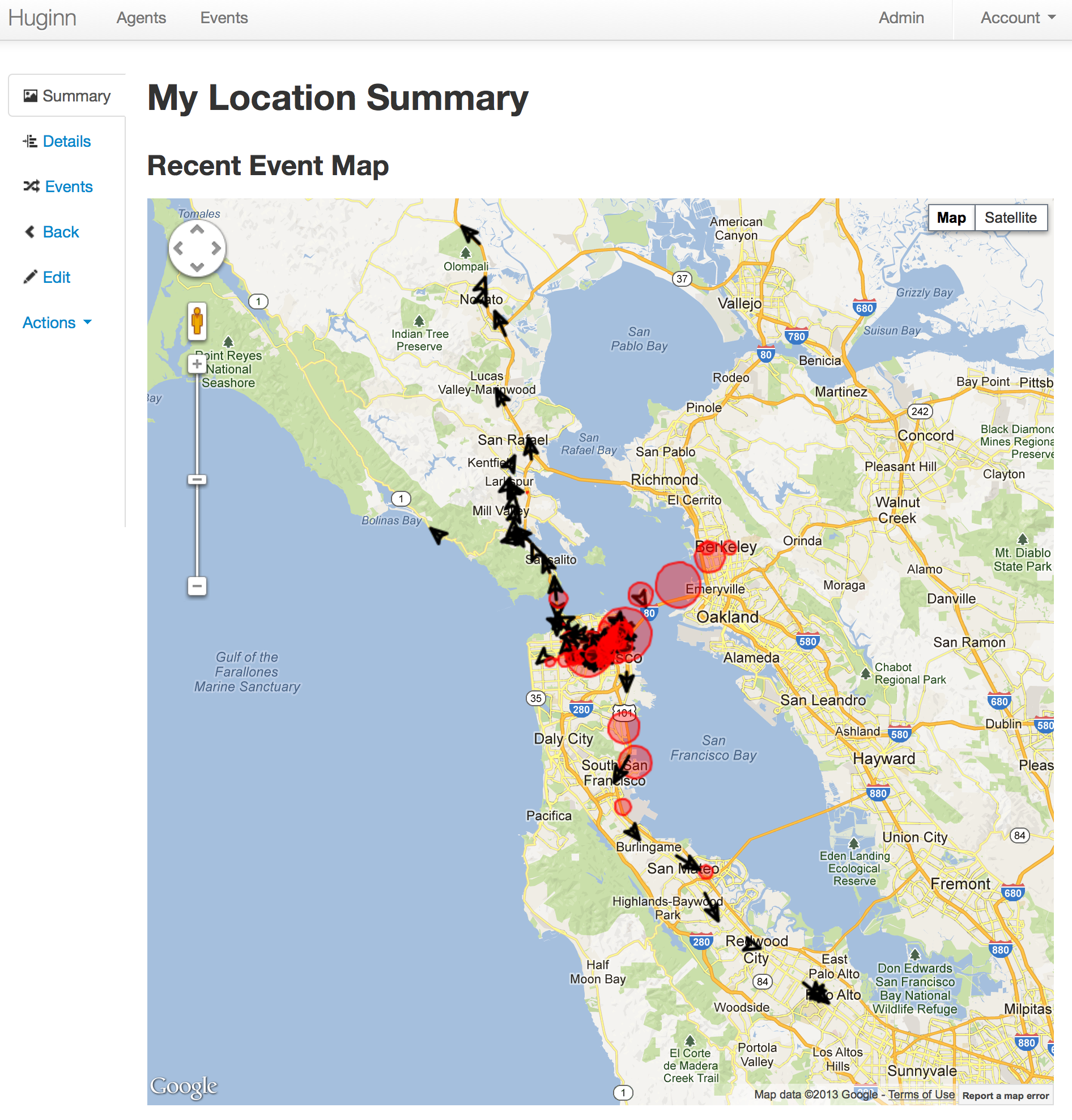
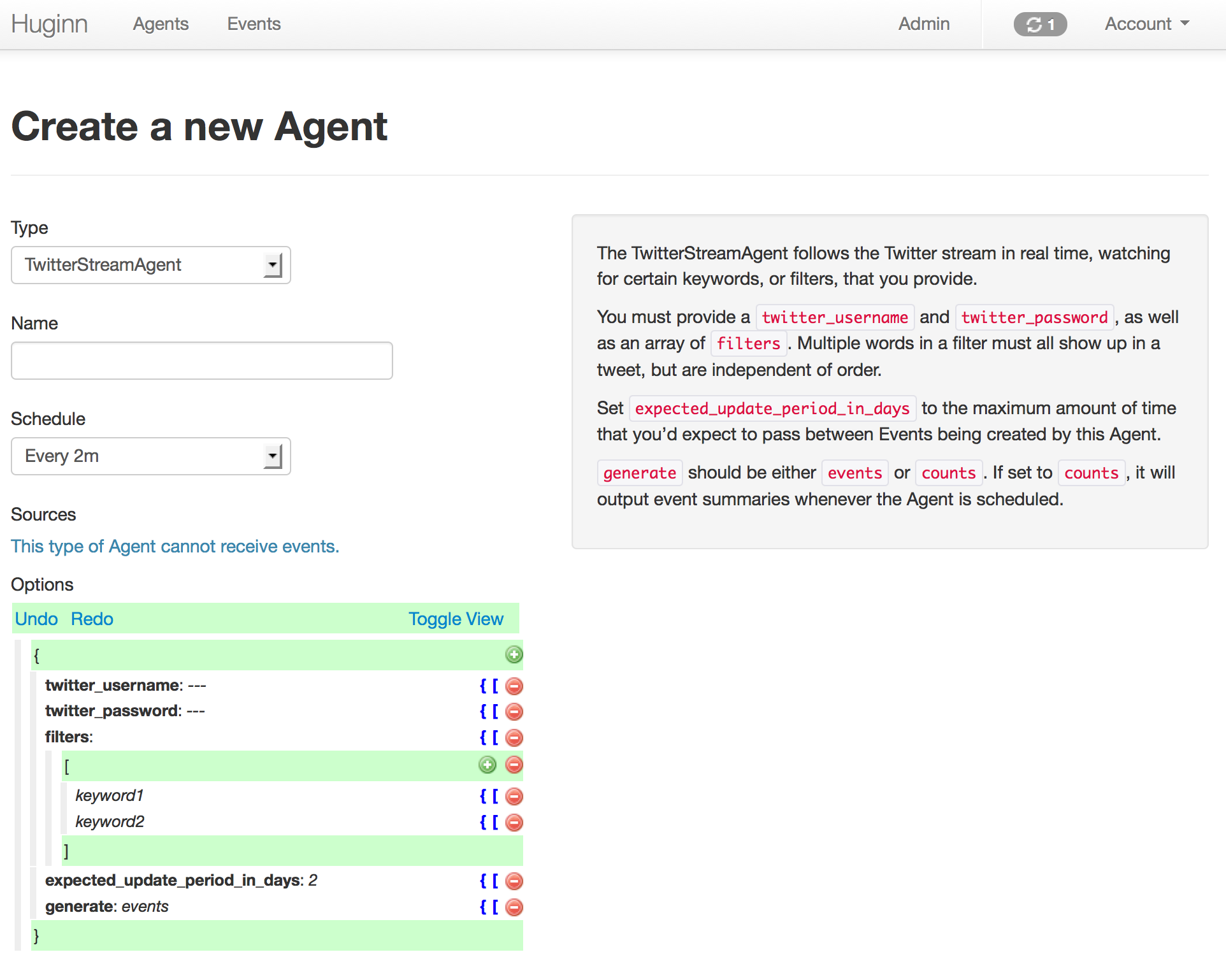
Here are some example screenshots. Below them are instructions to get you started.

Getting Started
Try it with Docker
The quickest way to check out Huginn is the official Docker image, which runs everything in one container:
docker run -it -p 3000:3000 ghcr.io/huginn/huginn
Open http://localhost:3000/ and log in as admin with the password printed once in the container log. See the Docker documentation for persistent storage, an external database, and the multi-container image.
Local development
If you want to hack on Huginn, fork this repository and then:
- Run
git remote add upstream https://github.com/huginn/huginn.gitto add the main repository as a remote for your fork. - Copy
.env.exampleto.env(cp .env.example .env) and edit.env, at least updating theAPP_SECRET_TOKENvariable. - Make sure that you have MySQL or PostgreSQL installed. (On a Mac, the easiest way is with Homebrew. If you're going to use PostgreSQL, you'll need to prepend all commands below with
DATABASE_ADAPTER=postgresql.) - Run
bundleandnpm installto install dependencies. Node.js is needed for frontend libraries such as Font Awesome. - Run
bundle exec rake db:create,bundle exec rake db:migrate, and thenbundle exec rake db:seedto create a development database with some example Agents. - Run
bundle exec foreman start, visit http://localhost:3000/, and log in with the usernameadminand the password printed byrake db:seed(or setSEED_PASSWORDto choose one). - Set up some Agents!
- Read the wiki for usage examples and to get started making new Agents.
- Periodically run
git fetch upstreamand thengit checkout master && git merge upstream/masterto merge in the newest version of Huginn.
By default, email messages are intercepted in the development Rails environment and shown at http://localhost:3000/letter_opener. To send real email via SMTP while developing, set SEND_EMAIL_IN_DEVELOPMENT to true in your .env file.
If you need more detailed instructions, see the Novice setup guide.
Running the specs
All Agents have specs, and there are acceptance tests that run Huginn in a headless browser.
- Install Google Chrome and ChromeDriver for local feature specs, or use the Docker-based test environment in
docker/test/README.md. - Run all specs with
bundle exec rspec, or a single file withbundle exec rspec path/to/specific/test_spec.rb. - Regenerate the screenshots above with
bin/screenshotsafter UI changes.
Deployment
Huginn runs as a web process plus a background worker, backed by MySQL or PostgreSQL. Pick whichever of the following fits how you run things.
Docker Compose on your own server
This is the recommended way to run Huginn in production. The official images are published to ghcr.io/huginn/huginn (all processes in one container) and ghcr.io/huginn/huginn-single-process (one process per container). Example Compose files for MySQL and PostgreSQL are in docker/single-process/; the Docker documentation explains configuration through environment variables.
The same Compose files work on self-hosted platforms that deploy from Compose, such as Coolify and Dokploy.
Managed platforms
Any platform that runs a public Docker image with an always-on worker and a managed database can host Huginn. Create a web service and a worker service from the single-process image (the worker runs /scripts/init bin/threaded.rb), attach a PostgreSQL or MySQL database, and set the environment variables described in the Docker documentation. Platforms known to fit this shape include Render, Fly.io, Railway, and DigitalOcean App Platform. None of them keeps a worker running on a free tier, so expect a small monthly bill.
Managed Huginn hosting offered by sponsors is listed there, along with the listing policy. Community-maintained guides for other providers are on the wiki.
Packaged by the community
Huginn is also packaged for YunoHost and available in Unraid Community Applications. These packages are maintained by their communities and may lag behind releases.
Manual installation on any server
Follow the installation guide to install from source on Ubuntu or Debian. Heroku is still supported, but is no longer the cheapest or simplest option.
Optional configuration
See doc/manual/configuration.md for outbound request restrictions on shared instances, the WeatherAgent API key, running without SSL, and private development setups.
Using Huginn Agent gems
Huginn Agents can be written as external gems and added to your Huginn installation with the ADDITIONAL_GEMS environment variable. See the Additional Agent gems section of .env.example for more information.
If you'd like to write your own Huginn Agent gem, please see huginn_agent.
Our general intention is to encourage complex and specific Agents to be written as gems, while continuing to add new general-purpose Agents to the core Huginn repository.
Sponsors
Huginn is maintained by Akinori Musha (@knu) in spare time. You can support its development by sponsoring the maintainer. Company sponsors and sponsored hosting providers are listed in doc/sponsors.md, along with the listing policy.
License
Huginn is provided under the MIT License.
Huginn was originally created by @cantino in 2013. Since then, many people's dedicated contributions have made it what it is today.
Categories
Download Statistics
Total Downloads Over Time
Related apps
Explore more like this
Explore allDetails
ghcr.io/huginn/huginnRuntime arguments
- Web UI
http://[IP]:[PORT:3000]/- Network
bridge- Shell
sh- Privileged
- false
Template configuration
Container Port: 3000
- Target
- 3000
- Default
- 3000
Container Path: /var/lib/mysql
- Target
- /var/lib/mysql
- Default
- /mnt/user/appdata/huginn