
All apps · 0 apps

Homebox
Docker app from ZappyZap's Repository
Overview
Readme
View on GitHub
HomeBox








What is HomeBox
HomeBox is the inventory and organization system built for the Home User! With a focus on simplicity and ease of use, Homebox is the perfect solution for your home inventory, organization, and management needs. While developing this project, We've tried to keep the following principles in mind:
- 🧘 Simple but Expandable - Homebox is designed to be simple and easy to use. No complicated setup or configuration required. But expandable to whatever level of infrastructure you want to put into it.
- 🚀 Blazingly Fast - Homebox is written in Go, which makes it extremely fast and requires minimal resources to deploy. In general, idle memory usage is less than 50MB for the whole container.
- 📦 Portable - Homebox is designed to be portable and run on anywhere. We use SQLite and an embedded Web UI to make it easy to deploy, use, and backup.
Key Features
- 📇 Rich Organization - Organize your items into categories, locations, and tags. You can also create custom fields to store additional information about your items.
- 🔍 Powerful Search - Quickly find items in your inventory using the powerful search feature.
- 📸 Image Upload - Upload images of your items to make it easy to identify them.
- 📄 Document and Warranty Tracking - Keep track of important documents and warranties for your items.
- 💰 Purchase & Maintenance Tracking - Track purchase dates, prices, and maintenance schedules for your items.
- 📱 Responsive Design - Homebox is designed to work on any device, including desktops, tablets, and smartphones.
Screenshots
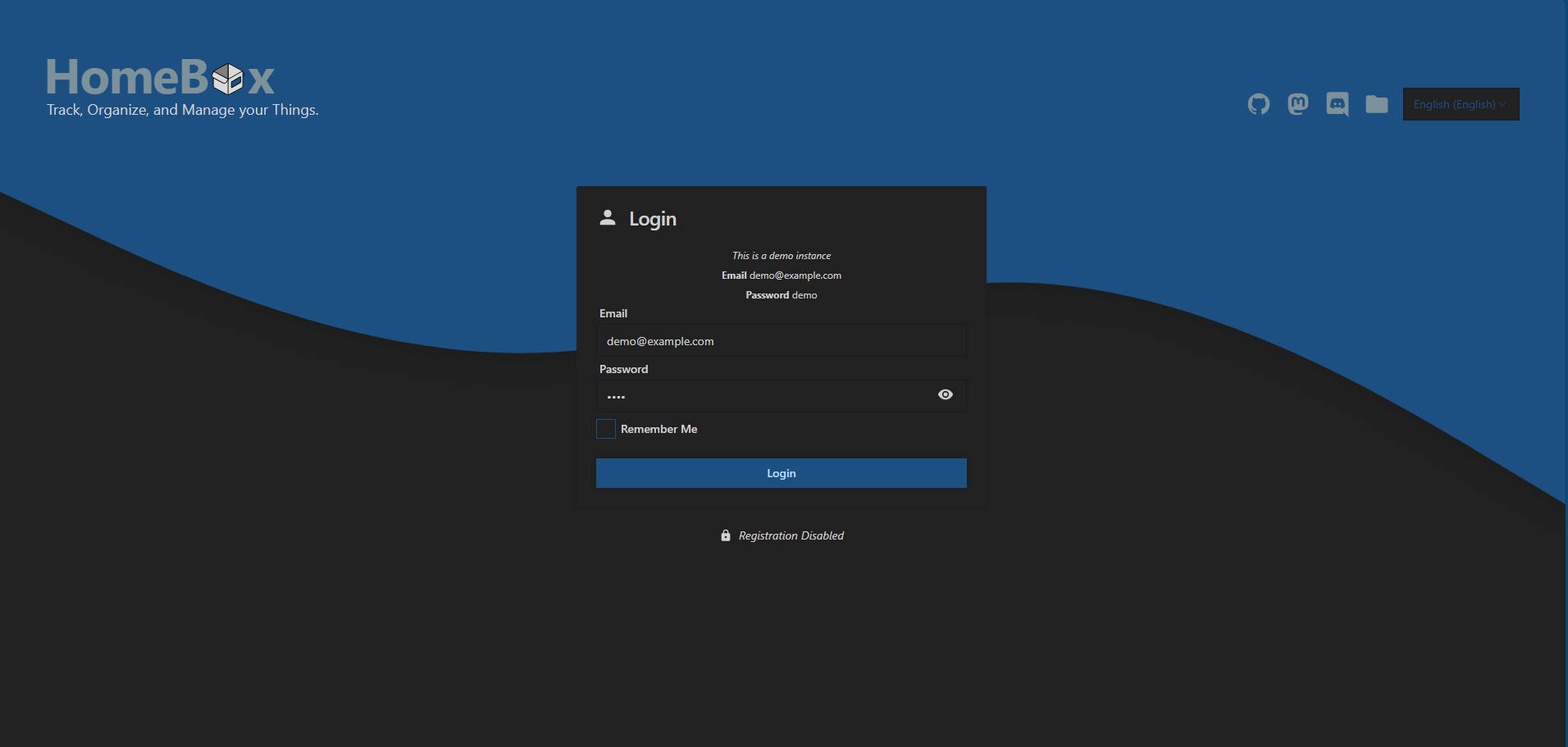
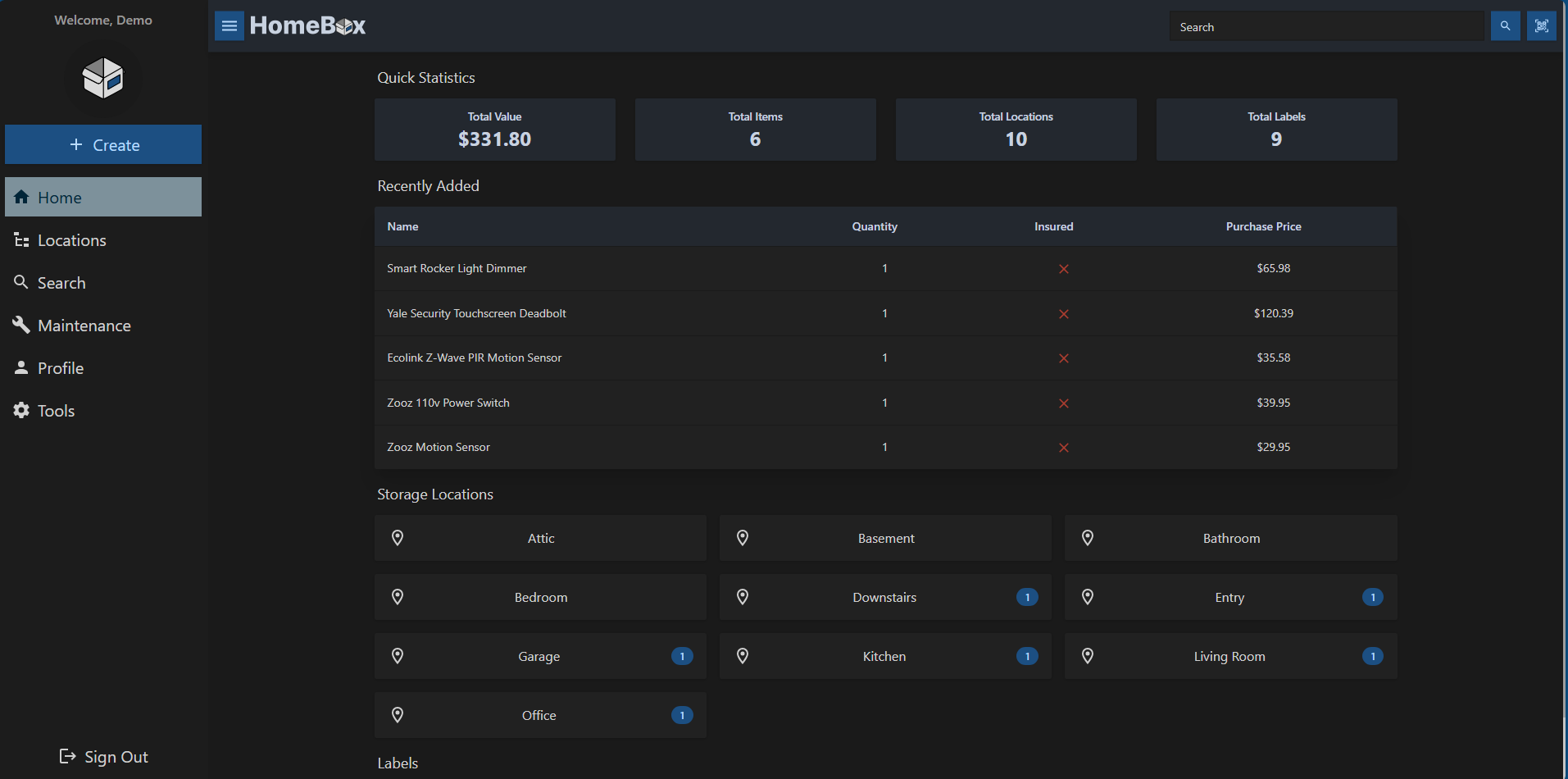
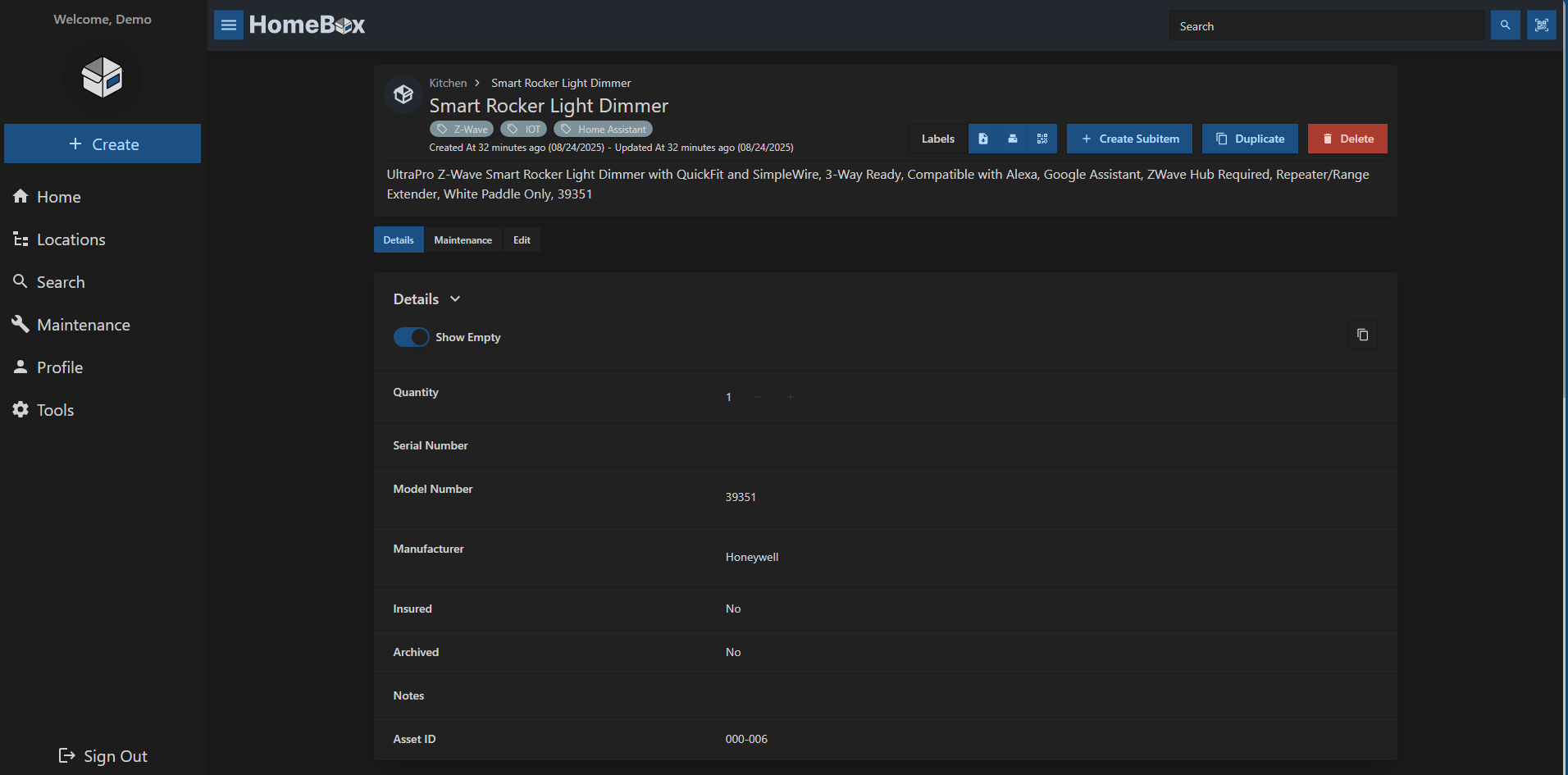
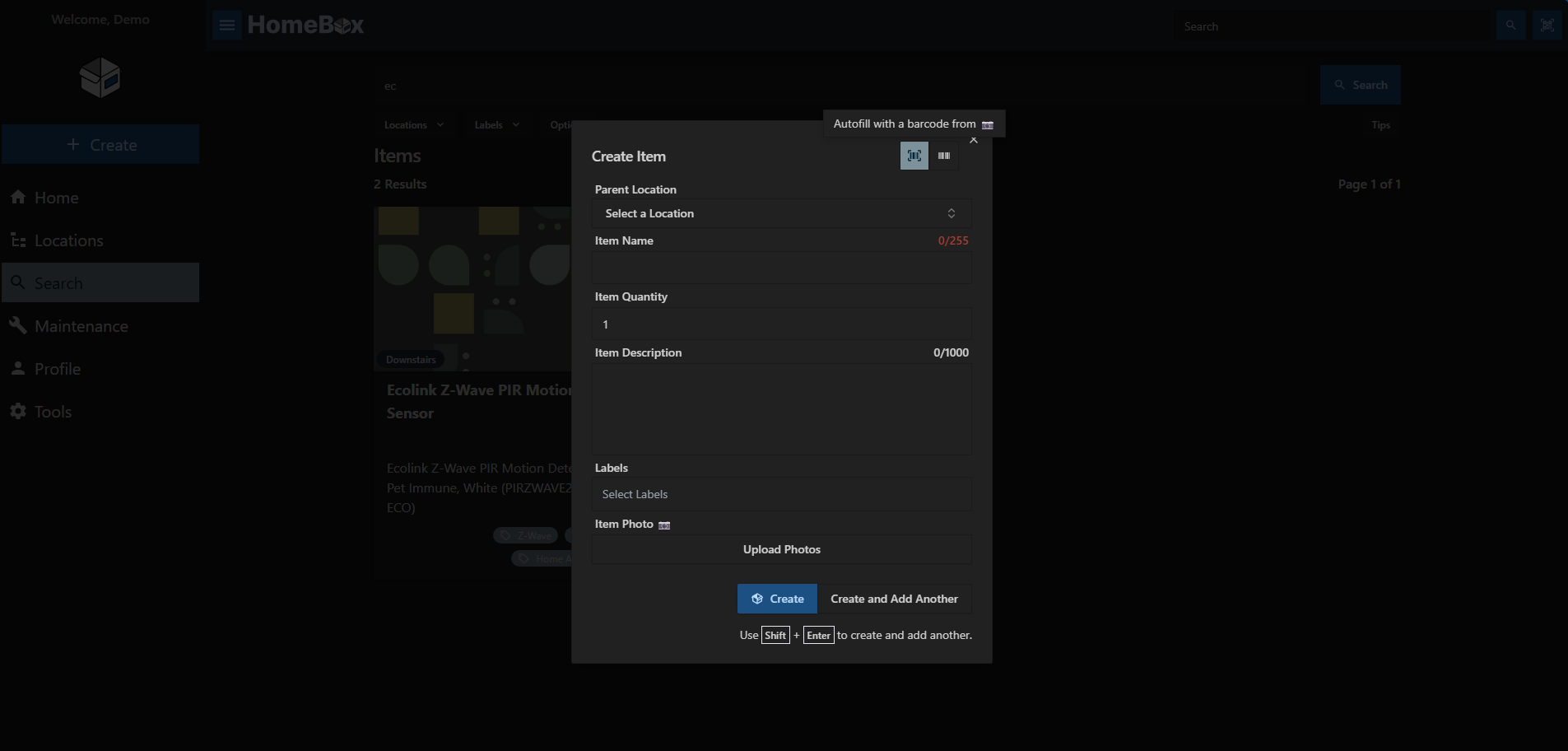
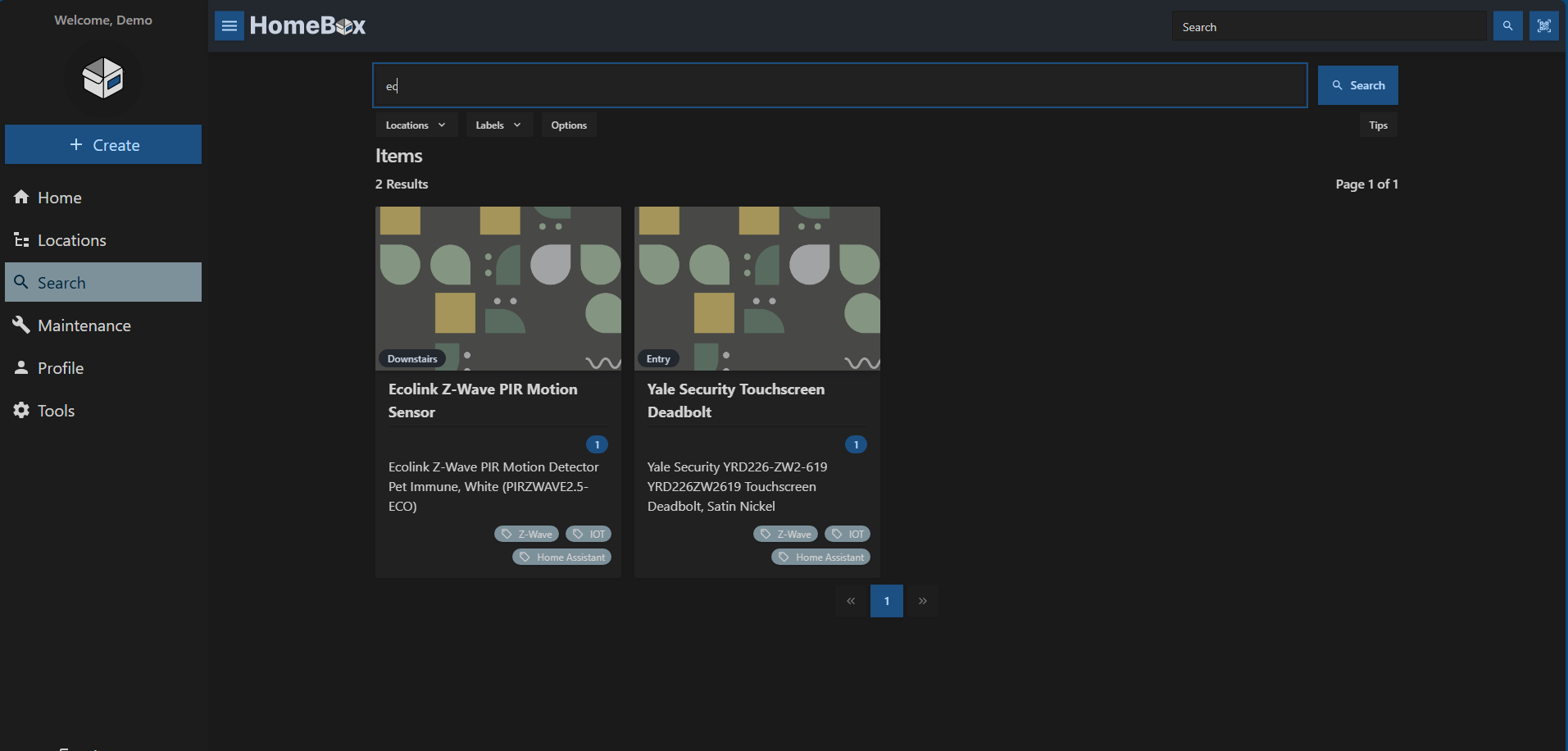
You can also try the demo instances of Homebox:
Quick Start
Configuration & Docker Compose
# Save pepper to local file
openssl rand -base64 48 > hbox.pepper
chmod 400 hbox.pepper
# If using the rootless or hardened image, ensure data
# folder has correct permissions
mkdir -p /path/to/data/folder
chown 65532:65532 -R /path/to/data/folder
docker run -d \
  --name homebox \
  --restart unless-stopped \
  --publish 3100:7745 \
  --env TZ=Europe/Bucharest \
  --env HBOX_AUTH_API_KEY_PEPPER=$(cat hbox.pepper) \
  --volume /path/to/data/folder/:/data \
  ghcr.io/sysadminsmedia/homebox:latest
# ghcr.io/sysadminsmedia/homebox:latest-rootless
# ghcr.io/sysadminsmedia/homebox:latest-hardened
Contributing
Contributions are what make the open source community such an amazing place to learn, inspire, and create. Any contributions you make are greatly appreciated.
To get started with code based contributions, please see our contributing guide.
If you are not a coder and can't help translate, you can still contribute financially. Financial contributions help us maintain the project and keep demos running.
Help us Translate
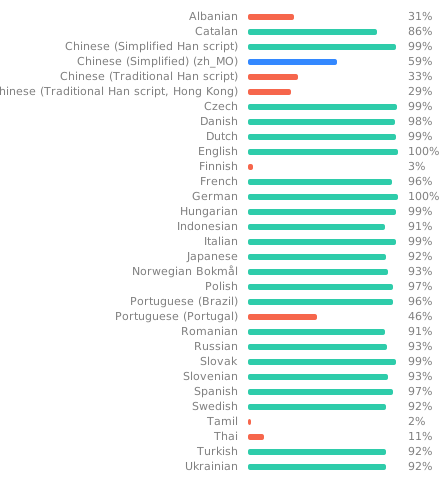
We want to make sure that Homebox is available in as many languages as possible. If you are interested in helping us translate Homebox, please help us via our Weblate instance.
Credits
- Original project by @hay-kot
- Logo by @lakotelman
Contributors
Categories
Download Statistics
Total Downloads Over Time
Related apps
Explore more like this
Explore allDetails
ghcr.io/sysadminsmedia/homebox:latestRuntime arguments
- Web UI
http://[IP]:[PORT:7745]/- Network
bridge- Shell
sh- Privileged
- false
- Extra Params
--restart=unless-stopped
Template configuration
- Target
- /data
- Value
- /mnt/user/appdata/homebox
log level to use, can be one of: trace, debug, info, warn, error, critical
- Target
- HBOX_LOG_LEVEL
- Default
- info
- Value
- info
log format to use, can be one of: text, json
- Target
- HBOX_LOG_FORMAT
- Default
- text
- Value
- text
maximum file upload size supported in MB
- Target
- HBOX_WEB_MAX_UPLOAD_SIZE
- Default
- 10
- Value
- 10
- Target
- 7745
- Default
- 3100
- Value
- 3100
allow users to register themselves
- Target
- HBOX_OPTIONS_ALLOW_REGISTRATION
- Default
- true
- Value
- true
check for new github releases
- Target
- HBOX_OPTIONS_CHECK_GITHUB_RELEASE
- Default
- true
- Value
- true
pepper for hashing API keys
- Target
- HBOX_AUTH_API_KEY_PEPPER
application mode used for runtime behavior can be one of: development, production
- Target
- HBOX_MODE
- Default
- production
- Value
- production
auto increments the asset_id field for new items
- Target
- HBOX_OPTIONS_AUTO_INCREMENT_ASSET_ID
- Default
- true
- Value
- true
Read timeout of HTTP sever
- Target
- HBOX_WEB_READ_TIMEOUT
- Default
- 10s
- Value
- 10s
Write timeout of HTTP server
- Target
- HBOX_WEB_WRITE_TIMEOUT
- Default
- 10s
- Value
- 10s
Idle timeout of HTTP server
- Target
- HBOX_WEB_IDLE_TIMEOUT
- Default
- 30s
- Value
- 30s
email host to use, if not set no email provider will be used
- Target
- HBOX_MAILER_HOST
email port to use
- Target
- HBOX_MAILER_PORT
- Default
- 587
- Value
- 587
email user to use
- Target
- HBOX_MAILER_USERNAME
email password to use
- Target
- HBOX_MAILER_PASSWORD
email from address to use
- Target
- HBOX_MAILER_FROM