
All apps · 0 apps

GiftManager
Docker app from Mirano's Repository
Overview
A Gift Ideas Management app that lets users add, edit, and organize gift ideas with descriptions, links, and prices. It supports sorting, marking gifts as bought, and tracking past gifts — all while keeping surprises secret.
Readme
View on GitHubGiftmanager

🚀 Demo
You can check out the live demo here: Giftmanager Demo
Project Screenshots:
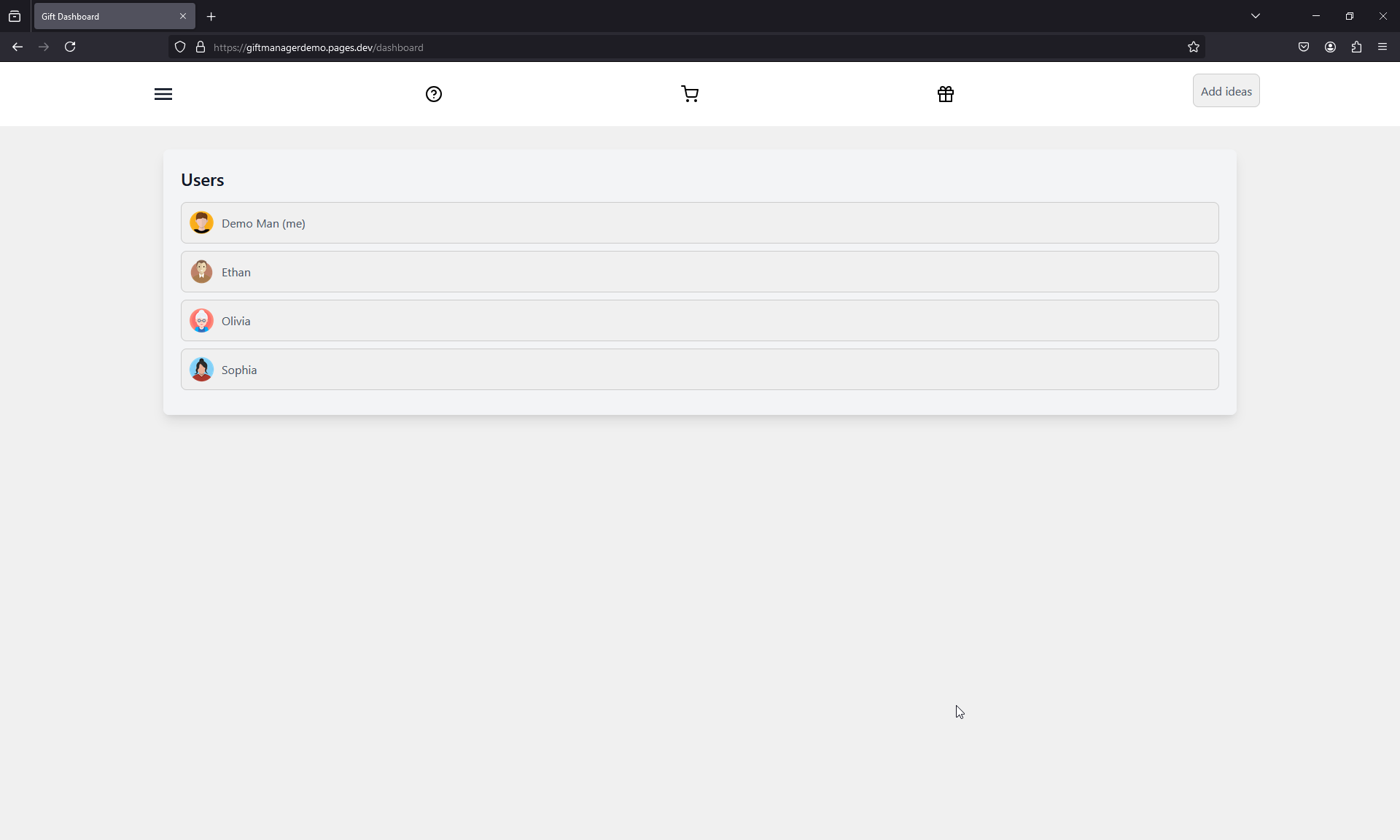
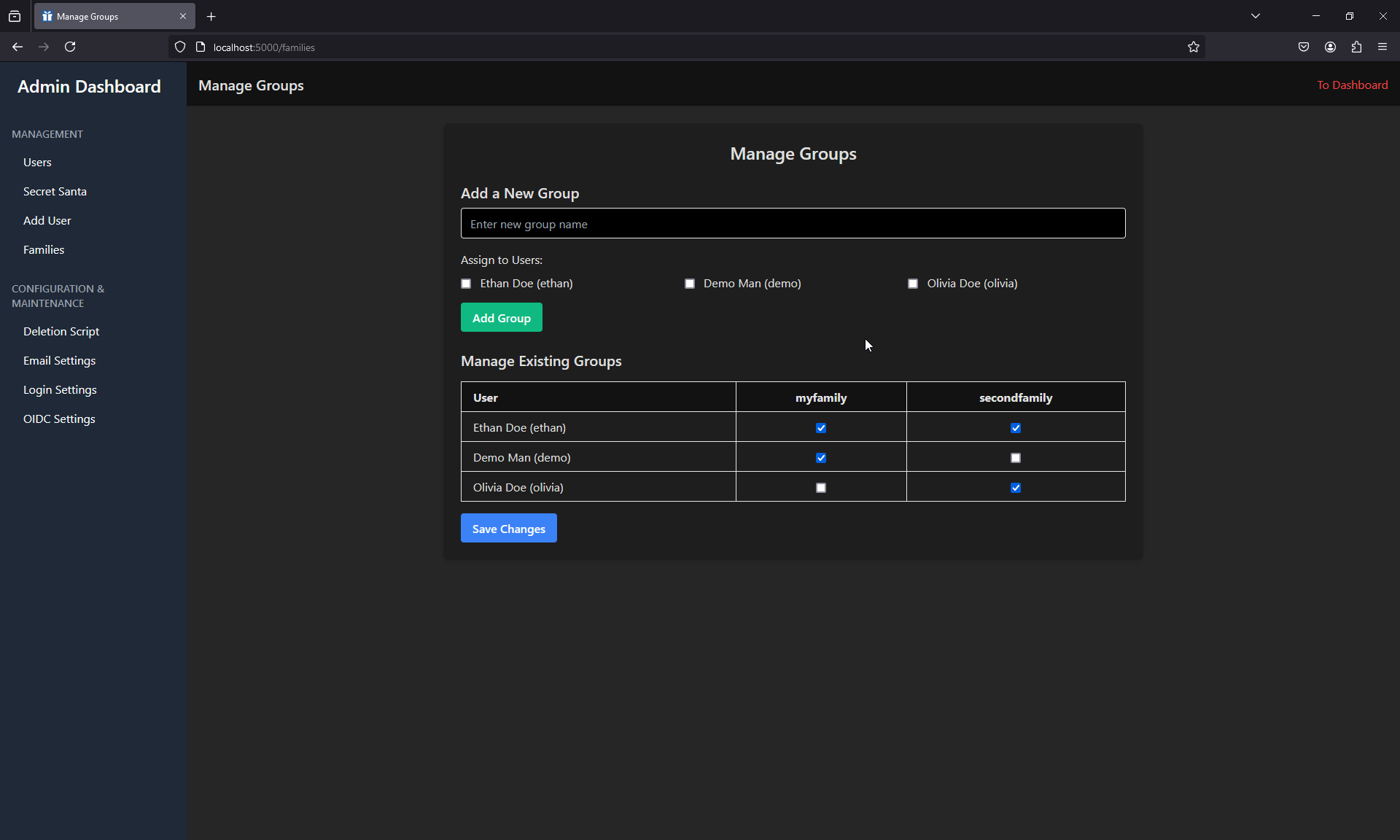
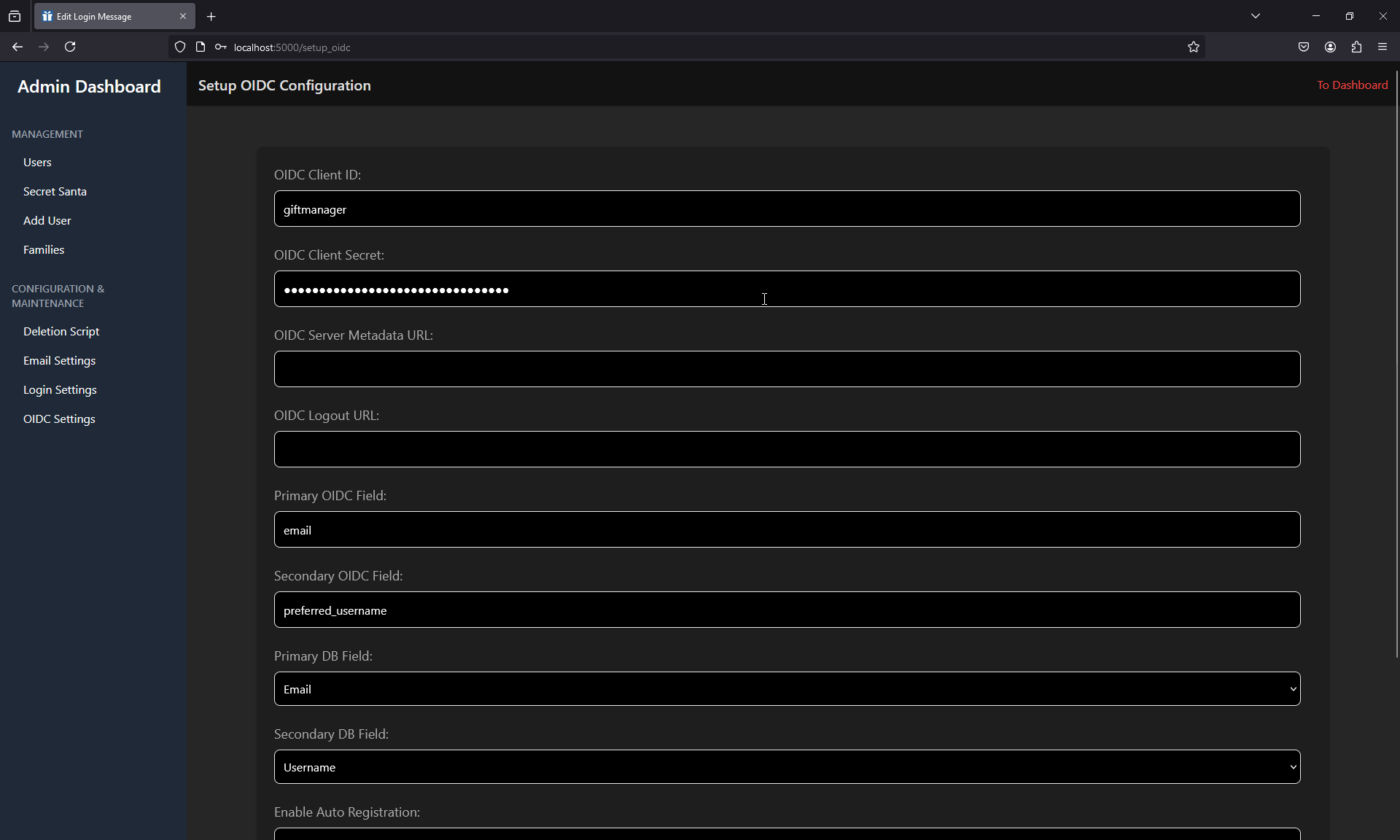
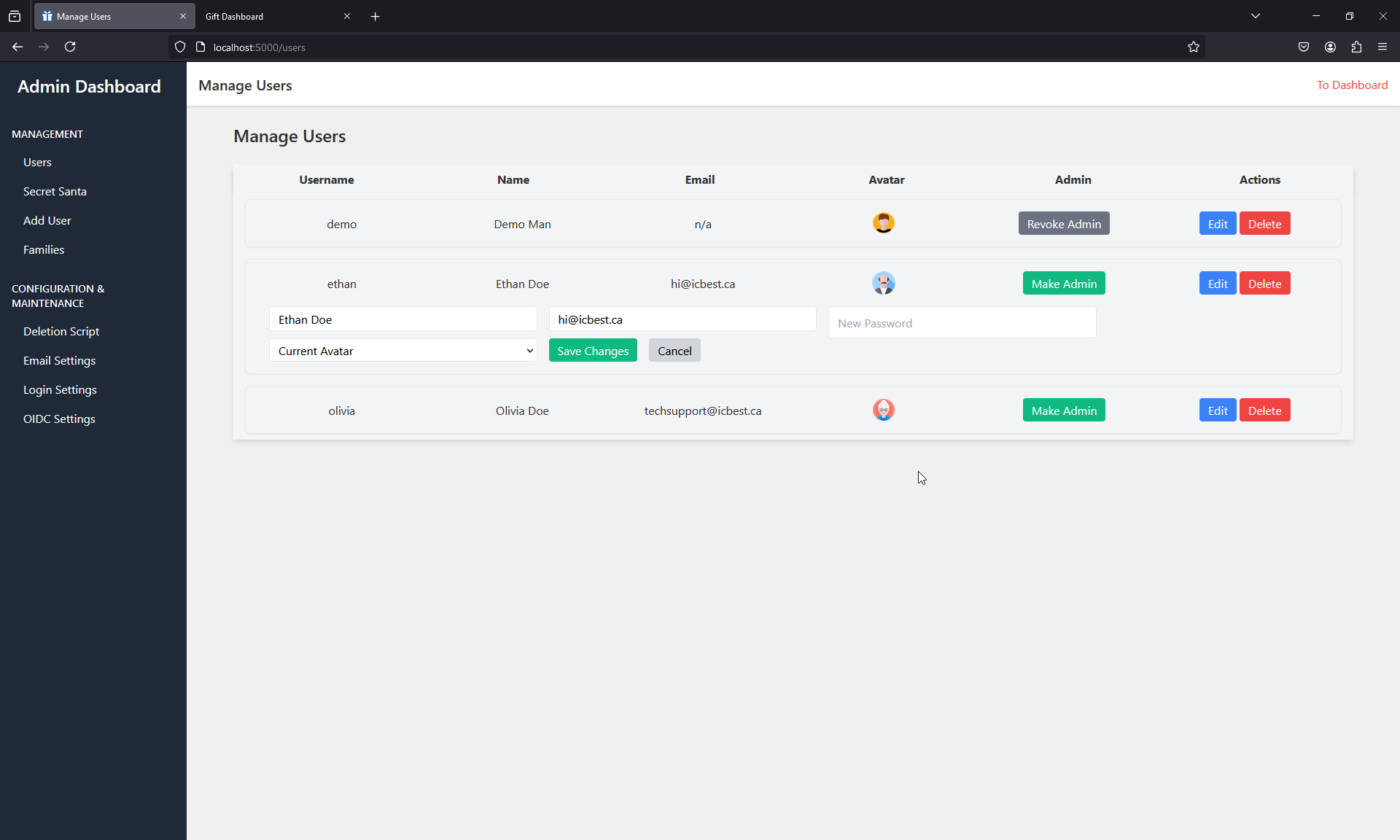
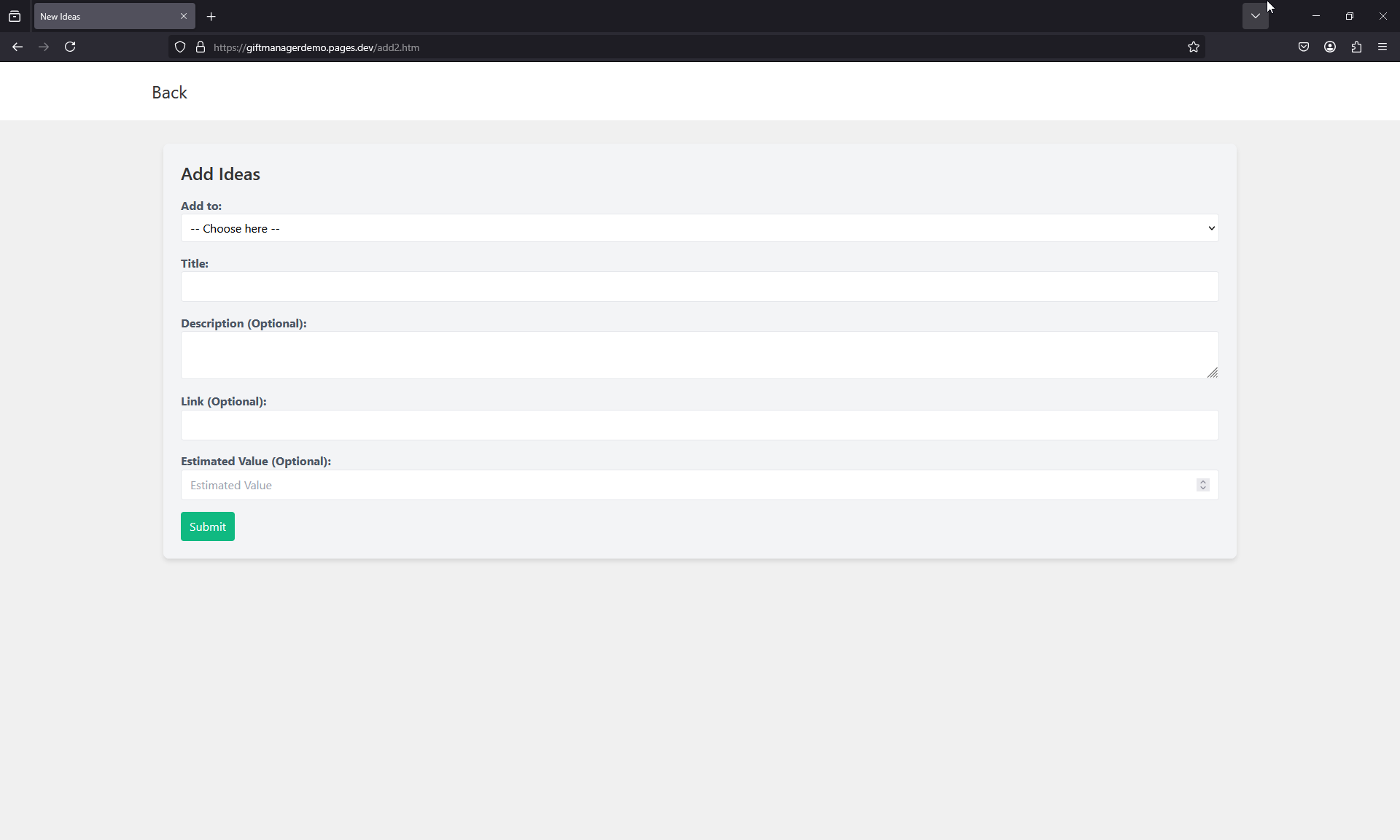
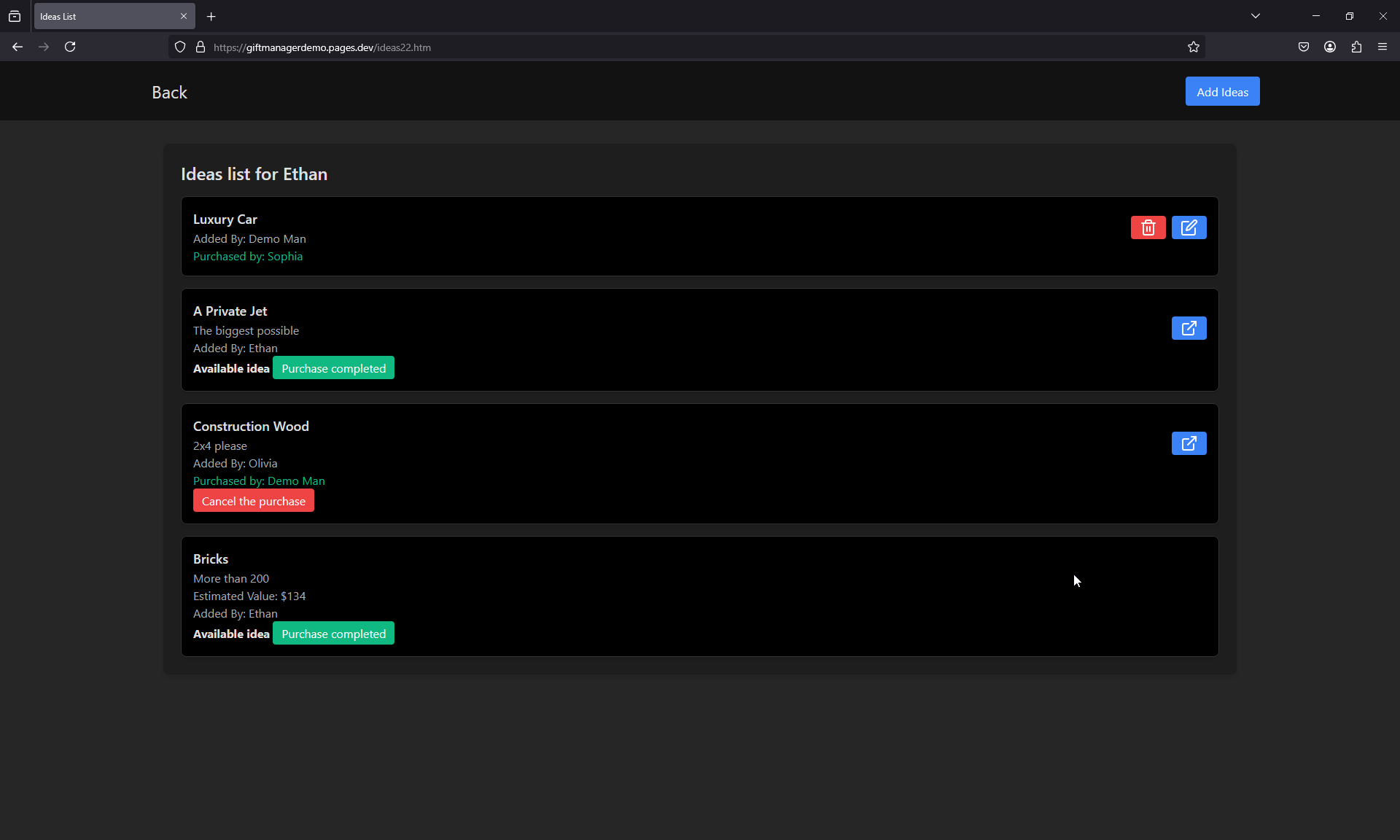
Installation
To set up the project, follow the instructions on the Getting Started Page.
Features
Gift Ideas Management
- Add and edit gift ideas for yourself and others.
- Organize with descriptions, links, and prices.
- Sort ideas however you like.
- Mark gifts as bought to avoid duplicates.
- Keep track of everything you’ve given.
- Built to keep surprises secret!
Nice Features
- Secret Santa made simple.
- Emails notifications.
- Dark mode included.
- Manage multiple families separately.
Global Management
- Easy-to-use admin dashboard.
- Built-in user management.
- Secure login with OIDC.
Categories
Download Statistics
109,445
Total Downloads
6,887
This Month
8,815
Avg / Month
Total Downloads Over Time
Loading chart...
Related apps
Explore more like this
Explore allLinks
Details
Repository
icbest/giftmanagerLast Updated2026-07-11
First Seen2025-10-26
Runtime arguments
- Web UI
http://[IP]:[PORT:5000]- Network
bridge- Shell
sh- Privileged
- false
Template configuration
WebUI PortPorttcp
Port to expose the WEBUI
- Target
- 5000
- Default
- 5000
Data StoragePathrw
- Target
- /app/data
Expose Docker sockPathrw
Use this volume to be able to restart the container from the flask app, making it easier to modify settings.
- Target
- /var/run/docker.sock
- Default
- /var/run/docker.sock
- Value
- /var/run/docker.sock