

GhostPantry
Docker app from Specter42's Repository
Overview
Readme
View on GitHubGhostPantry
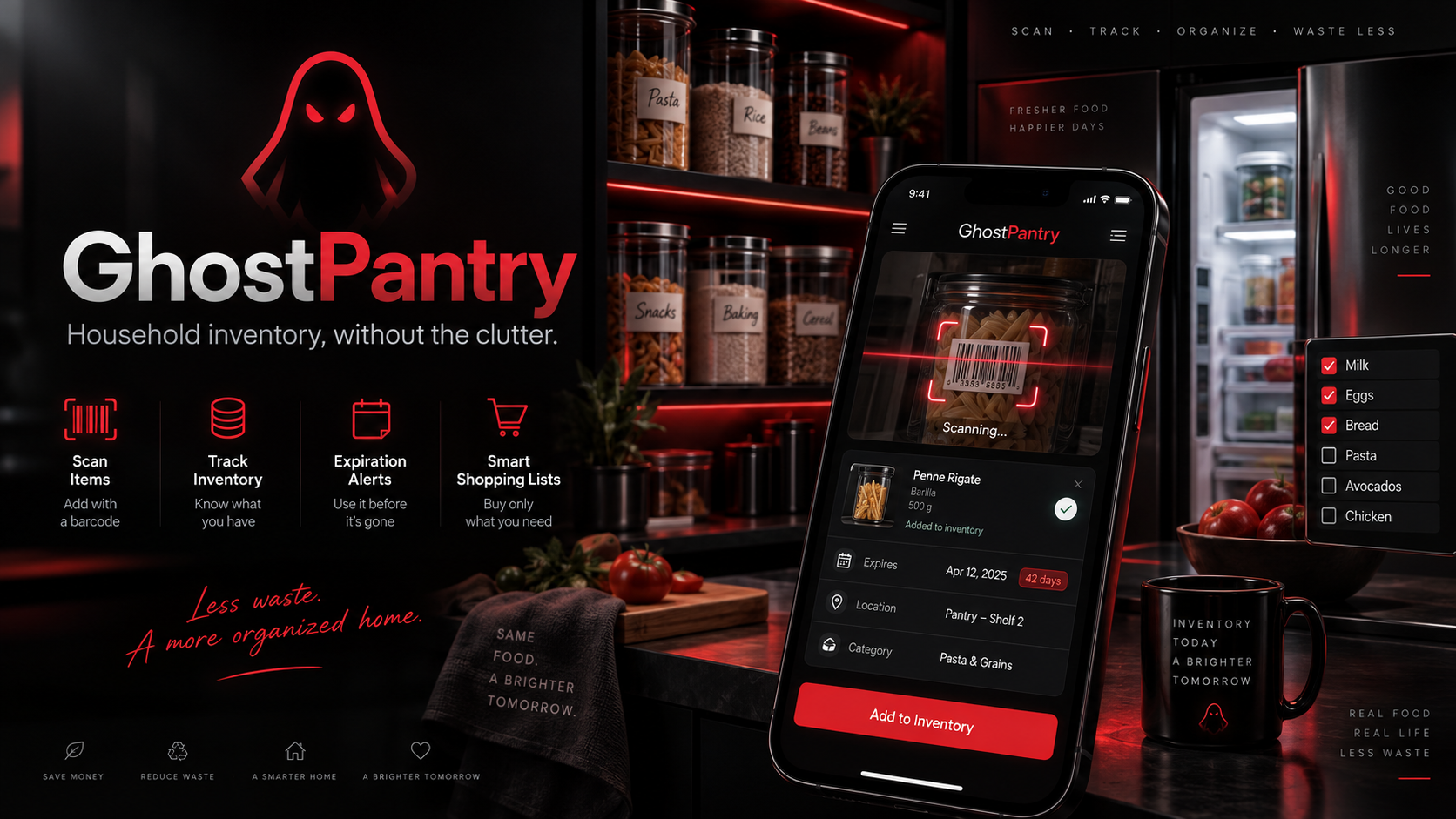
GhostPantry is a mobile-first, self-hosted food inventory and expiration tracker designed for one or more households.
Created and maintained by Specter42.
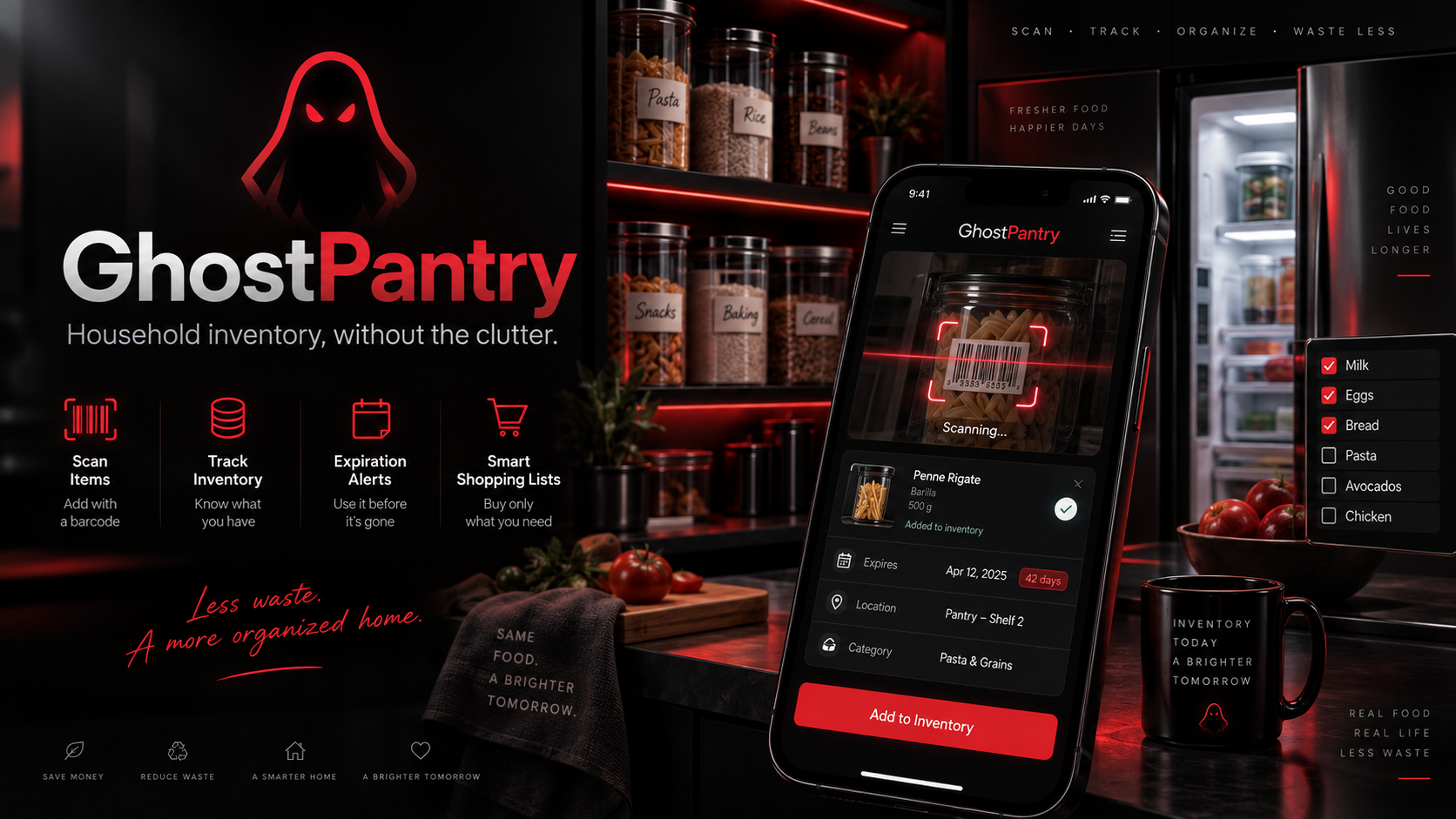
Household inventory, without the clutter.
GhostPantry is built around a simple workflow: scan an item, choose where it belongs, enter the quantity and expiration date, and save it.
Screenshots
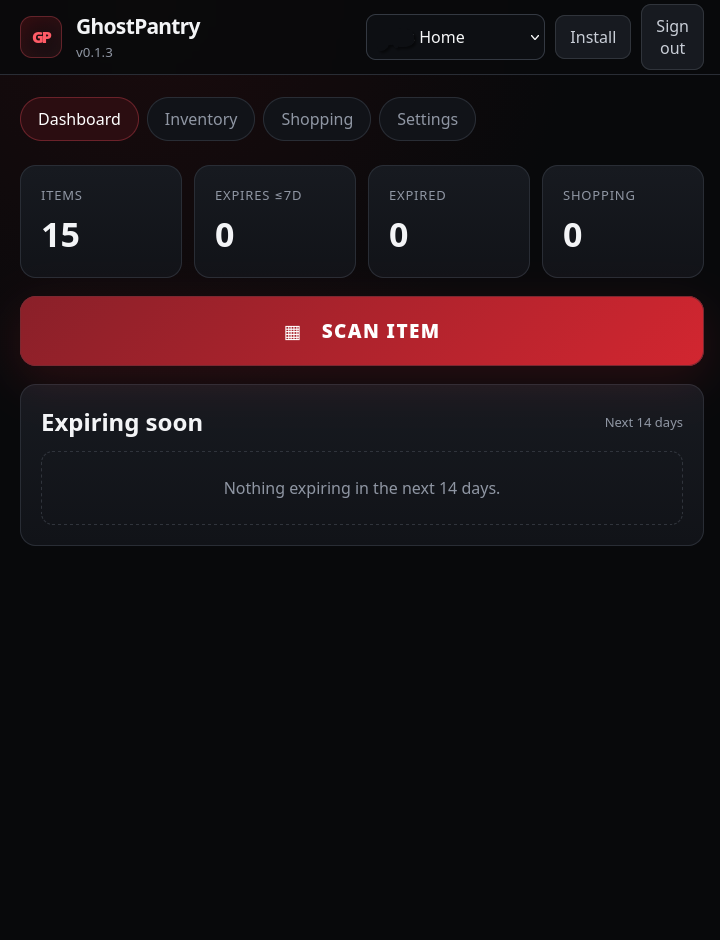
Dashboard
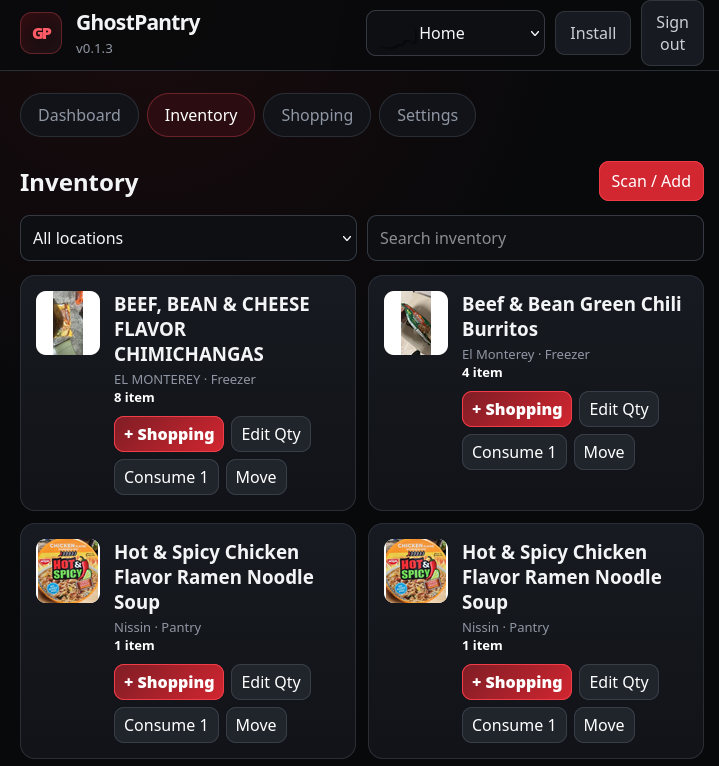
Inventory
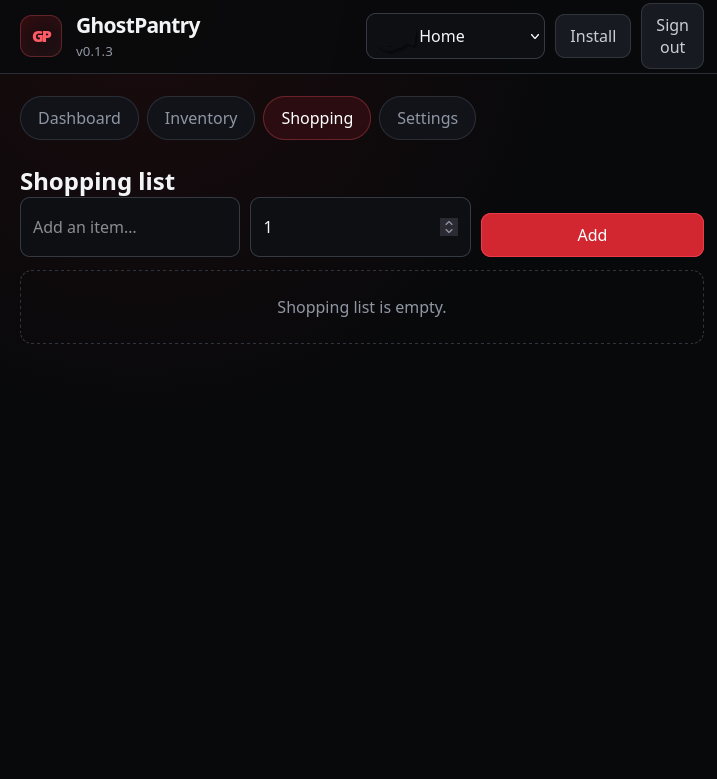
Shopping List
Mobile Barcode Scanner
Features
- Multi-household support
- Separate user accounts for each household
- Administrator access across households
- Pantry, refrigerator, and freezer locations
- Phone-camera barcode scanning
- Automatic barcode/product lookup
- Product inventory management
- Separate expiration dates for inventory lots
- Expiring-soon dashboard
- Expired-item tracking
- Quantity editing
- Quick quantity options:
- Single
- 6 pack
- 12 pack
- 24 pack
- 36 count
- Custom quantity
- Units such as bottles, cans, packages, and individual items
- Add inventory items directly to the shopping list
- Household-specific shopping lists
- Consume inventory items
- Move inventory between storage locations
- Mobile-first responsive interface
- Progressive Web App support
- Android home-screen installation
- iPhone/iPad home-screen installation
- Docker support
- Unraid Community Applications support
- Dark black/red GhostPantry interface
Typical Workflow
- Open GhostPantry on your phone.
- Tap Scan Item.
- Scan the UPC/EAN barcode with the phone camera.
- GhostPantry looks up the product.
- Select the household.
- Select Pantry, Refrigerator, or Freezer.
- Enter the quantity.
- Enter the expiration or best-before date.
- Save the item.
Previously scanned products can be added again quickly later.
Multiple Households
GhostPantry was designed with multiple households in mind.
For example:
- Your Home
- Pantry
- Refrigerator
- Freezer
- Parents' Home
- Pantry
- Refrigerator
- Freezer
Administrators can manage every household, while regular users can be assigned to their own household.
Shopping Lists
Inventory items can be added directly to the household shopping list.
This makes it easy to notice something is getting low and immediately add it to the next shopping trip without leaving the inventory screen.
Expiration Tracking
GhostPantry tracks expiration dates by inventory lot.
That means two packages of the same product can have different expiration dates without being combined incorrectly.
The dashboard highlights:
- Items expiring soon
- Items already expired
- Total inventory
- Shopping-list items
Barcode Scanning
GhostPantry supports barcode scanning using a phone or tablet camera.
For browser camera access, GhostPantry should be accessed through HTTPS.
Product information may be retrieved from public barcode/product databases such as Open Food Facts.
Progressive Web App
GhostPantry can be installed to a phone's home screen and used like an application.
Android
Open GhostPantry in Chrome or another supported browser and use the Install option when available.
You can also use:
Browser menu → Add to Home screen
iPhone / iPad
Open GhostPantry in Safari.
Tap:
Share → Add to Home Screen
Then enable Open as Web App if the option is shown and tap Add.
Unraid
GhostPantry is available through Unraid Community Applications.
Open:
Unraid → Apps
Search for:
GhostPantry
Then click Install.
Maintained by Specter42.
Default Unraid Configuration
WebUI:
http://SERVER-IP:9283
Container web port:
8000
Persistent application data:
/data
Recommended Unraid appdata location:
/mnt/user/appdata/ghostpantry
Docker image:
ghcr.io/masondylan/ghostpantry:latest
Docker
GhostPantry can also be run directly with Docker:
docker run -d \
  --name GhostPantry \
  -p 9283:8000 \
  -v /path/to/ghostpantry-data:/data \
  -e TZ=America/Chicago \
  --restart unless-stopped \
  ghcr.io/masondylan/ghostpantry:latest
Then open:
http://SERVER-IP:9283
Reverse Proxy / HTTPS
For phone-camera barcode scanning, HTTPS is recommended.
GhostPantry works behind reverse proxies such as:
- Nginx Proxy Manager
- Nginx
- Caddy
- Traefik
Example reverse-proxy destination:
http://SERVER-IP:9283
First Run
The first time GhostPantry starts, you will be asked to create:
- Administrator username
- Administrator password
- First household
The default first household name is:
My House
You can rename it or create additional households afterward.
Data Storage
GhostPantry stores persistent application data in:
/data
When running on Unraid, make sure /data is mapped to persistent appdata storage.
Back up this directory before major upgrades or migrations.
Updating
Unraid
When a new GhostPantry Docker image is published, Unraid can update the container using the normal Docker update process.
Docker
Pull the latest image:
docker pull ghcr.io/masondylan/ghostpantry:latest
Then recreate the container using the same persistent /data volume.
Your household, user, inventory, and shopping-list information remains in the persistent data directory.
Source Code
GhostPantry source code:
https://github.com/masondylan/GhostPantry
Unraid template:
https://github.com/masondylan/GhostPantry-Unraid
Docker image:
https://github.com/masondylan/GhostPantry/pkgs/container/ghostpantry
Releases
GhostPantry releases are available at:
https://github.com/masondylan/GhostPantry/releases
Support / Bug Reports
For bugs, feature requests, or other GhostPantry issues, use the GitHub issue tracker:
https://github.com/masondylan/GhostPantry/issues
License
GhostPantry is distributed under the MIT License.
See the repository's LICENSE file for details.
GhostPantry
Household inventory, without the clutter.
Created and maintained by Specter42.
Categories
Related apps
Explore more like this
Explore allDetails
ghcr.io/masondylan/ghostpantry:latestRuntime arguments
- Web UI
http://[IP]:[PORT:8000]/- Network
bridge- Shell
sh- Privileged
- false
Template configuration
GhostPantry web interface port.
- Target
- 8000
- Default
- 9283
- Value
- 9283
Persistent GhostPantry database and application data. Back this directory up before major changes.
- Target
- /data
- Default
- /mnt/user/appdata/ghostpantry
- Value
- /mnt/user/appdata/ghostpantry
Container timezone, for example America/Chicago.
- Target
- TZ
- Default
- Etc/UTC
- Value
- Etc/UTC
auto detects HTTPS reverse proxies; use true to force Secure cookies or false for HTTP-only use.
- Target
- COOKIE_SECURE
- Default
- auto
- Value
- auto
SQLite database path inside the container.
- Target
- GHOSTPANTRY_DB
- Default
- /data/ghostpantry.db
- Value
- /data/ghostpantry.db