
All apps · 0 apps

DayFront-Beta
Docker app from MaplePotion's Repository
Overview
Readme
View on GitHub
DayFront
The open-source CalDAV frontend.
Own your day. Own your data.

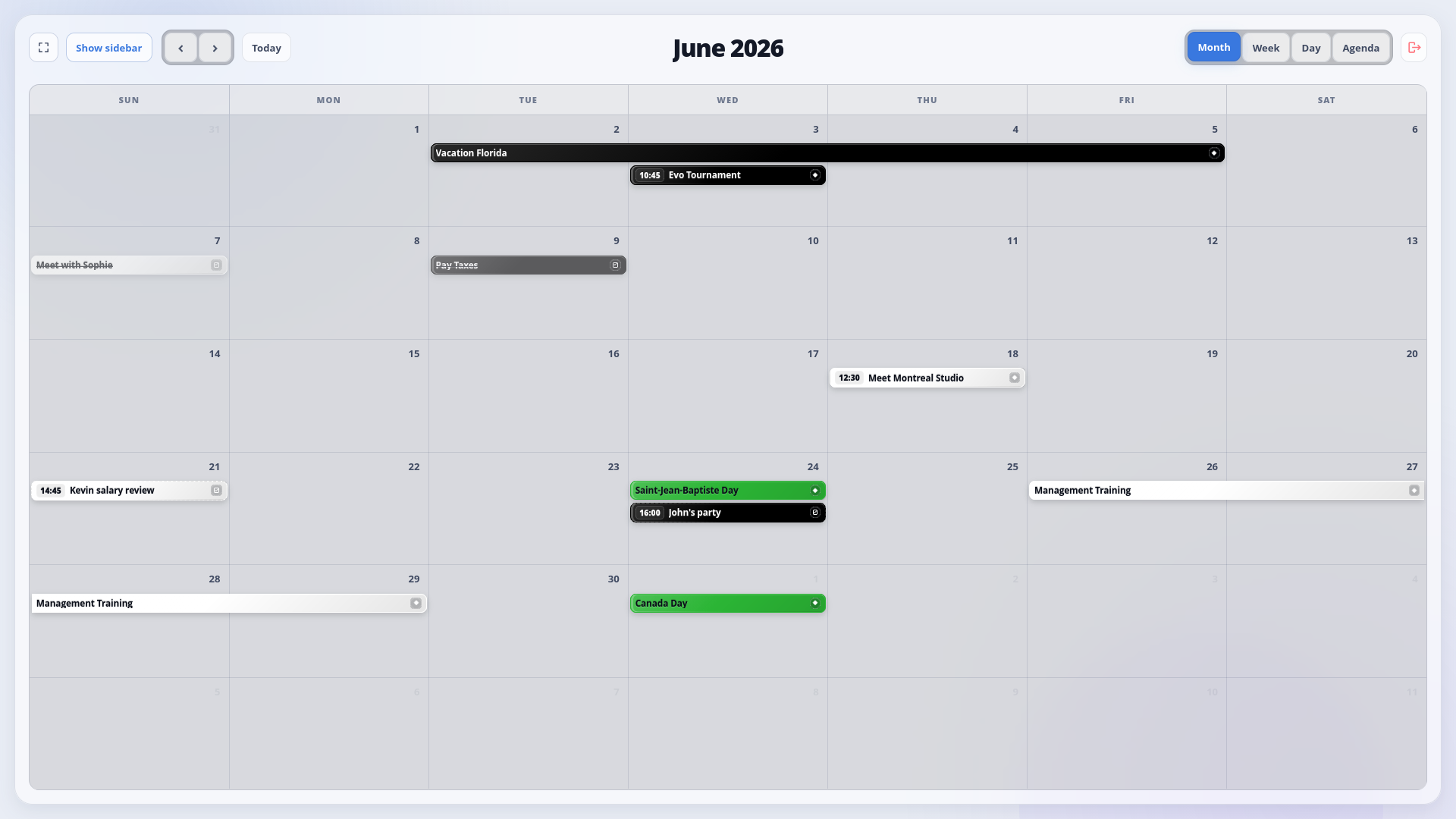
DayFront is a modern, self-hosted web interface for calendars and tasks stored on an existing CalDAV server.
DayFront uses standard CalDAV and WebDAV discovery and connects to standards-compliant CalDAV servers through the caldav configuration.
Status: DayFront 1.0 is stable and ready for self-hosted deployment. Compatibility reports for different CalDAV servers are welcome.
Features
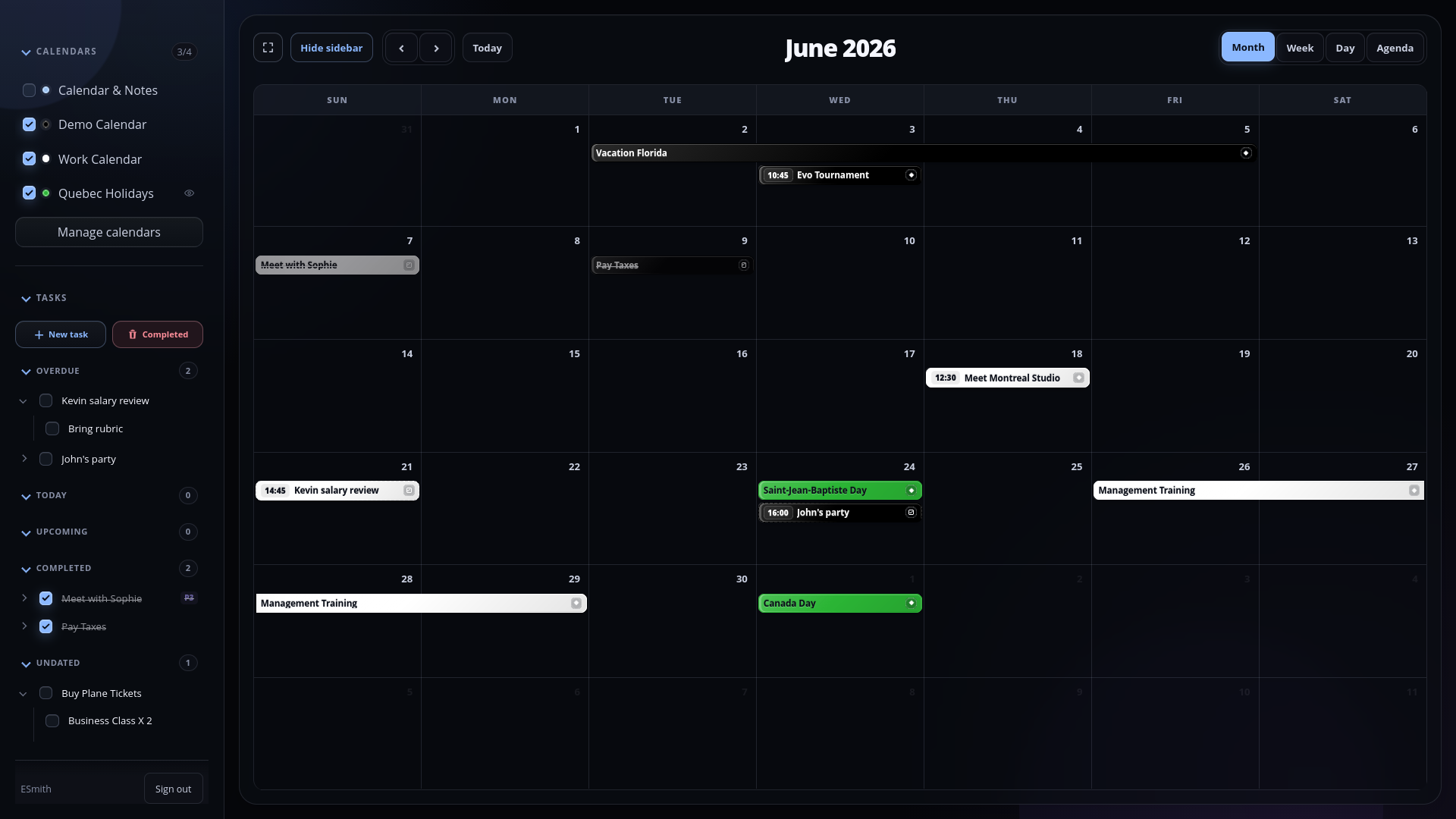
- Month, week, day, and agenda calendar views
- Multiple CalDAV calendars with visibility controls and colors
- Create, edit, and safely delete CalDAV calendars
- Toggleable, read-only external iCalendar (
.ics) subscriptions - Timed, all-day, multi-day, and recurring events
- Fast event search with optional fuzzy matching and keyboard navigation
- Multi-day selection that pre-fills event and task date ranges
- Series and single-occurrence recurrence editing
- Dated and undated CalDAV tasks
- Recurring tasks, subtasks, priorities, completion workflows, and a focused task sidebar
- Light and dark themes
- Docker, Compose, and Unraid deployment support
CalDAV implementations vary in optional features and edge-case behavior. DayFront writes explicit weekdays for weekly all-day recurrences and UTC metadata timestamps for reliable synchronization with Android clients and calendar widgets. Compatibility reports and fixes for different servers are welcome.
Screenshots
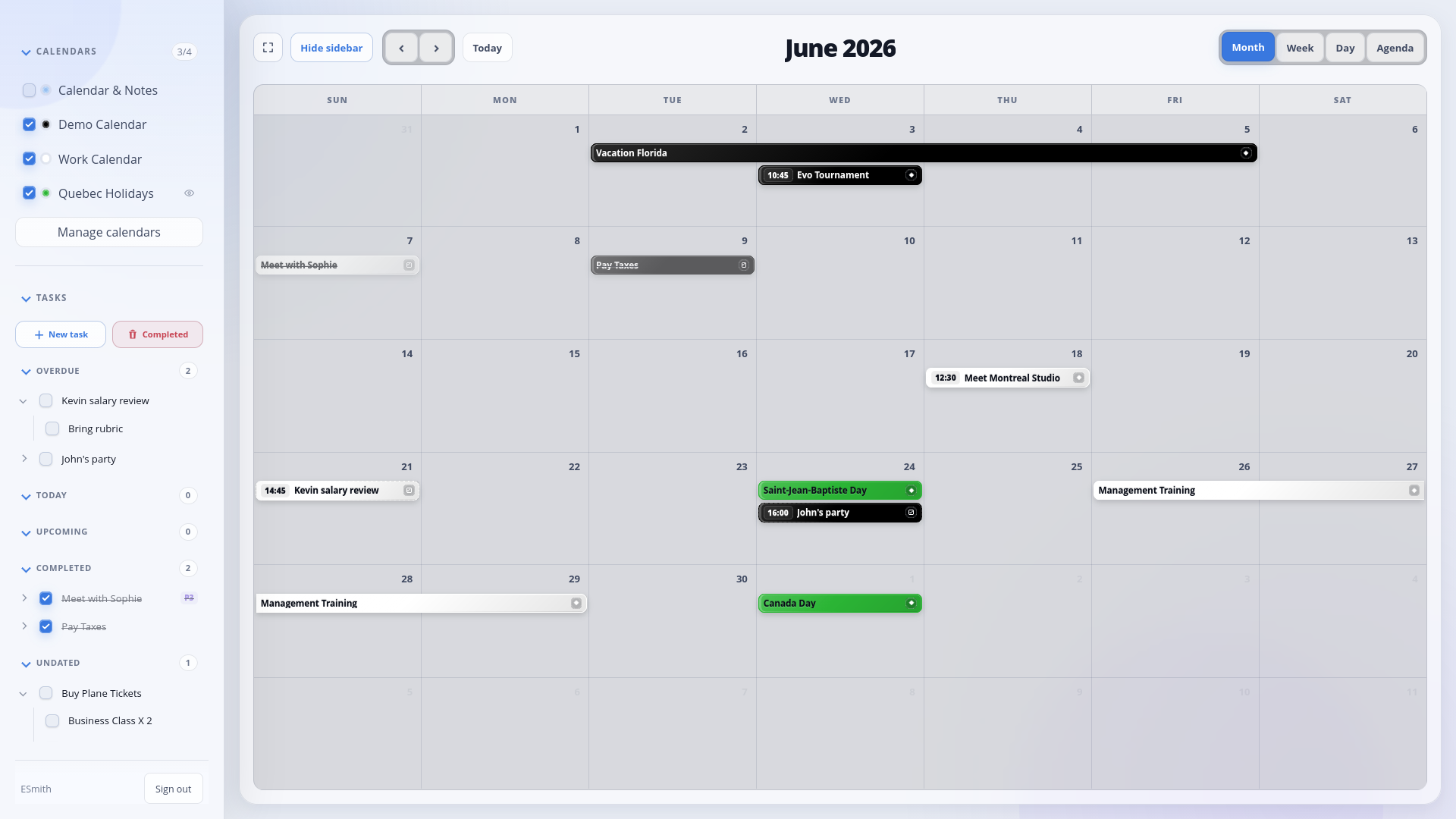
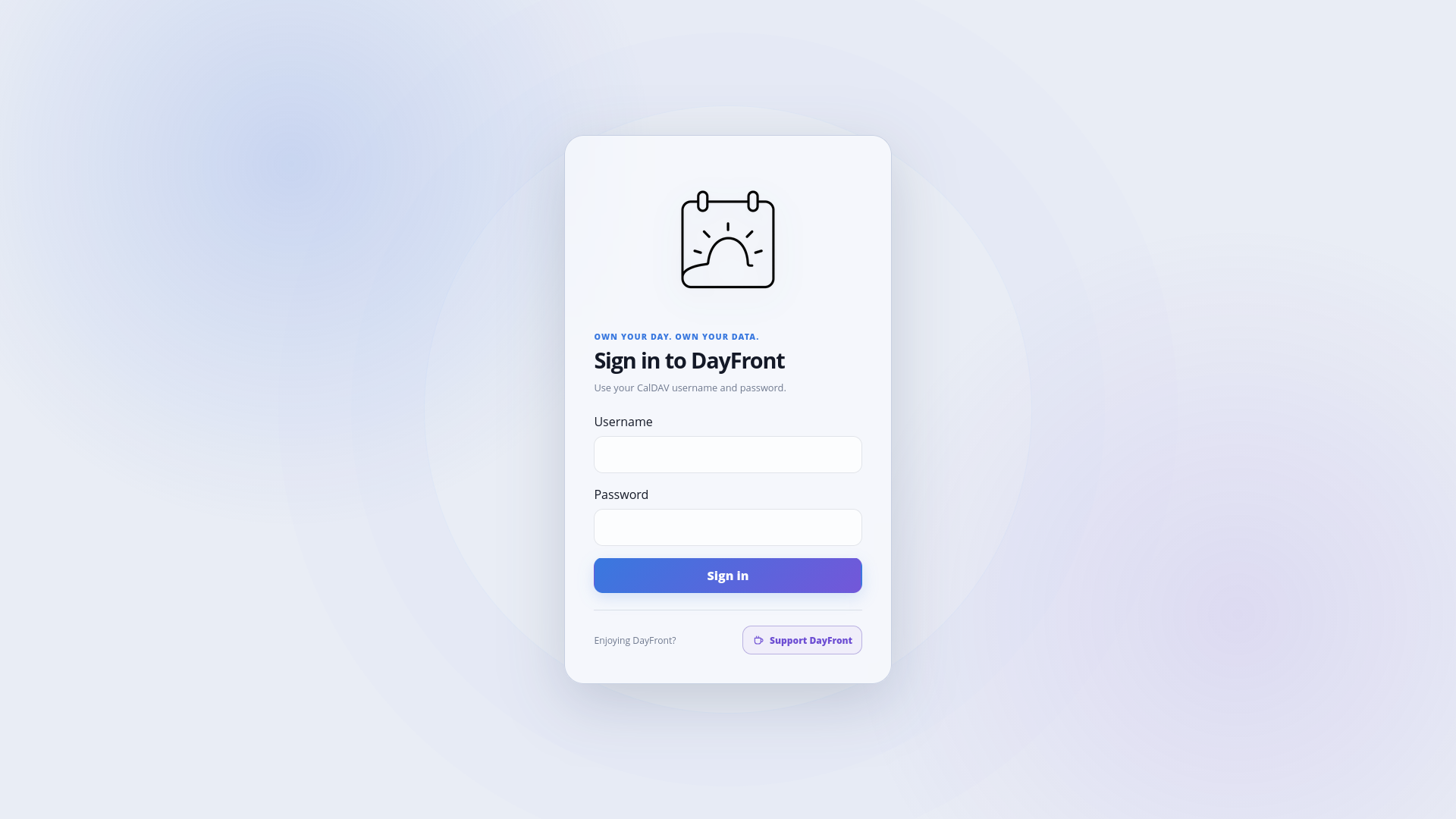
Light theme
| Calendar | Calendar and tasks | Login |
|---|---|---|
|
|
|
|
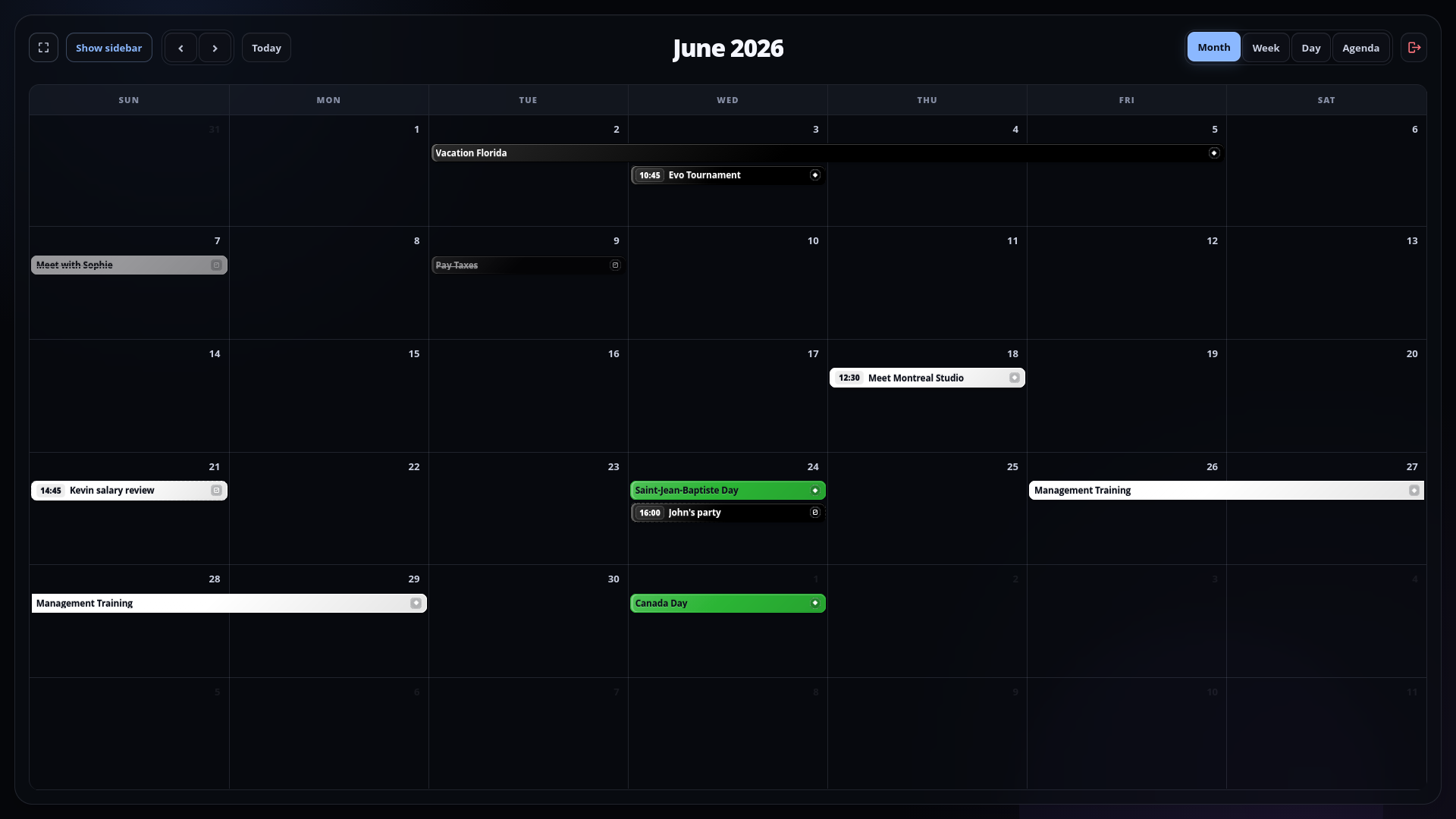
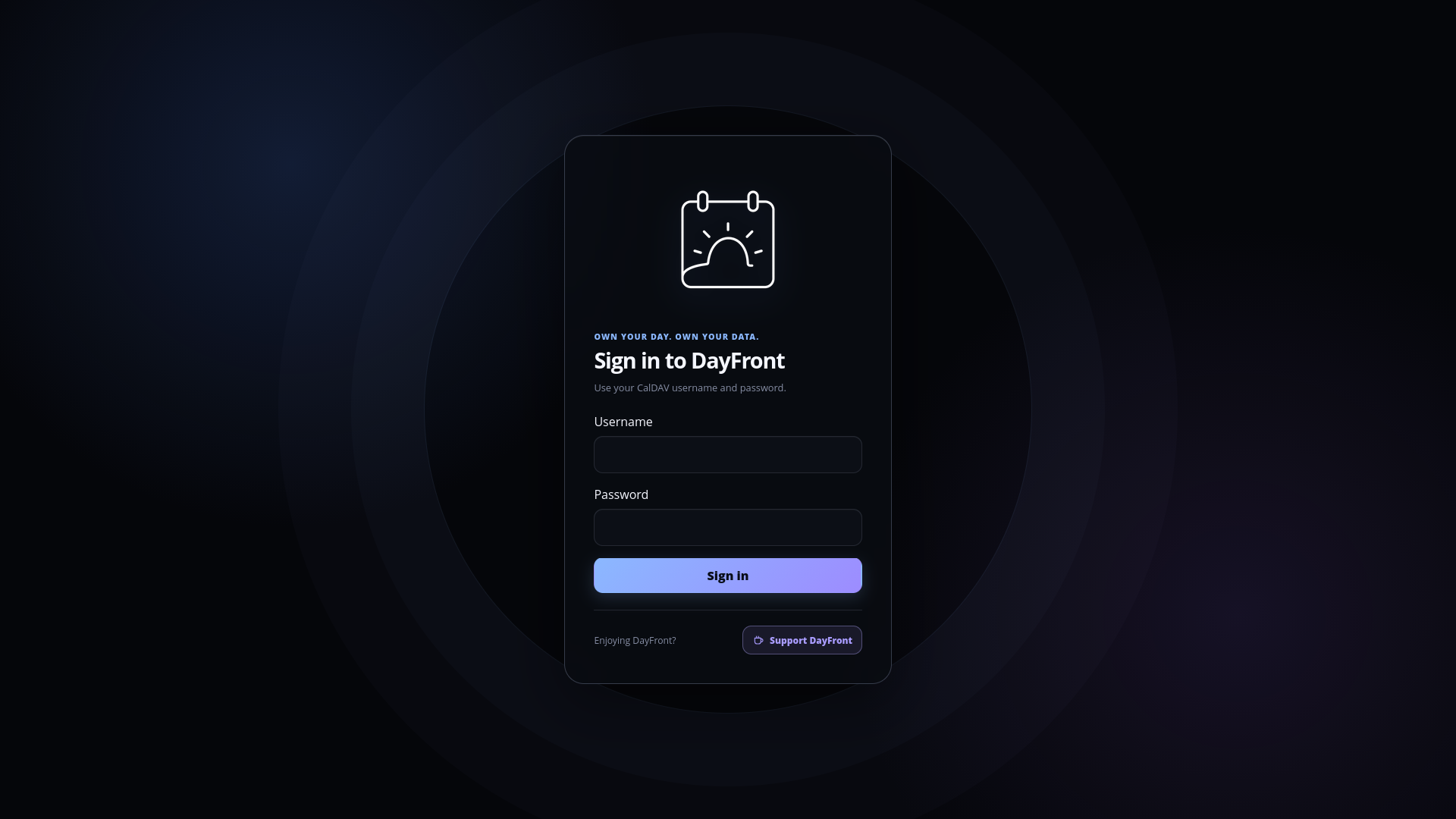
Dark theme
| Calendar | Calendar and tasks | Login |
|---|---|---|
|
|
|
Security boundary
DayFront can use one administrator-configured CalDAV account (single-user, the default) or prompt each visitor to sign in with their own CalDAV credentials (caldav-login). Login sessions are encrypted, persistent, and inaccessible to frontend JavaScript. Use HTTPS before exposing either mode externally. See the security guide.
Local development
Requirements:
- Node.js 24 or newer
- pnpm 10.14.0
- An accessible CalDAV server
pnpm install --frozen-lockfile
cp config.example.yaml config.yaml
pnpm dev
Edit config.yaml with the CalDAV URL and credentials. The web application is available at http://localhost:5173 during development.
Run the complete local verification suite with:
pnpm verify
Container deployment
The stable image is available for AMD64 and ARM64 hosts:
docker pull ghcr.io/erik-a-smith/dayfront:latest
Alternatively, copy config.example.yaml to config.yaml, configure the CalDAV connection, and build locally:
docker compose up -d --build dayfront
See the deployment guide for Docker, Compose, Unraid, timezone, health-check, and reverse-proxy configuration.
Using an HTTPS reverse proxy or tunnel? Set
DAYFRONT_SERVER_TRUST_PROXY=true. In Unraid, set Reverse Proxy / Tunnel Access totrue. Login through the proxy will otherwise be rejected because DayFront cannot recognize the browser's HTTPS origin. Enable this only for a trusted proxy that overwrites forwarded headers.
License
DayFront is available under the MIT License.
Media gallery
Install DayFront-Beta on Unraid in a few clicks.
Find DayFront-Beta in Community Apps on your Unraid server, review the template, and click Install. Unraid handles the Docker app or plugin setup from the published template.
Requirements
Categories
Related apps
Explore more like this
Explore allDetails
ghcr.io/erik-a-smith/dayfront:betaRuntime arguments
- Web UI
http://[IP]:[PORT:8080]/- Network
bridge- Shell
sh- Privileged
- false
- Extra Params
--security-opt no-new-privileges=true
Template configuration
Isolated host port for the DayFront beta Web UI.
- Target
- 8080
- Default
- 8081
- Value
- 8081
Full HTTP or HTTPS URL of the CalDAV server.
- Target
- DAYFRONT_CALDAV_URL
Prompts each user for their own CalDAV credentials.
- Target
- DAYFRONT_AUTH_MODE
- Default
- caldav-login
- Value
- caldav-login
File where DayFront generates and retains its encrypted-login session key. Change only when using a custom data mapping.
- Target
- DAYFRONT_AUTH_SESSION_SECRET_FILE
- Default
- /data/session-secret
- Value
- /data/session-secret
Maximum login-session lifetime in hours. The default is 720 hours (30 days).
- Target
- DAYFRONT_AUTH_SESSION_TTL_HOURS
- Default
- 720
- Value
- 720
System timezone used for container logs and runtime behavior, for example UTC or America/Toronto.
- Target
- TZ
- Default
- UTC
- Value
- UTC
Timezone used to display and interpret calendar values. Use local, UTC, or an IANA name such as America/Toronto.
- Target
- DAYFRONT_CALENDAR_TIMEZONE
- Default
- local
- Value
- local
Time display format. Use 12h for AM/PM or 24h for 24-hour time.
- Target
- DAYFRONT_UI_TIME_FORMAT
- Default
- 12h
- Value
- 12h
Set true to open the sidebar when DayFront loads; false starts with the calendar maximized.
- Target
- DAYFRONT_UI_SIDEBAR_DEFAULT_OPEN
- Default
- false
- Value
- false
Set true when accessing DayFront through a trusted HTTPS reverse proxy or tunnel, such as Cloudflare or Pangolin. Login through the proxy will be rejected if this is false. Enable only when the proxy overwrites forwarded headers.
- Target
- DAYFRONT_SERVER_TRUST_PROXY
- Default
- false
- Value
- false
Stores the generated session secret so users remain signed in across updates and restarts.
- Target
- /data
- Default
- /mnt/user/appdata/dayfront-beta/session
- Value
- /mnt/user/appdata/dayfront-beta/session
Optional directory containing config.yaml for advanced settings and external calendar subscriptions.
- Target
- /config
- Default
- /mnt/user/appdata/dayfront-beta
- Value
- /mnt/user/appdata/dayfront-beta