

DayFront
Docker app from MaplePotion's Repository
Overview
Readme
View on GitHub
DayFront
The open-source CalDAV frontend.
Own your day. Own your data.

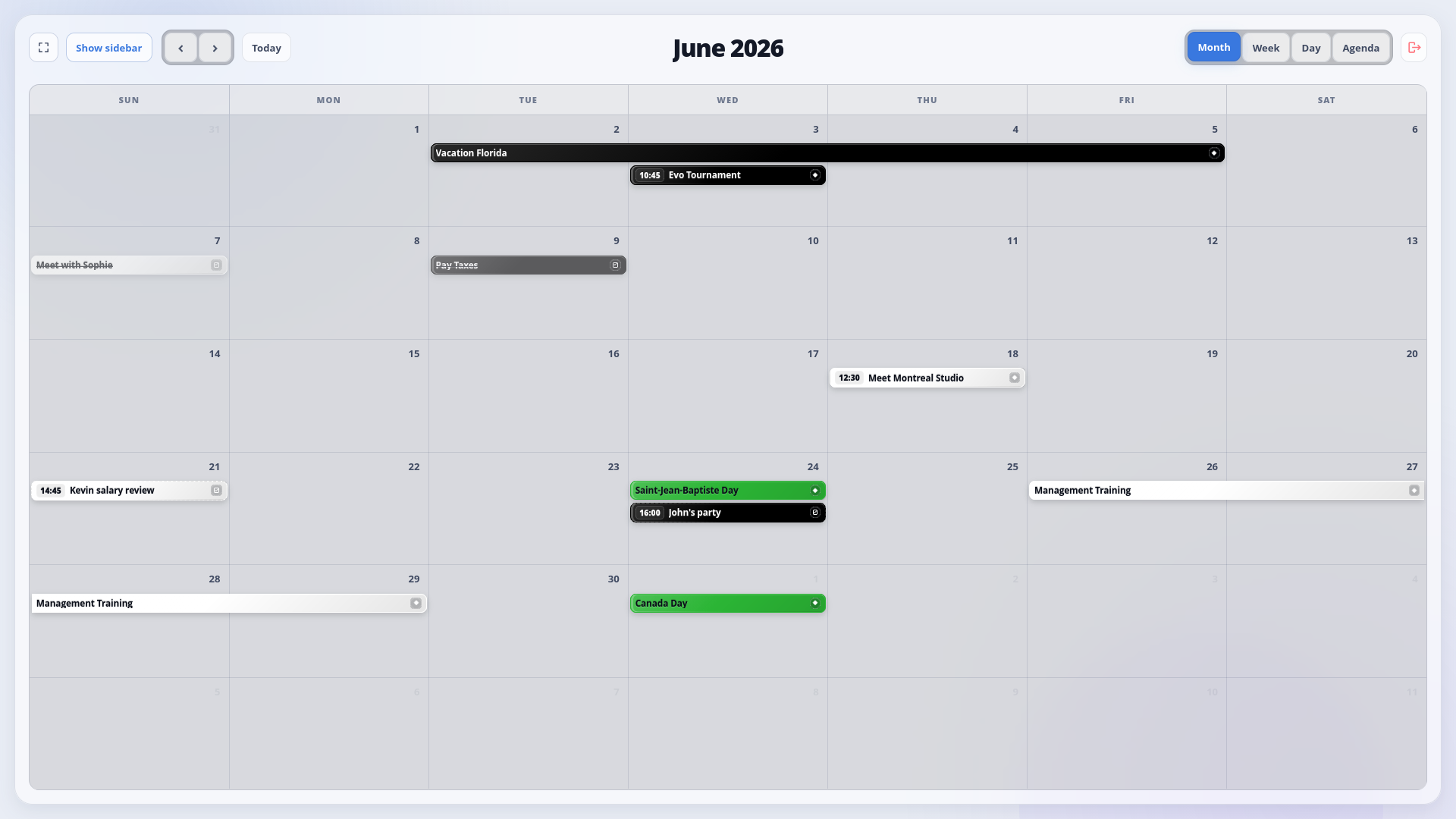
DayFront is a modern, self-hosted web interface for calendars and tasks stored on an existing CalDAV server.
DayFront uses standard CalDAV and WebDAV discovery and connects to standards-compliant CalDAV servers through the caldav configuration.
Status: DayFront 1.0 is stable and ready for self-hosted deployment. Compatibility reports for different CalDAV servers are welcome.
Features
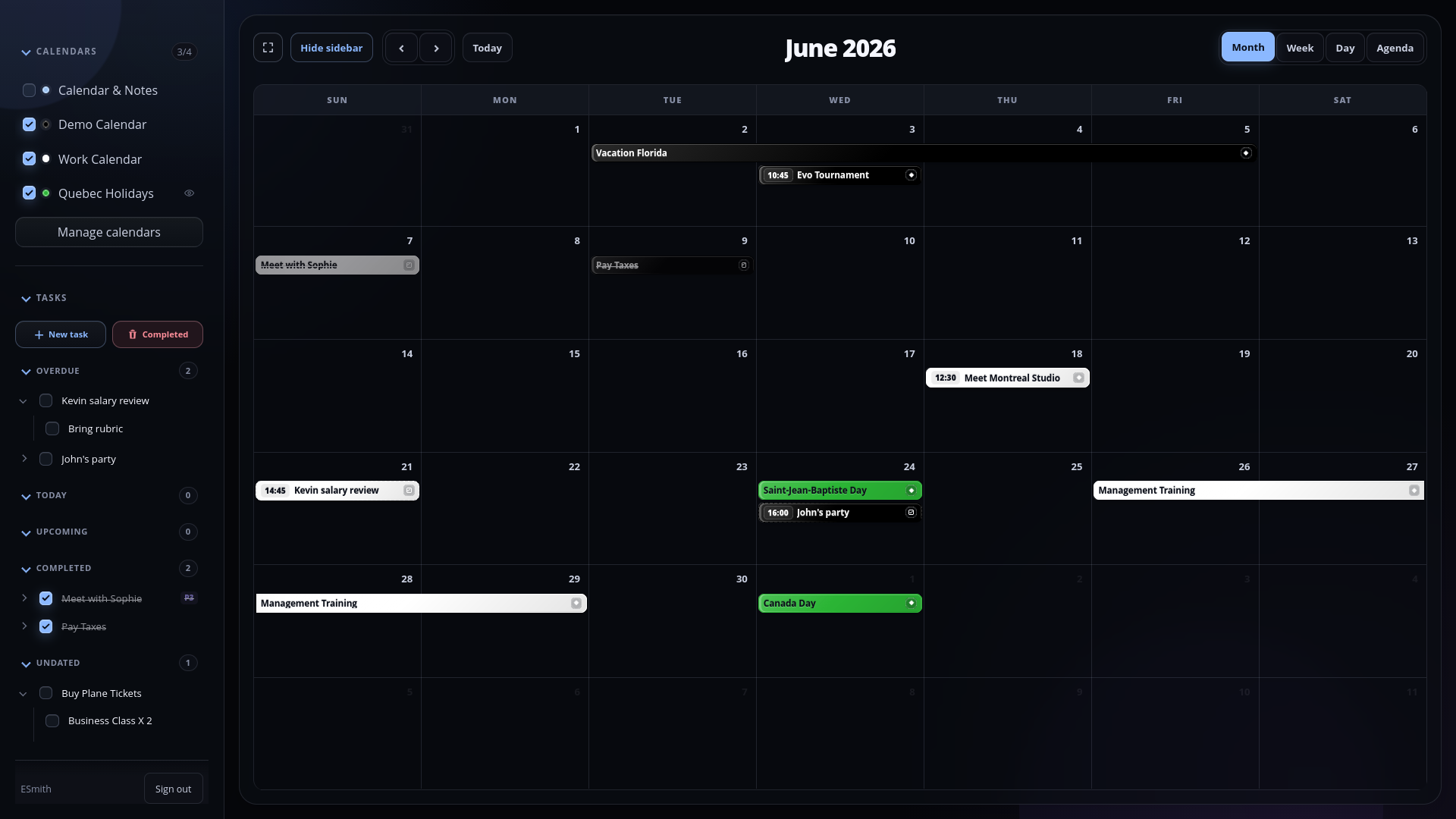
- Month, week, day, and agenda calendar views
- Multiple CalDAV calendars with visibility controls and colors
- Create, edit, and safely delete CalDAV calendars
- Toggleable, read-only external iCalendar (
.ics) subscriptions - Timed, all-day, multi-day, and recurring events
- Fast event search with optional fuzzy matching and keyboard navigation
- Multi-day selection that pre-fills event and task date ranges
- Series and single-occurrence recurrence editing
- Dated and undated CalDAV tasks
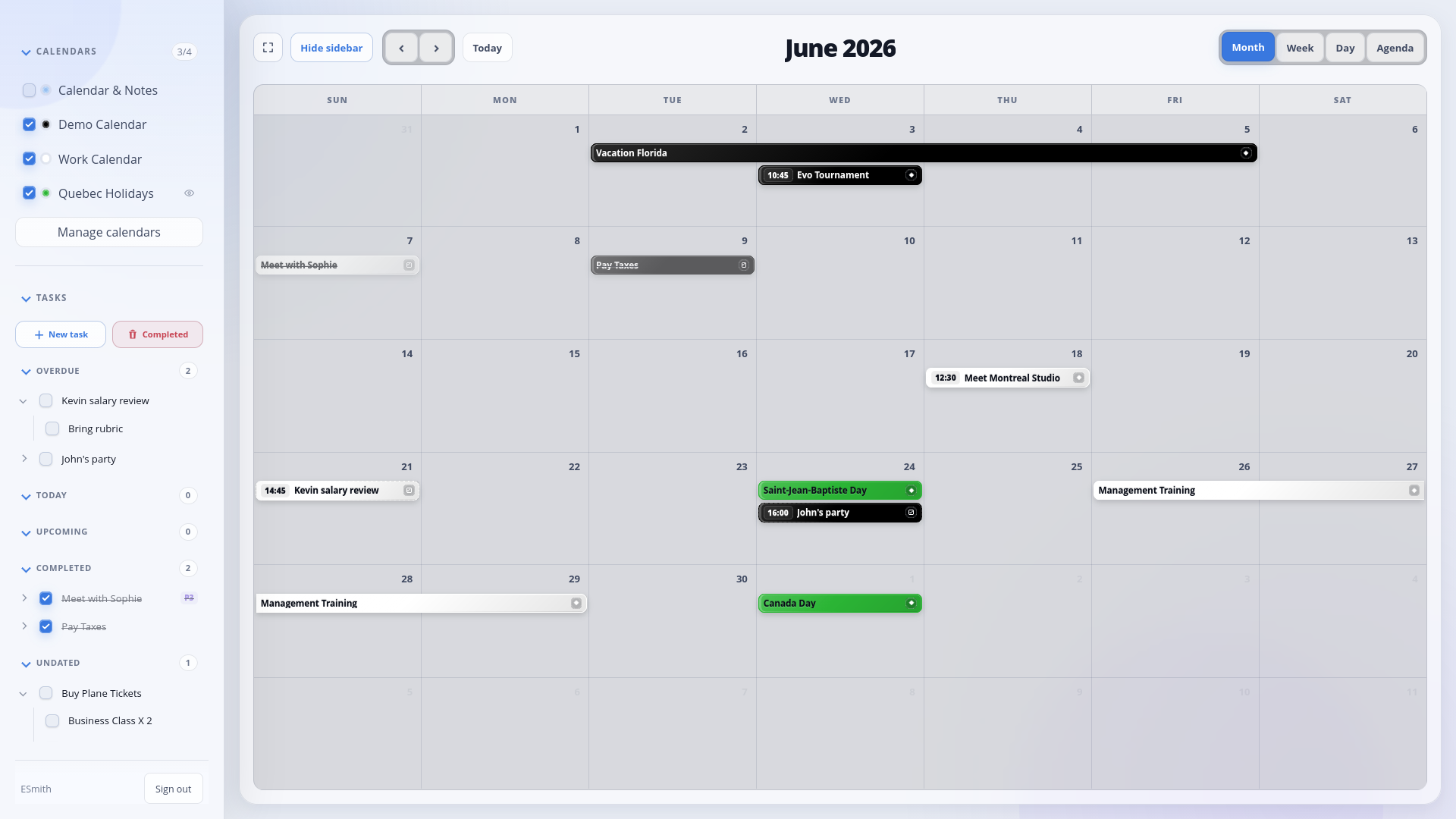
- Recurring tasks, subtasks, priorities, completion workflows, and a focused task sidebar
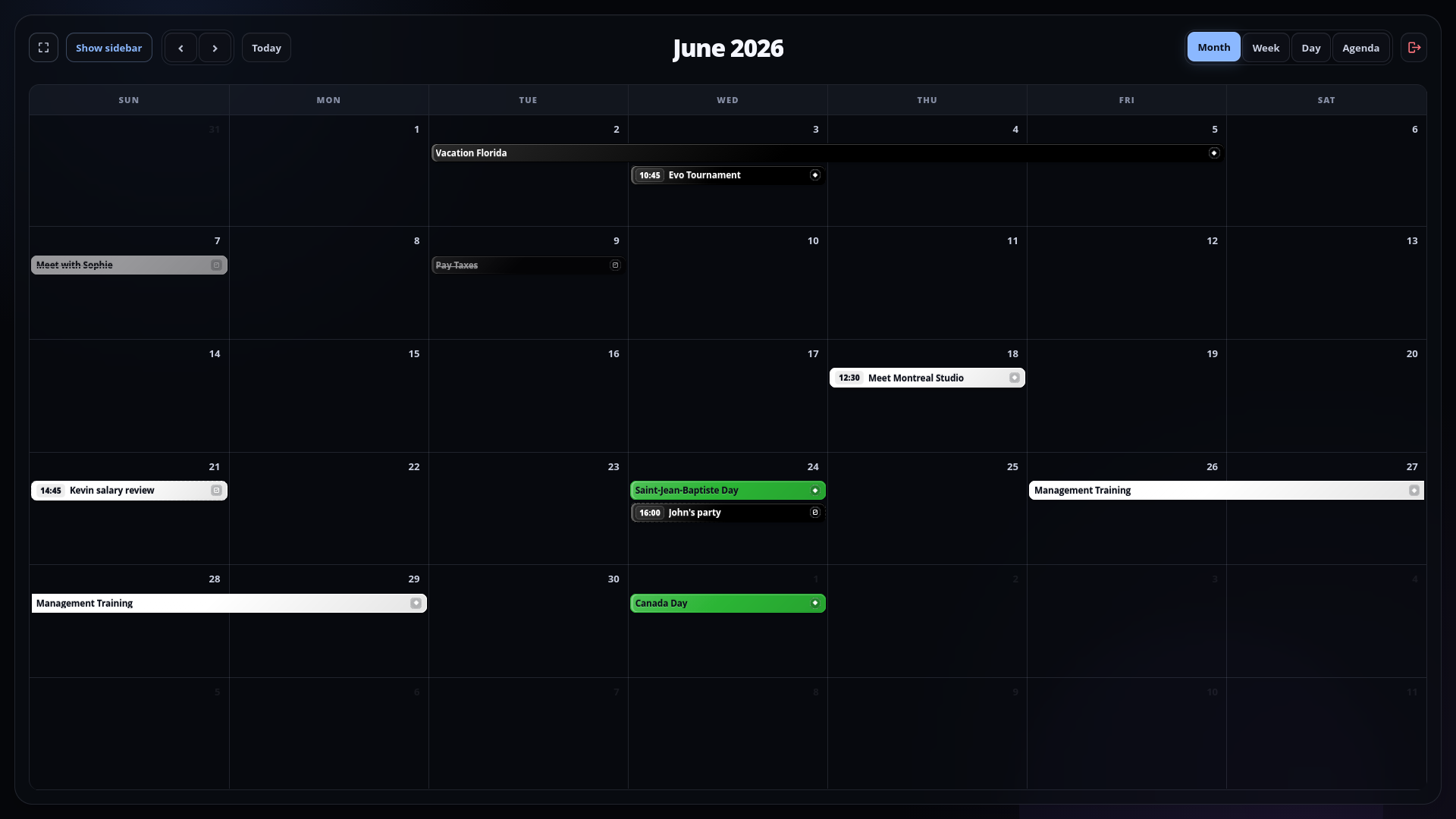
- Light and dark themes
- Docker, Compose, and Unraid deployment support
CalDAV implementations vary in optional features and edge-case behavior. DayFront writes explicit weekdays for weekly all-day recurrences and UTC metadata timestamps for reliable synchronization with Android clients and calendar widgets. Compatibility reports and fixes for different servers are welcome.
Screenshots
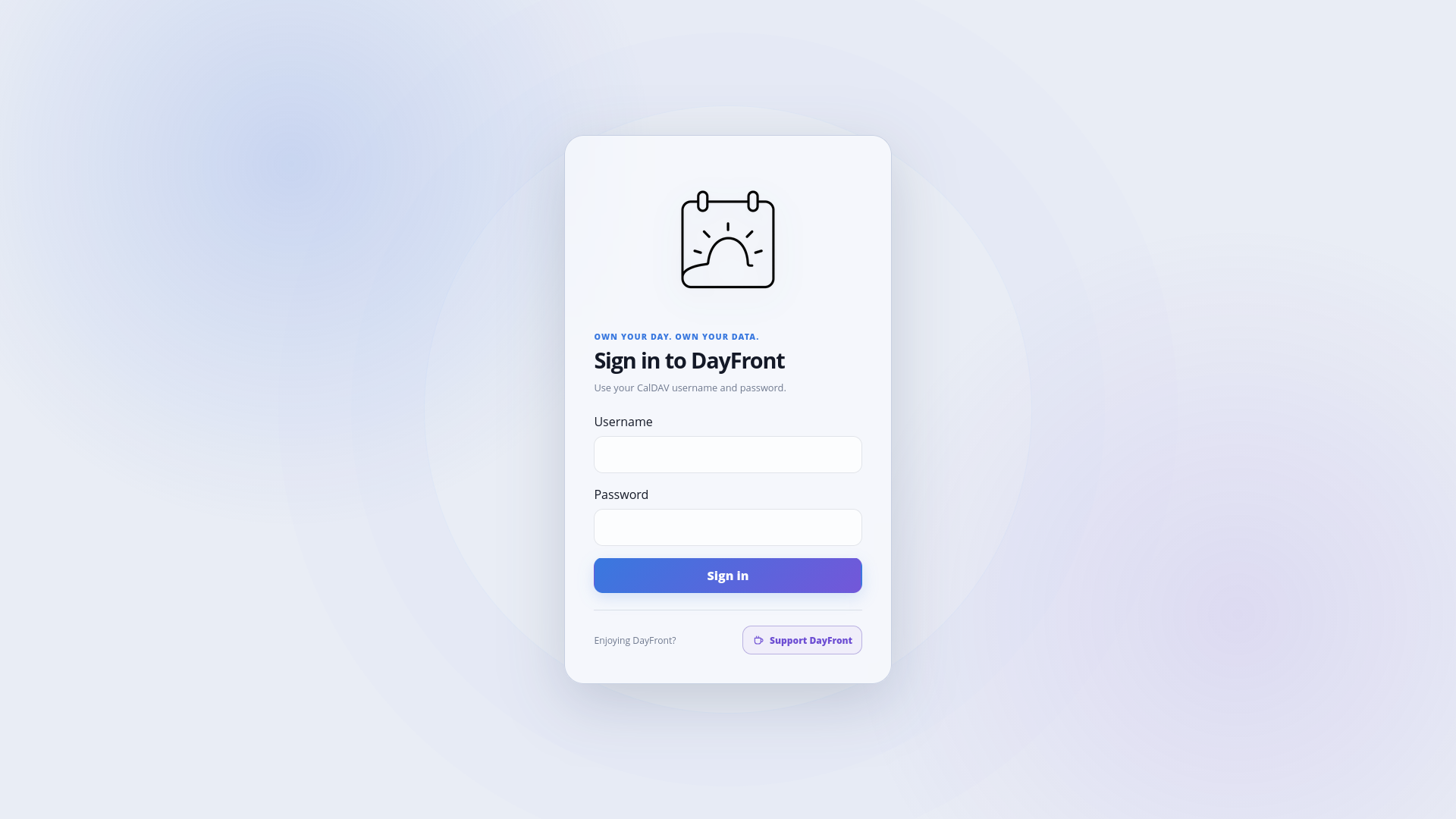
Light theme
| Calendar | Calendar and tasks | Login |
|---|---|---|
|
|
|
|
Dark theme
| Calendar | Calendar and tasks | Login |
|---|---|---|
|
|
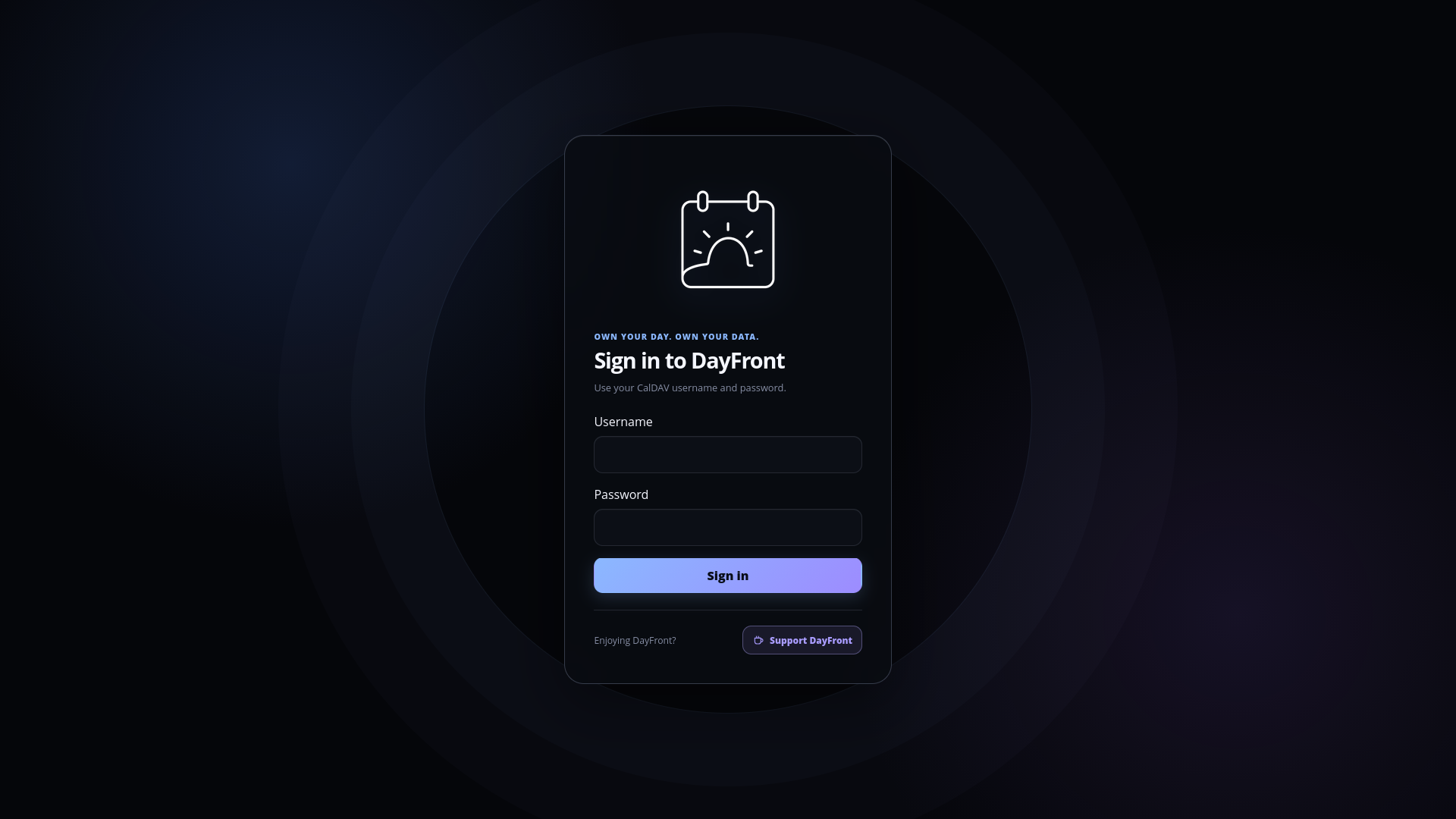
|
Security boundary
DayFront can use one administrator-configured CalDAV account (single-user, the default) or prompt each visitor to sign in with their own CalDAV credentials (caldav-login). Login sessions are encrypted, persistent, and inaccessible to frontend JavaScript. Use HTTPS before exposing either mode externally. See the security guide.
Local development
Requirements:
- Node.js 24 or newer
- pnpm 10.14.0
- An accessible CalDAV server
pnpm install --frozen-lockfile
cp config.example.yaml config.yaml
pnpm dev
Edit config.yaml with the CalDAV URL and credentials. The web application is available at http://localhost:5173 during development.
Run the complete local verification suite with:
pnpm verify
Container deployment
The stable image is available for AMD64 and ARM64 hosts:
docker pull ghcr.io/erik-a-smith/dayfront:latest
Alternatively, copy config.example.yaml to config.yaml, configure the CalDAV connection, and build locally:
docker compose up -d --build dayfront
See the deployment guide for Docker, Compose, Unraid, timezone, health-check, and reverse-proxy configuration.
Using an HTTPS reverse proxy or tunnel? Set
DAYFRONT_SERVER_TRUST_PROXY=true. In Unraid, set Reverse Proxy / Tunnel Access totrue. Login through the proxy will otherwise be rejected because DayFront cannot recognize the browser's HTTPS origin. Enable this only for a trusted proxy that overwrites forwarded headers.
License
DayFront is available under the MIT License.
Media gallery
Requirements
Categories
Related apps
Explore more like this
Explore allDetails
ghcr.io/erik-a-smith/dayfront:latestRuntime arguments
- Web UI
http://[IP]:[PORT:8080]/- Network
bridge- Shell
sh- Privileged
- false
- Extra Params
--security-opt no-new-privileges=true
Template configuration
DayFront HTTP port. Use HTTPS through a trusted reverse proxy when exposing DayFront outside a trusted LAN.
- Target
- 8080
- Default
- 8080
- Value
- 8080
Full HTTP or HTTPS URL of the CalDAV server.
- Target
- DAYFRONT_CALDAV_URL
Prompts each user for their own CalDAV credentials. Existing containers without this setting continue using legacy single-account mode.
- Target
- DAYFRONT_AUTH_MODE
- Default
- caldav-login
- Value
- caldav-login
File where DayFront generates and retains its encrypted-login session key. Change only when using a custom data mapping.
- Target
- DAYFRONT_AUTH_SESSION_SECRET_FILE
- Default
- /data/session-secret
- Value
- /data/session-secret
Maximum login-session lifetime in hours. The default is 720 hours (30 days).
- Target
- DAYFRONT_AUTH_SESSION_TTL_HOURS
- Default
- 720
- Value
- 720
System timezone used for container logs and runtime behavior, for example UTC or America/Toronto.
- Target
- TZ
- Default
- UTC
- Value
- UTC
Timezone used to display and interpret calendar values. Use local for each browser's timezone, UTC, or an IANA name such as America/Toronto.
- Target
- DAYFRONT_CALENDAR_TIMEZONE
- Default
- local
- Value
- local
Time display format. Use 12h for AM/PM or 24h for 24-hour time.
- Target
- DAYFRONT_UI_TIME_FORMAT
- Default
- 12h
- Value
- 12h
Set true to open the sidebar when DayFront loads; false starts with the calendar maximized.
- Target
- DAYFRONT_UI_SIDEBAR_DEFAULT_OPEN
- Default
- false
- Value
- false
Set true when accessing DayFront through a trusted HTTPS reverse proxy or tunnel, such as Cloudflare or Pangolin. Login through the proxy will be rejected if this is false. Enable only when the proxy overwrites forwarded headers.
- Target
- DAYFRONT_SERVER_TRUST_PROXY
- Default
- false
- Value
- false
Stores the generated session secret so users remain signed in across updates and restarts.
- Target
- /data
- Default
- /mnt/user/appdata/dayfront/session
- Value
- /mnt/user/appdata/dayfront/session
Optional directory containing config.yaml for advanced settings and external calendar subscriptions.
- Target
- /config
- Default
- /mnt/user/appdata/dayfront
- Value
- /mnt/user/appdata/dayfront